
 admin
admin 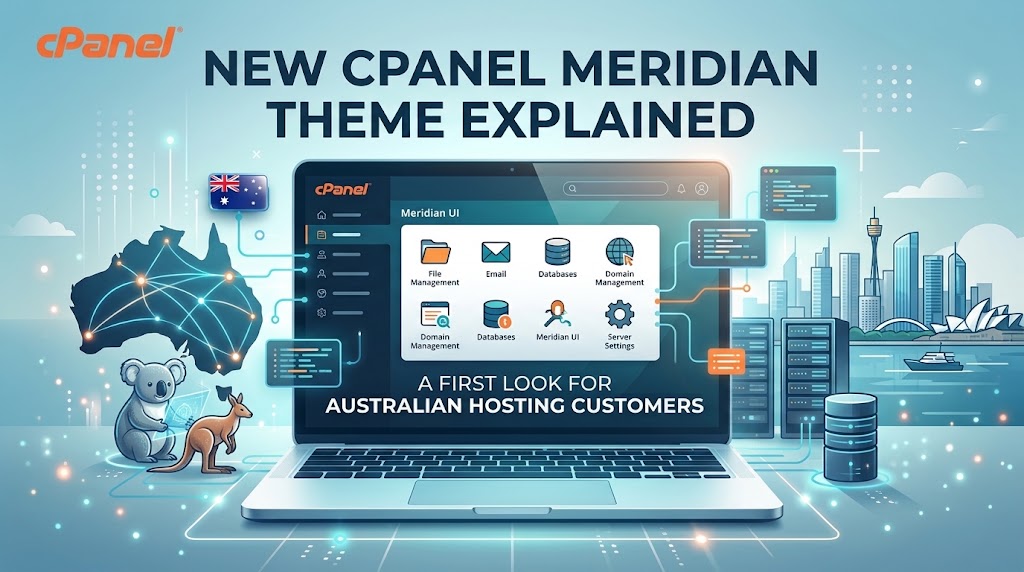
cPanel has just rolled out its biggest interface change in years, and it’s called Meridian. If you manage a website, an online store, or a handful of client sites through cPanel, this new theme changes the way you’ll find and use your everyday hosting tools.
In this guide, we break down exactly what the new cPanel Meridian theme is, how it’s organised, what’s different from the classic Jupiter interface, and who should consider switching. We’ve also included WebFulHost’s full video walkthrough below, where we take Meridian for a first look and show you around the new dashboard.
What Is the New cPanel Meridian Theme?
Meridian is cPanel’s newest interface theme, built as a more modern and streamlined alternative to the long-standing Jupiter theme. Rather than presenting every hosting feature as a long list of icons, Meridian organizes the entire dashboard around what you’re trying to accomplish building a website, setting up email, managing files, working with databases, or tightening security.
It’s designed to feel less like a technical control panel and more like a guided workspace, which is especially useful if you’re new to managing hosting and don’t want to hunt through menus to find the right tool.
Meridian vs Jupiter: What’s Changed in cPanel’s Interface
If you’ve used cPanel before, Jupiter will be familiar a grid of tool icons grouped into general categories like Files, Databases, Domains, Email, Metrics and Security. It’s functional, but it can feel overwhelming for anyone who isn’t already comfortable with hosting terminology.
Meridian takes a different approach.
A Goal-Oriented Design Philosophy
Instead of browsing a full list of tools, Meridian is built around common outcomes. Want to launch a website? Meridian surfaces the exact tools you need for that task, in the order you’re likely to need them, rather than expecting you to already know which icon does what.
Six Core Workflows: Websites, Email, Files, Databases, Security and Performance
The new interface is structured around six main workflows:
- Websites – installing, managing and organising the sites hosted on your account
- Email – creating and managing mailboxes, forwarders and email settings
- Files – uploading, editing and organising your website’s files
- Databases – creating and managing the databases that power platforms like WordPress
- Security – SSL, access control and other protective settings
- Performance – caching and speed-related tools
Each workflow acts as its own guided path, surfacing the relevant tools automatically instead of scattering them across a general-purpose dashboard.
First Look Inside the Meridian Dashboard
In our video walkthrough, we go hands-on with the new dashboard to show exactly how it looks and feels in practice. A few things stand out immediately.
Smarter Search and Navigation
Meridian’s search bar is built to understand what you’re actually trying to do, not just match icon names. Searching for a task rather than remembering the exact name of a cPanel feature is enough to get you to the right screen.
Getting a Website Live Faster
One of the clearest goals behind Meridian is speed to launch. The workflow-based design automates parts of the setup process, aiming to help users get a new website live in a fraction of the time it might take navigating a traditional icon grid. For anyone launching their first site, that’s a meaningful difference.
Who Should Use the New Meridian cPanel Interface?
Beginners and First-Time Website Owners
If you’re setting up your very first website, Meridian’s guided, task-based layout removes a lot of the guesswork. You don’t need to already understand hosting terminology to find what you need the interface leads you there.
Experienced Users and Agencies
If you’ve managed cPanel hosting for years, you’ll still find the tools you rely on they’re just organized differently. Developers, agencies and anyone managing multiple client sites may appreciate how workflows group related tasks together, even if there’s a short adjustment period after years of using Jupiter.
What Existing cPanel Users Should Know Before Switching
A few practical points worth knowing before you explore Meridian:
- Your tools haven’t disappeared they’ve been reorganised around workflows rather than removed.
- Jupiter is still familiar territory. If you’re mid-project and want to finish it in the interface you already know, that’s a perfectly reasonable choice.
- Give the search bar a try first. If you can’t immediately spot a tool in its new location, searching for the task is usually the fastest way to find it in Meridian.
- Muscle memory will take a little time to rebuild, especially if you’ve used the traditional icon-grid layout for years.
How Meridian Benefits Australian Website Owners
For Australian businesses, creators and online stores hosted with WebFulHost, a clearer and faster cPanel experience means less time spent hunting for settings and more time spent actually running your website or business. Whether you’re managing a business website, a growing WordPress website, or a general-purpose site through web hosting, a more intuitive control panel makes everyday tasks like checking email settings, uploading files, or reviewing security options noticeably simpler.
This is particularly useful for Australian small business owners who manage their own hosting without a dedicated IT team, as well as agencies juggling multiple client accounts who want to move through routine tasks more efficiently.
Meridian cPanel FAQs
Is Meridian replacing the Jupiter theme completely? Meridian is being introduced as a new interface option alongside the existing Jupiter theme. Availability and timing for a full transition can vary, so check your hosting account to see which themes are currently available to you.
Will I lose any features by switching to Meridian? No. Meridian reorganizes how cPanel’s tools are presented grouped around workflows like Websites, Email, Files, Databases, Security and Performance rather than removing functionality.
Is Meridian harder to use than Jupiter? For most users, it’s the opposite. Meridian is specifically designed to be easier for beginners to navigate, while still giving experienced users access to the same underlying tools.
Can I switch back to Jupiter if I don’t like Meridian? Where both themes are available on your account, you can typically switch your cPanel theme from within your account settings, so you’re able to use whichever interface suits your workflow best.
Do I need to do anything to use Meridian on my WebFulHost account? Availability depends on your hosting plan and when the theme is rolled out to your account. If you’re unsure whether Meridian is available for your account, our support team can confirm this for you.
Does Meridian affect WordPress hosting management? No Meridian changes how cPanel itself is organized, not how WordPress operates. If you manage a WordPress site through WordPress hosting, you’ll still install, update and manage WordPress the same way; you’ll just be navigating there through the new interface.
Final Thoughts
The new cPanel Meridian theme represents one of the most significant shifts in how hosting control panels are designed moving away from long feature lists and toward a guided, task-based experience. Whether you’re launching your first website or you’ve been managing hosting for years, it’s worth taking a first look and seeing how the new workflows fit the way you actually work.
Watch our full video walkthrough above for a complete first look at Meridian in action, and if you have any questions about your cPanel theme, your current hosting plan, or getting started with a new website, our support team is here to help.