

Description
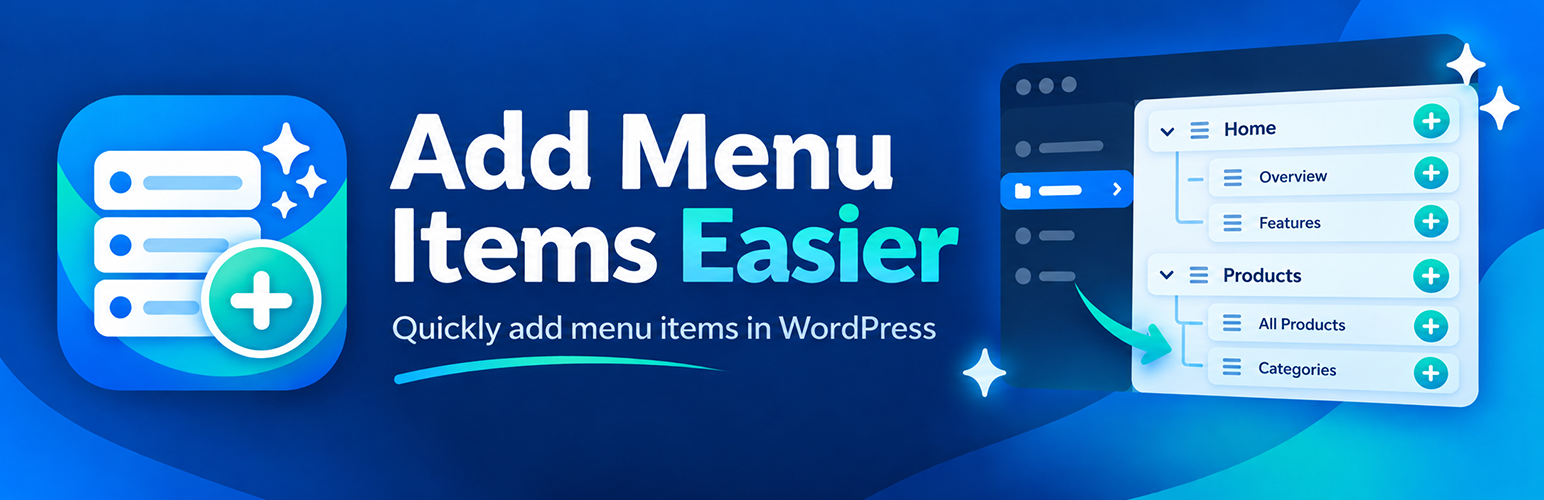
On Appearance → Menus, WordPress adds every checked page or category as a top-level menu item. This plugin keeps the original hierarchy.
Example: if you select About, Our Team, Leadership, and History and click Add to Menu, the menu receives the same tree:
- About
- Our Team
- Leadership
- History
- Our Team
Works with:
- Pages
- Hierarchical custom post types
- Categories
- Hierarchical custom taxonomies
If you skip an intermediate parent (for example you select About and Leadership but not Our Team), the item is nested under the nearest selected ancestor.
Installation
- Upload the
53mp-add-menu-items-easierfolder to/wp-content/plugins/. - Activate 53mp – Add Menu Items Easier through the Plugins screen.
- Optional: open 53mp Tools → Add Menu Items Easier in the admin for a quick link to Menus.
- On Appearance → Menus, select a tree of pages or categories and click Add to Menu.
FAQ
Does this change menus I already saved?
No. It only runs when you click Add to Menu. Existing items and drag-and-drop edits are unchanged.
What if I only select child pages?
Those items are added as top-level entries, the same as WordPress core. Hierarchy is preserved only among the items in that one add action.
Does this affect the Site Editor / Navigation block?
No. It only hooks the classic Appearance → Menus “Add to Menu” AJAX request.
Does this plugin collect any data?
No. It does not send data to remote servers, store settings, or track usage.
Screenshots


Changelog
1.2.1
- All Plugins lists this account’s WordPress.org plugins and shows the installed 53mp loader version.
1.1.1
- Readme Tested up to uses WordPress 7.1.
1.1.0
- Admin screen stays under 53mp Tools. The shared hub is now All Plugins.
1.0.1
- Added contributor.
1.0
- Initial release. Preserve hierarchy for pages, hierarchical CPTs, categories, and hierarchical taxonomies.