


Description
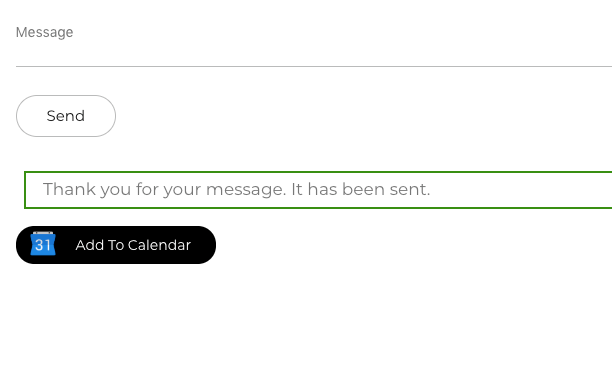
- This plugin provides a “Add to Calendar” button when a form (CF7) is submitted.
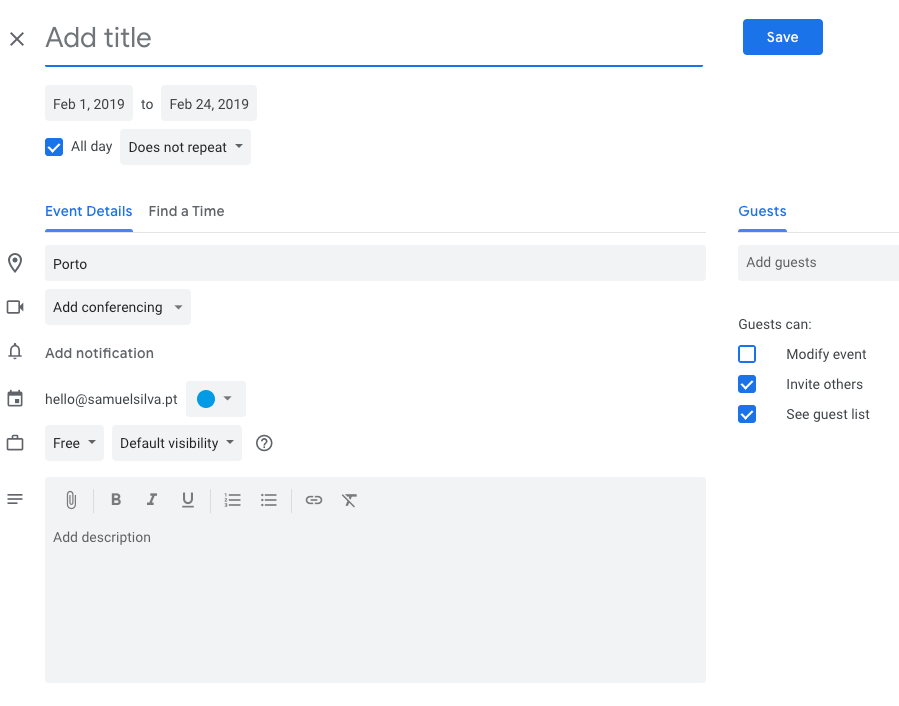
- After sending a form with a date field (reservation, booking, event), you can add that date on your calendar (Google Calendar for now).
- Basically, you allow the user to sync the form with their Google Calendar.
Contact Form 7 (CF7) plugin is required.
Features
- Booking/Reservation purpose;
- Compatible with Google Calendar;
- Simple configuration is needed (Easy to use);
- A simple button is added when a form is submitted.
- You can choose the Title, Description and Location for the event
- You can customize your button with background and text color
Google Calendar icon by Icons8.
Installation
Install from your Admin Panel -> Plugins -> Add New.
A new tab panel will appear in your Contact Form 7 Editor.
FAQ
Not yet.
Screenshots


Changelog
1.4
- Added customization for calendar button
1.3
- Tested on WP 5.1.1
1.2
- Fix issue using specific date (all day Google Events)
1.1.1
- Tested on WP 5.1.0
1.1.0
- Add the feature that provides a specific date filled on BO
1.0.5
- Fix issue with one date only
1.0.4
- Possibility to use required fields too
1.0.3
- Possibility to use ‘date’ and ‘text’ input type fields
1.0
- I think we can start with 1.0 as a stable version
- Tested on WP 5.0.3