


Description
★★★★★ Trusted by 20,000+ WordPress sites
All-in-One Video Gallery is a video posts plugin that lets you add videos as posts and build scalable, searchable, SEO-optimized video galleries in minutes — no coding required.
Whether you need a single embedded video player or a full video-sharing website like YouTube or Vimeo, this plugin covers it. Suitable for course creators, video bloggers, podcasters, businesses, and anyone embedding video on WordPress.
PLAYER FEATURES
- A Custom HTML5 Video Player that supports MP4, WebM, OGV, HLS, MPEG-DASH, and embeddable players like YouTube, Vimeo, Dailymotion, Rumble, Facebook, Bunny Stream and more.
- Player Controls: play/pause buttons, timer, progress bar, duration, speed control, quality switcher, volume button, picture-in-picture button, fullscreen button, share buttons, embed button, download button, subtitles on/off, keyboard hotkeys
- Playback Options: autoplay, loop, muted, preload, playsinline
- Subtitles & Captions (WebVTT).
- Chapter Markers.
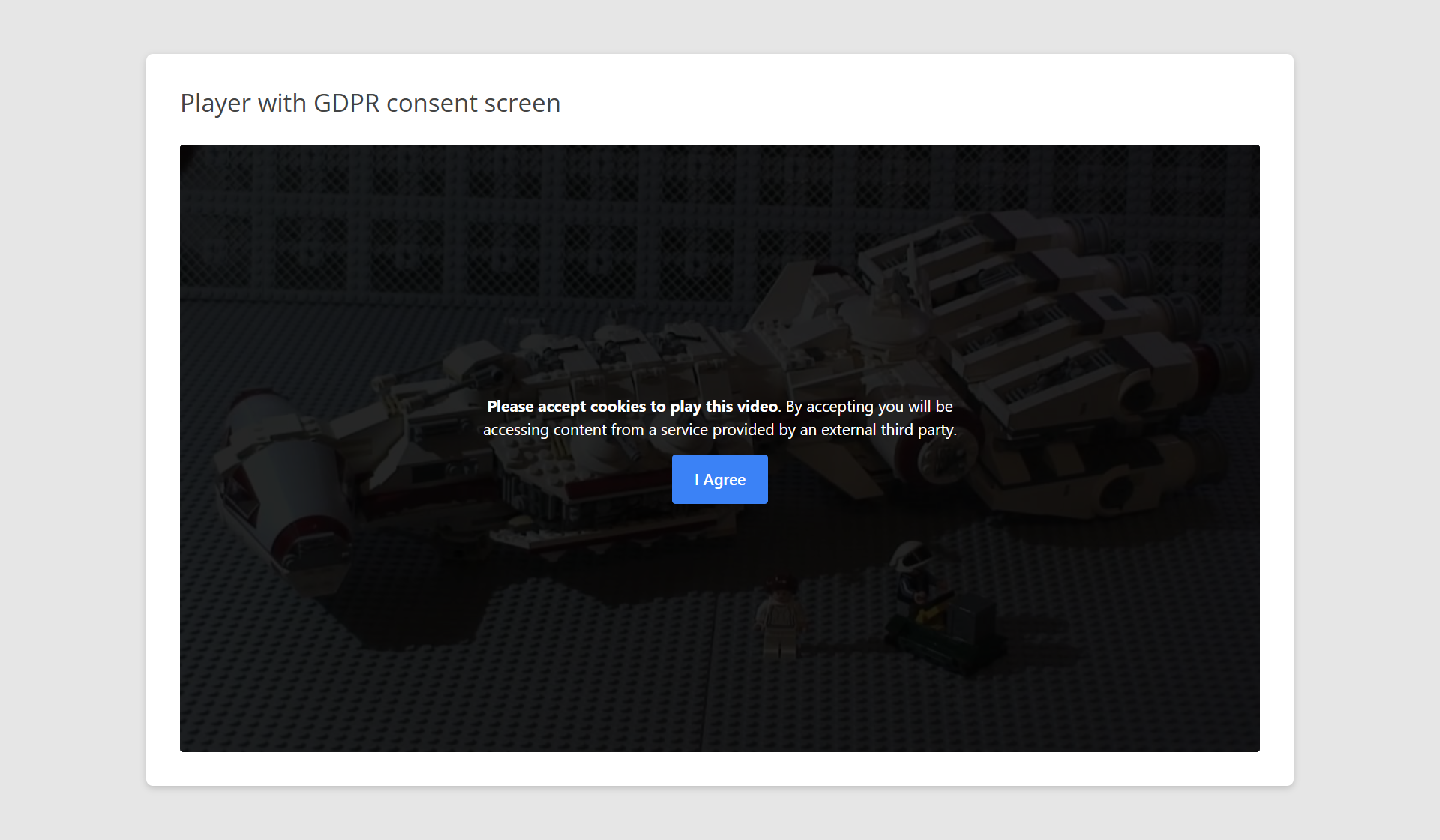
- GDPR compatibility.
- [+] support embed code from any third-party video sharing websites.
GALLERY FEATURES
Back-End
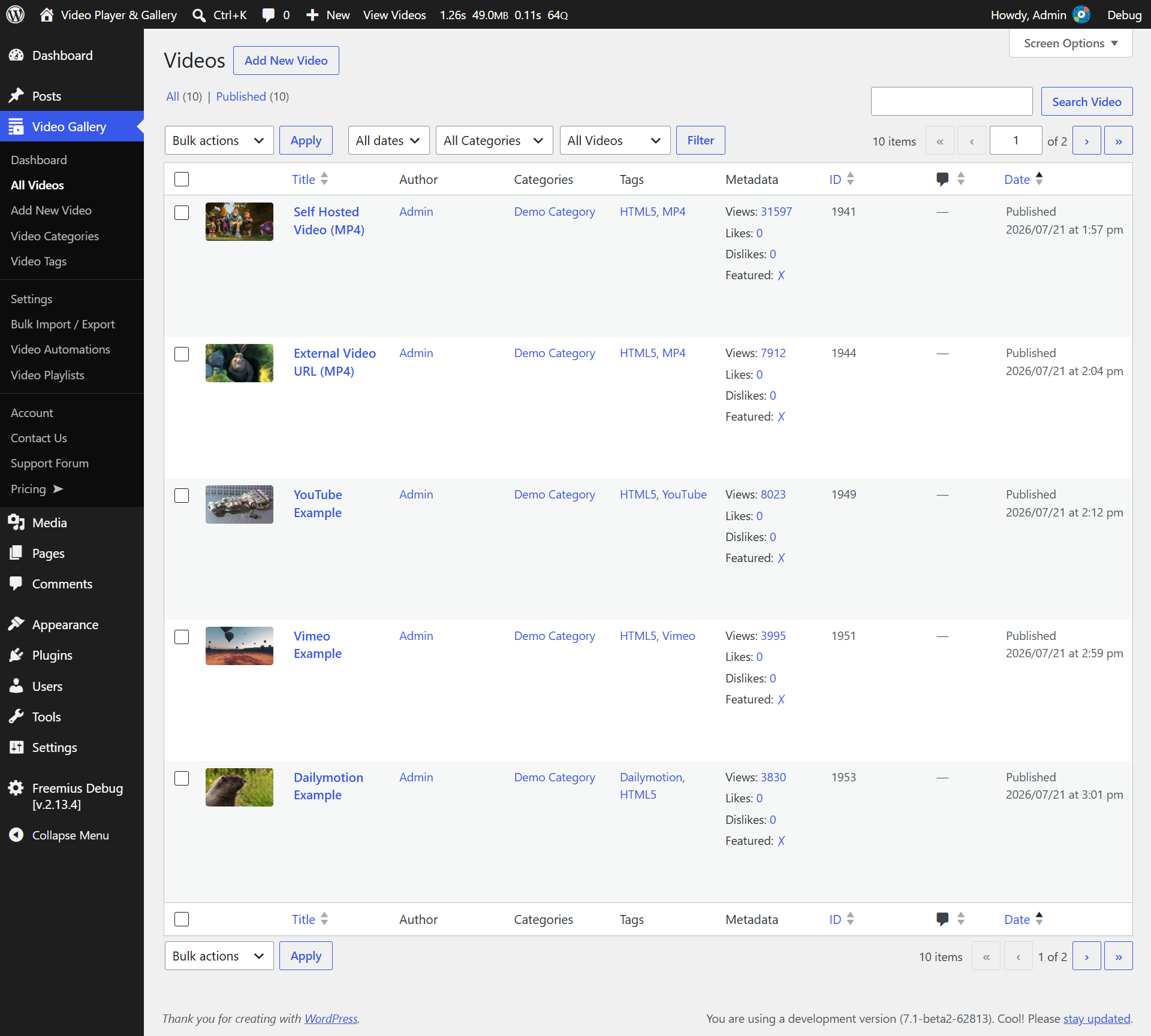
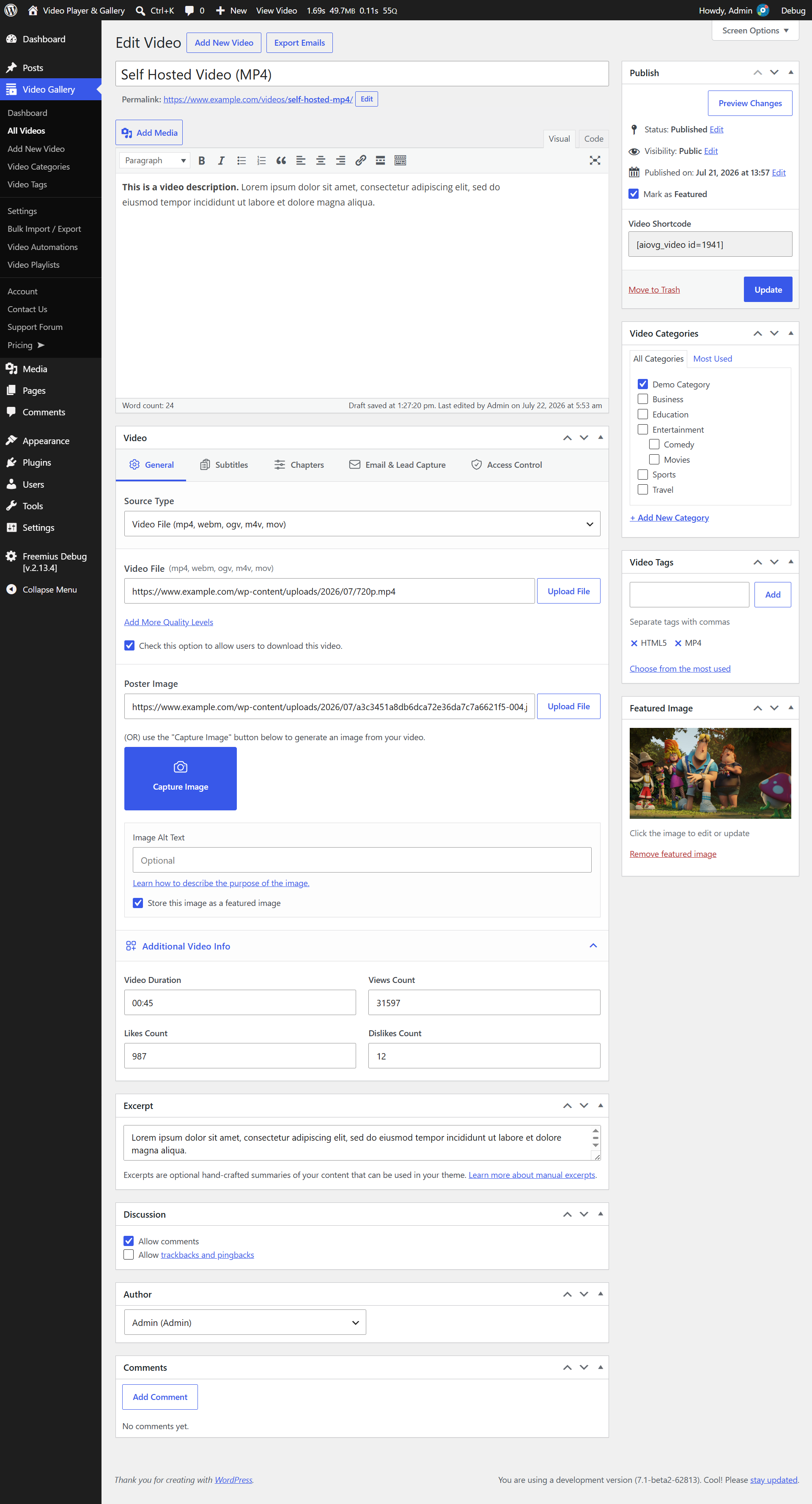
- A user-friendly interface to upload and manage your videos.
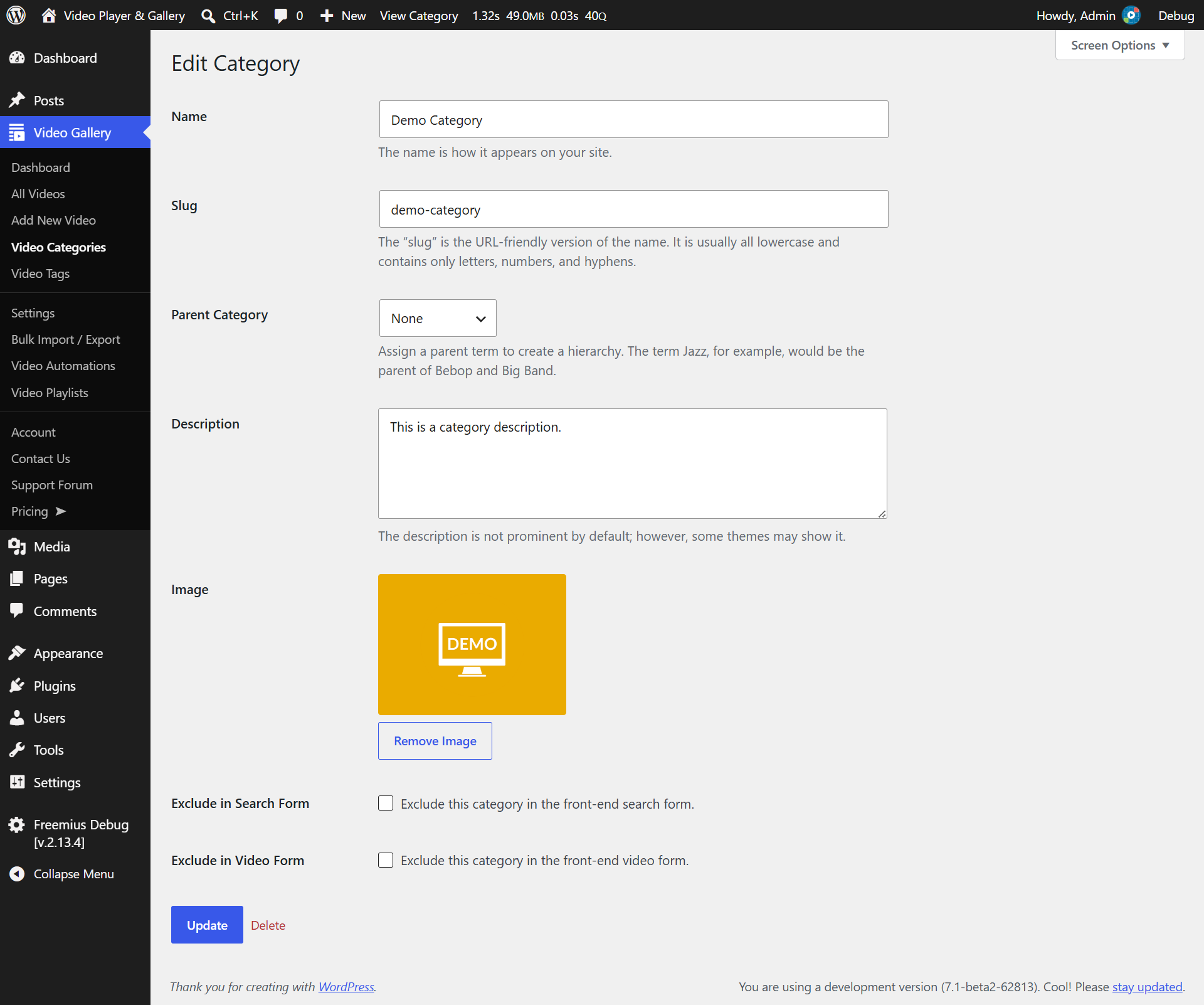
- Create unlimited categories/subcategories and tags.
- Ability to group videos by categories and tags.
- Create a featured videos group.
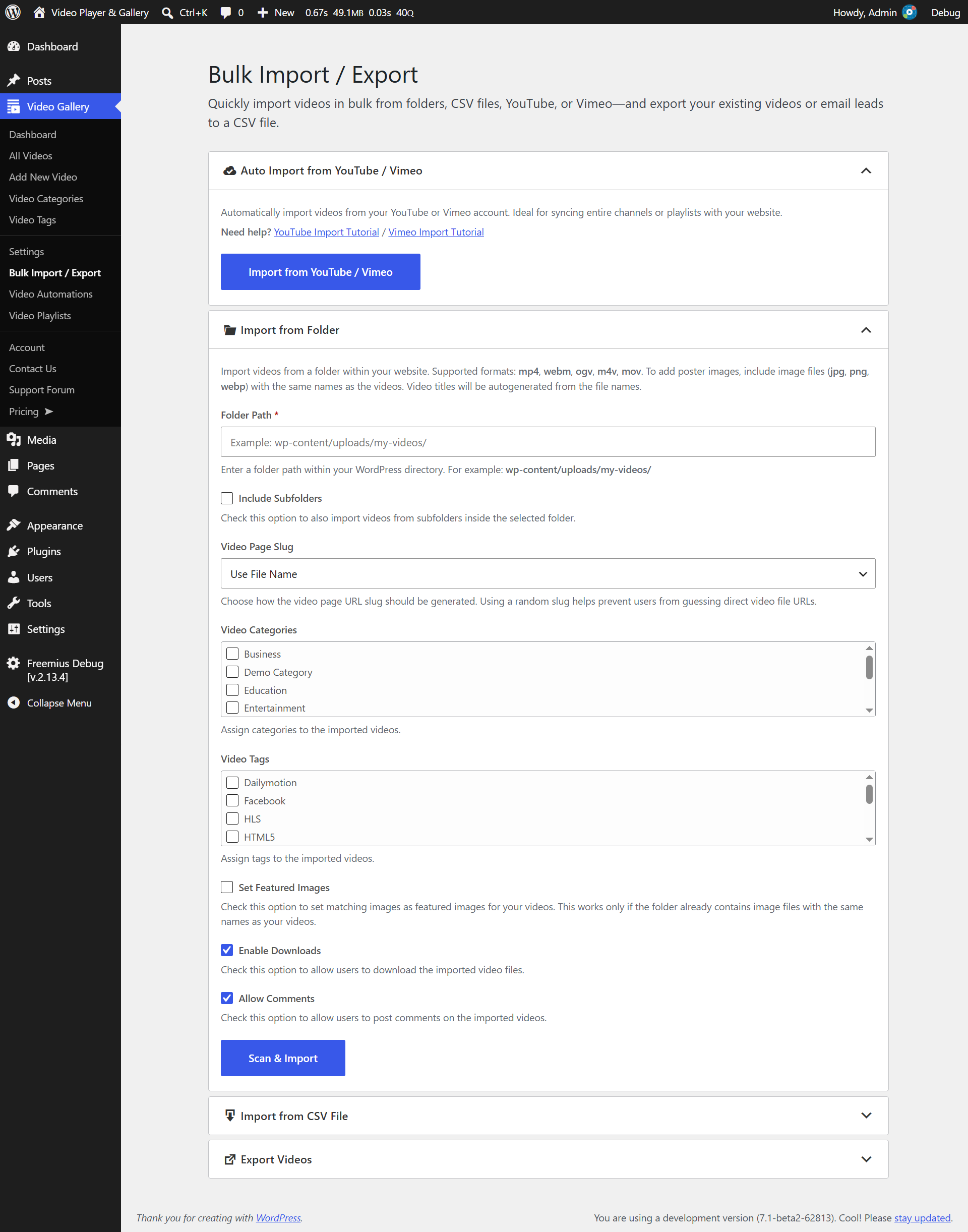
- Bulk import videos from a CSV file or folder; export all your videos in one click.
- Restrict video access globally or per video — allow all visitors, logged-in users only, logged-out users only, or specific user roles.
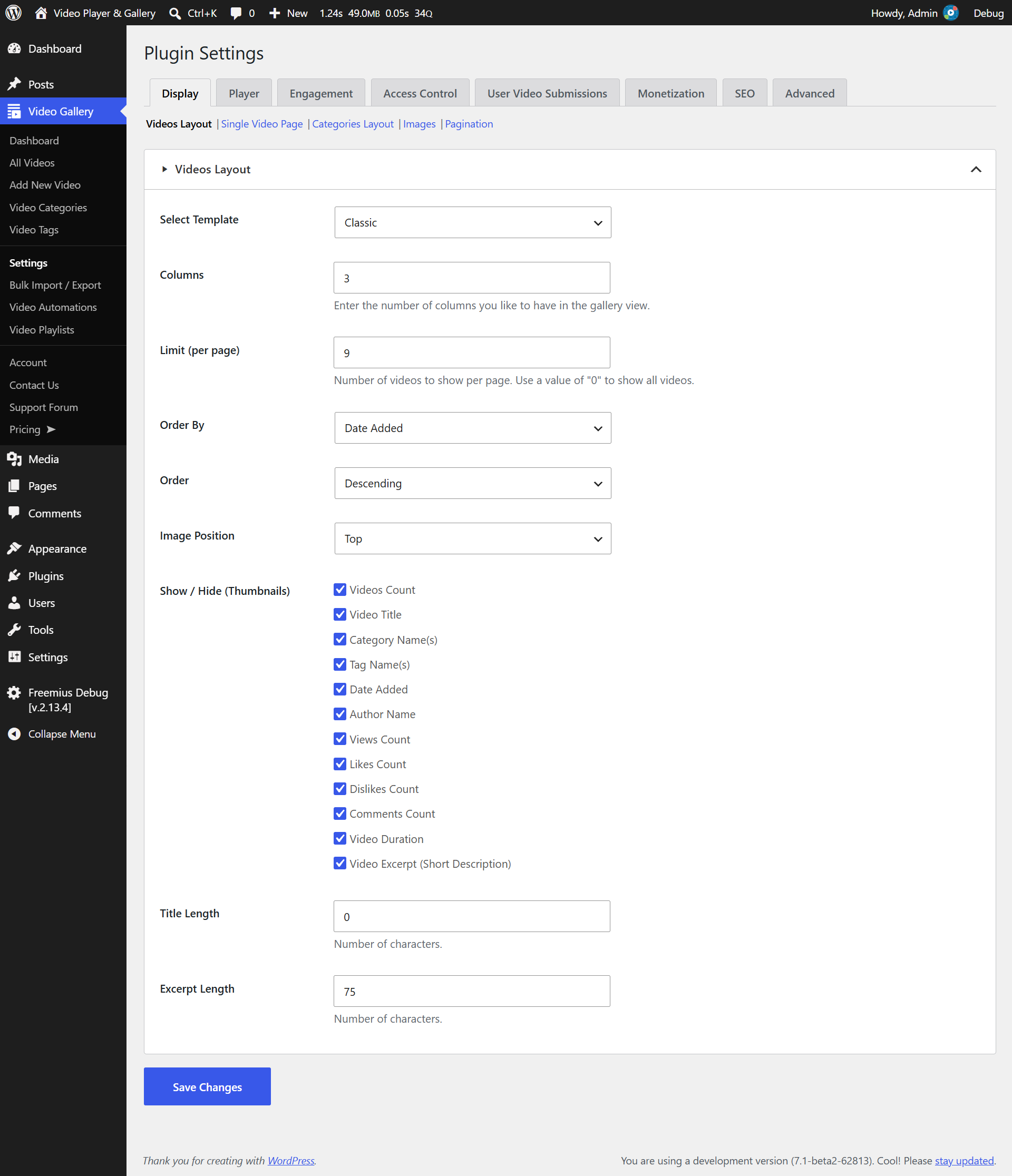
- 100+ settings (STILL COUNTING) that help you customize the plugin to the maximum you will need.
Front-End
- Modern, Responsive design.
- Categories display options: Grid, List
- Sort categories by “ID”, “videos count”, “category name”, “slug” & “menu order (custom ordering)”.
- Videos display options: Grid. More template options are available with our premium version.
- Filter videos by “categories”, “tags” and “featured” meta key.
- Sort videos by “video posted date”, “title”, “views count”, “likes count”, “dislikes count”, “random” & “menu order (custom ordering)”.
- Ability to control the display of each HTML element in the gallery.
- Filter videos on the same page using AJAX — search by keyword, category, or tag and sort by title, date, or popularity without a page reload.
- Numeric Pagination for the large galleries.
- Likes / Dislikes.
- Social Sharing (Facebook, X (Twitter), LinkedIn, Pinterest, Tumblr & WhatsApp).
- Comments System.
- Dedicated search form & layout.
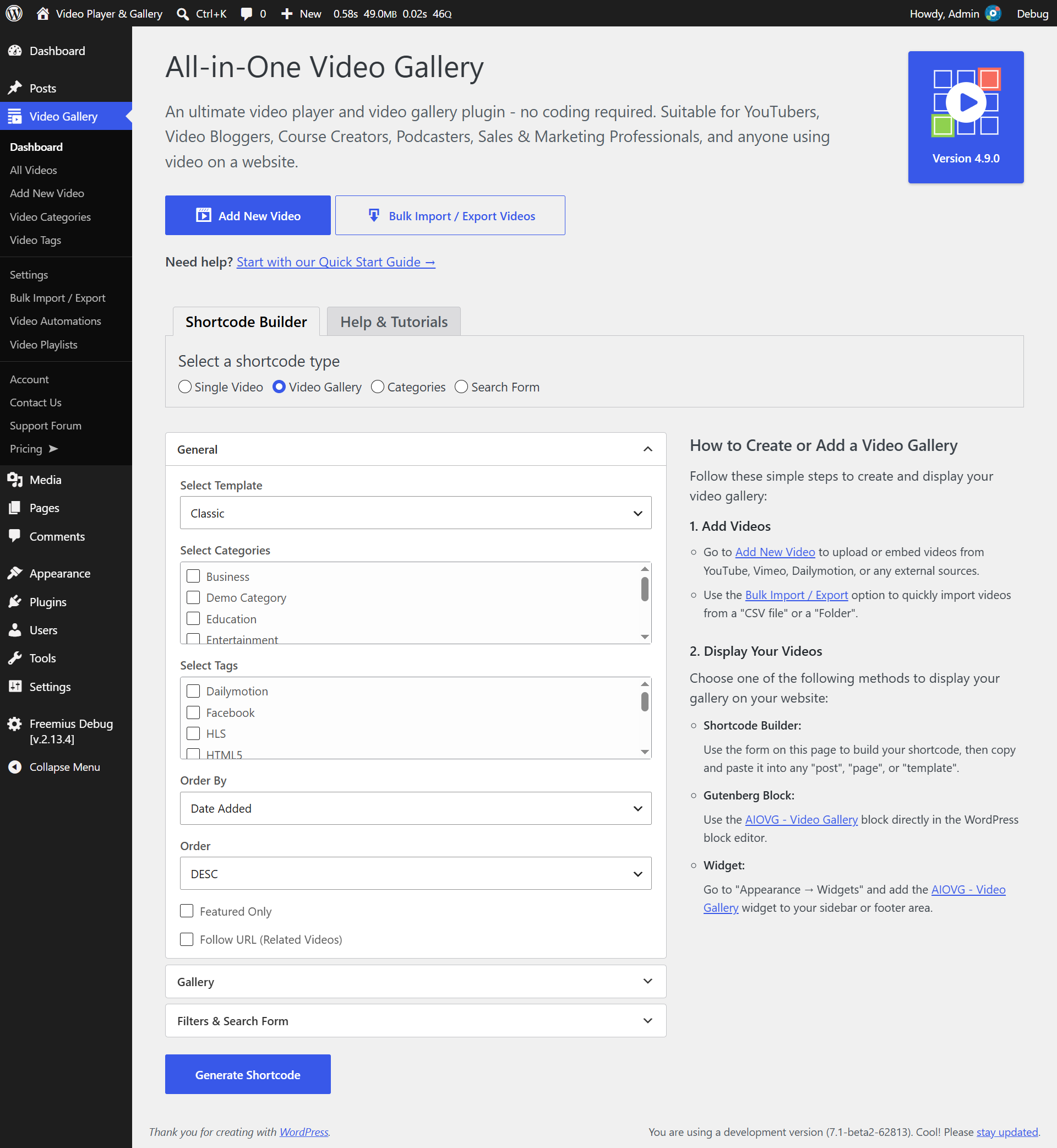
- Shortcode Builder to build the gallery shortcodes.
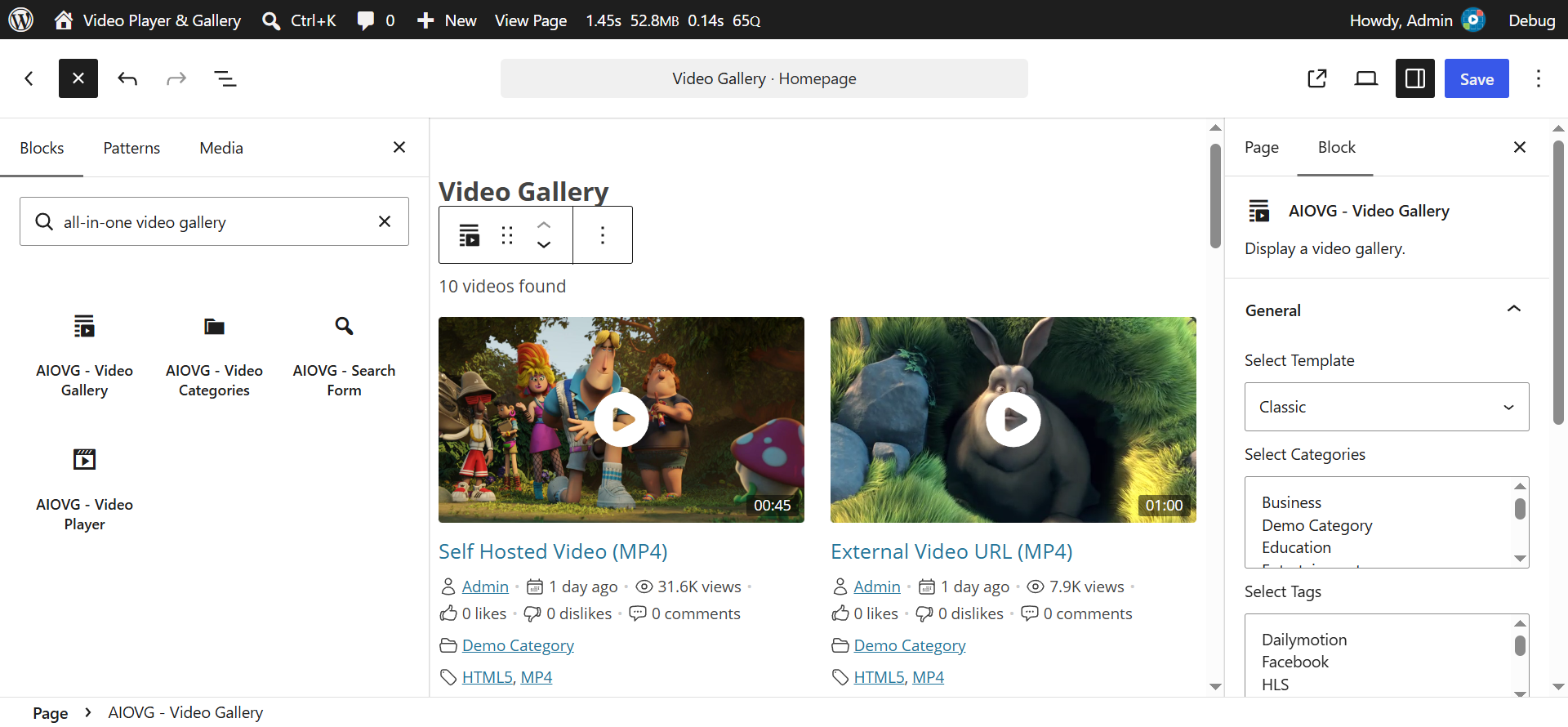
- Gutenberg Blocks to build the gallery if your website uses the modern WordPress editor.
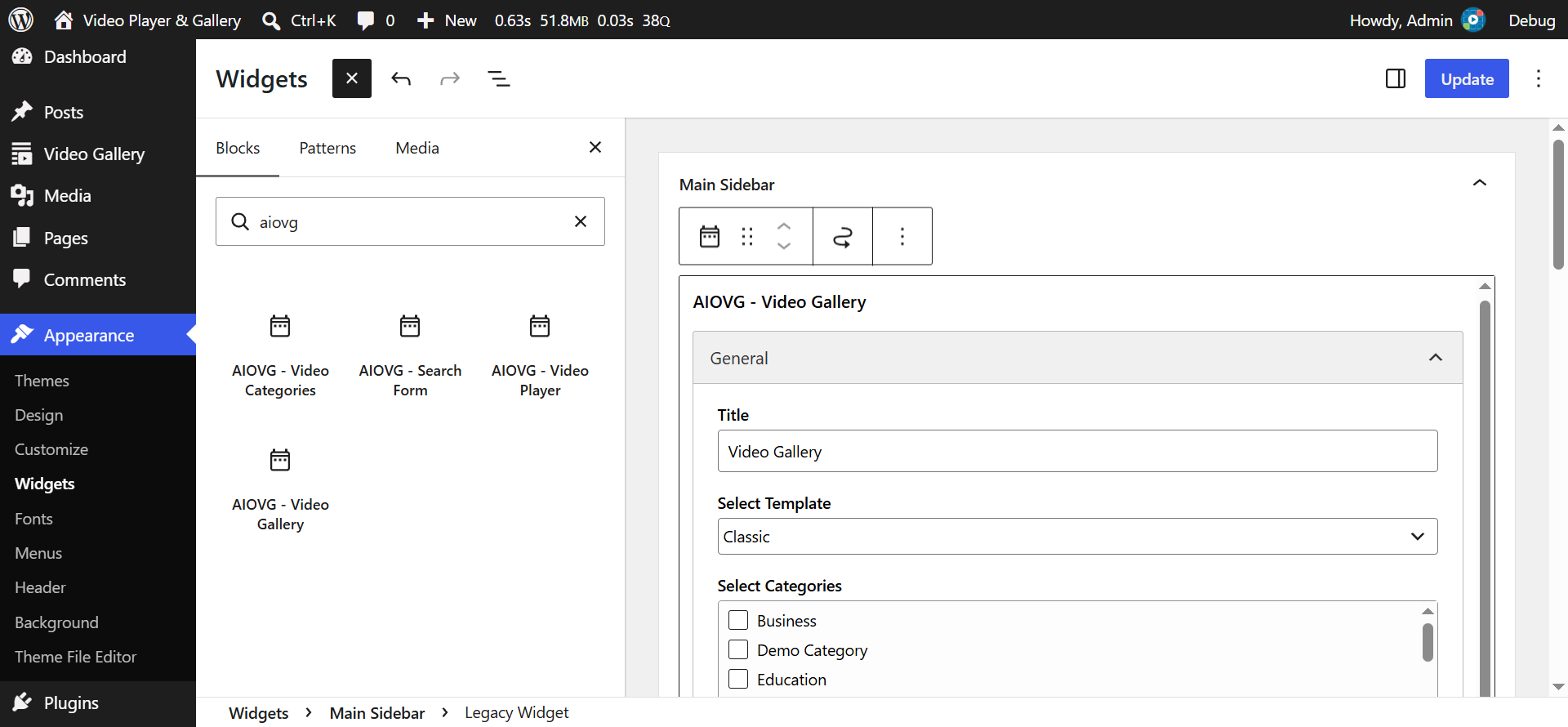
- Widgets to list categories, list videos, display a single video player, and search videos.
DEVELOPER OPTIONS
The videos (aiovg_videos) belong to a WordPress Custom Post Type. Similarly, the categories (aiovg_categories) and tags (aiovg_tags) belong to the WordPress Custom Taxonomy. The plugin doesn’t use any custom tables and the settings are stored in the WP_Options table using the WordPress SETTINGS API. In short, the plugin has been developed completely using the WordPress CORE features. So, if you’re a WordPress developer, you can customize/extend the plugin as you like using the WordPress hooks system easily.
Similarly, the front-end gallery layouts added by our plugin can be customized by developing or overriding our existing templates. Please check for a detailed documentation on this.
[+] PREMIUM FEATURES
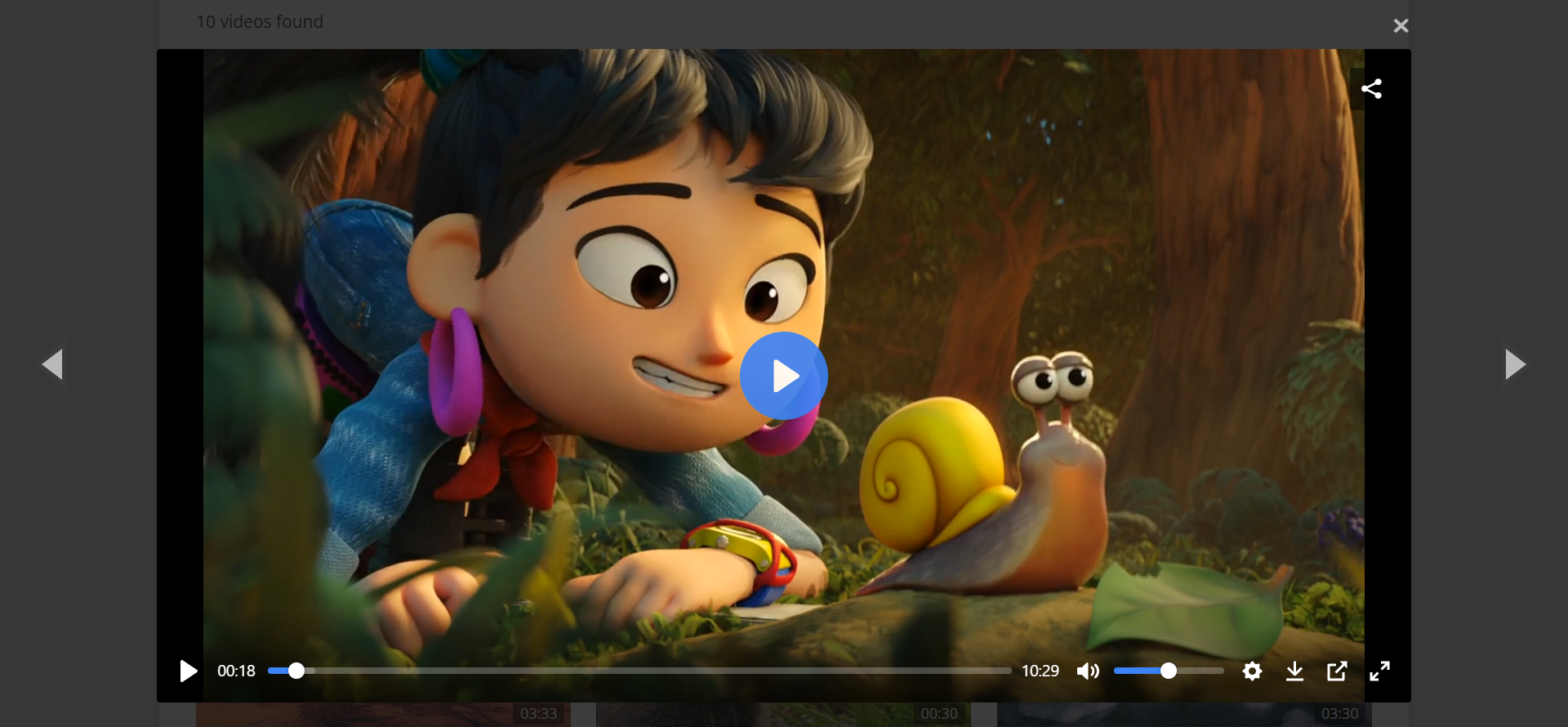
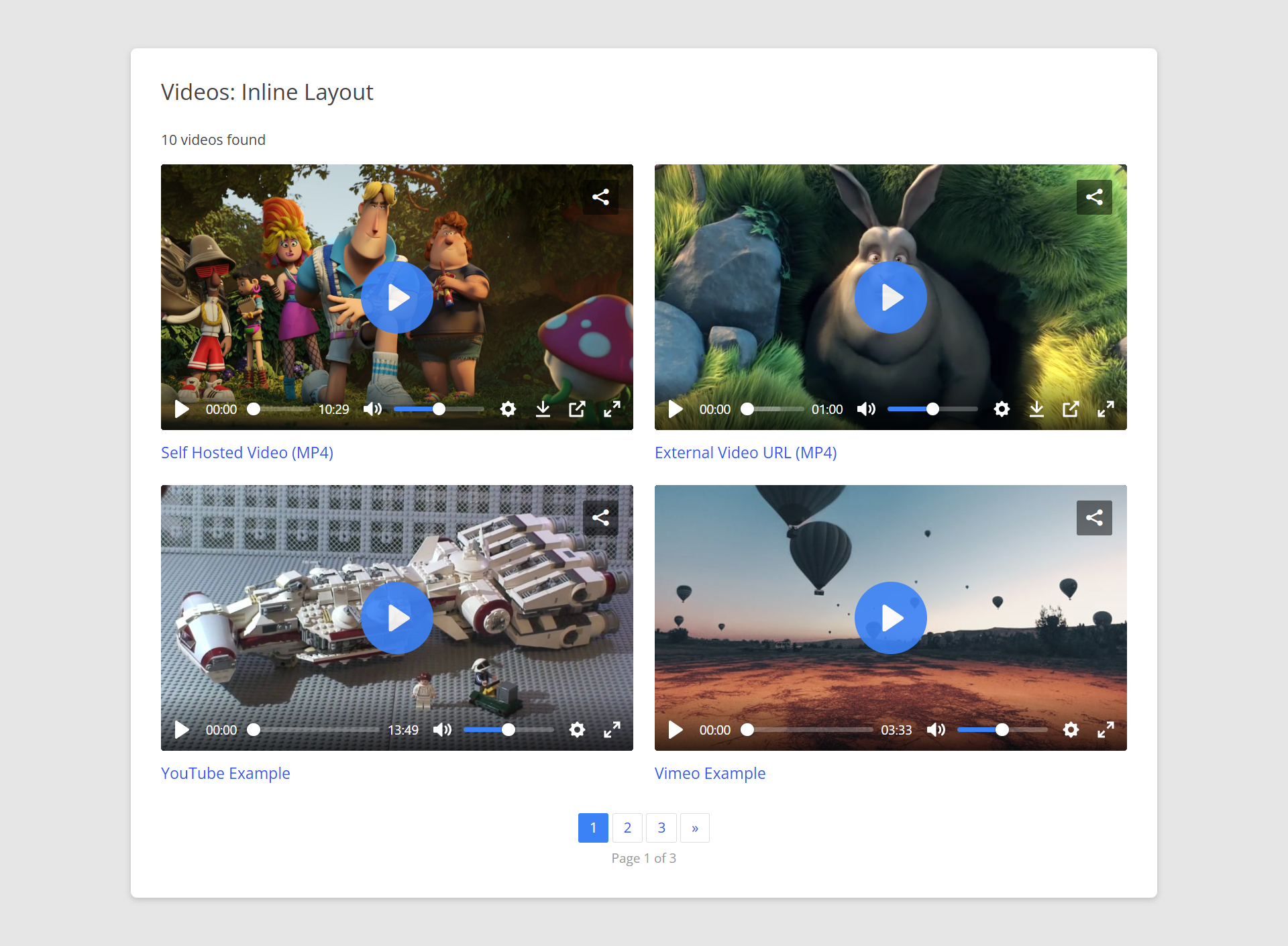
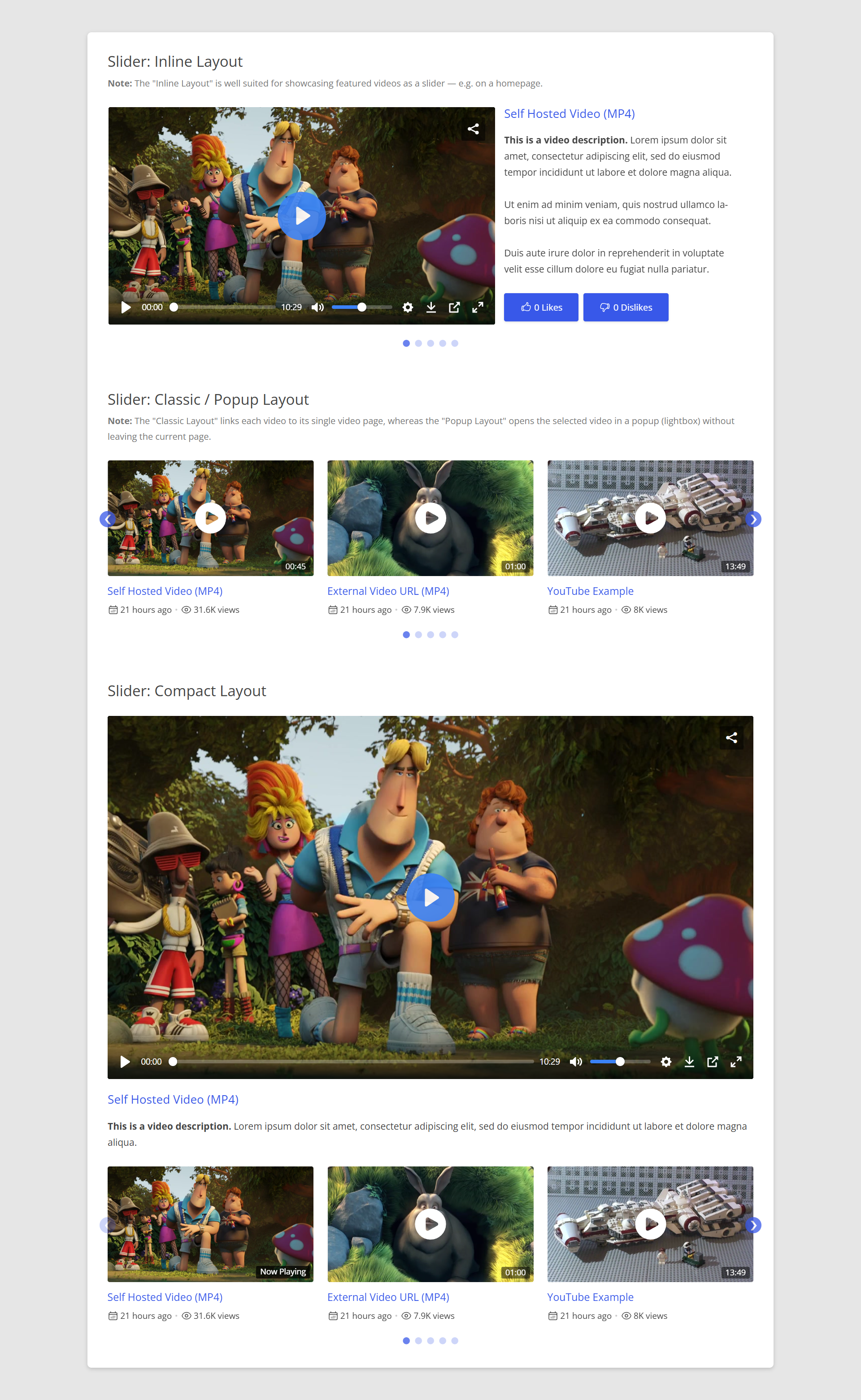
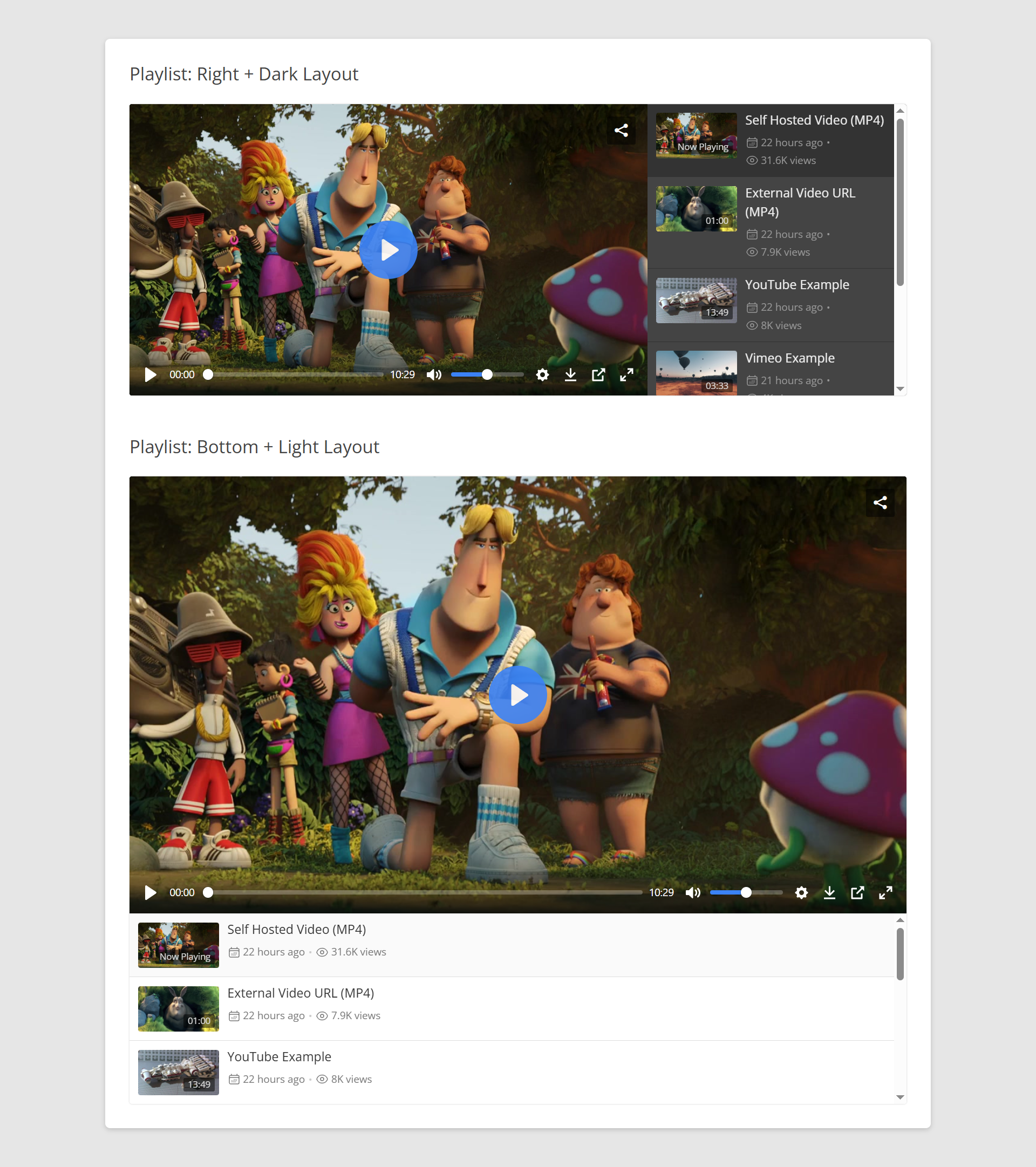
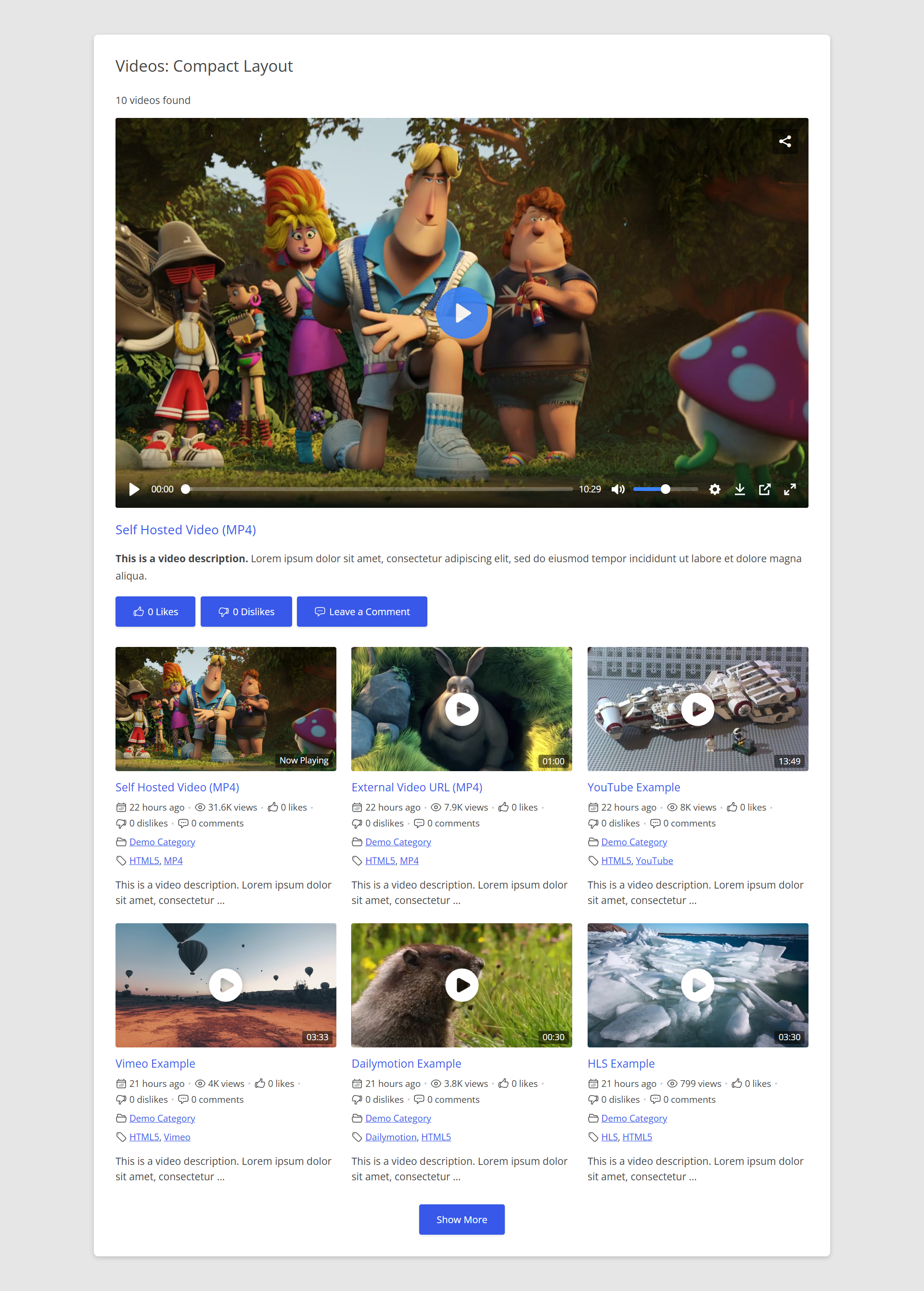
- Gallery Templates: Popup, Inline, Slider, Playlist, Compact (Modern)
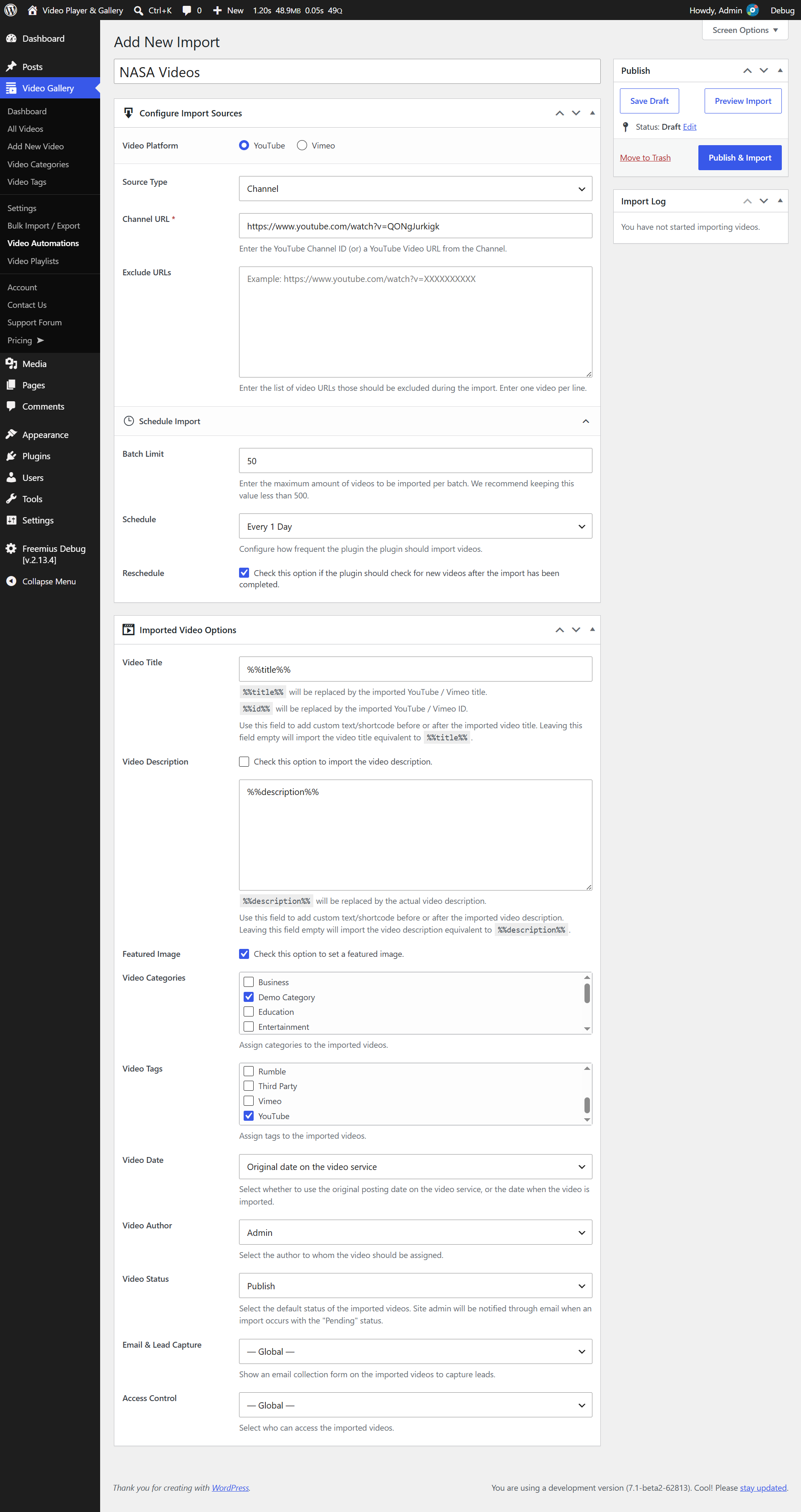
- Auto import videos from YouTube & Vimeo websites.
- Video SEO: Schema.org Markup (via JSON-LD)
- Auto Thumbnail Generator
- Custom Logo & Branding
- Custom Context Menu
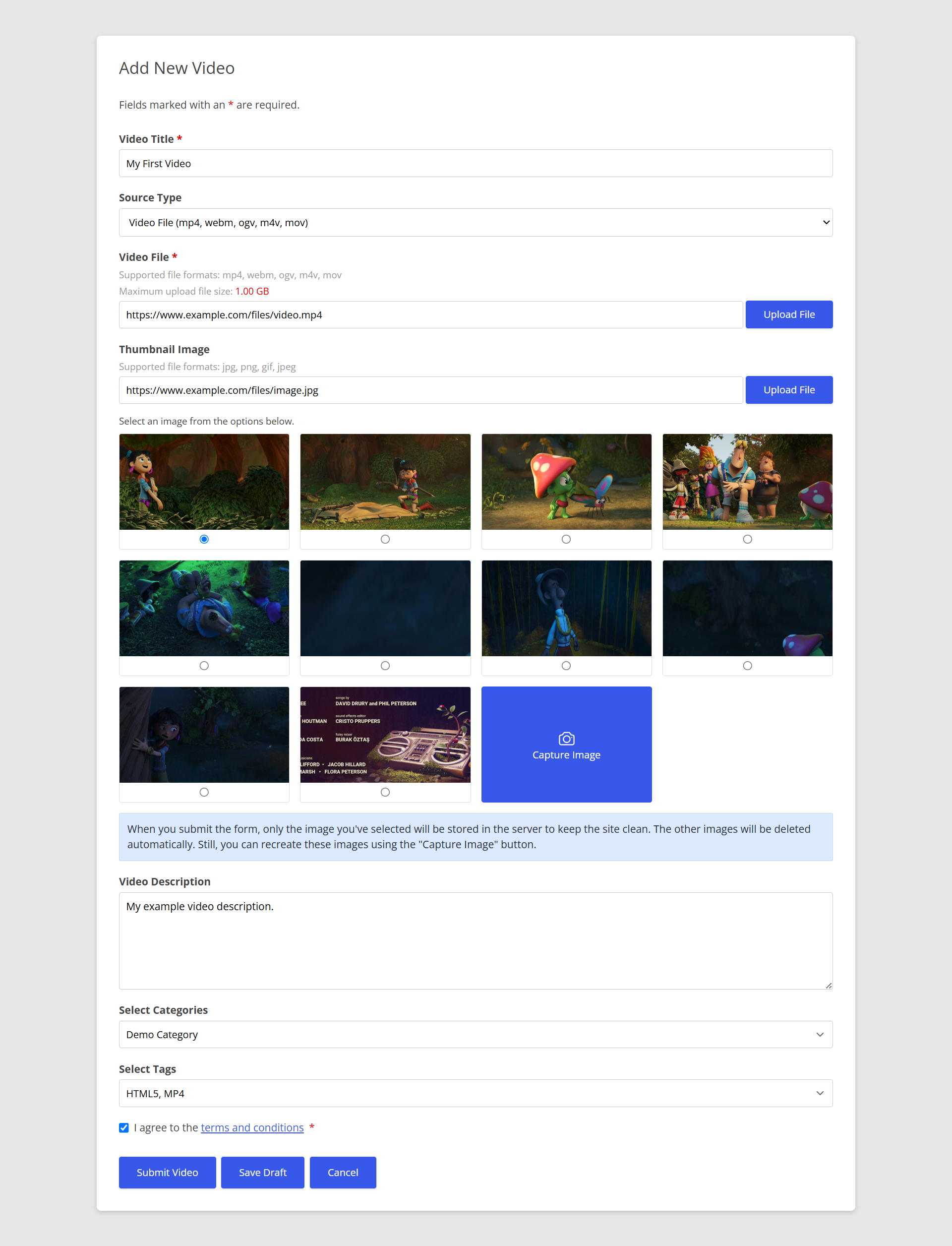
- Front-end User Submission
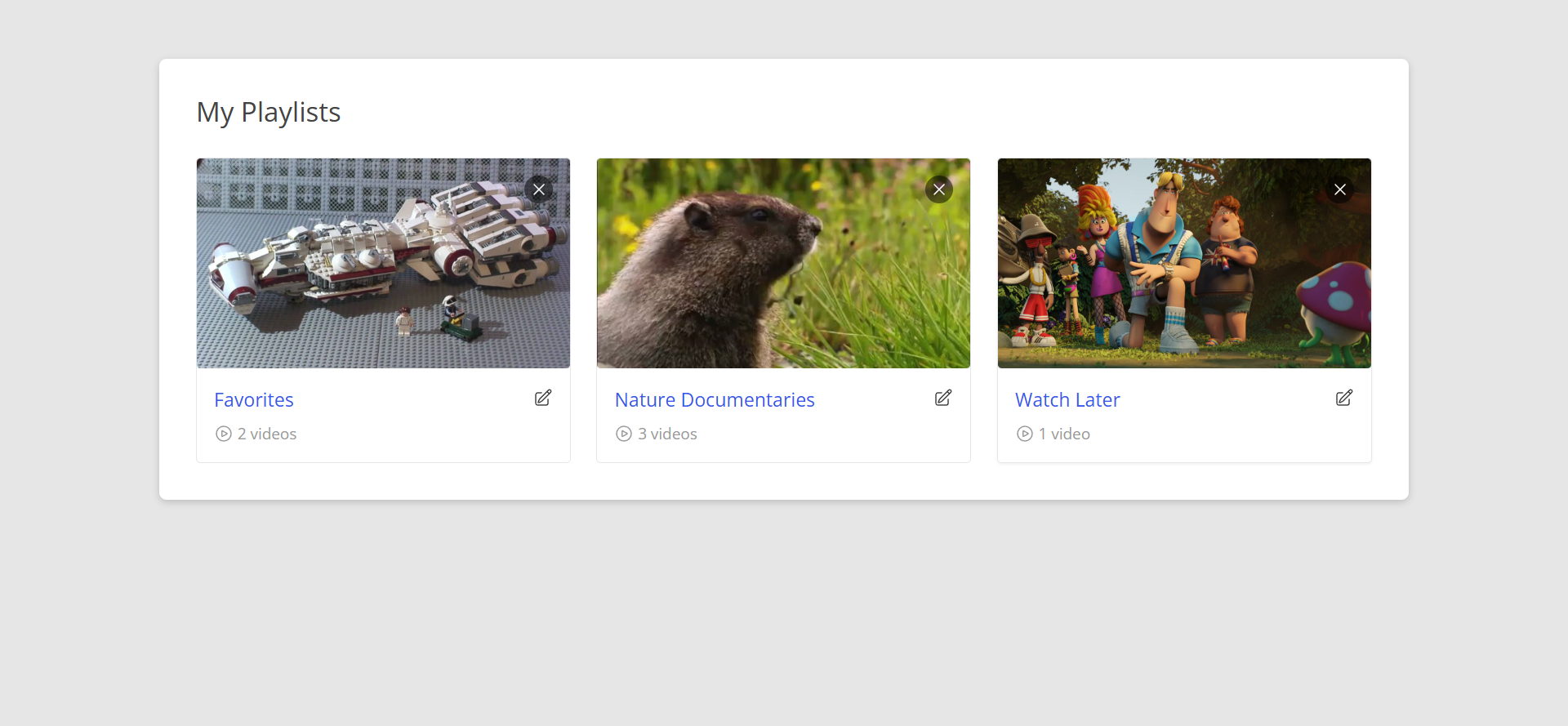
- User Playlists / Favorites
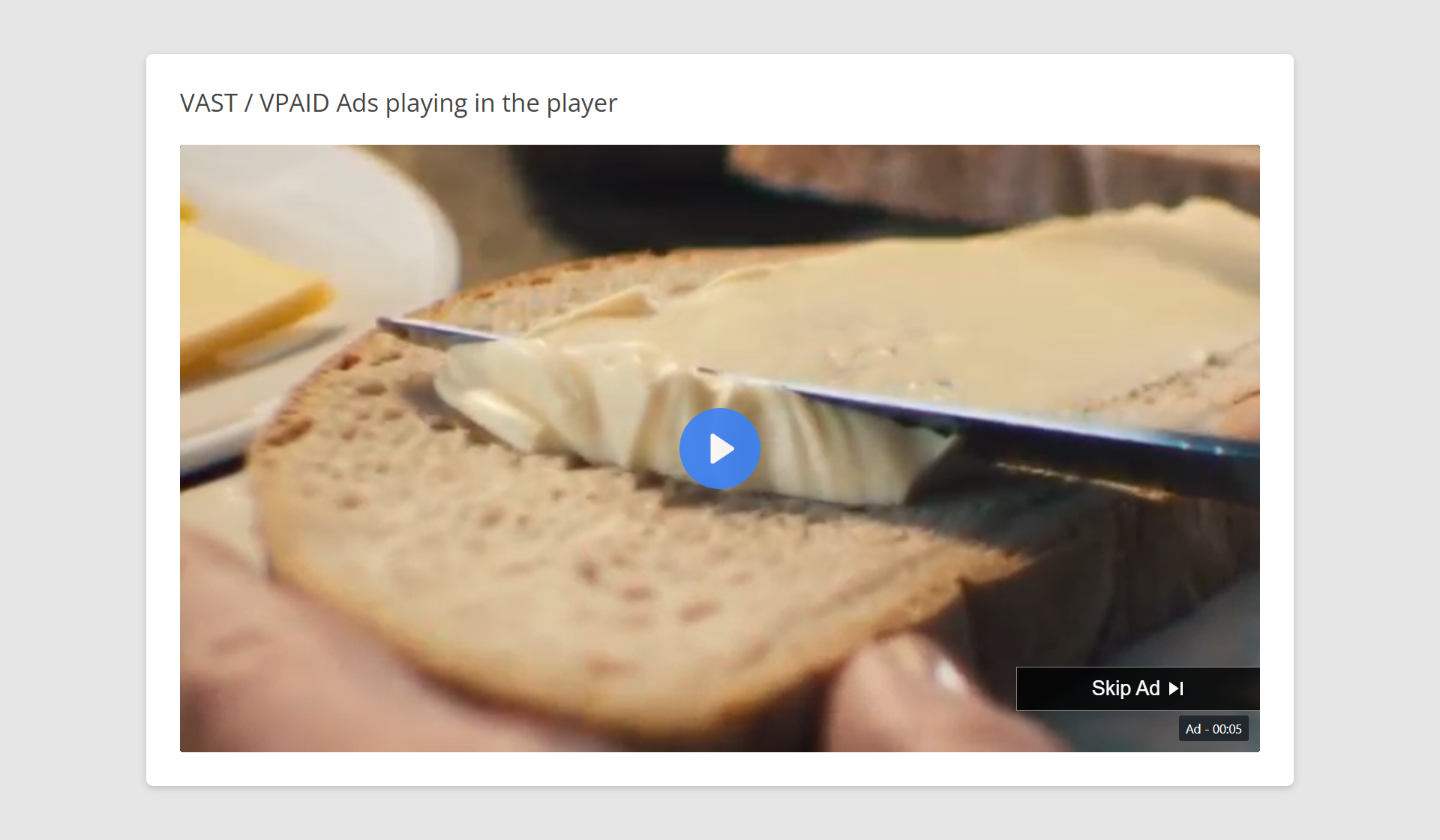
- VAST / VPAID Ads
TRANSLATION READY
Do you speak another language? Want to contribute in a meaningful way to All-in-One Video Gallery? There’s no better way than to help us translate the plugin. This plugin is translation ready and you can translate to your language easily. Once finished, please reach out to us here to get your language file included in the core.
Spanish translation partner – Blarlo
LATEST ADDITION
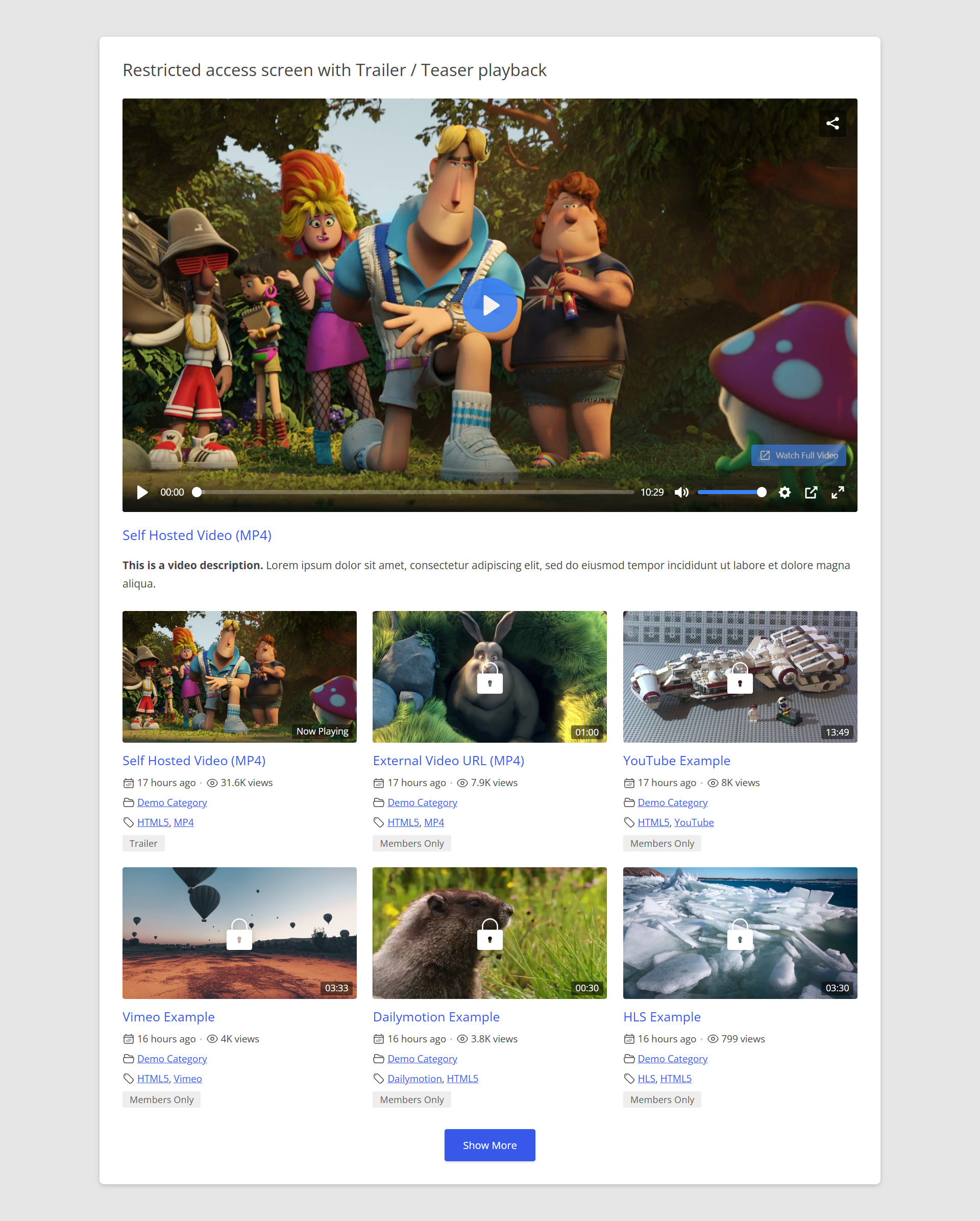
- Trailers & Teasers! Display a trailer clip to non-access users instead of the locked screen — great for driving upgrades or sign-ups.
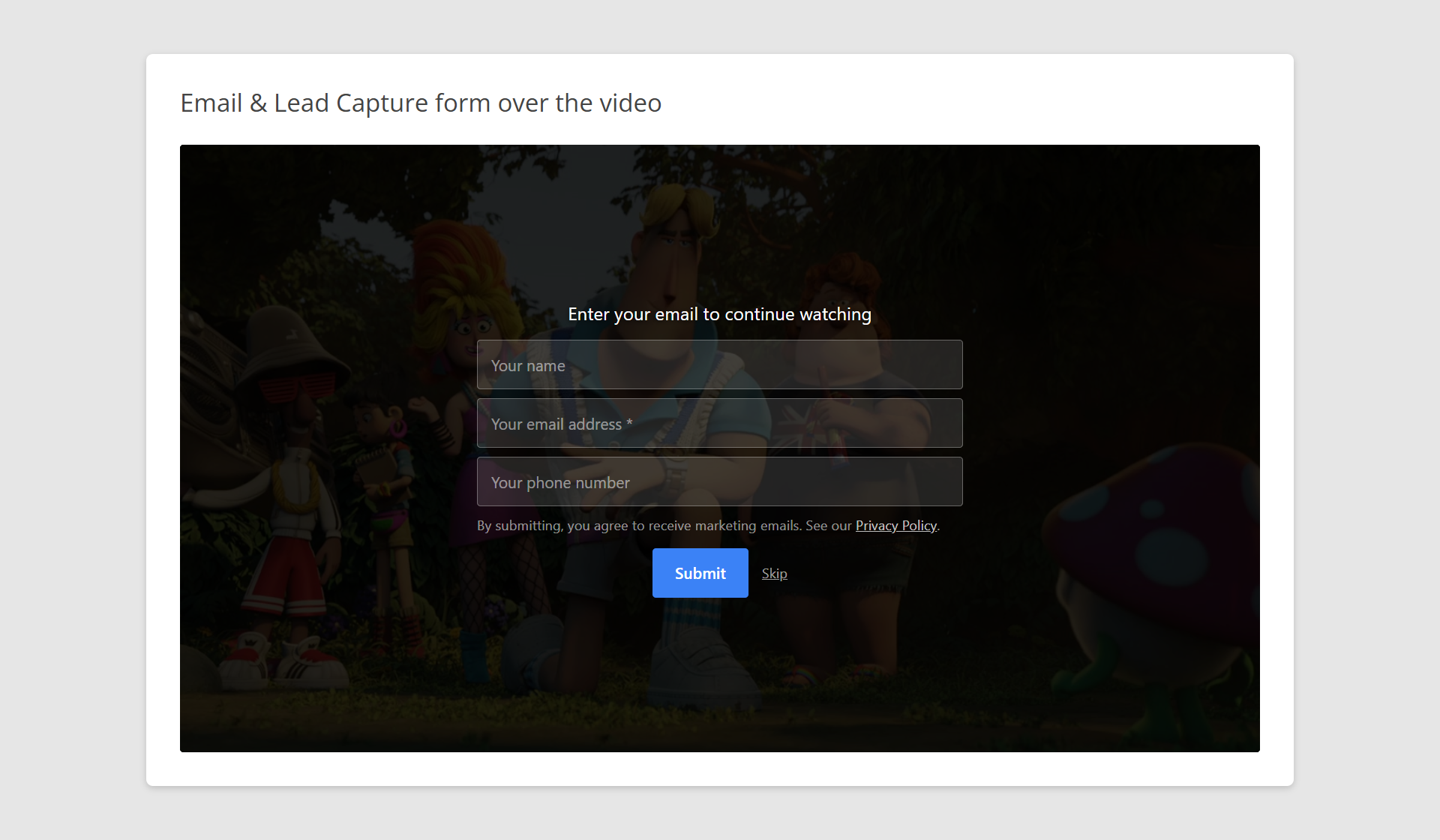
- Email & Lead Capture! Show an email collection form over your video to capture leads before, during, or after playback.
SUPPORT AND DOCUMENTATION
We do have documentation on the plugin.
Still, Having Issues? We are just an email away. Please write to us describing your issue using the “Contact” form available under our plugin’s menu. You should receive a reply within 24 hours (except Sunday).
Also, we answer all support requests on the WordPress.org support forum.
External Services
The plugin connects to the services below only in the cases described. To hold back third-party players until the visitor agrees, turn on “Cookie Consent” (Settings → Advanced → GDPR & Cookie Consent). To serve thumbnails from your own site, turn on “Download External Images” (Settings → Display → Featured Images).
Video providers (YouTube, Vimeo, Dailymotion, Rumble, Facebook): used only for videos you add from them. When you save a video, your server sends its URL or ID to the provider to get its thumbnail, duration and embed code; if you set a Vimeo Access Token, it is sent to Vimeo for private videos. When a visitor views the video, their browser loads the provider’s player and thumbnail, which sends the visitor’s IP address and browser details to the provider and may set cookies. For YouTube, the browser also connects early to Google’s servers (google.com, doubleclick.net) so the player starts faster.
Bunny Stream: only if you set it up. Your server sends your API key, library ID, video titles and video IDs to Bunny when videos are uploaded, checked or deleted, and the uploader’s browser sends the video file. Visitors’ browsers load the videos from Bunny’s CDN.
WordPress.com: for MP4 files hosted on videos.files.wordpress.com, your server checks once whether an HLS version exists. No visitor data is sent.
Remote thumbnails: with “Download External Images” on, or when importing with “Set Featured Images”, your server downloads each thumbnail from its URL. No visitor data is sent.
Share buttons (Facebook, X, LinkedIn, Pinterest, Tumblr, WhatsApp): only when a visitor clicks one, the video’s title and page URL (and, for Pinterest, its image) are sent to that service.
Freemius: licensing, upgrades and opt-in usage data. Only if an administrator opts in, it sends the site URL, WordPress, PHP and plugin versions, language, the administrator’s name and email and, where allowed, the active plugins and themes. The Upgrade, Account and Contact Us pages load from Freemius.
Terms and privacy policies:
- YouTube: Terms | Privacy
- Vimeo: Terms | Privacy
- Dailymotion: Terms | Privacy
- Rumble: Terms | Privacy
- Facebook: Terms | Privacy
- Bunny Stream: Terms | Privacy
- WordPress.com: Terms | Privacy
- X: Terms | Privacy
- LinkedIn: Terms | Privacy
- Pinterest: Terms | Privacy
- Tumblr: Terms | Privacy
- WhatsApp: Terms | Privacy
- Freemius: Terms | Privacy
Installation
- Download the plugin.
- From the WordPress Admin Panel, click on Plugins => Add New.
- Click on Upload, so you can directly upload your plugin zip file.
- Use the browse button to select the plugin zip file that was downloaded, and then click on Install Now.
- Once installed, click “Activate”.
For more detailed instructions visit our plugin documentation.
FAQ
1. I have installed the plugin. How to build my first Gallery?
Thanks for installing our plugin. The plugin dashboard should have all the necessary instructions required to build a gallery. Simply follow that.
For more detailed instructions visit our plugin documentation.
Still, Having Issues? We are just an email away. Please write to us describing your issue using the “Contact” form available under our plugin’s menu. You should receive a reply within 24 hours (except Sunday).
2. Can I show my videos in a popup, slider, playlist, or something more engaging?
Yes, you can. Kindly refer to the instructions below,
3. Can I upload large video files using this plugin?
Sure, the plugin doesn’t apply any restriction on the uploaded file size. If you’re not able to upload large files, then it must be your server configuration that is not suitable for large file uploads. Simply write to your HOST and ask them to increase the upload file size limit.
4. Does the plugin support third-party page builders like “Elementor”, “WPBakery”, “Divi”, etc.?
Yes. Simply, generate your shortcode using the plugin’s “Shortcode Builder” and add it to your favorite page builder.
5. Does this plugin work with the Gutenberg block editor?
Yes. All-in-One Video Gallery includes native Gutenberg blocks for video galleries, single video players, video categories, and the search form. You can build your gallery layout directly inside the block editor without writing any shortcode.
6. Is the plugin compatible with WordPress Multisite?
Yes, it is. However, do not “network-activate” the plugin. Activate it only on the subsites on which you need the gallery. This can be done under “Plugins => Add New” as the Administrator user.
7. The download button in the plugin is not working.
The download option works only on the “Self Hosted / External URL” source type. Even if the video is self-hosted, the video file must be publicly accessible to download. So, make sure that your file is publicly accessible.
Also, the videos from third-party services like “YouTube”, “Vimeo”, “Dailymotion”, or “Rumble” cannot be downloaded.
8. How do I embed a YouTube playlist or channel in WordPress?
You can embed individual YouTube videos using the plugin’s video editor — paste the YouTube URL and the plugin handles the rest. For automatic YouTube channel or playlist imports (fetching new videos on a schedule), upgrade to the Premium version which includes the Video Automations feature.
9. Does this plugin support HLS or MPEG-DASH adaptive streaming?
Yes. The built-in HTML5 video player supports HLS (.m3u8) and MPEG-DASH (.mpd) streams in addition to standard MP4, WebM, and OGV files. Simply paste your streaming URL as the video source.
10. Can I restrict videos so only logged-in users can watch them?
Yes. The plugin includes a video access control system that lets you restrict videos globally or per video. You can allow all visitors, logged-in users only, logged-out users only, or specific user roles. A trailer/teaser clip can also be shown to users who do not have access.
11. Does this plugin support subtitles and closed captions?
Yes. You can upload WebVTT (.vtt) subtitle tracks for your self-hosted videos and configure the default language. Multiple subtitle tracks are supported on a single video.
12. Is the plugin compatible with Paid Memberships Pro?
Yes. Install Paid Memberships Pro and its Custom Post Type Membership Access add-on, select “aiovg_videos” under “Memberships => CPT Access”, and then use the “Require Membership” box on any video to choose which membership levels can watch it.
Visitors without a required level see the Paid Memberships Pro membership message in place of the video, wherever it appears: single video pages, shortcodes, blocks, widgets, and popups. If the video has a trailer, they see the trailer instead. Administrators without a level see the same message; use the admin bar’s “View” menu to preview the member and non-member views.
This protects the player, not the video file itself: anyone who already has a self-hosted file’s URL can still open it. For stronger protection, use Bunny Stream with token authentication, or Paid Memberships Pro’s own file protection.
13. Where do I report security bugs found in this plugin?
Please report security bugs found in the source code of the All-in-One Video Gallery plugin through the Patchstack Vulnerability Disclosure Program. The Patchstack team will assist you with verification, CVE assignment, and notify the developers of this plugin.
Screenshots

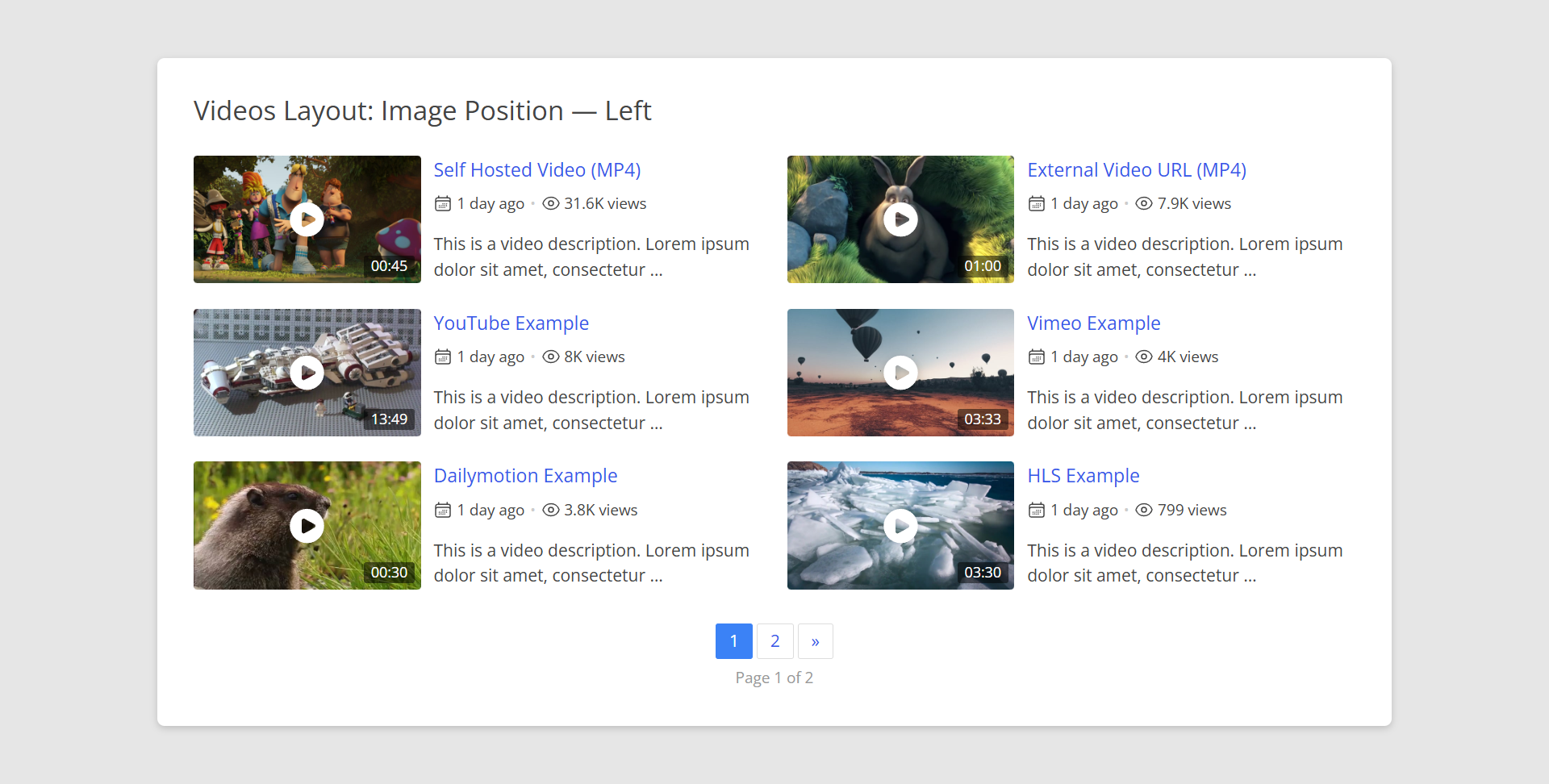
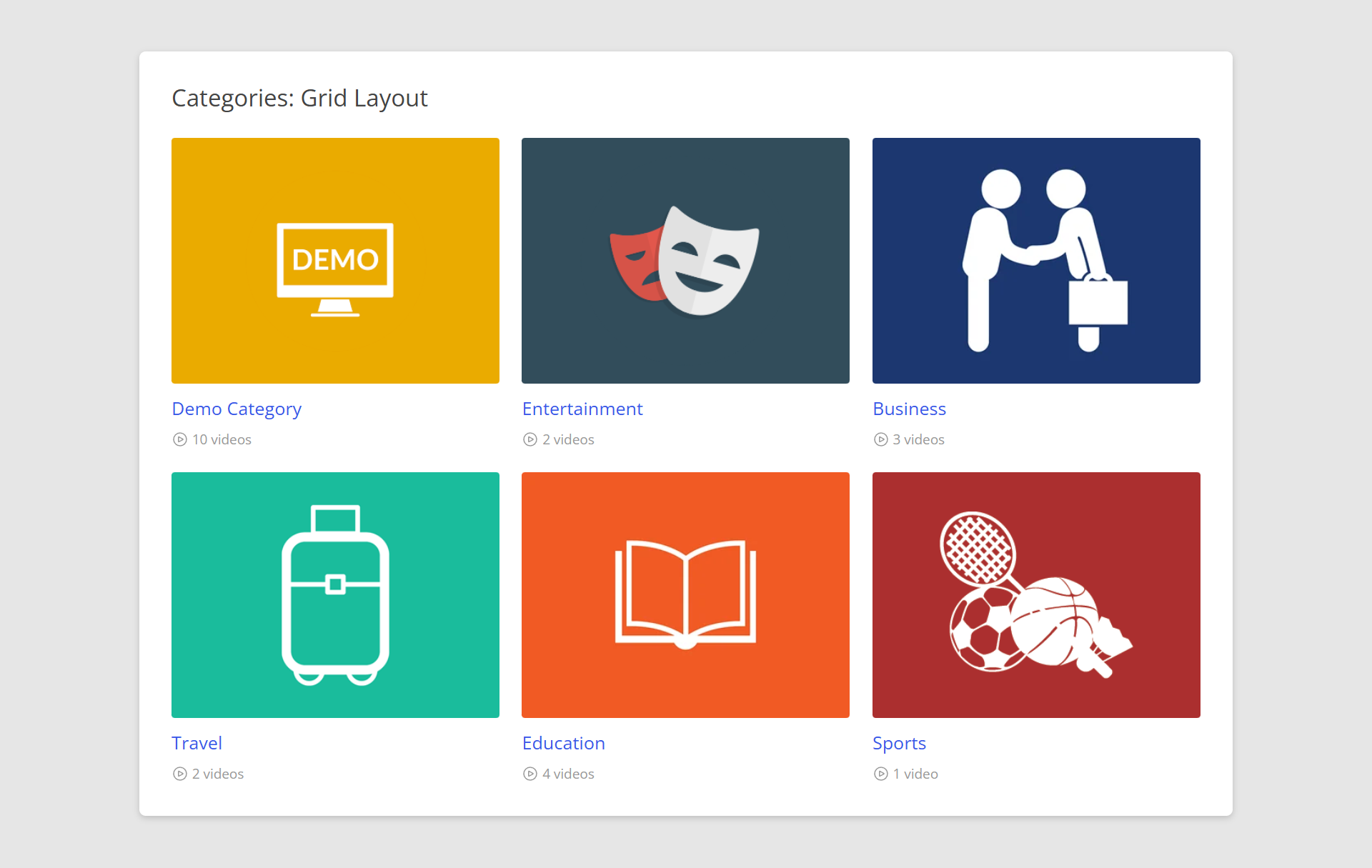
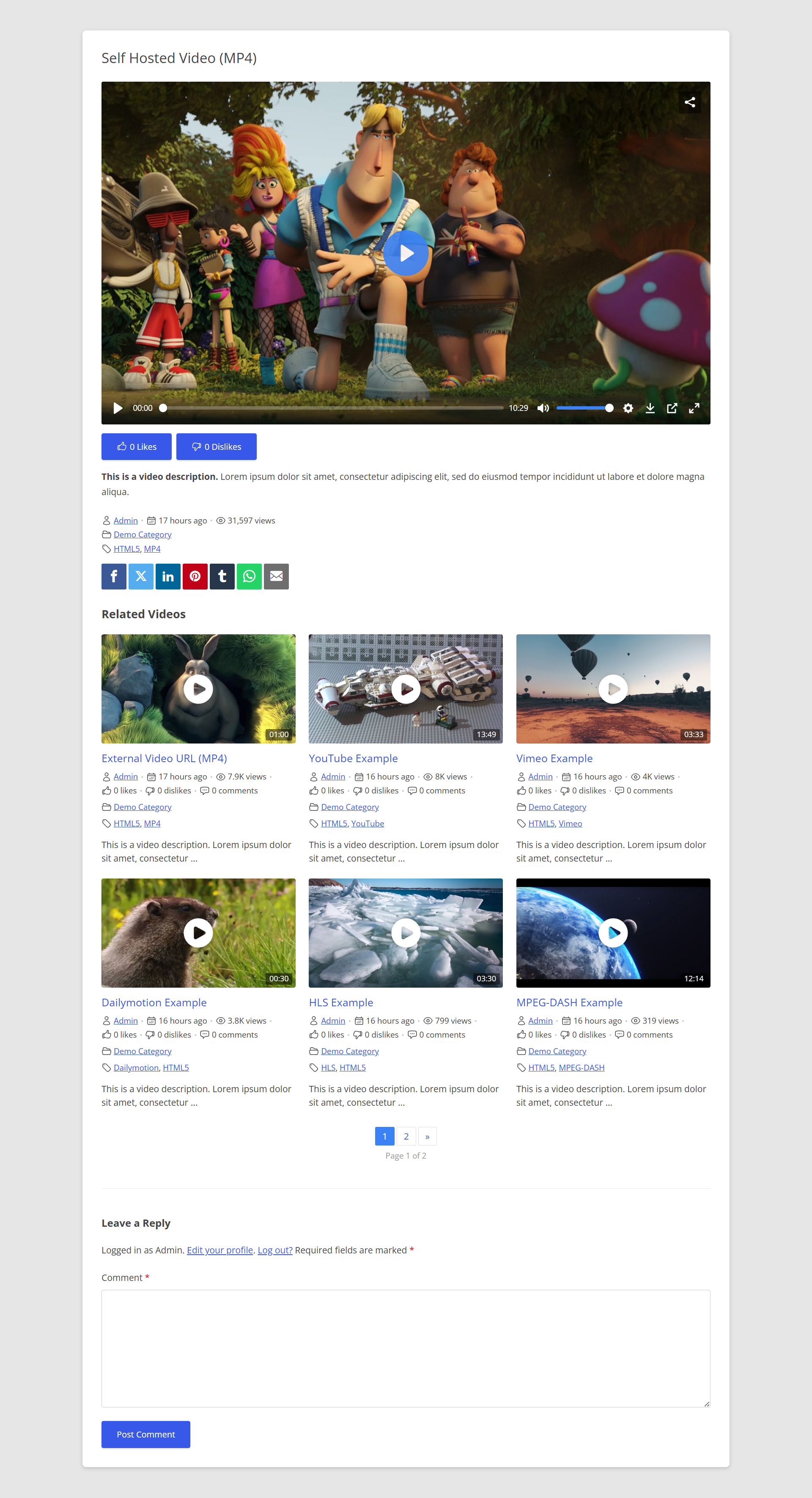
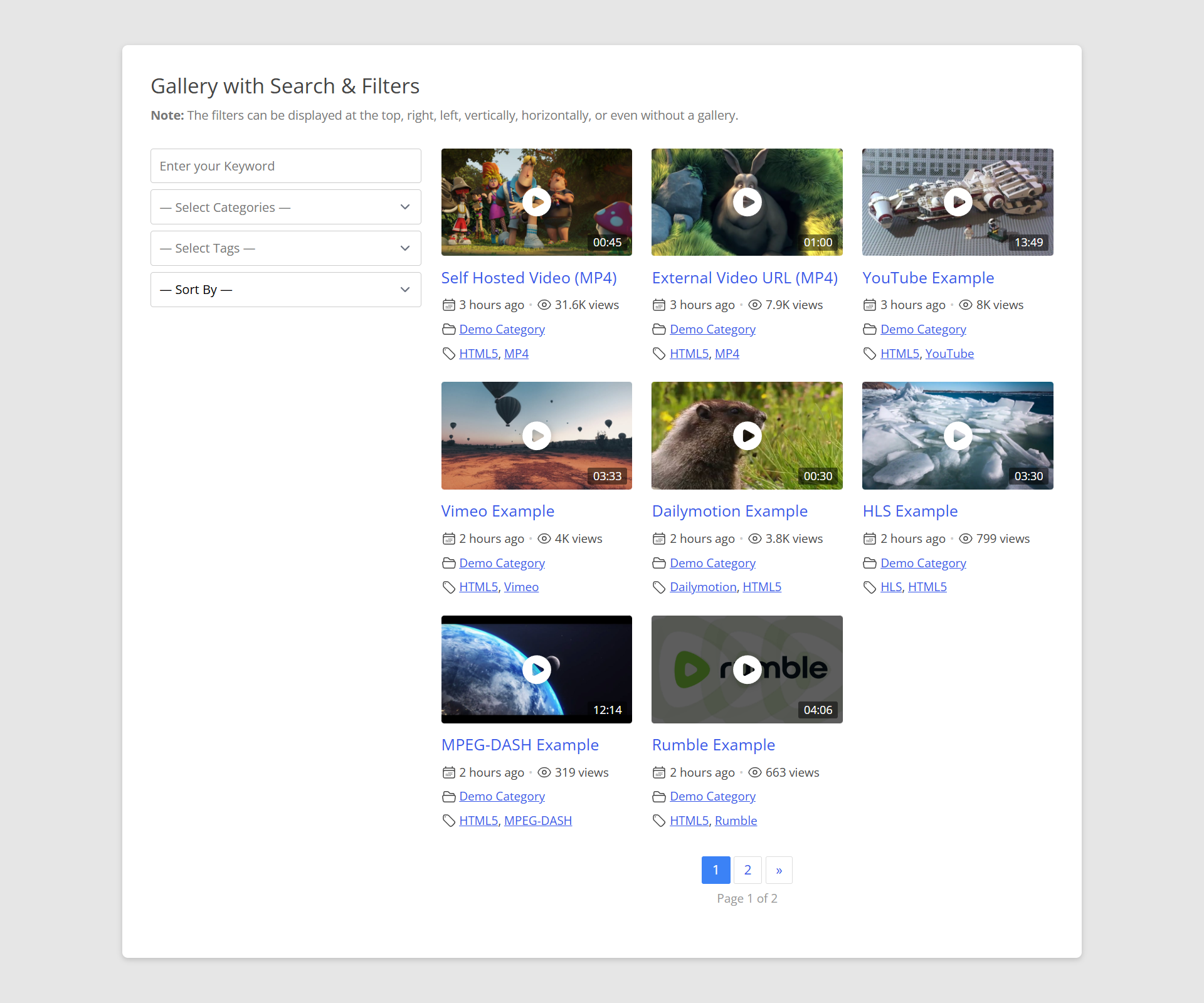
Changelog
5.2.0
- Tweak: PHP 7.4 or later is now required.
- Tweak: Code updated to the latest WordPress.org plugin guidelines and coding standards, with stricter escaping and input sanitization throughout.
- Tweak: The shortcode builder now opens in a native dialog, and libraries used only by premium features are no longer bundled with the free plugin.
- Tweak: The “Video Gallery” admin menu now appears below “Comments”.
- Tweak: Developers – the
the_aiovg_*template tags are deprecated, replaced byaiovg_the_*; thethe_aiovg_socialshare_buttonsfilter is replaced byaiovg_socialshare_buttons_html. - Tweak: Developers – Magnific Popup is no longer bundled with the free plugin. Code that used the
all-in-one-video-gallery-magnific-popuphandle should enqueue its own copy. - Fix: With “Remove Data on Uninstall” and “Delete Media Files on Delete” on, uninstalling now also removes imported video files and category images.
- Fix: The “Video Gallery” admin menu stays open on the Categories, Tags, Automations and Playlists screens when Paid Memberships Pro is active.
- Fix: Video pages no longer return a 404 error after the plugin is deactivated and activated again.
- Fix: Views of Dailymotion, Rumble, Facebook and native-controls YouTube/Vimeo videos are no longer counted again on every page reload.
- Fix: Various performance and security improvements.
5.1.1
- Security Fix: “Unauthenticated Access to Password-Protected Videos via the Player Page and Download Link” issue that was discovered by Karthik Ramakrishnan, and reported responsibly to us by WPScan.
- Tweak: Password-protected videos hide their description and excerpt, show a password message instead of the trailer, and a lock icon in galleries.
- Fix: Video details did not save on sites using the Groups plugin.
5.1.0
- Security Fix: “Authenticated (Subscriber+) Stored Cross-Site Scripting via ‘image’ Post Meta via XML-RPC” issue that was discovered by Kevin Whelan, and reported responsibly to us by Patchstack.
- Security Fix: “Authenticated (Subscriber+) Stored DOM-Based Cross-Site Scripting via ‘track’ Post Meta ‘label’ Field” issue that was discovered by jiahao, and reported responsibly to us by Wordfence.
- Security Fix: “Unauthenticated Post Meta Update via ‘aiovg_update_views_count’ AJAX Action” issue that was discovered by Naoki Kawahigashi, and reported responsibly to us by WPScan.
- Tweak: Only Administrators can set video fields through XML-RPC custom fields.
- Tweak: Premium – Only Administrators can create and edit automations.
- Fix: “Remove Data on Uninstall” now also deletes the email leads table, likes, export files and other leftover plugin data.
- Fix: Various security improvements.
5.0.0
- Security Fix: “Authenticated (Subscriber+) Stored Cross-Site Scripting via YouTube URL” issue that was discovered by beopseong.kim, and reported responsibly to us by Patchstack.
- Security Fix: “Authenticated (Contributor+) Stored Cross-Site Scripting via ‘more_link’ Shortcode Attribute” issue that was discovered by Wordfence PRISM, and reported responsibly to us by Wordfence.
- Security Fix: “Authenticated (Subscriber+) Stored Cross-Site Scripting via ’embedcode’ Post Meta via XML-RPC” issue that was discovered by poiri3r, and reported responsibly to us by Wordfence.
- Security Fix: Draft, pending and private videos could be played through the player page URL.
- Tweak: Subscribers and Contributors can no longer publish videos through XML-RPC or the REST API. The front-end video submission form is unaffected.
- Tweak: The “Watch on Dailymotion” button is now a neutral link with an external-link icon, over an undimmed poster.
- Tweak: CSV import pre-selects the fields that match the CSV’s column headers, e.g. when importing our own export.
- Fix: PHP 8 fatal error on the single video page of videos added outside the video editor, e.g. through the REST API.
- Fix: Self-hosted videos on AMP pages showed no playback controls.
- Fix: CSV import extracted the ZIP file again for every batch, slowing down large imports.
- Fix: Re-running a CSV + ZIP import created duplicates of the uploaded videos.
- Fix: Video.js did not play YouTube /shorts/ and /live/ links, or youtu.be links ending with a slash.
- Fix: Video.js ignored a YouTube start time unless an end time was also set, and logged an error when both were set.
- Fix: YouTube start times written as 1m30s, or placed first in a youtu.be link, were ignored or misread.
- Fix: Premium – HTML entities such as
&in the video schema’s name and description. - Fix: Social sharing – HTML entities in shared titles, and Pinterest image URLs with query strings.
- Fix: The Email share button was missing from the player in JavaScript mode.
- Fix: Blocks – a quote or square bracket in a block setting broke the block’s output.
- Fix: Blocks – category and tag lists were empty in the editor for users other than Administrators.
- Fix: All Videos – sorting by the ID column did not work.
- Fix: PHP 8.4 and 8.5 deprecation notices.
- Fix: Various performance and security improvements.
4.9.7
- New: Dailymotion Player ID setting, now required by Dailymotion to embed videos. Without it, videos show a “Watch on Dailymotion” link.
- Tweak: Premium – The User Dashboard, Video Form and playlist pages are now “noindex” and left out of sitemaps, as visitors see only a login form.
- Tweak: Developers – added the
aiovg_object_id,aiovg_ajax_url,aiovg_page_path,aiovg_page_rewrite_basesandaiovg_private_page_idsfilters. - Tweak: Developers –
aiovg_get_playlist_image()is deprecated. Useaiovg_premium_get_playlist_image()instead. - Tweak: Updated Freemius SDK to version 2.13.5.
- Fix: Dailymotion videos showing “Forbidden”.
- Fix: Dailymotion short links (dai.ly) and URLs with extra parameters were not recognised.
- Fix: Rumble videos now start after accepting cookie consent or email capture, instead of needing another click.
- Fix: “Automatically Show Subtitles” now controls YouTube captions – they could turn on while it was disabled, and did not turn on while it was enabled. Thanks to Studio Passionlab.
- Fix: CSV import – an “Access Control” value of 0 (Everyone) was imported as Global.
- Fix: With Plyr.js, a JavaScript error when the player had no video to play, e.g. a widget set to the latest video on a site with none.
- Fix: Featured images were not downloaded from image URLs that redirect, e.g. GitHub release links.
- Fix: WPML compatibility issues.
- Fix: Polylang compatibility issues.
- Fix: Canonical URLs, titles and breadcrumbs of category, tag, user, playlist and paginated pages, with or without Yoast SEO or Rank Math.
- Fix: Deleting a video removed its Bunny Stream videos even with “Delete Media Files on Delete” turned off.
- Fix: Pagination links now end with a slash, avoiding a redirect.
- Fix: Various minor bug fixes and performance improvements.
4.9.5
- New: Paid Memberships Pro support – membership-restricted videos play only for members in every player, including for admins without a level.
- New: Email & Lead Capture – choose whether the form is enabled on all videos by default or on individual videos only.
- New: Email & Lead Capture – “Display Frequency” setting to control how often the form is shown, and a “Logged-in Users” option.
- New: Email & Lead Capture – Lead Notifications, emailed to a site-wide address, a per-video address, or the video’s author.
- New: Developers – added the
aiovg_email_capture_lead_savedaction and several email capture filters. - Tweak: Trailers are easier to find – the “Access Control” settings tab is now “Access & Trailers”, and the video form has separate “Restrictions” and “Trailer / Teaser” tabs.
- Tweak: Trailers – the player badge is now always visible and separate from the logo, and becomes a button when the trailer ends.
- Tweak: Developers – the email capture rate limit is now per video, with a new site-wide limit (
aiovg_email_capture_rate_limit_global). Theenable_email_capturesetting can now also be2. - Tweak: Developers – new
aiovg_restricted_message_htmlfilter for the restricted video markup, plusaiovg_the_content_in_the_loopandaiovg_the_content_is_main_queryfor themes that render content outside the main loop. - Tweak: Developers –
aiovg_premium_send_mail()is deprecated. Useaiovg_send_mail()instead. - Tweak: The default gallery image size on new installations is now “Large”.
- Tweak: Clarified the “Enable Featured Images” and “Download External Images” setting descriptions.
- Tweak: The video description editor now shows a placeholder, and the guided tour points to the “Video” box for adding the video.
- Fix: With JavaScript initialization and Plyr.js, a player could fail to load after an email was submitted on another player.
- Fix: Yoast SEO and Rank Math breadcrumbs on single video pages did not include the custom Video Archive Page.
- Fix: Yoast SEO – breadcrumb schema was missing on the category, tag and user videos pages, and category pages had no Open Graph image.
- Fix: Yoast SEO – PHP warning and wrong canonical URL on the user videos page for a non-existent user.
- Fix: Rank Math – breadcrumb schema left out the current category, tag or user, and plugin query parameters could change the SEO data of unrelated pages.
- Fix: Video schema markup exposed the video file URL to visitors who could not watch a restricted video.
- Fix: Downloaded video filenames included the URL’s query string, for example with Bunny Stream signed URLs.
- Fix: PHP warnings on the player for videos saved without a source type, for example after “Edit with Elementor”.
- Fix: Video ads failed to load when the player was embedded on another website or previewed in the block editor.
- Fix: Various performance and security improvements.
4.9.3
- Fix: WordPress 7.1 compatibility issues.
- Fix: Video Gallery block — the “Tags” filter in the block settings did not save the selected tags.
- Fix: Empty, leftover panels could appear on other post types’ edit screens in some page builders, left behind by meta boxes retired in an earlier version.
- Fix: Various performance and security improvements.
4.9.2
- Security Fix: Two bypasses of the Server-Side Request Forgery protection added in 4.9.0 for the video download (‘vdl’) feature. A download URL on the site’s own hostname but a different port skipped the address check entirely, and a hostname could resolve to a permitted address during validation and a different one when the file was actually fetched (DNS rebinding). The site’s own web ports are now the only ones treated as its own server, and each download request is sent to the exact address that was validated. Both issues were discovered and reported responsibly to us by Mohammed Abd Alrahman.
- New: Premium Automations — added an optional “Published After” date field to the import source settings (YouTube and Vimeo). Videos published before this date are skipped during the import, so an automation can pick up only new content going forward instead of crawling the source’s entire back catalog. Leave the field empty for the previous behavior. For YouTube channel imports, the plugin also stops requesting further API pages once it reaches videos older than the date, and for YouTube search imports the date is passed natively to the YouTube API — both reducing your API quota usage.
- New: Premium Automations — added the
aiovg_import_videodeveloper filter, applied to each video just before it is imported. Modify the video object (title, description, image, and more) or return false to skip the video entirely; skipped videos are counted as “Excluded” in the Import Log. Applies to both YouTube and Vimeo imports, and is reflected on the Preview Import screen. - New: Premium Automations — added the
aiovg_can_import_videodeveloper filter (return true to allow re-importing a video that already exists on the site), replacing the legacycan_import_videohook, which remains supported for backward compatibility. - Tweak: Updated Freemius SDK to version 2.13.4.
- Fix: Premium Automations — when videos were imported as drafts with the “keep the original published date” option enabled, the imported date was lost on publish and reset to the current time. Draft posts now retain the original YouTube/Vimeo publish date when they are published.
- Fix: Premium Automations could occasionally create duplicate video posts when two import runs for the same source (YouTube or Vimeo) overlapped, e.g. when WP-Cron spawned concurrent requests. Each automation now takes an import lock before it runs, with automatic recovery if a run crashes before finishing, so an overlapping run is rescheduled instead of racing the one already in progress. Separate automations are unaffected and still import independently.
- Fix: Restored the close button on the Premium Popup and Slider gallery templates’ video lightbox, based on customer feedback, after it was inadvertently removed in a previous version.
- Fix: Self-hosted videos linked from Dropbox (www.dropbox.com share links) would fail to seek and eventually stop playing in Firefox, due to Dropbox’s download links redirecting to temporary, rate-limited URLs. Dropbox URLs are now automatically converted to their direct-streaming format (dl.dropboxusercontent.com) at playback time, so existing videos keep working without any manual changes.
- Fix: Various performance and security improvements.
4.9.0
- Security Fix: “Authenticated (Subscriber+) Server-Side Request Forgery via ‘vdl’ Parameter” issue that was discovered by “KoreaInfoSec – Korea University”, and reported responsibly to us by Wordfence.
- Tweak: Updated Freemius SDK to version 2.13.2.
- Fix: Categories grid layout did not respect the configured “Order By” / “Order” settings when a third-party custom term ordering plugin was active.
- Fix: Various performance and security improvements.
EARLIER VERSIONS
For the changelog of earlier versions, please refer to the changelog on plugins360.com.