


Description
The #1 No-Code Animated Text Block Plugin – Trusted by 4000+ Websites Worldwide
Animated Text Block | Documentation | Pricing | Support | Demo
Animated Text Block is a dynamic and customizable plugin that brings to your website content to life with stunning text animations. Easily create eye-catching headlines, catchy slogans, or dynamic messages with powerful animation controls, multiple themes, and unique effects. Perfect for grabbing attention and enhancing user engagement on your WordPress site.
Features
- Loop: Enable/Disable loop for the animation.
- Animate in: Apply animate effect in character or word.
- In Effect: Apply effect when content enters the view.
- Our Effect: Apply effect when content is out from the view.
- Style: Apply the style for text. Such as Background, Typography, Color, Padding, and Border.
- Quick Style Options: Instantly switch between predefined styles to update the animated text appearance.
Upgrade to [Animated Text Block] Pro and unlock powerful features to enhance your experience!
🚀 Pro Features
- Multiple Themes: Choose from a variety of pre-designed themes for unique text animations.
- Advanced Animations: Apply smooth and dynamic animations to your text for a more engaging presentation.
- Shortcode Support: Easily embed animated text anywhere using shortcodes.
- Custom Fonts & Styles: Choose from a wide range of fonts, colors, and text styles to match your brand.
- Max-Width Layout: Control the maximum width for optimal text display.
- Text Shadow: Add depth and contrast with customizable text shadows.
- Animation Speed: Fine-tune the speed of text animations for better effects.
- Perspective Depth: Enhance 3D effects with adjustable perspective depth.
- Enable Oscillation: Add dynamic motion with oscillating text effects.
- Auto Repeat: Automatically loop animations for continuous display.
- Repeat Delay Timing: Control the delay before repeating animations.
- Animation Effects: Access premium animation styles for stunning visuals.
- Random Color: Apply randomized colors for a vibrant animated text look.
- More Layouts & Effects: Get exclusive text layouts and stunning effects for creative designs.
- **Prefix Content: Adds text before the animated content for better context and structure.
- **Suffix Content: Adds text after the animated content to complete the message or highlight details.
- **Multiple Animated Sentences: Allows you to display and animate multiple text lines in sequence.
- Highlight Style: 20 hand-drawn SVG shapes that draw themselves around your text, with solid or gradient colours, loop and position options.
- Text Scroll Style: Text lights up or unmasks line by line as you scroll, with 4 effects (vertical/horizontal highlight and mask).
- Modern Effects Style: 7 effects – Blur In, Scramble, Shiny Sweep, Line Mask, Glitch, Rotating Words and Number Count-Up.
- Trigger & Playback: Start on page load, scroll into view, hover, click or scroll scrub, with viewport offset, start delay, play once or every time, letter/word stagger, and pause when off-screen or when the tab is hidden.
- Priority Support: Get fast and dedicated support for any issues or questions.
- Updates: Stay ahead with new features and improvements in every update.
How to use
- First, install the Animated Text Block plugin
- Add the Animated Text block from the block category called “Widgets” in the Gutenberg editor.
- You can change block settings from the right-side settings sidebar.
-
Enjoy!
-
For Installation help click on Installation Tab
Feedback
- Did you like this plugin? Dislike it? Do you have a feature request? Please share your feedback with us
⭐ Check out the Parent Plugin of this plugin-
🔥 B Blocks – Best gutenberg blocks collections for WordPress.
⭐ Check out our other WordPress Plugins-
🔥 Html5 Audio Player – Best audio player plugin for WordPress.
🔥 Html5 Video Player – Best video player plugin for WordPress.
🔥 PDF Poster – A fully-featured PDF Viewer Plugin for WordPress.
🔥 Document Embedder – Best WordPress Document Embedder Plugin.
🔥 3D Viewer – Display interactive 3D models on the webs.
🔥 Advanced Post Block – Best Post Display Plugin for WordPress.
Third-Party Libraries
This plugin uses the following third-party libraries:
- GSAP 3.15 (including the SplitText and ScrambleText plugins) – Standard “No Charge” GSAP License – https://gsap.com/standard-license (bundled in the
build/files, powers the animation styles and effects). - Textillate.js with Lettering.js – MIT License (bundled at
public/js/jquery.textillate.min.js). - Animate.css – MIT License (bundled at
public/css/animate.min.css). - Font Awesome Free 6.4.2 – Icons: CC BY 4.0, Fonts: SIL OFL 1.1, Code: MIT License (bundled at
assets/css/font-awesome.min.cssandassets/webfonts/).
bpl-tools
- Source / GitHub: https://github.com/bPlugins/bpl-tools
- License: GPL-2.0-or-later – https://www.gnu.org/licenses/gpl-2.0.html
- Purpose: Shared utility library providing admin dashboard components and common Gutenberg editor controls.
- External Services: The library may connect to bPlugins, WordPress.org, and Freemius services for product data and checkout functionality. See full details: https://github.com/bPlugins/bpl-tools#external-requests–why-they-are-made
As the external service functionality is handled by bpl-tools as a third-party library, the following services are utilized:
bPlugins API
- Service URL: https://api.bplugins.com
- Purpose: The plugin’s admin dashboard fetches product comparison data and pricing information to display relevant upgrade options and feature details.
- Data Sent: Only the plugin slug is transmitted; no personal or site data is collected.
- Terms of Service: https://bplugins.com/terms-of-service/
- Privacy Policy: https://bplugins.com/privacy-policy/
WordPress.org Plugins API
- Service URL: https://api.wordpress.org/plugins/info/1.2/
- Purpose: The admin dashboard queries the official WordPress.org Plugins API to retrieve and display a curated list of other plugins by the same author (“Our Plugins” section).
- Data Sent: Plugin slugs and author name; no personal or site data is collected.
- Terms of Service: https://wordpress.org/about/tos/
- Privacy Policy: https://wordpress.org/about/privacy/
Freemius API
- Service URL: https://api.freemius.com
- Purpose: Handles license activation, premium feature verification, update checks, and opt-in telemetry for both free and pro versions.
- Data Sent: Site URL, admin email, license keys, and version numbers.
- Terms of Service: https://freemius.com/terms/
- Privacy Policy: https://freemius.com/privacy/
Installation
From Gutenberg Editor:
- Go to the WordPress Block/Gutenberg Editor
- Search For Animated Text Block
- Click on the Animated Text block to add the block
Download & Upload:
- Download the Animated Text Block plugin (.zip file)
- In your admin area, go to the Plugins menu and click on Add New
- Click on Upload Plugin and choose the
animated-text-block.zipfile and click on Install Now - Activate the plugin and Enjoy!
Manually:
- Download and upload the Animated Text Block plugin to the
/wp-content/plugins/directory - Activate the plugin through the Plugins menu in WordPress
FAQ
Is Animated Text Block free?
Yes, Animated Text Block is a free Gutenberg block plugin.
Does it work with any WordPress theme?
Yes, it will work with any standard WordPress theme.
Can I change block settings?
Yes, you can change block settings from the Gutenberg block editor’s right sidebar.
How many times can I reuse a block?
You can use unlimited times as you want.
Where can I get support?
You can post your questions on the support forum here
Screenshots
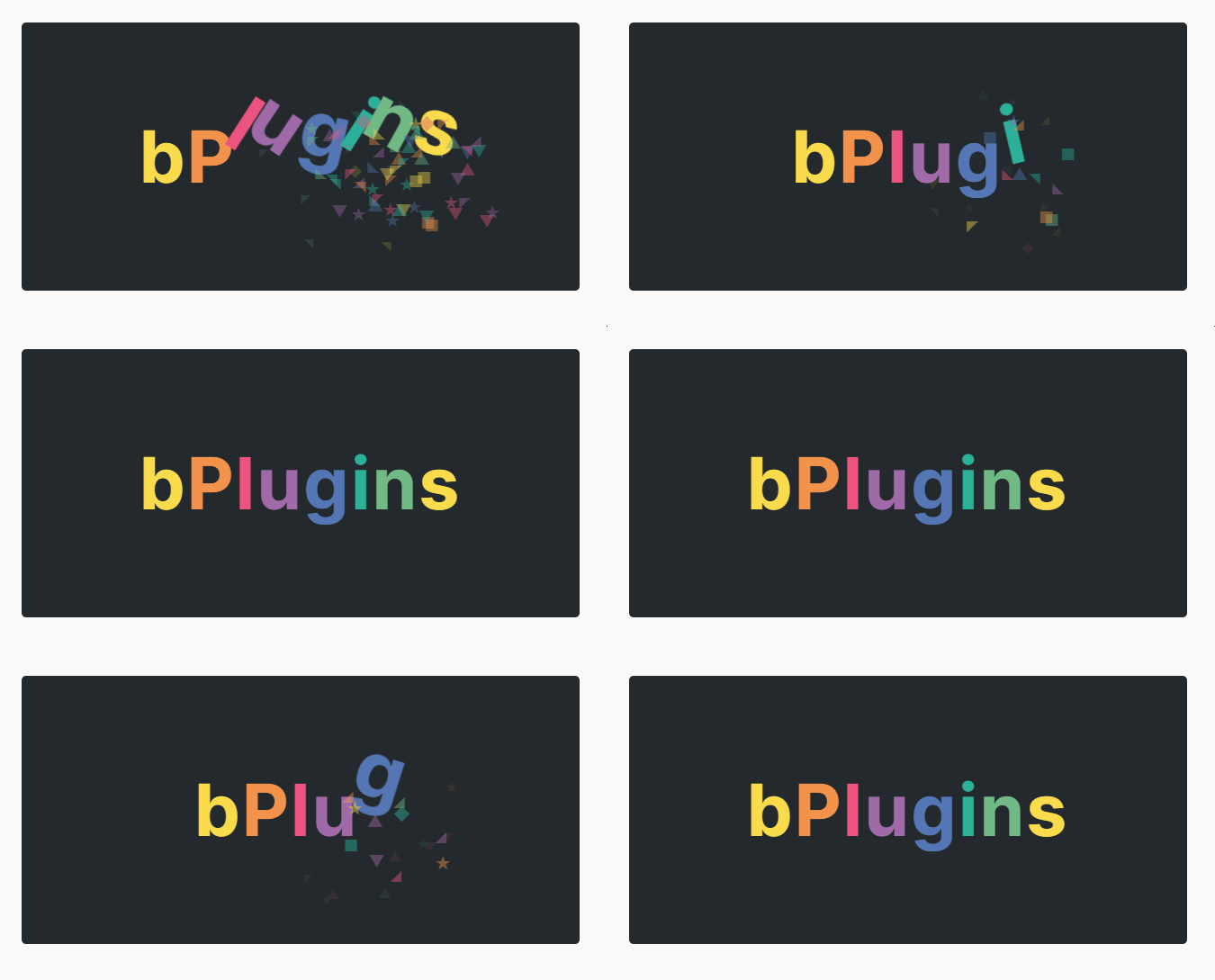
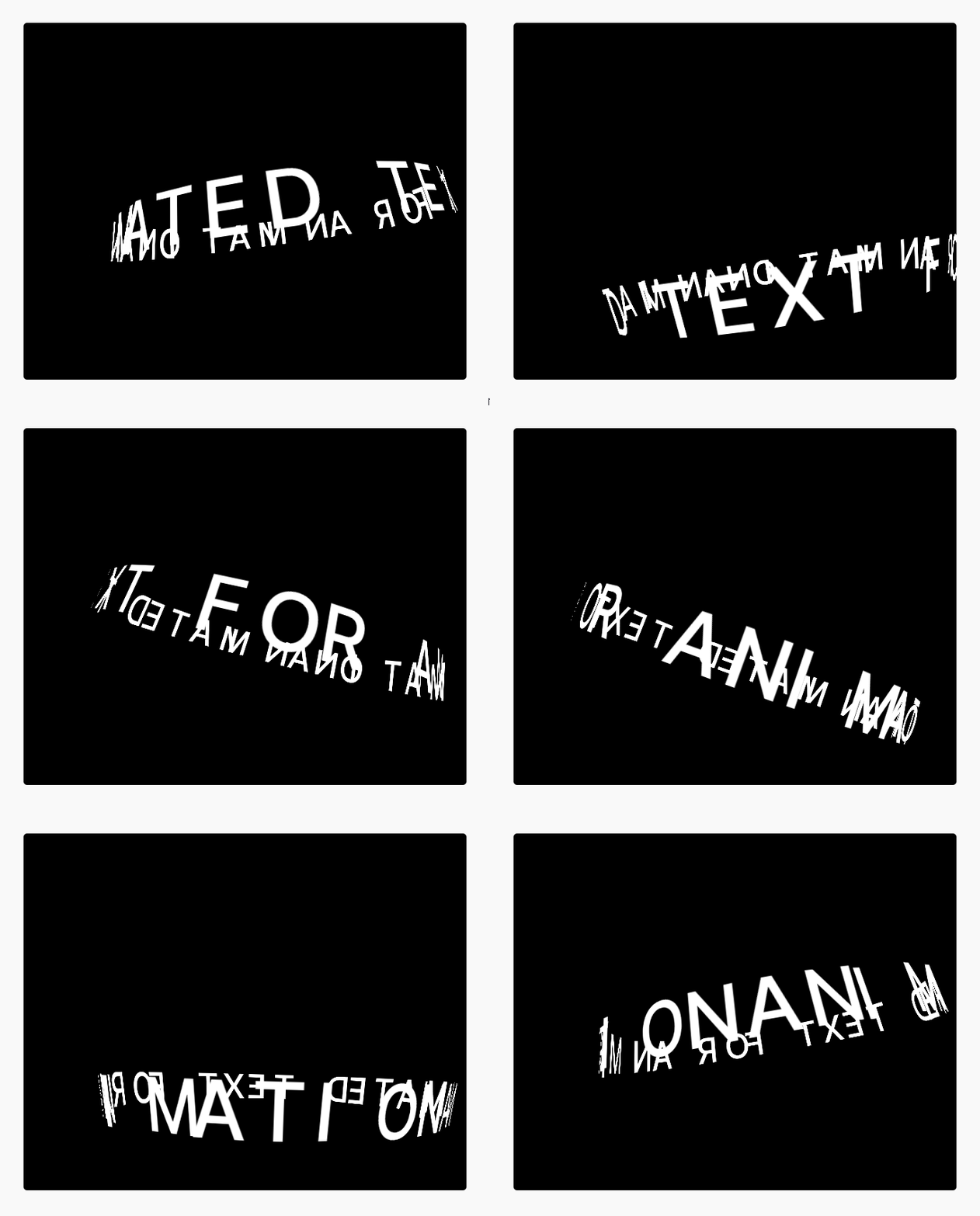


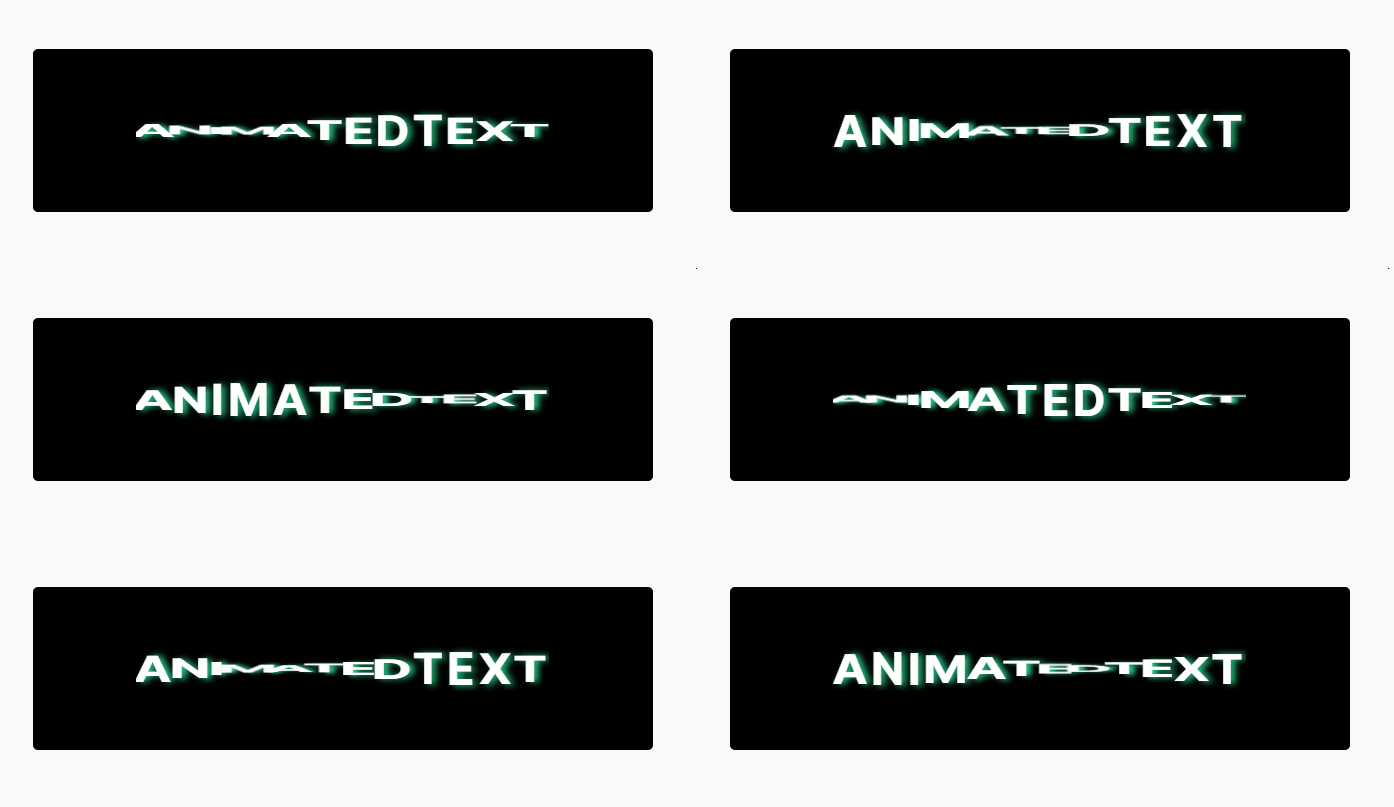

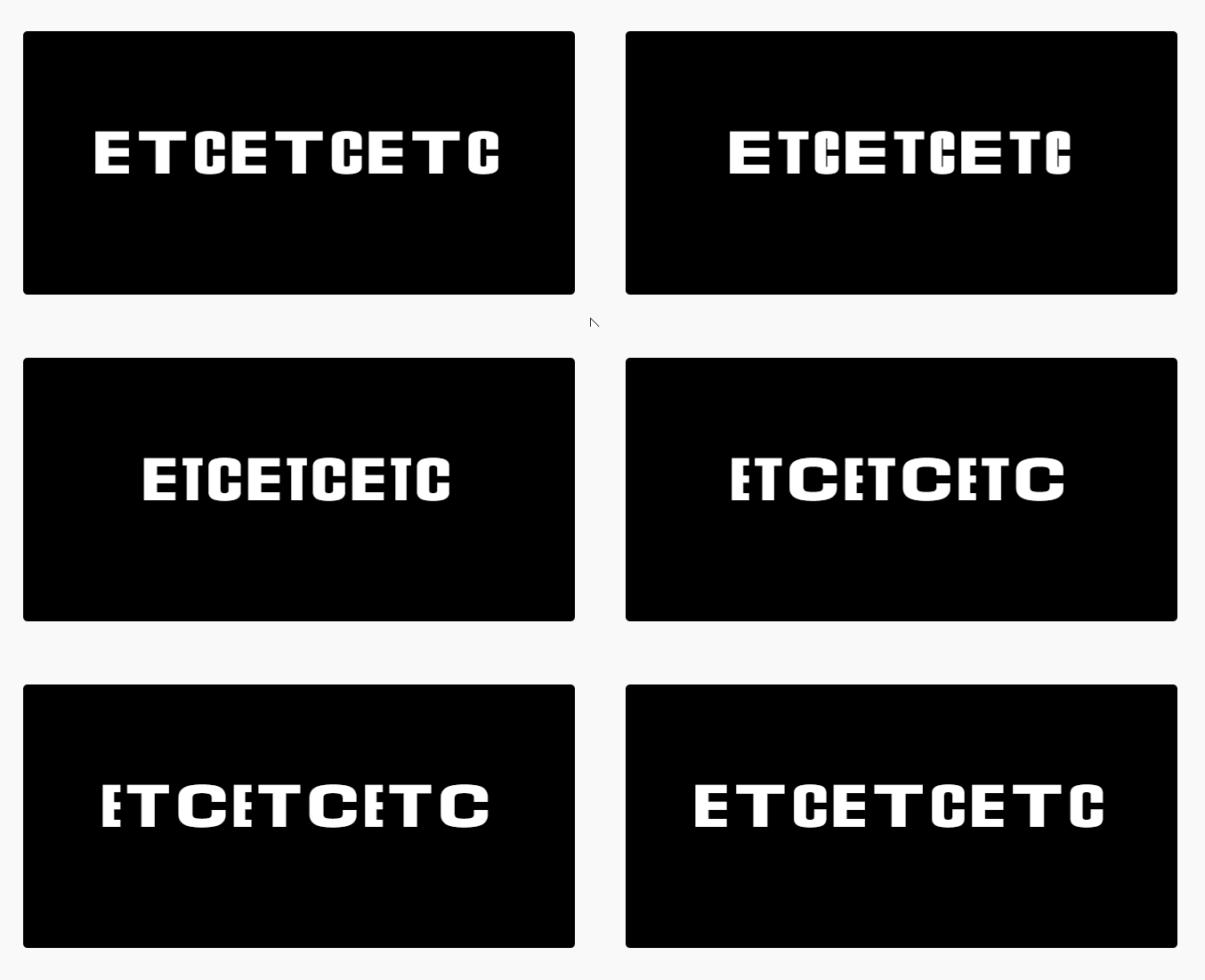

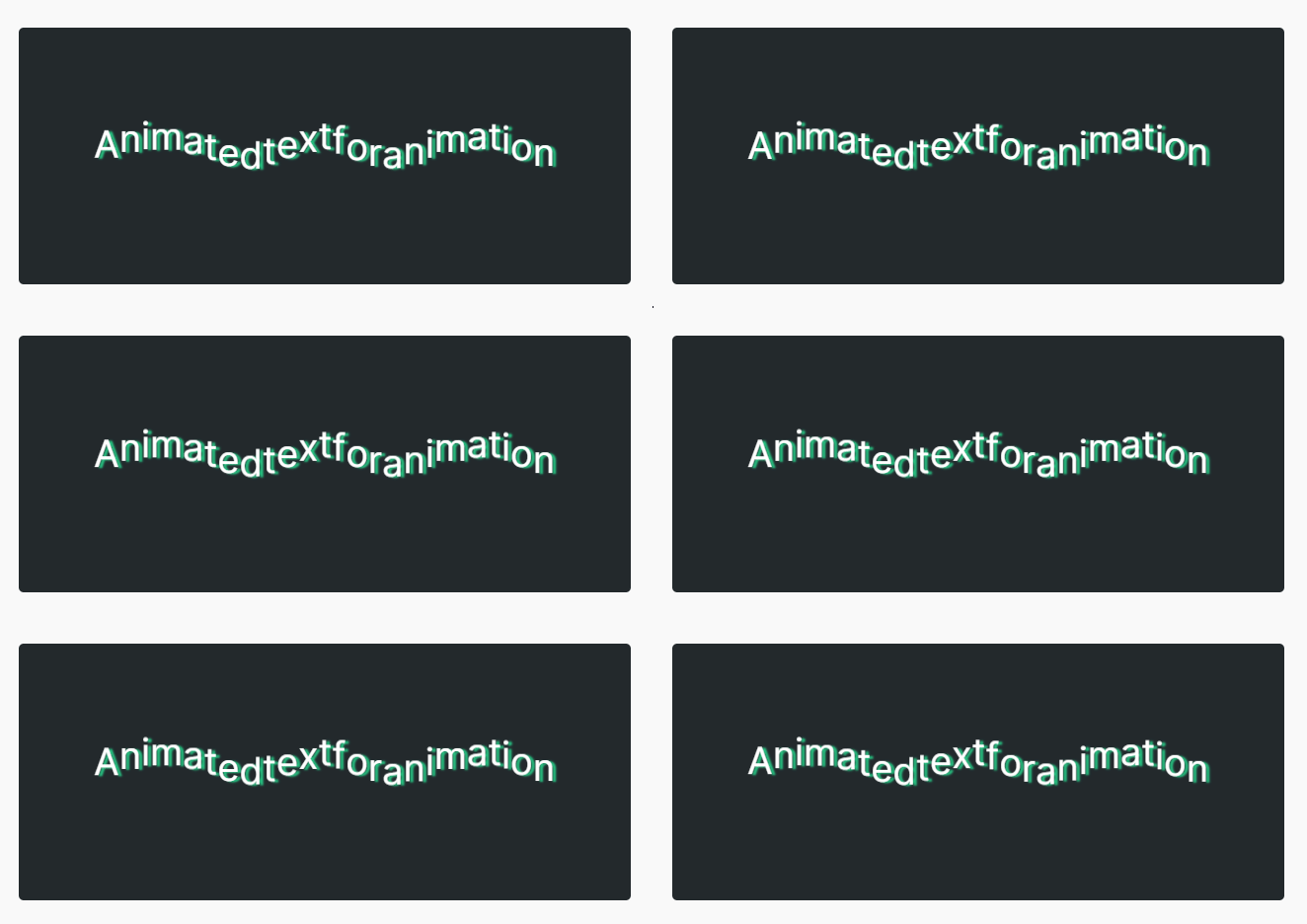


Changelog
1.2.8 – 27 Oct 26
- Update: Added Black Friday & Cyber Monday (BFCM) promotional banner.
1.2.7 – 27 Oct 26
- Security: Fixed missing authorization in [animated-text] shortcode that could expose content of other post types.
1.2.6 – 25 Oct 26
- New: Highlight style (Pro): 20 hand-drawn SVG shapes that draw themselves around your text, with solid or gradient colours, loop and position options.
- New: Text Scroll style (Pro): text lights up or unmasks line by line as you scroll, with 4 effects (vertical/horizontal highlight and mask).
- New: Modern Effects style (Pro): 7 effects (Blur In, Scramble, Shiny Sweep, Line Mask, Glitch, Rotating Words, Number Count-Up).
- New: Trigger & Playback panel (Pro): start on page load, scroll into view, hover, click or scroll scrub. Adds viewport offset, start delay, play once or every time, letter/word stagger, and pause when off-screen or when the tab is hidden.
- New: Replay animation button in the block toolbar and sidebar, plus live preview that replays the animation when a setting changes (editor only, Free and Pro).
- Improved: GSAP updated to 3.15. Effect scripts load only on pages that use them.
- Improved: Replay now works in the editor for all 14 animation styles. Swaying, Axis Wave and Stretch Wave now animate only their own block.
- Improved: Equal 10px spacing between fields in the Animated Text Settings panel.
1.2.5 – 30 March 26
- Fixed: Dashboard license activation issue fixed.
- Update: Freemius sdk latest version added.
1.2.4 – 12 March 26
- Update: ProModal alert import from bpl-tools.
- Fixed: Admin dashboard data set error issue fixed.
1.2.3 – 25 Feb 26
- Update: Added new dashboard implement.
- Update: Dashboard menu item name set the rename.
1.2.2 – 14 Feb 26
- New: Instantly switch between predefined styles to change the animated text appearance.
1.2.1 – 8 Feb 26
- Fixed: Some style customization.
- Update: Pro modal, Pro selector, Pro selector layout rename and upgrade the premium quality designed.
- New: Added prefix, suffix content and add multiple sentence to animate them one by one.
1.2.0 – 15 Jan 26
- Added new information on this modern dashboard
1.1.9 – 15 Nov 25
- Freemius sdk latest version Update
- Demo created for this plugin
1.1.8 – 10 Nov 25
- Support translator issue fixed
1.1.7 – 5 Nov 25
- Update lite sdk version
1.1.6 – 30 Oct 25
- ShortCode Copy issue fixed
1.1.5 – 25 Oct 25
- CSS issue fixed
1.1.4 – 15 Oct 25
- Added a modern dashboard
- Updated freemius sdk
1.1.3 – 25 July 25
- Updated freemius sdk
1.1.2 – 18 Jun 25
- Updated freemius sdk
1.1.1 – 3 March 25
- Updated freemius sdk
1.1.0 – 1 March 25
- Upgrade to pro version
1.0.8 – 20 Feb 25
- Security issue fixed.
1.0.7 – 12 Dec 24
- Fix Color CSS issue.
1.0.6
- Animation starts when visible
1.0.5
- Performance Improvements
1.0.4
- Add translate feature
1.0.3
- Reduce PHP Code
- Performance Improvement
1.0.2
- Reduce PHP Code
1.0.1
- performance improvement
1.0.0
- Initial Release