Description
Anonympins Bot Mitigation with Proof-of-Work is a high-performance, privacy-friendly bot mitigation engine for WordPress. It combines behavioral telemetry, TLS/HTTP2/QUIC transport inspection (JA3, JA4), passive TCP/IP stack analysis, and asynchronous Proof-of-Work (PoW) verification.
Features
- Transparent protection against scrapers, credential stuffers, and inventory scalpers.
- Multi-layered behavioral analysis (mouse, keystrokes, touch dynamics).
- Cryptographic Proof-of-Work challenges (CPU and Memory bound) without third-party CAPTCHA cookies or trackers.
- Prometheus-compatible metrics endpoint for monitoring and observability.
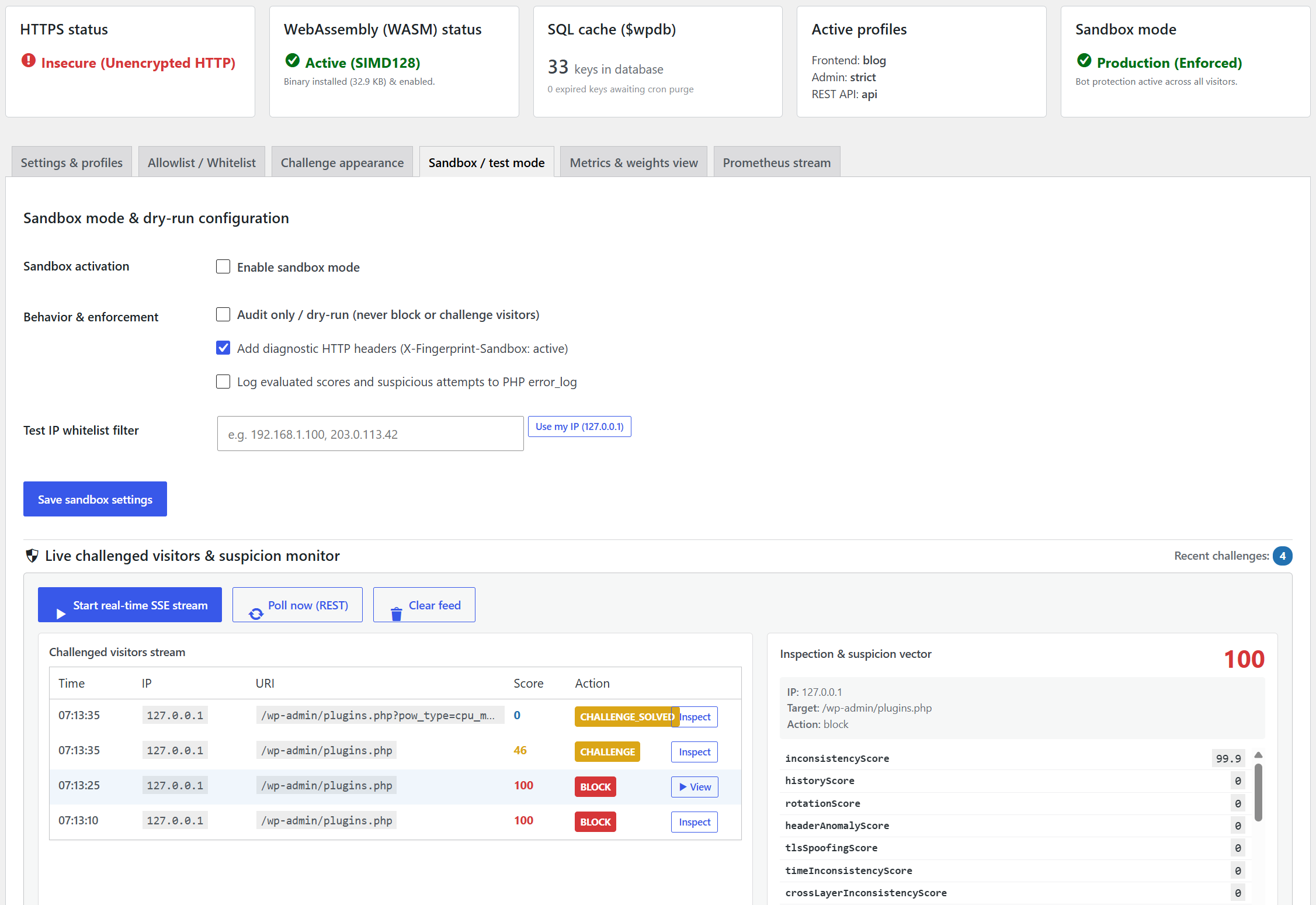
- Dedicated Sandbox / Dry-Run mode with IP targeting for testing without blocking legitimate traffic.
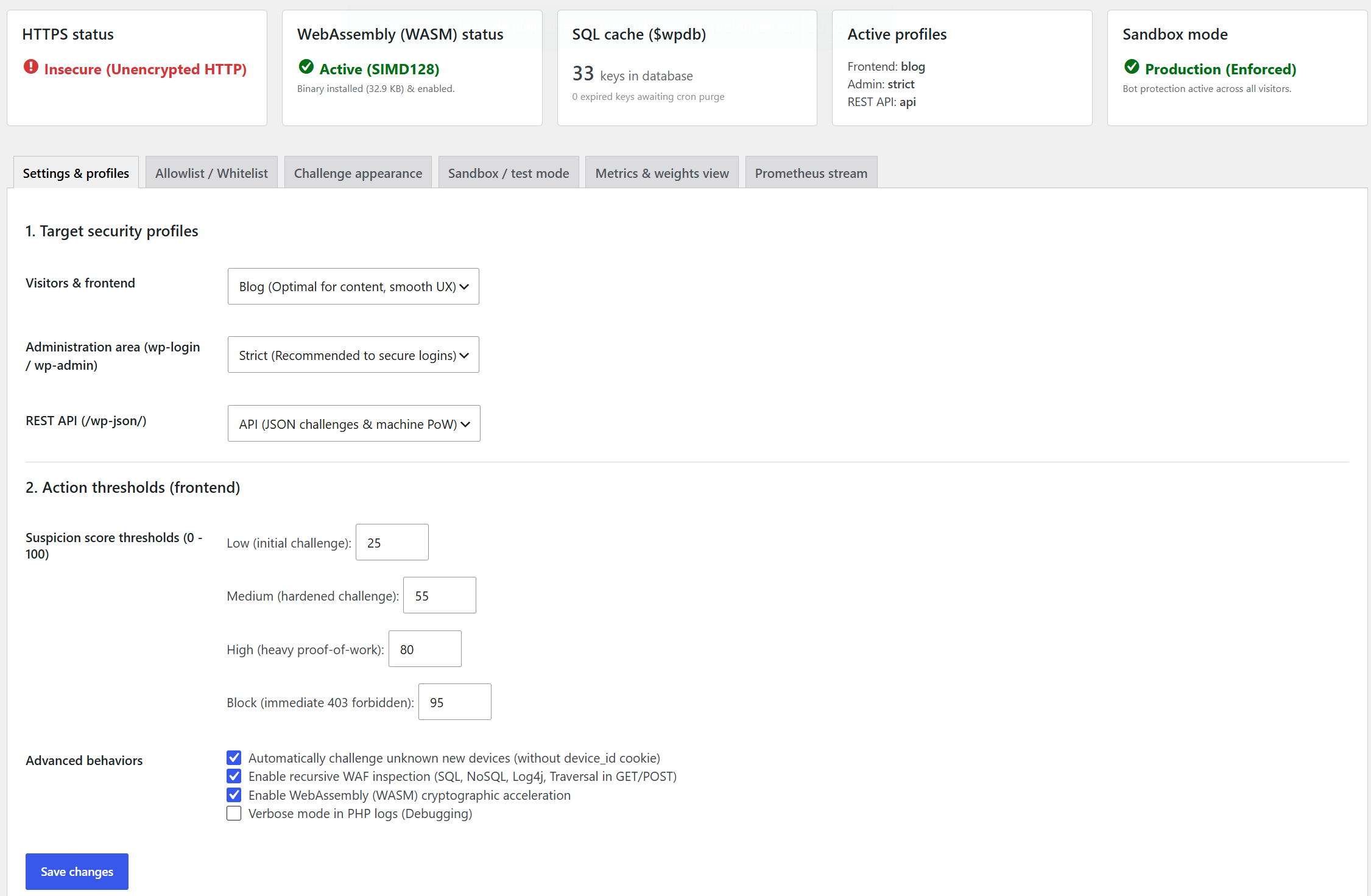
- Tailored security profiles for Frontend, Admin Area (wp-login), and REST API endpoints.
- Real-time suspicion vector inspection via Server-Sent Events (SSE), REST telemetry, and DOM CustomEvents.
Installation
- Upload the plugin files to the
/wp-content/plugins/anonympins-bot-mitigation-powdirectory, or install the plugin through the WordPress plugins screen directly. - Activate the plugin through the ‘Plugins’ screen in WordPress.
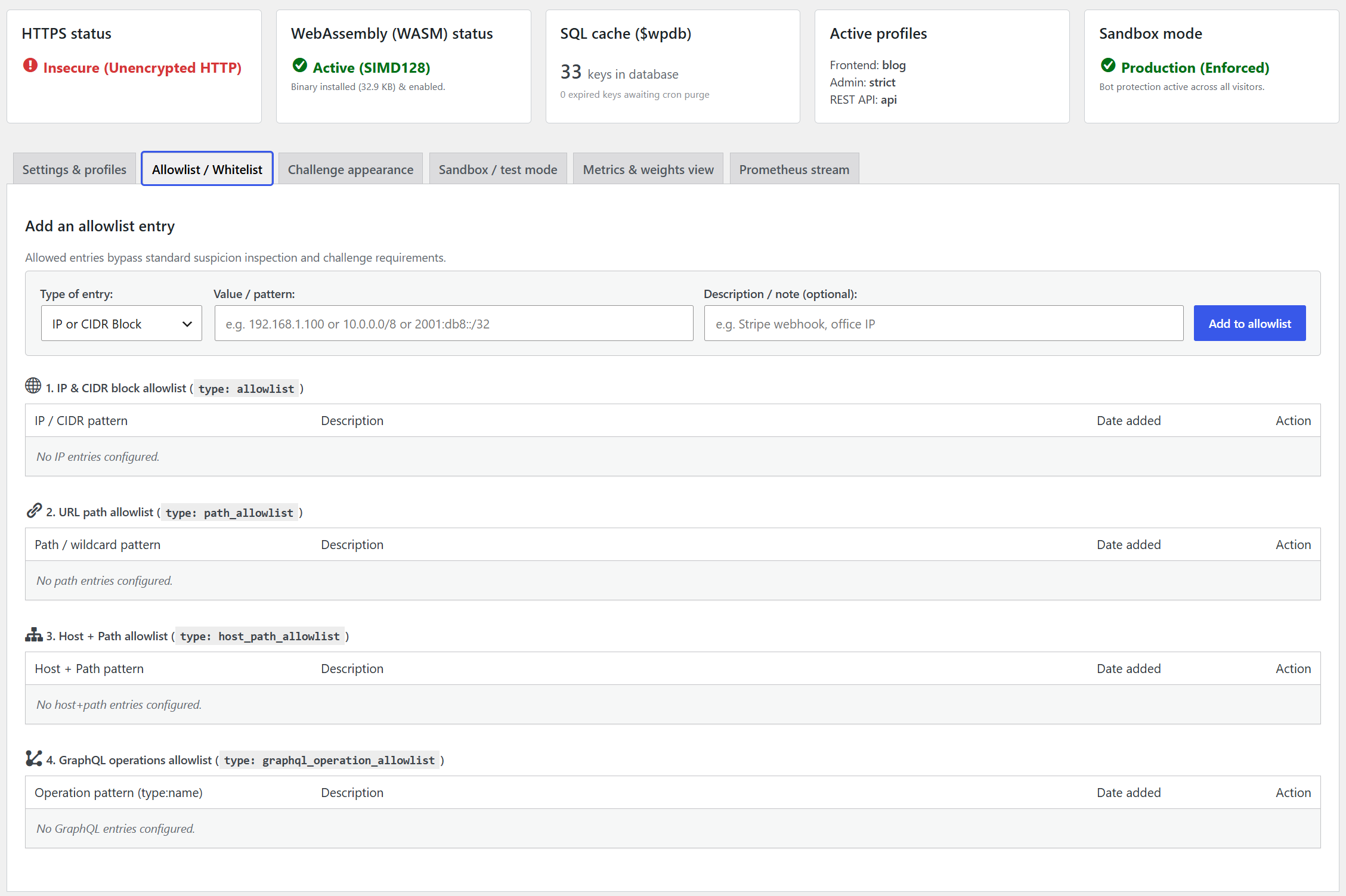
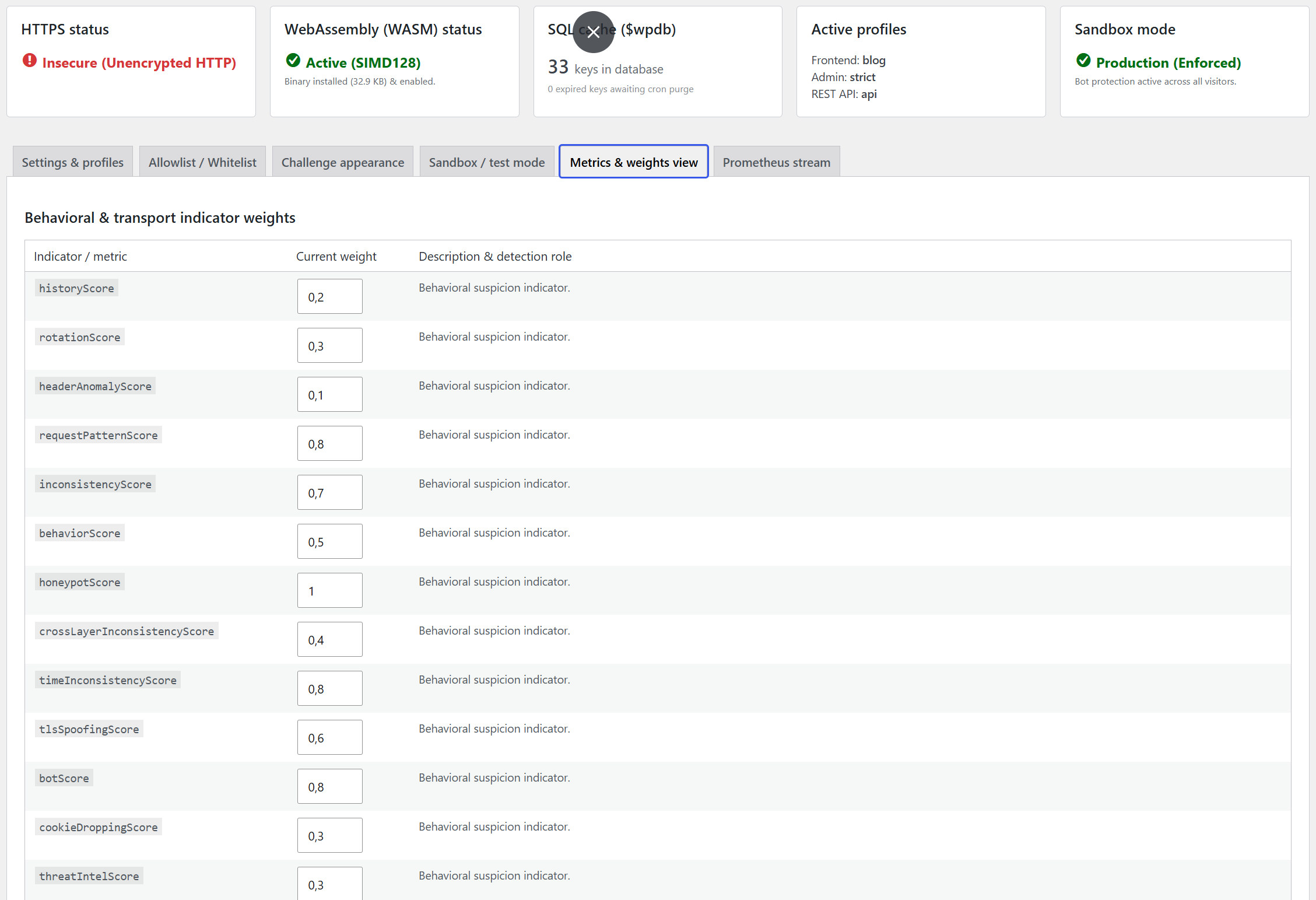
- Navigate to Settings -> Anonympins Bot Mitigation to review security profiles, threshold adjustments, and Prometheus metrics.
FAQ
Does this plugin require an external cloud service?
No. All evaluations, challenges, and validations occur directly on your WordPress server and client browser.
Is HTTPS required?
HTTPS is strongly recommended. Under unencrypted HTTP, modern browsers disable the Web Cryptography API (crypto.subtle), which reduces challenge verification performance.
How do I scrape the Prometheus metrics endpoint?
Metrics can be accessed in standard Prometheus text exposition format via:
1. The REST API endpoint: GET /wp-json/fingerprint/v1/metrics (Requires manage_options permission or a custom authorization callback hooked into the fingerprint_metrics_access filter).
2. Direct path endpoint: GET /metrics (Evaluated in early execution lifecycle; filterable with fingerprint_metrics_authorization).
3. The admin dashboard: Settings -> Anonympins Bot Mitigation -> Prometheus Stream.
How can I monitor incoming request suspicion scores in real time?
Under Settings -> Anonympins Bot Mitigation -> Sandbox / Test Mode, the plugin provides real-time observability interfaces for all challenged visitors across the website:
-
Server-Sent Events (SSE):
GET /wp-json/fingerprint/v1/sandbox/sse
Streams timestamped telemetry objects containingid,timestamp,ip,uri,action,suspicionScore, andsuspicionVectorfor every challenged visitor. -
REST Telemetry Polling:
GET /wp-json/fingerprint/v1/sandbox/telemetry
Returns the latest list and evaluated challenge payloads across all visitors in JSON format. -
Client-side JavaScript event:
Every page emits a DOMCustomEvent('fingerprint:suspicion')and setswindow.__FINGERPRINT_VECTOR__when Sandbox mode is active or when an administrator is authenticated.
Screenshots