
Description
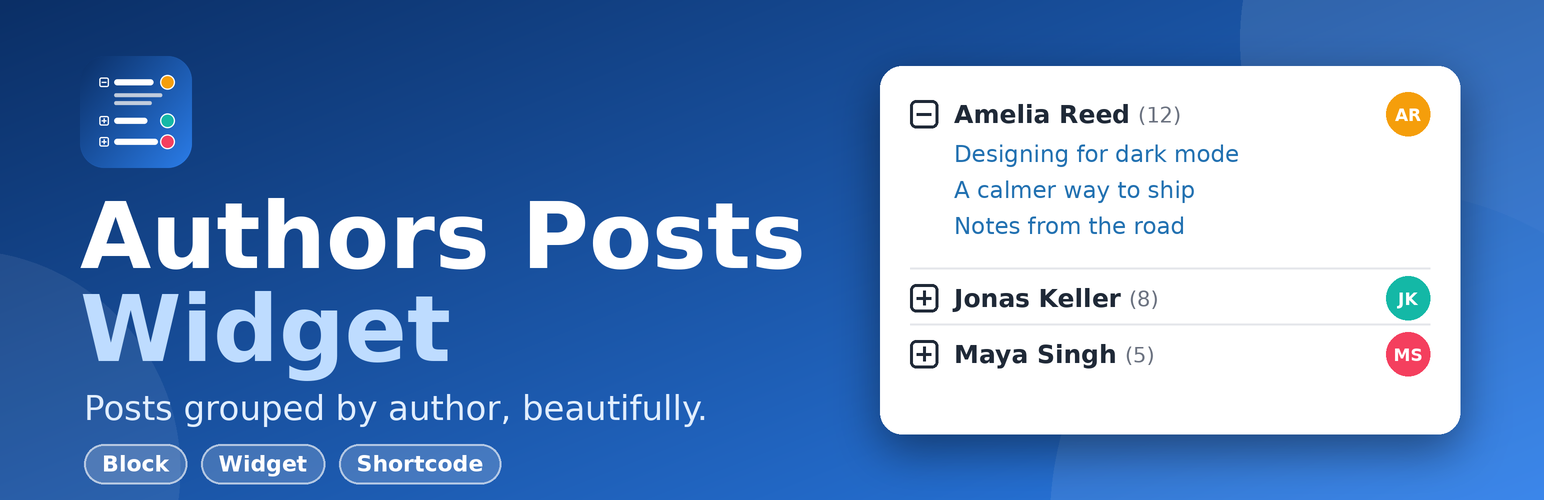
Authors Posts Widget lists your authors and their latest posts in a tidy, collapsible list that works in sidebars, footers, pages and posts. Visitors open an author to see what they have written, with no page reload.
Version 2 is a full rebuild for modern WordPress: a Gutenberg block, a shortcode, the classic widget, faster queries, caching, better accessibility and tighter security.
Features
- Three ways to use it: block, widget (classic and block widget areas) and the
[authors_posts]shortcode. - Collapsible authors built on native HTML
<details>: keyboard friendly, screen-reader friendly and works even when JavaScript is blocked. - Control what is shown: posts per author, excerpts (with length), avatars, post counts, post dates, “View all posts” archive link, expand the first author by default.
- Order and filter: order authors by name or by number of posts, exclude authors by ID.
- Fast: one small set of queries per list, cached automatically and refreshed when posts or users change. Styles load only on pages that show a list.
- Looks right in your theme: colors inherit from the theme (light, dark, block themes), RTL ready, optional link color.
- Secure by default: every input is validated, every output escaped, password-protected excerpts are never shown and only public display names are used.
- Translation ready.
Shortcode
[authors_posts number="3" display_excerpt="true" orderby="post_count" order="DESC"]
Attributes: number, orderby (name, post_count), order (ASC, DESC), exclude, max_authors, display_excerpt, excerpt_length, show_avatar, avatar_size, show_count, show_date, link_author, open_first.
Developers
The list is built from clean filters and actions (for example apw_default_args, apw_query_args, apw_users_args, apw_author_data, apw_post_data, apw_cache_ttl, apw_max_posts_per_author). Cached lists can be cleared from Settings > Authors Posts Widget.
Pro
A Pro add-on is available with accordion and card layouts, live author search, post thumbnails, author bios, post type and category filters, role filters and a “Load more” button. See Settings > Authors Posts Widget > Pro for details.
Installation
- In your admin go to Plugins > Add New, search for “Authors Posts Widget” and click Install Now, then Activate.
- Add it where you want it:
- Block editor: insert the Authors Posts block.
- Widgets: Appearance > Widgets, add Authors Posts to a sidebar.
- Anywhere: use the
[authors_posts]shortcode.
- Optional: Settings > Authors Posts Widget for the link color, stylesheet and cache options.
FAQ
Does it work with block themes and the block widget editor?
Yes. Use the Authors Posts block, or the legacy widget block, which keeps working with widgets you configured before.
I already use the old widget. Will it still work?
Yes. The widget ID and your saved settings are unchanged. New options simply use sensible defaults.
Why do I not see an author?
Only authors with at least one published post are listed. Check the “exclude” setting too.
The list looks different after updating.
Version 2 inherits your theme colors and uses a lighter layout. Custom CSS that targets #apw-authors, .apw-parent or .apw-posts still matches. If you want the old look back, add your own CSS or turn off the plugin stylesheet in the settings.
Can I change how long lists are cached?
Yes: add_filter( 'apw_cache_ttl', function () { return HOUR_IN_SECONDS; } ); Return 0 to disable caching.
Why is the number of posts capped at 100 per author?
To protect your database on very large sites. Developers can change it with the apw_max_posts_per_author filter.
Screenshots


Changelog
2.0.0
- New: Authors Posts block (server rendered, no build step).
- New: [authors_posts] shortcode.
- New: options for post counts, avatars, dates, excerpt length, ordering, excluding authors, author archive link and expanding the first author.
- New: settings page with link color, stylesheet toggle and cache tools.
- New: caching with automatic refresh when posts or users change.
- New: optional Pro add-on support (plug-and-play “pro” folder).
- Improved: accessibility. Authors are now native collapsible sections (keyboard and screen-reader friendly, work without JavaScript).
- Improved: performance. Fewer queries, assets loaded only when needed, jQuery no longer required.
- Improved: the post count now shows the author’s real number of posts, not just the number displayed.
- Improved: excerpts fall back to the beginning of the post when no manual excerpt exists.
- Security: all inputs validated and outputs escaped, public display names used instead of first and last names, no excerpts for password-protected posts, hard limits on authors and posts per list, hardened uninstall routine, no raw SQL.
- Compatibility: tested with WordPress 7.1, requires WordPress 6.0 and PHP 7.4.
- Removed: legacy jQuery script and image icons (replaced by CSS).
1.4.2
- Reorganized and formatted CSS with clearer sectioning and consistent indentation. [25/10/2025]
1.4.0
- Version updated for WordPress. [05/06/2024]
1.3.9
- Version updated for WordPress. [02/05/2023]
1.3.8
- Assets updated.
1.3.7
- Tags updated. [Thanks to Abu Usman]
1.3.6
- UI updated.
1.3.5
- Banner, icon and screenshots updated. [Thanks to Abu Usman]
1.3.4
- Bullets updated and heading tag as well. [Thanks to seanbperiod]
1.3.2
- Three languages added, Spanish, French & German. [Thanks to Abu Usman]
1.3.1
- Sanitized input and fixed direct file access issues.
1.3.0
- Notices and warnings handled and excerpt display feature added.
1.2.0
- Refined file structure.
1.1
- Number of posts to show is provided.