

Description
Back In Stock Notify allows customers to subscribe to stock notifications for out-of-stock products.
Features
- Allow customers to register for stock notifications.
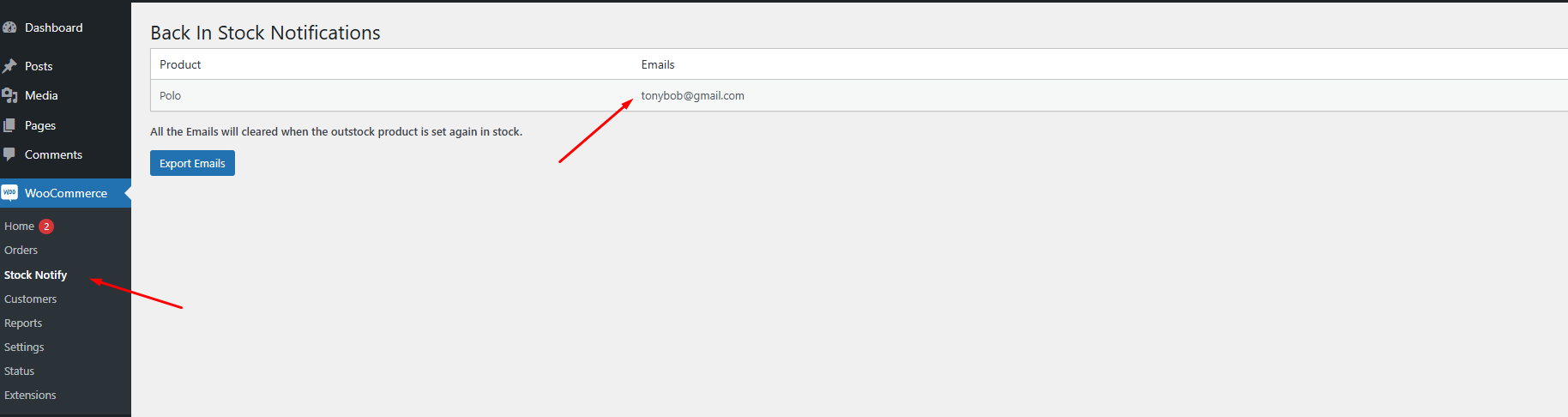
- Manage email subscriptions for each product in the WordPress admin panel.
- Works seamlessly with WooCommerce.
License
This plugin is licensed under the GPLv3 or later. See the License URI for more information.
Installation
- The plugin can be installed from a ZIP file via the WordPress Dashboard.
- Go to Plugins > Add New
- Click “Upload Plugin” at the top
- Upload the back-in-stock-notify.zip file
- Make sure WooCommerce is installed and active.
- Once installed, click “Activate Plugin”
Screenshots


Changelog
1.1.0
- Initial release.