

Description
Download your whole WordPress media library, or part of it, as one ZIP file. A maintained replacement for Export Media Library.
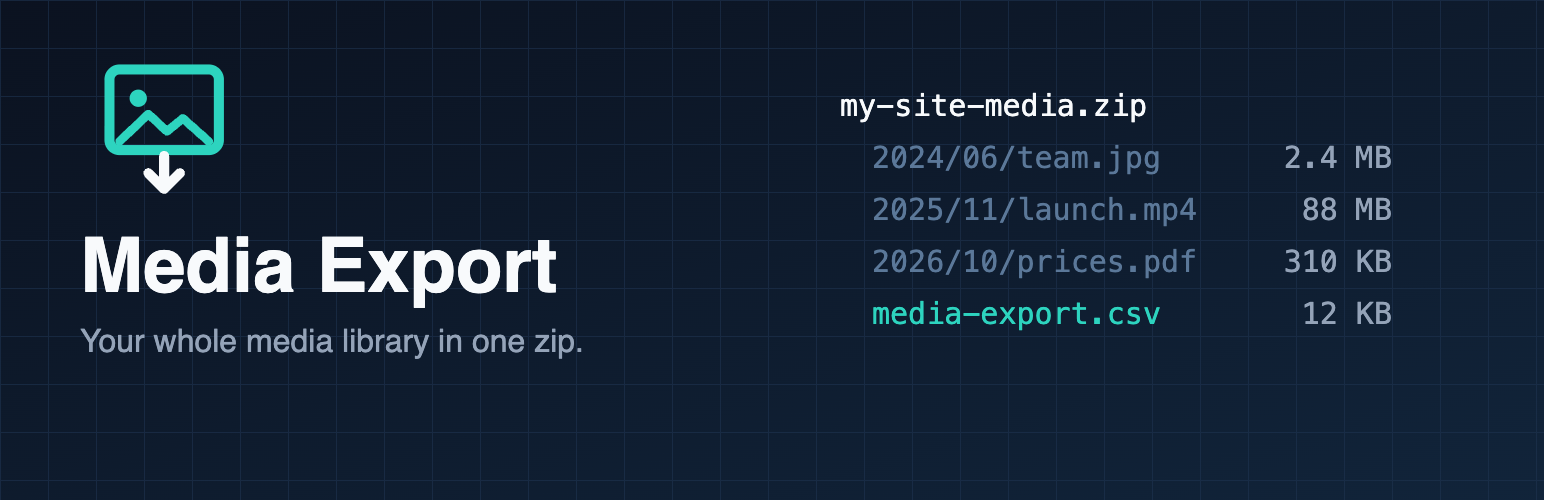
Birim Media Export adds Media > Export. Pick what you want and download one zip file.
- Works on large libraries: the zip streams to your browser while it is built. No temp files, no extra disk space, no waiting for a huge archive before the download starts. Archives over 4 GB or 65,535 files are supported (ZIP64).
- Keep your folders: files keep the year/month folders they have on the server, or put everything in one folder.
- Originals or every size: export the original uploads only, or include the thumbnails and resized copies WordPress generated.
- Filter by file type (images, video, audio, documents) and by upload month, to export in chunks.
- CSV of your metadata:
media-export.csvlists every file with its title, alt text, caption, description, type, date and URL. Cells are escaped so they open safely in spreadsheet apps. - Safe: only administrators can export, every request is checked with a nonce, and only files inside your uploads folder are ever added.
- Lightweight: one file, no libraries, no tracking, no external requests, no ads.
Installation
- Install from Plugins > Add New, or upload the
birim-media-exportfolder to/wp-content/plugins/. - Activate the plugin.
- Go to Media > Export.
FAQ
How do I download all my media files from WordPress?
Go to Media > Export, leave every file type and month selected, and click Download. You get one zip with your files in their year/month folders and a CSV of their titles and alt text.
Who can export?
Users with the export capability: administrators on a single site, and site administrators on multisite.
The download stops on a very large library.
Most hosts allow long downloads, but some cut requests after a fixed time. Export one date range at a time (for example one year), or choose “Images” only.
Are files compressed?
No. Photos, video and audio are already compressed, so compressing again saves almost nothing and makes the export much slower. Files are stored as they are.
My media is on a CDN or S3.
Only files stored in your uploads folder on this server are exported. Offloaded files are skipped.
Does it work on multisite?
Yes. Each site exports its own media library.
Does it import?
No. Use the zip to back up or move files. The CSV lets you restore titles and alt text with any import tool.
I’m moving from Export Media Library.
Birim Media Export has the same job with streaming, filters and the CSV. There are no settings to move: deactivate the old plugin and use Media > Export.
How do I report a security issue?
Please email security@birim.one instead of posting in the forum. See https://birimone.pages.dev/security/ for the full policy.
Screenshots

Changelog
1.0.0
- First release.