


Description
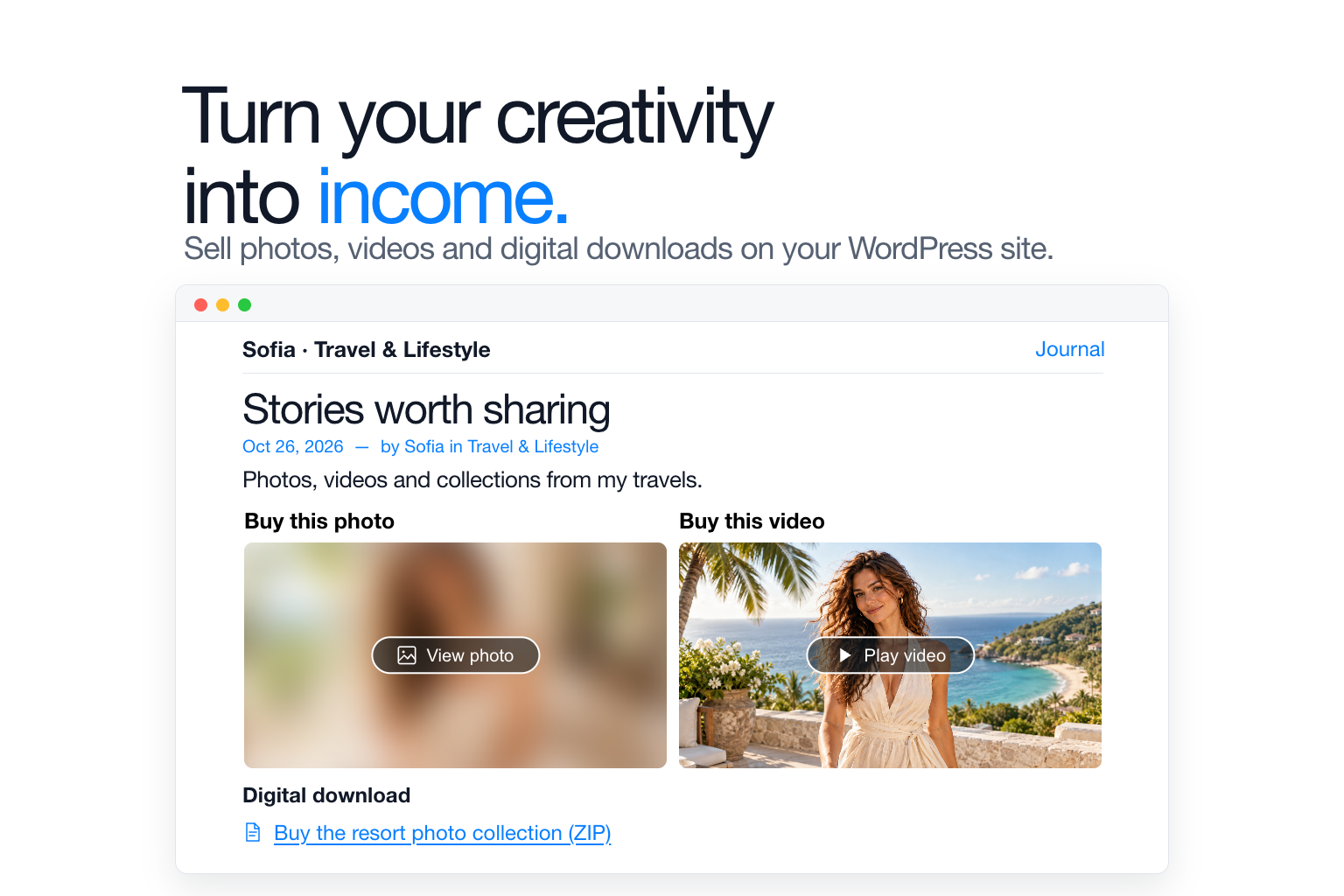
Choose content from Bizify.me and publish it in your WordPress posts and pages, using your own theme and layout.
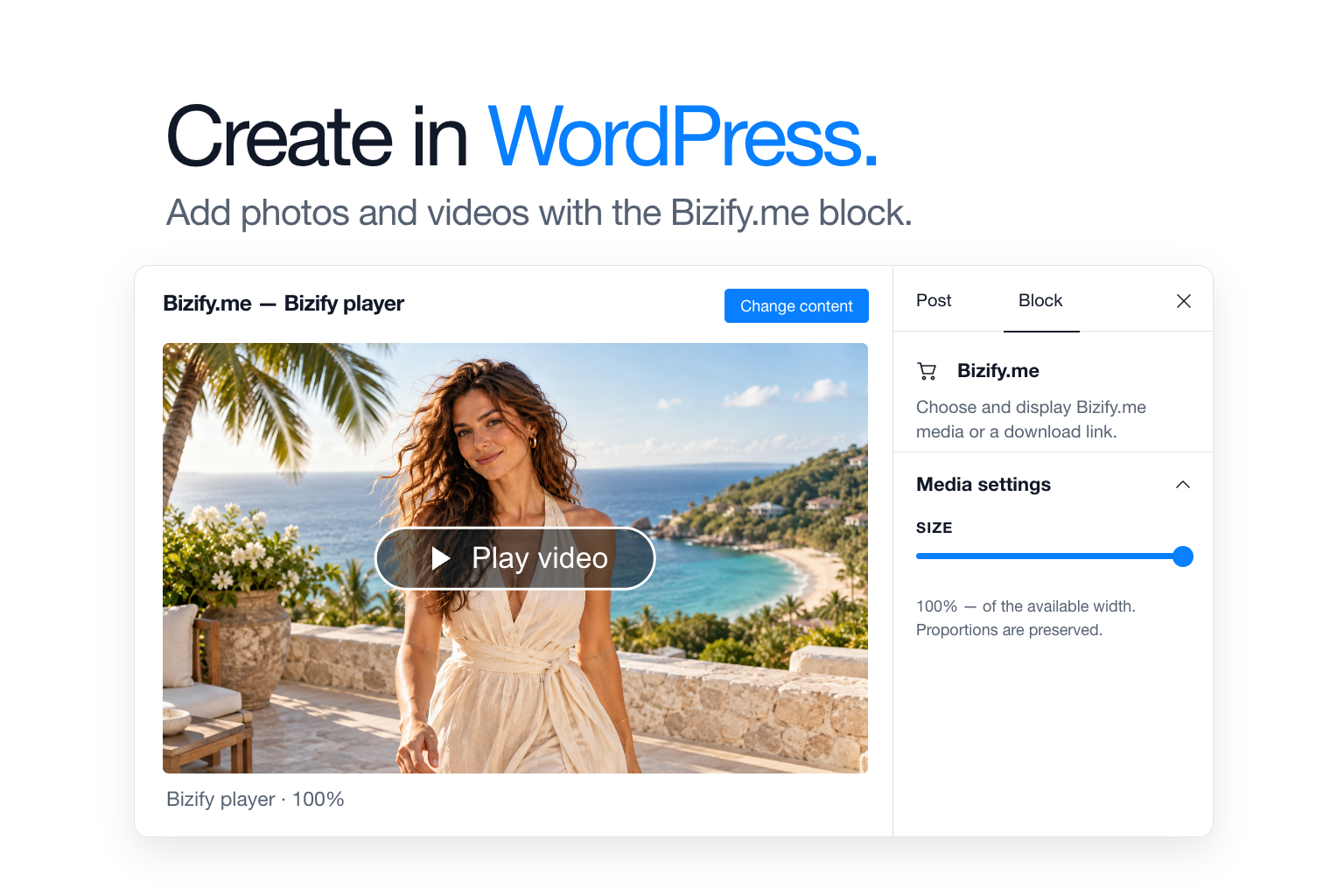
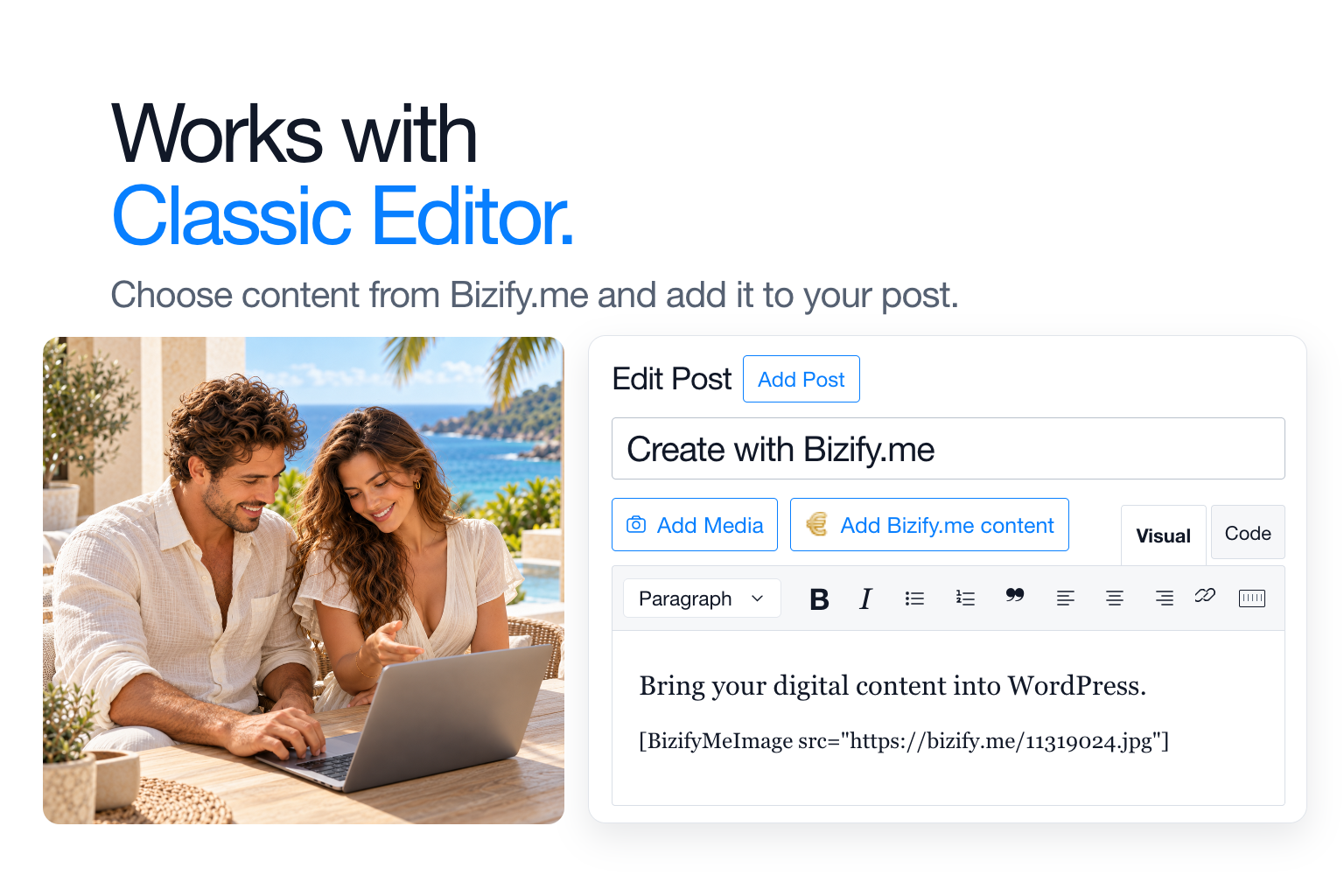
- Add content with the block editor or Classic Editor.
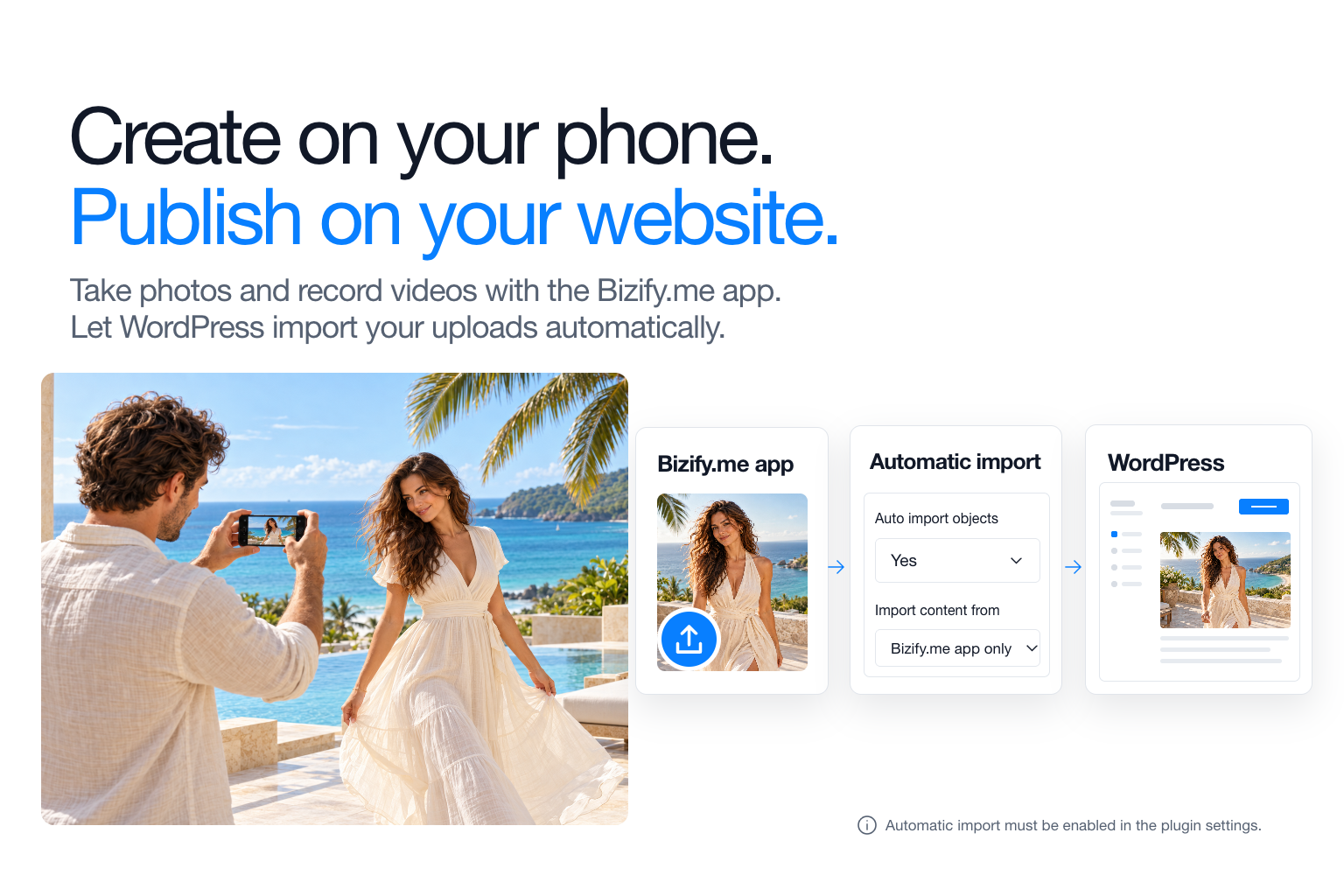
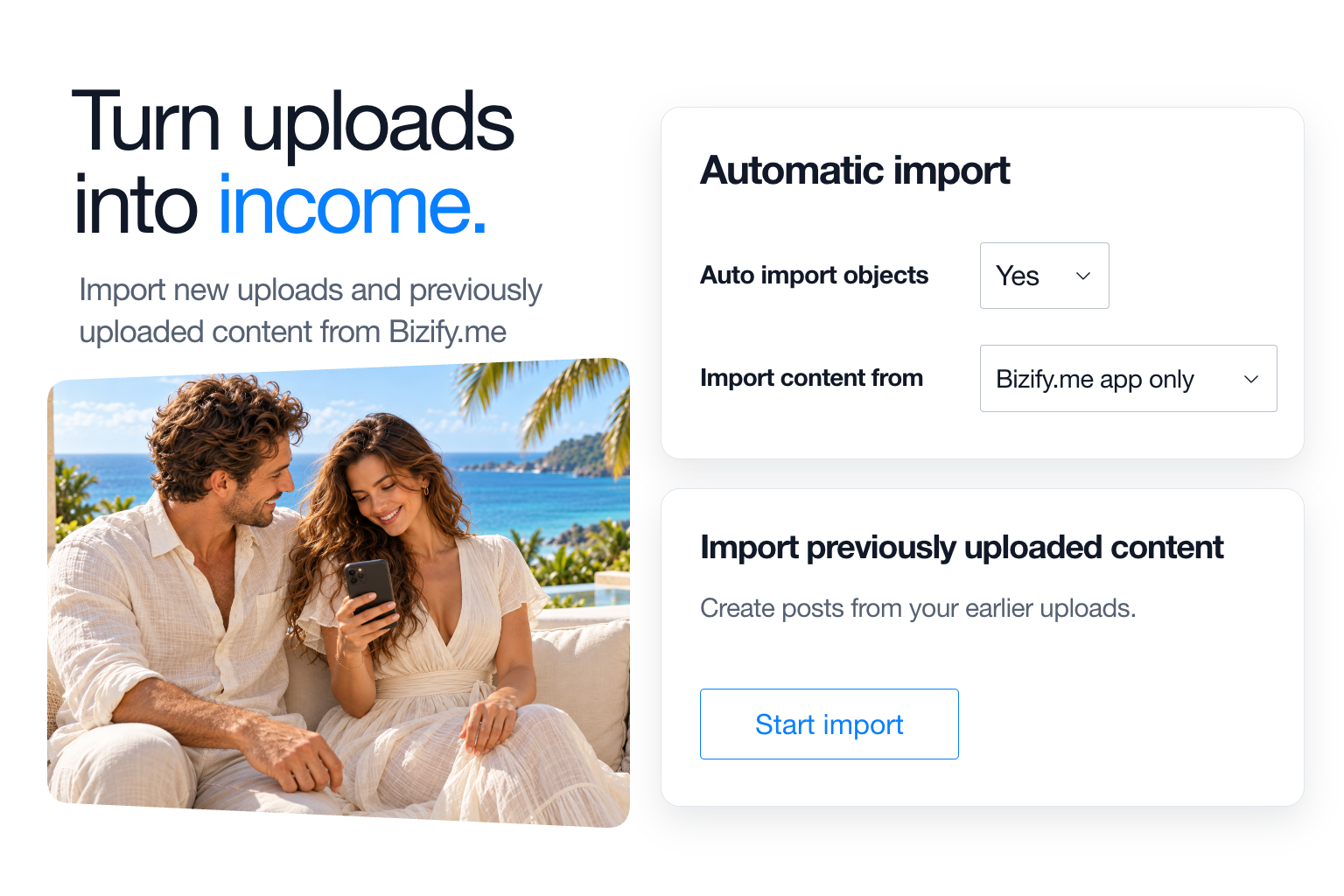
- Automatically create posts from new uploads, including content created with the Bizify.me app.
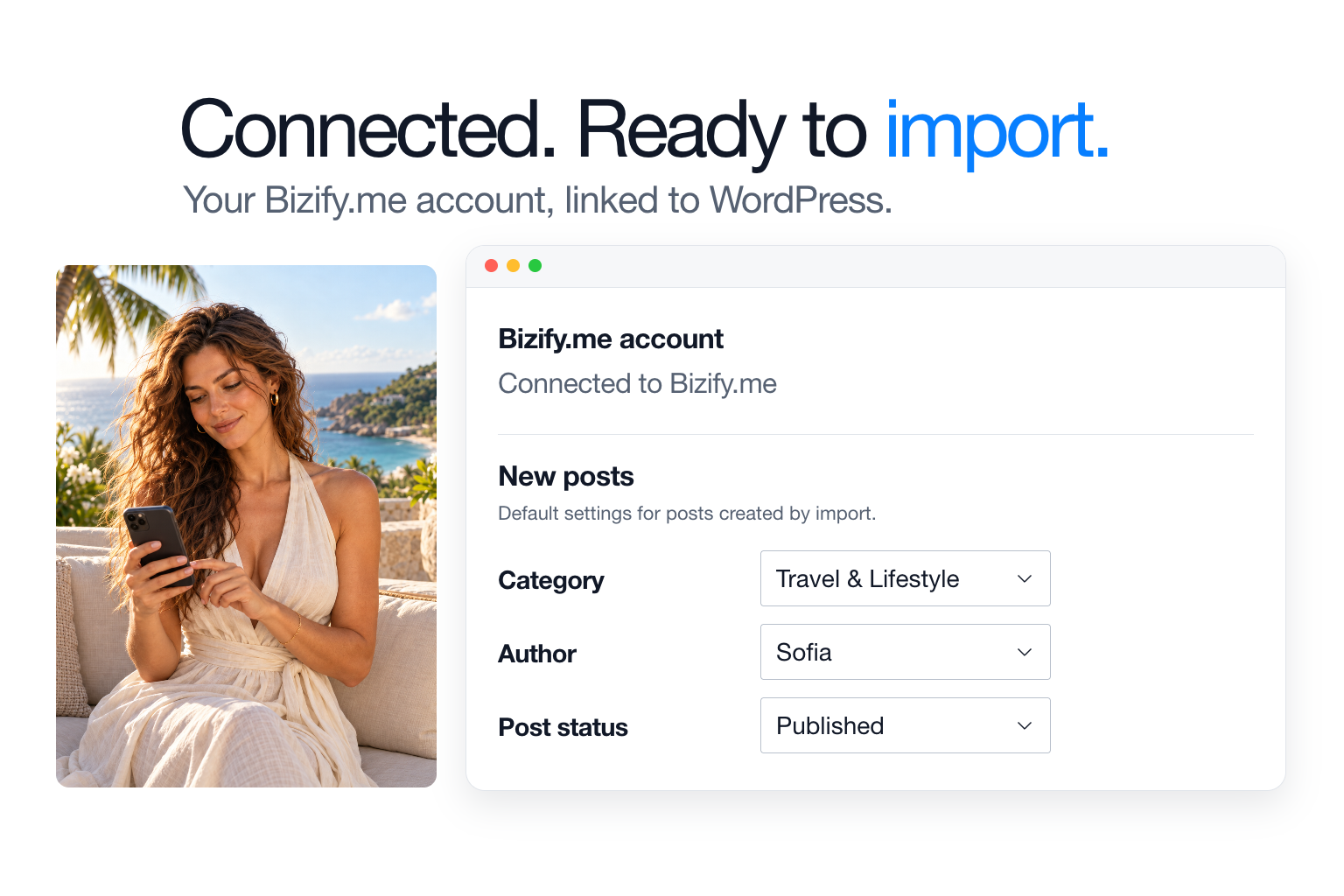
- Choose the category, author and post status for imported posts.
- Create WordPress posts from previously uploaded content with Start import.
- Use separate account and import settings for each site in a multisite network.
Sign in or create a Bizify.me account directly from WordPress, either when choosing content or connecting your account.
For automatic import, connect your account in Settings and enable the feature.
The Bizify.me service
Bizify.me hosts your content and handles purchases, playback and downloads.
The plugin connects to Bizify.me when you connect your account, choose or import content, and when visitors browse your website.
See the Bizify.me website for features, payment options and fees. Read our Privacy & Security policy.
Installation
- Install and activate Bizify.me in WordPress.
- Add the Bizify.me block, or click Add Bizify.me content in Classic Editor.
- Sign in or create an account, then choose the content to insert.
For automatic import, open Bizify.me → Settings, connect your account and enable Auto import objects. Choose your sources and post settings, then click Save Changes.
Screenshots
Changelog
1.7.1
- Fix content frame height and close button placement in account connection and block editor dialogs on older WordPress versions.
- Preserve image alternative text containing special characters in both editors.
1.7.0
- Add block editor support while retaining Classic Editor and existing shortcodes.
- Simplify account connection and add per-site multisite settings.
- Improve imports, duplicate checks, progress reporting and error handling.
- Improve compatibility, responsive media, fullscreen playback, security and translations.
Full release notes are preserved in changelog.txt.