

Description
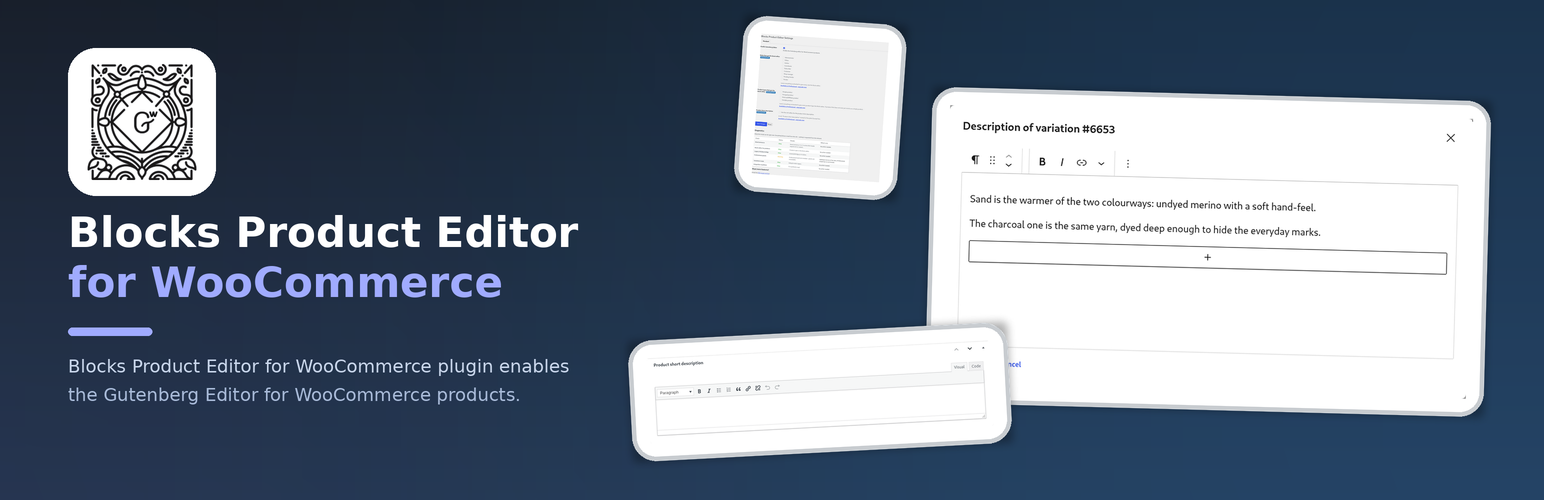
Blocks Product Editor for WooCommerce plugin enables the Gutenberg Editor for WooCommerce products.
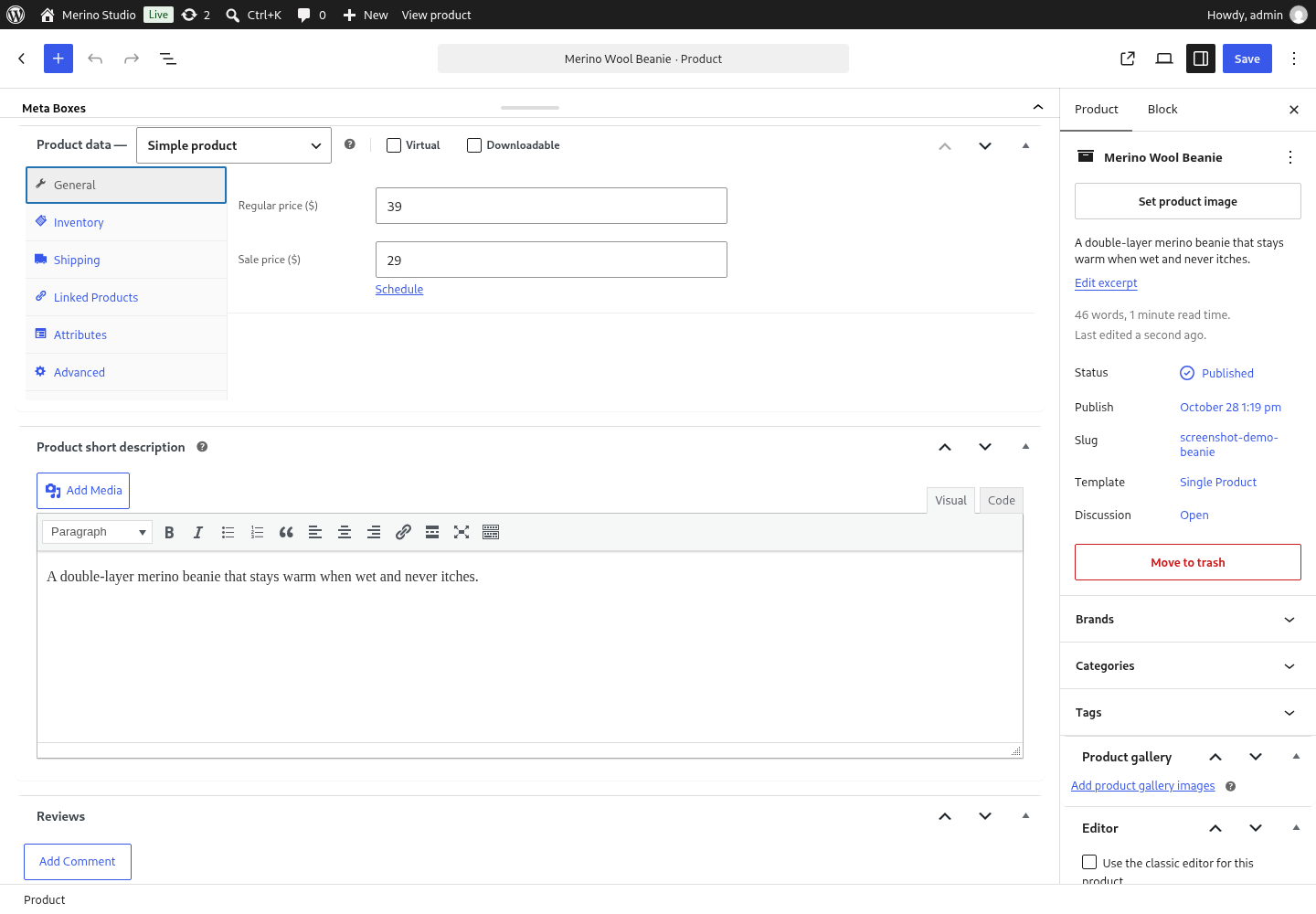
WooCommerce shipped its own block-based product editor and then removed it in 11.0 with no replacement, so a product description is edited in the classic editor again. This plugin brings the WordPress block editor back to the product screen: every product, its description, its short description and the product taxonomies are edited with blocks, and the classic editor is one switch away when a shop needs it.
Works with the WooCommerce versions that still ship a product block template (7.7 – 10.x) as well as with 11.0 and newer, which have none – the plugin only edits that template away where it exists.
FREE Features
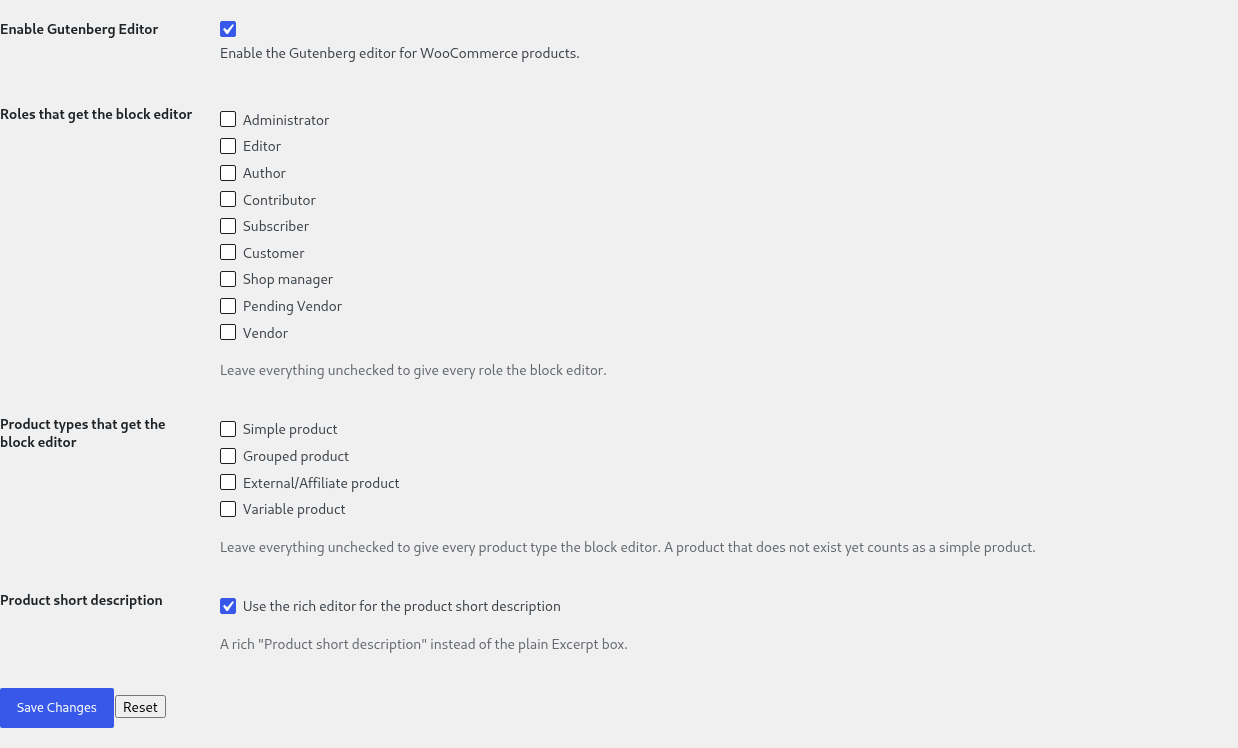
- Enable or disable the block editor for WooCommerce products, with one switch
- WooCommerce’s own Variations tab is kept wherever it is still needed – and when another plugin forces the classic screen, the screen says so, by name
- An integrity guard for the variation description: a vendor screen, an import or another plugin that cannot edit blocks can no longer silently replace a description written with blocks. The refused value is kept for review, and the admin is told which variation was affected
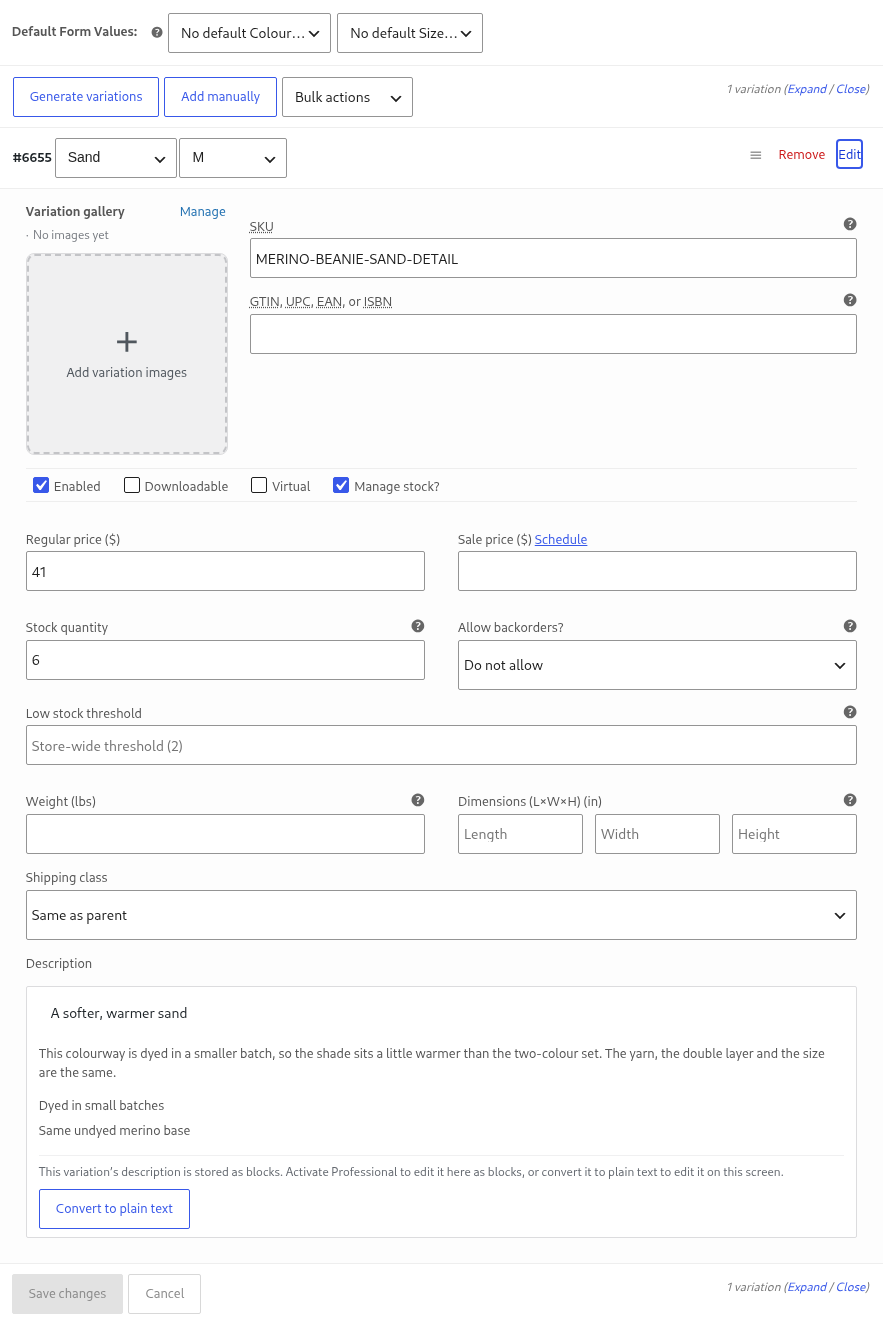
- For such a description the classic variations screen shows a readable preview and an explanation instead of a textarea that would display markup and destroy it on save
- A way out of blocks, always: a variation description written with blocks can be turned into plain text from the classic screen, with one click and a warning that the formatting goes – nothing is ever locked inside the panel
- A diagnostics report on the settings page – WooCommerce and its version, the block editor, the product metadata boxes, the Professional bundle, the variations mode and the measured plugins, each with a status, an explanation and what to do next
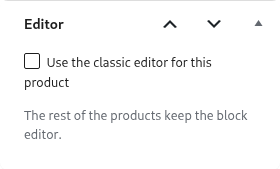
wp bpe status,wp bpe enableandwp bpe disablefrom the console – the way out when the product screen itself is what broke – andwp bpe integrations, which lists every measured plugin with its state and the reason for it- A way out for a single product: the product screen carries a switch that sends one product back to the classic editor, so the rest of the shop keeps the block editor
PRO Features
The PRO version includes all FREE features, plus:
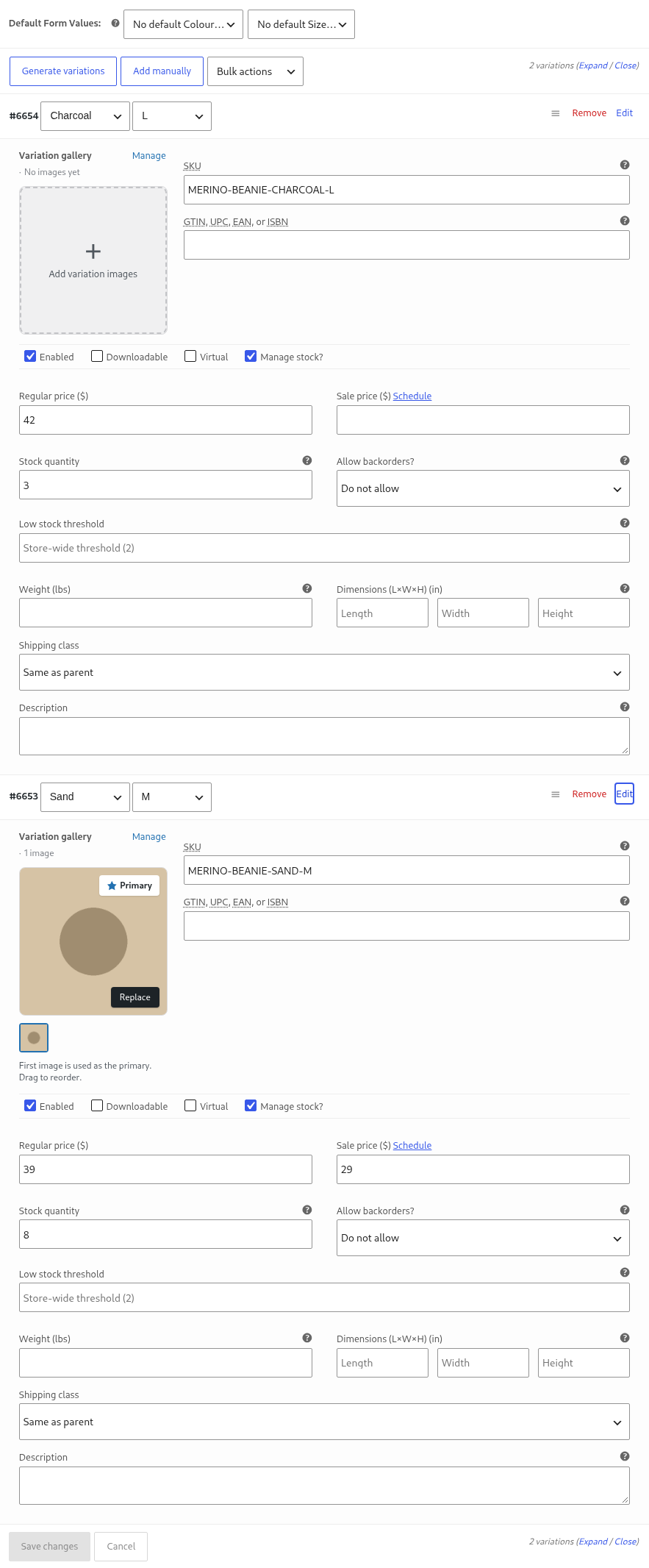
- A variations table: attributes, SKU, prices, stock, gallery images and bulk editing, saved through WooCommerce’s own variation request – so fields added by other plugins keep travelling with the row
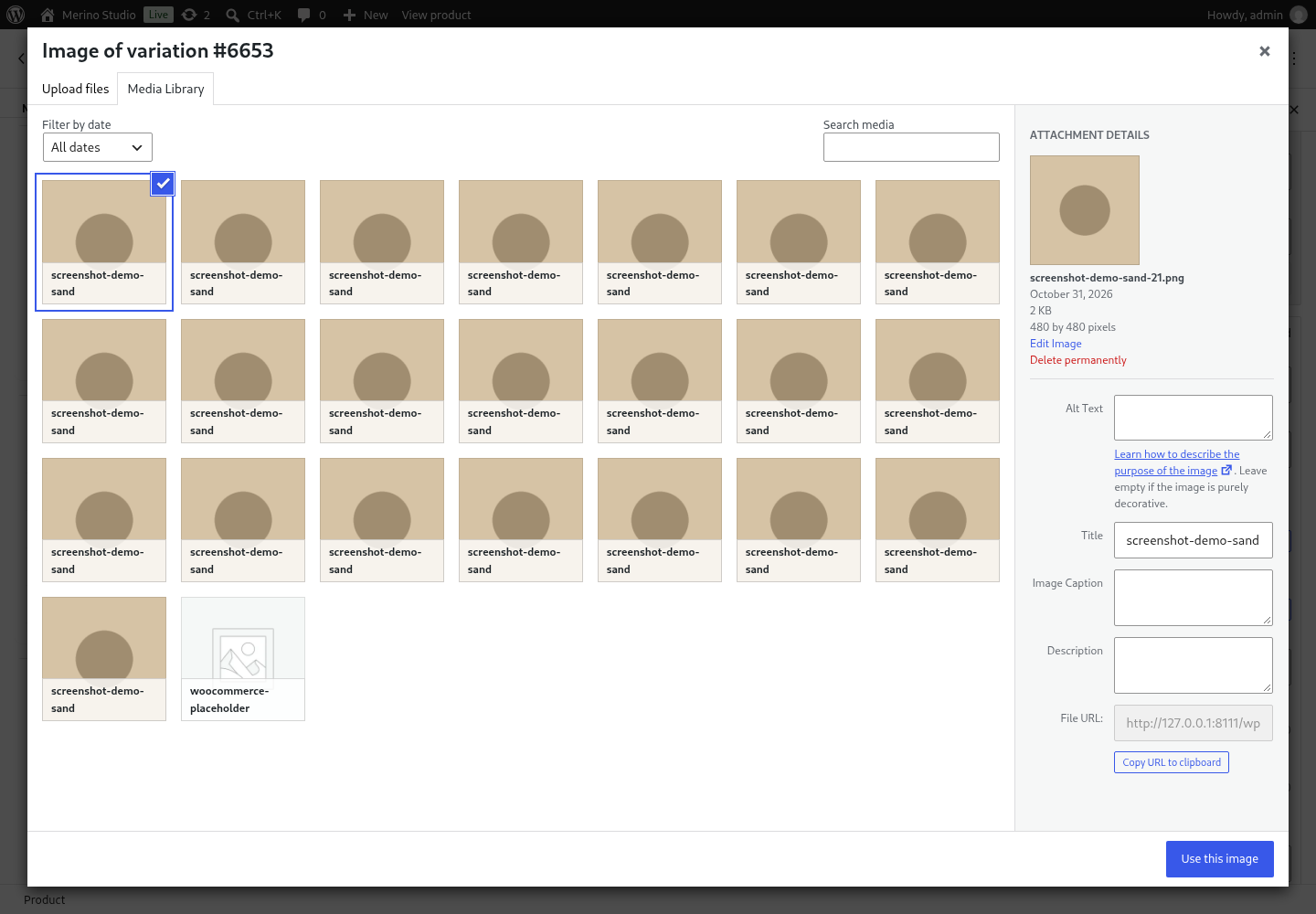
- A gallery for every variation: add, reorder and remove the images of a single variation
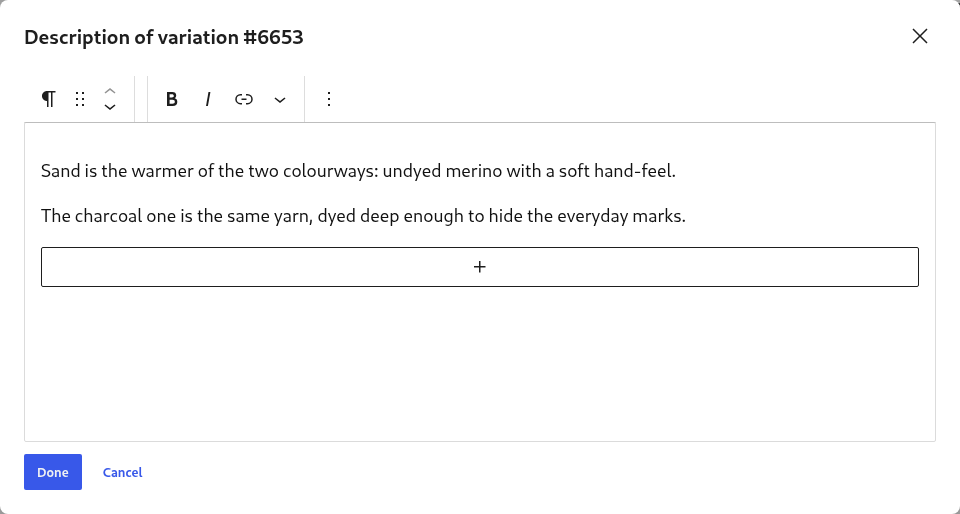
- A block editor for the variation description, in a modal window, with a preview in the row
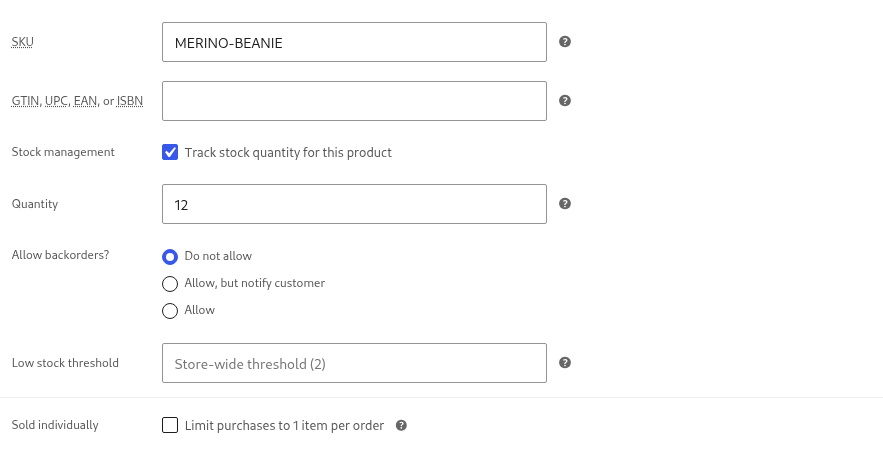
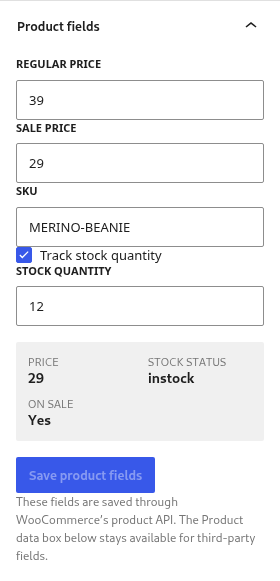
- A product fields panel in the editor sidebar – price, sale price, SKU, stock, dimensions and relations – that respects the shop’s decimal separator
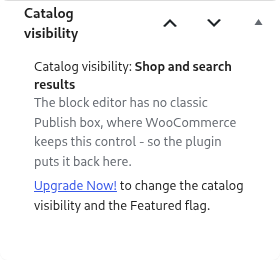
- The Catalog visibility box, so the “Catalog visibility” and “Featured” product settings are available next to the other product data instead of only in the sidebar
- Restricting the block editor to selected user roles, so e.g. shop managers can keep the classic editor
- Restricting the block editor to selected product types, so e.g. only simple products are edited in blocks
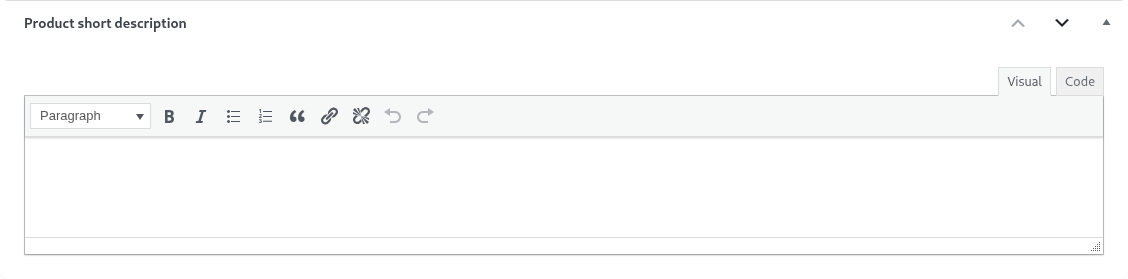
- The rich “Product short description” box – the short description gets the full WordPress editor instead of a plain textarea
l10n
This plugin is localization ready.
Languages this plugin is available now:
- English
- Arabic (عرب)
- Czech (čeština)
- Danish (Dansk)
- German (Deutsche)
- Greek (Ελληνικά)
- Spanish (Español)
- Persian (فارسی)
- French (Français)
- Hebrew (עִברִית)
- Hindi (हिन्दी)
- Indonesian (Bahasa Indonesia)
- Italian (Italiano)
- Japanese (日本)
- Korean (한국인)
- Malay (Melayu)
- Norwegian (Norsk)
- Netherlandish (Nederlands)
- Polish (Polski)
- Portuguese (Português)
- Russian (Русский)
- Slovak (Slovenský)
- Finnish (Suomalainen)
- Swedish (Svenska)
- Thai (ไทย)
- Philippine (Pilipinas)
- Turkish (Türk)
- Vietnamese (Tiếng Việt)
- Chinese (中国人)
Feel free to translate this plugin to your language.
Installation
- Install and activate it as you would any other plugin.
Screenshots





Changelog
1.6.0
- New: the per-product switch is now free for everyone – one product can go back to the classic editor while
the rest of the shop keeps the block editor. It is not sold on purpose: the way out of a screen that broke
on a single product is not something a shop should have to buy a licence for. - Note: the “Per-product switch” row on the settings page was removed. It never did anything – nothing read
it and nothing saved it – so there is no global setting for this switch to turn on or off.
1.5.0
- New: the variation gallery is editable from the variations table – add, reorder and remove the gallery
images of a variation; the list is saved through WooCommerce’s own variation form. - New: variation attributes are editable from the variations table – one select per variation attribute
with “Any” included, and the option labels shown exactly as the classic screen shows them. Variation
fields added by other plugins keep travelling with the row. - Note: the first save of a variation writes WooCommerce’s unified gallery field, which retires
WooCommerce’s legacy variation gallery field for that variation. - New: an integrity guard for the variation description, always on – a form that cannot edit blocks (a
vendor screen, an import, another plugin) can no longer overwrite a description made of blocks. The
stored description is not changed, the refused value is kept for review, and the admin sees a notice
naming the variation. - New: a description written with blocks can always be turned back into plain text from the classic screen,
so the Free build is never locked out of the panel that edits it. The formatting is dropped, and the block
version stays in a safety copy. - Note: a variation description made of blocks cannot be edited from the classic screen until it is
converted to plain text – the panel is where blocks are edited. The guard can refuse an edit that comes
from a form which does not understand blocks; the refused value is kept. Both are deliberate. - Professional: a modal window with the block editor for the variation description, with a preview in the
row and a white list of the blocks the description may contain.
1.4.0
- New: the WooCommerce “Product data” panel is usable in the block editor. The product data area is
promoted instead of being a collapsed strip, and nothing is moved out of the form, so prices, stock,
third-party boxes and the variations tab keep saving exactly as they did before. - New: a compatibility registry for the product screen –
wp bpe integrationslists every measured plugin,
its state and the reason for it. A plugin that cannot work with a different variations UI forces
WooCommerce’s own tab and says so on the screen, by name. - New: the settings page diagnoses the screen this plugin powers – WooCommerce and its version, the block
editor, the connector between them, the Professional bundle, the variations mode and the list of measured
plugins. Every row carries a status, an explanation and a “what to do” sentence. - New: two screenshot sets are checked by a test – the free one ships with the plugin, the Professional one
lives on the product page only, so the listing never promises what the download does not contain. - Professional: a product fields panel in the block editor sidebar (price, sale price, SKU, stock,
dimensions, relations) with the shop’s decimal separator respected. - Professional: a variations table – attributes, SKU, prices, stock, images, bulk editing – saved through
WooCommerce’s own variation request, so fields added by other plugins keep travelling with the row. - Professional: when Professional is not active, its settings stay visible but disabled, with a link to
upgrade – nothing is hidden.
1.3.1
- Fixed: with the Professional version, the classic product screen showed the “Product short description” editor twice – the plugin’s rich box next to the one WooCommerce already renders there. The plugin’s box now exists on the block editor screen only, where WooCommerce’s panel does not.
- The listing screenshots were re-taken: the product screen, the catalog visibility box, the per-product switch and the classic screen it produces, the rich short description, and both settings rows.
1.3.0
- New: a canary test suite that fails as soon as a WooCommerce release changes the behaviour this plugin is built on – the product post type registration, WooCommerce turning the block editor off for products, the product block template and the version range the plugin strips it in – or when the plugin header falls behind the installed WooCommerce.
- New: the plugin now also declares compatibility with the WooCommerce cart and checkout blocks feature, not only with High-Performance order storage.
- The readme explains what changed in WooCommerce 11.0 (its own block product editor was removed) and carries the tags a shop owner would search for.
1.2.0
- New: the PRO version can switch a single product back to the classic editor, while the rest of the store keeps the block editor.
- New: the PRO version can limit the block editor to selected user roles and to selected product types.
- New: the PRO version brings the product short description to the full WordPress editor instead of a plain textarea.
- Fixed: the PRO feature list no longer advertises the switches for tags and categories – WooCommerce now
offers those taxonomies to the editor itself, so the switches did nothing. - The settings page now lists the PRO features that actually exist, and only on the versions that have them.
1.1.0
- The plugin was rebuilt on the same layered foundation the other plugins of this family use. Settings and
behaviour on the product screens are unchanged. - New:
wp bpe enable,wp bpe disableandwp bpe statusswitch the editor from the console – the way out when the product screen itself is what broke. - New: uninstalling the plugin now removes its settings; deactivating still keeps them.
- Fixed: on a multisite network with network-activated WooCommerce the plugin deactivated itself, because it only looked at the per-site plugin list.
- Fixed: the product post type template is only removed on the WooCommerce versions that ship one (7.7 – 10.x).
- Requires WordPress 6.6+, PHP 7.4+ and WooCommerce 8.0+.
1.0.6
- Declared compatibility with the WooCommerce “High-Performance order storage” feature: the plugin no longer shows the incompatibility warning and no longer blocks enabling HPOS in WooCommerce > Settings > Advanced > Features.
- Added the
Requires Plugins: woocommerceheader, so WordPress itself reports the missing WooCommerce dependency.
1.0.5
- freemius library version update
- tested up to WordPress 7.1 and WooCommerce 11.2
1.0.4
- freemius library version update
1.0.3
- freemius library version update
1.0.2
- freemius library version update
1.0.1
- WC 7.7.0 support.
1.0.0
- Initial release.