


Description
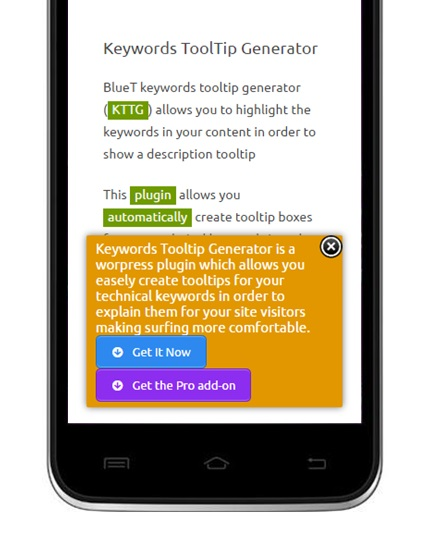
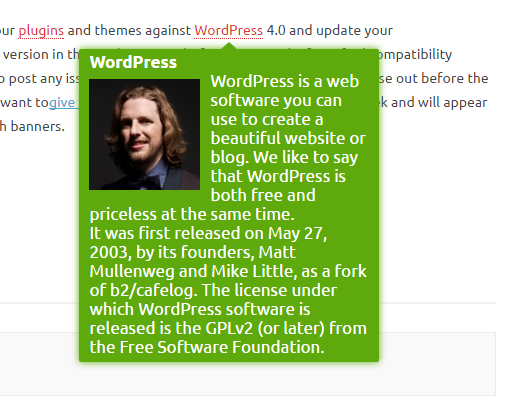
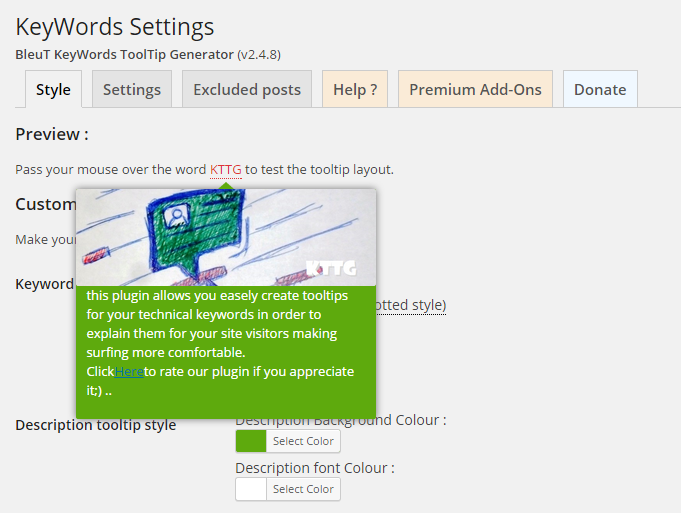
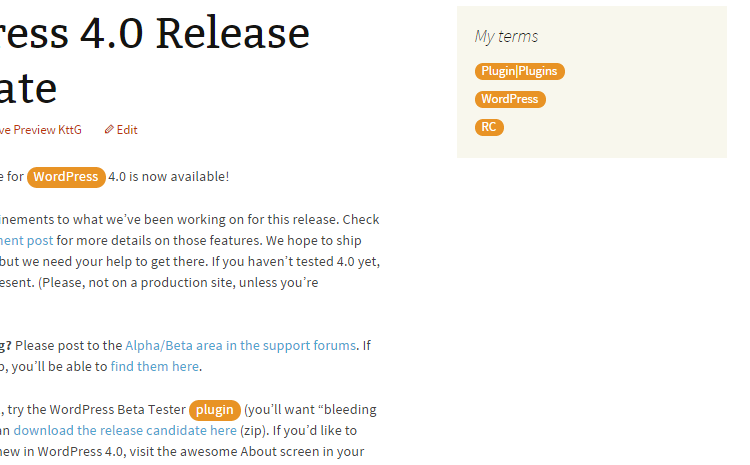
Tooltipy automatically detects keywords in your posts/pages and displays tooltip popups with their definitions.
Version 7 is a major architectural rewrite (PHP 8.1+ OOP, Tippy.js rendering) with 100% backward compatibility for existing users (same database options, post meta keys, CSS classes, shortcodes, and hooks).
Key Features
- Auto-detect keywords and display tooltips on hover (Tippy.js)
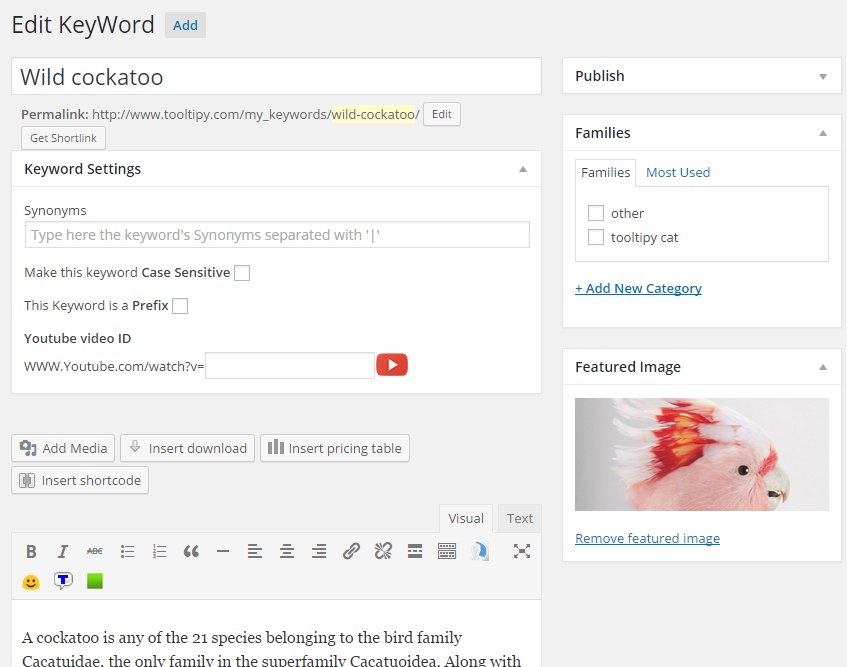
- Synonyms support (pipe-separated)
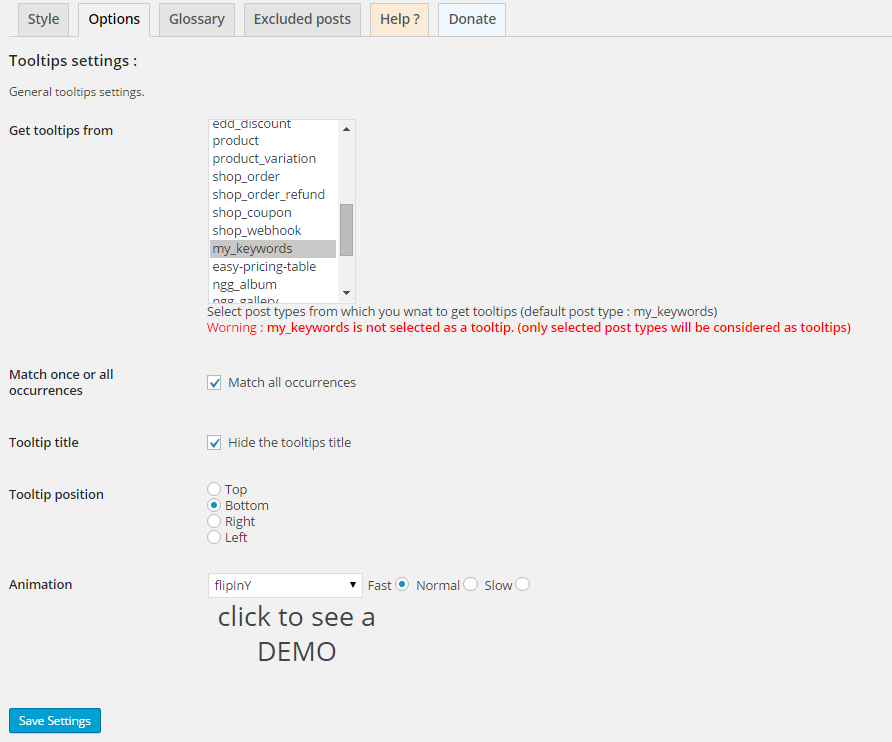
- Case-sensitive matching option
- Prefix matching (e.g. “photo” matches “photography”)
- Glossary shortcode:
[tooltip_glossary](aliases:[kttg_glossary],[tooltipy_glossary]) - Manual shortcode:
[tooltip] - Keyword families / categories
- AJAX loading of tooltip content
- YouTube video tooltips
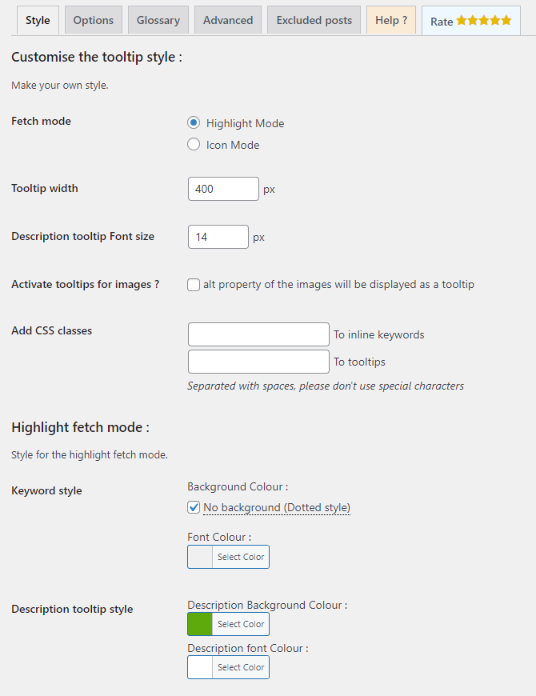
- Image alt-text tooltips
- Sidebar widget showing related keywords
- Extensible addon system
Architecture (7.x)
- PHP 8.1 namespaces under
Tooltipy\ - Tippy.js bundled locally (no CDN)
- Full backward compatibility: same option names, post meta keys, hooks
Installation
- Upload the plugin folder to
/wp-content/plugins/ - Activate through the Plugins menu
- Go to Tooltipy > Settings to configure
FAQ
Is 7.x compatible with existing data from 5.x?
Yes. All database options, post meta, CSS classes, and shortcodes are identical.
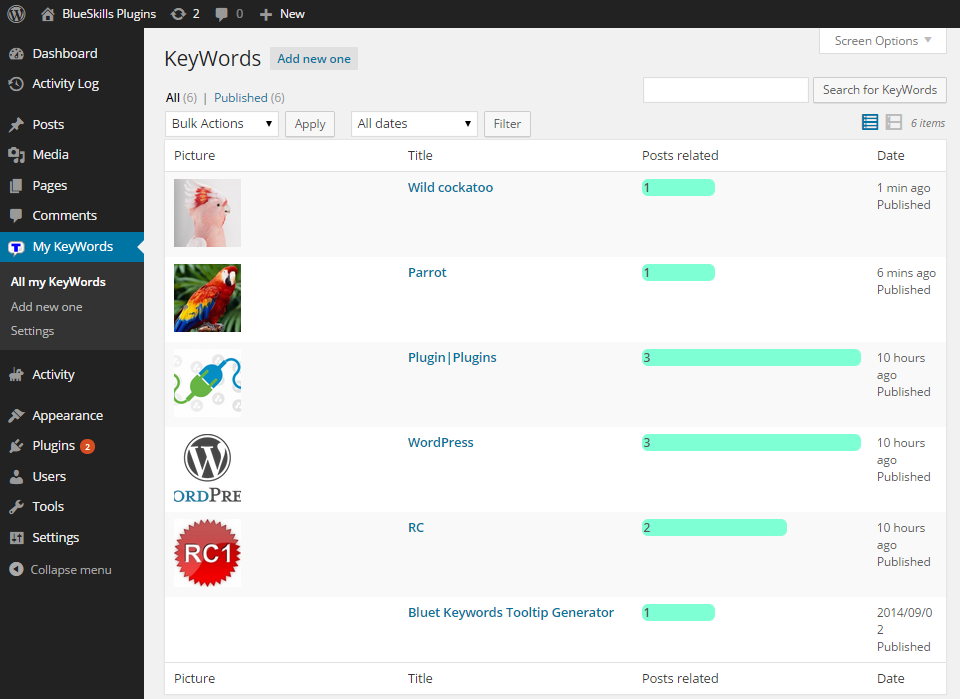
How do I create a keyword?
Go to Tooltipy > Add New. The title is the keyword; the content is the tooltip body.
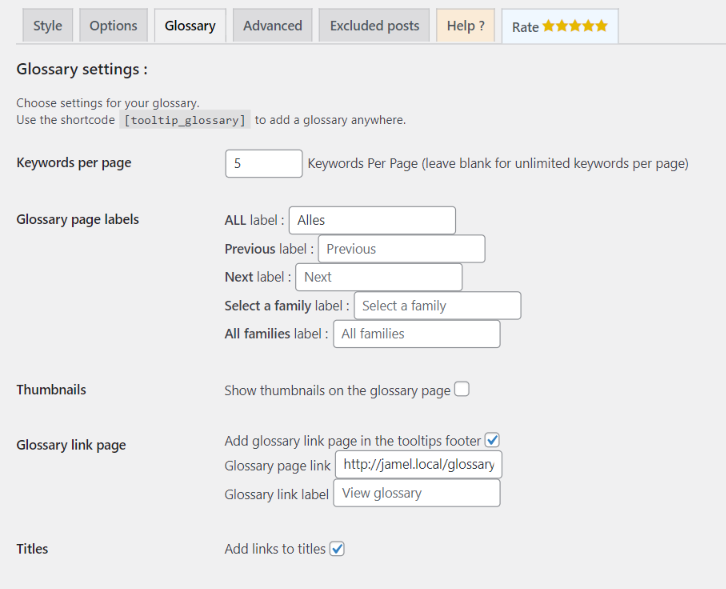
How do I add a glossary?
Create a page and add [tooltip_glossary] (or the legacy [kttg_glossary]). Then enable the glossary footer link in Settings and paste that page URL.
What are the requirements?
WordPress 6.0+ and PHP 8.1+.
Screenshots

Changelog
7.0.0
- Major OOP rewrite: PHP 8.1 namespaces, Tippy.js tooltip rendering
- Security hardening against Contributor stored XSS (CVE-2025-62917)
- Glossary footer link only appears when enabled and a page URL is set
- Backward compatible: all option keys, meta keys, shortcodes, and hooks preserved
5.5.9
- Security: nonce verification on AJAX calls
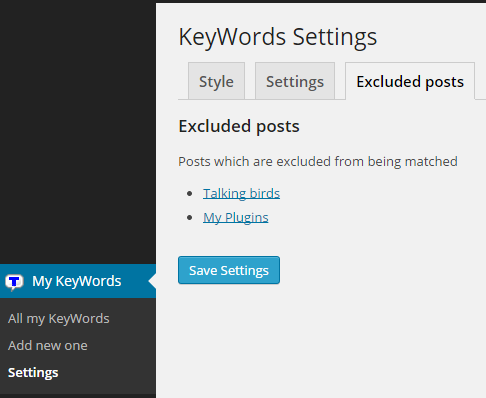
- Improved: excluded posts migration to postmeta
5.2
- Previous stable procedural release