


Description
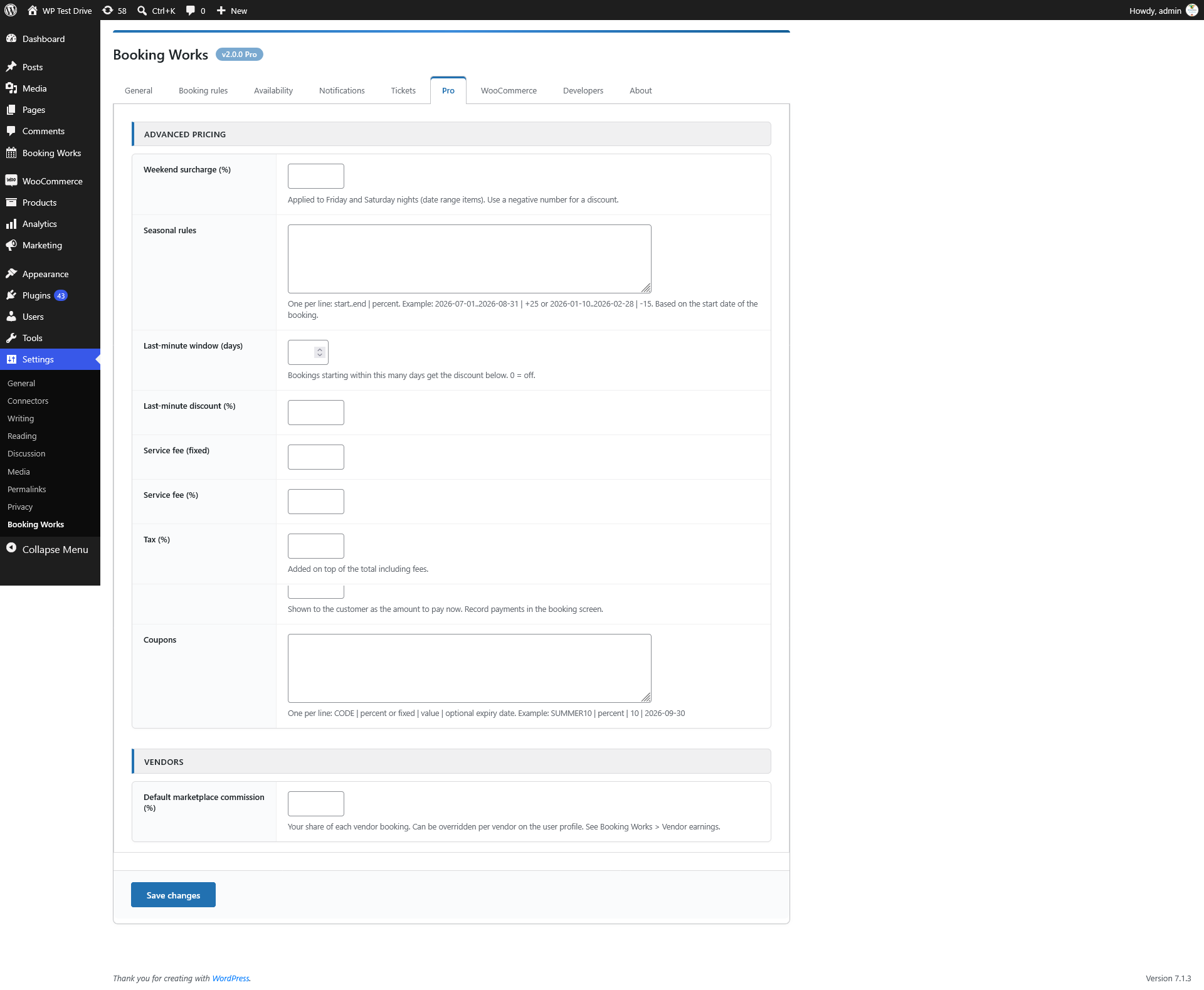
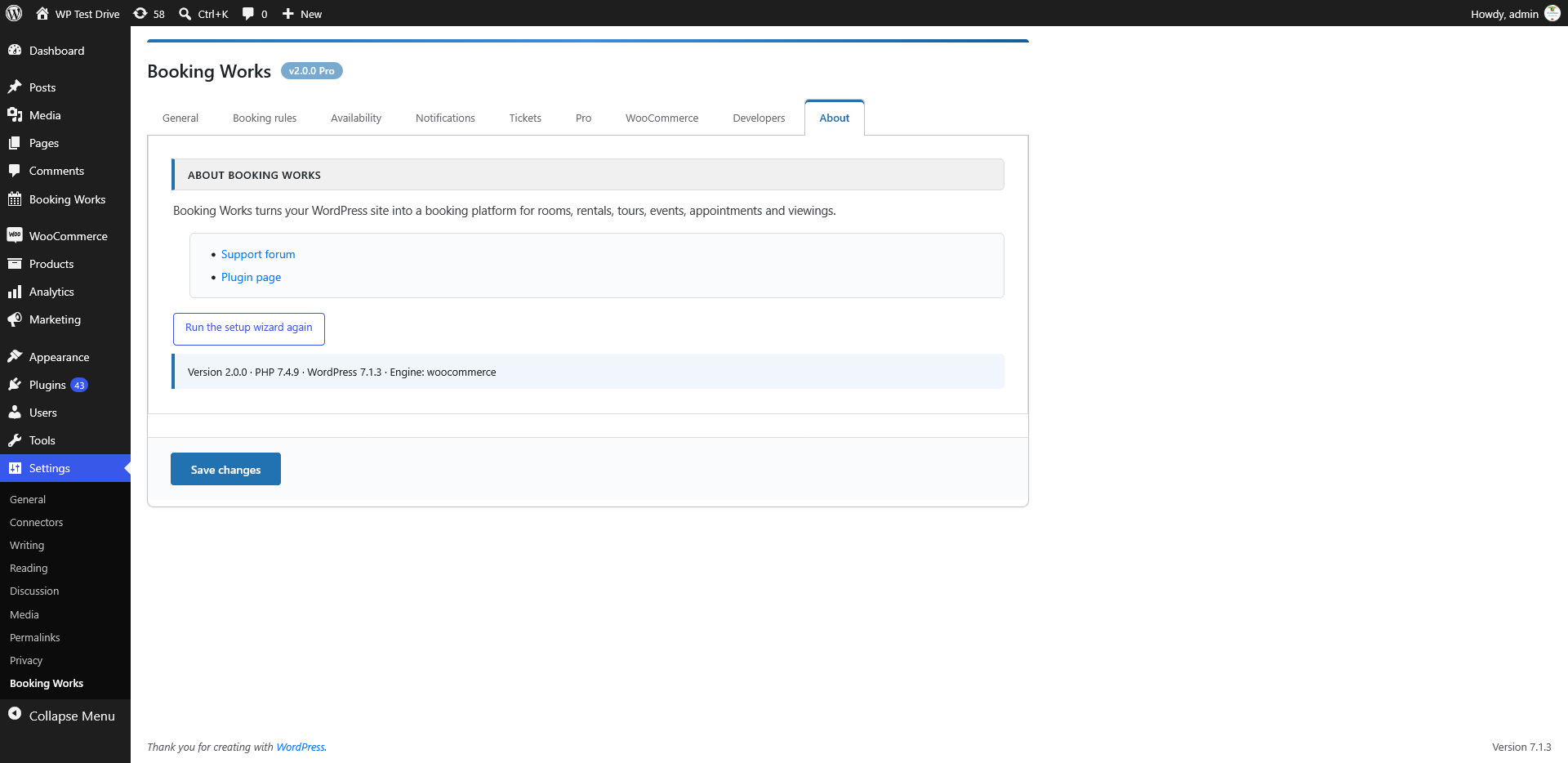
Booking Works turns your WordPress site into a booking platform. Visitors pick a date or time on a clean calendar, see the price immediately and book in seconds. You get a dashboard, a booking calendar, e-mail notifications, tickets with QR codes and a customer area without installing anything else.
Built for non-technical site owners. A short setup wizard asks what you offer (rooms, rentals, tours, appointments, real estate…) and configures everything for you. Every option can be changed later under Settings > Booking Works.
What you can sell
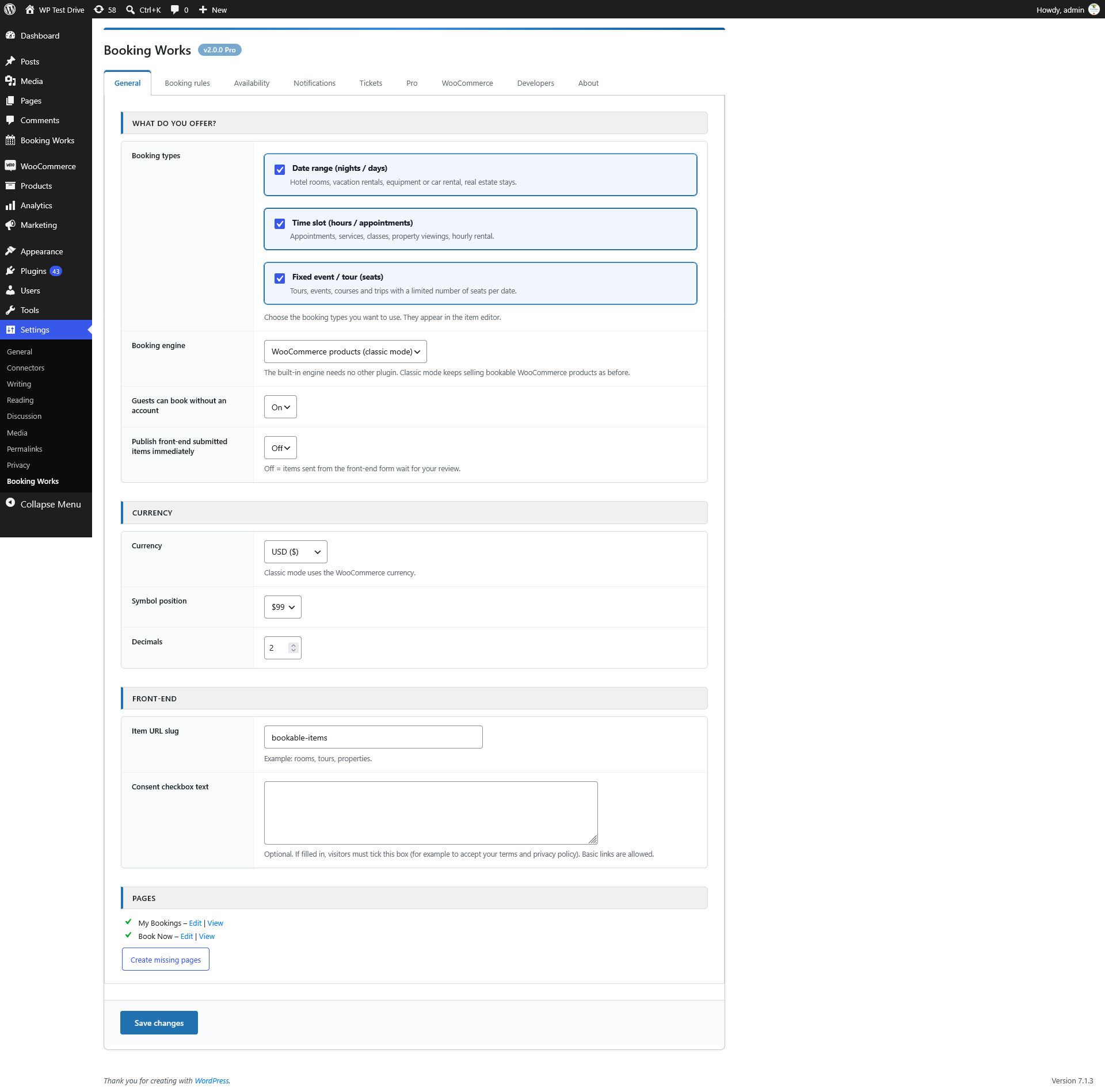
- Date ranges – hotel rooms, vacation rentals, car and equipment rental, real estate stays (per night / per day / per person).
- Time slots – appointments, services, classes, property viewings, hourly rental.
- Fixed events and tours – a limited number of seats per date.
Main features
- Built-in booking engine – WooCommerce is optional. Existing WooCommerce based sites keep working (classic mode).
- Live availability calendar and instant price quote on the booking form.
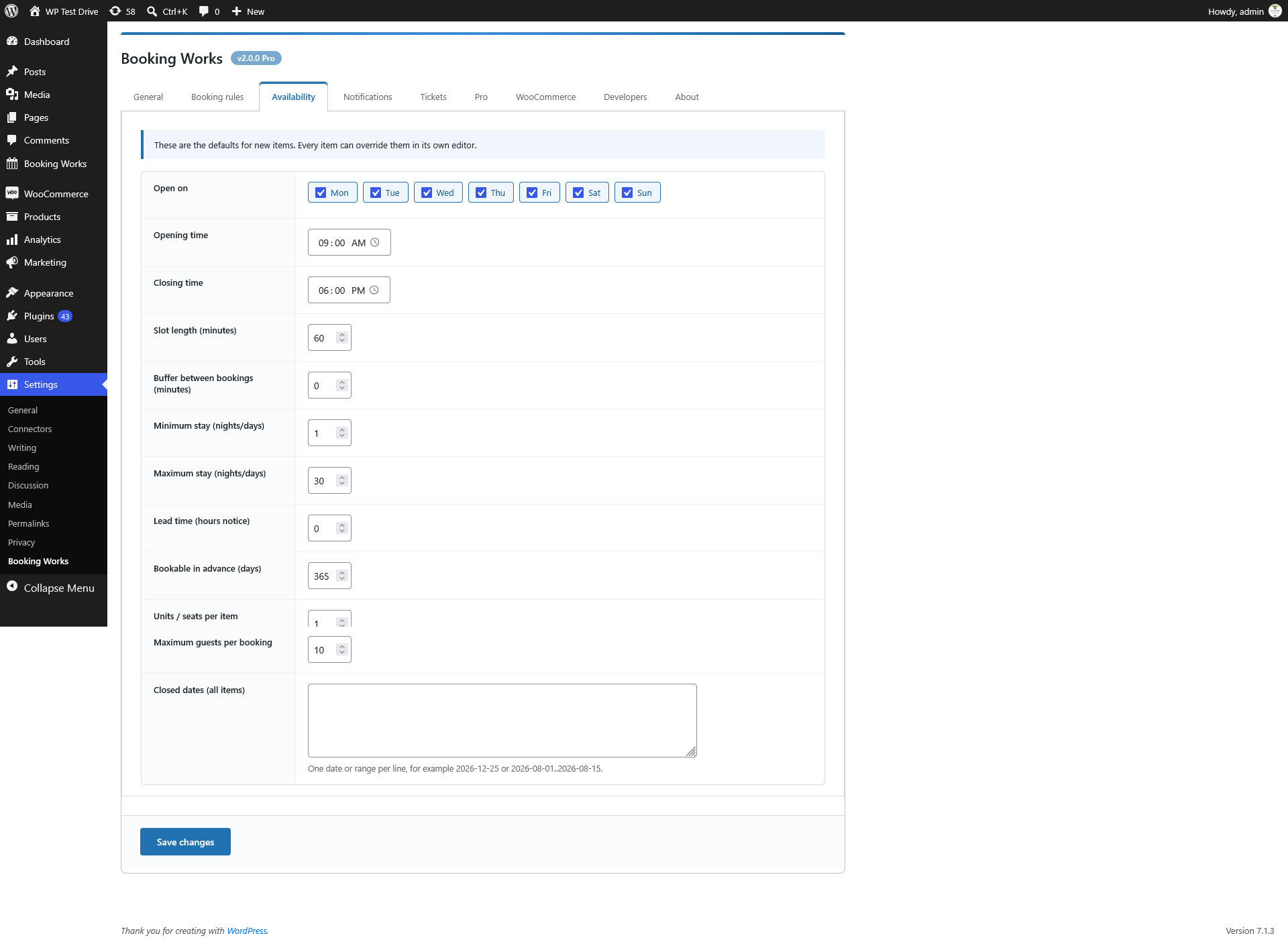
- Opening days and hours, slot length, buffer time, minimum and maximum stay, lead time, advance booking window and closed dates – globally and per item.
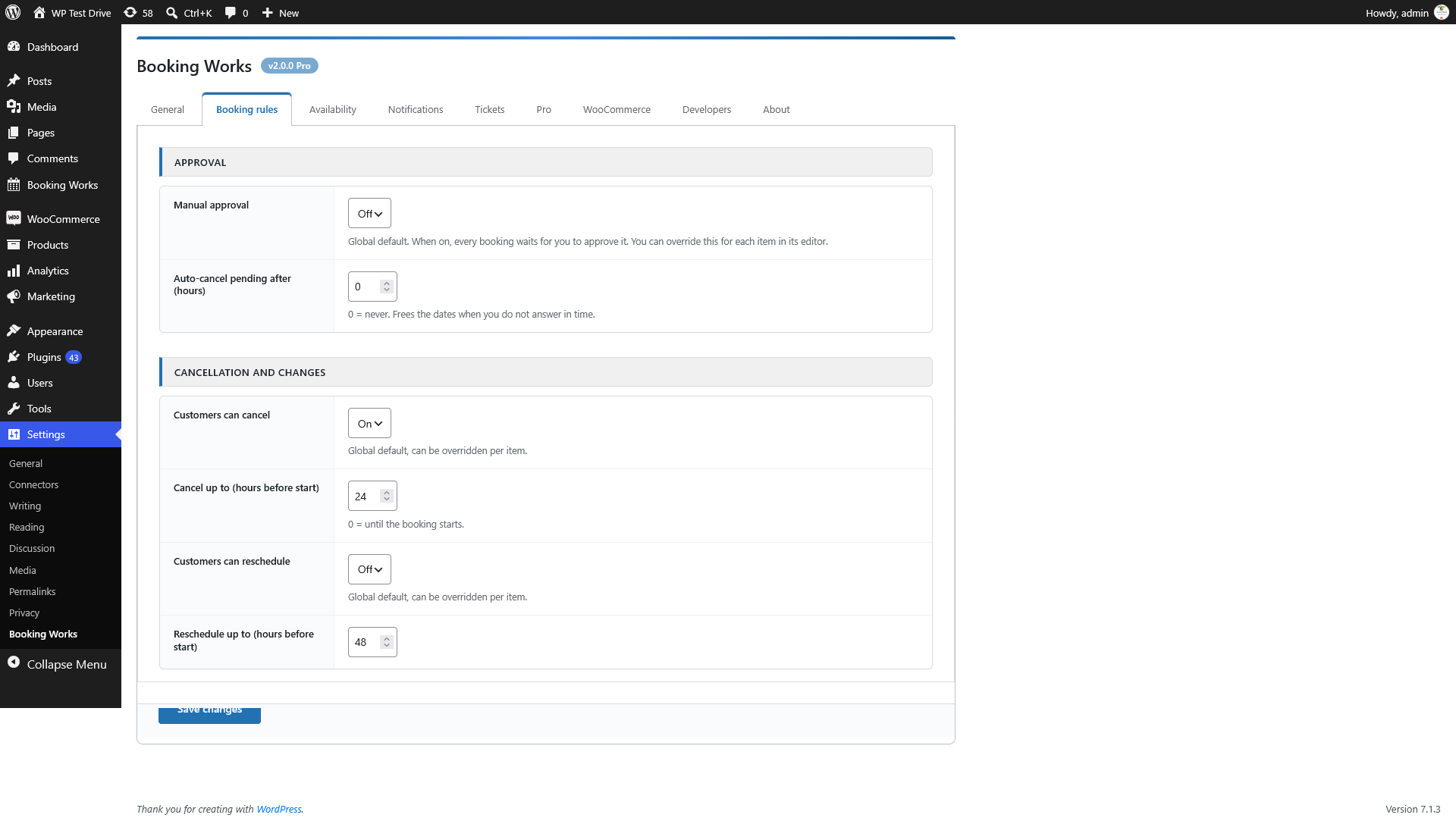
- Manual approval toggle (global, overridable per item).
- Customer cancellation and rescheduling toggles with time windows.
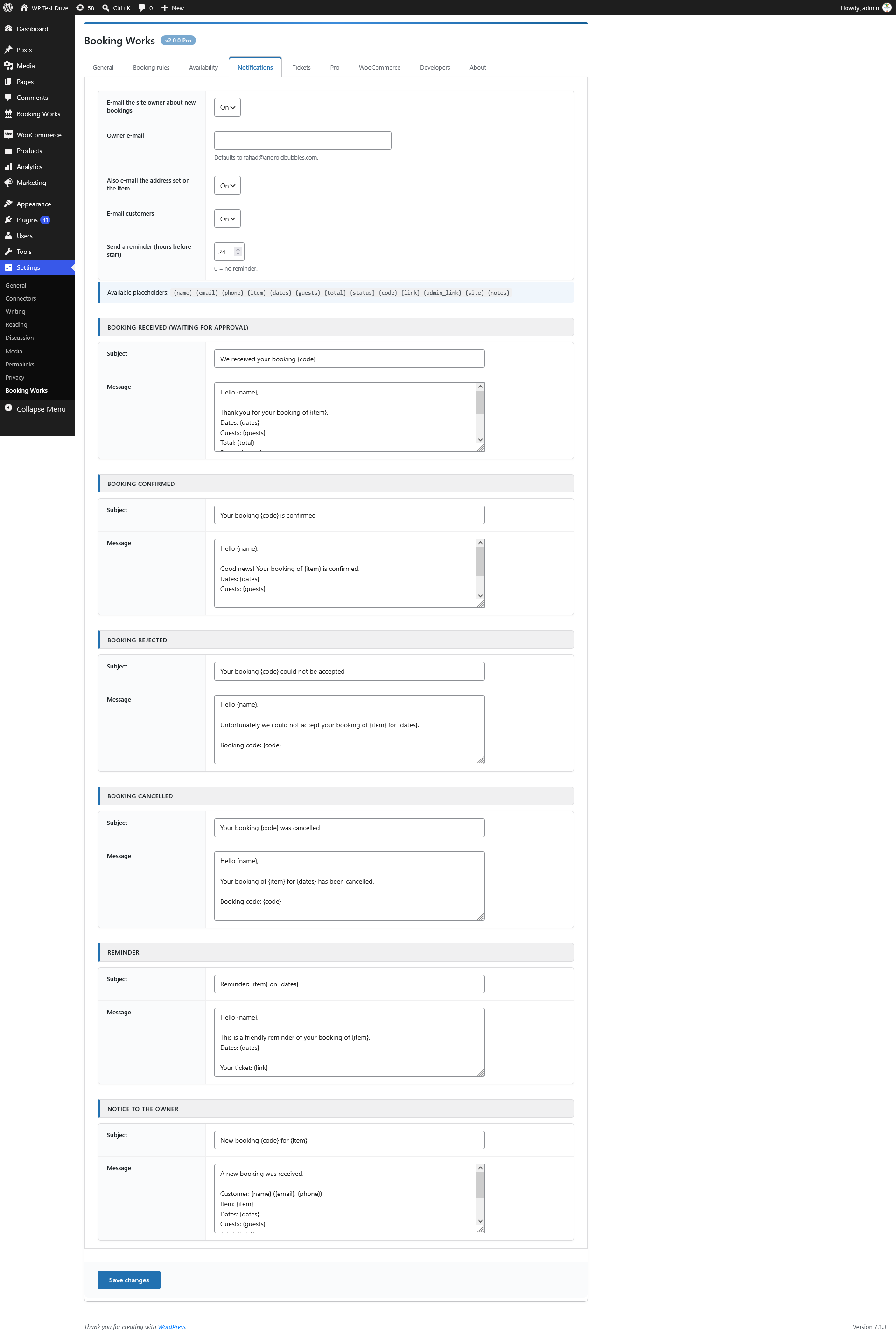
- E-mails to customers and the owner with editable templates and reminders.
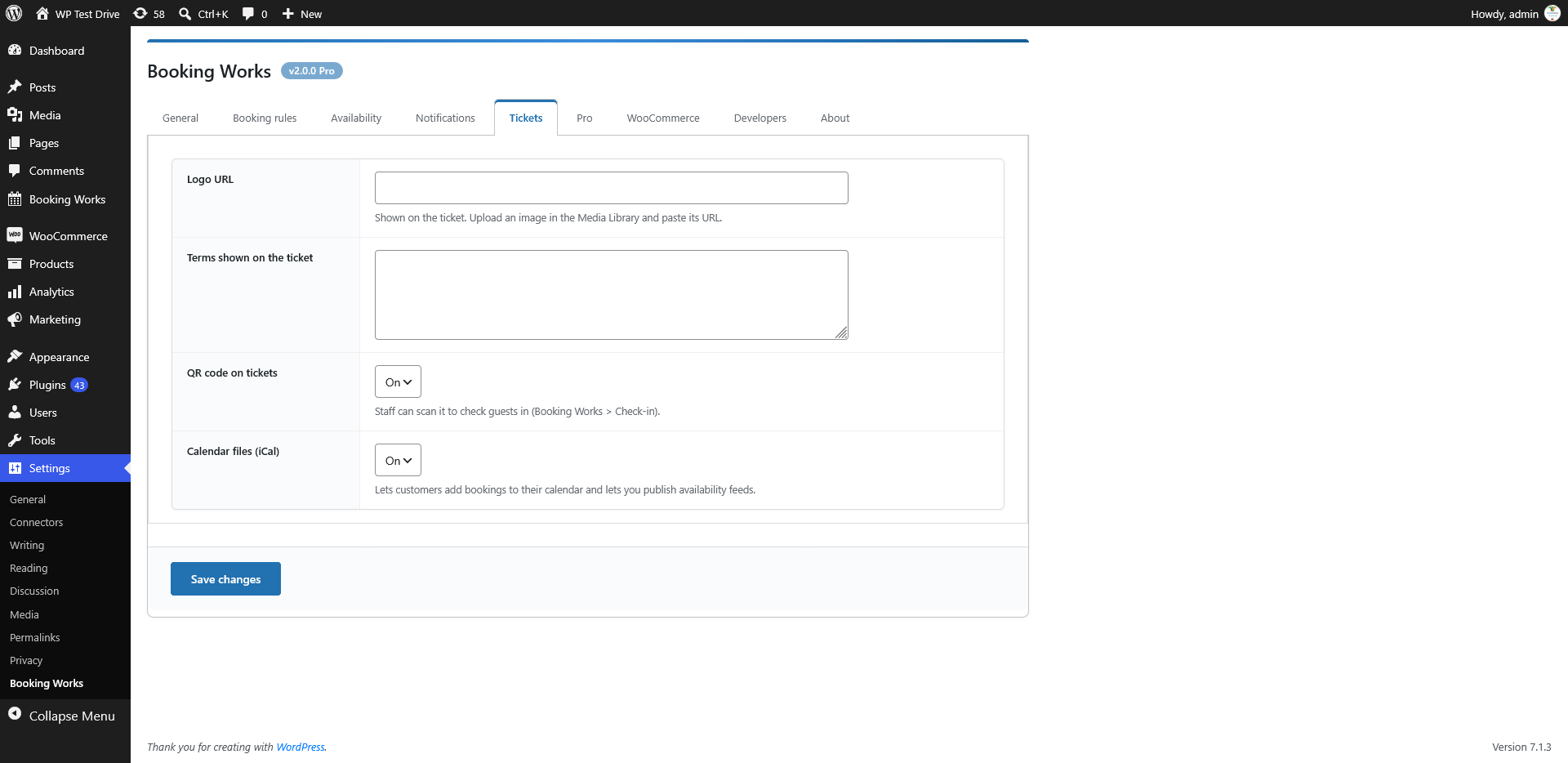
- Tickets with QR code, print / save as PDF, and a check-in screen with camera scanning.
- Customer area (My Bookings) with tickets, cancel, reschedule and “add to calendar”.
- Admin dashboard with statistics, bookings list with filters, bulk actions and CSV export.
- Admin calendar with month, week and day views, color coded statuses and drag and drop rescheduling.
- iCal export of bookings and availability feeds for other platforms.
- Gutenberg blocks and shortcodes.
- Basic front-end form where approved users can add and edit their own items.
- REST API, webhook and developer hooks (Settings > Booking Works > Developers).
- GDPR tools: personal data export and erase, suggested privacy policy text.
- Multisite ready, WooCommerce HPOS and block checkout compatible, uninstall cleanup is opt-in.
Shortcodes
[BW-BOOKING-FORM id="123"]– booking form of one item (it is also added automatically to item pages)[BW-ITEMS type="range" category="rooms" limit="12" columns="3"]– grid of items[BW-MY-BOOKINGS]– customer area (also available as theWP-BOOKING-TRACKINGshortcode)[ns-add-product],[WP-CA-PRODUCTS-BY-USERS],[WP-CA-SALES-BY-USERS],[BECOME-A-VENDOR]– front-end item management
Classic WooCommerce mode
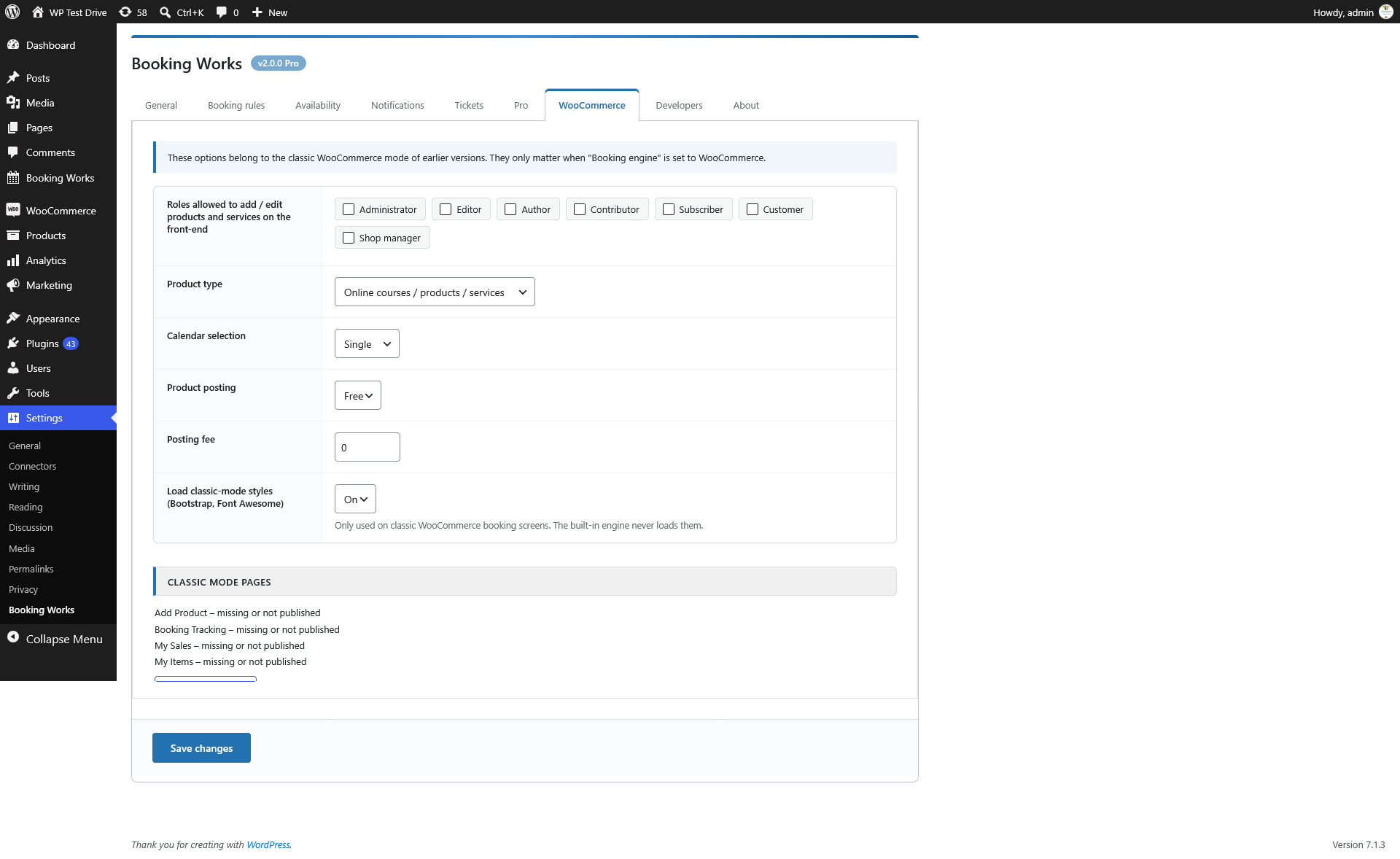
Sites that sold bookable WooCommerce products with earlier versions are upgraded automatically and keep the classic behaviour. Third-party plugins used by classic mode (WC Vendors, YITH Wishlist, NS Add Product Frontend, Security Deposits, Inbox…) remain supported but are no longer required for the built-in engine.
Third-party libraries
- QRCode.js generator (qrcode-generator) – MIT License, bundled in js/qrcode.js.
- Bootstrap 3, Font Awesome, moment.js, html2canvas and jsPDF – MIT / OFL licensed, bundled and used only by the classic WooCommerce screens.
Installation
- Upload the plugin to the
/wp-content/plugins/directory or install it from the Plugins screen. - Activate it. The setup wizard opens automatically.
- Answer the questions, then add your first item under Booking Works > Bookable Items.
- Visit the item page: the booking form is already there. Use
[BW-MY-BOOKINGS]on a page for the customer area (the wizard creates it).
FAQ
Do I need WooCommerce?
No. The built-in engine works on its own. Payments are handled offline (pay on arrival / invoice) or by your own process. If you want to sell bookable WooCommerce products, choose classic mode in the settings.
What happens to my existing bookings when I update from 1.x?
They are kept. The database table is upgraded in place, WooCommerce sites stay in classic mode and nothing is deleted.
How do I approve bookings manually?
Settings > Booking Works > Booking rules > Manual approval. You can also switch it on or off for a single item in its editor.
Can customers cancel or change their bookings?
Yes, with two switches (global and per item) and a time limit in hours before the booking starts.
How do I check guests in?
Open Booking Works > Check-in and type the code or scan the QR code of the ticket.
Can I show availability on Airbnb or Booking.com?
Each item has an iCal availability feed (no personal data). Paste its URL into the other platform.
How do I become a vendor / let others add items?
Allow the roles under Settings > WooCommerce (classic) or approve users from the Users screen (Vendor column), then give them a page with [ns-add-product].
Where is my data stored?
In your own WordPress database. Nothing is sent to any external service unless you configure a webhook.
Screenshots

Changelog
2.0.1
- Updated for compatibility with the latest WordPress release (7.1).
- Maintenance release.
2.0.0
- New: built-in booking engine – WooCommerce is now optional.
- New: date range, time slot and event/tour booking types, selectable in settings.
- New: setup wizard, dashboard, bookings list with filters, bulk actions and CSV export.
- New: admin calendar with month / week / day views and drag and drop rescheduling.
- New: availability rules (weekdays, hours, buffer, min/max stay, lead time, closed dates, capacity).
- New: manual approval, customer cancellation and rescheduling toggles (global and per item).
- New: e-mail notifications with editable templates and reminders.
- New: tickets with QR codes, check-in screen, customer area (My Bookings).
- New: iCal export, REST API, webhook, Gutenberg blocks, GDPR exporter and eraser.
- New: front-end item form for approved vendors.
- Improved: classic WooCommerce mode hardened – prepared SQL statements, nonces on every AJAX action, HPOS compatible order queries, no deprecated PHP / WordPress functions.
- Improved: database upgraded to utf8mb4 with indexes (existing data is kept).
- Improved: Bootstrap and Font Awesome are loaded only on classic WooCommerce screens.
- Improved: settings no longer overwrite each other when saved.
- Requires WordPress 5.8+ and PHP 7.4+.
1.0.4
- Previous release.