


Description
Book appointments directly from your WordPress website
Bookminto adds a modern appointment booking experience to WordPress.
Let visitors choose a service, find an available time and book directly from your website — without sending them through a complicated booking process.
Manage your services, availability and bookings in Bookminto, while the booking experience stays where it belongs: on your website.
Booking that fits your website
Not every website needs the same booking flow.
Bookminto gives you several ways to make appointments available:
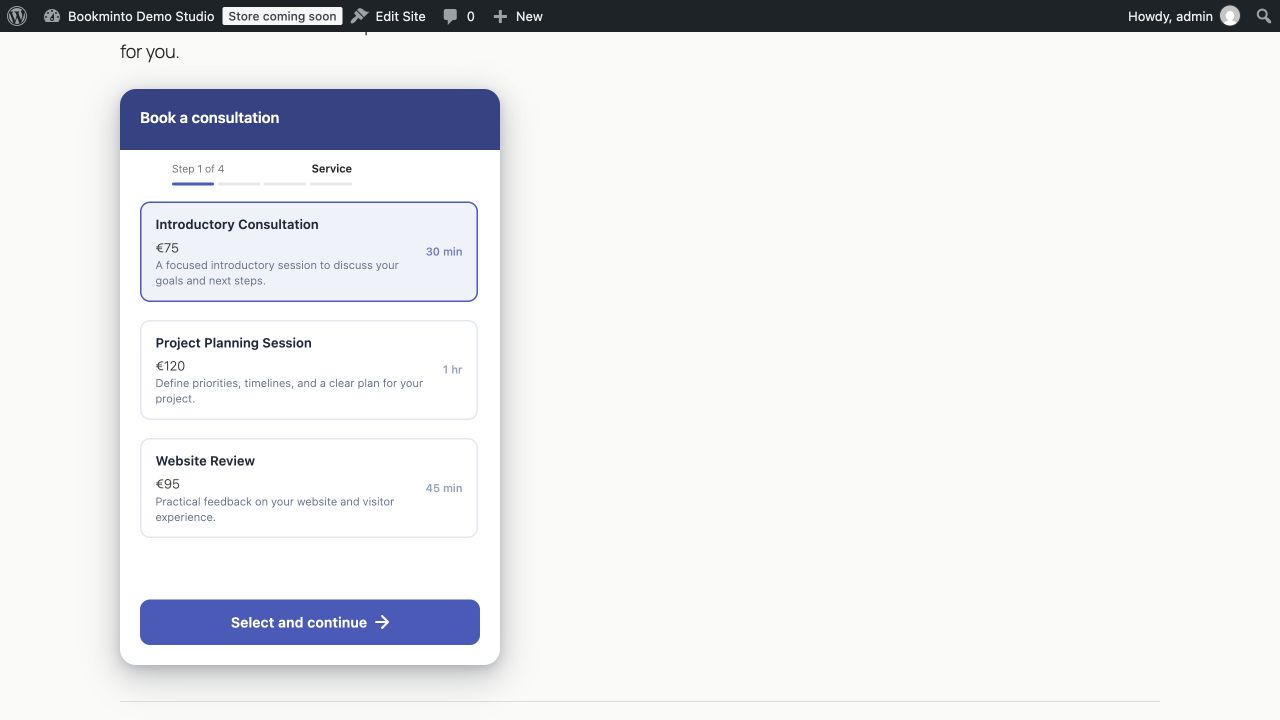
- Inline booking — embed the complete booking experience directly in a page.
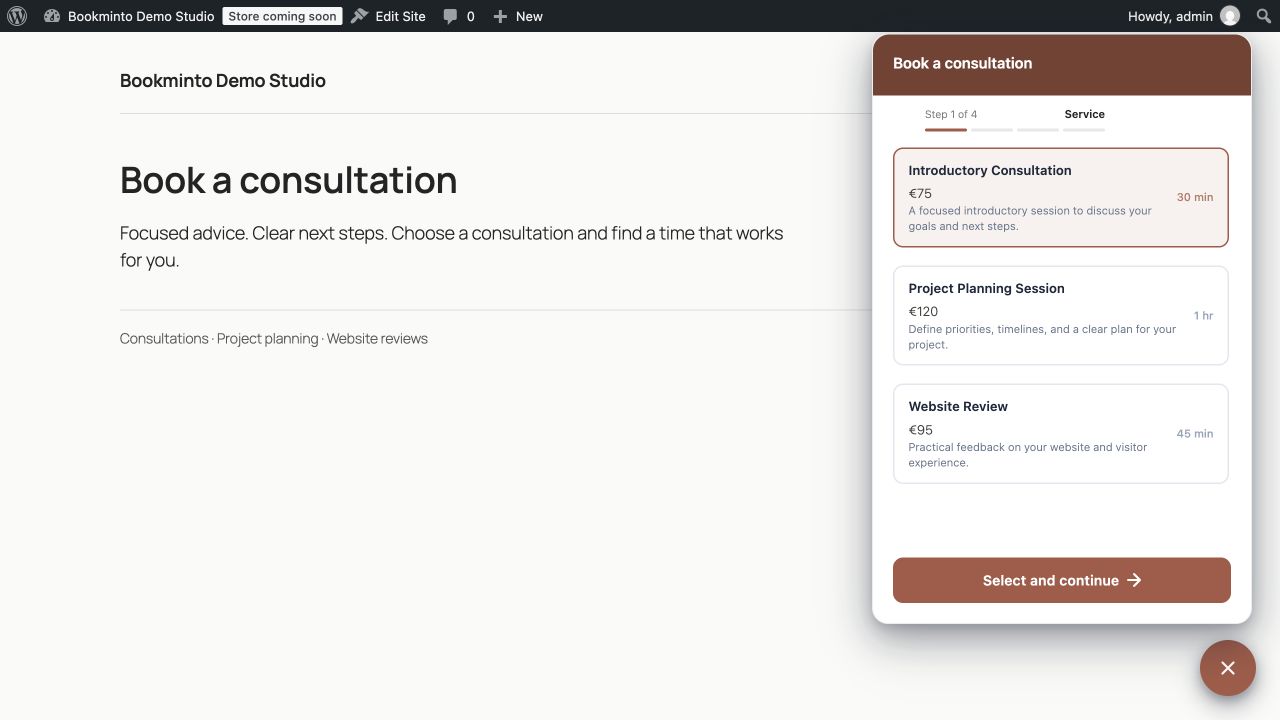
- Floating booking button — keep booking available while visitors browse your site.
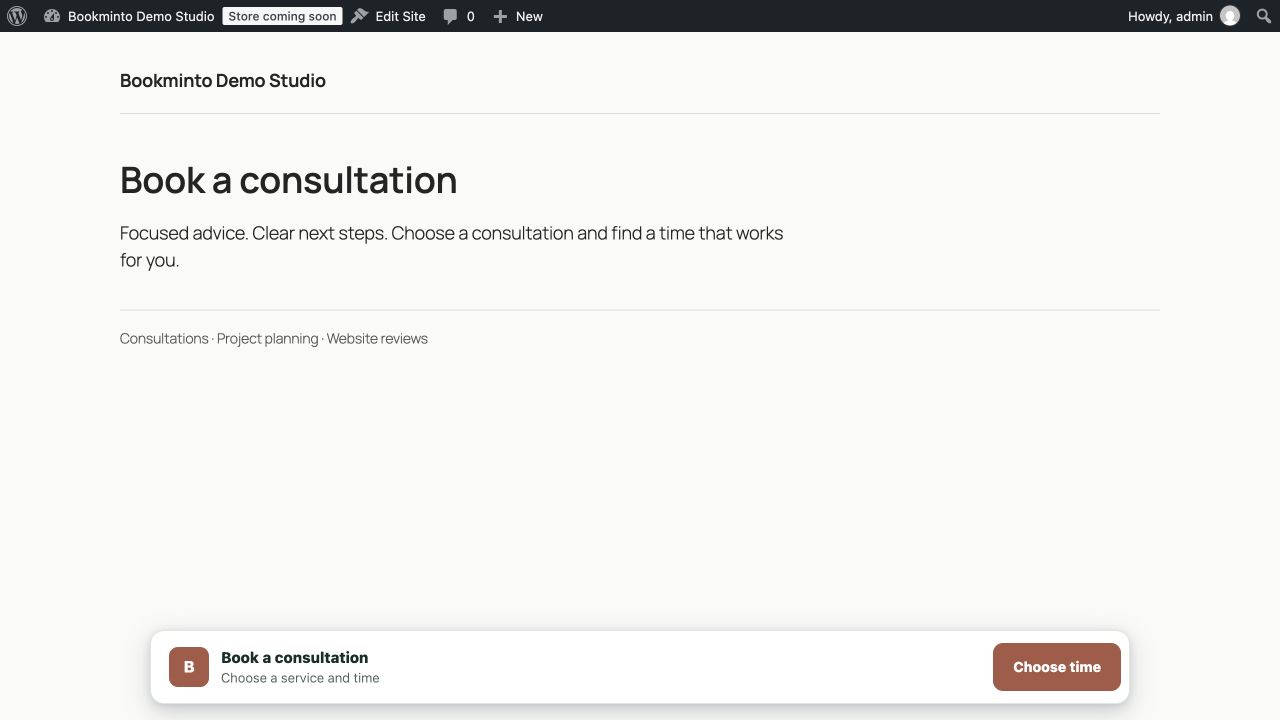
- Booking bar — add a compact booking action without taking over the page.
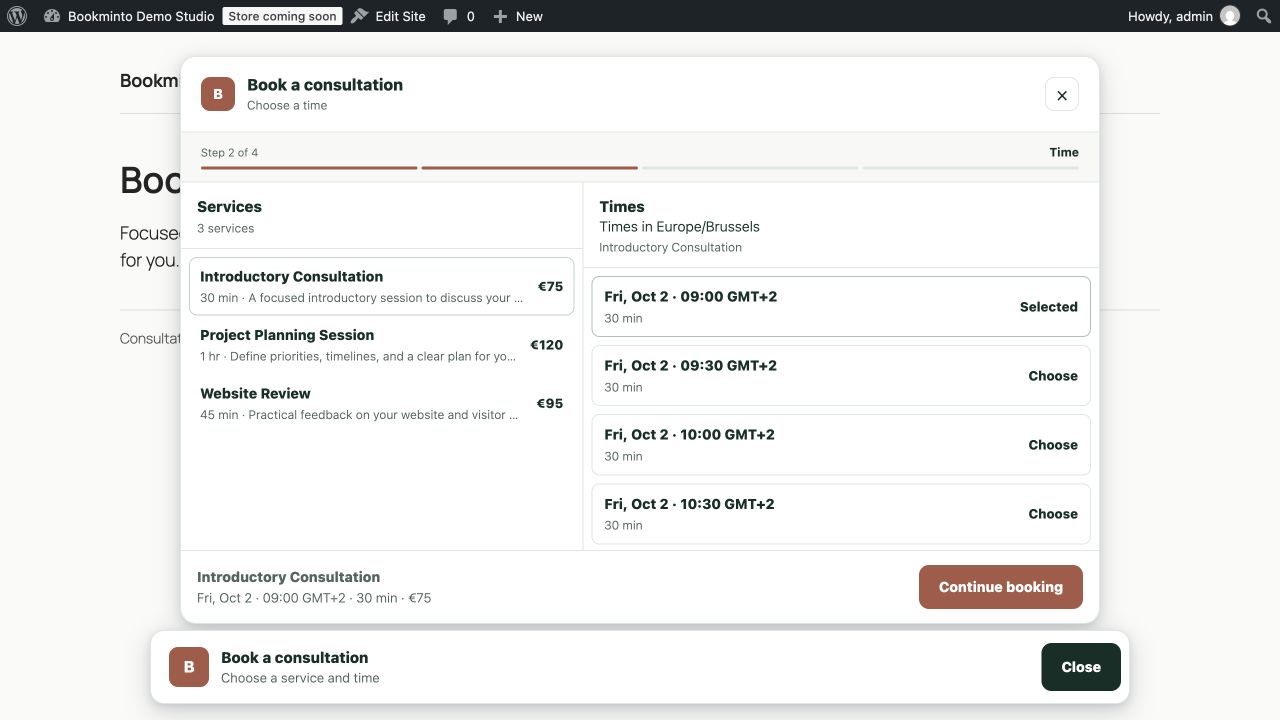
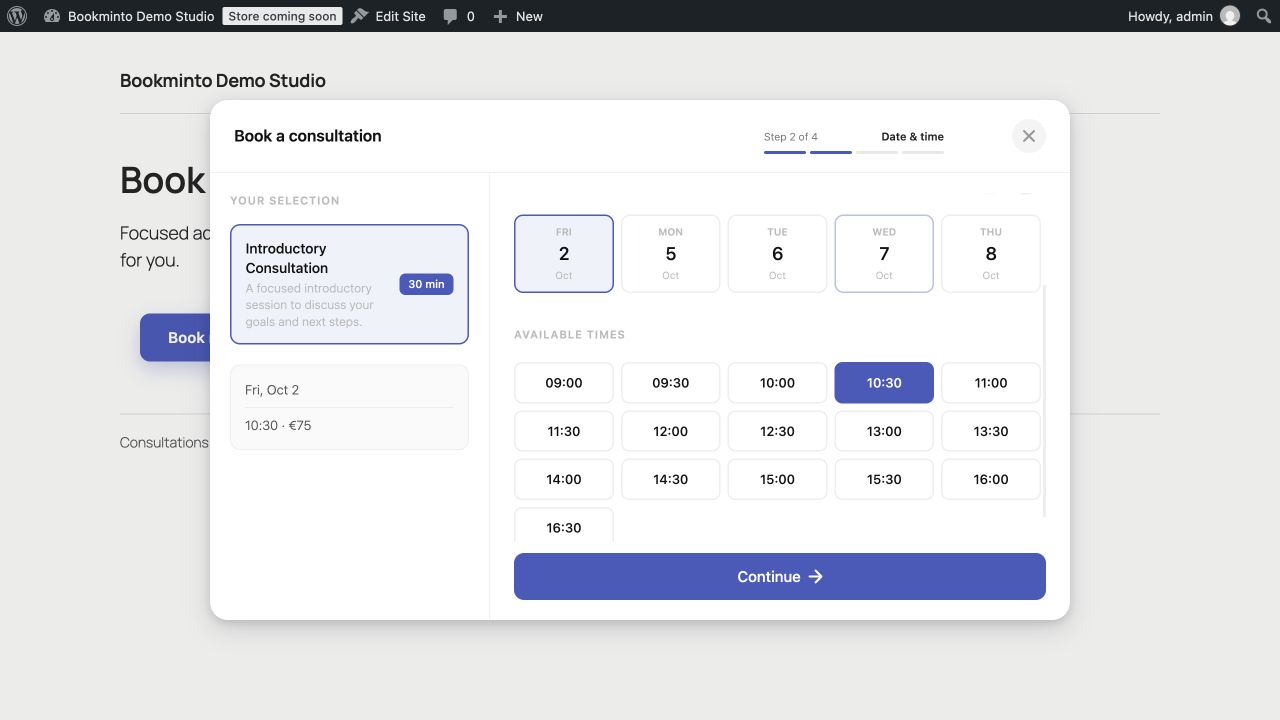
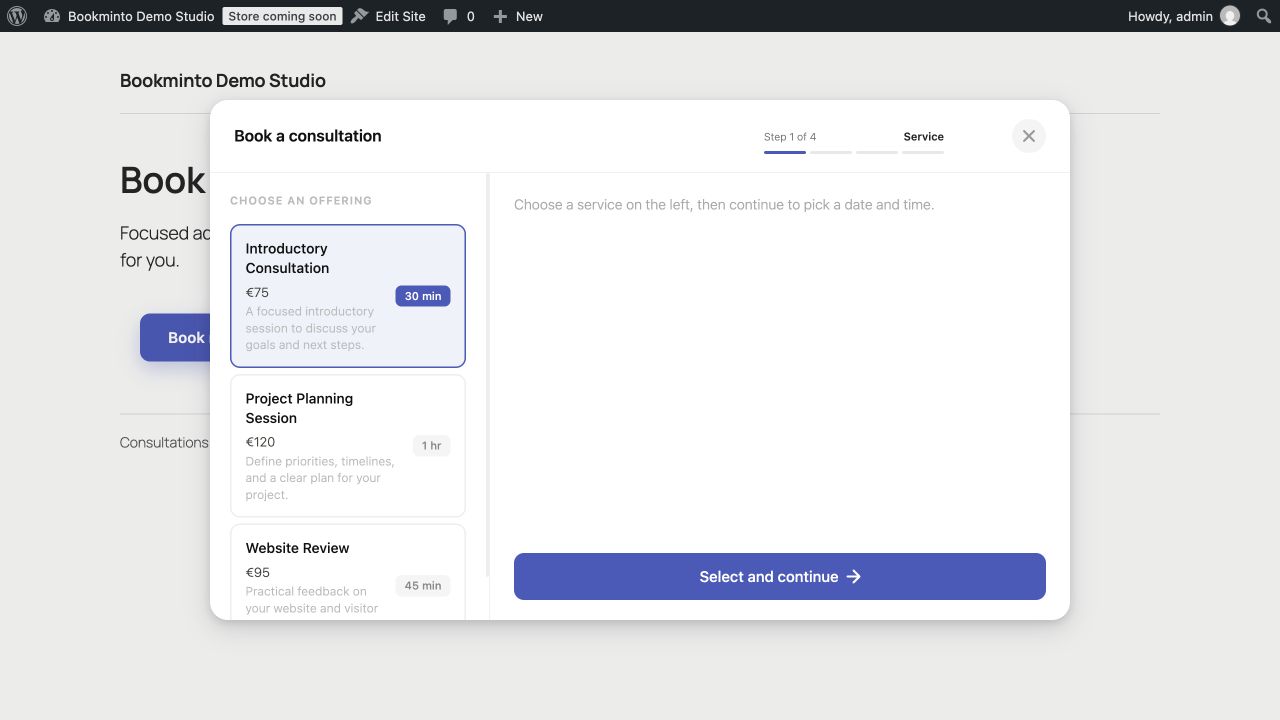
- Popup booking — open the booking flow when visitors are ready to book.
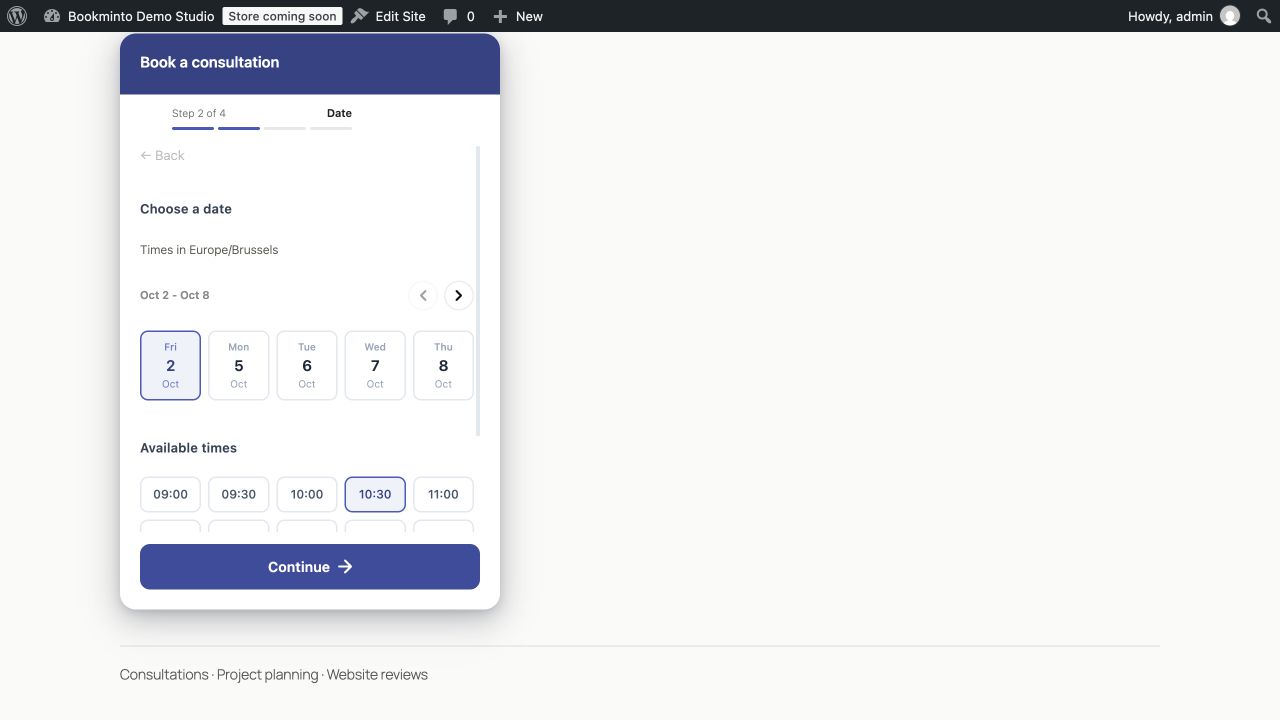
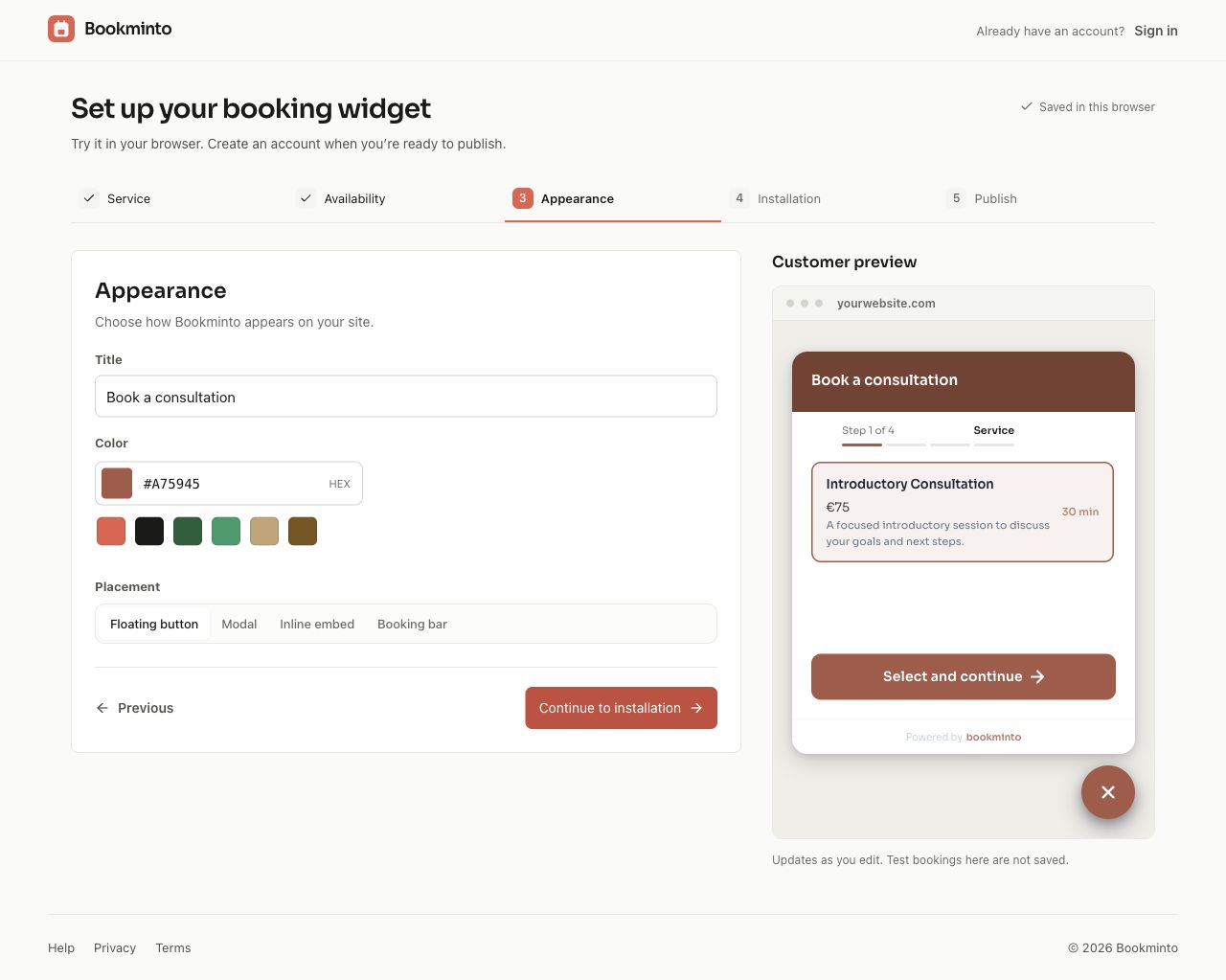
Customize the appearance to better match your website and brand. You can optionally add a small photo to each service in Bookminto. Services without a photo keep the compact text layout.
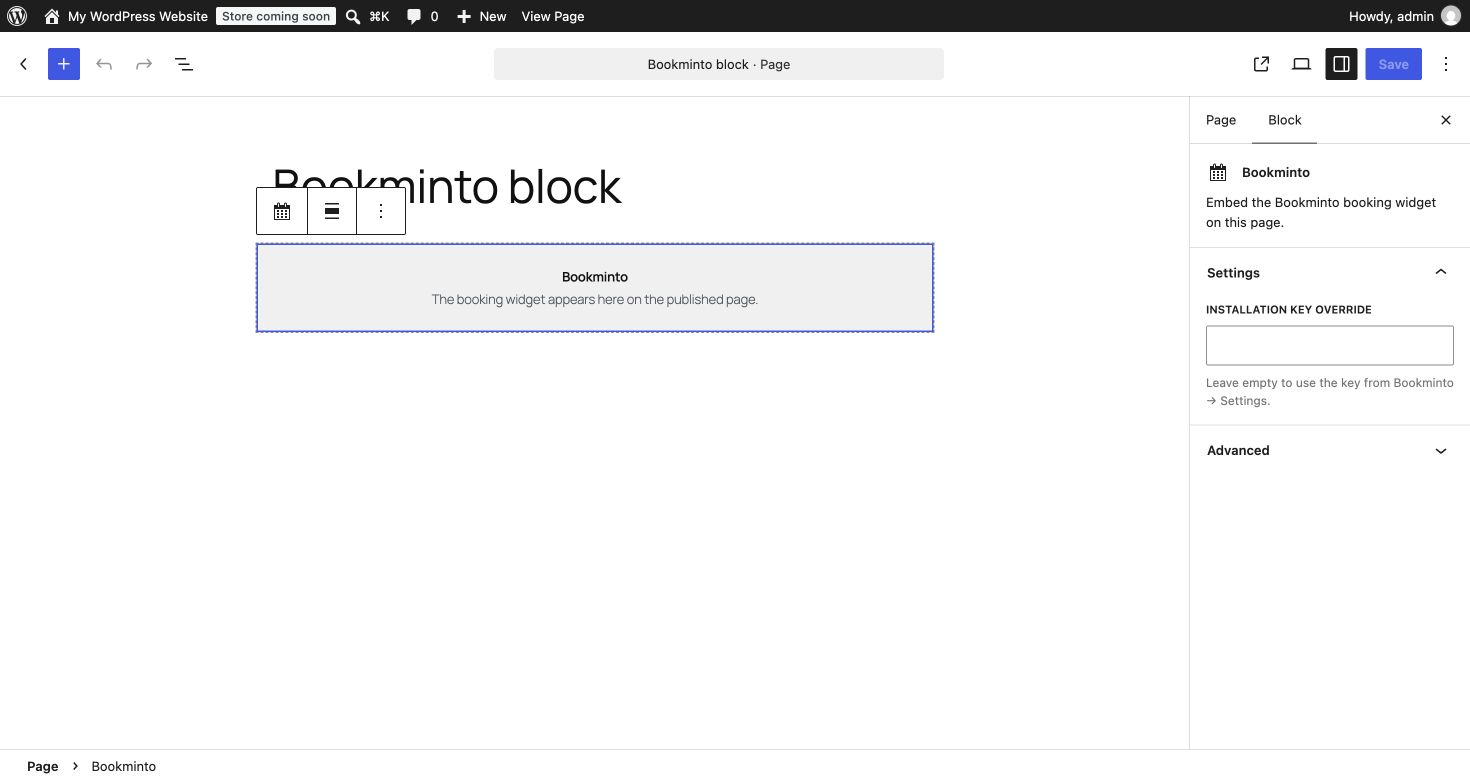
Use the Bookminto block in the WordPress editor, or place the booking experience manually with a shortcode.
A clear booking flow for your customers
Customers can:
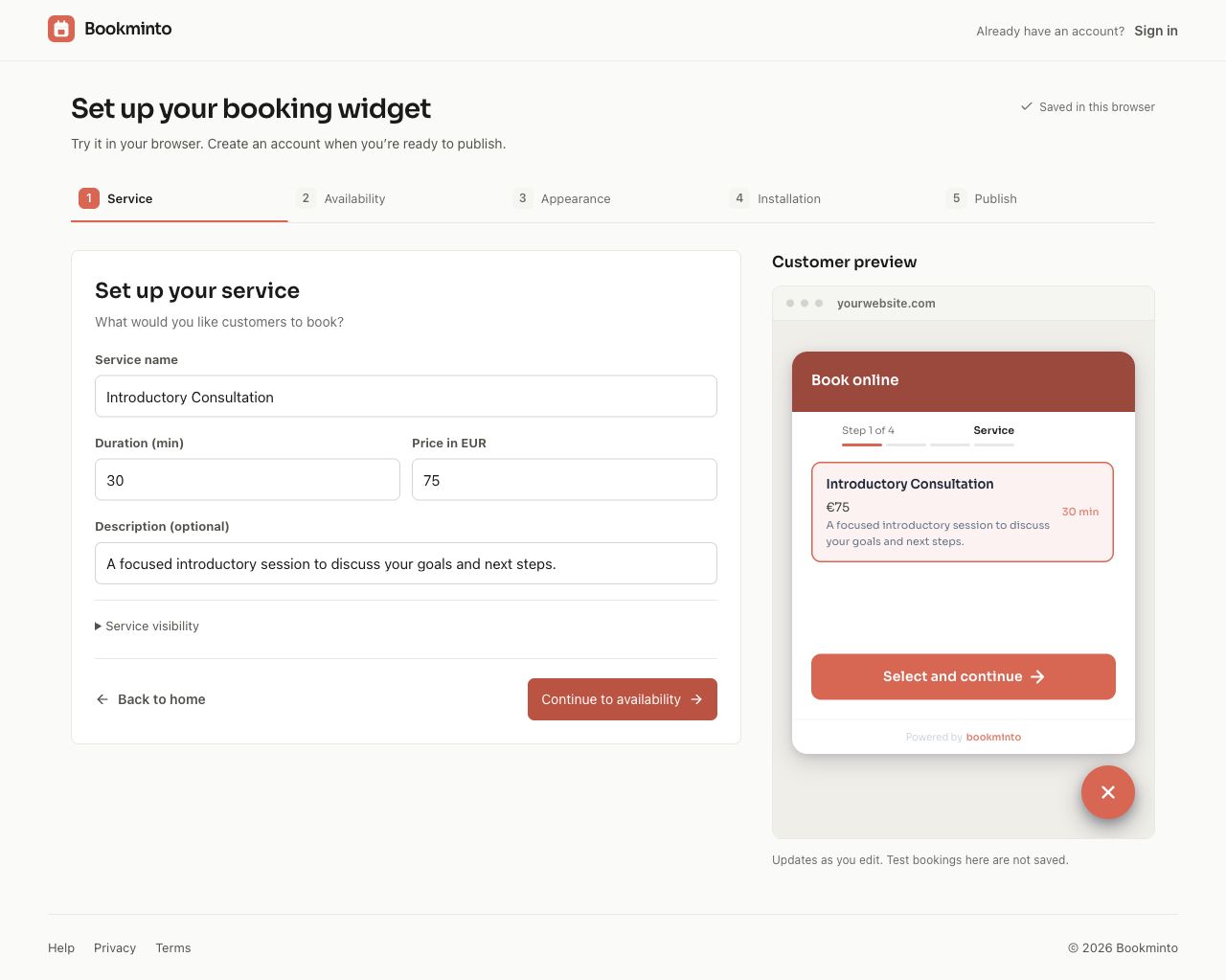
- Choose a service.
- View available dates and times.
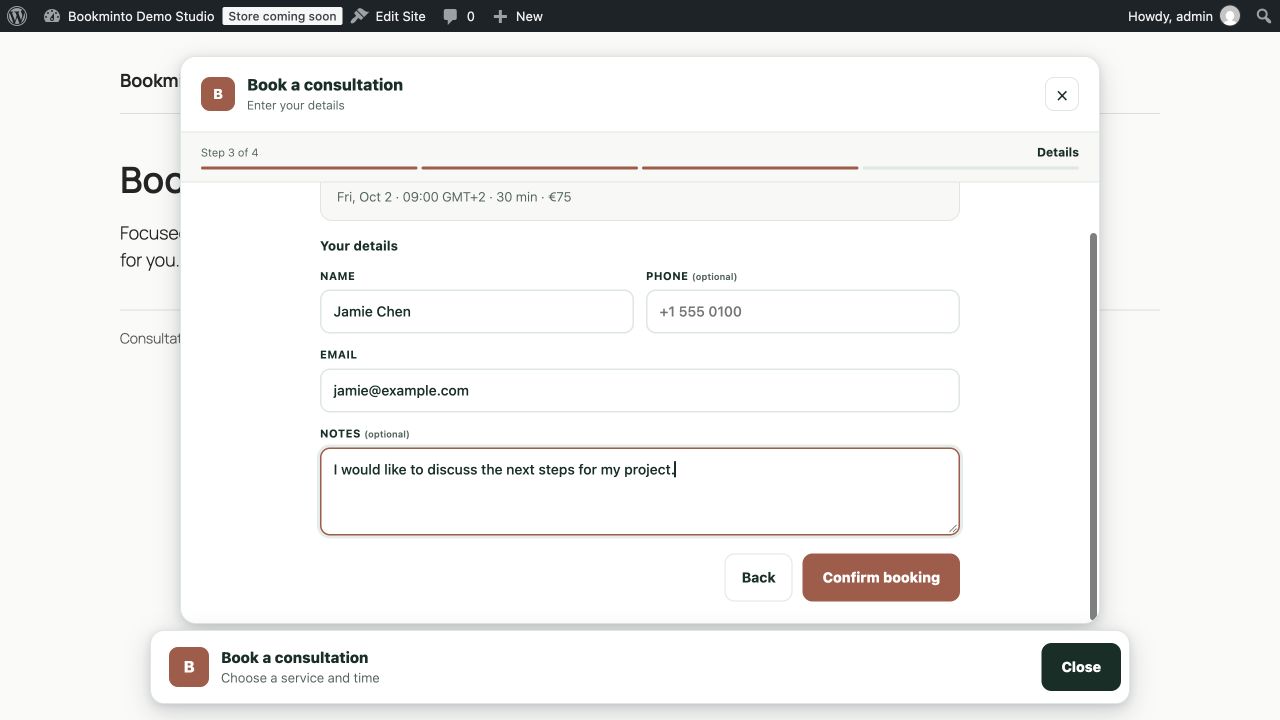
- Enter their contact details.
- Add booking information or notes where available.
- Confirm their appointment directly from your website.
Availability comes from your Bookminto setup, so customers are offered times that are available for the selected service.
Run your bookings from WordPress
Since 1.4 the day-to-day work happens right in your WordPress admin:
- Home — a set-up checklist, anything that needs attention, and your coming appointments.
- Appointments — a week calendar. Drag an appointment to another time, or reschedule and cancel it from its panel, with or without an e-mail to the customer. Cancelling a WooCommerce booking can refund the order line.
- Services — change a name, length or price as a draft and put it live when you are ready. Linked WooCommerce products follow.
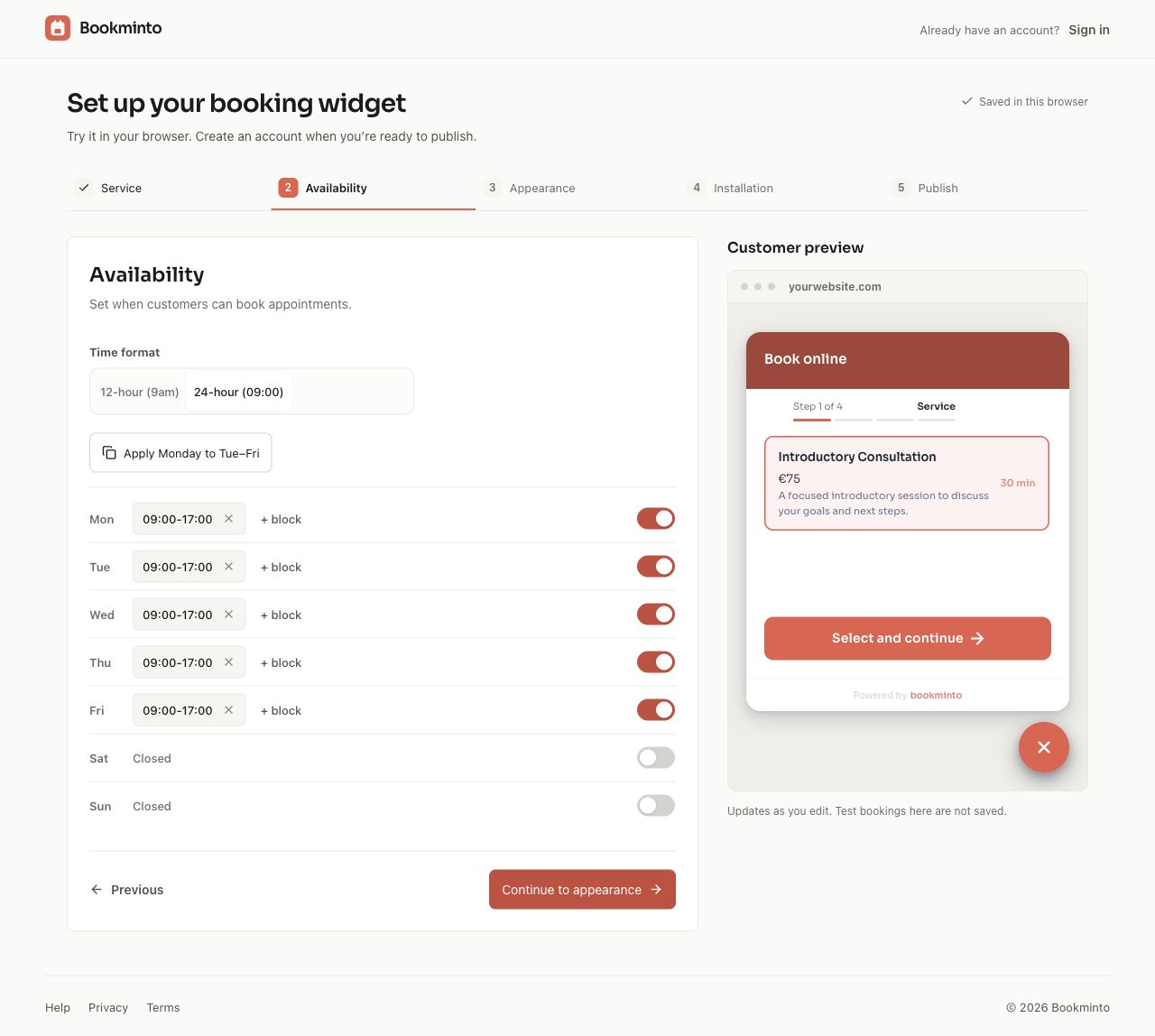
- Opening hours — weekly hours with up to four ranges a day, and days off for holidays.
Administrators and WooCommerce shop managers can use these screens.
Booking that matches your theme
Turn on “Match my theme” in the Bookminto block (or use [bookminto native="true"]) and the booking flow takes your theme’s font, colours and button shapes instead of the Bookminto card. WooCommerce product pages use it by default.
Manage bookings in one place
Bookminto gives you a central place to manage the booking side of your business, including:
- Services and pricing.
- Service duration.
- Weekly availability.
- Appointments.
- Customer information.
- Booking appearance and settings.
Bookminto is designed for appointment-based businesses such as salons, wellness professionals, clinics, consultants, coaches and other service providers.
Already using WooCommerce?
Bookminto can connect appointments to WooCommerce products.
Customers select their appointment from the product page and continue through your existing WooCommerce checkout.
This lets you keep the checkout and payment setup you already use while adding appointment selection to the purchasing flow.
Optional booking deposits with Stripe
Bookminto can also collect a deposit during the booking process when deposits are enabled for your account.
Payment details are handled securely by Stripe Elements. Raw card information is not sent to or stored by Bookminto.
Start with the free plan
The WordPress plugin itself is free and open source.
A Bookminto account is required because availability, bookings and related booking services are provided through the Bookminto service.
Bookminto offers a free plan without charge and without requiring a credit card.
An eligible paid Bookminto service plan unlocks unlimited bookings and premium features.
There is no local trial timer or paid-code lock inside the WordPress plugin. Account plans apply to the external Bookminto service.
See the current Bookminto plans for details.
External services
Bookminto is a Software as a Service (SaaS) product. This WordPress plugin connects your website to the Bookminto service in order to provide booking functionality.
The plugin communicates with:
https://api.bookminto.com/v1
Optional service photos load from Bookminto-managed Supabase Storage:
https://zmzskjwuiryxrwlitkqn.supabase.co/storage/v1/object/public/service-images/
Image requests share the visitor’s IP and browser information with storage, without booking details. See Bookminto’s Privacy Policy below.
The Bookminto service is used to:
- Load the booking configuration associated with your installation.
- Retrieve services and availability.
- Create and manage booking holds.
- Create and confirm appointments.
- Synchronize supported WooCommerce product and service information.
- Process signed booking, payment and cancellation updates where applicable.
Depending on the feature being used, information sent to Bookminto can include:
- The Bookminto installation key.
- When you click Connect with Bookminto: this site’s address and name, opened in your browser at app.bookminto.com so you can approve the connection.
- The website or page URL.
- Selected service.
- Selected date and time.
- Customer name.
- Customer email address.
- Booking information supplied by the customer.
- WooCommerce order identifiers when WooCommerce booking is used.
Bookminto service:
Terms of Service:
https://app.bookminto.com/terms
Privacy Policy:
https://app.bookminto.com/privacy
Stripe
When optional booking deposits are enabled, the booking interface loads Stripe.js from:
https://js.stripe.com/v3/
Stripe processes payment details and associated device/network information required to process the payment.
Bookminto receives payment identifiers and payment status information, but does not receive raw card details.
Stripe documentation:
Stripe Terms:
Stripe Privacy Policy:
WooCommerce bookings use the payment method configured by the WordPress website owner in WooCommerce rather than a Bookminto-controlled checkout.
Installation
- Upload the
bookmintofolder to/wp-content/plugins/, or install the ZIP through Plugins > Add New > Upload Plugin. - Activate the plugin.
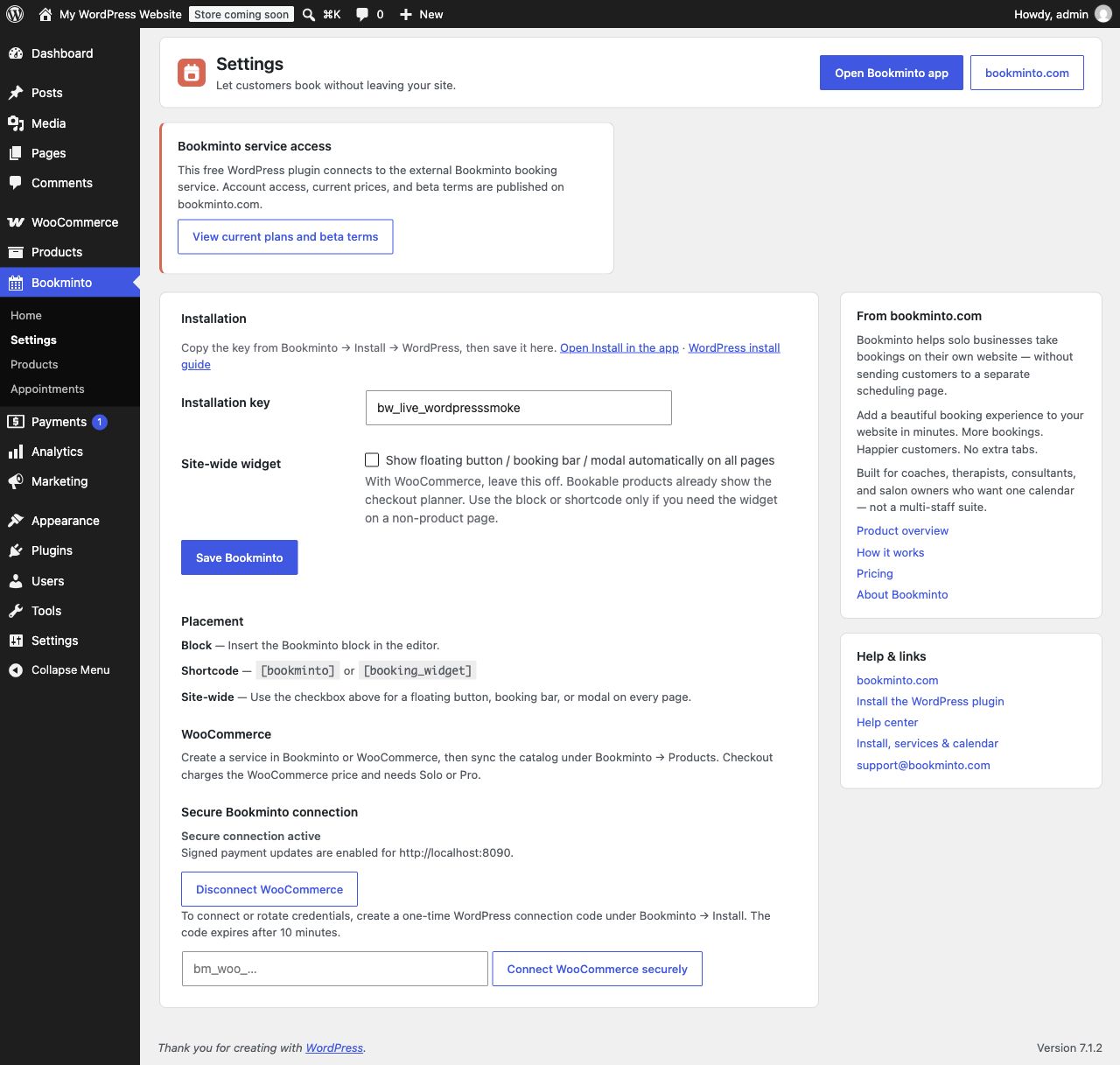
- Go to Bookminto > Settings and click Connect with Bookminto.
- Sign in to Bookminto and approve the connection for this site. The plugin sets itself up — there is no key to copy.
- No button available? Create a one-time connection code for this site under Channels → WordPress in the Bookminto app and paste it under Bookminto → Settings instead.
- Add the Bookminto block (or
[bookminto]) to a page, or leave site-wide display on. - Optional (WooCommerce): open Bookminto → Products and click Sync catalog so services and products match.
FAQ
Where can developers find the source and build instructions?
The plugin bundles its booking runtime in assets/widget.js with readable source in assets/src, and the admin screens in admin/build/bookminto-admin.js with their source in admin/src. To reproduce them, use Node.js 22 and the repository lockfile: run npm ci, npm run sync:wordpress-plugin, npm run build:wordpress-admin, then npm run package:integrations. Updates arrive through plugin releases.
Is the plugin translated?
Dutch (Nederlands, nl_NL and nl_BE) ships with the plugin. Other languages come from translate.wordpress.org.
Can I place the widget manually?
Use the Bookminto block or [bookminto] / [booking_widget]. Automatic rendering is skipped on singular pages containing a block or shortcode.
Does the plugin charge visitors?
If booking deposits are enabled in Bookminto, the widget can collect a deposit through Stripe. With WooCommerce product booking, visitors pay through WooCommerce checkout. Bookminto account billing is separate from these visitor payments.
Does the plugin load remote JavaScript?
Bookminto’s booking runtime, admin screens and brand font are bundled with the plugin. Optional deposit payments load Stripe.js directly from Stripe; no remote Bookminto runtime is loaded. The plugin calls the documented Bookminto API to load configuration, availability, and create or update bookings.
Does the WordPress plugin use a trial or local license lock?
No. All code included in this WordPress plugin remains available; there is no local trial timer or license lock. The external Bookminto service controls account access and service features. Its free and paid plans are separate from the free WordPress plugin. See https://bookminto.com/#pricing for current conditions.
Does WooCommerce work without a paid Bookminto plan?
Yes. Product-page checkout booking is available on every Bookminto plan, including the free plan. Plan limits such as the number of bookings still apply; see https://bookminto.com/#pricing.
Screenshots
Changelog
1.5.1
- Booking form: answering a required choice question as the last field now enables the confirm button right away.
1.5.0
- WooCommerce: refunding a booking’s whole line (all places, or the full amount) from the order now cancels just that booking in Bookminto; other bookings in the order stay.
- WooCommerce: refunding some of the places on a line (for example 1 of 3) notifies the business in Bookminto so the booking can be adjusted.
- Cancelling a booking with a refund from WordPress no longer sends a second cancellation.
- Order synchronisation retries only count real attempts: reloading the thank-you page or saving the order during an outage no longer uses them up, and orders waiting for a customer e-mail address do not either.
- Failed synchronisations are written to the WooCommerce log (source “bookminto”).
- The connection secret is now stored encrypted with a key from your WordPress salts. If those salts change, Home and Settings ask you to connect again.
- Catalog sync handles stores with more than 100 products.
- Prices with tax and deposit amounts are calculated in whole cents, so totals match Bookminto exactly.
- Internal: the WooCommerce code is split into smaller files.
1.4.1
- Team members whose hours start later than the business’s now get times on the business’s own time grid, so every time the booking flow offers can actually be booked.
1.4.0
- New Home screen: set-up checklist, what needs attention (connection, prices, currency) and your coming appointments.
- New Appointments calendar: week view, drag to reschedule inside your opening hours, reschedule and cancel from the appointment panel, optionally without e-mailing the customer. Cancelling can refund the WooCommerce order line.
- New Services screen: edit name, length and price as a draft and put it live; linked WooCommerce products follow.
- New Opening hours screen: weekly hours and days off.
- “Match my theme”: the booking flow can take your theme’s font, colours and button shapes (block, shortcode, and WooCommerce product pages by default).
- The Sora brand font now ships with the plugin.
- Dutch translation included.
- Sync catalog no longer turns ordinary WooCommerce products into bookable ones; make a product bookable explicitly.
- Disconnecting works again after the connection was revoked in Bookminto.
- WooCommerce booking keeps working on cached product pages.
- The waitlist page renders inside block themes.
- Assets refresh in browsers as soon as they change.
- WooCommerce: the planner shows the store’s price and currency; a held time that ran out leaves the cart.
- WooCommerce deposits: checkout charges the deposit, and the customer gets a payment link for the rest before the appointment.
- WooCommerce: services with price categories (adults, children, …) can be booked; checkout charges Bookminto’s quote.
- WooCommerce: choose what happens when a customer cancels a paid booking themselves — note it, or refund automatically.
1.3.0
- Connect with Bookminto: approve the connection in your browser and the plugin configures itself — no installation key to copy.
- A pasted connection code now sets up the whole plugin on its own. Codes only work for the site they were made for.
- Bookminto e-mails the account owner whenever a site is connected.
1.2.4
- Settings and help links now point at Bookminto → Channels → WordPress (the WordPress channel page) instead of the old Install section.
1.2.3
- Continue/total bar now stays docked at the bottom in every advanced flow (date range, multi-day, pricing) on phones, the floating panel and desktop dialogs.
- Date-range step is a single focused column with tighter proportions; month arrows sit on the month title.
1.2.2
- Floating panel and phones: two-segment progress, back chevron in the header, single-row docked total + continue, panel pop-in animation and cleaner shadow.
- Fixed the range calendar’s endpoint shapes, coupon placement on the details step and wrapped titles in narrow headers.
1.2.1
- Advanced booking flow (price categories, multi-day, groups) redesigned: flat layout, flexible 7-day date strip, docked total + continue bar, single rate preselected, cleaner details step.
- Fixed clipped selection ring and bulky service cards on phones; “1 kalenderdag” singular.
- Redesigned booking widget: new design system, full-width progress header, cleaner service cards with price and deposit separated, refined calendar and time slots, improved form and confirmation screens.
- Dialogs now open as bottom sheets on phones; the floating panel gets a close button inside the panel.
- Time format defaults to 24h for non-English languages; durations read “2 uur” / “1 u 30 min” in Dutch.
- Fixed focus rings on the dialog close button and the sticky action bar on mobile.
1.1.0
- Support simultaneous room and equipment requirements, capacity units and ordered alternatives.
- Keep multi-day quantity, daily buffers and physical group allocations consistent with Bookminto availability.
- Consume the bounded, anonymous availability contract without private booking identities.
1.0.6
- Fix scrolling over the payment method list in the booking bar: the Stripe element no longer traps wheel gestures.
- After a completed booking all variants show a green confirmation state, and the bar can be dismissed.
- More reliable deposit payments: retry after a Stripe.js load failure, bank-debit “processing” handled as pending, and a timeout on element mount.
- Security hardening: rate limiting on payment confirmation, safer calendar downloads, and reduced URL data in booking metadata.
1.0.5
- Fix deposit payments in the embedded widget: the Stripe Payment Element now mounts correctly and the pay button waits for Stripe to be ready.
- Improve widget lifecycle cleanup, trigger selector validation, and compatibility on sites served over plain HTTP.
- Pass SMS and WhatsApp opt-in availability through to the embedded widget.
- Safer WooCommerce checkout URL handling and a multisite-safe uninstall.
1.0.4
- Preserve the active proposal identity through the shared deposit booking flow.
1.0.3
- Read published service prices in integer cents, with compatibility for older EUR prices.
- Reject unavailable prices instead of displaying a free appointment.
1.0.2
- Preserve booking retry identity, published revision and calendar verification.
- Keep isolated widget languages and support explicit booking-day hours.
1.0.1
- Optional service photos in the booking widget. Compact thumbnails appear only when a service has a photo.
- Failed images fall back to the existing text-only service selection.
1.0.0
- Initial WordPress.org release.