


Description
BoostLoop checks whether AI assistants and answer engines can find, read and trust your site, then applies the fixes for
you from the BoostLoop screen in wp-admin.
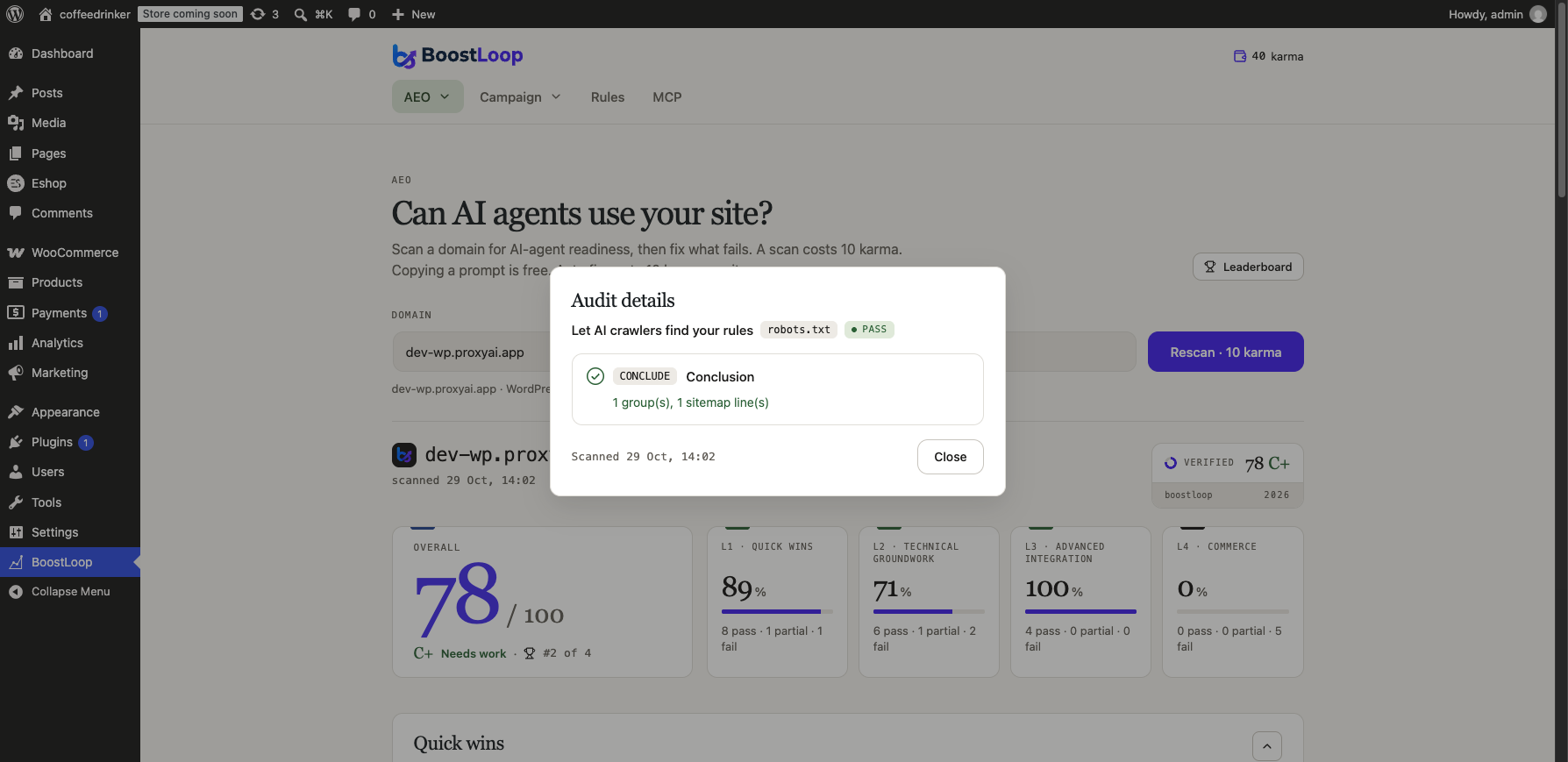
- Scan the site and see which checks pass or fail.
- Apply fixes: robots.txt rules, JSON-LD structured data, meta and link tags,
llms.txt, and markdown versions of pages. - WooCommerce stores can publish a product feed and commerce discovery documents.
- Draft trust pages are created as unpublished WordPress pages. Nothing goes public until you publish it.
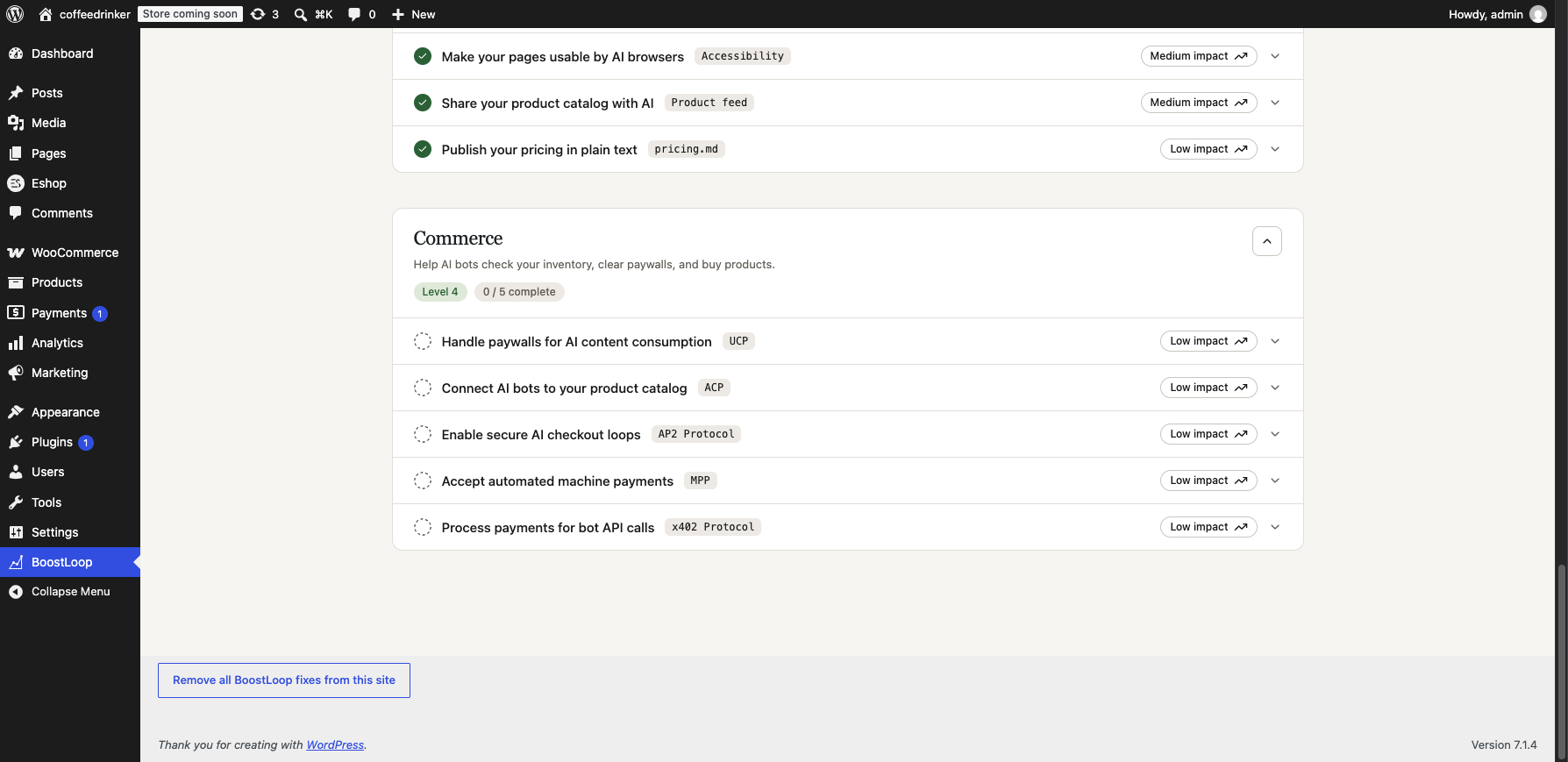
- “Remove all BoostLoop fixes from this site” puts everything back, including any physical file the plugin replaced.
An account for this site is created when you first open the BoostLoop screen. Scans and fixes use BoostLoop karma, which you top
up inside the plugin.
External services
This plugin is a client for BoostLoop, a hosted service. It cannot work without it. The service is operated by BoostLoop at
https://boostloop.club.
- Terms of Service: https://boostloop.club/terms
- Privacy Policy: https://boostloop.club/privacy
- Documentation: https://boostloop.club/docs
When you first open the BoostLoop screen in wp-admin, the plugin sends this site’s address, its name, the administration
email address and a random secret generated on your site. This creates the account for this domain. Nothing is sent before an
administrator opens that screen.
While you use the BoostLoop screen, the dashboard reads and writes through this site’s own REST API. Your server forwards
each request to BoostLoop signed with the site’s secret, so your browser talks only to your own site. BoostLoop crawls your
public pages to scan them. For fixes that need it, the plugin also sends your WooCommerce product names, links, prices and images.
When you top up karma by card, a payment page opens at BoostLoop’s payment provider, Stripe. Card details go to Stripe
alone and never reach this site. Stripe terms: https://stripe.com/legal/consumer, privacy policy: https://stripe.com/privacy.
Source code
The admin screen in admin/dist/ is compiled from the BoostLoop app source (React, TypeScript, Vite). The build configuration
and the plugin source are public at https://github.com/Proxyai-team/boostloop-wordpress. Build with
npx vite build –config admin-build/vite.config.ts.
Installation
- Upload the plugin to
/wp-content/plugins/, or install it from the Plugins screen. - Activate it.
- Open BoostLoop in the wp-admin menu. Your site is connected automatically.
FAQ
Does it change my site without asking?
Fixes are applied only when you press the button for them. Pages BoostLoop drafts stay unpublished until you publish them.
How do I undo everything?
Press “Remove all BoostLoop fixes from this site” on the BoostLoop screen. Deleting the plugin also restores any
robots.txt or llms.txt file it replaced and removes its options.
Does it replace a real robots.txt file in my site root?
Yes, if one exists. A physical file is served before WordPress runs, so the fix would never show. The original is kept once as
robots.txt.boostloop-bak and put back when you remove the fixes.
Does it work without WooCommerce?
Yes. The product feed and commerce documents are only offered on WooCommerce stores.
Screenshots



Changelog
0.3.14
- Code tidy-up and added readme.txt.