

Description
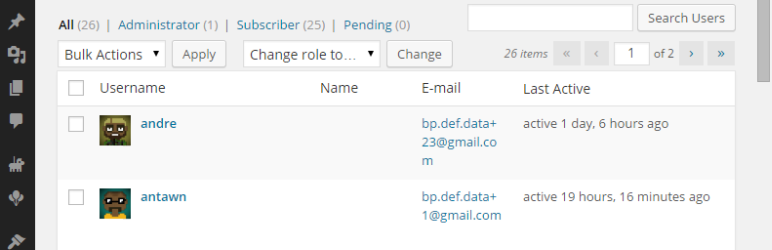
Display BuddyPress last active date for a user on wp-admin/users.php page
BuddyPress is required for plugin to work. If BuddyPress is not installed – plugin will not display any information.
WordPress MultiSite supported.
Installation
- Upload plugin folder
/buddypress-last-active-users-wp-admin/to the/wp-content/plugins/directory - Activate the plugin through the ‘Plugins’ menu in WordPress
- Go to “Users” page in your WordPress admin area and check the new
Last Activecolumn
Screenshots

Changelog
1.1 (05.01.2015)
- Added: WP MS support
1.0 (04.01.2015)
- Initial release