


Description
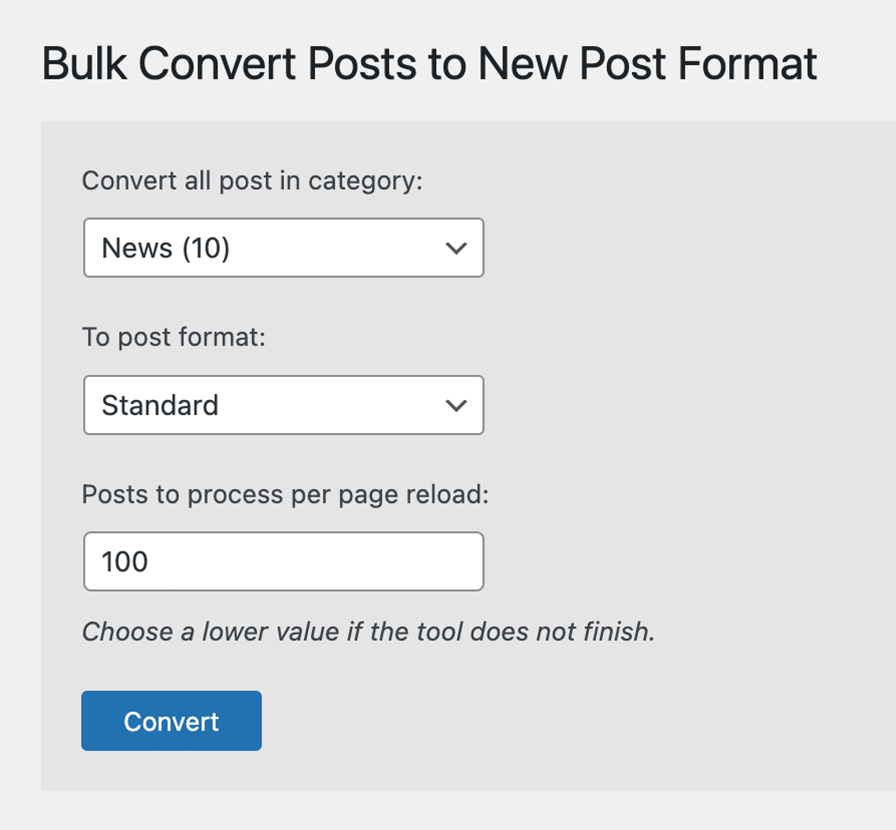
Bulk convert posts in a category to a selected post format. Select from a dropdown of categories and a dropdown of defined post formats.
Installation
- Upload the
bulk-convert-post-formatfolder to the/wp-content/plugins/directory - Activate the plugin through the ‘Plugins’ menu in WordPress
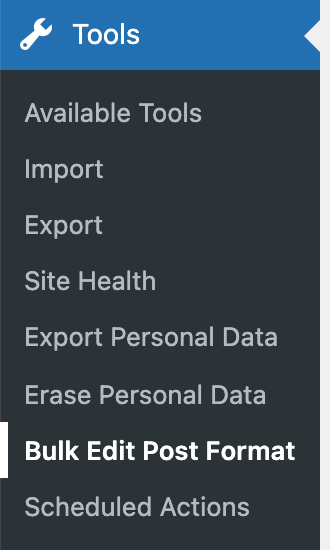
- Configure and run the tool under Tools > Bulk Edit Post Format
FAQ
Can I convert custom post types or custom taxonomies?
Our plugin currently supports only standard post types and the standard category taxonomy.
Can I convert only some posts and not an entire category?
Not at this time. An easy workaround would be to create a temporary category to select the specific posts you want to convert. After the conversion, you can delete the temporary category.
Screenshots
Changelog
1.1.6
- Renamed the plugin’s functions with a unique prefix to avoid conflicts with other plugins and themes
- Fixed the progress message and the “Convert again” link on sites installed in a subfolder
1.1.5
- Security updates
- WP Core 6.9 compatibility update
1.1.4
- Enhanced category dropdown to display terms hierarchically along with their post count.
- Improved post query to exclude posts in child categories, ensuring accurate conversions.
- Refined text in progress and completion pages for better clarity and user experience.
- WP Core compatibility update
1.1.3
- Fixed undefined array keys
- WP Core compatibility update
1.1.2
- WP Core compatibility update
1.1.1
- WP Core compatibility update
1.1.0
- UI improvements
- WP Core compatibility update
1.0.2
- WP Core compatibility update
1.0.1
- Properly enqueued javascript
1.0.0
- Initial plugin creation