


Description
Announcement bar and notification bar for WordPress
View demos here | View docs here
Over 2k active installs and many happy customers, with lots of 5-star reviews!
See some customer reviews below:
“Works well and easy to use – recommend”
“Very simple plugin, elegant design and great assistance! I tried some other plugins and this one is the best! I highly recommend…”
“Does the job. PERFECTLY!”
“Gets the message across, where you want it, when you want it, how you want it. Great, lightweight plugin. Does what it needs to do without a lot of dead weight.”
“I really like this bulletin plugin, it’s the best I’ve seen!”
“Fantastic Plugin, so versatile!”
Bulletin is a lightweight announcement bar and notification bar plugin. Show a sticky top bar in your header, a floating bar at the bottom of the screen or a sticky footer banner with sale offers, countdowns and shop notices, on any WordPress site or WooCommerce store.
Here are a few of the typical scenarios when you would use Bulletin:
- 🛍️ Sale offers
- ⏳ Countdown to an event
- 🆕 Announcing a new section on your website
- ⚠️ Showing an important notice for logged-in members
- 🚨 Emergency Announcements
- 🍪 Cookie notice
- ✨ Announcing a new feature for your product
- 🎉 And much more!
How it works
Watch a quick video of how it works here:
You can also check out these demos:
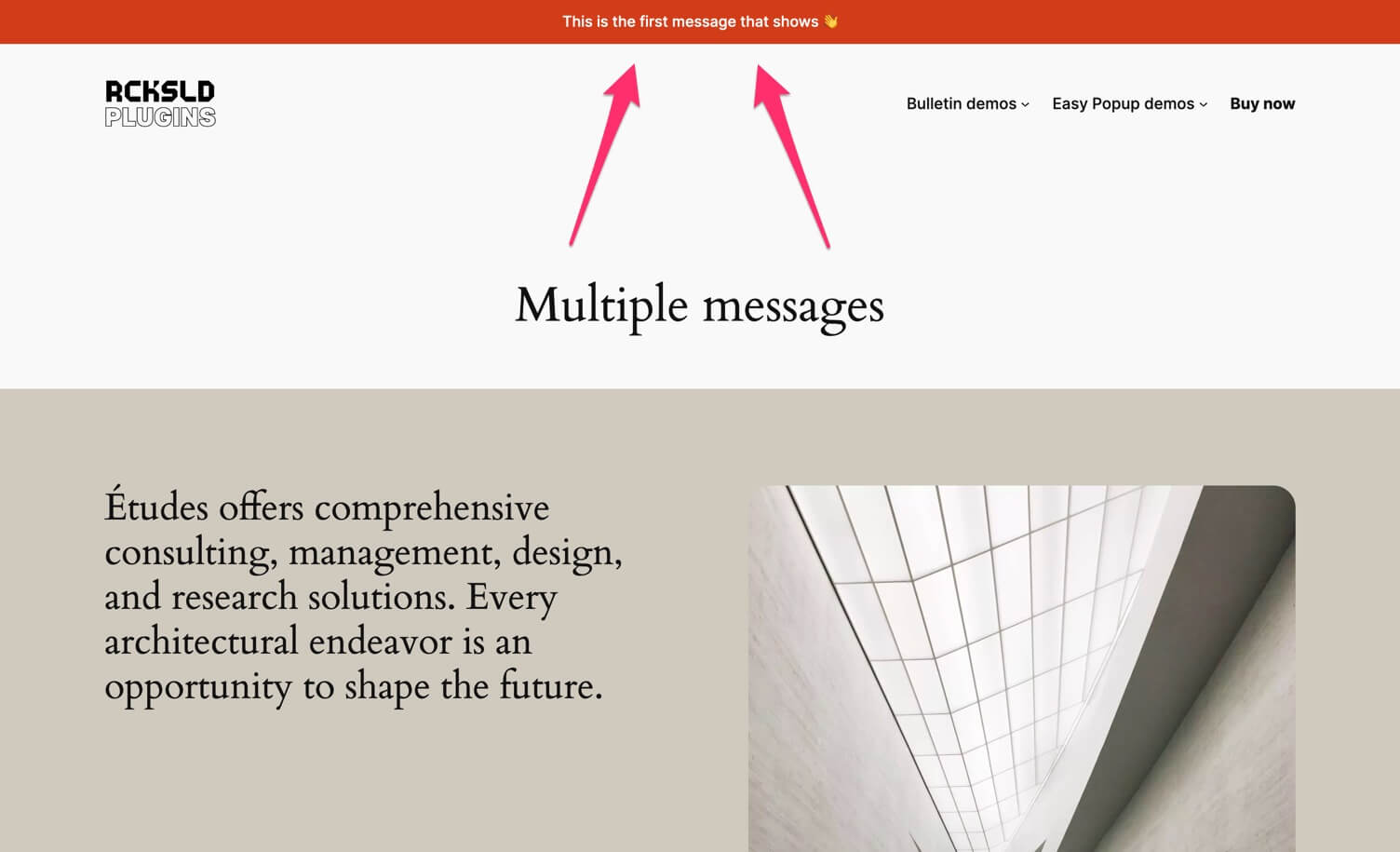
- Header bulletin with multiple messages
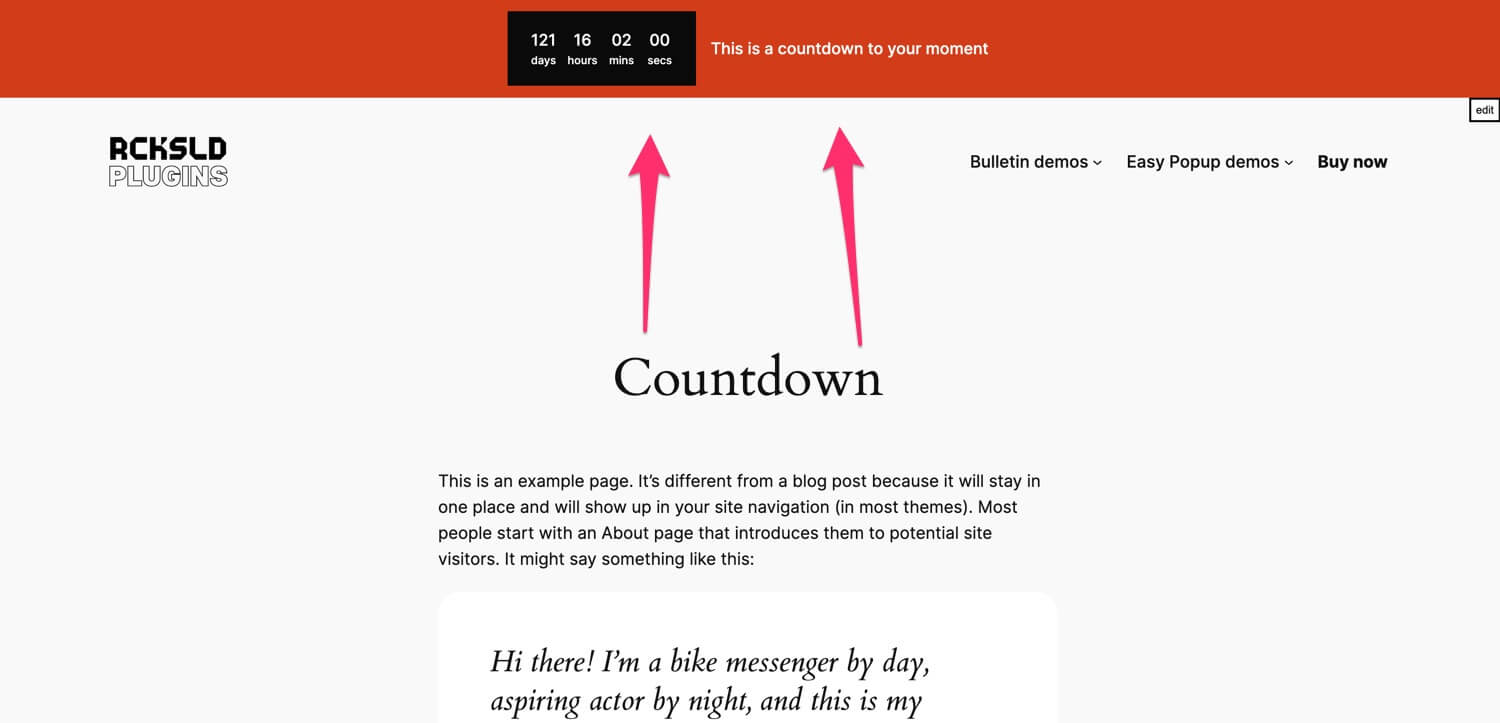
- Header bulletin with countdown
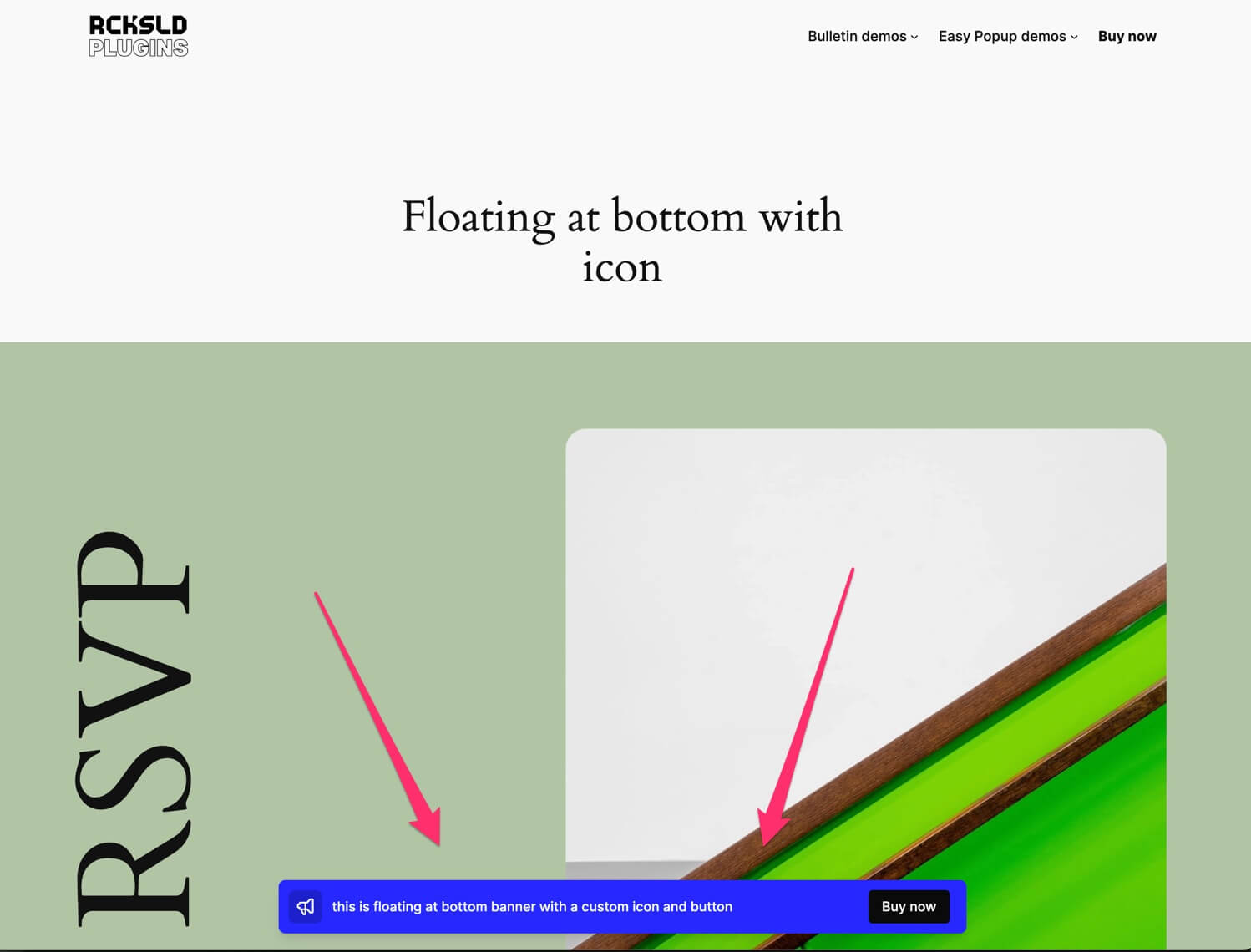
- Floating at bottom with icon
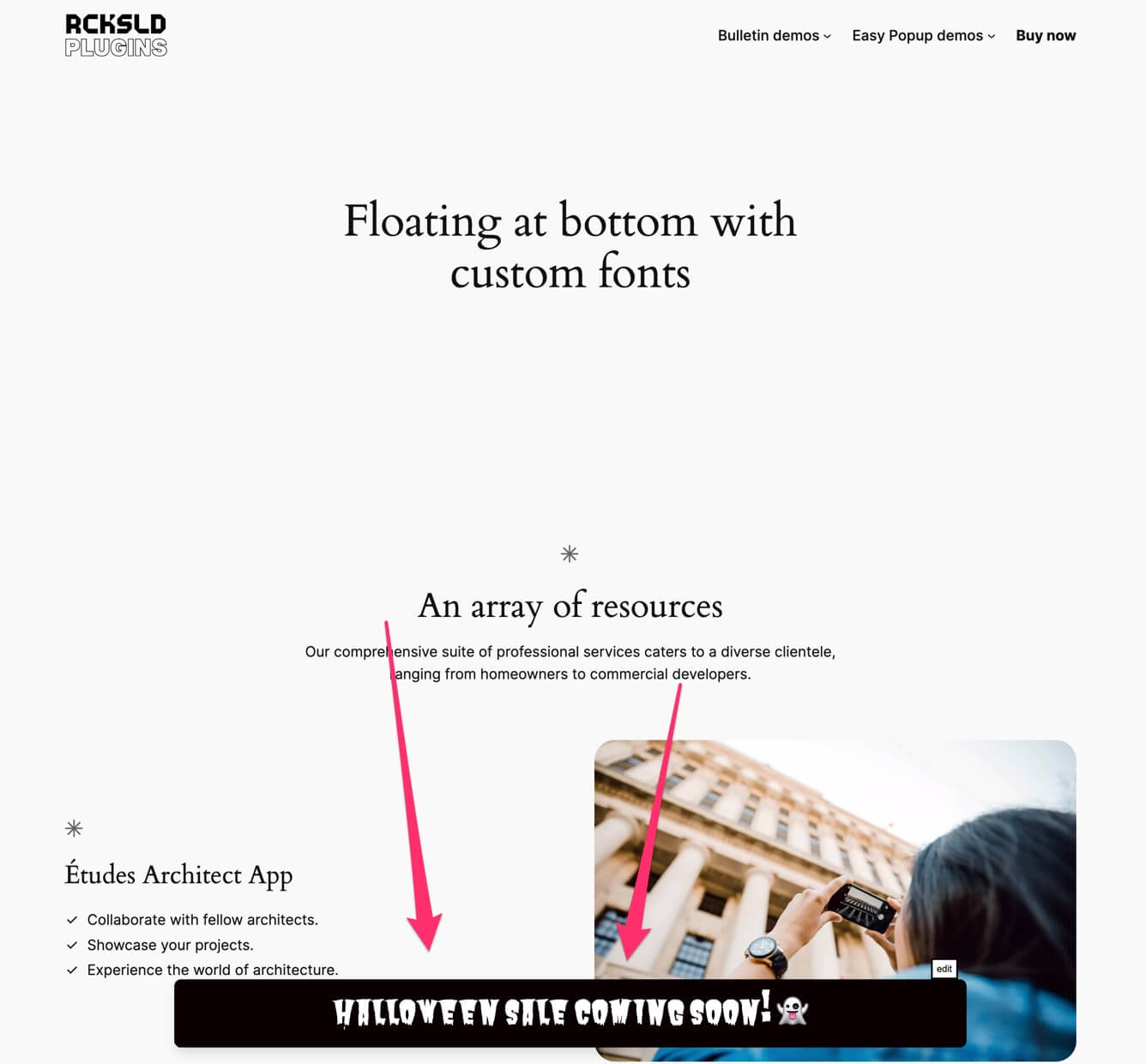
- Floating at bottom with custom fonts
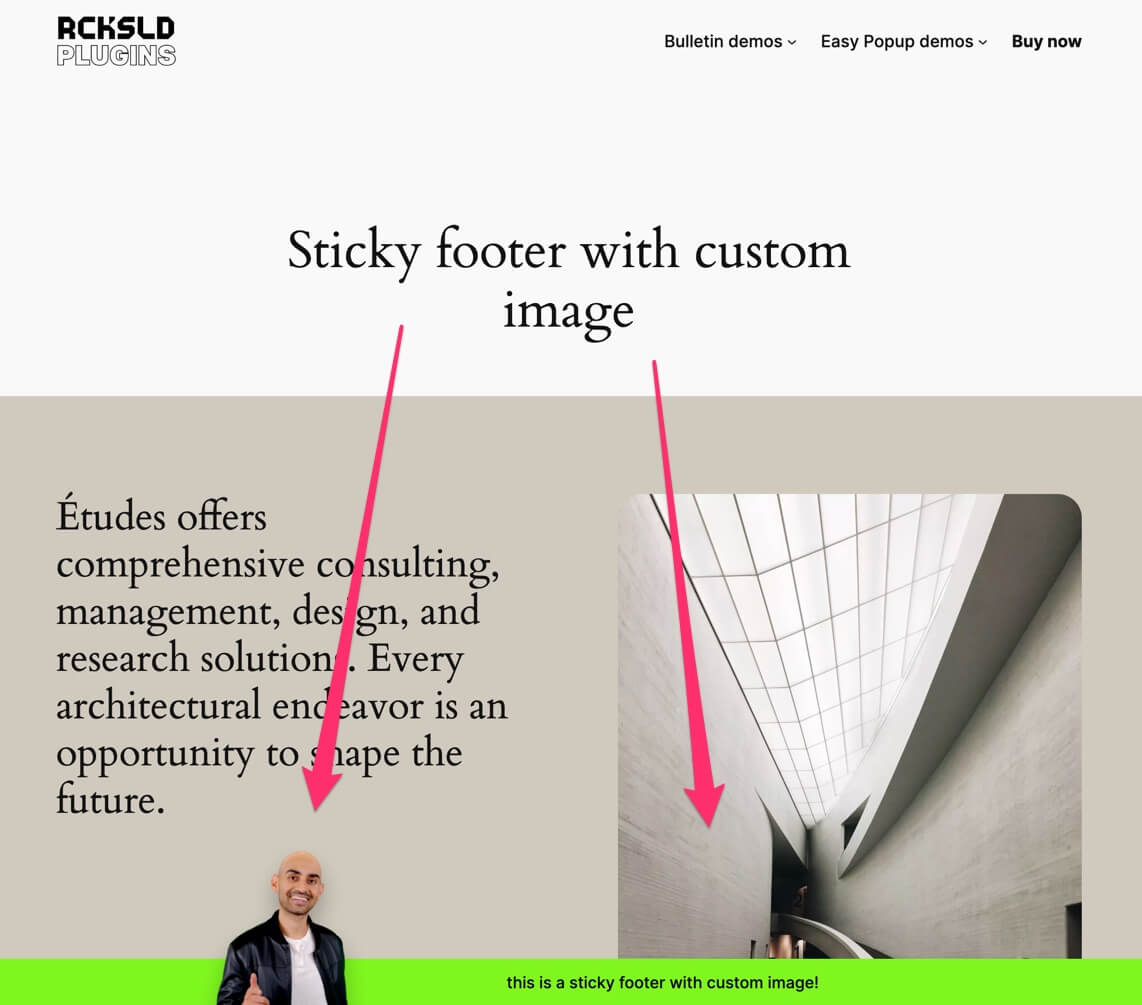
- Sticky footer with custom image
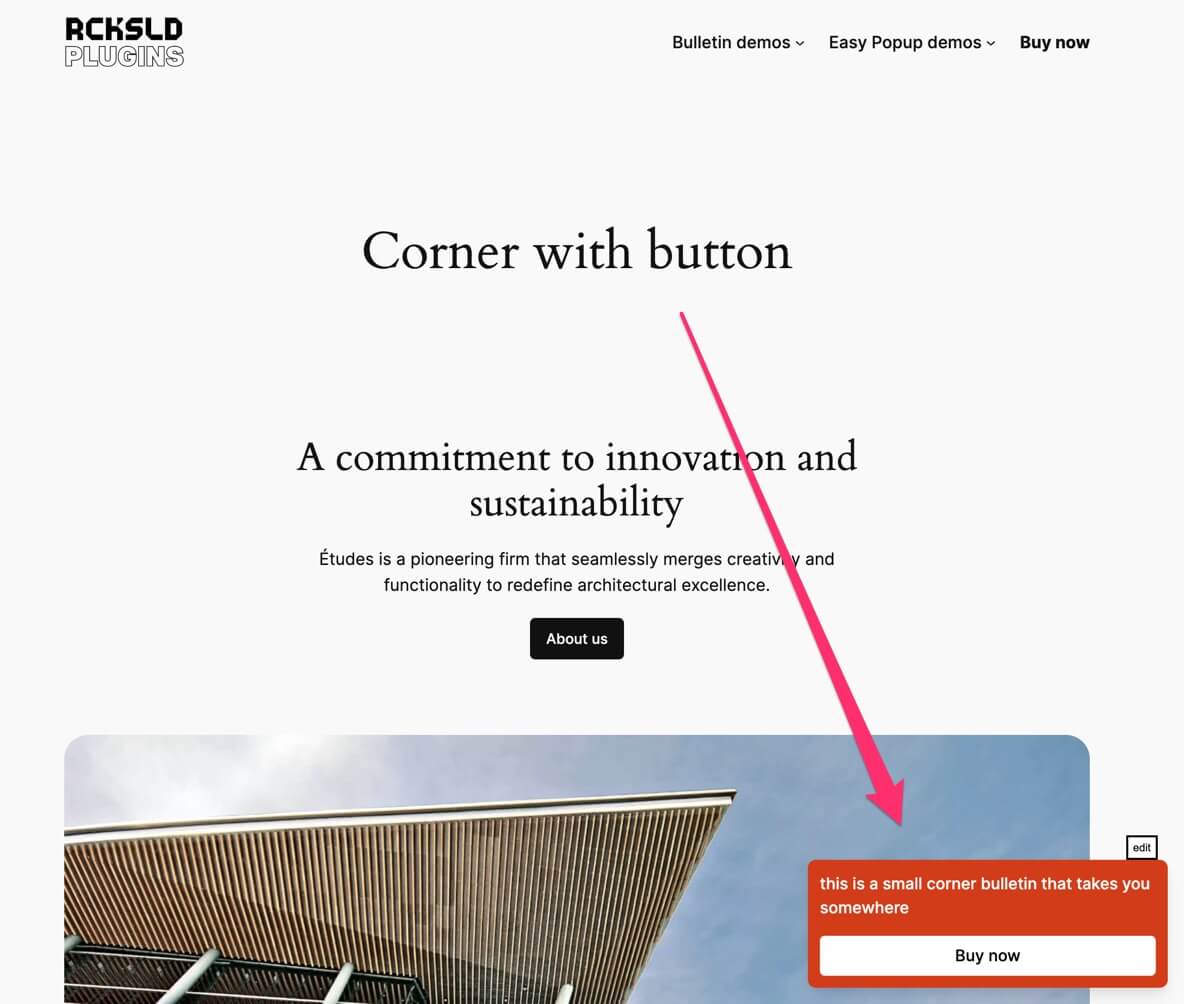
- Corner with button
- Trigger an easy popup
- Animated button to grab attention
You can also check out the docs on our site, which are extended regularly.
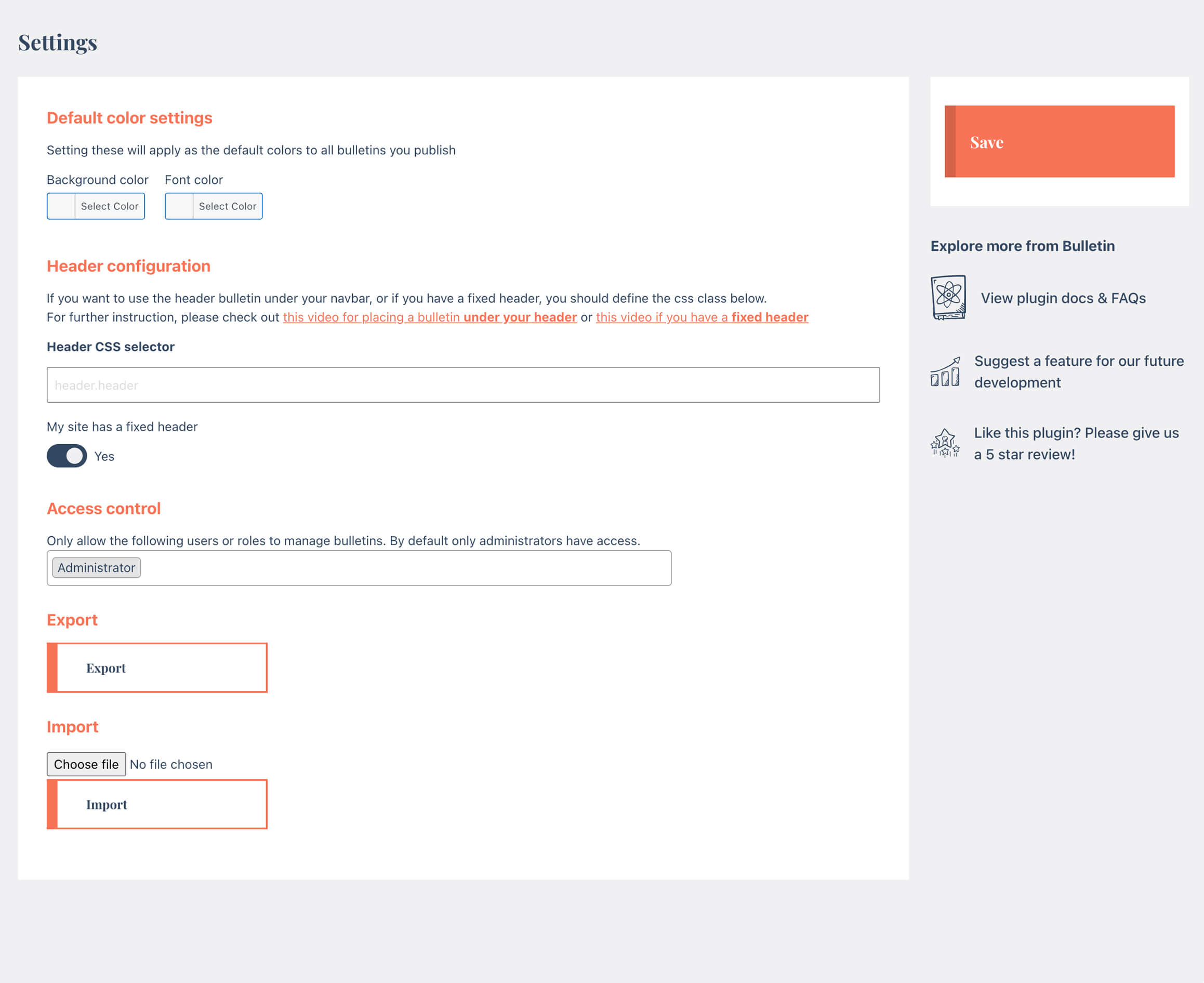
Do you have a fixed navigation bar or would like to display a bulletin under your nav? Check out the videos below:
Full Bulletin features
The basic Bulletin plugin allows you to add unlimited bulletins and use markdown and emoji’s! It also comes with Customizer support.
The Pro version of Bulletin comes packed with features:
👋🏼 Buttons & Call to actions
Add a button with link or trigger JS event. Even add funky button effects to grab attention!
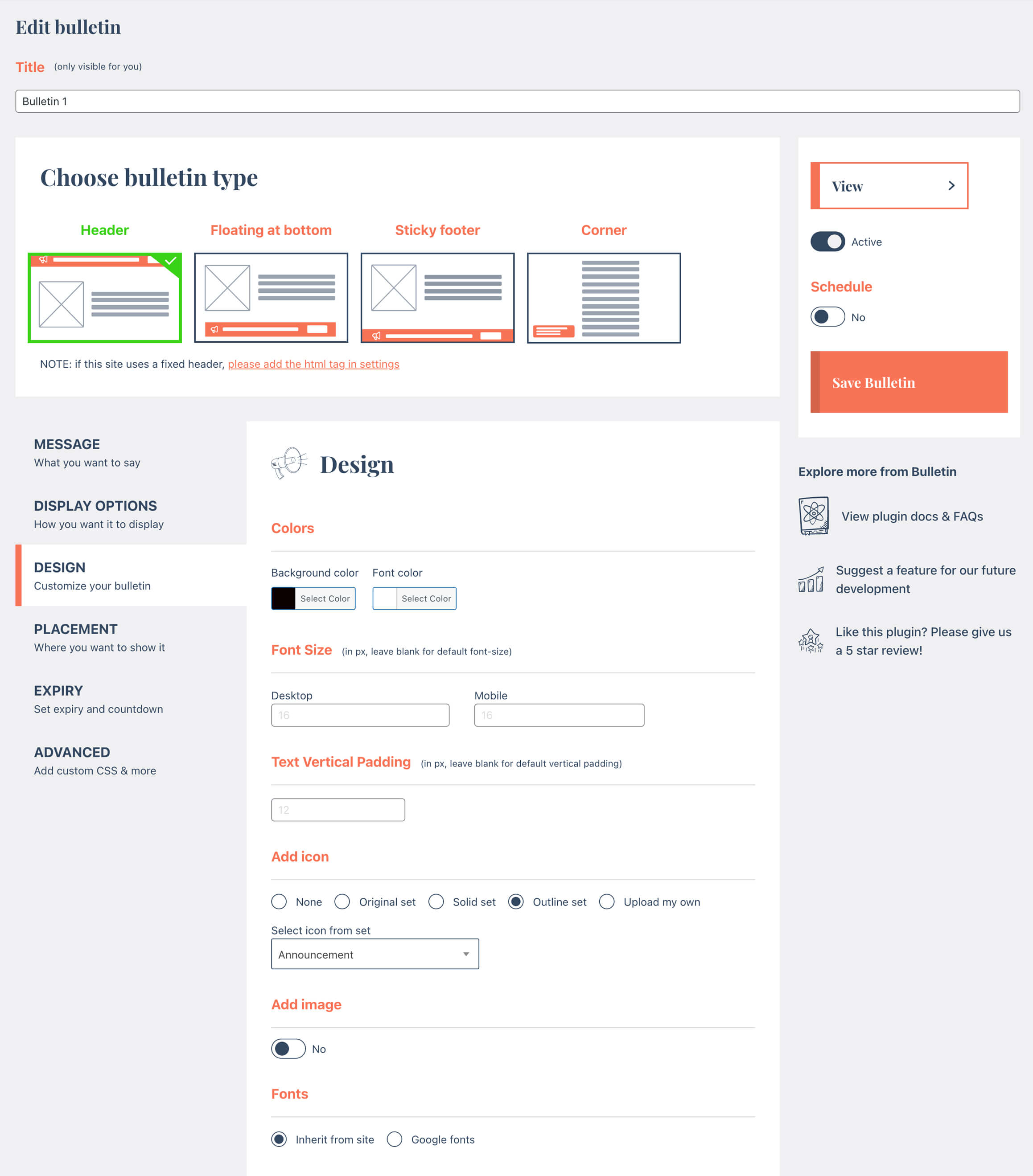
👻 Custom icons and google fonts
Make it your own using cool icons and stylish google fonts.
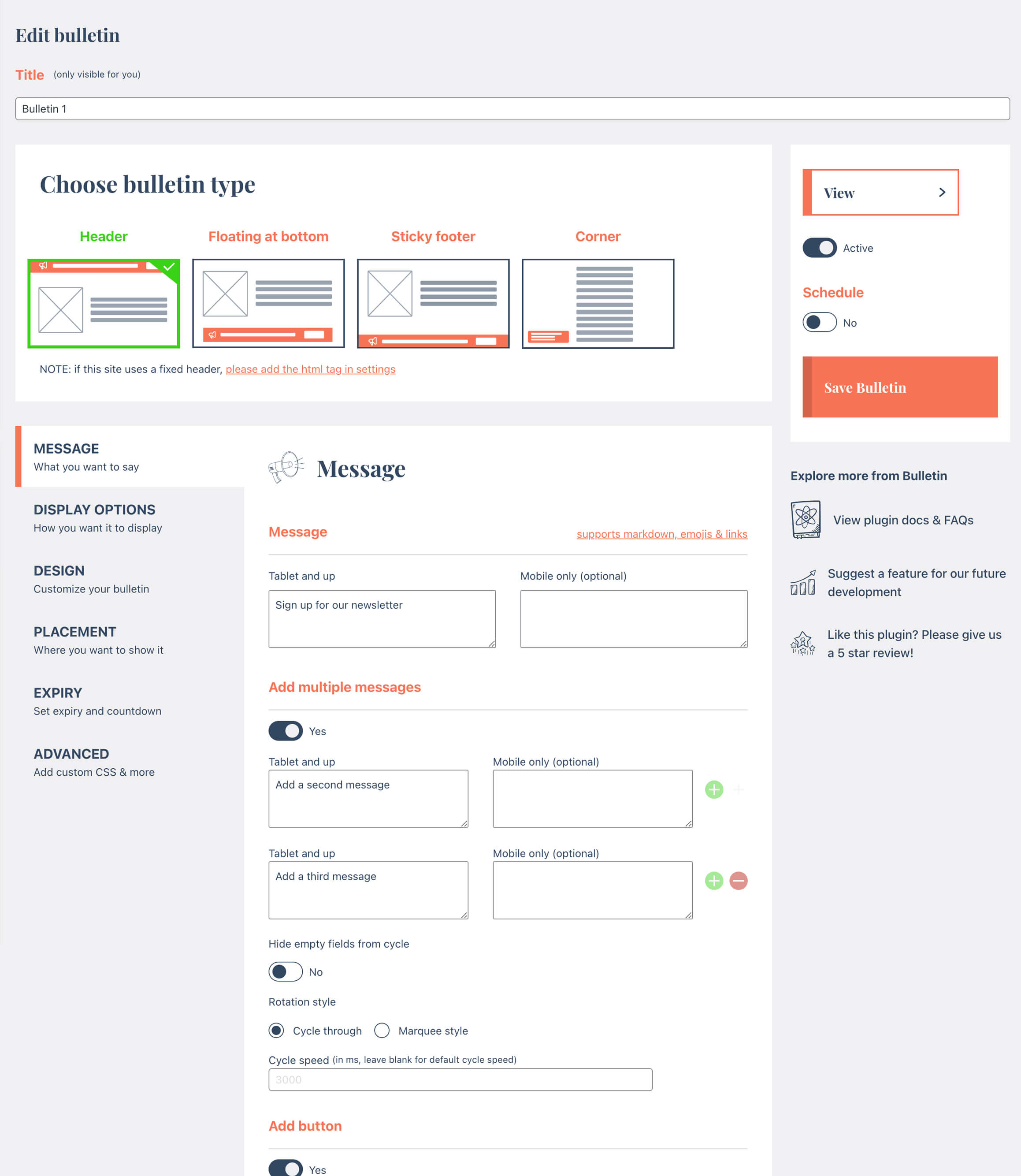
🔄 Add multiple messages in one
Rotate through or let them run in marquee style.
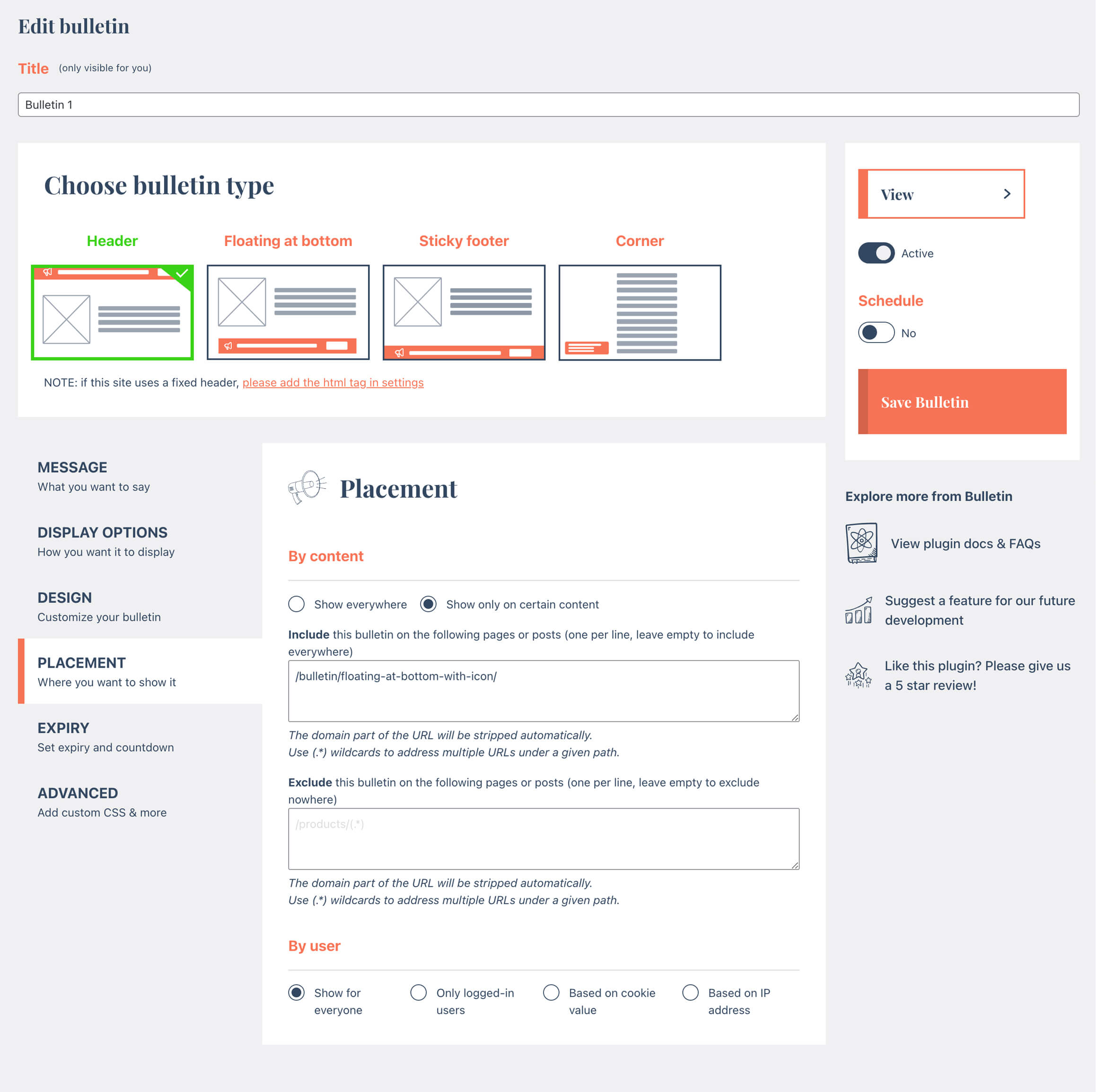
🚦 Advanced placement options
Show a bulletin only on selected pages on your site. Or only for logged-in users.
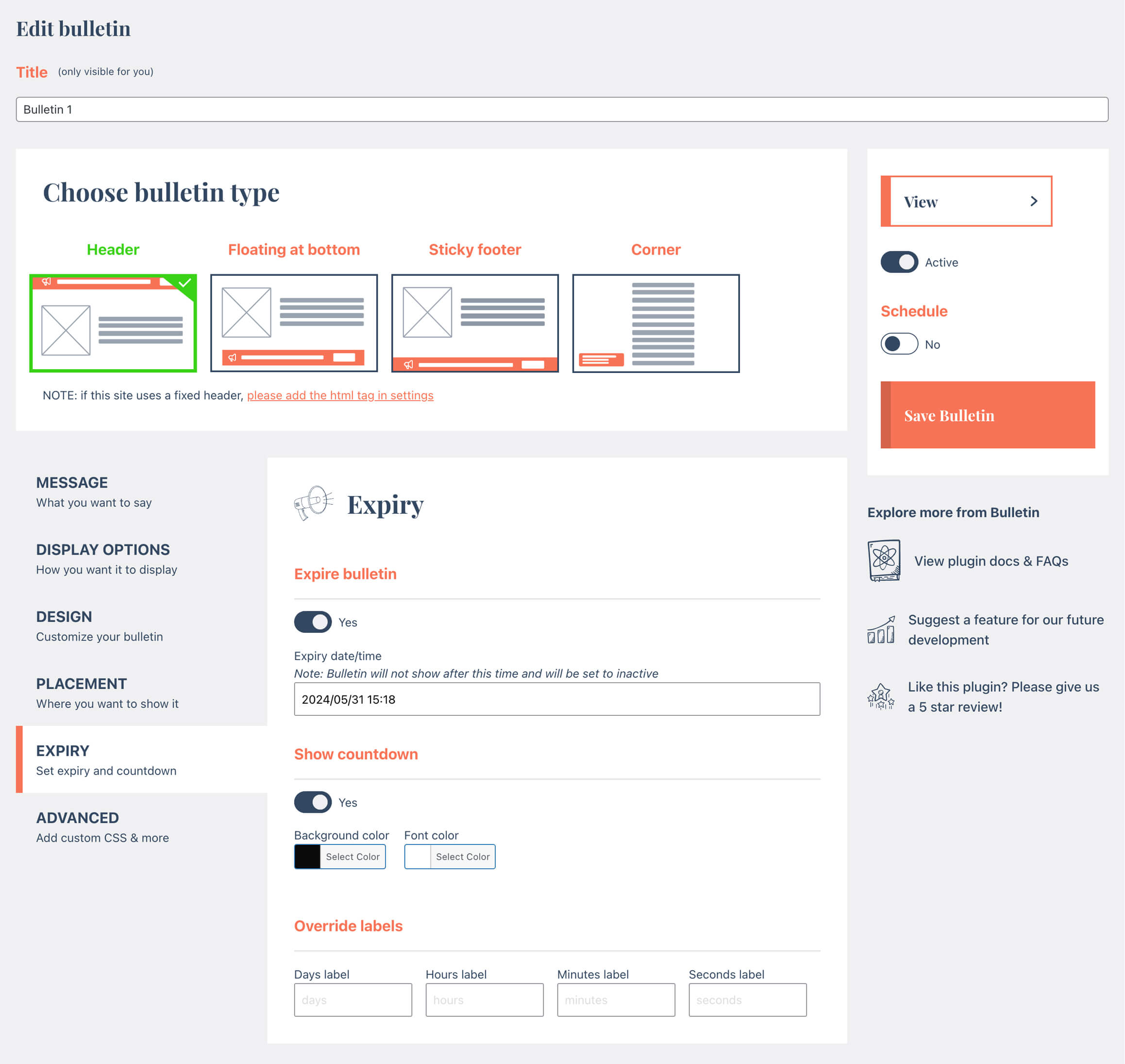
🕑 Schedule and expiry functions
Live countdown and ability to schedule + expire the bulletin. Check out a video here: https://www.youtube.com/watch?v=dGGQU4B8uVg
🕺 WordPress Network support
Specify a bulletin to show on all your sub-sites
✖️ Allow to dismiss
Show a close icon and determine the hide duration
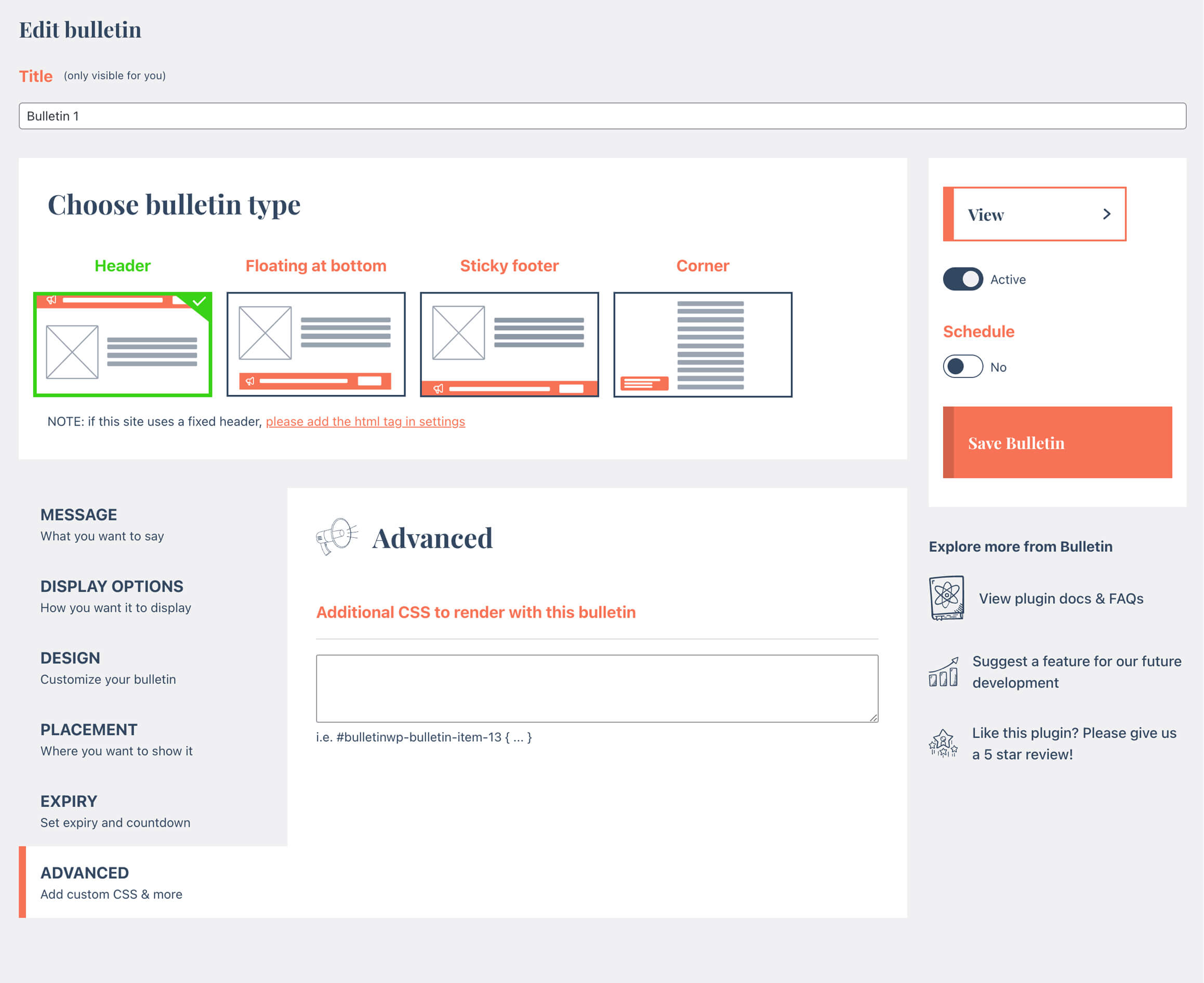
🃏 Advanced CSS
Ability to add your own CSS with each bulletin (handy for those pesky fixed headers)
Free Version Features
- Desktop and mobile messages
- Background and text colors
- Header (top bar), floating bar at bottom and sticky footer display types
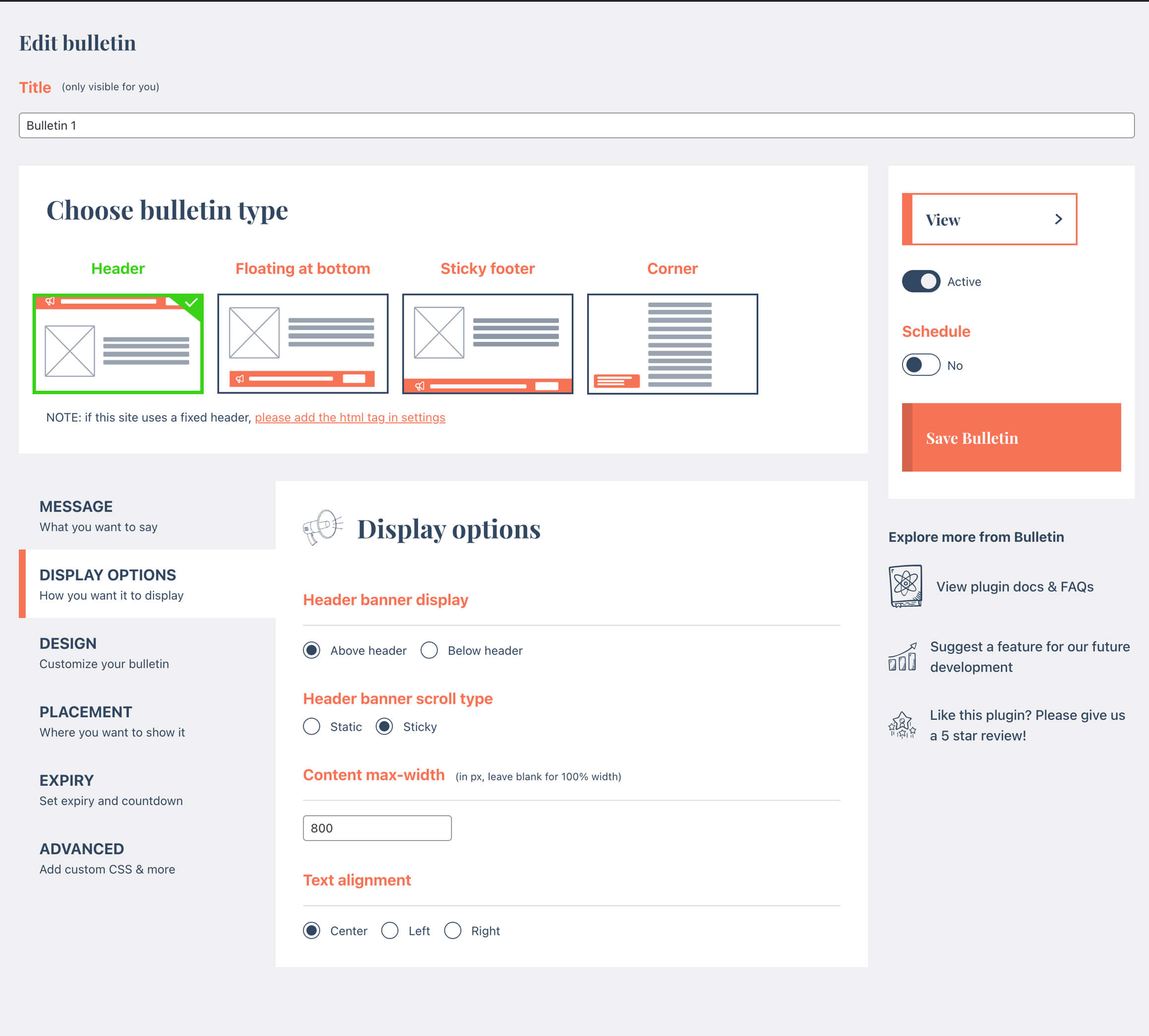
- Content max-width
- Text alignment and font size
Pro Version Additional Features
- Corners display type
- Icon
- Font Family
- Multiple messages
- Button
- Countdown
- Display based on the url
- Display based on user
- Dismiss a bulletin
- Additional CSS
- Display to all subsites
Credits
This plugin is created by Rock Solid Plugins.
Also check out our new popup plugin Easy Popups! Create easy popups / modals on your site and even link to them from bulletins!
Roadmap
We have more exciting features planned for Bulletin, among which:
- show bulletins based on automatic events
- REST API support
- Custom button styles and animations
- Animated icons
- More display options
Installation
- Install Bulletin either via the WordPress.org plugin repository or by uploading the files to your server.
- Add a new bulletin by adding a simple message, colors, display type and a few other options
- Preview the bulletin on your Website
- If all looks good, publish and you’re done!
- For much more advanced options, why not checkout our Pro version! Head over to our website for more info and pricing.
FAQ
For who is Bulletin intended?
Bulletin is perfect for business owners, bloggers, Woocommerce shop owners, developers, photographers, and basically everyone else. If you have a website and you want to make announcements to your users, Bulletin is for you!
Do I need to know how to code to use Bulletin?
Coding skills aren’t needed, however there might be instances where a bulletin conflicts with other UI elements in your theme. In this case you may need a developer to add some custom CSS (which is possible in the PRO version).
Can I show the bar at the top or the bottom of the page?
Yes. A bulletin can be a top bar in your header, a floating bar at the bottom of the screen or a sticky footer bar. The Pro version adds a corner display type and lets you show the bar only on selected pages or for logged-in users.
Can I see some examples of actual bulletins on a website?
Take a look at our Demo site
What happens to my bulletins if I delete the plugin?
They are kept. Deleting Bulletin leaves your bulletins and settings in the database, so reinstalling picks up where you left off. To remove everything, go to Bulletin > Settings, turn on the Uninstall option and save before deleting the plugin.
Is Bulletin translated?
Yes. Bulletin ships complete translations for German, Spanish, French, Dutch, Russian and Simplified Chinese, and picks up community translations from translate.wordpress.org for every other language. Want to help translate it into yours? Head over there and start translating.
How can I get access to all features?
You can get access to more features and priority support by upgrading to our Pro version. Purchasing a Pro license gets you access to the full version of Bulletin, automatic updates and priority support!
Does the plugin contact any external service?
The settings screen shows one small news card (a release note or an offer for our own plugins). Its text comes from a public file, https://rocksolidplugins.com/promo/notices.json, which the plugin reads at most twice a day while you are on its settings screens. The request sends the plugin name and version and nothing about your site or its users. The card can be dismissed. Privacy policy.
Screenshots
Changelog
3.19.0
- Settings page: a small news card in the sidebar for release notes and offers. It can be dismissed and reads one public file from rocksolidplugins.com (see the FAQ)
- The pricing page inside WordPress has a cleaner layout and lists prices per year
- Fix: in the free version, a bulletin that had an image set while on Pro no longer prints a PHP warning in the bar
3.18.0
- Translations: the admin is now fully translated into German, Spanish, French, Dutch, Russian and Simplified Chinese (more than 100 strings were still in English)
- Translations: Bulletin now uses its WordPress.org text domain (
bulletin-announcements), so community translations from translate.wordpress.org load automatically in every other language - If you added your own
bulletin-{locale}.mofile, rename it tobulletin-announcements-{locale}.mo
3.17.0
- Faster: messages are now converted from Markdown on the server, so the front-end script is about 85% smaller (free: 174 KB to 7 KB; Pro: 203 KB to 35 KB)
- Faster: top bars render in place with the page instead of being moved into position after load, so the page no longer jumps when the bar appears. “Above header” bars now sit at the very top of the page; the
bulletinwp_move_above_header_barsfilter places them directly before your header element as before. “Below header” bars still position with JavaScript - Bars a visitor has dismissed are hidden before the page is drawn
- No longer loads WordPress’s Underscore library on the front end
- Fix: a JavaScript error when “My site has a fixed header” is on and the header selector doesn’t exist on the page
3.16.0
- New: bulletins and settings are kept when you delete the plugin, so you can reinstall later without losing anything. Turn on Settings > Uninstall > “Delete all bulletins and settings” to remove them instead
3.15.1
- Updated plugin description
3.15.0
- New: a small, dismissible prompt in the Bulletin admin pages asking for a review on WordPress.org (shown once you’ve used Bulletin for two weeks)
- Upgrade Freemius SDK to 2.13.5
- Fix: Bulletin’s orange link style no longer applies to admin notices from other plugins on Bulletin pages
- Updated links to rocksolidplugins.com
3.14.1
- Upgrade Freemius SDK to 2.13.4
- Tested with WordPress 7.1
- Fix: plugin tables were not created when activating via WP-CLI
- Fix PHP 8.1+ deprecation notices
3.14.0
- Upgrade Freemius
- Add spacing setting to marquee
- Add markdown option to trigger within the message Easy Popups
- Fix for text alignment in corner option
3.13.5
- added more settings to control countdown
3.13.4
- Upgrade freemius
- Small fixes and optimisations
- NEW: Button animations. Grab the attention of the user by making your button move (in a subtle way)!
3.13.2
- Update to sticky feature
3.13.1
- Small security updates
3.13.0
- Implement cache feature
3.12.1
- Upgrade Freemius
- Fix z-index issue
3.12.0
- fix security issue
3.11.7
- Update framework
- Set bulletins only for logged-out users
3.11.6
- Fix issue with conflicting swiper class
3.11.5
- Fix issue with corner option preview
- Fix issue with closing bulletins
3.11.4
- Bug fixes & improvements
3.11.3
- Bug fix
3.11.2
- Bug fix
3.11.1
- Bug fix
3.11.0
- Optimisation to expiry to work with caching
- tweaks to admin interface
3.10.7
- minor bug fixes
- add offer for Easy Popups
3.10.6
- Small updates
3.10.5
- Update freemius SDK
- Apply stickiness setting on a per-bulletin basis
3.10.4
- Small bug fixes
3.10.3
- Optimisation for showing multiple images only on mobile or desktop
- Small tweaks
3.10.2
- Fix issue with hex value not showing in countdown config
- Fix integration with Easy Popups
3.10.1
- Remove powered by label on popular request
- NEW: ability to override “bulletin” name in WP back-end
3.10.0
- Bug fixes and optimisations
- NEW: show bulletins by IP
3.9.1
- Issue with html being stripped from content
- Minor updates
3.9.0
- Security updates
3.8.7
- Bug fixes
- Updated demo pages
- Optimisations
3.8.5
- Fixed issue where links are stripped in bulletins
3.8.4
- Fixed issue where text after apostrophes is stripped
3.8.2
- Fix for bug with default values not sticking
- Upgrade Freemius SDK
3.8.1
- Various updates to editing bulletins
- Upgrade Freemius SDK
- Fix issues with PHP 8.0
- Fix issues with WP Network
3.7.1
- Further security optimisations
3.7.0
- Address security concerns as raised by WordFence
- Fix for box-sizing for sites that use content-box
- Various other fixes and optimisations
3.6.0
- Bugfix: if html is entered in the message, multi-line support drops off
- general code fixes and optimisations
3.5.8
- Fix issue with tabs hiding because of WooCommerce plugins
3.5.7
- Upgrade Freemius
- Fixed issue with mobile button
3.5.6
- Pro: added ability to included/exclude bulletins based on get params
3.5.6
- Pro: added ability to included/exclude bulletins based on get params
3.5.5
- Fix issue with font-size
3.5.4
- Upgrade Freemius SDK
3.5.3
- More security fixes
- Fix html no longer outputting in bulletins
3.5.2
- Security fixes
3.5.1
- Code cleanup
3.5
- Various bug fixes and enhancements
3.4.1
- Fix for hebrew text
- Customizer fixes
- NEW: Import / Export bulletins
3.3.1
- Bug fix
3.3.0
- Add ability to show small image on bulletins (pro only)
- Add translation ability on button labels and urls
3.1.0
- Upgrade Freemius SDK
- Solve issue with Polylang
3.0.1
- Fix issue with WPML
3.0.0
- NEW: Totally revamped admin dashboard interface!!
- Better controls for header banners with fixed headers.
- Ability to show header banners under your site header
- Fixed issue with WPML and Polylang for bulletins with multiple messages
- Fixed issue with bulletins not appearing after upgrade to Pro
2.4.4
- Small bugfix to solve a PHP undefined error
2.4.0
- NEW! Ability to schedule bulletins
- Tweaks for button alignment option
- Small fixes & optimizations
- Slight tweak to look and feel to match WP default styling better
2.3.6
- Tweaks & Optimizations
2.3.5
- Small tweaks
2.3.4
- Bugfix on saving bulletins
2.3.3
- Fixed potential issue with apostrophes
- Fix issue with publishing bulletins
- Added Hebrew font
- Small tweaks & optimizations
2.3.1
- Fixed issue with countdown showing even if it was set to hide
- Small tweaks
2.3.0
- Added ability to set cycle speed for multiple messages
- Tweak to button action when adding new Bulletins
- Solve bug with enabling PRO version while FREE version also still enabled
2.2.1
- Solve issue with edit button on front-end showing for non-admins
2.2.0
- Add WPML and Polylang support
- Ability to duplicate bulletins
- Small fixes
2.1.1
- Small tweaks and bug fixes
- Add cookie icon (pro)
- Add ability to dismiss bulletin with button (pro)
- Add Arabic Google fonts
- Update Freemius SDK
2.1.0
- NEW: Corner display option
- Allow user roles other than Administrators to manage Bulletins
- Tweak to the expiry setting; you can now expire bulletins without showing a countdown
- Add speed control for marquees
- Initial translation support for German, French, Dutch and Chinese (SC)
- Small bug fixes and optimizations
2.0.1
- Aims to fix an issue with Favicon potentially dissapearing when Bulletin is activated
- Small fix to prevent themes from messing with font-size settings
2.0.0
- Added initial Customiser support
- Small updates and bug fixes
1.0.7
- Small tweaks & updates
- Update to side panel
1.0.5
- Add option to dismiss bulletin indefinitely (add -1)
- Add additional validations to prevent publishing bulletins with empty font-color
- Fix issue with some themes overriding the font colors set on bulletin
- Other enhancements / upgrades
1.0.4
- Add ability to use links (and open in new tab) in bulletins
- Add basic validation
- Compatibility fix with Buddypress that aims to solve https://wordpress.org/support/topic/conflict-with-buddypress-12/
1.0.3
- Activation issue fix
1.0.2
- Added font size setting
1.0.1
- Small tweaks
- Added setting for fixed headers
1.0.0
- First release