

Description
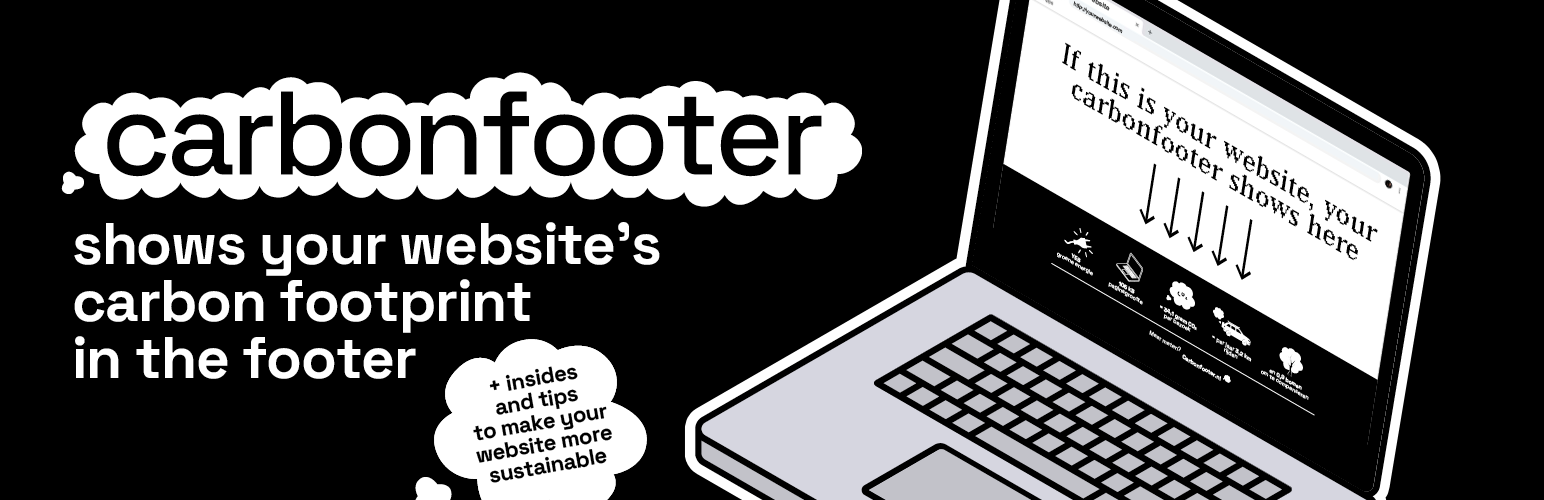
Carbonfooter helps you understand and showcase the carbon emissions of your website. The plugin automatically measures the carbon footprint of your pages and provides easy-to-use shortcodes to display this information to your visitors.
Important Note: This plugin uses the carbonfooter.nl API service to calculate emissions data. By installing and activating this plugin, you agree to share your website URLs with this service for analysis. See the Privacy and External services sections below for more details.
Features
- Automatic emissions measurement for all posts and pages
- Background processing to avoid impacting site performance
- Automatic refresh of emissions data (weekly by default)
- One shortcode for display:
[carbonfooter](choose the visual style in Settings → Appearance → Widget style: minimal, sticker, or full) - Native Gutenberg block support (FSE-compatible): 9 blocks available in the “Carbonfooter” block category
- Block patterns for footers and stats layouts
- Block Bindings: show Carbonfooter values in regular paragraphs, headings and buttons
- “Carbonfooter” panel in the block editor sidebar with the page’s numbers and a “Measure now” button
- Site Health checks for data collection, background measurements and API connectivity
- Post/page columns showing emissions in admin
- Optional green hosting detection
- Multilingual support (English and Dutch)
Usage
Use the single shortcode to render the widget. The visual style is selected in Settings.
`
[carbonfooter]
`
- Style selection: Choose between “minimal”, “sticker”, or “full” in Carbonfooter → Settings → Appearance → Widget style. The shortcode does not take attributes; a site-wide style is applied.
- Automatic insertion: In Settings, set Display to “Auto” to automatically inject the widget into the site footer on the frontend. Set to “Shortcode” to only render where the shortcode is used.
Gutenberg Blocks
The plugin registers 9 native Gutenberg blocks under the “Carbonfooter” category, compatible with Full Site Editing (FSE) themes. All blocks use server-side rendering so data is always fresh.
- carbonfooter/minimal: A lightweight single-line carbon emissions widget.
- carbonfooter/sticker: A compact badge-style carbon emissions sticker.
- carbonfooter/full: A composable container block for building custom carbon emissions layouts using the stat blocks below.
- carbonfooter/emissions: Displays CO₂ emissions per visit for the current page.
- carbonfooter/trees: Displays trees needed to offset annual emissions for the current page.
- carbonfooter/driving: Displays equivalent driving distance from annual emissions for the current page.
- carbonfooter/pageweight: Displays the page weight (transfer size) for the current page.
- carbonfooter/green-hosting: Displays whether the site uses green energy hosting.
- carbonfooter/label: A minimal inline carbon emissions label.
All blocks support color, spacing, border-radius, and typography controls via the block editor sidebar. Find them by searching “Carbonfooter” in the block inserter.
Block patterns
Open the inserter, go to Patterns and choose “Carbonfooter” for ready-made layouts: a footer bar, a full stats overview, a right-aligned sticker, and stats columns. The footer patterns are also suggested when you edit a footer template part in the Site Editor.
Block Bindings
The carbonfooter/stats bindings source lets any block that supports bindings (paragraph, heading, button) show a Carbonfooter value, so it follows your theme’s typography. In the block’s Attributes panel, connect the content to “Carbonfooter” and pick a field, or use markup:
<!-- wp:paragraph {"metadata":{"bindings":{"content":{"source":"carbonfooter/stats","args":{"key":"emissions"}}}}} --><p></p><!-- /wp:paragraph -->
Available keys: emissions, page_size, trees, driving, green_hosting, last_measured.
Editor sidebar
When editing a published post or page, the “Carbonfooter” panel in the document sidebar shows its emissions, page weight, trees and driving equivalents and when it was last measured. Use “Measure now” to refresh the numbers straight away.
Site Health
Tools → Site Health shows whether data collection is on, whether background measurements are stuck in WP-Cron, and whether your server can reach carbonfooter.nl. The Info tab has a Carbonfooter section with useful details for support requests.
Privacy
This plugin connects to the Carbonfooter API (operated by the same developer/owner as this plugin) to calculate page-level emissions. The following data may be sent to carbonfooter.nl:
- Page URL being analyzed
- Site URL
- Post ID
- Plugin version
- A timestamp
When is data sent:
* When you trigger a measurement in the WordPress admin
* When the plugin refreshes stale data in the background (via WP-Cron)
* When a single page view schedules a background refresh
No personal data is collected or stored by this plugin.
Opt-out controls:
* You can disable data collection at any time in Carbonfooter → Settings → Privacy (toggle “Data collection”).
Provider:
* Carbonfooter by Pixel to Planet
* Privacy Policy: https://carbonfooter.nl/privacy
Terms:
* Terms of Service for the Carbonfooter API are currently under preparation and will be linked here when available.
External services
This plugin connects to the Carbonfooter API (operated by the same developer/owner as this plugin) to calculate page-level emissions.
What is sent and when:
– Page URL being analyzed
– Site URL, post ID, plugin version, timestamp
– Sent when you trigger a measurement in admin (including “Measure now” in the block editor), when the plugin refreshes stale data in the background, or when a single page view schedules a background refresh.
– The Site Health check sends a single HEAD request to https://carbonfooter.nl/ (no page or site data) to test connectivity. It is skipped when data collection is disabled.
Provider: Carbonfooter (Pixel to Planet)
– Privacy Policy: https://carbonfooter.nl/privacy
– Terms of Service: currently under preparation
Terms of Service
The Carbonfooter API used by this plugin is operated by the same developer/owner as this plugin (Pixel to Planet / carbonfooter.nl). By using this plugin, you agree that the URLs being tested are sent to the external Carbonfooter API for analysis. Terms of Service are currently under preparation. Privacy Policy: https://carbonfooter.nl/privacy
Installation
- Upload the
carbonfooterfolder to the/wp-content/plugins/directory - Activate the plugin through the ‘Plugins’ menu in WordPress
- Go to Carbonfooter > Settings to configure options
- Use shortcodes to display emissions data on your pages
FAQ
How accurate are the emissions calculations?
Calculations are based on multiple factors including page size, server location, and hosting type. The methodology follows industry standards for digital carbon footprint calculation.
How often is the data updated?
By default, emissions data is refreshed automatically. You can manually trigger updates or adjust display behavior in settings.
Can I use this without sharing data with carbonfooter.nl?
No, the emissions calculations require analysis through the carbonfooter.nl service. If you prefer not to share URLs, this plugin may not be suitable for your needs.
Is the plugin GDPR compliant?
Yes, the plugin is GDPR compliant. It does not collect or store any personal data. All data collection can be disabled in the settings.
Changelog
0.22.0
- Tested up to WordPress 7.1. Minimum WordPress version is now 6.6.
- New: Block Bindings source
carbonfooter/statsto show emissions, page weight, trees, driving distance, green hosting or last measured date in core blocks. - New: Block patterns for footer bars, a stats overview, a sticker footer and bound stats columns.
- New: “Carbonfooter” panel in the block editor sidebar with the page’s numbers and a “Measure now” button.
- New: Site Health checks (data collection, delayed WP-Cron measurements, API connectivity) and a Carbonfooter section in Site Health Info.
- New: REST endpoints
carbonfooter/v1/posts/<id>/statsandcarbonfooter/v1/posts/<id>/measure(require edit access to the post). - Improved: Complete Dutch translations, including block titles and descriptions.
- Improved: Bundled JS translations are now synced so block editor strings appear translated.
- Fix: Block styles were missing in the block editor (oversized icons) because the block stylesheet depended on a style that was only registered on the frontend.
- Fix: The Carbonfooter Full block now shows its stat blocks side by side in the editor, matching the frontend.
- Fix: Unit tests for the AJAX measure handler.
0.21.0
- Add native Gutenberg block support for Full Site Editing (FSE).
- Introduces 9 blocks: carbonfooter/minimal, emissions, trees, driving, pageweight, green-hosting, full, sticker, label.
- All blocks use server-side rendering via a new BlockRenderer class.
- Centralises SVG icons into a shared SvgIcons class.
- Adds a custom carbonfooter block category, multi-entry webpack config, and updated Dutch translations.
0.20.0
- Added new footer designs and improved shortcode/preview consistency.
- Improved Dutch/English translation handling to avoid mixed-language output.
- Improved release packaging so update zips include the latest translation files.
0.19.0
- Add “External services” section and expand Privacy with data sent and opt‑out controls
- Consolidate shortcode docs to a single [carbonfooter]; style chosen in Settings
- Packaging: release script now also outputs carbonfooter.zip (includes src/) alongside versioned zip
- Update README.md with a short External services note and privacy link
- Update readme files and contributors
0.18.0
- Convert all inline CSS to wp_add_inline_style() for WordPress compliance
- Convert all inline JavaScript to wp_add_inline_script() for WordPress compliance
- Fix sanitization callbacks in register_setting() calls for proper data validation
- Update frontend widget styles to use proper WordPress enqueue methods
- Convert shortcode styles (minimal, sticker, full) to wp_add_inline_style()
- Move dashboard widget CSS from inline styles to wp_add_inline_style()
- Fix activation redirect script to use wp_add_inline_script()
- Resolve PHPUnit test configuration path issues
- Achieve full WordPress repository compliance standards
- Document external service usage (External services + expanded Privacy)
- Packaging: release script produces carbonfooter.zip (non-versioned) for WP upload
0.17.0
- Release plugin version 0.17.0 with minior improvements.
0.16.3
- Fix get_avarage_emissions() is null on dashboard widget
0.16.2
- Update readme files
0.16.1
- Fix shortcode output
0.16.0
- Include version script
0.15.0
- Major refactor: unified namespace
CarbonfooterPluginand improved autoloader - Added REST Settings API with validation and translators comments
- Hardened security (escaping, capability checks) and improved i18n
- Enhanced docs and inline PHPDoc across codebase
- Improved dashboard widget and admin UX