
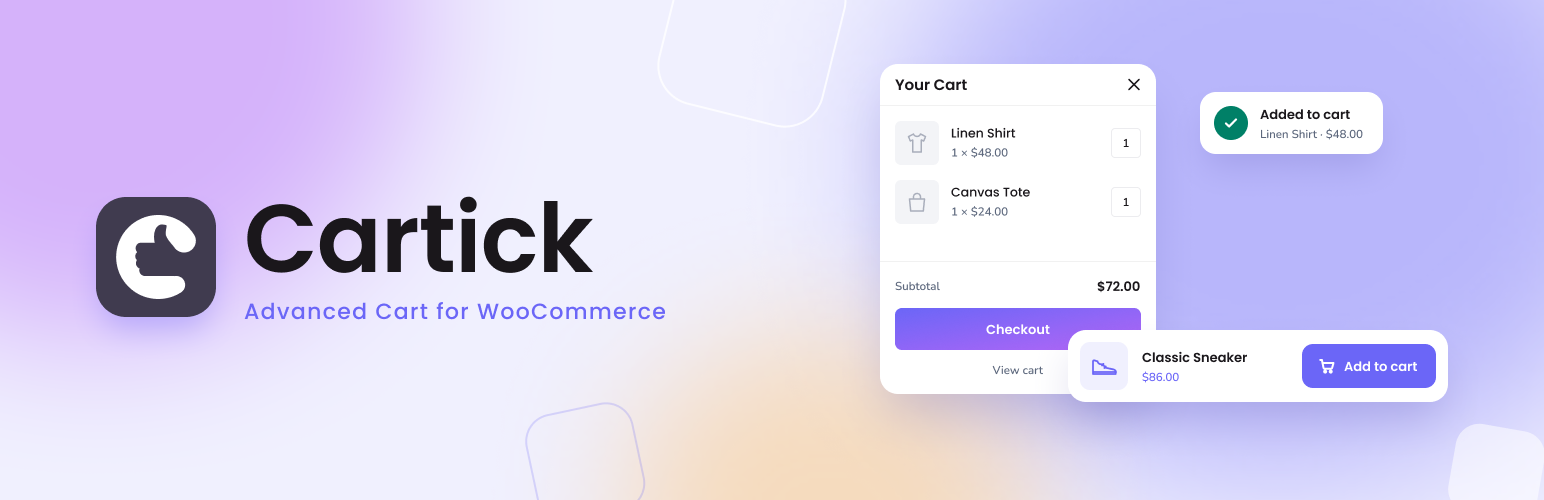

Description
Cartick is a powerful WordPress plugin designed exclusively for WooCommerce, enhancing your online store’s user experience with a range of innovative cart features.
Features
- Instant Add-to-Cart: Enable customers to add products to their cart instantly, without the need to navigate away from the current page.
- Sticky Cart: Keep the cart icon visible as customers scroll, ensuring easy access to their shopping cart at all times.
- Menu Cart: Display a summary of the cart in the website menu, allowing customers to view and manage items effortlessly.
- Off-Canvas Cart(Upcoming): Create a sleek off-canvas cart that slides in from the side, providing a convenient way for customers to review their selections.
Usage
Once activated, Cartick seamlessly integrates into your WooCommerce store, enhancing the cart functionality and improving user experience.
Support
For help and support contact us at info@wpaxiom.com.
Contribute
To contribute to Cartick, fork the repository and submit a pull request. We welcome your contributions! (Upcoming)
Source code
The uncompressed source ships with the plugin: the React admin app is in src/ and the frontend script and styles are in assets/src/. To build it, run npm install and then npx wp-scripts build. The source is also on GitHub at https://github.com/wpaxiom/cartick.
Credits
The admin screens use the Nunito and Poppins fonts, bundled with the plugin. Both are licensed under the SIL Open Font License 1.1.
Installation
- Upload the
cartickfolder to the/wp-content/plugins/directory. - Activate the plugin through the ‘Plugins’ menu in WordPress.
- Configure the plugin settings from the Cartick menu in the WordPress admin dashboard.
FAQ
Can I disable the menu cart feature?
Navigate to Cartick > General tab and switch off Menu cart.
Can I disable the sticky cart feature?
Yes, you can easily enable or disable each feature from the Cartick settings page to suit your store’s needs.
Screenshots


Changelog
1.0.4
- Restricted cart button styles to valid hex colors and numeric padding
- Removed the menu cart custom CSS class field
- Kept Cartick as a top-level menu using WordPress default positioning
- Fixed plugin asset URLs for renamed plugin directories
- Prefixed plugin identifiers and migrated existing settings
1.0.3
- Admin fonts are now bundled with the plugin instead of loaded from Google Fonts
- The plugin now includes its uncompressed JavaScript and SCSS source
- Escaped the menu cart alignment class in the frontend output
- Only administrators can read or change Cartick settings through the REST API
- Fixed a JavaScript error on the settings page of a fresh install
- Tested with WordPress 7.1 and WooCommerce 11.2
1.0.2
- Enabled High-Performance Order Storage (HPOS)
1.0.1
- Fixed data type declaration issue
1.0.0
- Initial release