


Description
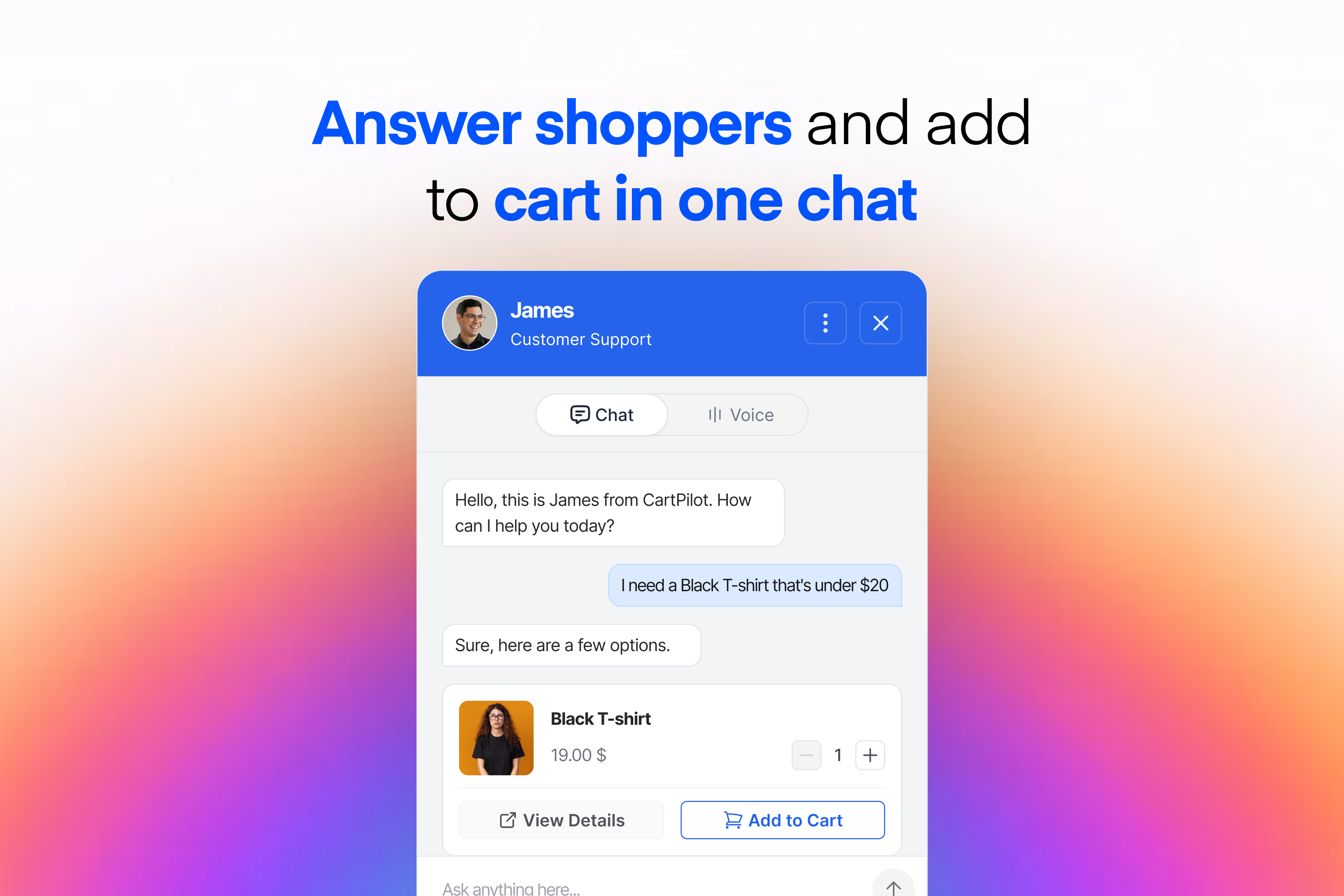
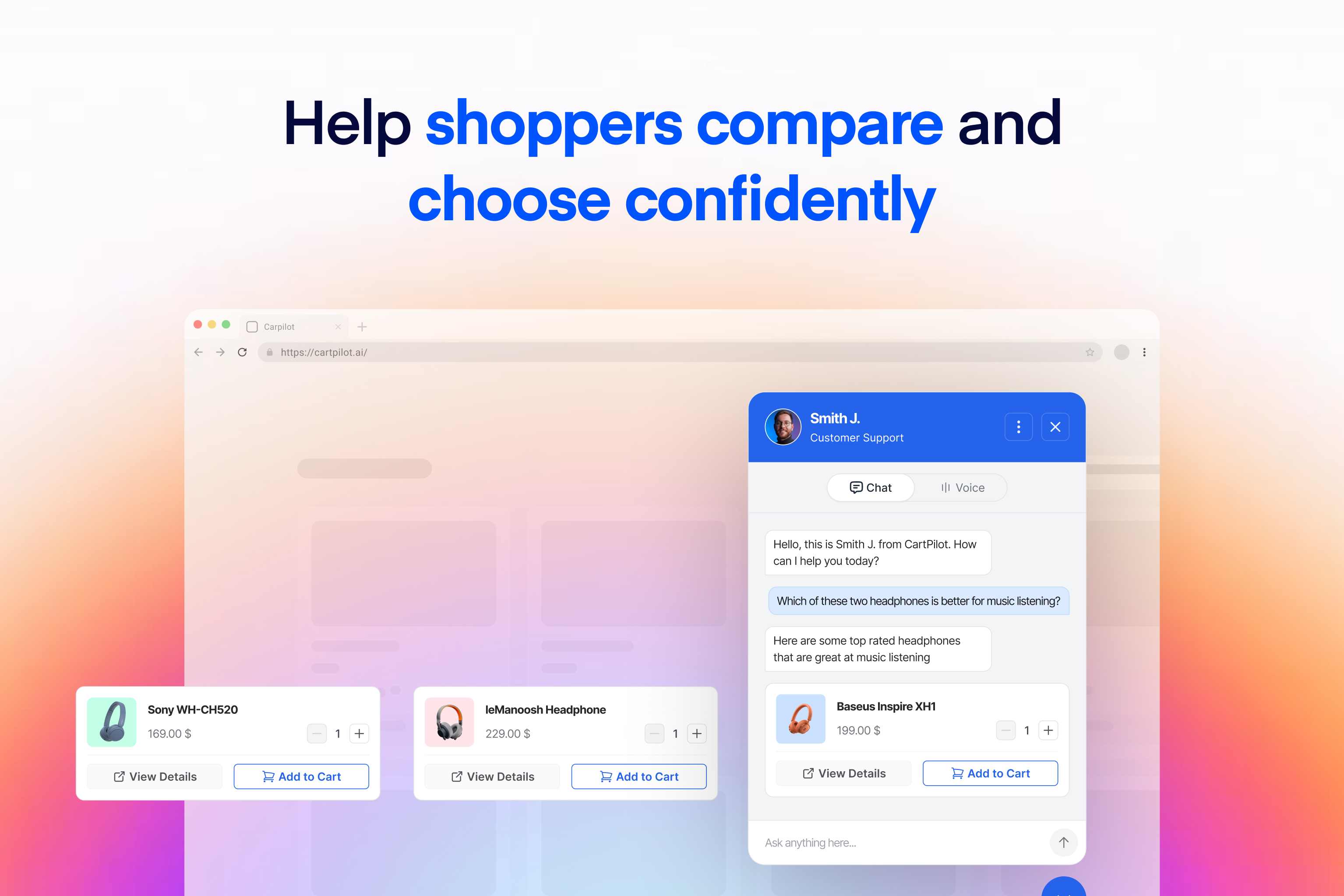
CartPilot helps shoppers move from a question to the right product and then to the cart. It connects to your WooCommerce catalog so customers can describe what they need in plain language, view matching products, compare options, and ask buying questions through a storefront conversation.
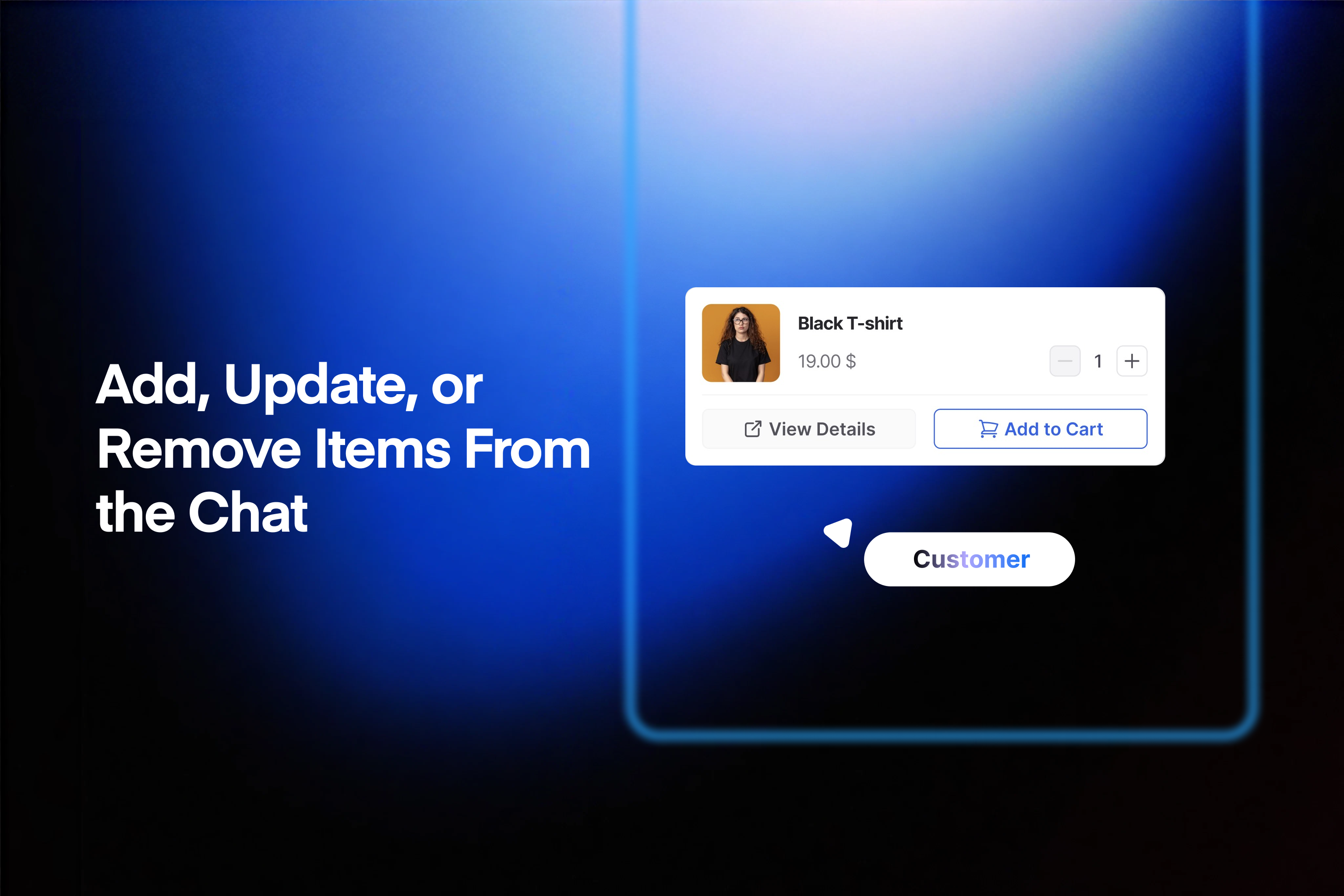
CartPilot can add a selected product or variation to the cart, change its quantity, remove it, and apply a coupon. It uses current product information, including prices, images, variations, and stock, rather than making shoppers rely only on exact search terms or wait for a team member.
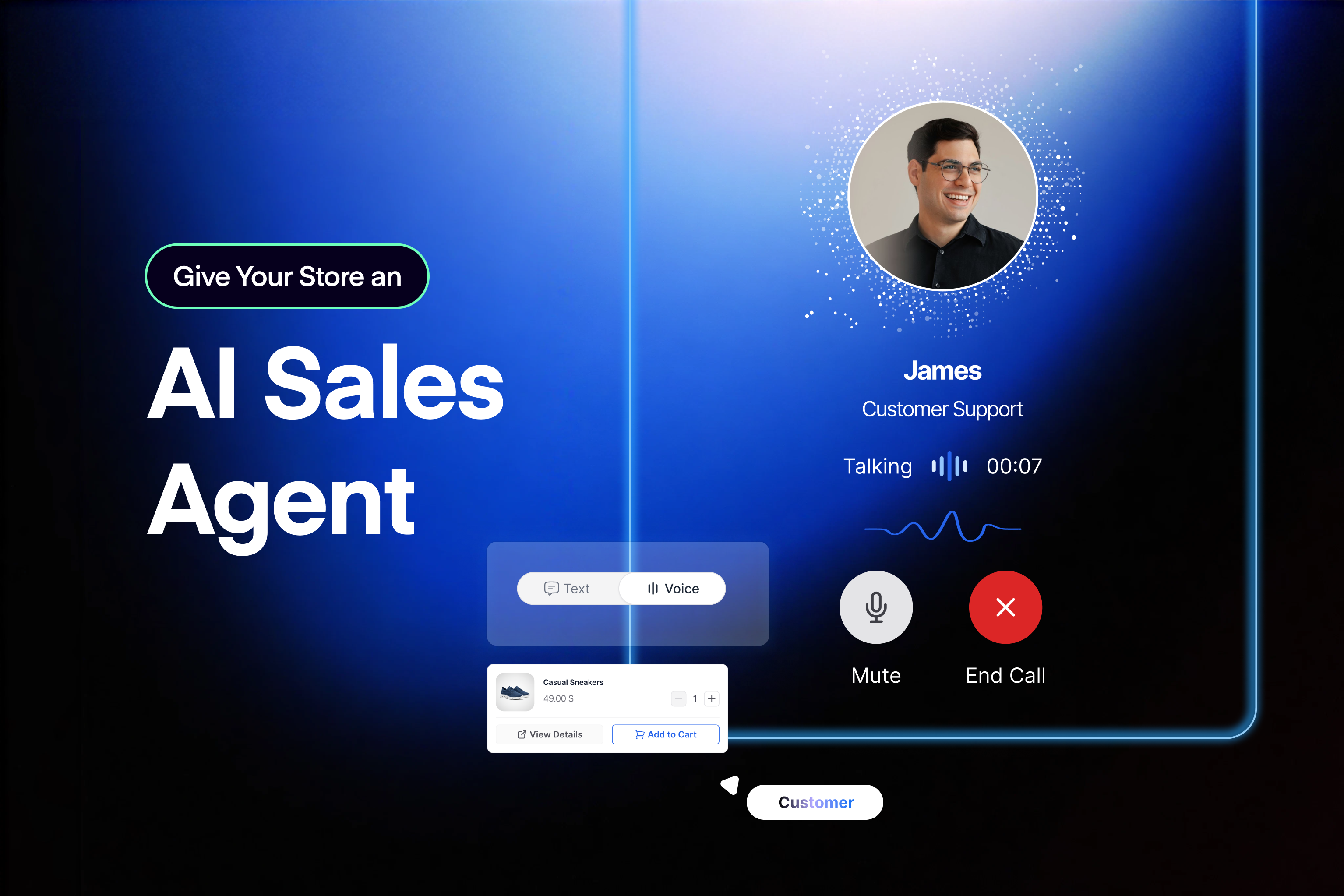
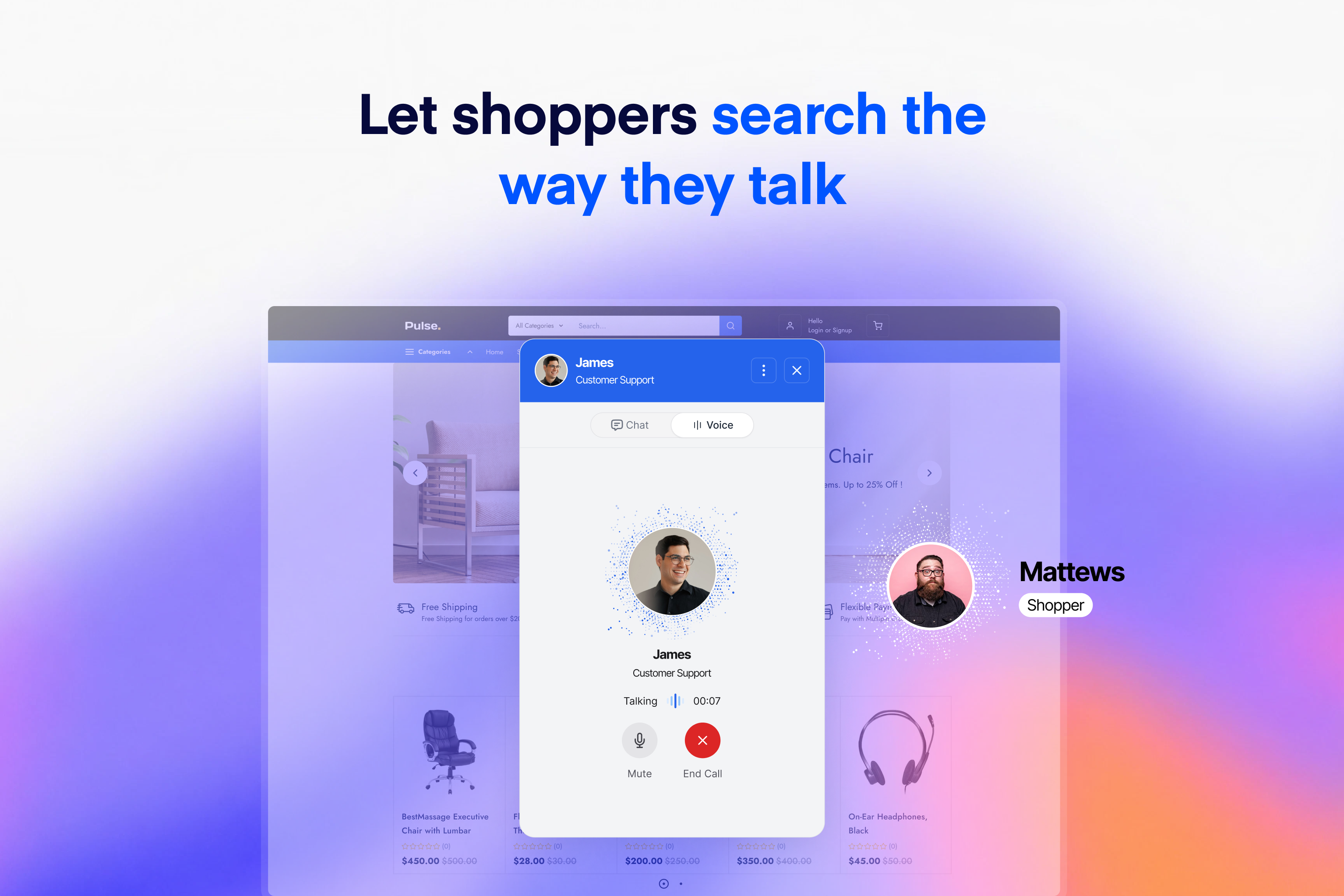
Customers can type or use hold-to-speak on mobile and desktop. More than 30 voice options are available, and voice conversations can perform the same product and cart actions as text conversations.
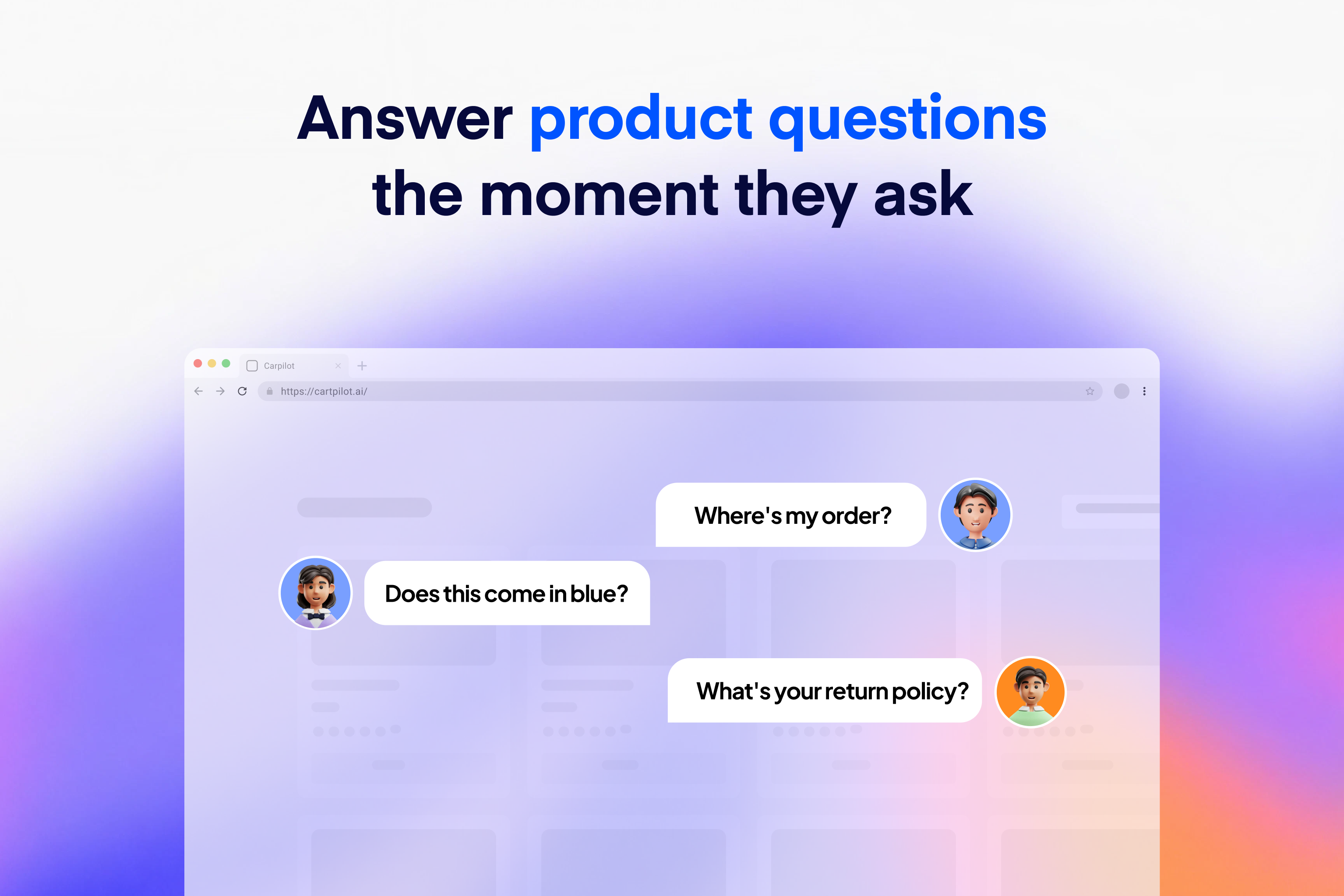
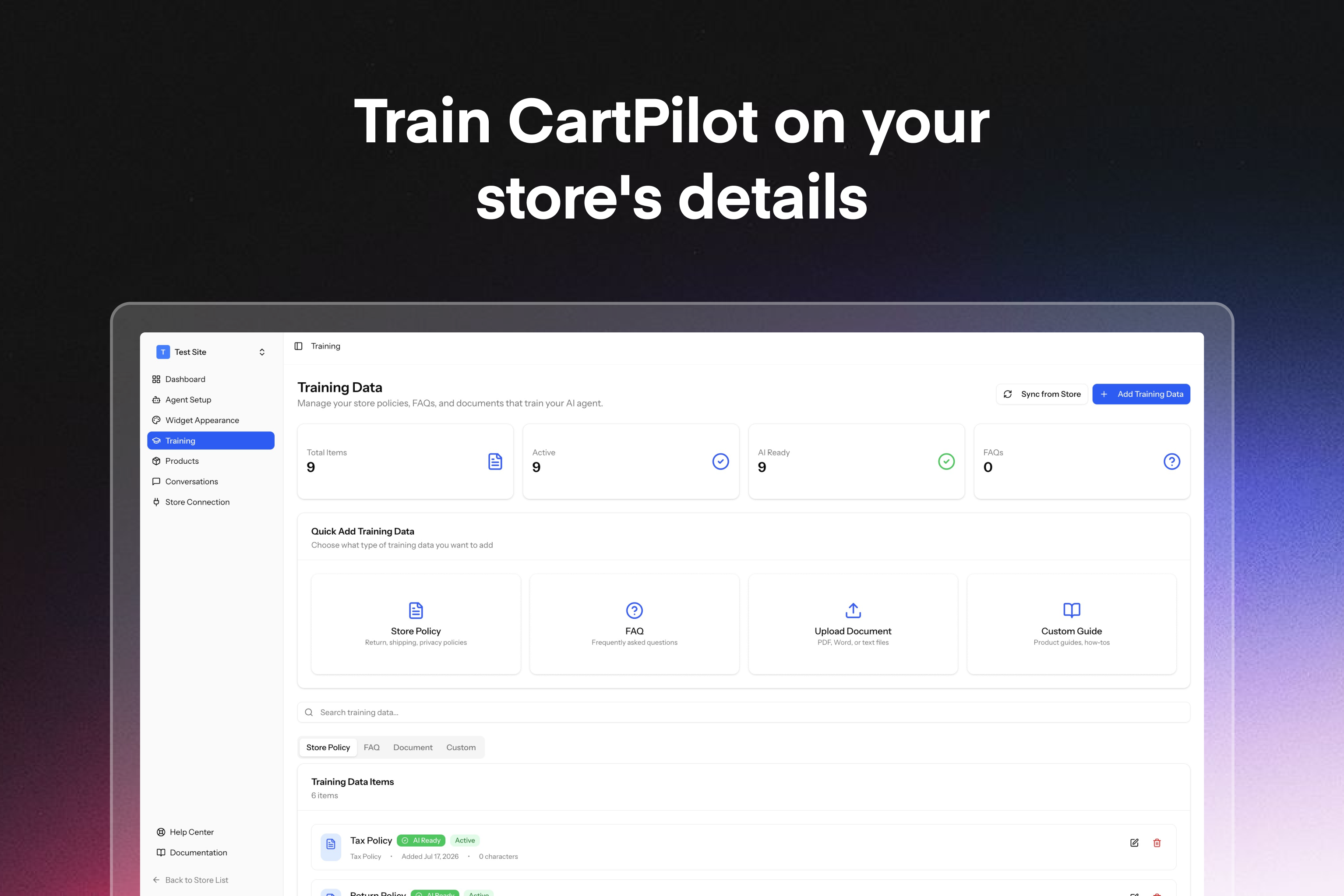
You can also give CartPilot the information it needs to answer common service questions. Connect your catalog and add store policies, FAQs, or other documents covering topics such as shipping, returns, and warranties. For logged-in customers, CartPilot can use order data to help with order tracking and return questions. When a request needs a person, it can direct the shopper to your support channel.
CartPilot is part of the StorePulse family and is built and maintained by weDevs, a WordPress-focused software company with 13 years in the ecosystem and a product portfolio used by more than 1 million people.
View the full feature list, compare plans, or start free.
Features
- Natural-language product search: Shoppers can describe what they want and receive relevant matches from your WooCommerce catalog.
- Product details and comparisons: Show current prices, images, variations, and stock, then help shoppers compare available options.
- Cart actions: Add the right variation, update quantities, remove items, and apply coupon codes from the conversation.
- Text and voice conversations: Let shoppers type or speak, with hold-to-speak support and more than 30 voice options.
- Dokan marketplaces: On a Dokan multivendor store, answer by vendor: who sells a product, each vendor’s own policies, coupons, ratings, and delivery times. See the Dokan Marketplaces section below.
- Store knowledge: Use your catalog, policies, FAQs, product guides, how-to content, and uploaded documents to provide relevant answers.
- Customer assistance: Answer common shipping, return, warranty, order-tracking, and post-purchase questions. Order information is available only to logged-in customers.
- Automatic catalog sync: Keep product answers aligned with changes to your WooCommerce catalog, including price and availability updates.
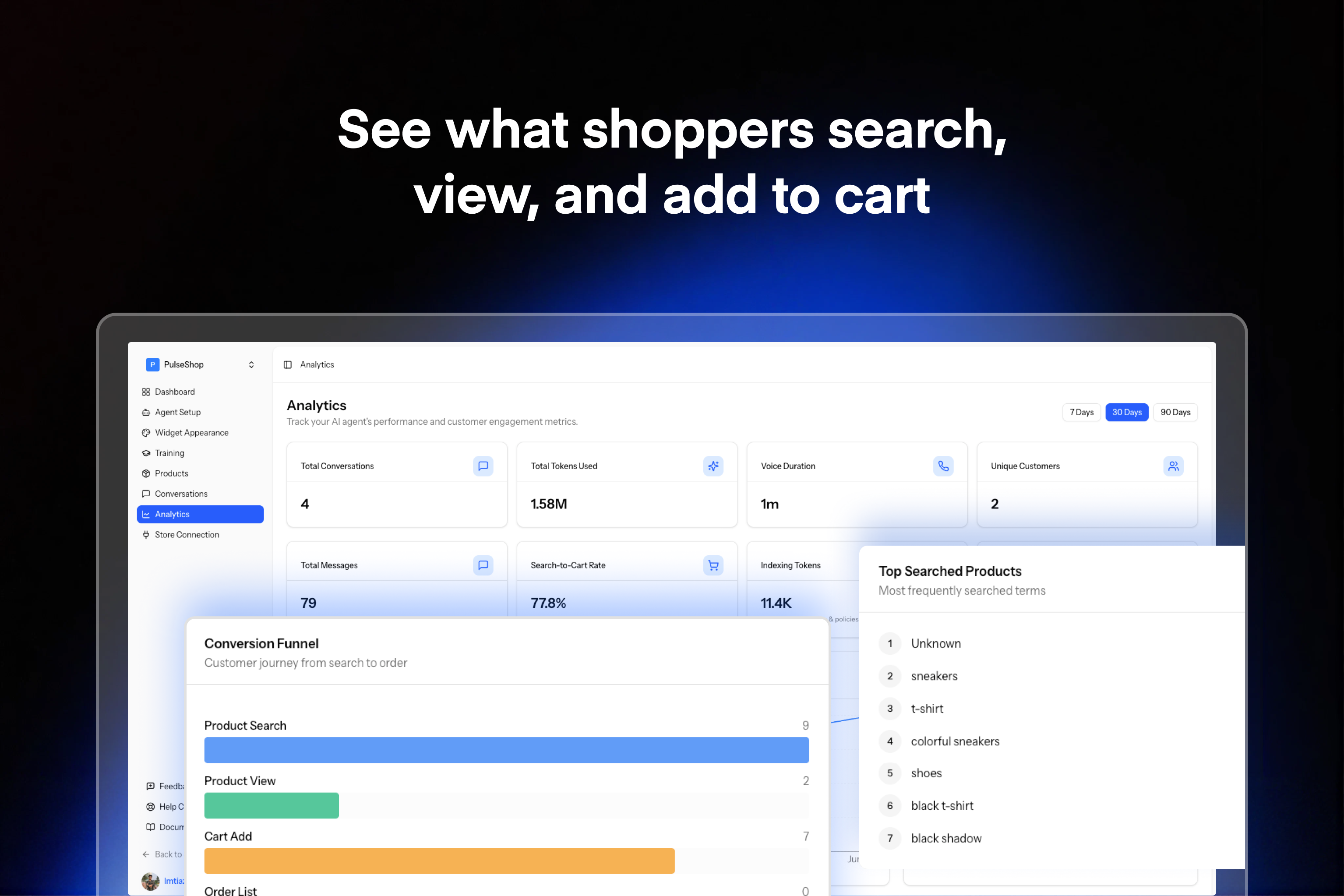
- Conversation analytics: Review transcripts, popular search terms, cart actions, recurring questions, and points where shoppers leave.
- Customizable widget: Choose the colors, fonts, position, greeting, agent name, and avatar without writing code. The widget is designed for mobile and desktop storefronts.
These features are useful for stores with large catalogs, frequent product-selection questions, recurring support requests, or small teams that cannot respond around the clock. Agencies and store builders can also configure CartPilot for WooCommerce clients.
How to Set Up CartPilot
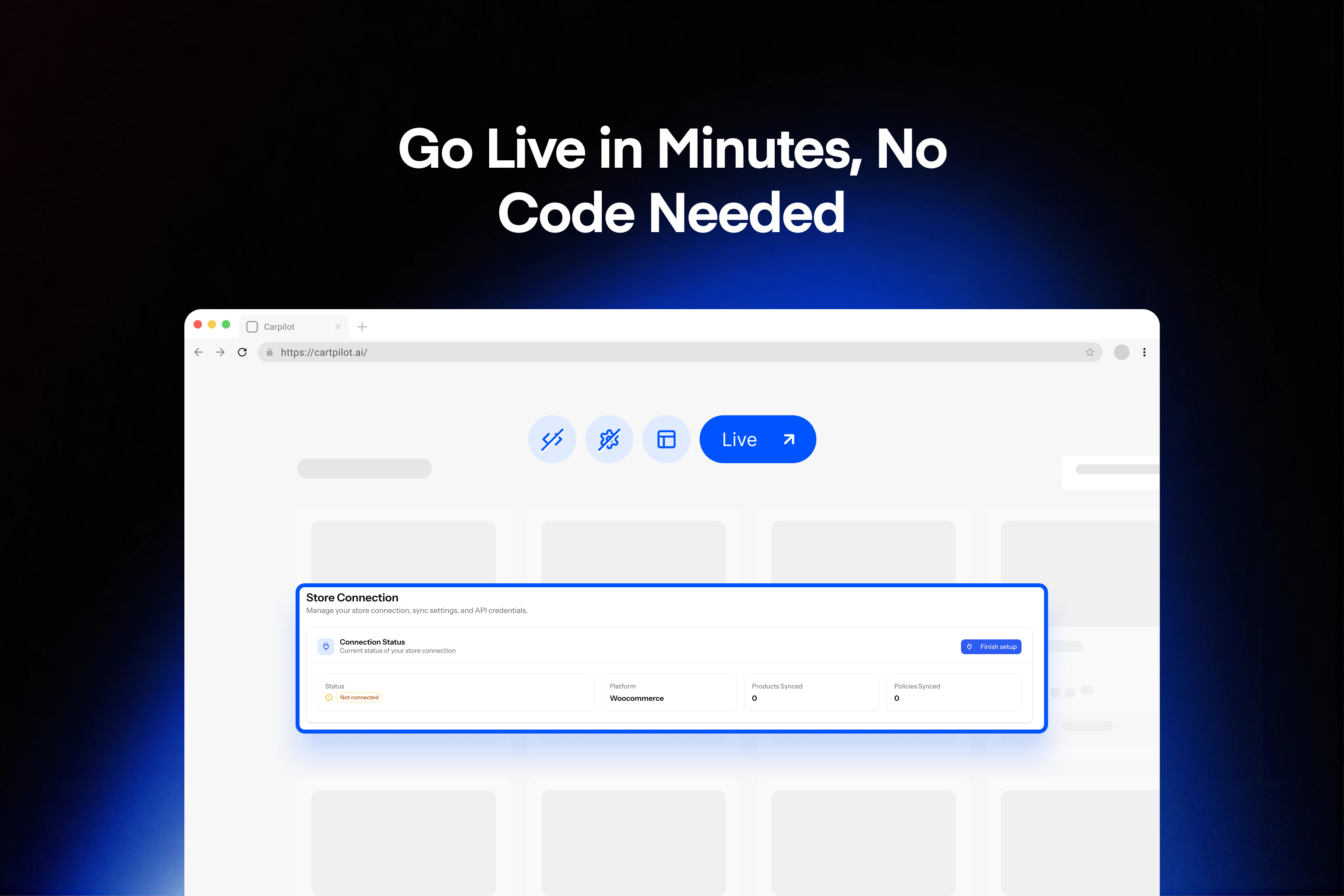
- Install and activate the plugin, then connect your WooCommerce store.
- Allow CartPilot to sync your product catalog.
- Add your policies, FAQs, guides, or other documents.
- Choose the widget’s appearance, greeting, position, agent name, and avatar.
- Test the experience, then publish it on your storefront.
Most standard stores can complete the initial connection in about two minutes. See the getting started guide and setup documentation for a complete walkthrough.
WooCommerce Compatibility
CartPilot connects to WooCommerce product, price, stock, variation, and order data. It works with most WooCommerce-compatible themes and loads its storefront widget without blocking the WordPress admin. If your store uses a heavily customized theme or checkout flow, test the plugin on a staging site before publishing it.
Dokan Marketplaces
On a store running Dokan, CartPilot knows which vendor sells each product and answers by vendor. It names the seller of a product, keeps a cart’s vendors apart, quotes each vendor’s own shipping, refund, and warranty policies, and on an order shows each vendor’s part with its status and tracking.
With Dokan Pro, switch on the CartPilot AI Sales Agent module in Dokan > Modules. The assistant can then use the Dokan modules the store has turned on:
- Coupons: Mention a vendor’s or the marketplace’s public coupons, list the ones that fit the cart with what each saves, apply the best one, and say why a coupon was refused. Choose how coupons are used under Dokan > Settings > CartPilot.
- Vendors: Store ratings, verified sellers, and when a vendor on vacation is back.
- Orders: Minimum and maximum order amounts per vendor, and the status of return and warranty requests.
- Delivery and promotion: Each vendor’s delivery days and time slots, and sponsored products, always labelled as sponsored.
- Wholesale and subscriptions: Wholesale prices and the quantity they start at, and subscription terms before a subscription is added to the cart.
Tested with Dokan Lite 5.3.4 and Dokan Pro 5.3.5.
Privacy
Shopper messages are processed to generate replies under the CartPilot Privacy Policy. CartPilot uses the catalog information, policies, FAQs, and documents you provide to answer questions. It uses order data only when assisting a logged-in customer with that customer’s order or return. Store owners control which documents they add.
Read the Privacy Policy and Terms of Service for more information.
External Services
CartPilot requires a connection to the CartPilot cloud service at app.cartpilot.ai. When a shopper sends a message, the message and relevant store information, such as matching products, prices, order details when applicable, and merchant-provided policies, are sent to this service to produce a response and complete requested store actions.
On a Dokan marketplace, the service also receives the vendor information the assistant answers with: vendor names and store links, ratings, verification and vacation status, vendors’ shipping, refund, and warranty policies, public coupons, order minimums and maximums, delivery times, the vendor and status of each part of a customer’s order and its return requests, sponsored products, wholesale prices, and subscription terms, as far as the store’s Dokan modules provide them.
The CartPilot service uses AI model providers to process language. It also processes account, billing, and usage information to provide the selected plan. Review the CartPilot Terms of Service, Privacy Policy, and Refund Policy for details.
Installation
- Install CartPilot from the WordPress Plugin Installer, or upload it to the
wp-content/plugins/directory. - Activate CartPilot from the Plugins screen in WordPress.
- Confirm that WooCommerce is installed and active.
- Open CartPilot and connect your store.
- Sync the catalog, add your store information, customize the widget, and publish it.
For detailed instructions, see the getting started guide.
FAQ
Can CartPilot help with customer service questions?
Yes. Add your shipping, return, warranty, and other policies so CartPilot can answer common questions. It can also help logged-in customers with order tracking and returns. Requests that require a person can be directed to your support channel.
Does CartPilot replace a helpdesk?
No. It can handle routine questions and product guidance, but your team should continue to manage complex or sensitive cases.
Can shoppers use voice?
Yes. Shoppers can type or use hold-to-speak on mobile and desktop. CartPilot offers more than 30 voice options.
Do I need to write code?
No. Catalog connection, store knowledge, and widget settings are managed through the CartPilot interface.
How does CartPilot learn about my store?
It uses your synced WooCommerce catalog and the policies, FAQs, guides, and documents you add. Catalog changes are synced so product answers can reflect current store information.
Is there a free plan?
Yes. You can start free with one WooCommerce store. Visit the pricing page for current plan limits and features.
Will CartPilot slow down my store?
The storefront widget is designed to load without blocking the WordPress admin. Product answers use a synced catalog rather than running heavy product searches on each storefront page.
Where can I get support?
Use the WordPress.org support forum, CartPilot documentation, or contact page.
Screenshots

Changelog
1.2.0
- New: Dokan marketplace support. The assistant knows which vendor sells each product, keeps a cart’s vendors apart, quotes each vendor’s own policies, and shows each vendor’s part of an order.
- New: “CartPilot AI Sales Agent” module for Dokan Pro, with coupon settings under Dokan > Settings > CartPilot.
- New: With Dokan Pro, the assistant can find and apply coupons, and explain a refused one, and can use store ratings, verified sellers, vendor vacations, order minimums and maximums, returns and warranty requests, delivery times, sponsored products, wholesale prices, and product subscriptions.
- New: On a product page, the assistant knows which product “this” or “these” means.
- Fix: For a signed-in customer, the assistant’s cart now uses that customer’s prices and coupon limits, and items it adds stay in the cart after the customer signs out and back in.
- Fix: Turning Dokan on or off now updates CartPilot without a manual sync.
1.1.0
- Tested with WordPress 7.1 and WooCommerce 11.1.
- Fix: disconnecting a store, and policy update notices, now reach the CartPilot environment the store is connected to.
- Developer: new
cartpilot_api_base_urlfilter sets the CartPilot URL a store connects to, for testing against a non-production environment.
1.0.0
- Initial release with product search, product comparisons, cart actions, voice conversations, policy-based answers, catalog sync, widget customization, and analytics.