

Description
Change Colors for WooCommerce will help you to change woocommerce colors, default styles like button colors and other Woocommerce Elements.
Installation
From your WordPress dashboard
- Visit ‘Plugins > Add New’,
- Search for ‘Change Colors for WooCommerce’ and install the plugin,
- It will also need ‘One Click Demo Import’ plugin so install that too
- Activate both of the plugin from your Plugins page.
FAQ
What does this plugin do?
Change Colors for WooCommerce will help you to change woocommerce colors, default styles like button colors and other Woocommerce Elements.
How to use this Plugin?
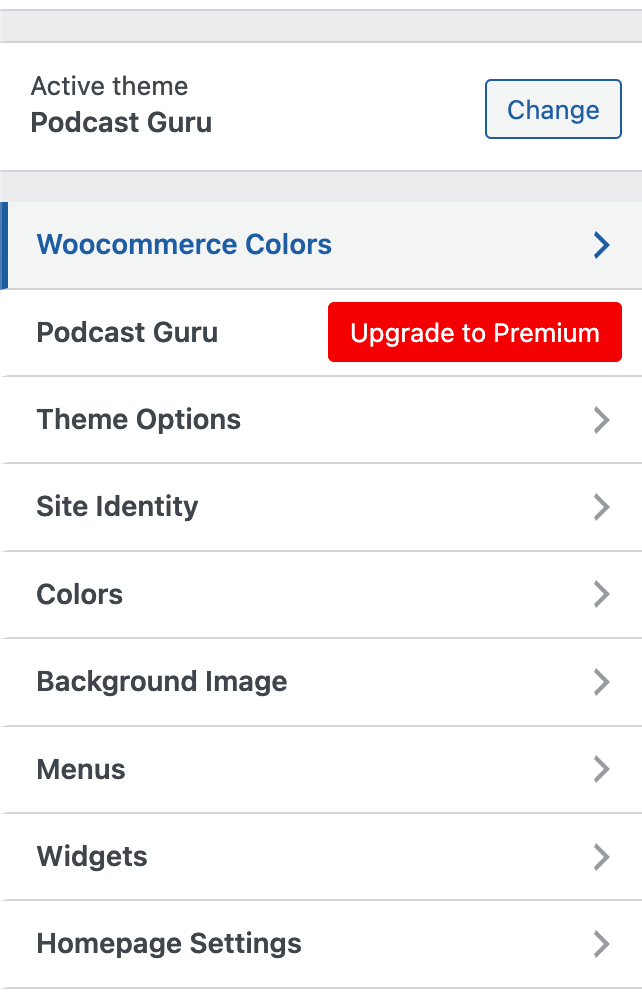
After you have installed the plugin, go to Dashboard/Appearance/Customizer/ Woocommerce Colors. There you will find various options to change colors of various Woocommerce Elements. See the Screenshot section that shows various options or watch or video guide.
Screenshots

Changelog
1.0.0
* Initial Release