

Description
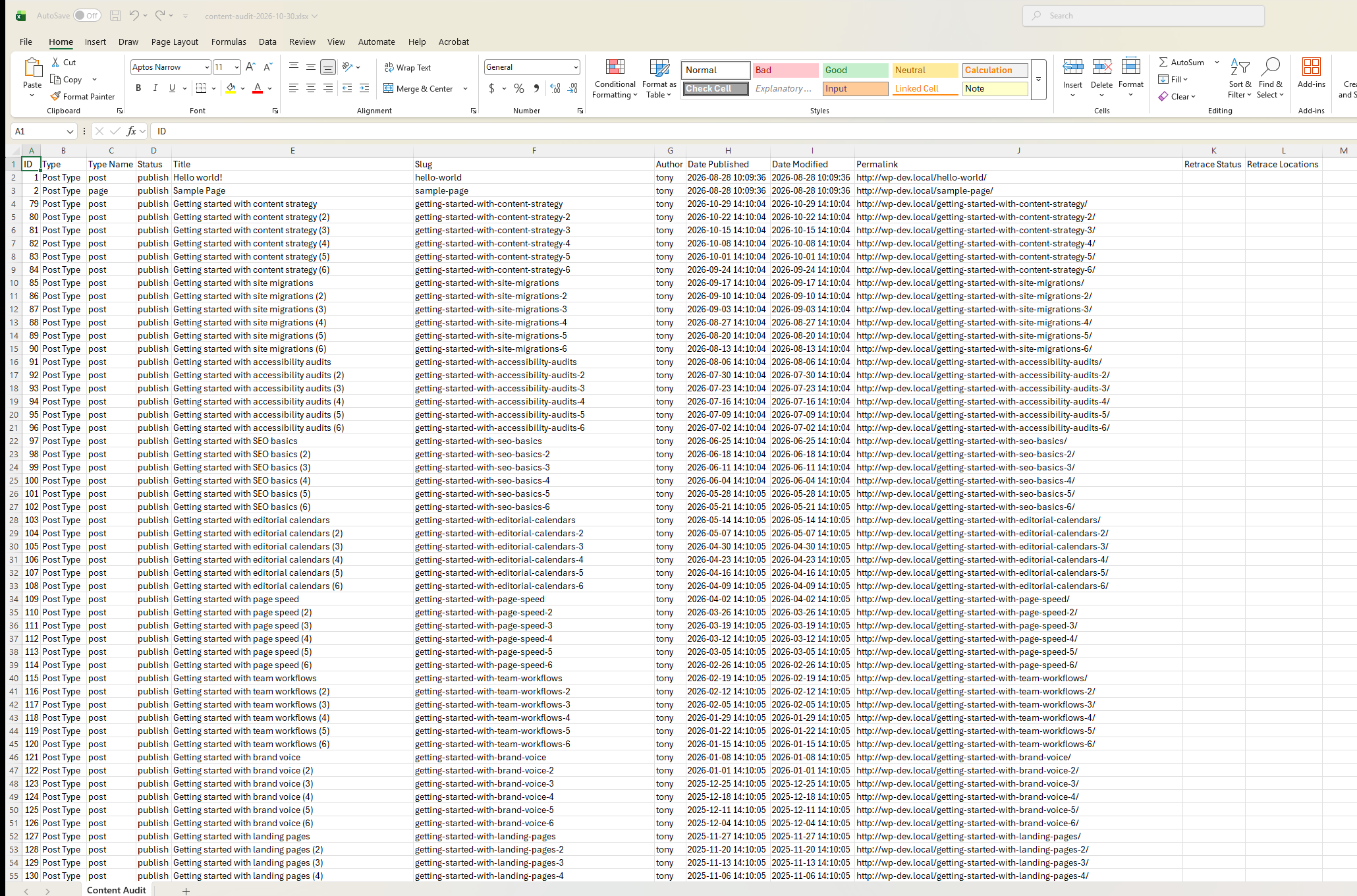
Content Audit Exporter is a free WordPress plugin that exports posts, pages, custom post types, and taxonomy terms to an XLSX spreadsheet for content auditing.
Version 1.3 introduces resumable background processing so larger exports no longer need to be generated in a single browser request. Start an audit, leave the page, and return later to download the completed spreadsheet.
When Retrace Your Media is installed and has a completed scan, Content Audit Exporter can also include Media Library usage information from Retrace in the same XLSX file.
Features
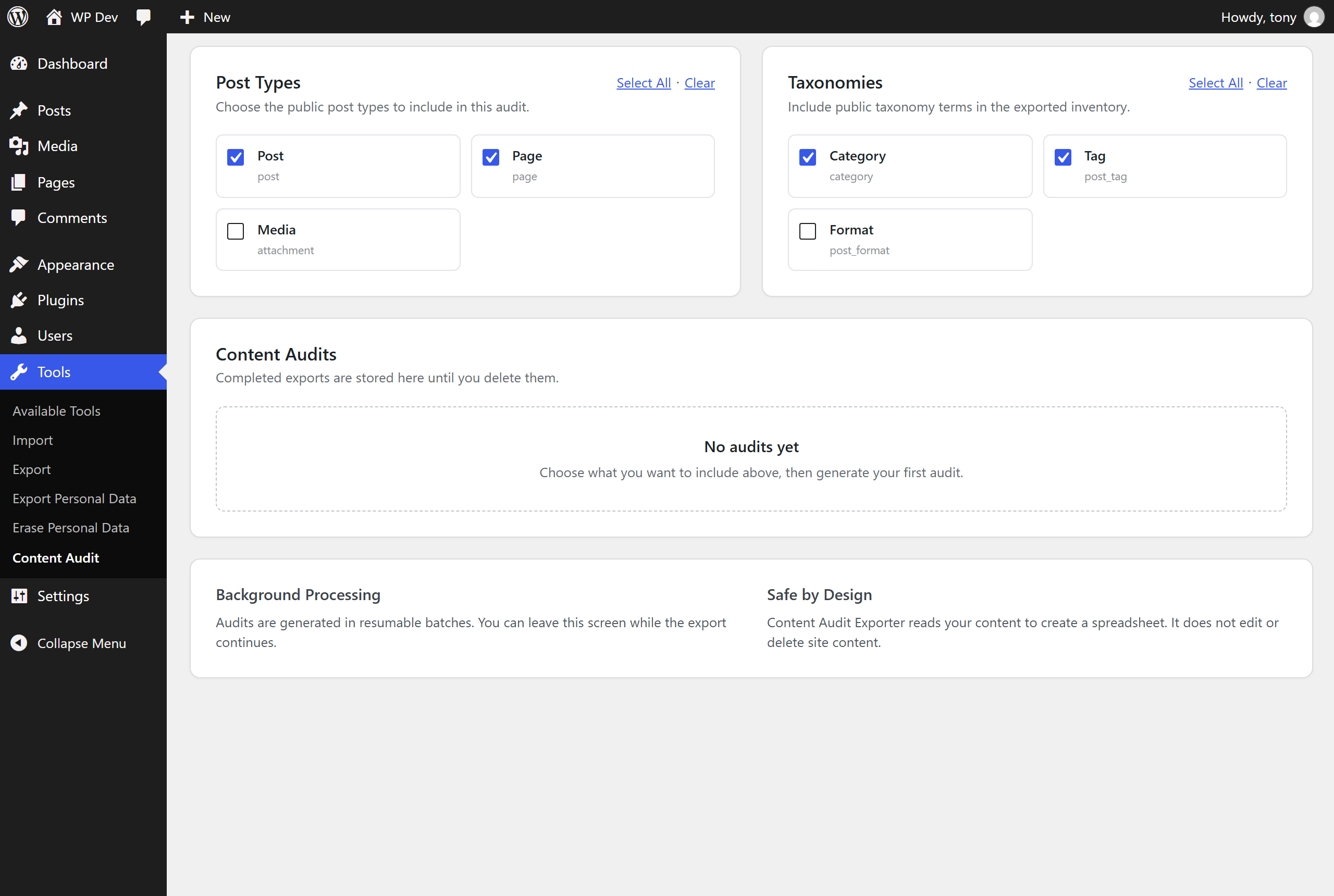
- Export public posts, pages, and custom post types.
- Export public taxonomy terms.
- Generate XLSX files in resumable background batches.
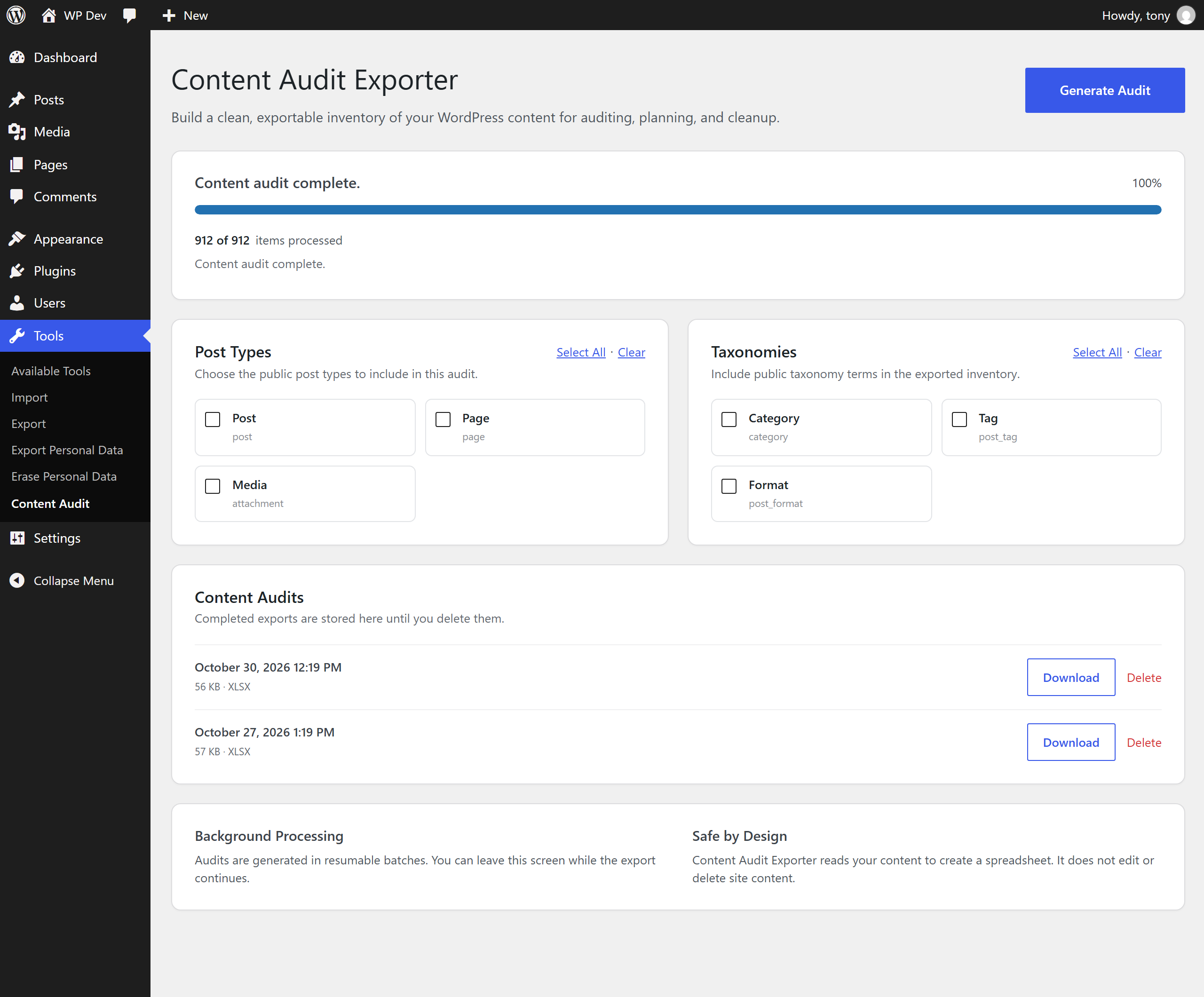
- View live export progress in WordPress admin.
- Leave the audit screen while processing continues.
- Uses Action Scheduler when available and falls back to WP-Cron.
- Include Retrace Your Media usage status and detected media locations when available.
- Download completed exports from the Content Audit screen.
- Safely delete completed exports from WordPress admin.
- Responsive WordPress admin interface.
- Does not edit or delete audited site content.
Installation
- Upload the entire
content-audit-exporterfolder to the/wp-content/plugins/directory or install the ZIP through Plugins > Add New > Upload Plugin. - Activate the plugin through the ‘Plugins’ menu in WordPress.
- Go to Tools > Content Audit.
- Choose the post types, taxonomies, and optional Retrace media data to include.
- Select Generate Audit.
- Download the completed XLSX file from the Content Audits section.
FAQ
Can I leave the page while an audit is running?
Yes. Content Audit Exporter processes exports in background batches. If Action Scheduler is available, the plugin uses it. Otherwise it uses WP-Cron, which normally requires site traffic or a server cron job to continue processing.
Does Content Audit Exporter change my content?
No. The plugin reads content to build an export and does not modify posts, pages, terms, or media.
How does the Retrace Your Media integration work?
If Retrace Your Media is installed and has a completed Retrace scan, an additional export option appears. Enabling it adds Media Library rows with the Retrace status and detected locations to the XLSX file.
Why is the Retrace option disabled?
Retrace is installed, but a completed Retrace scan is not available yet. Complete a scan in Media > Retrace Your Media, then return to Content Audit Exporter.
Where are the exported files stored, and are they private?
Completed exports are saved in wp-content/uploads/content-audits/. The folder is protected with an index.php, an .htaccess file (Apache) and a web.config file (IIS), every file has a long random name, and downloads go through WordPress so only administrators can get them. Nginx ignores .htaccess files, so on Nginx hosts we recommend adding a rule that denies direct access to /wp-content/uploads/content-audits/. Delete an export when you no longer need it.
What happens if an audit stops making progress?
If an audit has not moved for an hour (for example because WP-Cron cannot run on your server), it is marked as failed so you can start a new one. Use Cancel Audit at any time to stop a running audit.
Screenshots

Changelog
1.3.0
- Redesigned the Content Audit Exporter admin interface.
- Added resumable background processing with live progress.
- Added Action Scheduler support with WP-Cron fallback.
- Added optional Retrace Your Media export integration.
- Added media usage status and detected locations to Retrace-enabled exports.
- Added protected audit download handling and safer audit deletion.
- Hardened audit and temporary file path validation and direct-file protection.
- A cancelled audit stays cancelled, even if a batch was already running, and cancelling a finished audit no longer changes it.
- An audit that stops making progress is marked as failed after an hour instead of blocking new audits, and its temporary file is removed.
- Failed and cancelled audits clean up their temporary files.
- Exported files now have longer random names, and the job history is limited to the 20 most recent audits.
- Very long cell values are shortened so the spreadsheet always opens in Excel.
- The ID column is exported as numbers so it sorts and filters correctly in Excel.
- The audit screen no longer refreshes itself repeatedly once an audit has finished.
- The audit screen is fully translatable and keeps retrying if a single progress request fails.
- Removed an unused bundled library from the release package.
- Added background job locking to prevent concurrent batch processing.
- Removed an unused third-party spreadsheet dependency.
- Updated plugin branding to IDE Solutions LLC.
- Improved responsive admin layouts and large-site export handling.
1.2
- Confirmed compatibility with PHP 8.0+ and WordPress 6.9.
- Updated minimum PHP requirement to 8.0.
1.1
- Added taxonomy support.
- Fixed a CSS issue that could cause the content audits list to display as a white box.
1.0
- Initial release.