

Description
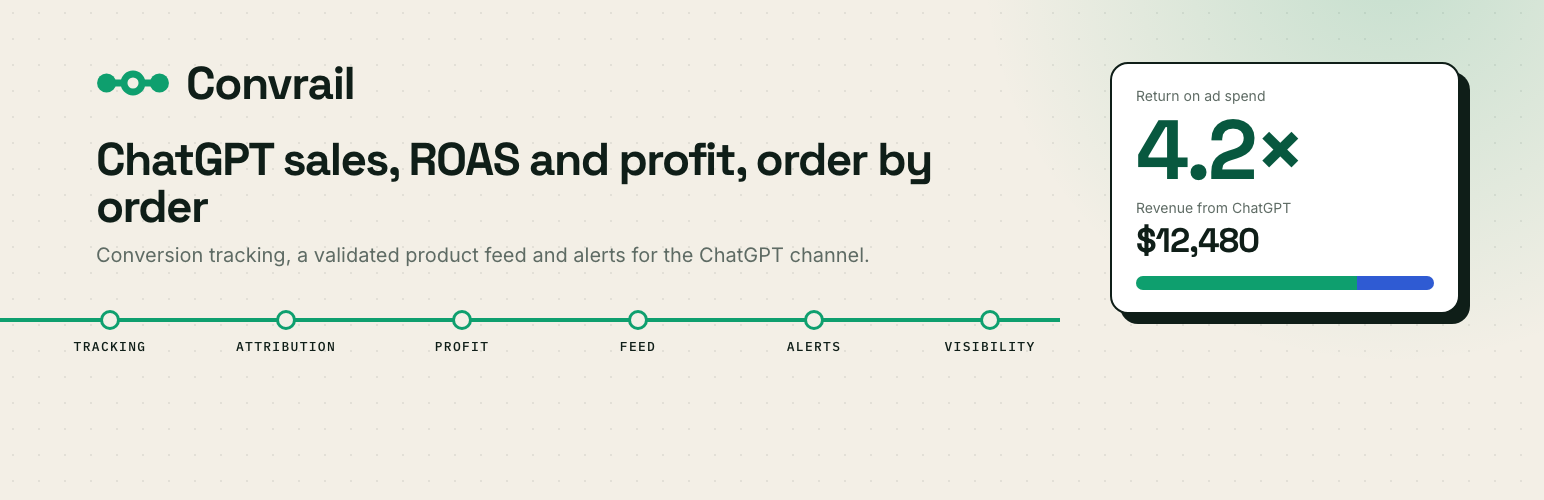
ChatGPT is becoming a real sales channel. Convrail shows what it really earns your WooCommerce store, and keeps your catalog ready for it:
- ChatGPT sales, order by order: every order is matched to ChatGPT Ads or organic ChatGPT (click identifier, UTMs, referrer), with revenue, orders and return on ad spend.
- Profit per product: net margin from your product costs, ad spend imported from your ChatGPT Ads account, and ad controls to keep your ads on the products that pay.
- Conversion tracking: the ChatGPT Ads browser pixel plus server-side Conversions API events, sharing one event ID so each sale is counted once.
- Validated product feed: every product is checked against the official OpenAI spec before it is sent, with the exact fix for each refusal, and optional AI rewrites for the feed only.
- Alerts and reports: tracking, sending and feed delivery are watched for you, with email alerts and a weekly ChatGPT sales report.
- AI search visibility: see how often ChatGPT names your store for your buyers’ questions, and which shops it names instead.
A connector to the Convrail service
The plugin connects your store to the Convrail platform, which validates and delivers the feed, sends conversion events to OpenAI and computes your reports. Nothing happens until an administrator clicks “Connect this store”.
The Free plan includes conversion tracking and a validated feed of up to 500 products. The ChatGPT sales dashboard and the alerts are computed by the service in the Growth and Scale plans, AI search visibility in Scale. The plugin code is the same on every plan: the service applies your plan, and the plugin never locks a feature by itself.
Convrail is an independent service, not affiliated with or endorsed by OpenAI. ChatGPT and OpenAI are trademarks of OpenAI.
External services
Convrail platform (https://app.convrail.com), required for every feature. Nothing is sent before an administrator clicks “Connect this store”. Then:
- On connect: the store domain, currency, base country, timezone and a single-use verification challenge. During this request the platform calls back /wp-json/convrail/v1/verify, which only answers for 2 minutes after the click and never returns the challenge.
- Products, when one is created, updated, trashed, restored or deleted, and once a day for the whole catalog: titles, descriptions, prices, stock, SKU, barcode, images, categories, brands, weight, dimensions, variants and cost of goods when the store records it.
- Orders, when one is paid: order number, total, currency, date, items, customer ID, billing email, phone, name, city, postcode, state and country, landing page, referrer, WooCommerce session ID and the visitor’s consent answer. When a consent plugin reports a refusal, the email, phone, name, city, postcode and state are left out. When an order is cancelled or refunded: its number and new status.
- Visits from a ChatGPT ad: when a page address carries an
opprefclick identifier, the server sends that identifier with the WooCommerce session ID, the landing page, the referrer and the UTM parameters, so the later order can be attributed. - Storefront events, after marketing consent when a consent plugin is installed: the event name, an event ID, the page address, the amount and the products of the page (page view, product view, add to cart, checkout, order), plus the OpenAI click identifier when the visitor came from ChatGPT.
- Administration: what an administrator enters or requests in the Convrail screens (OpenAI keys, feed settings, AI drafts, visibility questions, plan changes).
Convrail terms: https://convrail.com/terms/. Convrail privacy policy: https://convrail.com/privacy/.
OpenAI pixel (https://bzr.openai.com/v1/sdk/events), once a Pixel ID is set and, when a consent plugin is installed, after marketing consent. The browser sends the event name, an event ID, the amount and the product IDs, names and quantities of the page, plus the OpenAI click identifier when the visitor came from ChatGPT. No names, emails, phone numbers or addresses. On the checkout and order pages only, an image tag sends the same fields for visitors without JavaScript. OpenAI terms and policies: https://openai.com/policies/. OpenAI privacy policy: https://openai.com/policies/privacy-policy.
The Convrail platform itself, not the plugin, sends conversion events and the product feed to OpenAI; product text to its AI writing provider, only when an administrator clicks “Draft with AI”; and the buying questions an administrator adds to OpenAI, once a week. These processors are listed in the Convrail privacy policy.
Privacy and consent
The plugin supports the WP Consent API. It declares itself to any compatible consent plugin and waits for the marketing category before the storefront script stores a cookie or sends an event.
- No consent: no tracking cookie is written (
__oppref,ocl_landing,ocl_referrer) and no storefront event is sent. The order reaches the Convrail platform without the customer’s contact details (billing country only), and the platform reports the sale to OpenAI markedopt_out, with no personal data, so your revenue reporting stays right. - Consent given: tracking works as described above.
- No consent plugin installed: WordPress exposes no consent state. The storefront script runs, and for orders the platform applies the consent setting you choose in Convrail > Settings.
Emails and phone numbers are never sent to OpenAI in clear text: the Convrail platform hashes them with SHA-256 first.
Source code
The admin screens are a React app compiled into assets/admin.js. Its readable source ships with the plugin, in the admin-src folder (React and TypeScript). To rebuild the same file: cd admin-src && npm install && npm run build, which writes ../assets/admin.js.
Installation
- Install and activate the plugin. WooCommerce must be active.
- Open Convrail > Connection and click “Connect this store”.
- In Convrail > Settings, paste your Ads Manager key: Convrail creates your pixel and Conversions key (or enter your Pixel ID and Conversions key by hand).
- Products sync automatically; orders are tracked from the next checkout on.
FAQ
Is customer data sent to OpenAI?
Never in clear text. Emails and phone numbers are SHA-256 hashed on the Convrail platform before any call to OpenAI.
Does it work without the OpenAI Ads Manager?
Yes for the product feed and organic attribution. The pixel and Conversions API need credentials from the Ads Manager.
Is Convrail made by OpenAI?
No. Convrail is an independent service that uses OpenAI’s public advertising and feed interfaces.
Screenshots


Changelog
1.0.1
- ChatGPT ad clicks are now recorded on stores that serve pages from a page cache (Cache Enabler, WP Rocket, host caching): sales that come from an ad stay attributed even when the visitor’s browser loses the tracking cookie.
1.0.0
- Conversion tracking: OAIQ browser pixel and server-side Conversions API sharing one event ID, with batching, retries, a dead-letter queue and a test mode.
- Consent: WP Consent API support. A refusal sends the sale with
opt_outand without customer details instead of dropping it, so your revenue reporting stays right. - Product feed: validated against the OpenAI spec before delivery, sharding, run log and diff.
- Attribution and dashboard: organic and ads revenue, ROAS by channel and by product.
- Health monitors and email alerts, AI rewriting, product completeness score.
- Visibility panel and ad controls (pause, resume, product sets by margin band, bidding shown as set in Ads Manager) with a daily guardrail that is off by default.
- Every option, scheduled task and order field now uses the
convrailprefix; earlier installs are migrated automatically on update.