

Description
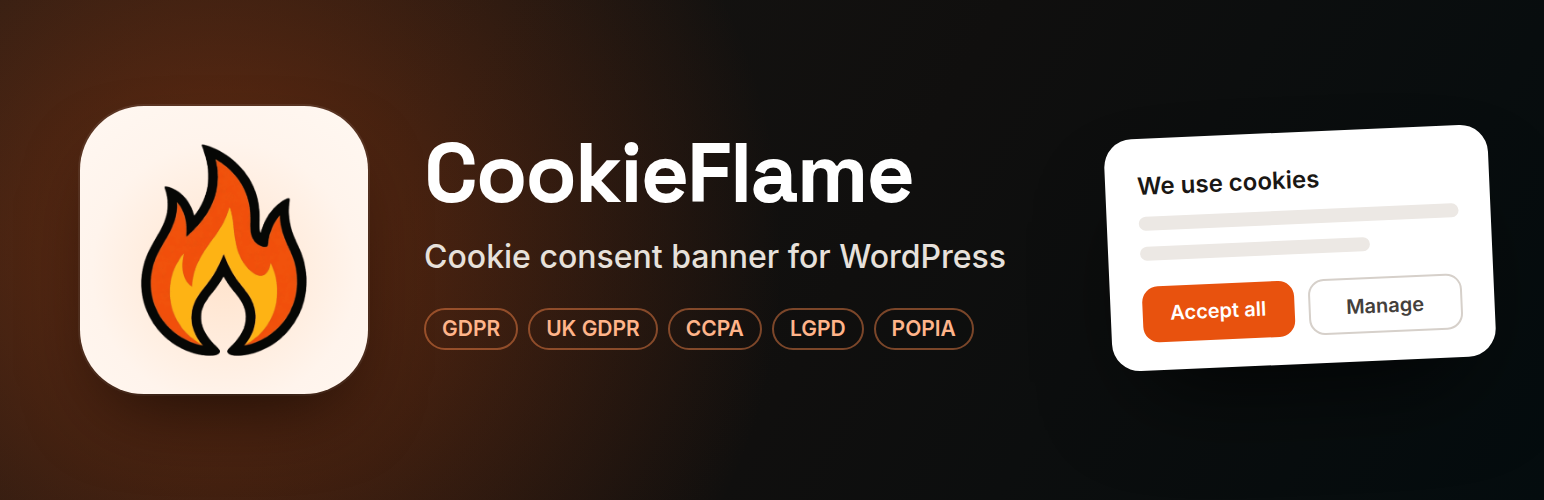
CookieFlame is a cookie consent banner for WordPress. It finds the cookies your site uses, holds back tracking until each visitor agrees, and shows every visitor the banner their country’s privacy law expects. It runs on your own site, works as soon as you activate it, and sends nothing to us.
What it does
- Shows a cookie banner where the law asks for one, with Accept All, Decline All and Manage preferences.
- Blocks tracking before consent. Analytics, advertising and social media scripts wait until the visitor agrees, and stop again if they change their mind.
- Finds your cookies for you and lists them in the Cookie Manager, where you choose a category for each one.
- Lists your cookies for visitors on your privacy or cookie policy page, with a link that lets them change their choice at any time.
- Supports Google Consent Mode v2, so Google Analytics, Google Ads and Tag Manager follow each visitor’s choice.
How it works
- Watch for new cookies: as visitors browse, their browsers tell CookieFlame about cookies it hasn’t seen, so a new plugin’s cookies show up without you doing anything, with an optional weekly or daily email.
- Cookie Discovery: browse a few pages of your own site, and CookieFlame records every cookie they set.
- Services that don’t use cookies: tools your pages load from other websites are listed too, so you decide how each one runs.
- Blocking that works with caching: trackers are held back before the page is sent, so it works with WP Rocket, LiteSpeed Cache, Cloudflare and other caches. Tags added later by Tag Manager are stopped too.
- Videos and maps wait: YouTube, Vimeo, Google Maps, Spotify, SoundCloud and others show a click-to-load placeholder until the visitor agrees.
The right banner in every region
CookieFlame works out each visitor’s country and shows what applies there:
- UK, EU and EEA, Switzerland, Brazil and South Africa (GDPR, UK GDPR, LGPD, POPIA): an opt-in banner. Nothing that needs consent runs until the visitor agrees.
- United States (CCPA and other state laws): a short notice with a “Do Not Sell or Share My Personal Information” link that opens a real opt-out choice.
- Global Privacy Control: a browser that sends this signal is opted out of selling and sharing straight away, and the opt-out is kept.
- Everywhere else: no banner, where no law asks for one.
- Country unknown: the opt-in banner, the safe choice.
It uses your CDN’s country information, such as Cloudflare’s, or a free MaxMind database, with the visitor’s time zone as a fallback.
Accessible and light
The banner is built to WCAG 2.2 AA: it works with a keyboard and screen readers, has readable contrast, fits small phones, and comes in light and dark themes.
CookieFlame Pro
Free CookieFlame finds your cookies. CookieFlame Pro does the rest for you:
- Suggested categories: each new cookie gets a suggested vendor, category and purpose. You confirm it with one click, and Pro never changes a cookie you’ve confirmed.
- Automatic Site Scan: once a month, and whenever you ask, cookieflame.com visits your site as a brand-new visitor and records every cookie it sets, including ones your visitors haven’t reported yet.
- Consent records: proof of each visitor’s choice, kept on your own site. Find a record by consent ID, download a proof page or CSV, and delete records when asked.
- Alerts by email: new cookies within minutes, a report after each scan, and an urgent alert if a scan finds a tracker set before visitors agree.
- Your country database kept up to date automatically, with your own free MaxMind account.
Plans cover 1, 5 or 25 sites. See features and pricing at cookieflame.com.
For developers
Events (cc:ready, cc:update, cc:save and more), a JavaScript API (CookieConsent.getState(), showSettings()), the [cookieflame_settings_link] and [cookieflame_declaration] shortcodes, –cc-* CSS custom properties, and filters including cookieflame_frontend_config, cookieflame_region_rules and cookieflame_url_passthrough.
Compliance note
CookieFlame helps with GDPR, UK GDPR, CCPA, LGPD, POPIA and similar laws; how you set it up is your responsibility. For legal advice, ask a qualified professional.
External services
CookieFlame does not phone home. These requests happen only in the cases described.
Google Tag Manager (optional). If you enter a container ID on the Tag Managers tab, Google’s script (https://www.googletagmanager.com/gtm.js) loads only after analytics or marketing consent (basic mode, the default), or on every page with consent denied (advanced mode). It never loads for visitors you exclude from tracking. Tags inside it follow the visitor’s Consent Mode choices. Sent: the container ID and the browser’s standard request data (IP address, user agent, page URL). Terms, privacy policy.
Microsoft UET (optional). If you enter a UET tag ID, Microsoft’s loader (https://bat.bing.com/bat.js) loads only after consent, once Marketing is allowed, and never for visitors you exclude from tracking. In the US and regions with no banner it loads on the first page unless the visitor has opted out. Sent: the tag ID and the browser’s standard request data. Microsoft Advertising agreement, privacy statement.
Consent log endpoint (optional). If you enter a URL in the “Send each choice to a web address” setting, each consent choice is sent there from the visitor’s browser as JSON: a consent ID (a random, pseudonymous ID for this browser), time, action, the choice per category, region, country code (and the state or province, when your lists name one), page URL, user agent, the GPC flag, consent version and plugin version. No cookie values or IP address are in it. You choose the destination and are responsible for it.
Third-party domain names in the code (such as connect.facebook.net) are only used to recognise and block scripts; they are never contacted.
Installation
- Install from Plugins > Add New, or upload the
cookieflamefolder to/wp-content/plugins/. - Activate the plugin.
- Open CookieFlame in the admin menu to check the settings.
It works straight away. For the best country detection, use Cloudflare or upload a free MaxMind database on the Geo Detection tab.
FAQ
Do I need to know which cookies my site sets?
No. Watch for new cookies lists them as your visitors’ browsers report them, and Cookie Discovery finds them on demand. You classify them when you are ready.
Does it work with Google Tag Manager and caching plugins?
Yes. Blocking happens in the HTML before it is cached. In basic Consent Mode (the default), Tag Manager waits for consent; in advanced mode it loads at once with consent denied and its tags follow the visitor’s choice. Turn off Cloudflare Rocket Loader; the plugin warns you if it is on.
If you use WP Rocket’s Remove Unused CSS, clear Used CSS after updating CookieFlame (WP Rocket dashboard, Clear Used CSS), so the banner gets its new styles.
What do US visitors see?
A short notice. Cookies are allowed by default because US laws use an opt-out model. The “Do Not Sell or Share My Personal Information” link opens a choice to opt out. Put [cookieflame_settings_link] in your footer so visitors can reach it again later.
Can I hide “Decline All” on the first screen?
Yes. Turn off “Show Decline All on the first screen” on the Settings tab. Visitors can still decline under Manage preferences.
Can I change the banner text?
Not yet from the settings. The banner is in English, with light and dark themes. Developers can change the text and colours with the cookieflame_frontend_config filter and the –cc-* CSS properties.
Is my visitors’ data safe?
CookieFlame collects no visitor data. Cookie values are never sent, only names. IP addresses are hashed for rate limiting and never stored. Choices are kept in a first-party cookie in the visitor’s browser.
Screenshots


Changelog
5.7.3
- “Confirm all” and “Unlock” now ask in a bar on the page instead of a browser pop-up. Some browsers block pop-ups, so the button could seem to do nothing.
- Full list and older changes: changelog.txt.