


Description
Course Builder is a lightweight, flexible WordPress plugin for managing and selling courses without a heavy LMS system.
It provides a clean admin interface, fast AJAX-powered operations, WooCommerce integration for payments, and beautifully structured frontend pages for courses and teachers.
Perfect for academies, training centers, and online learning platforms.
Features
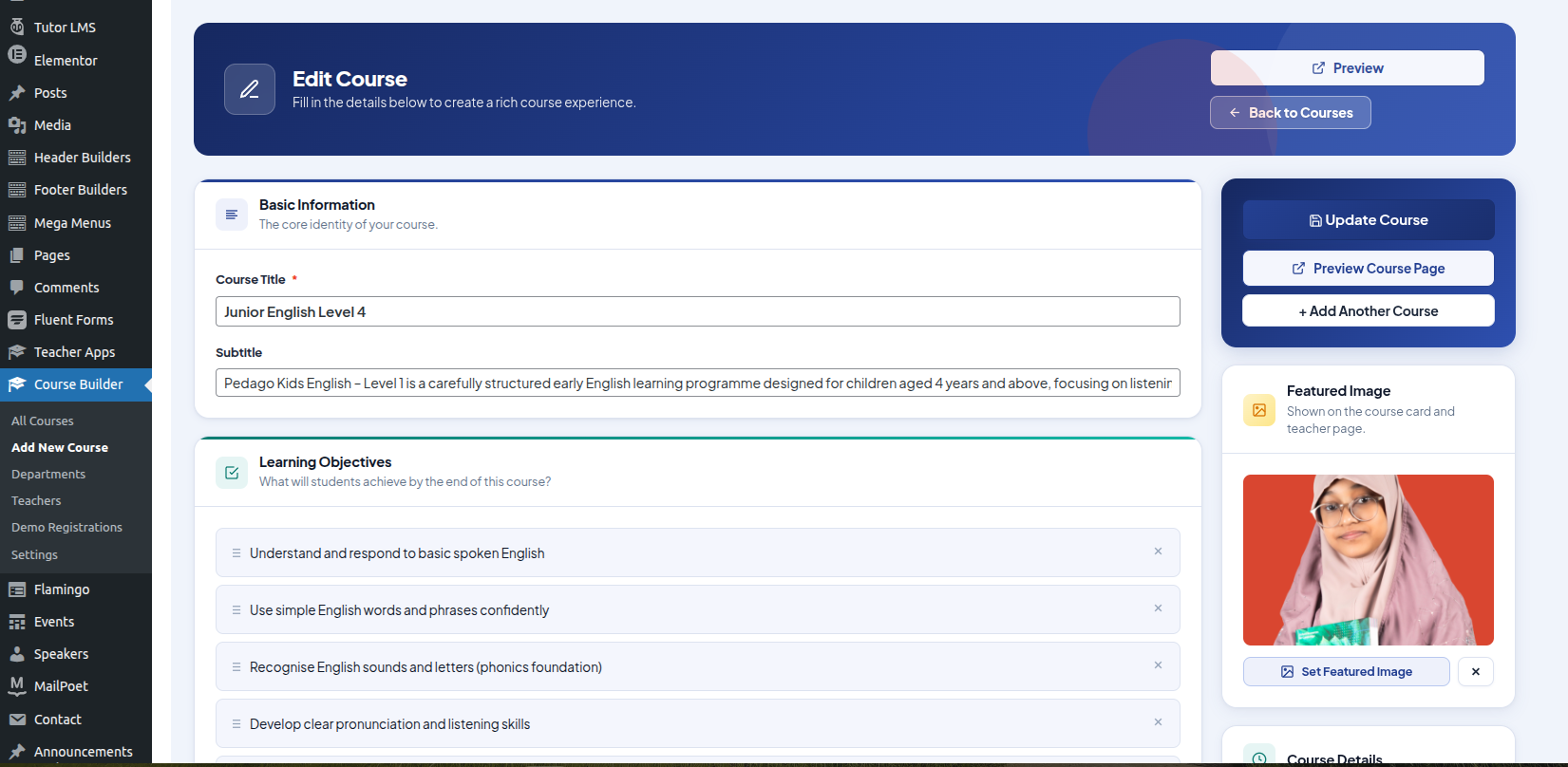
- Complete course management (create, edit, delete)
- WooCommerce integration — sell courses via existing products
- One product mapped to one course
- Teacher management with dedicated profile pages
- Department/category system with taxonomy support
- AJAX-powered admin panel
- Secure CRUD with nonce validation and capability checks
- Clean and responsive frontend templates
- SEO-friendly permalinks
- Media uploader integration for featured images
- Data preserved during updates
- Optional full data cleanup on uninstall
Usage
After activation:
- Create courses from Course Builder → All Courses
- Assign a WooCommerce product to each course
- Add teachers from Course Builder → Teachers
- Create departments from Course Builder → Departments
Installation
- Go to Plugins → Add New → Upload Plugin
- Upload
craftsmenit-course-builder-for-woocommerce.zip - Click Activate
- Go to Settings → Permalinks → Save Changes
FAQ
Does this plugin require Tutor LMS?
No. Course Builder is fully independent.
Can I sell courses using WooCommerce?
Yes. Each course can be linked to a WooCommerce product.
How are courses displayed on the frontend?
Each course has its own page at /course/{course-slug}/.
Do teachers have separate pages?
Yes, at /teacher/{teacher-slug}/.
My course or teacher page shows a 404 error
Go to Settings → Permalinks → Save Changes to refresh rewrite rules.
Will my data be lost during updates?
No. Data is preserved by default. Enable full cleanup from Course Builder → Settings if needed.
Does this plugin support multisite?
Yes. Each site in a multisite network has its own independent courses, teachers, and departments.
Screenshots




Changelog
1.0.0
- Initial release