


Description
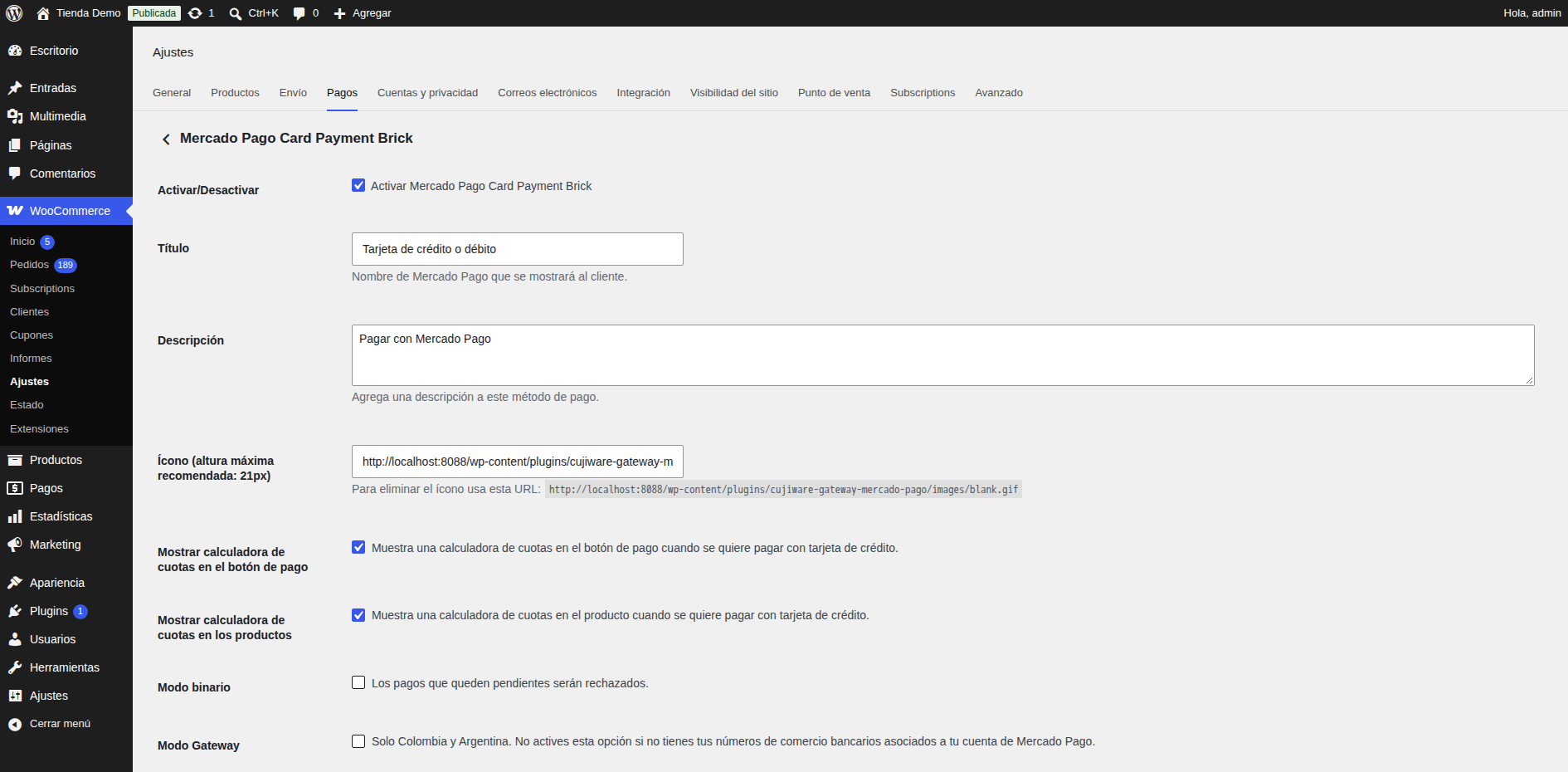
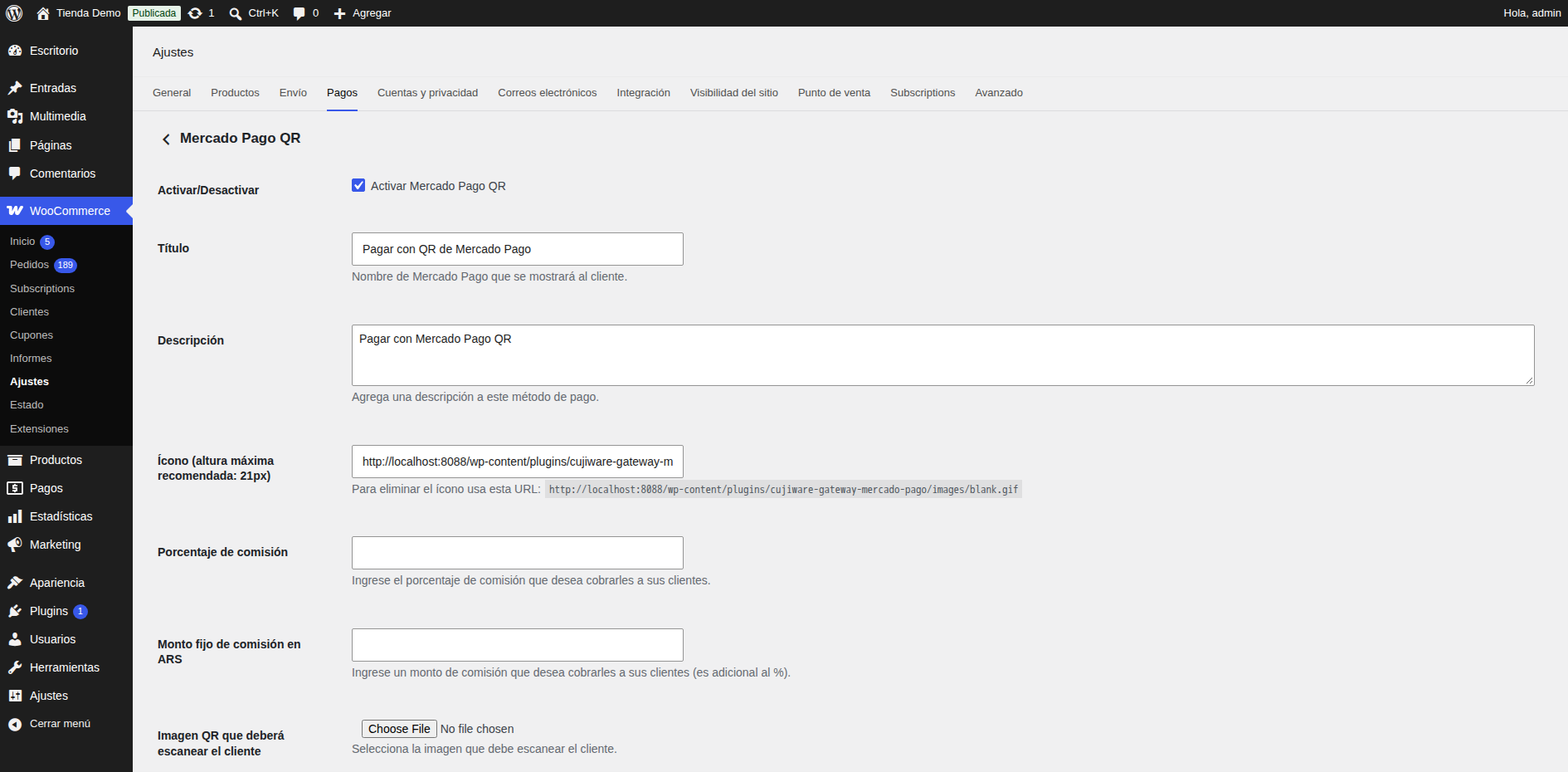
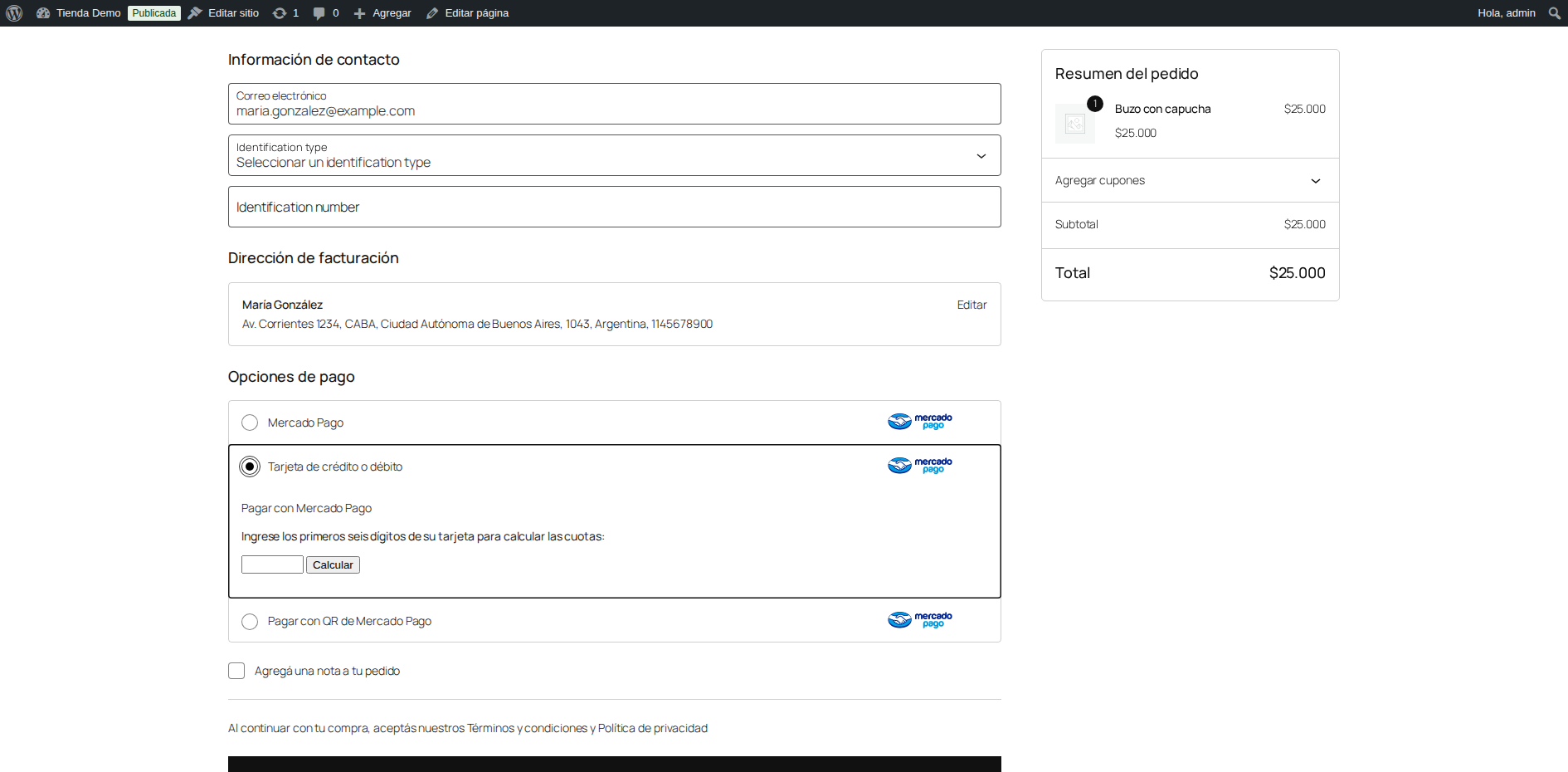
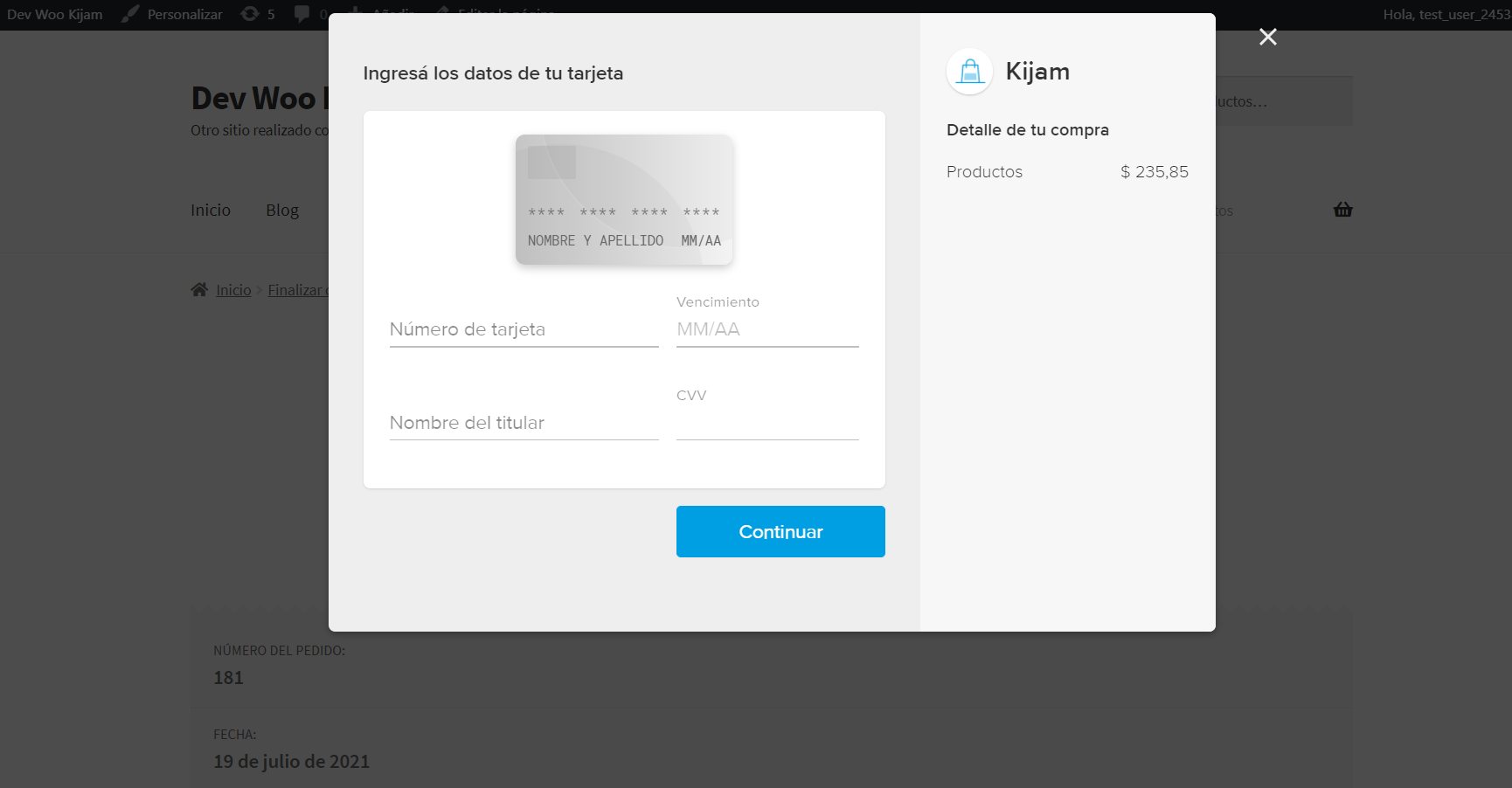
Accept Mercado Pago in WooCommerce with three payment methods: Checkout Pro, card payments without leaving the store, and QR.
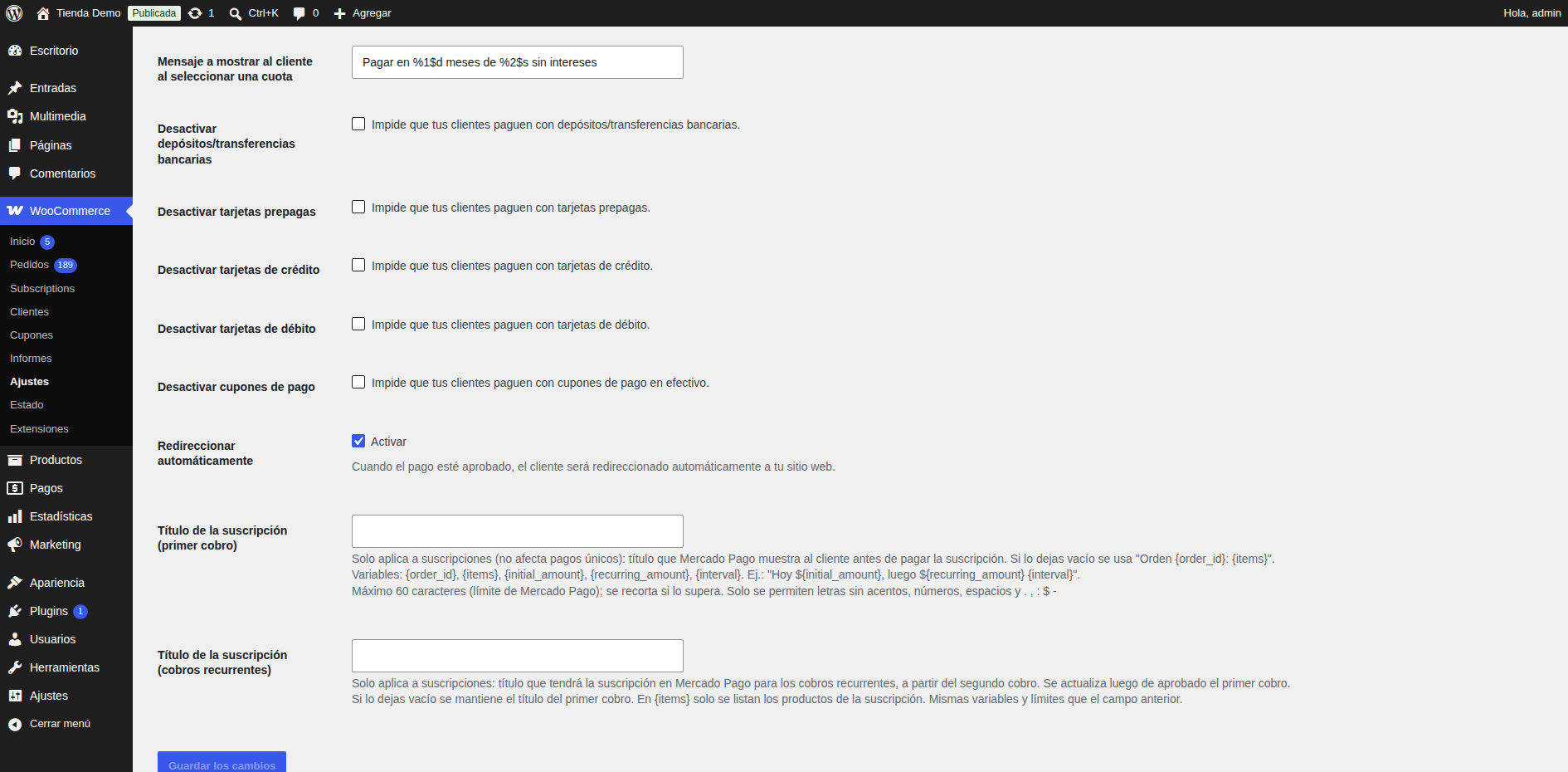
- Recurring payments with Mercado Pago for WooCommerce Subscriptions, Subscriptions for WooCommerce (WP Swings) and YITH WooCommerce Subscription.
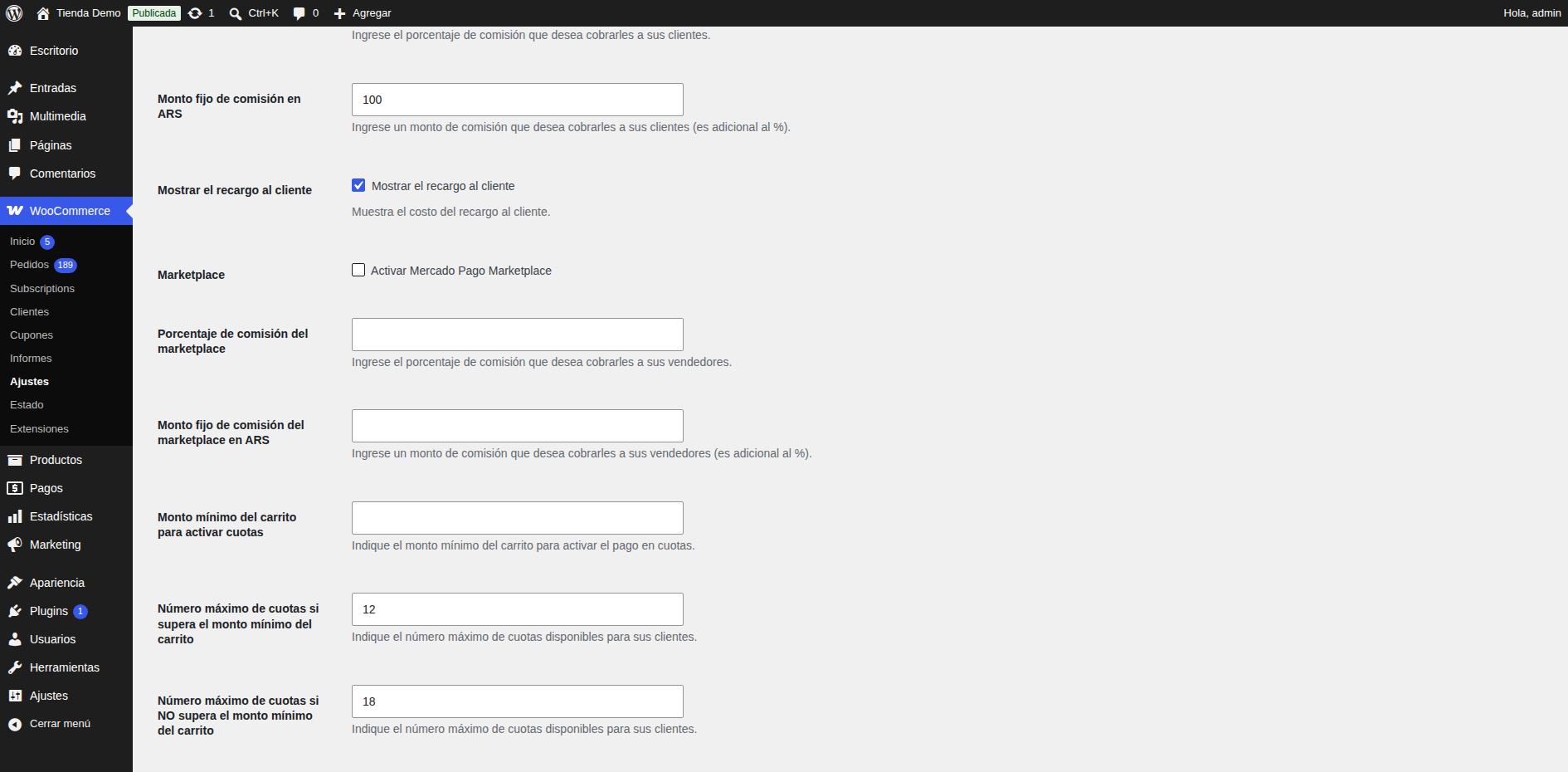
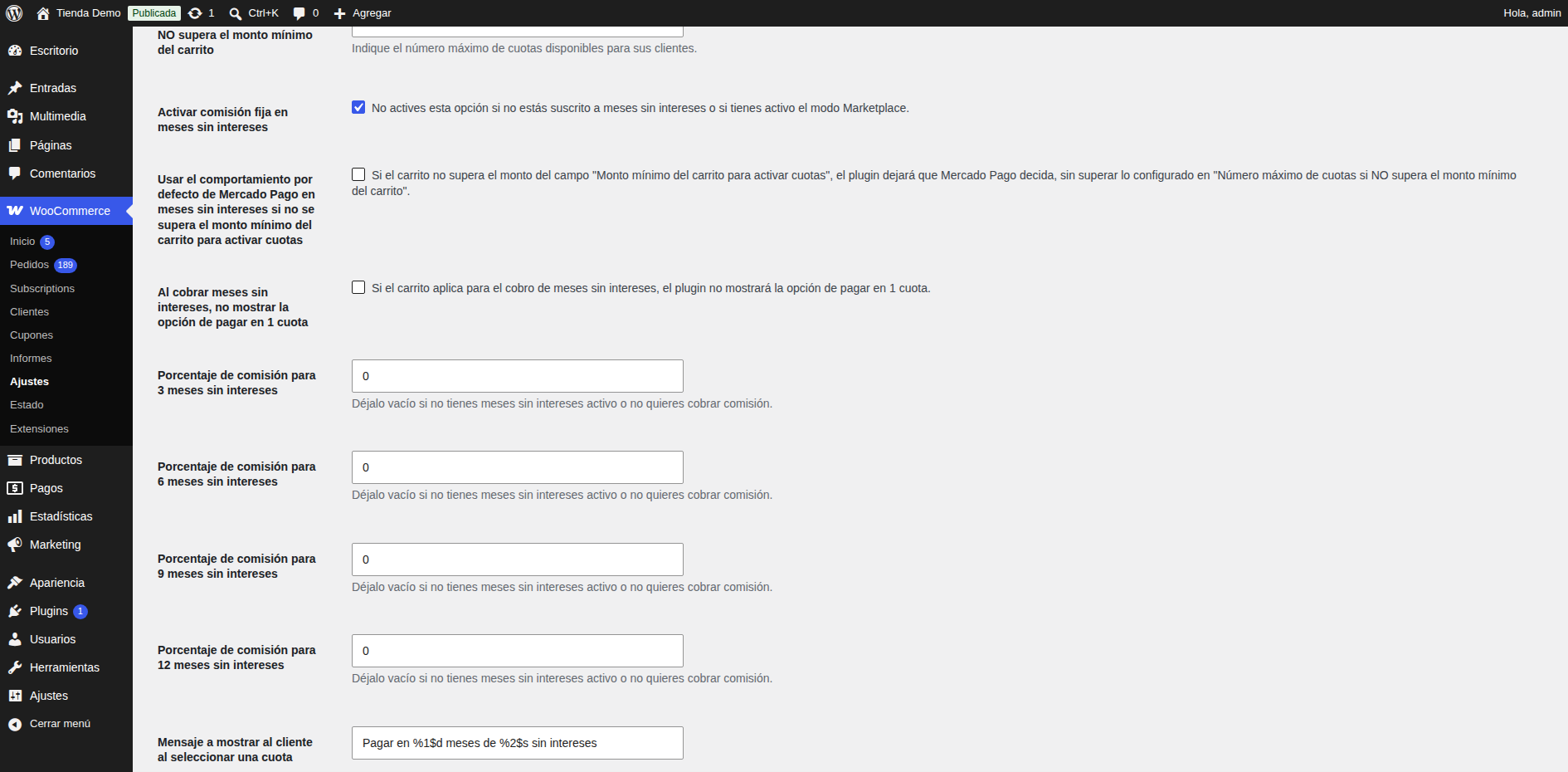
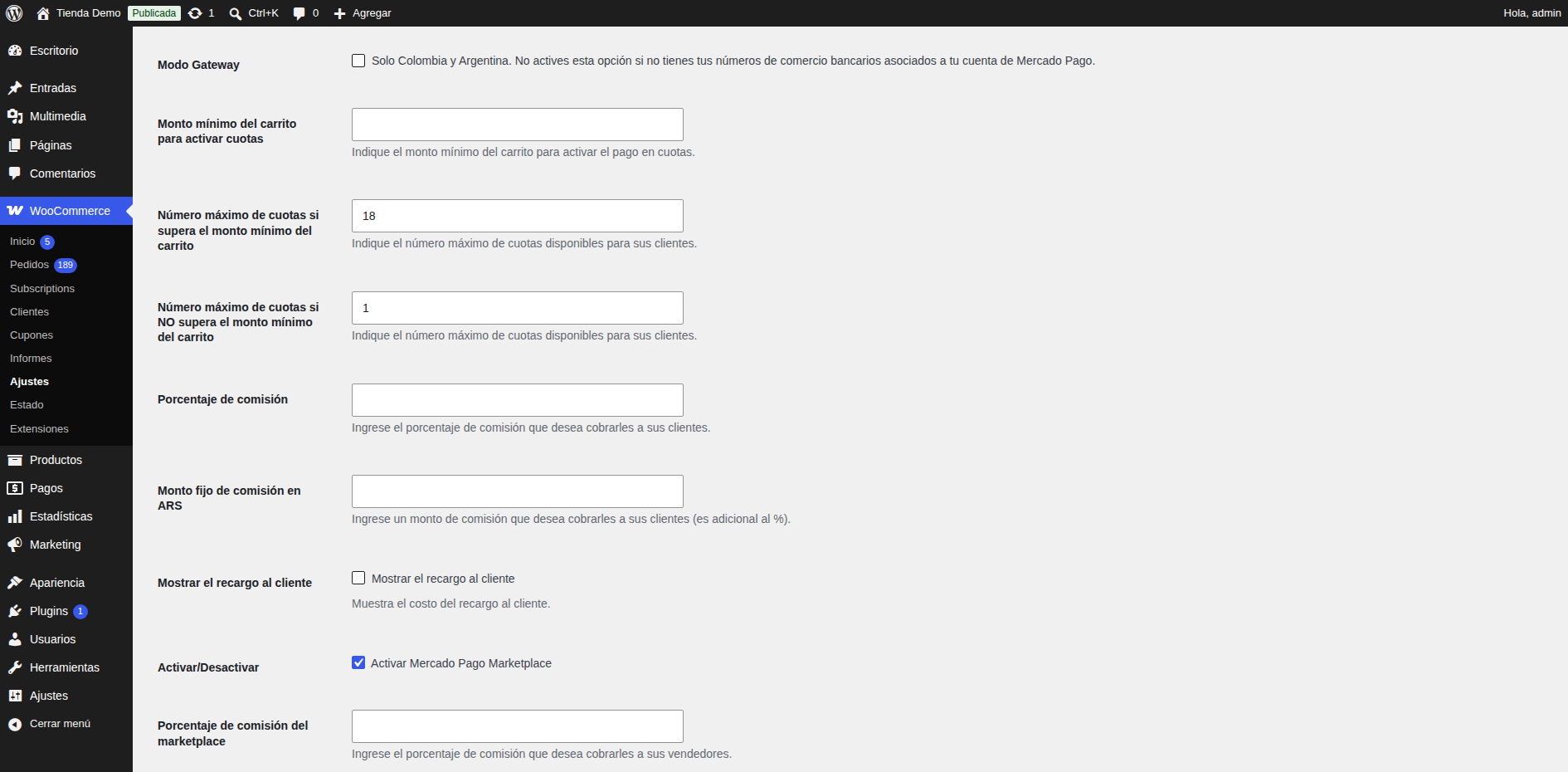
- Interest-free installments, surcharges per payment method and currency conversion.
- Marketplace split payments for Dokan, WCFM, WC Vendors and Tutor LMS.
- Refunds and automatic payment status synchronization.
- Argentina, Brazil, Chile, Colombia, Mexico, Peru and Uruguay.
Requires a paid Cujiware license. See the plans.
External services
Nothing is sent until the administrator saves a Cujiware license.
Cujiware service
Processes the payments on behalf of the store. It receives the license, settings and the order data needed to charge. Terms · Privacy
Mercado Pago
Payment provider; its scripts are loaded at checkout. Terms · Privacy
Installation
- Install and activate WooCommerce.
- Upload the plugin folder to
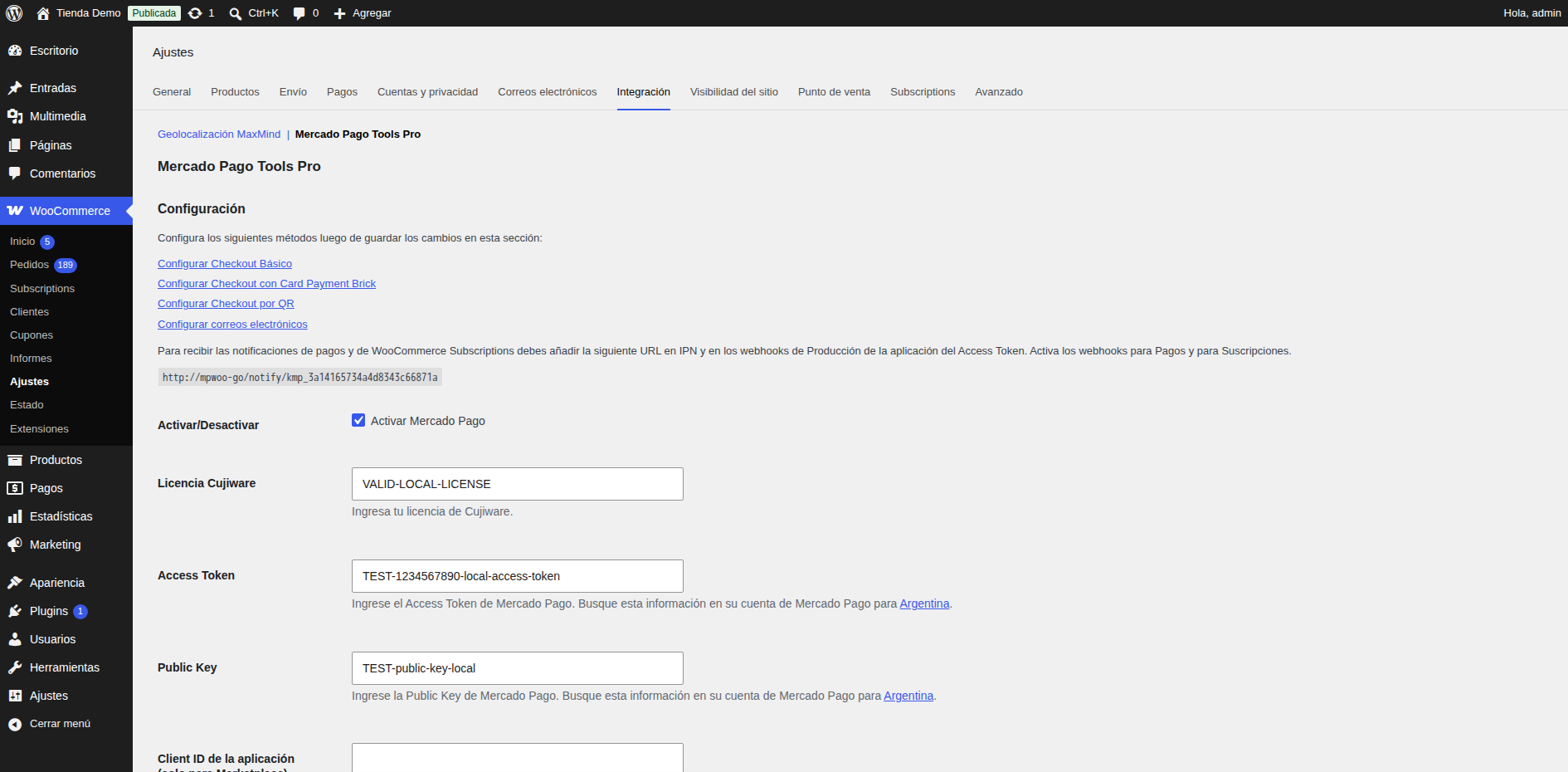
/wp-content/plugins/or install it from the Plugins screen, then activate it. - Go to WooCommerce > Settings > Integration > Mercado Pago Tools Pro, enter your Cujiware license and save.
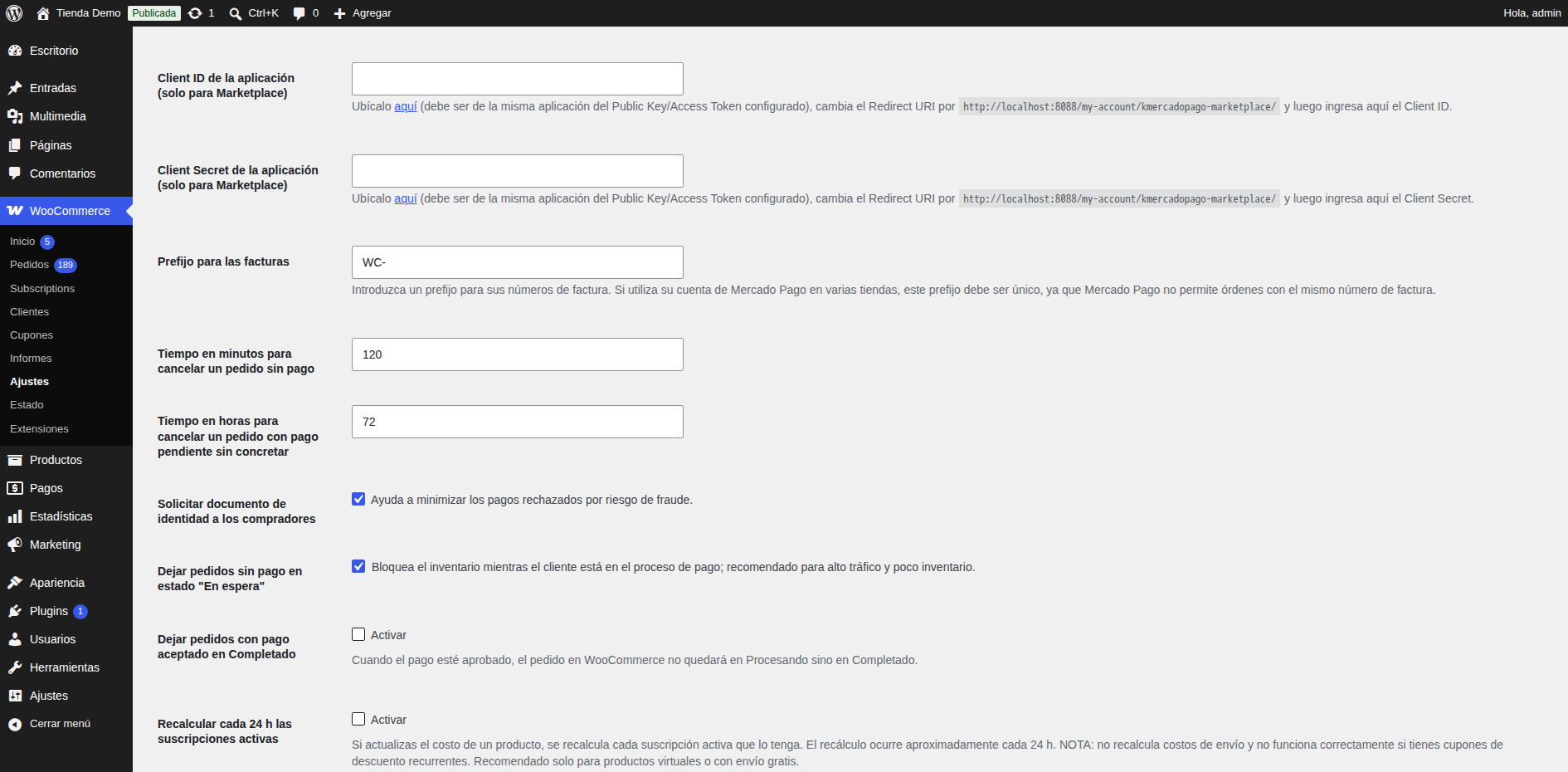
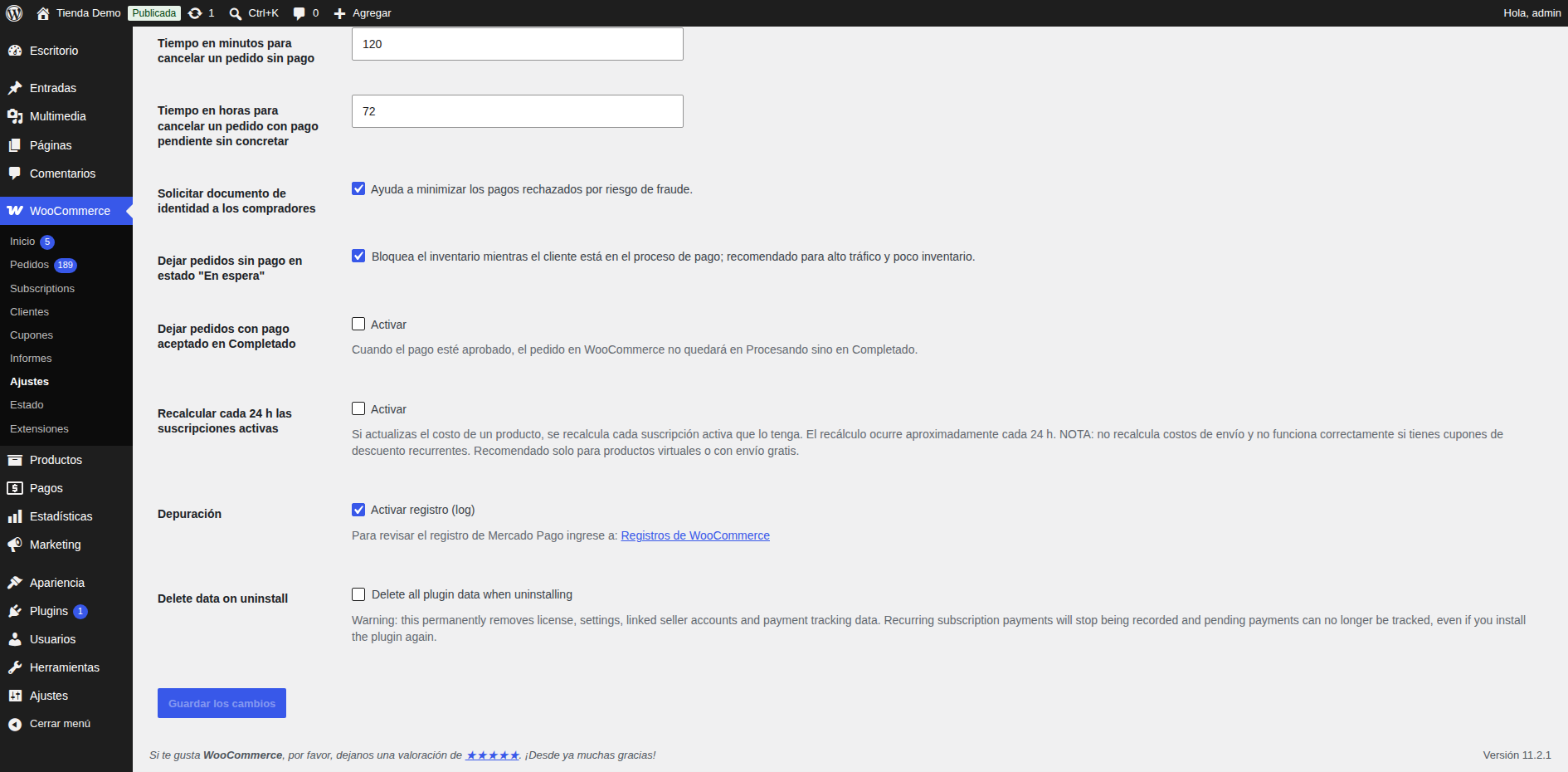
- Enter your Mercado Pago credentials (access token and public key) and save.
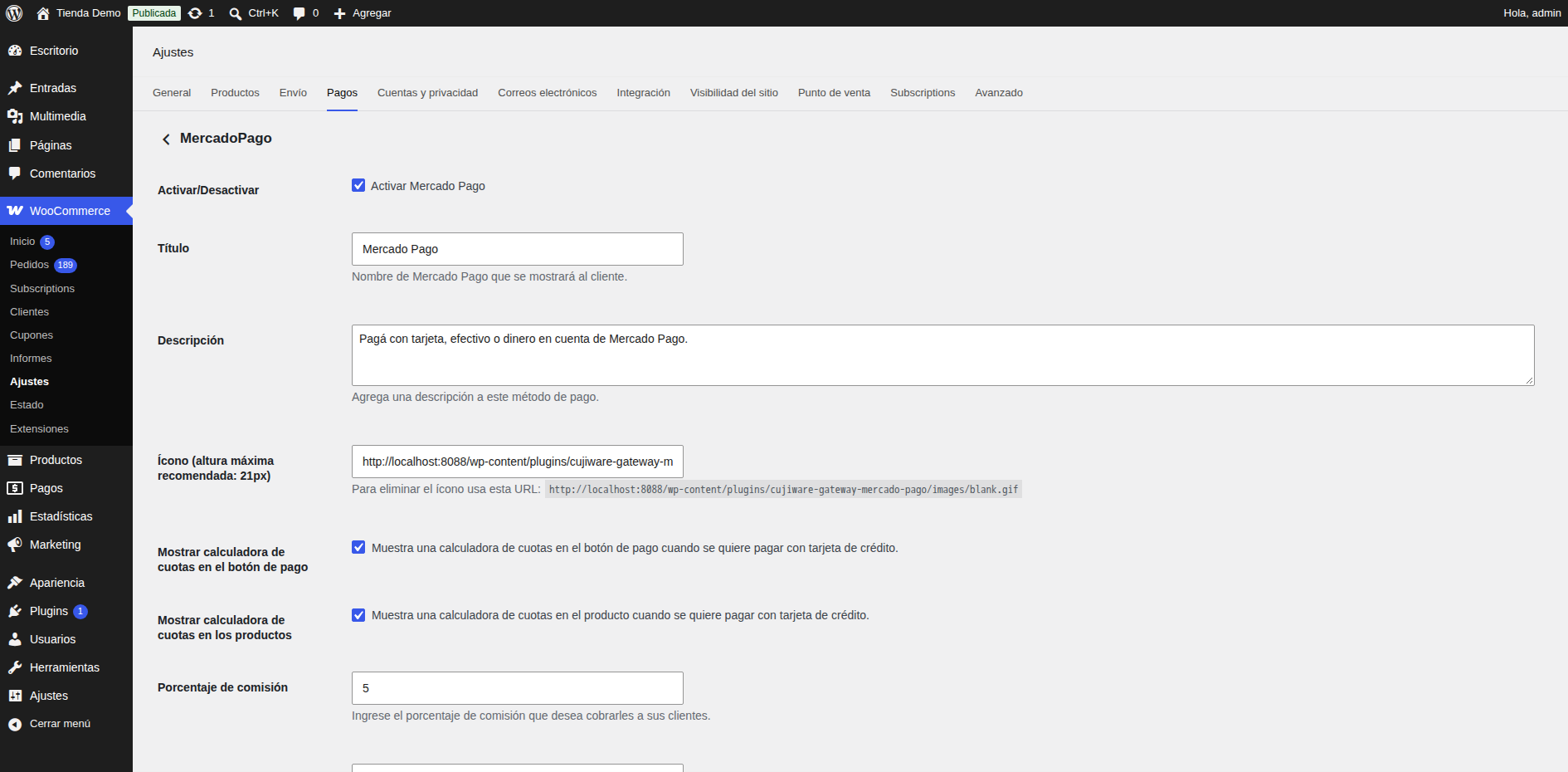
- Enable the payment methods in WooCommerce > Settings > Payments.
FAQ
Do I need a license?
Yes, a paid Cujiware license and a Mercado Pago seller account. See the plans.
What if the Cujiware service or Mercado Pago is down?
The store keeps working; the Mercado Pago methods are hidden until the service is back, and pending notifications are processed afterwards.
Upgrading from 2.x?
Nothing to configure: settings, orders, subscriptions and the license are kept.
Which subscription plugins are supported?
WooCommerce Subscriptions, Subscriptions for WooCommerce (WP Swings) and YITH WooCommerce Subscription, one active at a time. Combinations Mercado Pago can not charge are blocked at checkout.
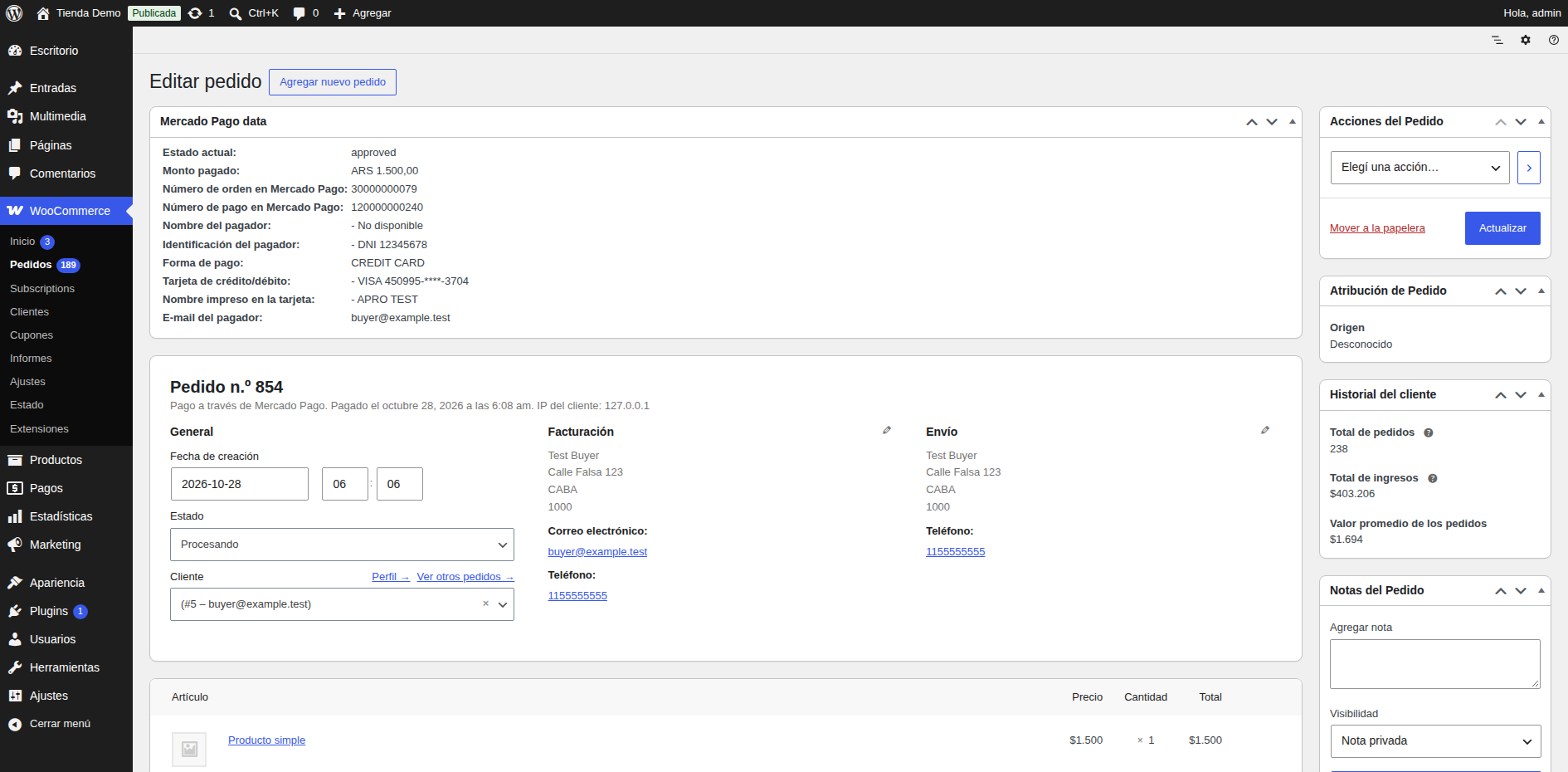
Screenshots



Changelog
3.0.5
- Improved: when Mercado Pago charges a subscription renewal but the payment notification never reaches the store (for example, a hosting firewall that answers it without running WordPress), the periodic subscription check now finds the charge and completes the pending renewal order. Only payments of that same Mercado Pago subscription are used, never one already applied to another order.
3.0.4
- New: support for Subscriptions for WooCommerce (WP Swings) and YITH WooCommerce Subscription.
- Improved: reliability with many subscriptions charged on the same day (no lost notifications, per-order locking).
- Fixed: subscriptions created from a Mercado Pago plan are matched to their order even without an external reference.
3.0.3
- Fixed: subscriptions created from a Mercado Pago plan were not activated after the first payment was approved.
- Fixed: the payment method of a subscription could be shown empty (“Via”) when another plugin or theme blanked the gateway title.
3.0.2
- New: Spanish (es_AR, es_CL, es_CO, es_ES, es_MX, es_PE, es_UY, es_VE) and Portuguese (pt_BR) translations included in the plugin. They are used only when translate.wordpress.org has no language pack for the site language.
3.0.1
- Changed: the plugin and the Cujiware service now exchange only their own minimal data format. No Mercado Pago object is sent to or received from the store any more (responses, callbacks, errors and requests).
- Changed: every request to the service carries the plugin, WooCommerce, WordPress and PHP versions inside the signed body.
- Removed: the
woocommerce_kmercadopago_argsfilter. Use the newkmercadopago_checkout_overridesfilter instead:apply_filters( 'kmercadopago_checkout_overrides', array(), $order, $gateway_id )returns an array with any ofstatement_descriptor(string, up to 22 letters, digits, spaces,.,*,-),item_title(string),description(string),binary_mode(bool),metadata(array of scalar values, keysa-z0-9_), and, for Checkout Pro only,excluded_methods(string[]),excluded_types(string[]: credit_card, debit_card, ticket, atm, bank_transfer, prepaid_card, digital_currency, digital_wallet, account_money),max_installments(1-48) andexpiration_minutes(5-525600). Values are validated by the service; invalid values are ignored. Order reference, notification URL, amounts and fees can not be changed. - Changed:
kmercadopago_get_preapproval()and thekmercadopago_pre_update_subscription/kmercadopago_post_update_subscriptionhooks now receive the subscription as an array withref,order_id,state(pending, active, paused, cancelled),amount,currency,reason,billing(interval,unit),next_charge_atandstarted_at(Unix timestamps or null),trial(length,unit, or null),charges(count,last_at) andplan_ref. The third argument ofkmercadopago_post_update_subscriptionisfalseor an array withupdated,http_code,amountandreason. - Changed:
kmercadopago_get_preapproval_plan()returnsref,active,amount,currency,reasonandbilling. The third argument ofkmercadopago_post_sync_subscription_amountis an array withchanged,amount_changed,amountandreason. - Changed: the
mp_preferencesandmp_tokenizeorder data are no longer written. - Fixed: the Mercado Pago order number is saved on approved payments.
- Changed: the plugin hooks, cron events and schedules, script handles, classes, tables and stored keys now use the
kmercadopagoprefix. Renamed: actionscheck_ipn_response->kmercadopago_check_ipn_responseandwoocommerce_kmercadopago_metabox->kmercadopago_metabox; cron eventswoo_sub_cronjob_function->kmercadopago_sub_cron,do_kmercadopago_hourly_check->kmercadopago_hourly_check,do_kmercadopago_refresh_token->kmercadopago_refresh_token; schedule5_minutes->kmercadopago_five_minutes; classesWC_KMercadoPago*->KMercadoPago*; tableswoo_kmercadopago/woo_kmercadopago_sub->kmercadopago/kmercadopago_sub; product and category meta_max_installments,_marketplace_fee,_fee_installments_msi_*->_kmercadopago_*. Existing data, scheduled events and webhook URLs are migrated or keep working automatically. - Changed: the QR image is stored in
wp-content/uploads/cujiware-gateway-mercado-pago/qr.png(the previous image is copied automatically). - Changed: translations are delivered by translate.wordpress.org.
- Changed: admin notices are only shown on the plugin settings screen to users who can manage WooCommerce.
3.0.0
- New: payment logic moved to the Cujiware service; the plugin code is now open source (GPLv2 or later).
- New: plugin renamed to “Cujiware Gateway – Mercado Pago for WooCommerce” (slug
cujiware-gateway-mercado-pago). Version 2.x is deactivated automatically on upgrade and all its data is kept. - New: English source texts with Spanish (es_ES, es_AR, es_MX, es_CO, es_CL, es_PE, es_UY, es_VE) and Brazilian Portuguese translations.
- New: the Mercado Pago payment methods are hidden automatically while Mercado Pago or the service is unavailable.
- Security: nonces on all forms and AJAX requests, sanitized input and escaped output, signed service callbacks.
- Improved: the QR image upload uses the WordPress upload API.