

Description
Create your own custom variables to manage information on your website such as:
- Phone numbers
- Addresses
- Social media links
- HTML snippets
- And anything else
test
Easily access them globally in WordPress and PHP.
Why you need it
Rather than having to change something like an email address across multiple pages, you can do it in one place. Avoid the pitfalls of hard coding information in your WordPress theme that is likely to change.
Why it’s better
- Your variables are stored and retrieved locally without any calls to the database. That means faster load times for your pages!
- Variables can be accessed easily in PHP from the global scope.
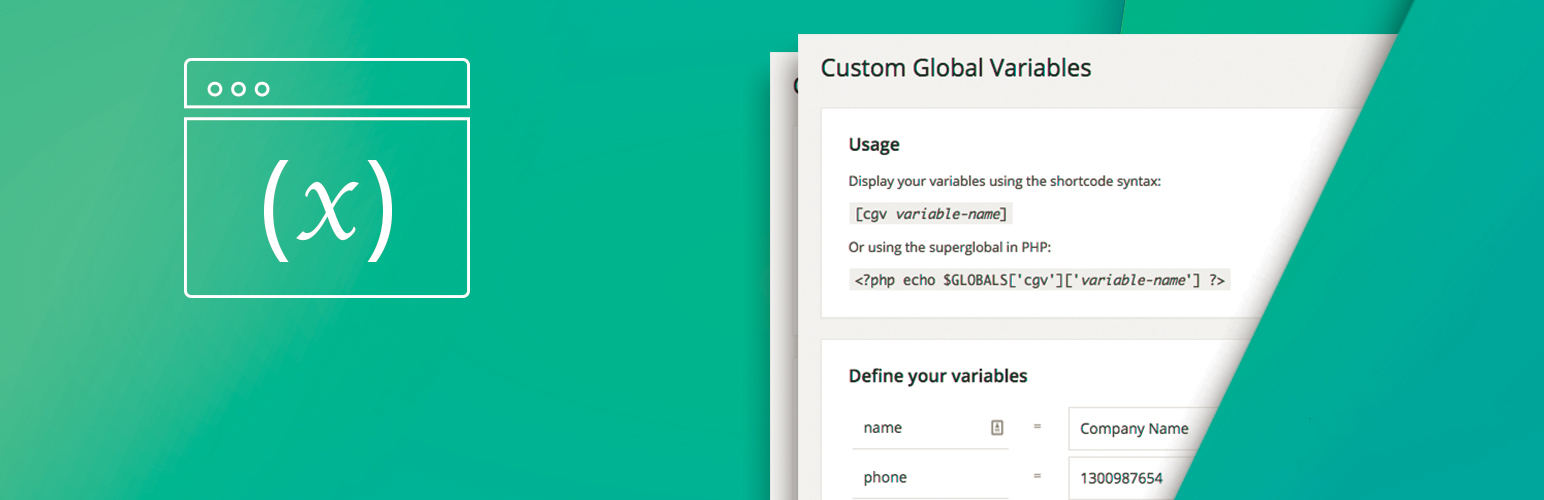
Usage
Display your variables using the shortcode syntax:
[cgv variable-name]
Or using the superglobal in PHP:
<?php echo $GLOBALS['cgv']['variable-name'] ?>
Installation
- Upload the plugin files to the
/wp-content/plugins/plugin-namedirectory, or install the plugin through the WordPress plugins screen directly. - Activate the plugin through the ‘Plugins’ screen in WordPress
- Use the
Settings -> Custom Global Variablesscreen to define your variables
Screenshots

Changelog
1.1.4
- Added an optional link for users to share feedback about possible future agency features.
- No existing plugin functionality has been changed.
1.1.3
- Fixed variables appearing to be lost after AUTH_KEY changes. When there is no saved data for the current key and exactly one previous data file exists, it is copied for the current key. The previous file is kept. When several previous files exist, nothing is chosen automatically and a warning is shown to administrators.
- Variables are now saved through a temporary file, and the previous data is kept as a .bak file. A failed save no longer empties the data file.
- A data file that cannot be read is no longer treated as empty. Administrators see an error, the backup is used if available, and the broken file is kept with a “.corrupt-” suffix when saving.
- “0” can now be saved as a value and displayed with the shortcode.
- Values containing HTML entities such as
<b>are no longer changed when saving the settings page again. - Fixed a PHP warning when
[cgv]is used without a variable name. - Improved input handling on the settings page.
1.1.2
- Updated to be able to use markups in value fields.
1.1.1
- This is a security and maintenance release and we strongly encourage you to update to it immediately.
1.1.0
- This is a security and maintenance release and we strongly encourage you to update to it immediately.
1.0.5
- Updated accreditation
- Updated stylesheet
- Tested up to WordPress 5.1
1.0.4
- Fixed folder path in error message
1.0.3
- Changed file path to where variables are stored
1.0.2
- Support for older versions of PHP that handle object referencing differently
1.0.1
- Support for older versions of PHP (< 5.4) that do not allow the short array syntax