


Description
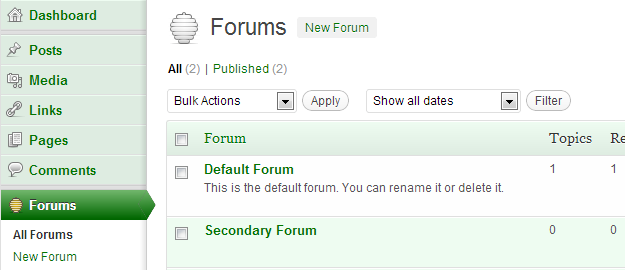
bbPress includes a rather dashing green dashboard style. Unfortunately it needs to be manually enabled for each user before it?s visible.
This plugin makes the bbPress dashboard style the default across your entire WordPress install.
If you enable this plugin while bbPress is disabled (or not installed) it will display a warning message.
Installation
- Upload
bbpress-dash-default.phpto the/wp-content/plugins/directory - Activate the plugin through the ‘Plugins’ menu in WordPress
FAQ
Does this support Multisite
Yes. You can activate it on a sitewide or network-wide basis.
Does this work with bbPress 1.x
No. Only bbPress 2.0 and newer are supported.
Screenshots
Changelog
1.0
- Initial release.