


Description
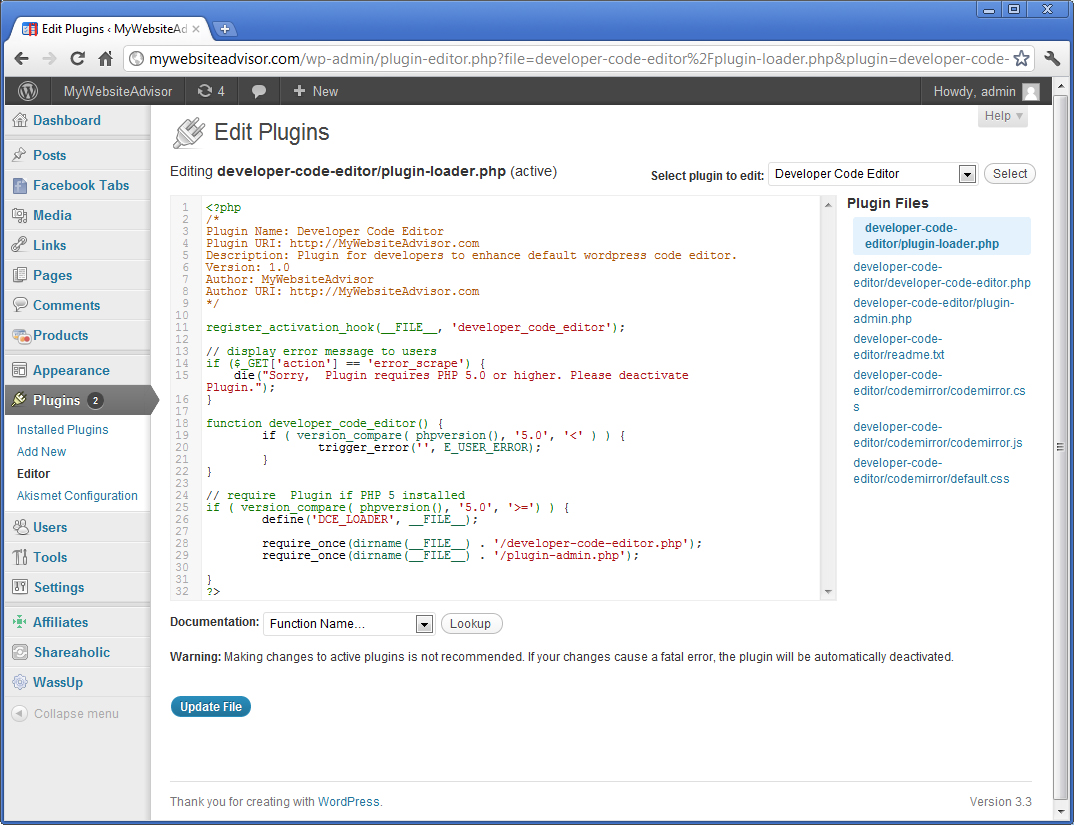
Plugin for WordPress Developers to enhance Theme and Plugin Editors on their WordPress site.
Uses the Codemirror library to make the default theme and plugin editors for wordpress more powerful.
Developer Website: http://MyWebsiteAdvisor.com
Plugin Page: http://mywebsiteadvisor.com/tools/wordpress-plugins/developer-code-editor/
Requirements:
Plugin is for WordPress Developers!
To-do:
Installation
- Upload ‘developer-code-editor/’ to the ‘/wp-content/plugins/’ directory.
- Activate the plugin through the ‘Plugins’ menu in WordPress.
- Go to plugin settings and select fonts.
FAQ
Plugin doesn’t work …
Please specify as much information as you can to help me debug the problem. Check in your error.log if you can.
Developer Website: http://MyWebsiteAdvisor.com
Screenshots
Changelog
1.0
- Initial release
1.1
- Fixed minor bugs
1.2
- Fixed minor bugs
1.3
- Fixed more minor bugs