

Description
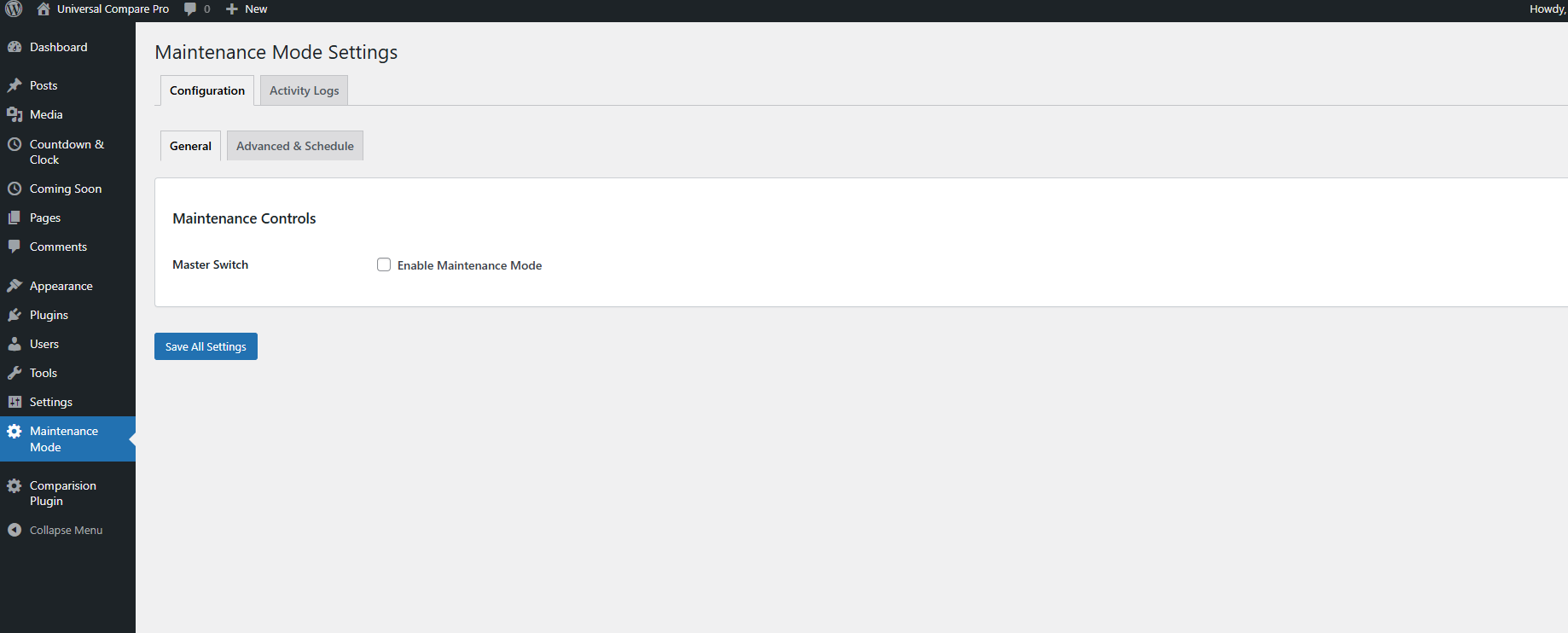
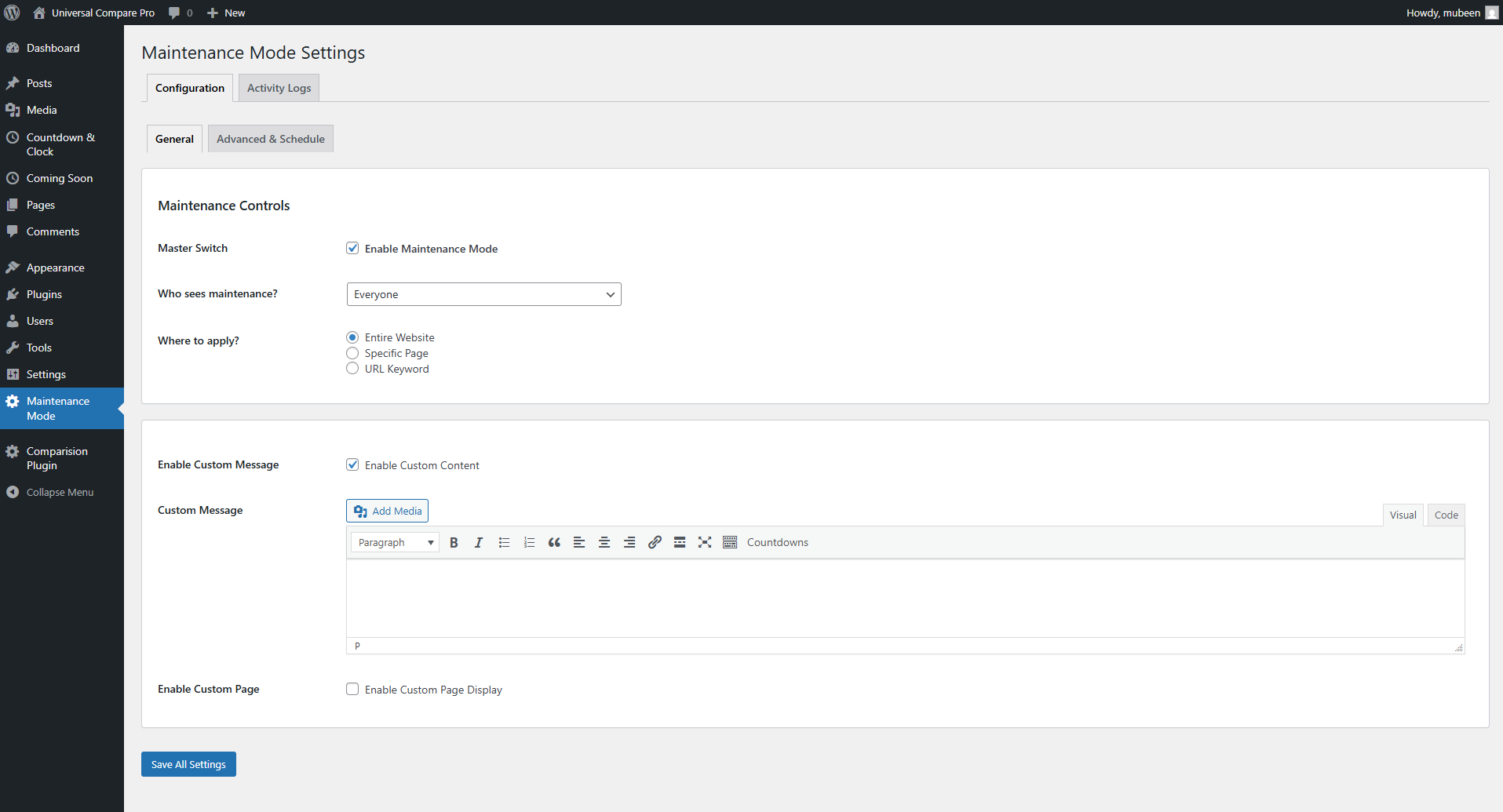
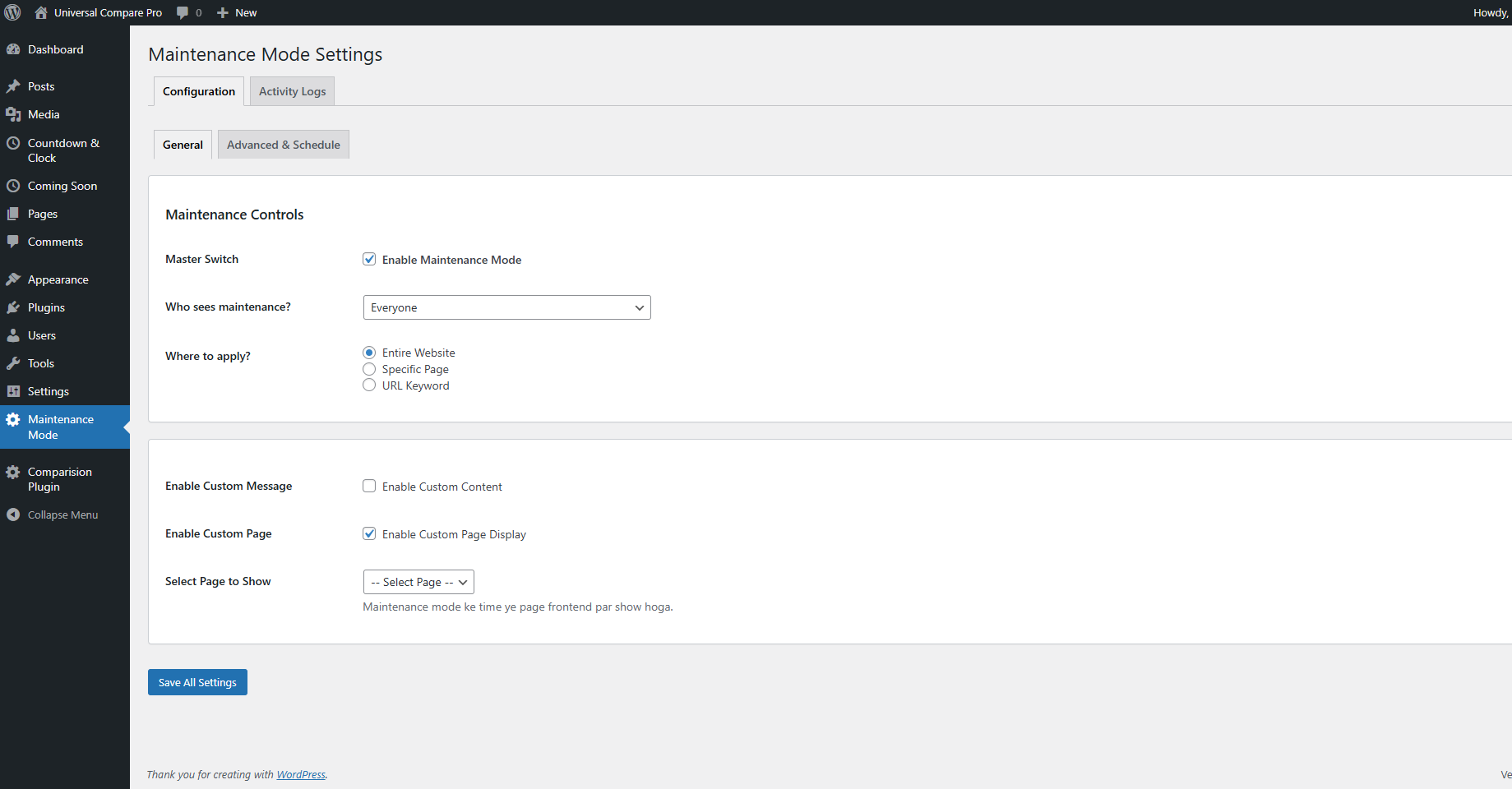
Dynamic Maintenance Mode allows administrators to activate maintenance mode for all users or only non-logged-in visitors. You can also set a custom redirect page and schedule automatic start/end times.
Key Features:
– Enable maintenance mode for all visitors or just guests
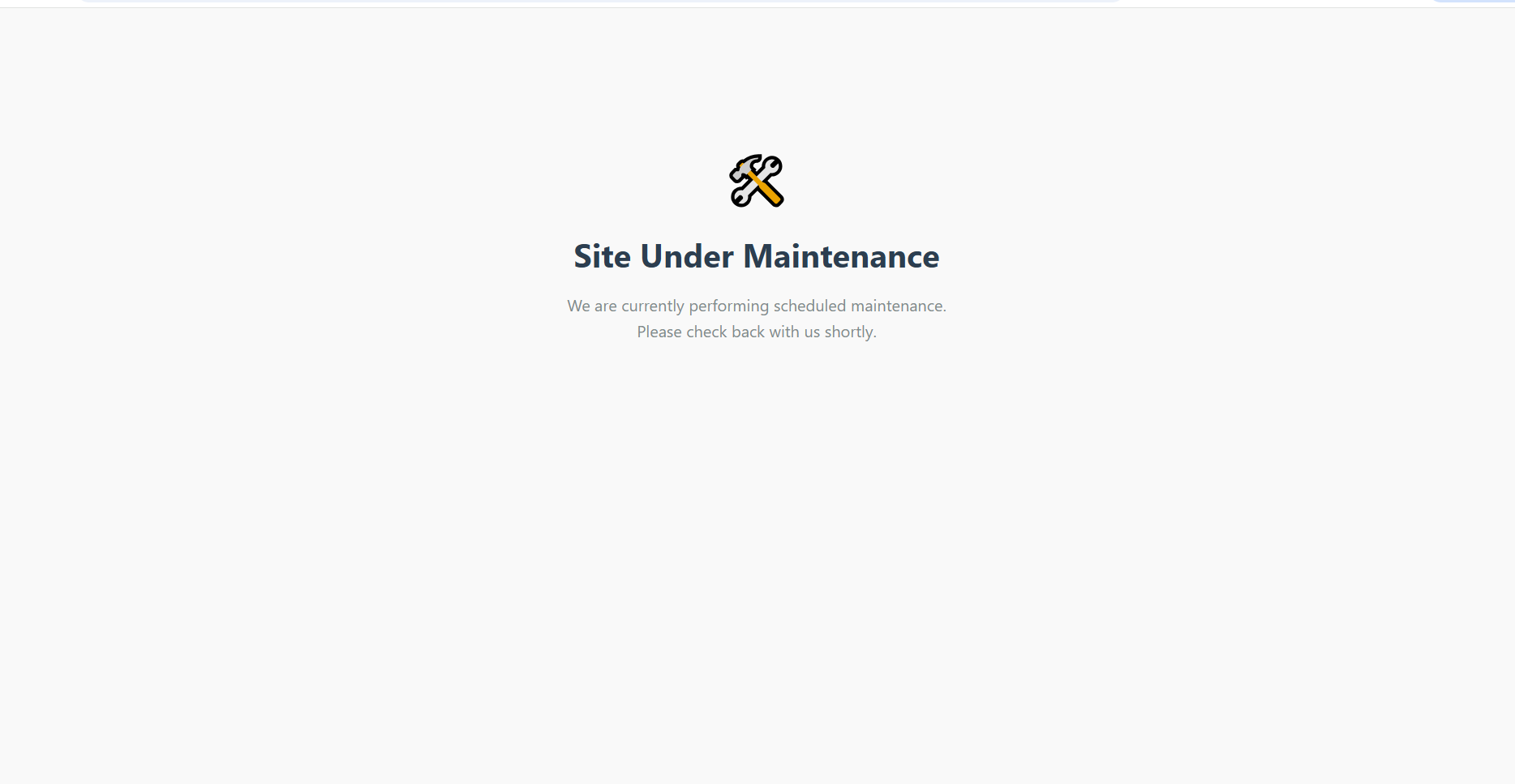
– Set a custom page to display during maintenance
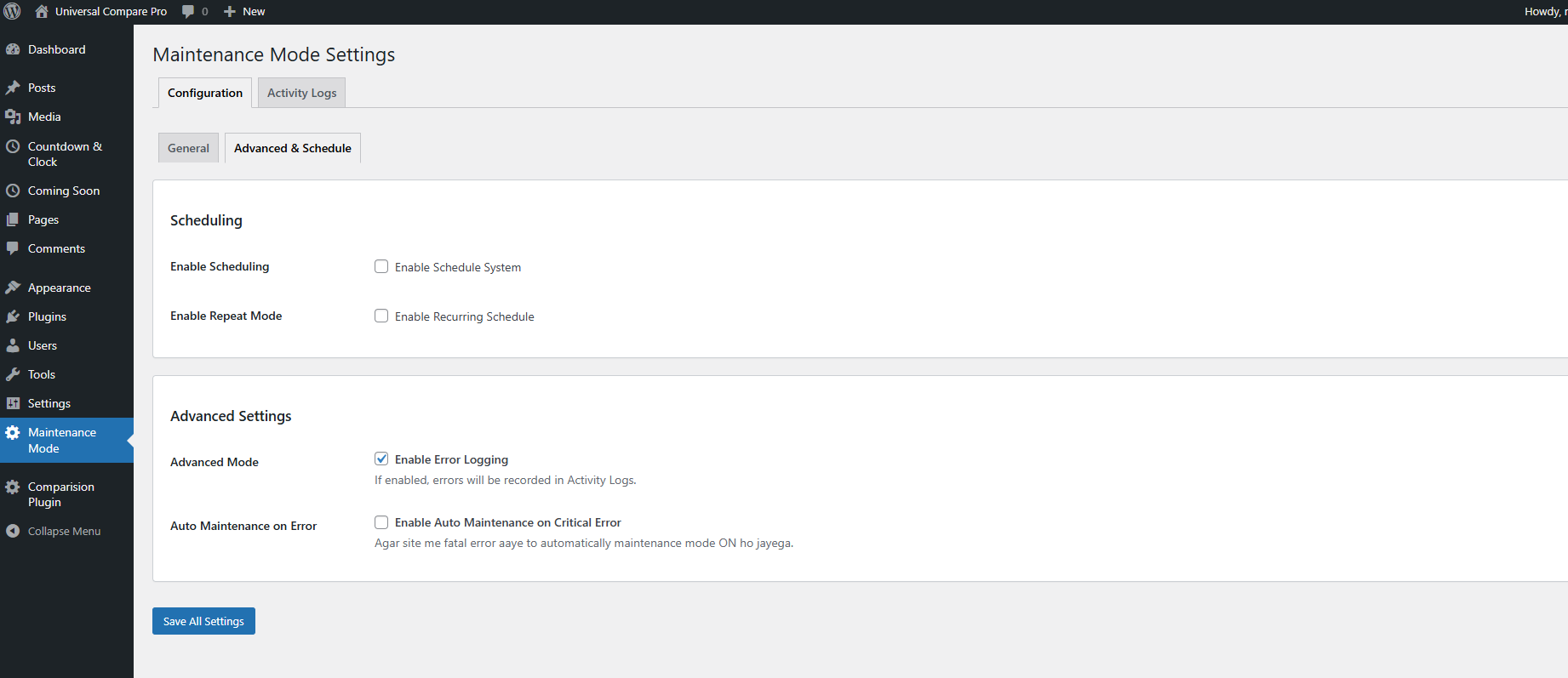
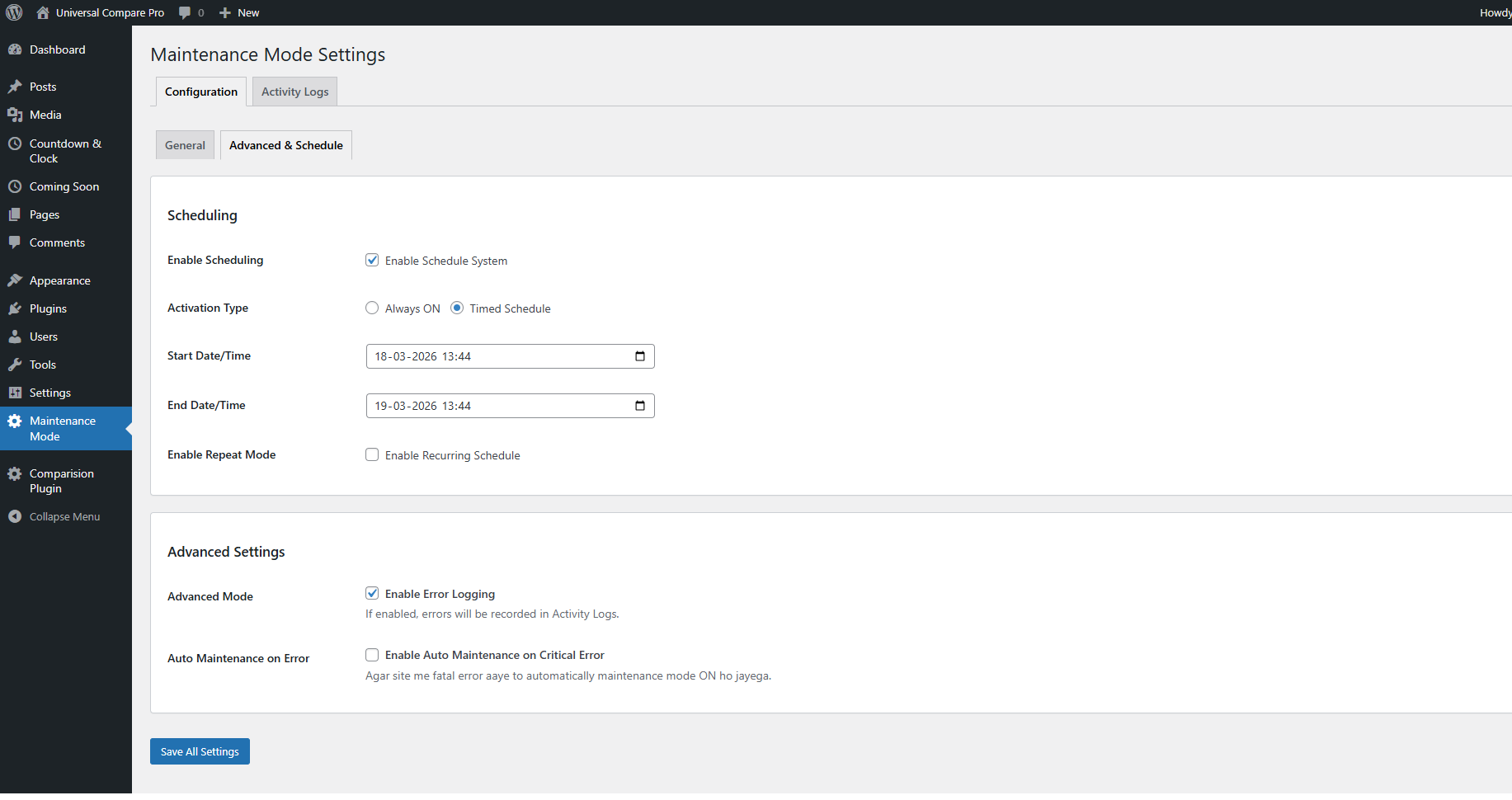
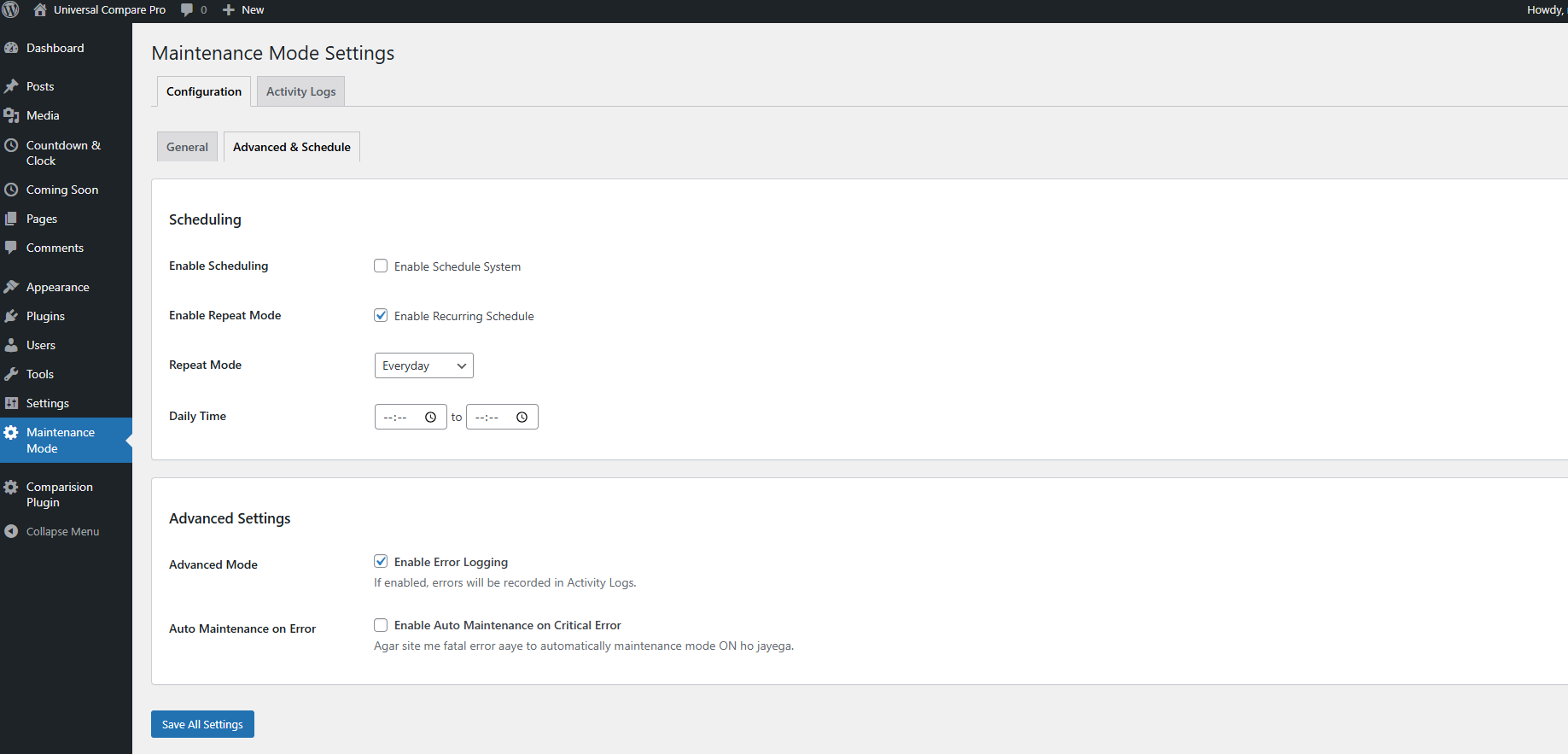
– Schedule start and end time for automatic mode activation
– Easy-to-use settings panel under the WordPress admin
Installation
- Upload the plugin ZIP via Plugins > Add New > Upload Plugin
- Activate the plugin through the ‘Plugins’ menu
- Navigate to Settings > Dynamic Maintenance Mode to configure options
FAQ
Can I show a custom page during maintenance?
Yes, you can choose any published page to display as your maintenance page.
Will administrators be able to access the site during maintenance?
Yes, if you select the “Guests only” option.
How does the scheduling work?
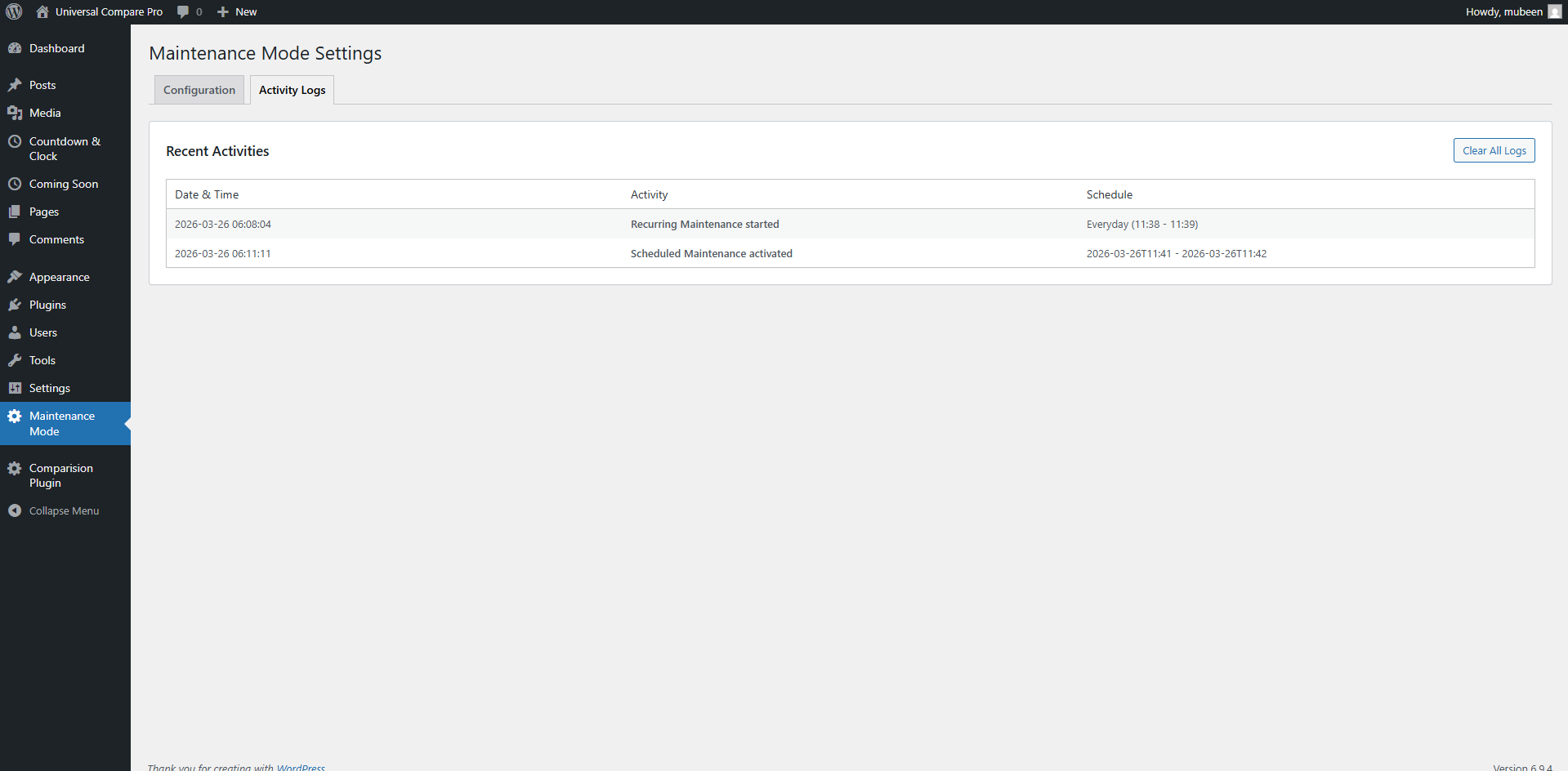
The plugin checks your set start and end time and enables/disables maintenance mode automatically.
Screenshots
Changelog
2.0.0
- Initial release
- Maintenance mode toggle
- Custom redirect page
- Schedule start and end time
- Role-based access control