

Description
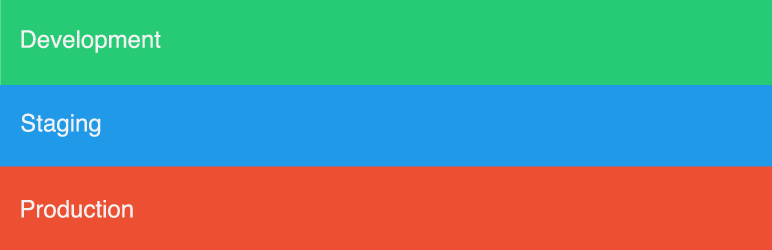
Env Bar is a great way to keep track of your server environment. On the Env Bar Settings page you can select Development, Staging, or Production to then output a colored bar in the bottom of your site.
Credits
Icon: Created by Aneeque Ahmed from the Noun Project
Installation
- Upload the plugin files to the
/wp-content/plugins/env-bardirectory, or install the plugin through the WordPress plugins screen directly. - Activate the plugin through the ‘Plugins’ screen in WordPress
- Use the Environment screen to configure the plugin
FAQ
Can you use this plugin with Multisite?
Yes, this will add the bar globally and you can access the options page within the Network.
Can you use this plugin as a mu-plugin?
Yes, just upload the env-bar.php to your /wp-content/mu-plugins/ directory.
Screenshots


Changelog
0.3.0
- tested with 5.0 release
0.2.1
- removing dev files from trunk and using git for development
0.2.0
- Fixed issues related to WordPress Coding Standards
0.1.0
- Initial commit