

Description
Epic Forms is a free form builder for Elementor and Gutenberg and an easy alternative to Elementor Pro forms. Build a contact form with file upload fields, get every new entry in Telegram, Slack or Discord, and share standalone form pages by link or QR code. Block spam without Google reCAPTCHA, using a honeypot or Cloudflare Turnstile. Every submission goes to an inbox that shows whether each email was sent, so you can resend a failed one. Built-in conversion tracking works with GA4, Google Tag Manager, Google Ads and Meta Pixel.
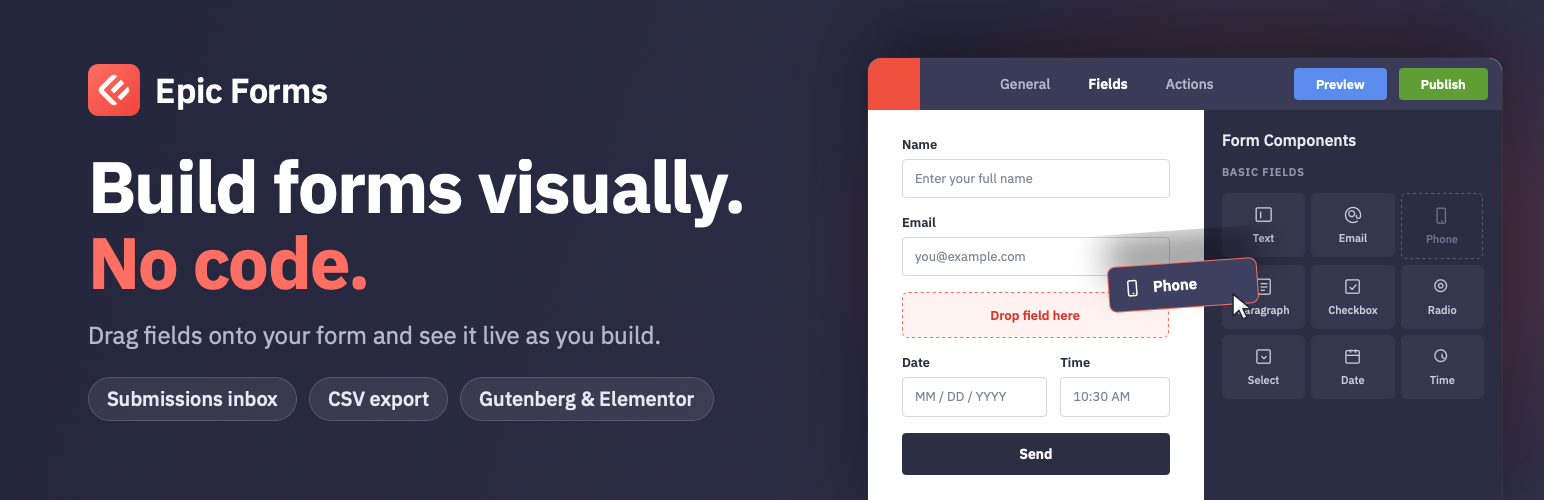
Build forms in a visual drag-and-drop editor, then add them to any page with the Elementor widget, the Gutenberg block or a shortcode. No coding required.
Features
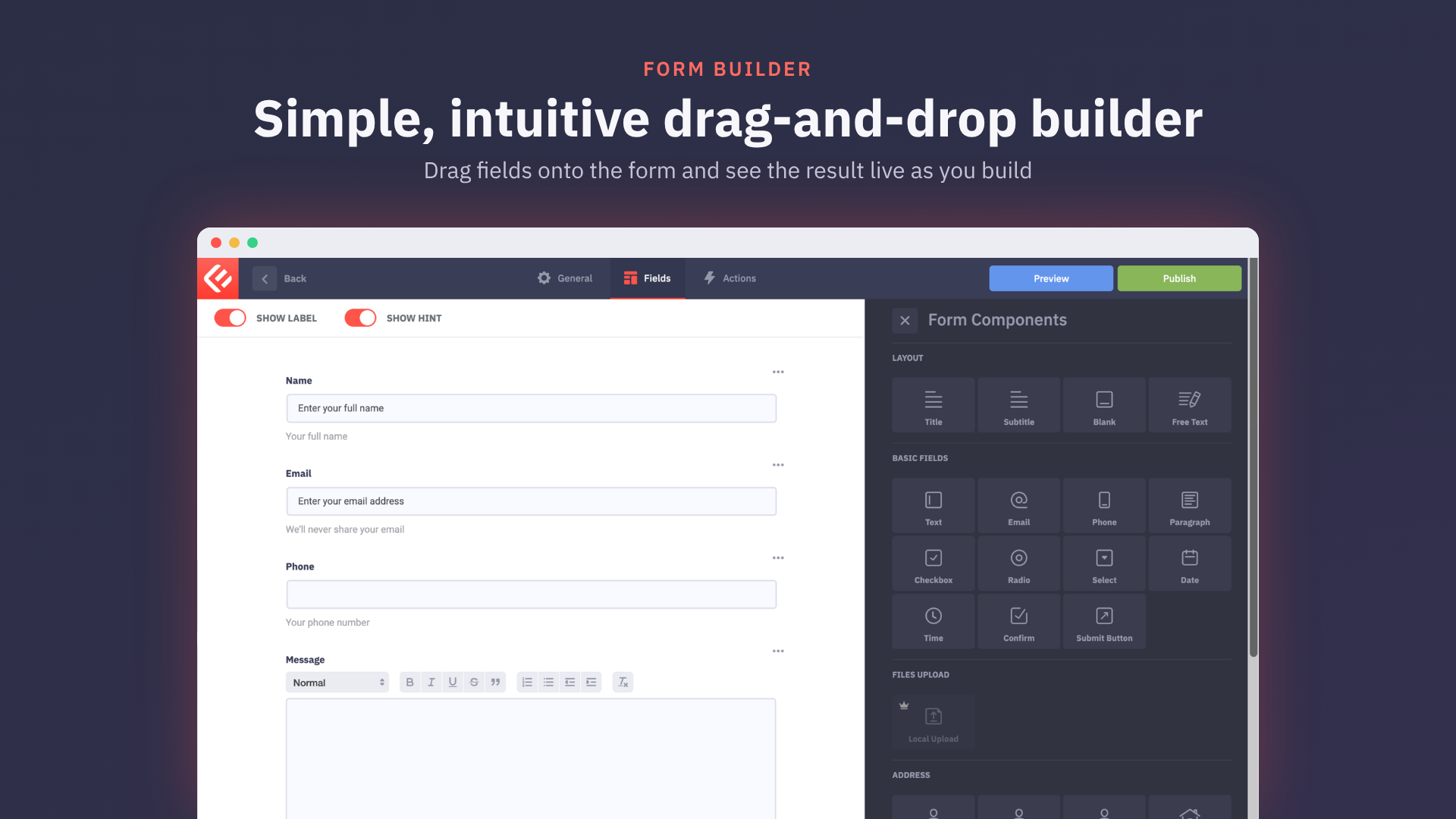
- Drag-and-drop form builder with a live preview
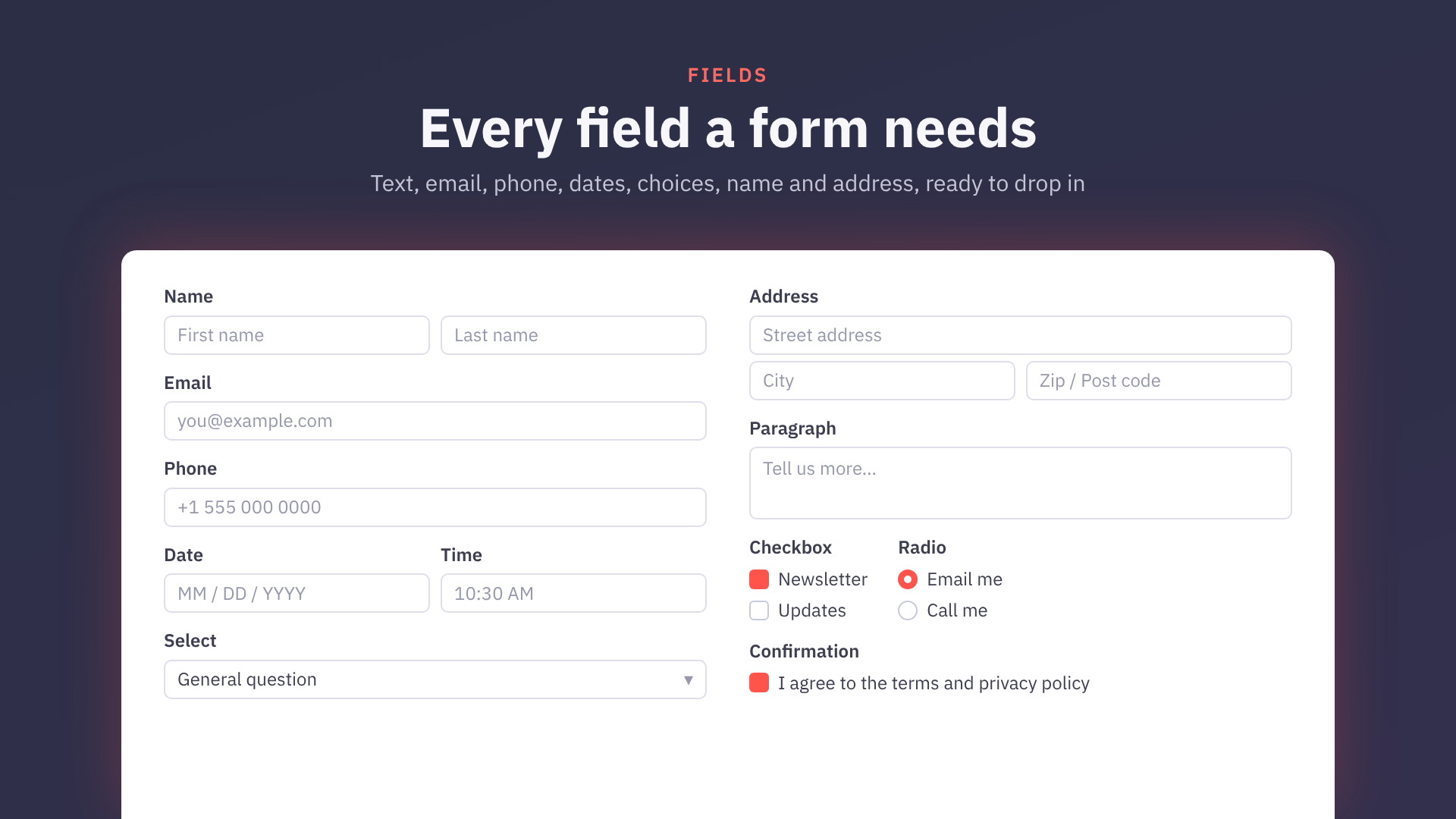
- Text, email, phone, paragraph, checkbox, radio, select, date, time, consent, name, address and file upload fields
- File uploads saved privately on your own site
- Email notifications to site owners, and a confirmation email to whoever fills in the form
- Email status on every submission: see whether each email was sent, failed or skipped, and resend it
- Redirect visitors to a page of your choice after they submit
- Standalone form pages: share a form by link or QR code without adding it to a page
- Open and close forms on a schedule or with one switch, and limit entries in total, per day, week, month or year, or per person
- Spam protection without Google: a hidden honeypot field, a too-fast-submission check and a Spam folder, plus optional Cloudflare Turnstile, hCaptcha or reCAPTCHA v3
- Instant alerts in Telegram, Slack or Discord for every new submission
- Conversion tracking for Google Tag Manager, GA4, Google Ads and Meta Pixel
- AI form builder: describe a form and the AI builds it, using the AI service you set up in WordPress 7.0 or later
- AI agents (Claude, ChatGPT and others, through the WordPress Abilities API and MCP) can create forms and read submissions
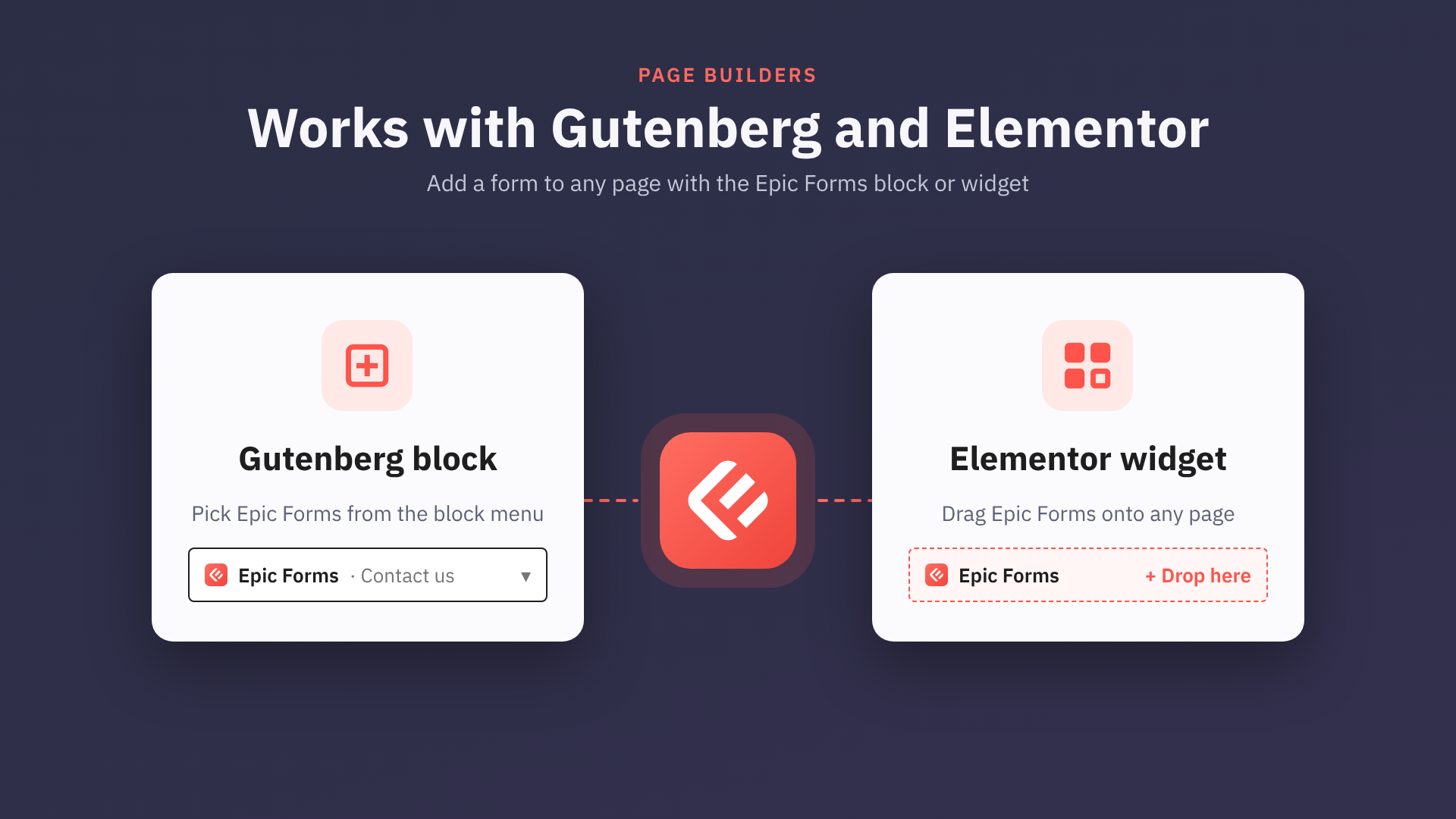
- Elementor widget with a full Style tab: typography, global colours and fonts. Works with Elementor 4
- Gutenberg block and shortcode
- Success, failure and processing messages
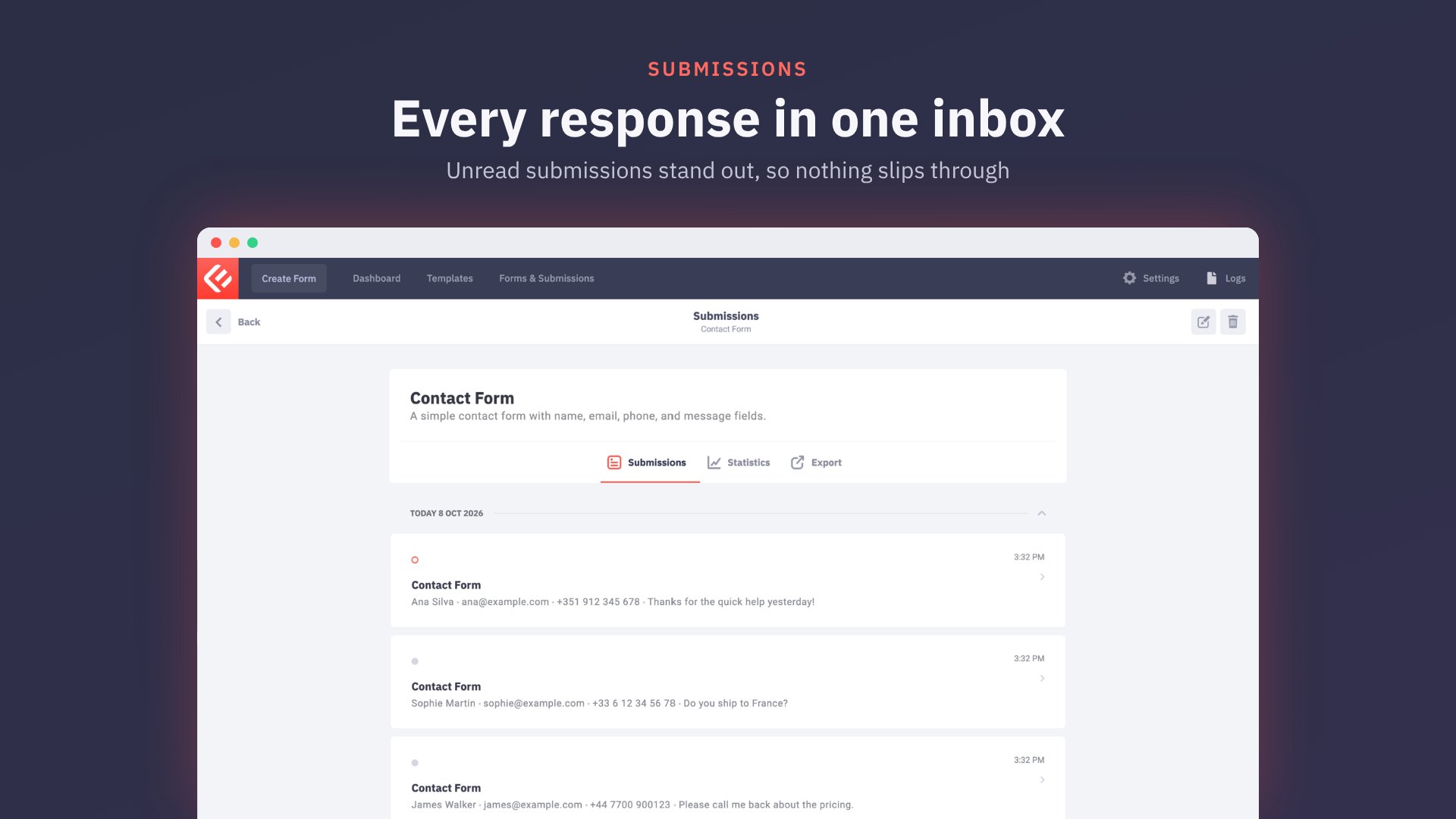
- Submissions inbox with read/unread status
- CSV export of submissions
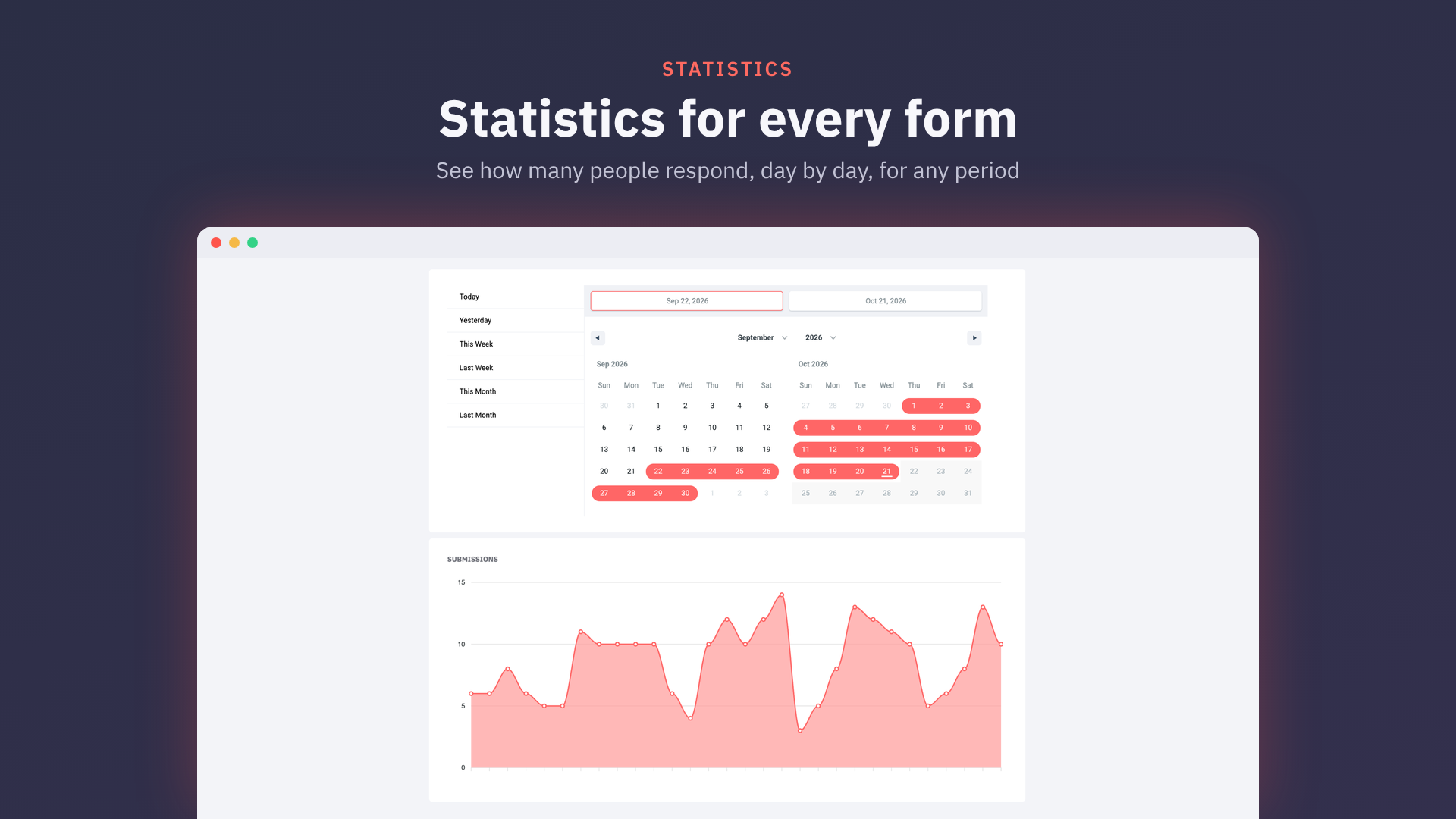
- Per-form statistics
- Personal-data export and erasure through the WordPress privacy tools
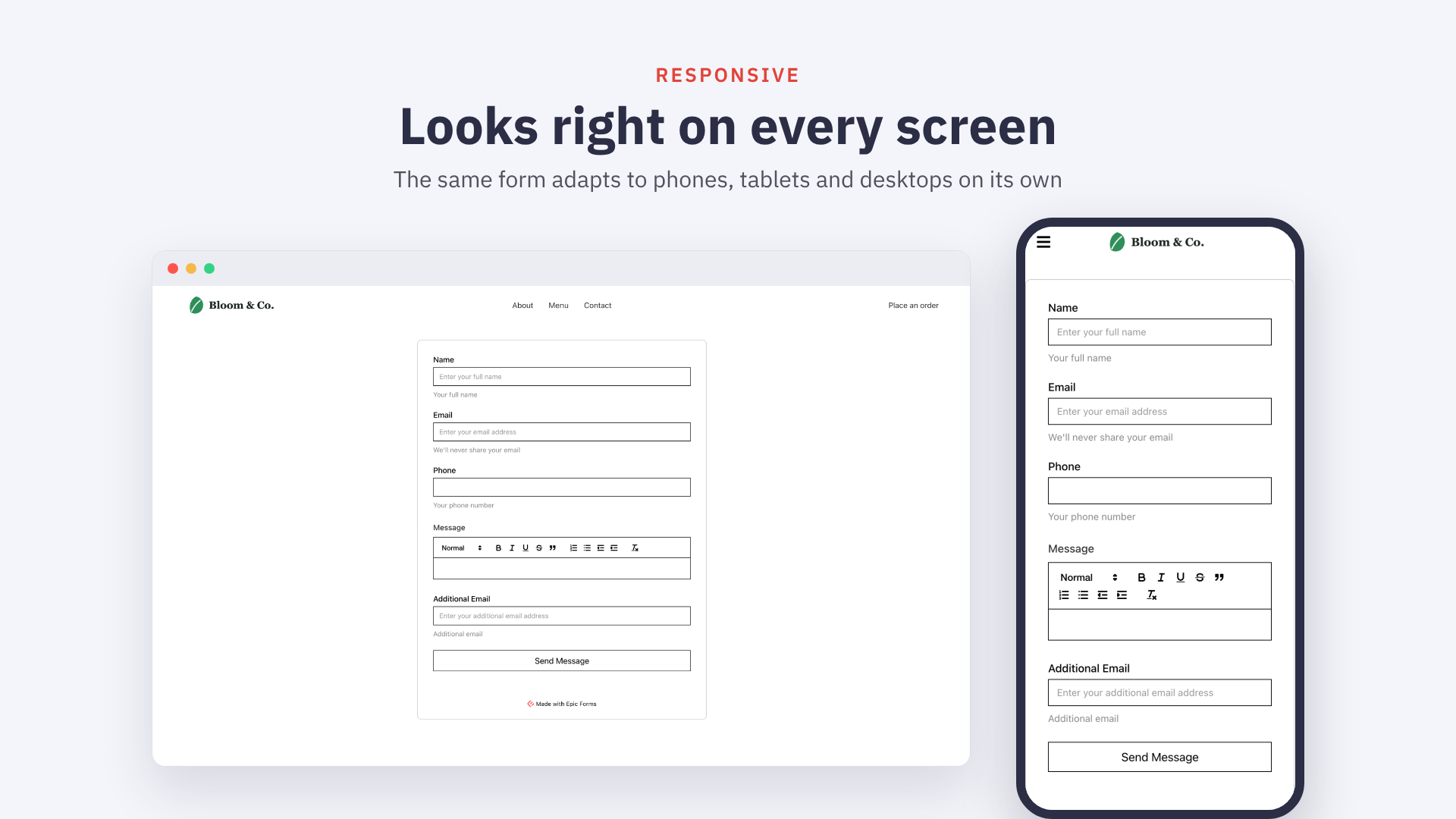
- Responsive and mobile-friendly
Every feature included in this plugin is fully available; nothing is locked or time-limited.
Epic Forms Pro
Epic Forms Pro is a separate, paid plugin. It is available from epicformbuilder.com and is not required to use Epic Forms. It adds:
- Multi-step forms: split a long form into steps, with Back and Next buttons and a progress indicator
- Conditional logic: show or hide fields, and run or skip actions such as notification emails and redirects, based on a visitor’s answers. A step is skipped when all of its fields are hidden
- Payment forms with Stripe, PayPal and Authorize.Net, including pricing and total fields and coupon codes
- Submission PDFs, attached to the notification and confirmation emails
- File uploads to Amazon S3, Cloudflare R2 and Google Cloud Storage
- Signatures
- Save and resume: visitors save a long form and finish it later from a link, and you see unfinished entries
- Mailchimp and Google Sheets integrations, and a Webhook action that sends submissions to any URL, including Zapier
- AI credits for the AI form builder, without your own AI service key
External services
Epic Forms contacts no external service unless you switch one of the features below on. Each one is used only on the forms where you add it, with your own keys or links. Epic Forms Pro documents the services it uses in its own readme.
Cloudflare Turnstile
Used only on forms with a Turnstile check. The form page loads Turnstile’s script and widget from challenges.cloudflare.com, which collects information about the visitor’s browser to tell people from bots. When the visitor submits, your site sends the Turnstile token, your secret key and the visitor’s IP address to Cloudflare to check it. Terms, privacy, Turnstile privacy addendum.
hCaptcha
Used only on forms with an hCaptcha check. The form page loads hCaptcha’s script and checkbox from js.hcaptcha.com and hcaptcha.com, which collect information about the visitor’s browser and interaction. When the visitor submits, your site sends the hCaptcha token, your secret and site keys and the visitor’s IP address to api.hcaptcha.com to check it. Terms, privacy.
Google reCAPTCHA v3
Used only on forms with a reCAPTCHA v3 check. The form page loads Google’s reCAPTCHA script from www.google.com, which collects information about the visitor’s browser and behaviour to score it. When the visitor submits, your site sends the reCAPTCHA token, your secret key and the visitor’s IP address to Google to check it. Terms, privacy.
Telegram
If a form has a Telegram alert switched on, each new entry (never suspected spam) sends a message through your own Telegram bot, from your site to api.telegram.org: the form’s title, the answers you chose for the alert (by default the first five) and a link to the entry in your WordPress admin, with the bot token and chat ID you entered. A “Send test message” button sends a test message the same way. Terms, privacy.
Slack
If a form has a Slack alert switched on, each new entry (never suspected spam) sends the form’s title, the answers you chose for the alert (by default the first five) and a link to the entry in your WordPress admin to the Slack incoming webhook link you entered (hooks.slack.com), from your site. A “Send test message” button sends a test message the same way. Terms, privacy.
Discord
If a form has a Discord alert switched on, each new entry (never suspected spam) sends the form’s title, the answers you chose for the alert (by default the first five) and a link to the entry in your WordPress admin to the Discord webhook link you entered (discord.com), from your site. A “Send test message” button sends a test message the same way. Terms, privacy.
AI form builder
On WordPress 7.0 or later, when you ask the AI Assistant in the form editor to build or change a form, Epic Forms passes your request and the current form (its fields and settings, never submissions) to the WordPress AI Client, which sends it to the AI service you set up in WordPress (for example OpenAI, Anthropic or Google) under that service’s terms and privacy policy. Nothing is sent until you write to the AI Assistant.
Conversion tracking does not contact any service itself: it only passes an event (the form’s id and title, never the visitor’s answers) to the Google tag, Google Tag Manager or Meta Pixel scripts already on your page.
Source Code and Build Tools
This plugin ships its complete, human-readable source code together with the build configuration, so the compiled bundles can be reproduced from the package itself. The JavaScript bundles in dist/ are built from the TypeScript/React source in the src/ directory using the included Vite configuration.
To rebuild the bundles from source:
- Install Node.js 20+ and run
npm installin the plugin directory. - Run
npm run build:all:production. The output is written todist/.
PHP dependencies in vendor/ are managed with Composer (composer install --no-dev) from the included composer.json.
Installation
- Upload the
epicformsfolder to/wp-content/plugins/ - Activate the plugin through the ‘Plugins’ menu in WordPress
- Go to Epic Forms in the admin menu to create your first form
FAQ
Do I need coding skills to use Epic Forms?
No. Epic Forms provides a visual drag-and-drop builder that requires no coding.
Does Epic Forms work with Gutenberg?
Yes. Epic Forms includes a native Gutenberg block for embedding forms.
Can I build multi-step forms or use conditional logic?
Yes, with Epic Forms Pro, a separate paid plugin. The free plugin builds single-page forms that show every field.
How do I share a form as a link?
Open the form, go to the General tab and switch on “Share this form on its own page”. The form gets its own page on your site, inside your theme’s header and footer, with a link to copy and a QR code to download. Nothing on your site links to the page unless you add a link yourself, and search engines are asked not to index it unless you switch that on. “Customise page” opens it in Elementor when Elementor is active, otherwise in the WordPress editor. Turning the page off moves it to the trash.
Can I close a form or limit its entries?
Yes. In the form’s General tab you can switch off “Accepting entries”, set dates for the form to open and close, cap the number of entries in total or per day, week, month or year, and limit how many entries one person can send. Visitors see your message instead of the form while it is closed.
Does Epic Forms work with Elementor?
Yes. Epic Forms includes a dedicated Elementor widget.
Why do some cells in an exported CSV file start with an apostrophe?
Form submissions can contain any text, including text that a spreadsheet reads as a formula rather than as data. A value that begins with =, +, -, or @ (or a tab or carriage return) would be evaluated by Excel, Google Sheets, or LibreOffice when the export is opened, which lets a visitor turn a submitted answer into a command that runs on the computer of whoever opens the file. This is known as CSV (or formula) injection.
To prevent that, Epic Forms prefixes such values with a single quote when writing the CSV file, which marks the cell as plain text. Spreadsheet applications consume that quote on import, so the cell still shows exactly what was submitted. Values that are purely numeric (for example -5) carry no formula and are exported unchanged, so they stay usable in calculations.
Does Epic Forms add a credit link to my forms?
Only if you turn it on. Settings → “Show ‘Made with Epic Forms’ badge on forms” is off by default.
Does uninstalling Epic Forms delete my data?
Only if you ask it to. By default your forms, submissions, statistics and
uploaded files are kept when the plugin is deleted, so reinstalling brings them
back. Tick “Delete all Epic Forms data when the plugin is deleted” under Epic
Forms → Settings and deleting the plugin removes its database tables,
options and the uploads/epicforms directory permanently. Deactivating the plugin
never removes anything.
Screenshots


Changelog
1.3.0
- Added: share a form on its own page, with a link and a QR code
- Added: copy a form’s page link from the forms list
- Added: open and close a form on a schedule
- Added: close a form at once with an Accepting entries switch
- Added: limit a form’s entries in total or per day, week, month or year
- Added: limit how many entries one person can send
- Added: hooks for add-ons: form settings, starting answers, content around a form, entry folders and sent forms
- Improved: show who sent each entry on the entry screen
- Improved: say a form isn’t available instead of “Form Not Found”
- Improved: show add-on answers as readable text in a personal data export
- Improved: Epic Forms sits with the other form plugins in the admin menu, with an icon that matches
- Fixed: the Confirmation email tile fits its box
- Fixed: only one dashboard header link is underlined at a time
- Fixed: a typo in the title of notification emails
1.2.1
- Fixed: the File Upload field’s settings now match the other fields: styled size and storage dropdowns, File types checkboxes and hint texts.
1.2.0
- Added: Confirmation email, sent to whoever fills in the form (moved from Epic Forms Pro)
- Added: send visitors to a page of your choice after they submit (moved from Epic Forms Pro)
- Added: free File Upload field that keeps files private on your site
- Added: keep suspected spam in a Spam folder you can review
- Added: catch spam bots with a hidden field and a too-fast-submission check on every form
- Added: protect forms with Cloudflare Turnstile, hCaptcha or reCAPTCHA v3
- Added: warn when a form’s spam protection may be set up wrongly
- Added: show what happened to each email of an entry, and resend it
- Added: warn administrators when form emails fail
- Added: get a Telegram, Slack or Discord message for each new entry
- Added: count submissions as conversions in GTM, GA4, Google Ads and Meta
- Added: build and edit forms with AI using your own AI service (WordPress 7.0+)
- Added: let AI agents manage forms and entries via the Abilities API
- Added: style forms with Elementor typography, global colours and fonts
- Added: open the form editor from the Elementor widget panel
- Added: fill in #tags in the success message from the visitor’s answers
- Added: new ways for add-ons to extend forms: email attachments, entry buttons, action settings and publish events
- Changed: rename the Confirmation field to Consent
- Improved: find the form block and widget by captcha, spam protection and file upload
- Fixed: works with Elementor 4; the editor no longer greys out a form widget as if empty
- Fixed: show labels and help text in the form’s own colours and sizes
- Fixed: count choice answers from every day of the period in statistics
- Fixed: describe the Consent field’s legal and checkbox text settings
1.1.1
- Fixed: typing works after clicking past the end of a focused masked field
- Fixed: no PHP warnings when a Notification has no valid To address
- Improved: show a loader instead of a blank page while Epic Forms loads
1.1.0
- Added: new ways for add-ons to extend forms: multi-step layouts, conditional fields and larger settings windows
- Improved: show a plus icon on the Create Form button
- Improved: give form buttons the Submit button’s hover and pressed shades
- Fixed: keep edits made while a save or publish is in progress
- Fixed: keep the Publish button disabled until the form changes
- Fixed: open a form saved by a newer version instead of failing
- Fixed: stop clipping dropdowns in the last settings section
1.0.1
- Added: let add-ons dock a panel beside the form editor
- Fixed: save the form description as you type it
- Fixed: keep the form block and widget working when one form can’t be read
- Fixed: say an add-on failed to load instead of calling its fields missing
- Fixed: show add-on fields reliably in Safari on pages with several forms
- Fixed: link the Google Sheets teaser to its own page
1.0.0
- Initial public release.
- Drag-and-drop form builder with a live preview.
- Text, email, phone, paragraph, checkbox, radio, select, date, time, confirmation, name and address fields.
- Success, failure and processing messages.
- Email notifications to site owners.
- Submissions inbox with read/unread status.
- CSV export of submissions.
- Per-form statistics.
- Gutenberg block and Elementor widget.
- Personal-data export and erasure through the WordPress privacy tools.