


Description
Events Manager is a full-featured event calendar and booking system for WordPress: bookings, reservations, appointments, scheduling, event registration and ticketing, ideal for everything from simple meetups to full-scale event planning. Schedule one-off dates, recurring series or timeslots, take online bookings and sell tickets, all from one plugin built with flexibility, reliability and powerful features in mind.
Main Features
- NEW Migrate from The Events Calendar: events, venues, organizers, categories, tags, tickets and attendees, keeping your existing web addresses
- NEW Import events, locations and organizers from a CSV file
- NEW Hybrid events: sell in-person and online tickets for the same event, with virtual locations and links hidden until shortly before the start
- NEW Spaces held for visitors while they complete the booking form
- NEW Event organizers
- NEW Integrate easily with your favourite AI via MCP, unlock the power of AI-powered Events!
- NEW API Rest Integration
- NEW EU Compliance Tools for “Right of withdrawal” (EU ‘Widerrufsbutton’)
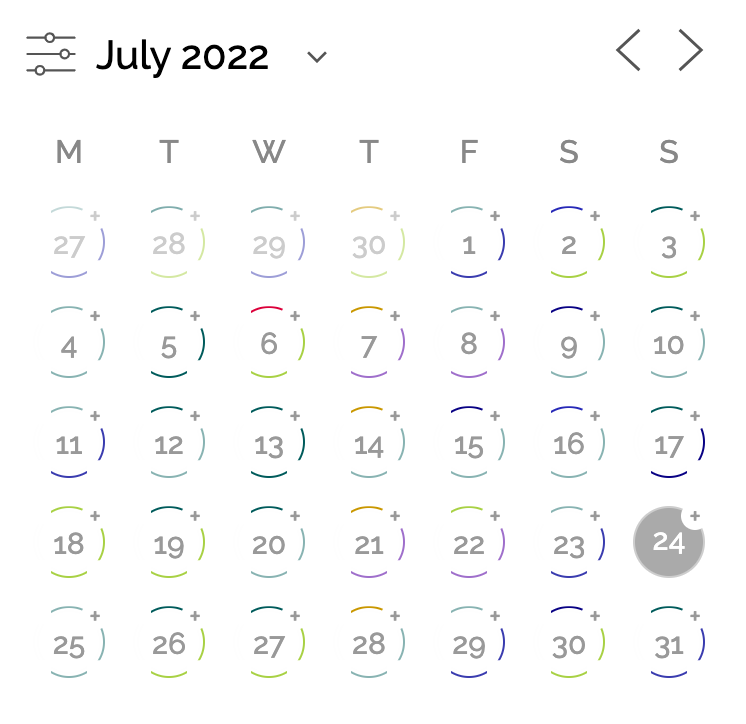
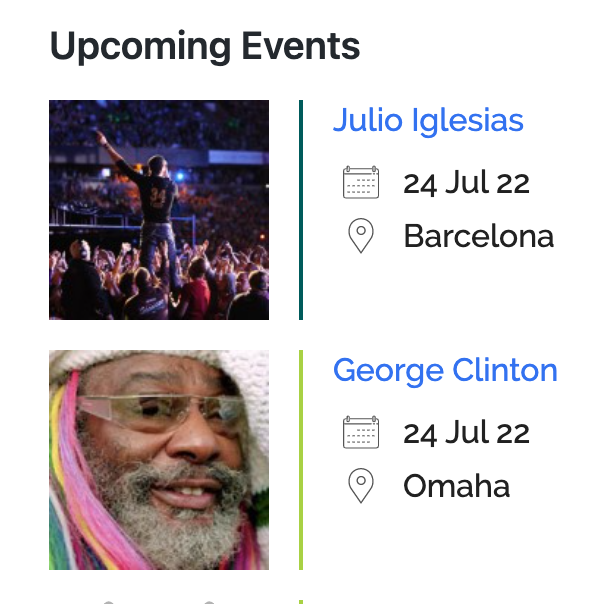
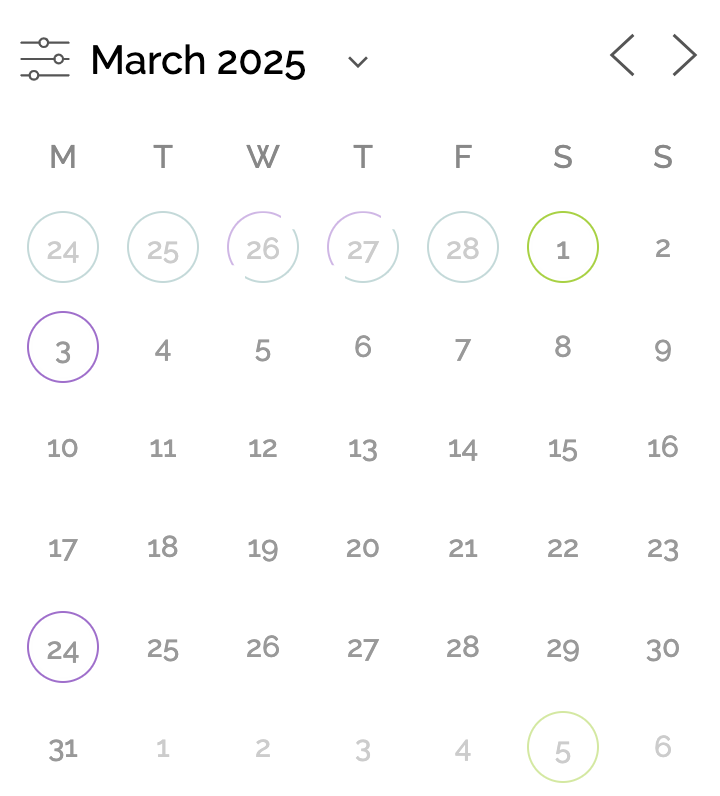
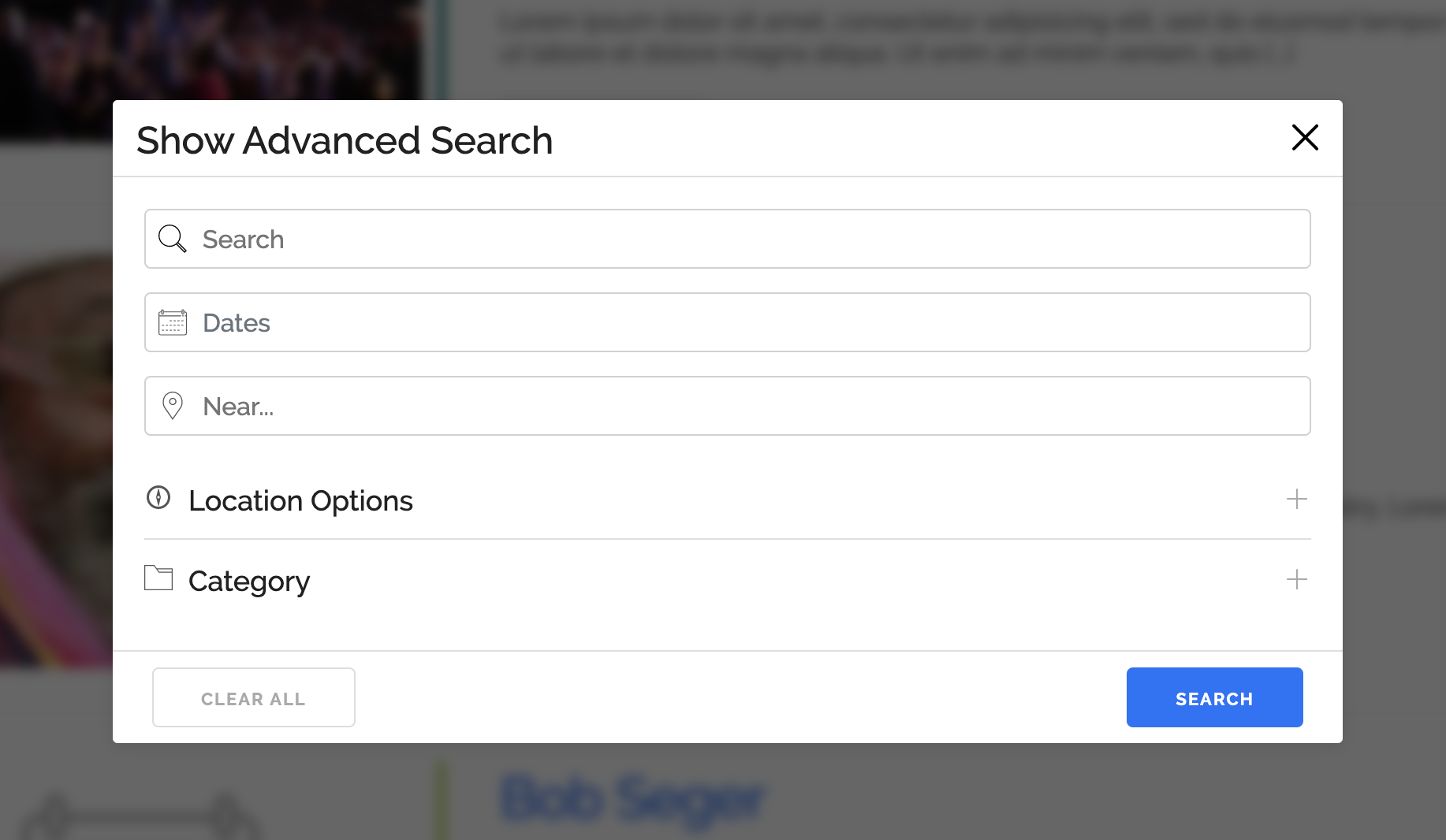
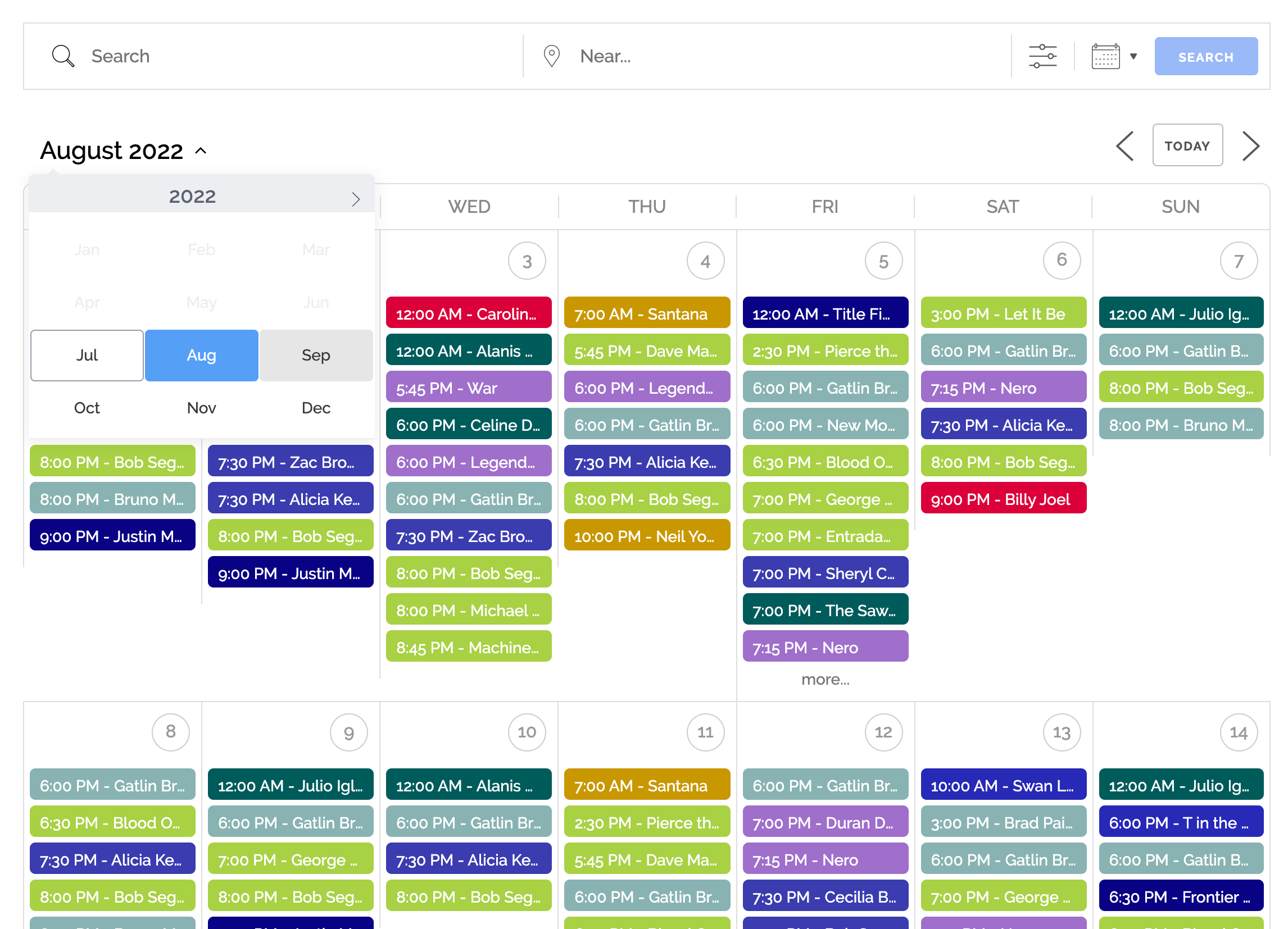
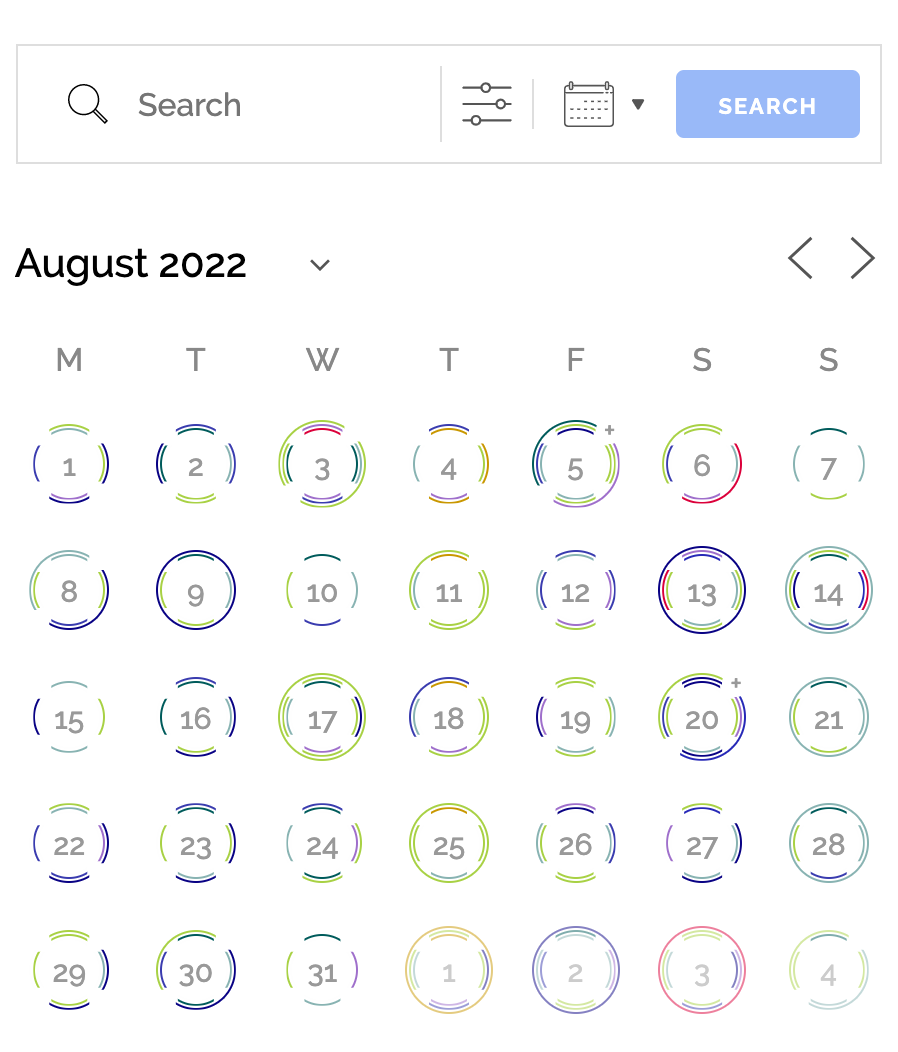
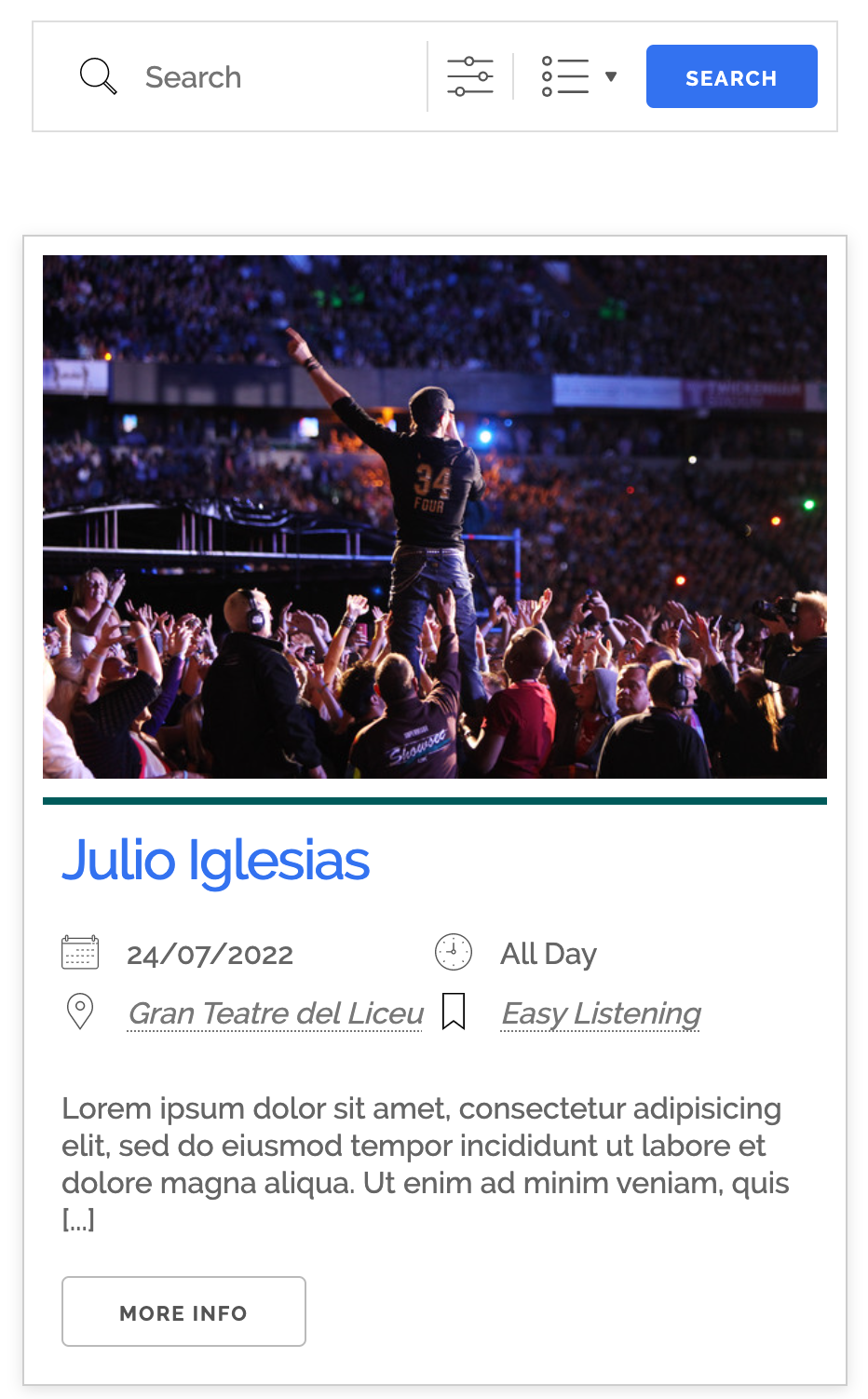
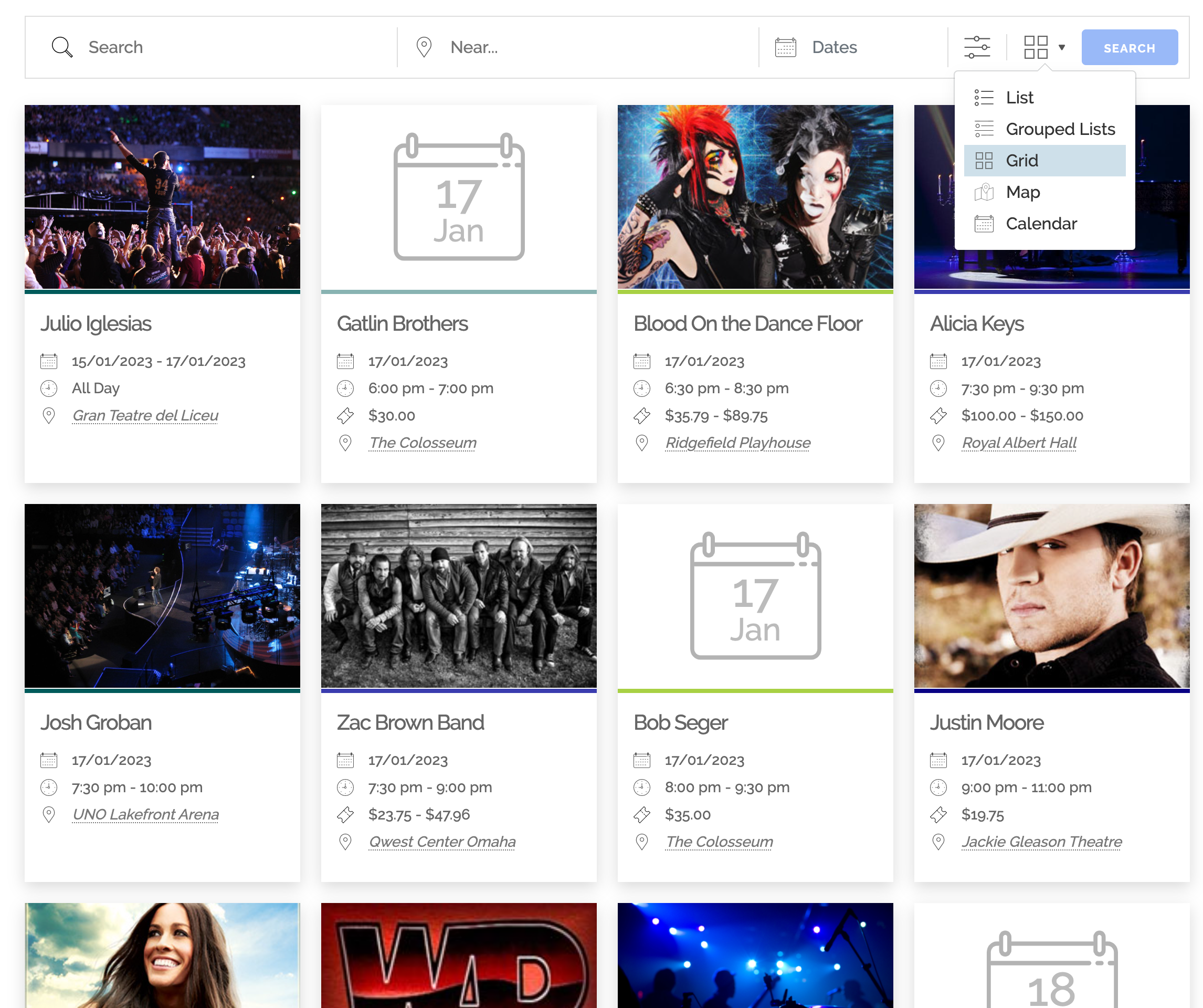
- Beautiful calendars, search pages, lists, grids and booking forms to enhance your site events.
- Availability and reservation calendar: real-time availability per event, ticket and timeslot, shown on booking forms and exposed via the REST API
- Easy event registration and booking forms (single day with start/end times), with custom form fields in Pro
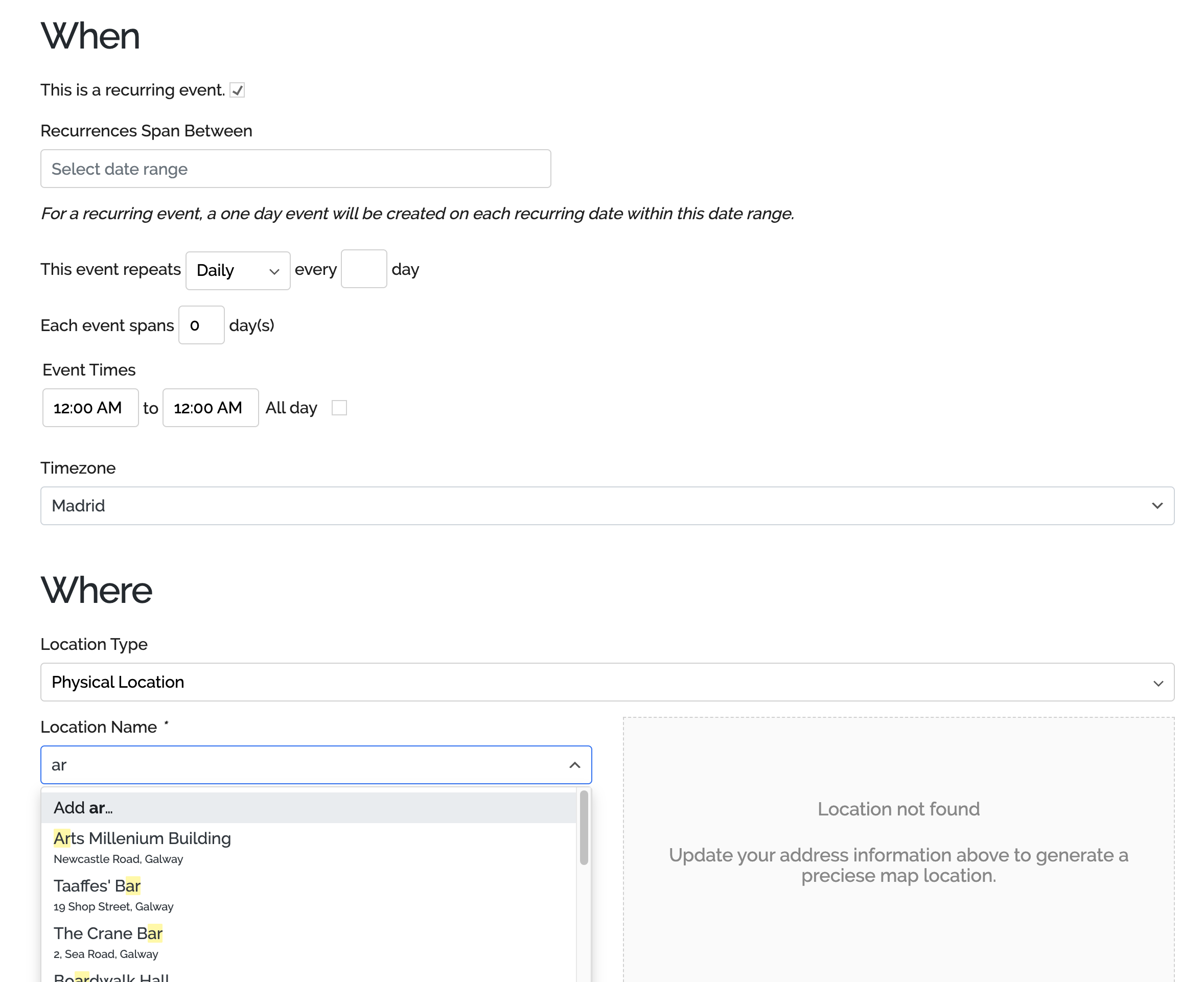
- Recurring and long (multi-day) event registration
- Build complex recurrence patterns with exclusion/blackout dates
- NEW Multiple time slots (timeslots) within the day for events with advanced creation options, so any event can work as a simple appointment scheduler
- Overlapping timeslots
- Buffer between timeslots
- Appointment booking with buffers between slots and capacity per slot
- Class and session timetables: a timetable built from timeslots, recurring events and calendar or list views
- Bookings and attendee management: approvals and rejections, attendee lists, CSV export and confirmation emails
- A complete booking and reservation system for events and timeslots, with online booking for members or guests and payments via PayPal, Stripe, Square and more (Pro)
- Sell tickets online with multiple ticket types, pricing and availability limits per ticket (payments via Pro)
- Event ticketing with PDF tickets by email, check in/out and QR scanning on your phone (Pro)
- Free RSVP or paid registration for any event, with attendee limits, approvals and waiting lists (Pro)
- Capacity limits per event, ticket and timeslot, with sold-out handling and waitlists (Pro)
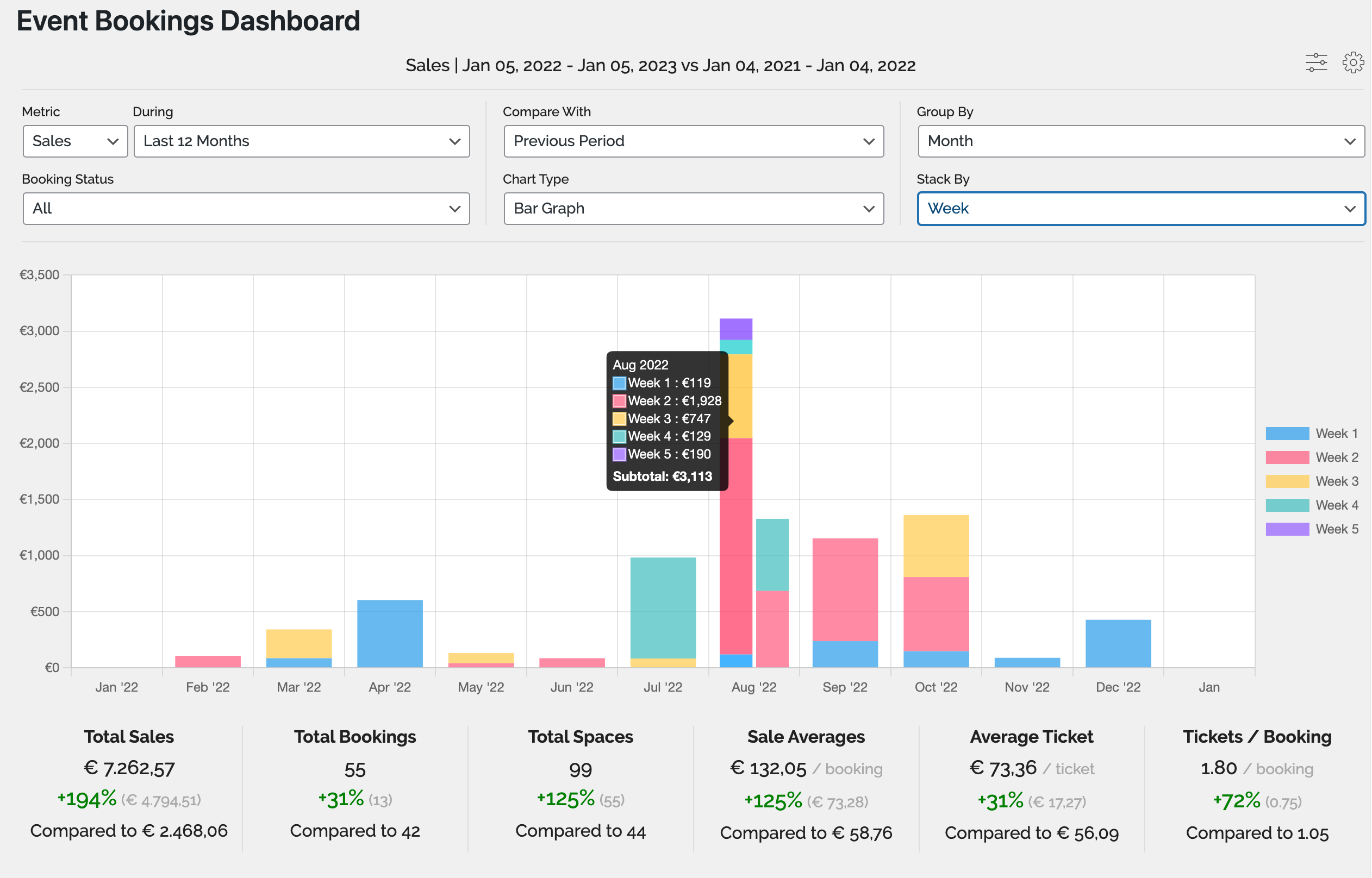
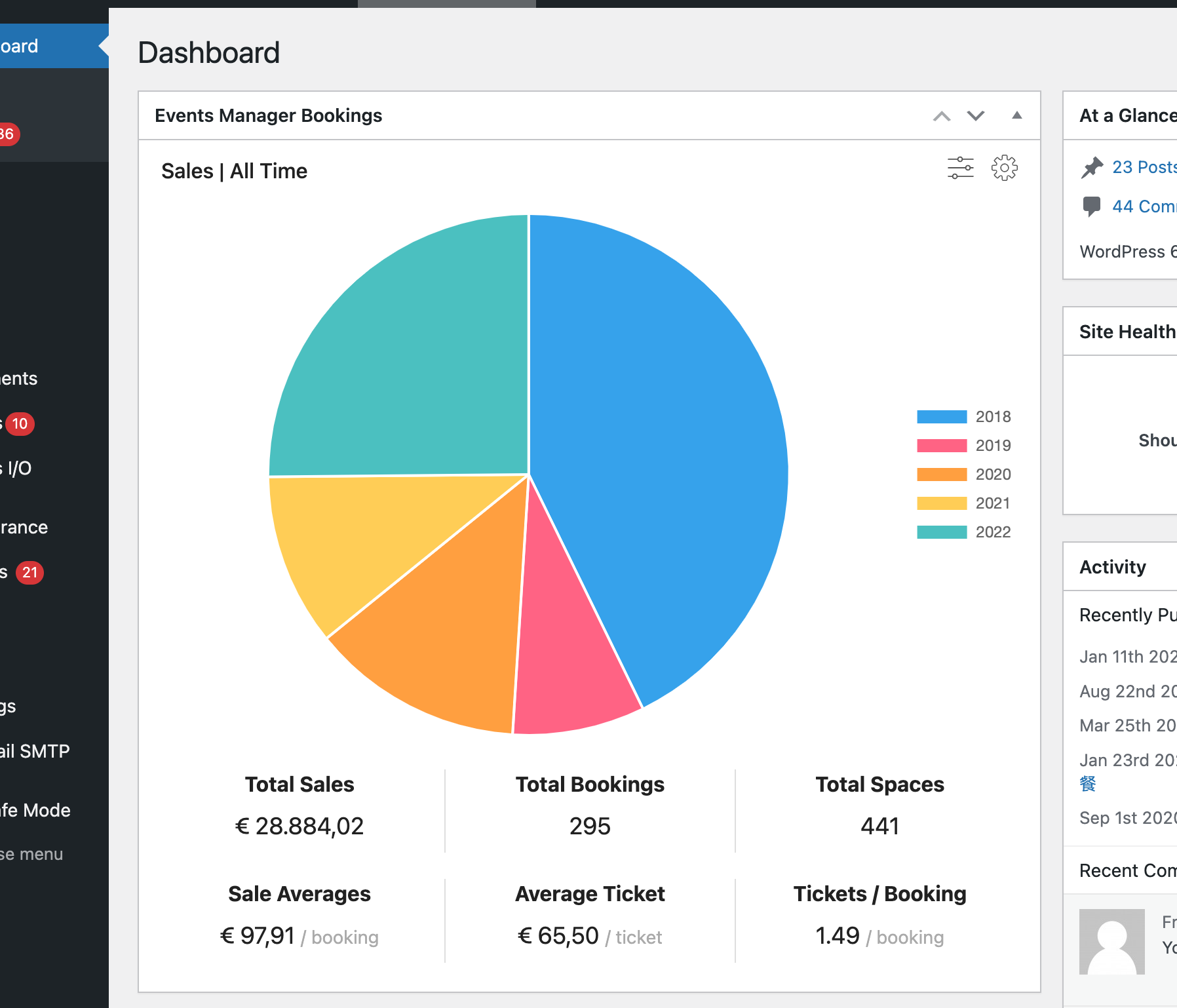
- Fully-featured graph and statistics including bar/line/pie with comparison and stacking
- MultiSite Event Support
- Cross-Network Event Sharing – show your events and booking forms on other subsites or main site
- Network-wide Global Booking Management
- BuddyPress and BuddyBoss Support
- Create modular (independent) event subsites or inter-networked events
- Multiple custom event types (Archetypes), such as Workshops, Seminars, Events, Webinars, Appointments etc.
- Customize your labels, slugs and CPT names
- Enable or disable specific features for specific event archetypes.
- Multiple Location Types
- Physical Locations
- Virtual locations for online events (custom links and URLs)
- Hybrid events combining a physical and a virtual location
- Zoom Webinars/Meetings Integration
- BuddyPress & BuddyBoss Support
- Submit Events
- Group Events
- Personal Events
- Activity Stream
- more on the way
- Guest/Member Event submissions
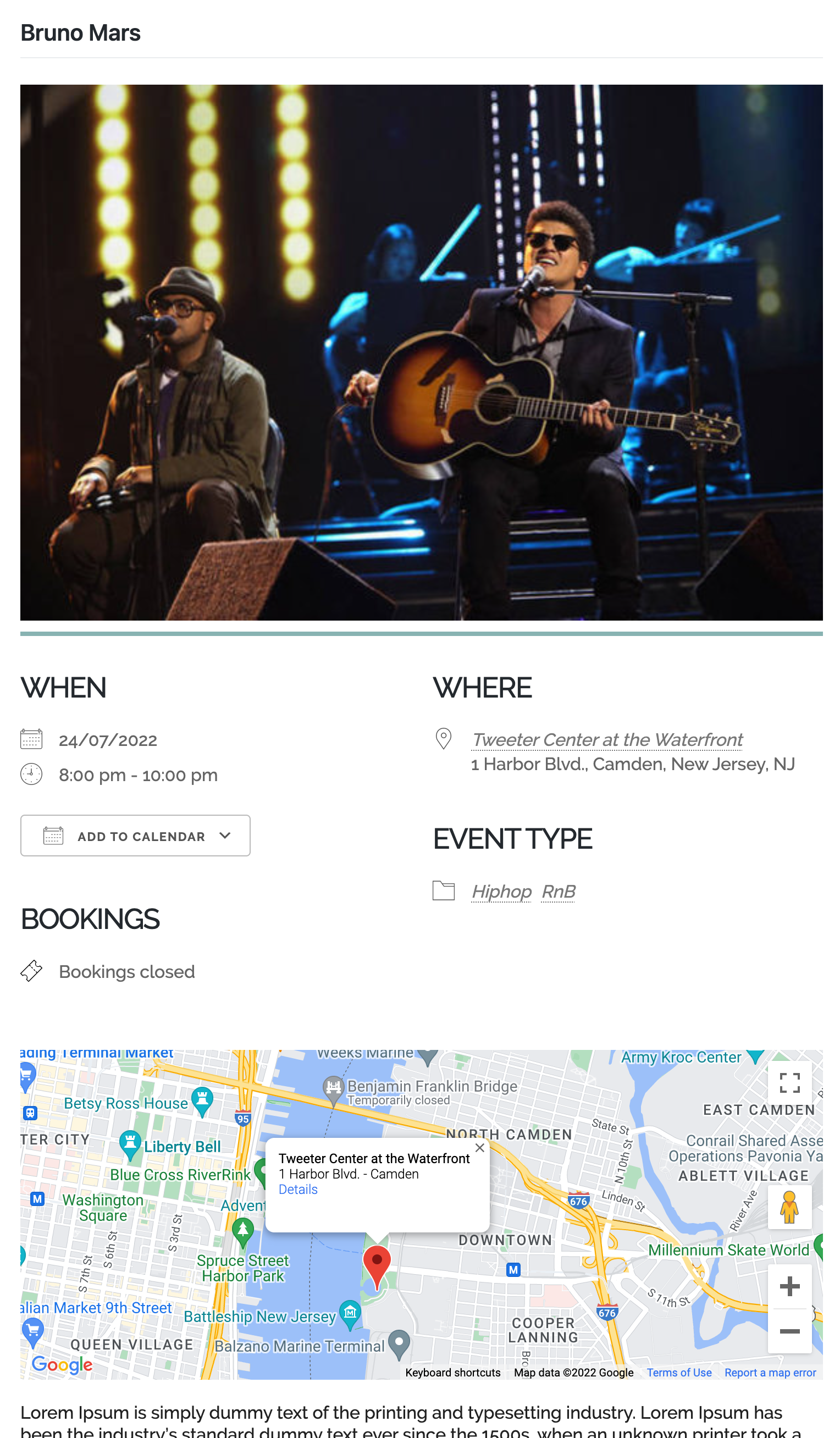
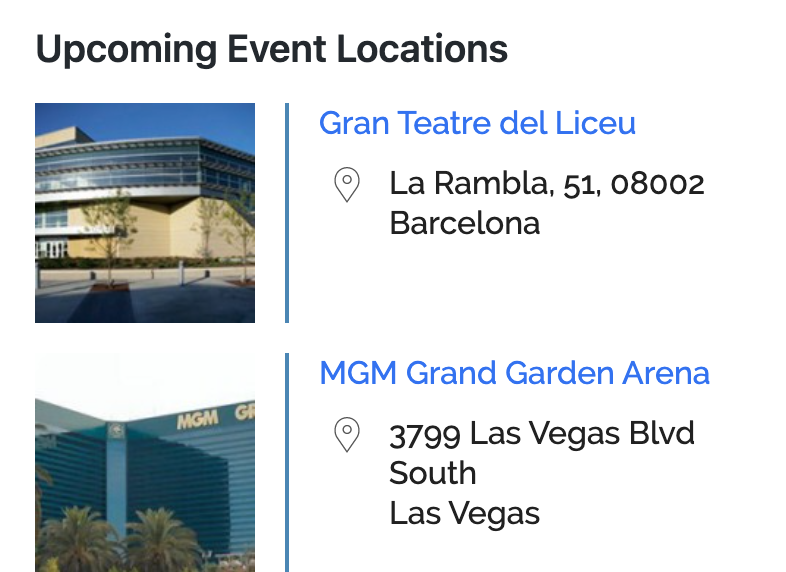
- Assign event venues and locations and view events by location
- Event categories
- Easily create custom event attributes (e.g. dress code)
- Google Maps (see our API usage recommendations)
- Advanced permissions – restrict user management of events and locations.
- Widgets for Events, Locations and Calendars
- Fine grained control of how every aspect of your events are shown on your site, easily modify templates from the settings pages and template files
- iCal Feed (single and all events)
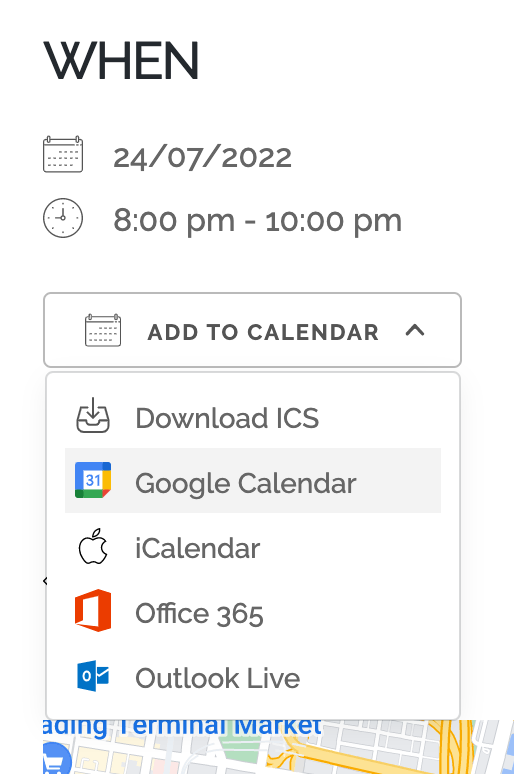
- Add to calendar buttons for Google Calendar, Outlook, Office 365, Apple Calendar and iCal
- RSS Feeds
- Compatible with SEO plugins
- Timezone Support – create events in different timezones
- Plenty of template tags and shortcodes for use in your posts and pages
- Gutenberg block editor support, with native blocks for the Events Calendar, Events List, and Locations List, usable in posts, pages, the site editor and the widget editor
- Actively maintained and supported
- Lots of documentation and tutorials
- NEW Gutenberg Supported
- And much more!
Use Cases
Events Manager runs on one model: an event with dates or timeslots, a capacity and optional tickets. That covers a lot more than events, and these are all in use today:
- Conferences and festivals: multi-day events with multiple ticket types, sessions, attendee forms and QR check-in (Pro)
- Seminars, workshops and webinars with online registration and event ticketing
- Concerts and gigs: sell concert tickets with multiple ticket types, PDF tickets and QR check-in (Pro), general admission only
- Theatre tickets (theater) and museum tickets: repeat performances, timed entry for galleries and exhibitions, multiple ticket types and PDF tickets, general admission without seat maps
- Community events calendars where members and guests submit their own events for approval, with BuddyPress and BuddyBoss support
- Church events, nonprofit events and charity fundraisers (non-profit): recurring services, galas and volunteer days with free RSVPs or paid tickets across multiple locations
- School, college and university events: term calendars, bookable parent evening timeslots and paid trips with capacity limits
- Sports events for clubs: fixtures, tournaments and race entries with registration, capacity limits and payment
- Fitness classes, gym bookings, yoga, pilates and dance classes: weekly timetables with limited spaces per session
- Courses, training sessions, lessons and coaching: dated or recurring sessions with attendee limits and payments
- Consultation booking for advisers, consultants and practitioners on a single bookable calendar, with a custom form and optional payment
- Appointment scheduling and online scheduling for solo practitioners, tutors and studios
- Tour booking for guided walks, city tours and timed visits: scheduled departures with a head count and a price per place
- Escape rooms and activity venues: fixed-length sessions with buffers between them and a group size cap
- Restaurant reservations for set sittings, tasting menus and supper clubs: each service is a timeslot with a cover limit, booked by head count rather than per table
- Online reservations for sittings, sessions and classes, each with its own time, capacity and optional payment
- Let visitors book online without creating an account, for any event, ticket or timeslot, and pay on the spot (Pro)
AI Integration
AI is here, and we’re on board! Check out what’s possible with our new and evolving AI integration possibilities:
Data Privacy and GDPR Compliance
We provide the tools to help you be GDPR compliant, including:
- export/erasure of data via the WordPress Privacy Tools, including booking, event and location data
- consent checkboxes on our booking, event and location forms on the frontend
- settings to control what can be exported/erased as well as where/when to place consent requests
- sample text for your site privacy policy describing what Events Manager does with personal data
Premium Features
We have a premium Pro add-on for Events Manager which not only demonstrates the flexibility of Events Manager, but also adds some important features including but not limited to:
- WooCommerce integration (sold separately)
- PayPal, Stripe, Authorize.net, Square, Xero and Offline Payments
- Custom booking forms
- Individual Attendee custom forms
- Upload fields for bookings, attendees and users
- Printable Invoices and Tickets
- Send PDF tickets/invoices by email automatically
- QR code check-in and ticket scanner: scan tickets on your phone and check attendees in or out
- iOS phone app for organisers: manage bookings and check attendees in on the go (Android app coming soon)
- Waitlist / waiting list for sold-out events and tickets
- Automation – ultimate flexibility in automation!
- Triggers:
- X time before/after events start
- When a booking status changes
- When a booking was booked x time ago
- Actions
- Send Webhook (Zapier, MS Automation and many other services)
- Send Email
- Send WhatsApp, SMS, Telegram notifications
- Automated event reminders, booking reminders and appointment reminders by email, or by SMS, WhatsApp and Telegram with the Connect add-on
- SMS reminders, WhatsApp and Telegram reminders, notifications and interactive flows via the Events Manager Connect add-on
- Coupon and discount codes
- Custom booking email per event and gateway
- Faster support via private Pro forums
For more information or to go pro, visit our plugin website.
Additional Plugin Integrations
Whilst there’s many third party integrations with our own plugin, here’s some we’ve integrated ourselves!
- Included in Events Manager (automatic integration)
- Additional Add-Ons
External services
The Events > Add-ons screen in your dashboard lists the add-ons available for Events Manager and the Pro plans with their current prices, and may show a notice about a current promotion. The pictures on that screen are loaded by your browser from eventsmanagerpro.com. When an administrator opens that screen, the plugin downloads this list from eventsmanagerpro.com (https://eventsmanagerpro.com/api/add-ons/), at most once a day, once more that day if the administrator clicks Refresh, and once more when a promotion shown on the screen has ended. A download that fails is tried again an hour later, or sooner if the administrator clicks Try again. This is a standard WordPress request: it carries your site’s address and WordPress version in its user agent, as WordPress adds to the requests it makes, and your server’s IP address is visible as with any HTTP request. eventsmanagerpro.com keeps a record of the site address, WordPress version and IP address of each request. Nothing else about your site or its users is sent, and nothing is downloaded anywhere else in the plugin or in the background. eventsmanagerpro.com is run by Pixelite SL, the makers of Events Manager: terms, privacy policy.
Installation
Events Manager works like any standard WordPress plugin, and requires little configuration to start managing events. If you get stuck, visit the our documentation and support forums.
Whenever installing or upgrading any plugin, or even WordPress itself, it is always recommended you back up your database first!
Installing
- If installing, go to Plugins > Add New in the admin area, and search for events manager.
- Click install, once installed, activate and you’re done!
Once installed, you can start adding events straight away, although you may want to visit the plugin site documentation and learn how to unleash the full power of Events Manager.
Upgrading
- When upgrading, visit the plugins page in your admin area, scroll down to events manager and click upgrade.
- WordPress will help you upgrade automatically.
Upgrading from version 4 to 5
Please read these instructions.
FAQ
What can I use Events Manager for?
Events Manager is built to handle a wide range of use cases, including:
- Managing events, meetups, workshops and webinars
- Scheduling appointments and recurring events
- Planning and promoting conferences or festivals
- Handling event registration, RSVP, ticketing and ticket sales
- Accepting bookings with optional payments
- Managing venues and multiple event locations
- Creating a public event calendar for your website visitors
See our FAQ page for help with Events Manager – Calendar, Bookings, Tickets, Appointments and more!
Screenshots
Changelog
7.5
- Added: Migration tool for The Events Calendar, bringing over events, venues, organizers, categories, tags, tickets and attendees while keeping your existing web addresses
- Added: One-time CSV import of events, locations and organizers, under Settings > Admin Tools
- Added: Hybrid events, with in-person and online ticket access on the same event
- Added: Virtual locations with a Custom Link type, and an option to hide the link until shortly before the event starts
- Added: Online events filter for the advanced search form
- Added: Event organizers as a taxonomy
- Added: Spaces can be held while a visitor completes the booking form, with limits per event and per visitor, off by default
- Added: Status tabs and pagination on the front-end My Bookings and event management lists
- Added: Events > Add-ons screen listing the Pro plans, add-ons and free companion plugins, which can be hidden with
EM_HIDE_ADDONS - Added: Translations for over 90 languages are now included with the plugin on WordPress 6.5 and later, filling in wherever a wordpress.org language pack has no translation
- Changed: The event editor now chooses a location by attendance mode: in person, online, or both
- Security: Fixed an information disclosure issue in the REST API
- Fixed: Crawlers following the calendar’s month navigation endlessly
- Fixed: Recurring events saved after another post in the same request getting no recurrences
- Fixed: Recurrence data left in the database after deleting a recurring event
- Fixed: Deleting one date of a recurring event removing the whole series’ location link text
- Fixed: PHP notice when deleting tickets of a recurring event
- Fixed: Stale booking counts on sites with a persistent object cache after a booking confirmation email was sent
- Fixed: Sites with several connected OAuth accounts always using the first one, and refresh tokens being lost when a provider did not send a new one
- Fixed: Saving settings blocked with a 403 by some host firewalls, due to hidden formatting fields being submitted
- Fixed: Broken placeholders link and a PHP deprecation notice in the map format settings
- Fixed: PHP 8.2 deprecation notice on every page load on sites running BuddyPress
7.4.14
- Added: “Add Reply-To booker?” email setting so replies to admin booking emails go to the person who booked, off by default
- Added: Booking Notes column for the bookings table and export
- Added: Privacy Consent column for the bookings table and export, also shown in the booker details
- Fixed: Events and locations being deleted instead of reassigned when deleting a user on WordPress 7.1
- Fixed:
[locations_map]showing no locations when a location in the results was not publicly viewable, regression in 7.4.12 - Fixed: Ticket booking list being empty for admins who do not own the event
- Fixed: Time slots not saving on event archetypes
- Fixed: Fatal error on PHP 8 when viewing a booking with a non-numeric surcharge
- Fixed:
next-monthandx-monthsscopes returning the wrong range on the 29th to 31st of a month - Fixed: Calendar
locationattribute being lost when navigating between months - Fixed: Registration email templates being hidden when the registration email is enabled
- Fixed: PHP warning when reading an event’s created or modified date
- Fixed: Edit and delete links for repeating events pointing nowhere when repeating events are disabled
- Fixed: PHP 8.4 deprecation notices in the phone number library
- Fixed: Updating an event through the REST API or MCP added a free bookable ticket to it
- Fixed: Event updates through the REST API or MCP added a new ticket instead of updating the one sent under its ticket ID
- Fixed: Tickets created through the REST API or MCP without a status could not be booked, and updates without a status disabled them
- Fixed: Time changes to existing events through the REST API or MCP reported success without being saved
- Fixed: Updating a booking’s payment gateway through the REST API or MCP reported success without changing it, it is now refused
- Fixed: Booking updates through the REST API or MCP that resent the booking’s gateway reset its status with older Events Manager Pro versions
- Fixed: Repeating events created through the REST API or MCP losing ticket availability dates and tags on their recurrences
- Fixed: Ticket changes on an existing repeating event through the REST API or MCP not reaching its recurrences
- Fixed: New recurring events copying only their last ticket to each recurrence
- Fixed: Recurrences of recurring events not matching category and tag filters, including category and tag pages
- Fixed: Rescheduling a timeslotted event cancelling the whole event and its bookings instead of only the removed time slots
- Fixed: Duplicated events keeping the original’s booking cut-off date, which could close bookings on the copy straight away
- Fixed: Submitting the booking form again while it is still sending creating duplicate bookings when JavaScript is unavailable
- Fixed:
{is_user_attendee}and{not_user_attendee}conditional placeholders never matching when given several booking statuses - Fixed: Personal data export failing with a fatal error on bookings made without a user account
- Fixed: Consent given on event and location submission forms not being recorded, and communications consent being removed on front-end saves
- Fixed: Blank location details in emails about events submitted by guests with a new location
- Fixed: Front-end location editor being blocked by security plugins due to mismatched action parameters
- Fixed: MS Global subsite event and location links that match nothing showing a blank item instead of a 404
- Fixed: Warning notices displaying in the default notice colors
- Fixed: OAuth integration settings such as Zoom displaying without their settings box
- Fixed: Events Manager Connect 1.0.1 not receiving plugin updates
- Tweaked: Removed a duplicate recurrence save during quick edit
- Tweaked: Paginated location searches no longer use the deprecated
SQL_CALC_FOUND_ROWS, added theem_locations_get_sql_countfilter - Tweaked: Removed the unimplemented
events/validateendpoint from the REST API docs - Security: Fixed a privilege escalation vulnerability in bookings, reported by mercurystorm via the Security Hunt
- Security: Fixed an access control vulnerability affecting bookings on private events, reported by elaprendiz1927 via the Security Hunt
- Security: Fixed access control and information disclosure vulnerabilities in the bookings REST API, reported by mercurystorm via the Security Hunt
- Security: Fixed an access control vulnerability affecting media uploads in the REST API, reported by mercurystorm via the Security Hunt
- Security: Fixed a low severity content restriction bypass on event previews, reported by Jon Eiseman via the Security Hunt
- Security: Fixed a medium severity REST API moderation bypass, reported by Scott Lewis via the Security Hunt
- Security: Fixed a medium severity information disclosure vulnerability in the abilities API, reported by Scott Lewis via the Security Hunt
7.4.13
- Security: Fixed a file handling vulnerability in the REST API, reported by Greg on 30A via the Security Hunt
- Security: Fixed an information disclosure vulnerability in the REST API, reported by Greg on 30A via the Security Hunt
- Security: Fixed an access control vulnerability affecting tickets, reported by Greg on 30A via the Security Hunt
- Security: Fixed an access control vulnerability in bookings, reported by mercurystorm via the Security Hunt
- Security: Fixed an information disclosure vulnerability affecting locations, reported by Benjamin Kincses via the Security Hunt
- Security: Fixed an information disclosure vulnerability in shortcodes, reported by mercurystorm via the Security Hunt
- Security: Fixed a vulnerability in booking withdrawals, reported by mercurystorm via the Security Hunt
- Security: Hardened remote image downloads in the REST API
7.4.12
- Security: Fixed an unauthenticated information disclosure where the event and location map data endpoints could expose pending and private venue details, reported by 0xtrung via the Security Hunt
7.4.11
- Security: Fixed an unauthenticated information disclosure vulnerability that could expose event owner details, reported by mercurystorm via the Security Hunt
- Security: File upload display names are now stored as plain text, reported by mercurystorm via the Security Hunt
- Security: Fixed an unauthenticated information disclosure where request status parameters could expose draft, pending and trashed events and locations, reported by Lewis Studios via the Security Hunt
- Security: Fixed a booking takeover where a contributor or author could re-save another user’s booking onto an event they own, exposing that booker’s details, reported by Lewis Studios via the Security Hunt
- Security: An OAuth connection limited to Events Manager is now refused over XML-RPC instead of acting with the account’s full access, reported by Will Pom via the Security Hunt
7.4.10
- Fixed: Consent given during a logged-in booking was not saved, and optional consent could be revoked when booking again (props @willpom)
- Fixed: Consent was recorded against the wrong user when an admin booked on someone’s behalf (props @willpom)
- Fixed: A booking meta helper stored the wrong value and could overwrite other guest-booking meta (props @willpom)
- Fixed: Bookings table status filters could fall back to showing every booking (props @willpom)
7.4.9
- Security: Fixed a cross-site scripting vulnerability, disclosed by AndrewN via Patchstack.
- Security: Fixed several cross-site scripting vulnerabilities, with thanks to R3D, crow, Wordfence and Kuba.
- Security: Fixed a race condition that could let concurrent bookings exceed an event’s capacity (CVE-2026-42689), disclosed by Ananda Dhakal via Patchstack.
- Fixed: Saving a user or profile failed with “Please provide a valid phone number” when phone validation was enabled and the stored number had no country code (props @willpom)
7.4.8
- Security: Fixed a clickjacking vulnerability and restricted the permissions granted to AI/MCP connections. Reported by Alexander Ströher.
- Security: Fixed a cross-site scripting vulnerability. Reported by Alexander Ströher.
- Security: Fixed an information disclosure vulnerability in the REST API. Reported by Alexander Ströher.
- Security: Additional hardening of the OAuth endpoints, uploads and search parameters.
- Fixed: Calendars with long_events enabled hid timed events on the last displayed day of the grid
- Fixed: Location searches with array coordinates, country-name lookups and timezone-scoped date ranges returned wrong results
- Fixed: REST API events and bookings endpoints returned an error for some search parameters
- Fixed: Missing text domain in the general settings tab
7.4.7
- Security: Fixed an authenticated SQL injection vulnerability in the REST API events and bookings search, disclosed by neurotx via Patchstack.
7.4.6
- Fixed: fatal error on tag pages, and in the admin area after updating, when an event type had no categories or tags enabled
- Fixed: tag pages skipped upcoming events for event types with tags but no categories
- Fixed: login failing on sites with a custom event type while debug output was displayed, a notice was printed before headers were sent
- Fixed: bookings tables on WordPress 7.1 repeated every row’s details on wide screens and could not expand rows on narrow ones
- Fixed: database errors on subsites in MultiSite Global Tables mode, event time ranges and timeslots were looked up in per-site tables that were never created and are now shared like other event data
7.4.5
- Security: Fixed a broken access control vulnerability. Reported by Hasyros via WPScan.
- Security: Fixed an information disclosure vulnerability. Reported by Karthik Ramakrishnan via WPScan.
- Fixed: scheduled imports failed because wp-cron and WP-CLI requests were subject to the public submitter consent check
- Fixed: deleting a recurring event’s bookings reported success without deleting anything
- Fixed: a PHP deprecation notice was printed on the admin bookings pages when debugging was enabled
- Fixed: events with an emoji in their name or content could not be saved on older database tables
- Fixed: events using a custom archetype could not be edited, reporting “Sorry, you are not allowed to edit this post”
- Fixed: publishing an event in the block editor saved it as a draft when pre-publish checks were disabled
- Fixed: the events search form could submit to the default language events page under WPML, and to the wrong page on themes overriding the search template
- Changed: the admin bookings list and pending badge now show only the event type you are viewing, with an All Event Types filter for the combined list
- Fixed: an end time earlier than the start time was not flagged while editing an event
- Fixed: the booking form security token was only refreshed for the standard booking form on cached sites
- Fixed: the edit icon in the admin bookings list spilled out of its column on narrow screens
7.4.4
- Security: Fixed an information disclosure vulnerability. Reported via Patchstack.
- Security: Fixed a missing authorization vulnerability, CVE-2026-92711. Reported by M4r0u4n3 via Wordfence.
- Security: Fixed a spoofing vulnerability, CVE-2026-92614. Reported by Shirshak via Wordfence.
- Fixed: calendar date previews still rendered their modals when Date Preview Mode was set to Direct Link
- Fixed: booking submissions on cached sites failed with “unexpected network error” once the form’s security token expired, the form now says it expired and should be reloaded
- Fixed: newly booked attendees did not show on the event page until caches were flushed on sites with a persistent object cache, the event was cached with an emptied bookings list and never invalidated when bookings changed
- Fixed: bookings with a zero booking date in the database displayed as “November 29, -0001”
- Fixed: fatal error on first activation from WP-CLI or other non-admin contexts because the admin notice class was not loaded
- Fixed: the pending spaces count ignored a forced refresh and could stay stale after a booking
- Fixed: the booking meta migration from 6.1 could rerun on every page load when a batch of bookings had no meta, slowing or crashing the site after an upgrade
- Fixed: events created by imports or the REST API were missing from listings until re-saved because their type and archetype were never set, existing events are repaired on upgrade
- Fixed: repeating event occurrences had every previous occurrence’s date appended to their slug, breaking their URLs
- Fixed: fatal error on the category page after updating when an archetype has both categories and tags disabled
- Fixed: bulk actions such as Move to Trash in the admin failed to redirect due to a warning from the archetype post type check
- Fixed: an empty events page setting could write a rewrite rule that broke the page being viewed until rewrite rules regenerated
- Fixed: a PHP warning was printed above the header row of CSV booking exports
- Fixed: an event ending after midnight on a later day was flagged as ending before it started
- Fixed: the day view of the events page could not be paginated
- Fixed: deleting a booking from the admin bookings table still rendered its row actions and could print a warning into the response
- Fixed: admin booking tables could stop responding when the export or settings form was picked up before the main table form, notably on multisite
- Fixed: the booking submit button read “null” after an AJAX submission
- Fixed: radio buttons were invisible on the admin Add Booking form due to checkbox styling applied to radios
- Fixed: uninstalling from a sub-site in MS Global mode dropped the shared network event and booking tables, it is now refused with a link to the network settings
- Fixed: the bookings admin page turned the URL action into a booking lifecycle hook name, so listeners of em_bookings_add could fatal, a dedicated em_bookings_admin_action_* hook now fires alongside the legacy name
- Fixed: the REST API bookings list only returned bookings on the caller’s own events, even for users who can manage all bookings
- Fixed: the Test Email Settings button reported “Server Error” for administrators without the activate_plugins capability
- Fixed: EM_Event::set_timeslot_id() could never load a timeslot due to malformed SQL
- Fixed: the waiting list could not be joined for a fully booked occurrence of a recurring event
- Added: em_get_my_bookings_url() accepts a person id and runs through the em_get_my_bookings_url filter, so BuddyPress links resolve the booking owner rather than the displayed user
- Tweaked: typo on the help page
7.4.3
- Security: Fixed an XSS vulnerability CVE-2026-66457. Reported by Mukhlis Amien via Patchstack.
- Security: Fixed low-severity (self-diagnosed) vulnerability allowing unfiltered shortcode output under specific setup/variable circumstances.
- Fixed: fatal error when the booking cancellation cut-off is set as an interval such as
P2Drather than a number of hours - Fixed: fatal error saving a location with an attribute no longer in your configured attribute list
- Fixed: quotes in a custom calendar month format broke the month picker
- Tweaked: documentation links now use https
7.4.2
- Security: Fixed an XSS vulnerability in grouped event lists.
7.4.1
- Fixed: events could revert to Draft on save reporting that timeranges cannot overlap, and in some cases the event’s timeslots were silently removed
- Fixed: events saved in the block editor failed validation asking for consent that cannot be given there
- Fixed: saving a booking in the admin area failed with “The link you followed has expired” on sites running a page cache plugin
- Fixed: adding unavailable dates to a saved recurring event did nothing
- Fixed: recurrences set to specific dates could not be published, reporting that the end date must be greater than the start date
- Fixed: individually edited occurrences of a repeating event had their name, content and other details overwritten from the parent
- Fixed: detaching an occurrence from a repeating event silently failed and left the event out of sync with its post, with affected events repaired on upgrade
- Fixed: detaching tickets did nothing on sites not using the default
wp_database prefix - Fixed: fatal error when booking meta was saved with an empty value
- Fixed: deleting multiple events at once reported the wrong result
- Fixed: waitlist re-checks and other listeners of
em_bookings_deletedreceived no event ids - Fixed: listeners of
em_event_delete_prenever fired, due to a trailing space in the hook name - Fixed: on multilingual sites, bookings could resolve to the wrong event, and deleting a master event could detach occurrences from their series
- Fixed: on multisite, deleting a site left the timeslot, recurrence and booking meta tables behind
- Fixed: columns added to the timeslots table in a later release were never applied to existing sites, and upgrades could remove database indexes added elsewhere
- Security: Fixed a privilege escalation vulnerability. Reported by Jakub Herman.
- Security: Fixed an SQLi vulnerability. Reported by Jakub Herman.
- Security: Fixed an SQLi vulnerability (CVE-2026-15023). Reported by Dmitrii Ignatyev (CleanTalk) via Wordfence.
- Security: Fixed an XSS vulnerability (CVE-2026-17089). Reported by Wordfence PRISM.
- Security: Fixed an information disclosure vulnerability (CVE-2026-10627). Reported by molten bit via Wordfence.
7.4.0.1
- Fixed (in-dev): dbDelta warnings and malformed ALTER TABLE queries on upgrade for the new timeranges table due to blank lines in the CREATE TABLE definition
- Update notice for Pro users.
7.4
- Added: a “check for the latest stable version” option that bypasses the staggered update rollout, plus an EM_AUTO_UPDATES constant to auto-install held-back versions
- Fixed: “_load_textdomain_just_in_time was called incorrectly” notice logged on every page load
- Fixed: on multisite, the image maximum file size and minimum width settings were not applied network-wide
- Fixed: form uploads could be silently dropped on save when another upload field was left empty
- Fixed: malformed double-slash URL for the admin dashboard chart script
7.3.7.4.2
- Added: Stable update checking options, excluded from automatic background updates
- Moved update checks into em-updates.php so the auto-update veto loads during cron
7.3.7.4
- Fixed: Critical error on front-end event pages for events with a location URL since 7.3.7
7.3.7.3
- Added: webp as accepted upload image type
- Fixed: SQL syntax error affecting ticket counts due to unprepared SQL statement (props @joneiseman)
7.3.7
- Added: Push notification framework for the upcoming Events Manager mobile app, device registration, per-notification-type controls, and a settings UI.
- Added: Block editor: Event Details canvas panel with tabbed When and Bookings sections; canvas/tabbed/stacked layout setting; namespaced EM\Editor tab system for event and location editors; EM runtime now loads inside the canvas iframe with full admin CSS and recurrence support.
- Added: REST API recurring-event and timeslot read/write support.
- Security: Fixed unauthenticated object injection via booking meta, SQL injection in iCal/feed/permalink slug lookups, and unauthenticated booking summary disclosure. Reported by Jakub Herman. We recommend updating.
- Fixed: PHP 8.x infinite loop in the multi-day calendar slot allocator when two events overlap on the same day.
- Fixed: WordPress 6.7+ “translation triggered too early” debug notice, API consent-scope now registers on
initinstead ofplugins_loaded. - Fixed: Fatal
array_intersect()error on the Bookings list when sorted by a single column. - Fixed: Fatal “Cannot access offset of type string on string” on settings save when
dbem_datawas corrupted to a plain string. - Fixed: Booked seat and ticket counts showed as 0 throughout the admin due to an inverted condition.
- Fixed: “Limit CSS loading” setting ignored since 7.3, stylesheet enqueued on every front-end page regardless of the setting.
- Fixed: Fatal “Cannot redeclare em_admin_ms_locations()” on multisite subsite admin.
- Fixed: Recurrence reschedule button and double timeslot bug in the block canvas.
7.3.6
- Added: EU right of withdrawal (Widerrufsbutton), guests and registered users can now submit a statutory cancellation request directly from a booking confirmation email or the My Bookings page, fulfilling the § 356a BGB obligation for distance contracts. Includes a configurable site-wide footer link, admin and guest acknowledgement emails, and magic-link access so guests without a WordPress account can reach the cancellation form.
- Fixed: Recurring events with an exclude-only recurrence set (or a malformed payload with no include/exclude keys) caused a fatal TypeError in uksort(), the order array is now initialised before sorting.
- Tweaked: OAuth connect and disconnect flows now return the admin to the page where they initiated the connection rather than always landing on the Events Manager settings page; the
em_oauth_authorize_redirect_urlandem_oauth_disconnect_redirect_urlfilters let gateways and integrations customise the destination further.
7.3.5
- Security: Private events and locations could be exposed to non-privileged visitors when the
privatequery argument was supplied, the fix ensures only users with theread_private_events/read_private_locationscapability can request private content. CVE-2025-14945, responsibly disclosed by shark3y via WordFence. We recommend updating. - Fixed: A custom Grid format header/footer set in Formatting settings was never shown on grid event lists, the view was reading the wrong option name, so the header/footer text was silently dropped on both initial load and AJAX search.
- Fixed: Custom Google Maps JSON styling (Styling Wizard / Snazzy Maps) stopped applying after the Advanced Markers upgrade, Google ignores legacy map styles when a Map ID is present. Front-end maps with custom styling now render correctly again, without the “styles property cannot be set when a mapId is present” console warning.
- Fixed: Block editor: recurring events no longer trigger a false “recurrence times are required” error on second save (disabled recurrence fields are now included in form serialisation); the Event When block’s edits are no longer silently dropped in Gutenberg 6.6+ where the canvas renders inside an iframe.
- Tweaked: The default event editor has been switched back to Classic while block editor support is further refined, existing installs are unaffected and the setting can be changed under Events Manager → Settings.
7.3.4
- Security: Free-text event and location fields submitted by non-privileged users (e.g. front-end event submitters) are now sanitised, closing a stored-XSS vector. We recommend everyone update.
- Added: New “Event When” block for the block editor, edit an event’s date, time and recurrence inline from the canvas.
- Added: New display options for timeslot booking cards, giving you more control over how timeslot selection appears on the booking form.
- Fixed: Timeslot and recurring booking pickers are now a single shared template, resolving several layout and timezone-picker glitches, multiday date display, and a card-gap regression.
- Fixed: Recurring events now regenerate their timeslots when the event duration changes, and event listings sort and scope correctly by timeslot date/time across a series.
- Fixed: Block editor: recurring events no longer fail validation on a second save, and the date picker now initialises correctly inside the editor’s iframe.
- Fixed: Several REST/MCP API issues found in live testing, bookings made through the API were all being attributed to the authenticated admin rather than the intended account; partial event updates could wipe categories and tags; and media upload, booking-status and consent handling have been tightened. Booking on behalf of another person is now correctly a Pro-only capability.
- Fixed: MCP installer buttons on the settings page not triggering the install.
- Fixed: CSS glitches in the selectize search dropdown when resizing or typing.
- Tweaked: The selected day is now shown in bold across every calendar event style.
7.3.3
- Added: Calendar “dots” style, events can now be marked with coloured dots instead of (or alongside) titles, with a style choice and a per-day event limit exposed in the Events Calendar block.
- Added: REST API support for featured images on events and locations (input and output), a media upload endpoint and ability, and term colour + image on event categories/tags.
- Added: Location geo-discovery REST endpoints (countries, regions, states, towns) and an
upcoming_events_countfield on the location response. - Added: REST
/bookingsnow accepts location filters (country/region/state/town/near) and ascopeparameter to filter bookings by event date. - Added: MCP
get-booking-requirementsnow returns per-field validation metadata with country-tuned phone examples, so AI agents can pre-validate bookings. - Tweaked: The recurring-booking calendar picker now respects the configured default calendar style.
- Tweaked: Improved the MCP experience for AI agents, authentication now uses WordPress application passwords instead of timeout-prone OAuth tokens, with native-app support, and the MCP server now exposes Pro and other add-on abilities alongside core’s.
7.3.2
- Added: REST API now accepts a booking UUID on
/bookings/{id}routes alongside the numeric booking ID, so MCP agents and headless clients can look up bookings without needing the database row id. - Added:
booked_spacesandavailable_spacesfields on the event REST API response, with corresponding entries in the event-bookings schema. - Added: MCP
get-booking-requirementsability so AI agents can introspect which fields, attendees and gateway data a booking needs before submission. Booking validation errors are now agent-friendly (specific required-field names instead of a generic message). - Fixed: REST/MCP: booking validation errors now surface to the caller instead of being swallowed; ticket-by-id lookups return the right ticket; event timeranges round-trip cleanly through the API.
- Fixed:
#_BOOKINGBUTTONplaceholder rendering the “Event Cancelled” message instead of “Fully Booked” when an event sold out (templates/placeholders/bookingbutton.php). Thanks to Jon Eiseman for the report. - Fixed: Unavailable Dates being ignored when generating events for a repeating series,
Recurrence_Sets::has_collision()was returning the inbound filter argument instead of the matched recurrence type, so the save loop treated every collision as no-collision. Repeating events with exclusions (e.g. “every Monday June 1–30 except June 15”) now correctly omit the excluded occurrences. Thanks to Jon Eiseman for the diagnosis. - Fixed: Event Categories and Event Tags panels not appearing in the Gutenberg block editor’s Document sidebar, taxonomies now opt into the WordPress REST API alongside the CPT when the block editor is enabled, so Gutenberg users can assign them to events again. Thanks to Jon Eiseman for the report.
- Fixed: Multilingual: booking-form settings keys that were missing the WPML globe icon are now in the translatable-options whitelist.
- Fixed: Multilingual: guarded against fatal errors when WPML is partially configured and expanded the translatable-settings whitelist to cover newly added options.
7.3.1
- Bumped version to fix missing file dependency during build causing fatal errors in 7.3
7.3
- Added REST API v1 with full event, location, booking, and ticket endpoints under
events-manager/v1/, PATCH partial-update support, a validation endpoint, and extension hooks so custom archetypes and Pro modules plug into the same save pipeline as Gutenberg, the classic editor, headless clients, and WP-CLI - Added documented input schemas for the REST API covering events, locations, bookings, per-attendee custom fields, embedded location creation, attributes, coupons, and Pro overlay fields
- Added OAuth Application-Password support so apps can authenticate against the REST API without admin sessions
- Added MCP (Model Context Protocol) adapter and setup wizard so AI agents can read and manage events through the authenticated REST surface
- Added Gutenberg (block editor) support for events and locations with a Classic/Gutenberg toggle on Settings → General, defaulting to Classic on upgrade and Gutenberg on fresh install
- Added Events Manager block category with three blocks (Events Calendar, Events List, Locations List), each delegating to the existing widget classes so output stays identical to shortcodes and widgets
- Added ACF-style pre-save validation for the block editor, clicking Publish/Update runs EM’s validate() pipeline against the classic metabox state via
events-manager/v1/blocks/event/validate, surfacing errors as editor notices instead of silently demoting to draft - Tweaked repeating-event template CPTs to continue loading in classic editor since the Recurrences metabox does not render correctly in Gutenberg’s metabox panel
- Fixed XSS vulnerability CVE-2025-12976 (medium severity) reported by Muhammad Yudha-DJ via Wordfence
- Fixed vulnerabilities CVE-2025-12407 and CVE-2025-12408 reported by thinnawarth mathuros via Wordfence
- Changed REST API endpoints to require authentication by default
- Fixed advanced formatting textareas being POSTed even when their group was hidden, which caused some host firewalls (Hostinger, SiteGround, Wordfence) to flag the raw HTML templates as XSS payloads and block the Settings save with a 403
- Fixed pending events count in the WP admin sidebar menu incorrectly including or excluding recurring-event templates, counts now filter by …