

Description
iLeads SMS Gateway (by Exsile Digital) sends you an SMS the moment a form is submitted or an order changes status, and can send an automatic SMS to your customer.
Forms
- Elementor Pro, Contact Form 7, WPForms, Gravity Forms, Fluent Forms and JetFormBuilder.
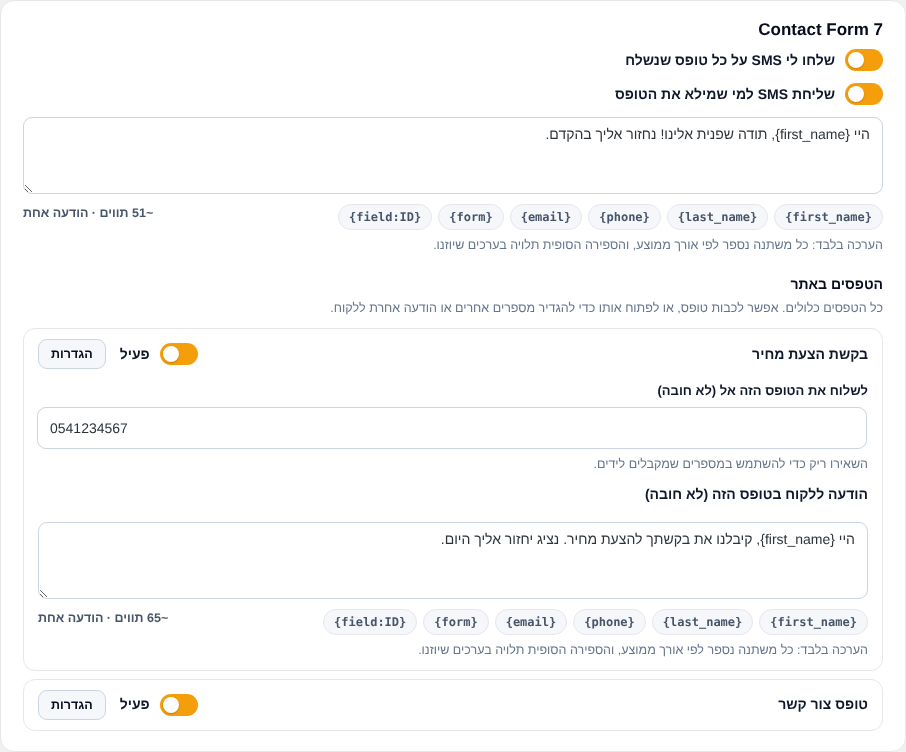
- All forms on the site are listed in one place. Turn a form off, or set different numbers or a different customer message per form.
- The customer’s mobile is detected automatically from the phone field.
- Messages are sent after the visitor already got the form response, so forms never wait and never fail because of SMS.
WooCommerce
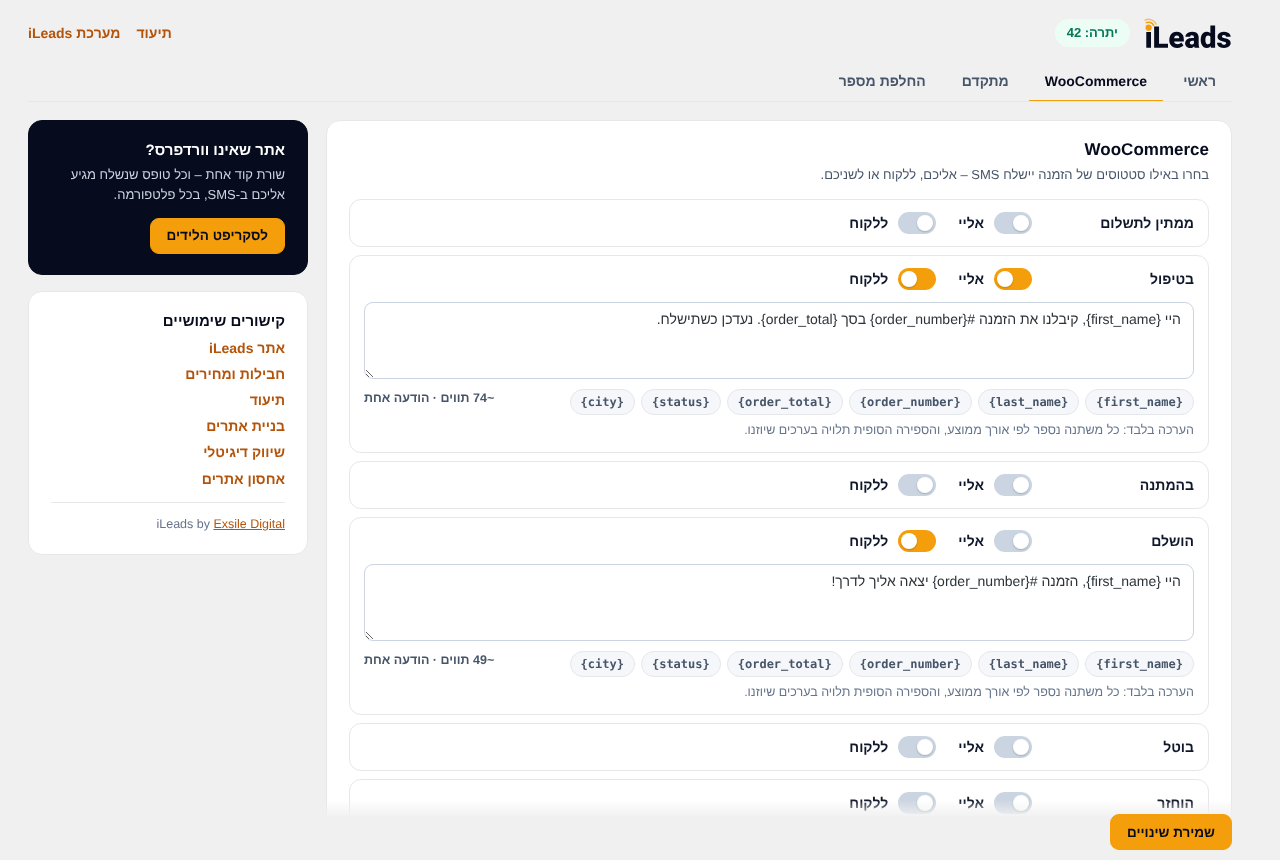
- SMS per order status – to you, to the customer, or both.
- Notes to customer can also be sent by SMS.
More
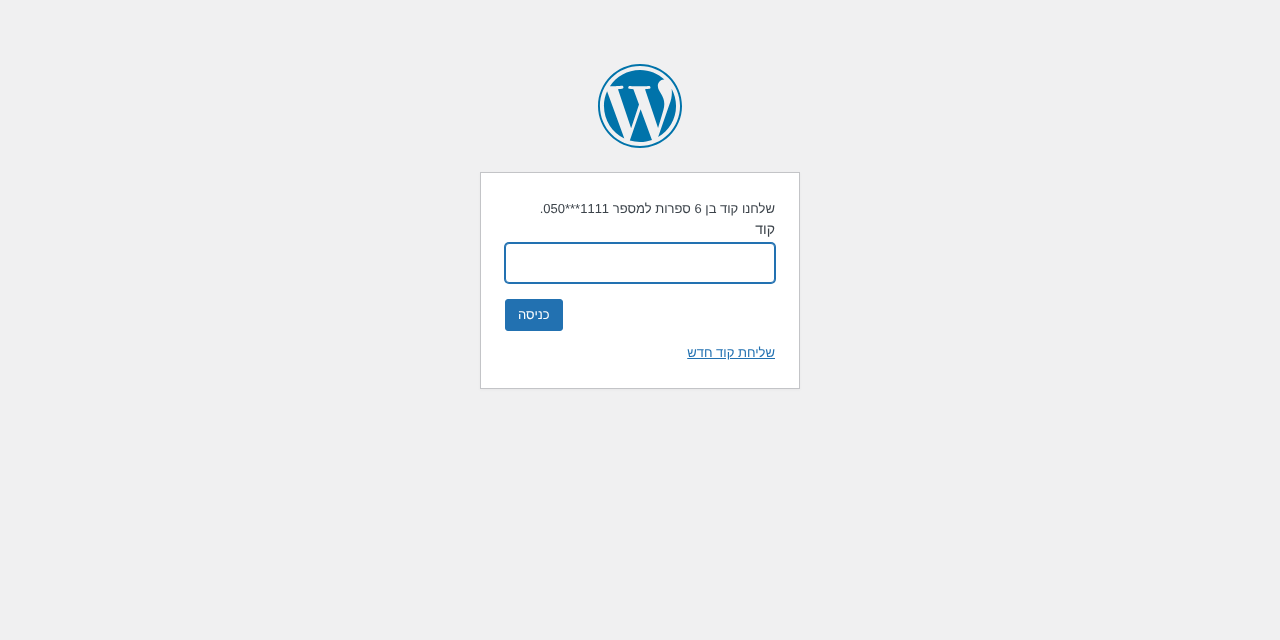
- SMS verification code at login for the roles you choose.
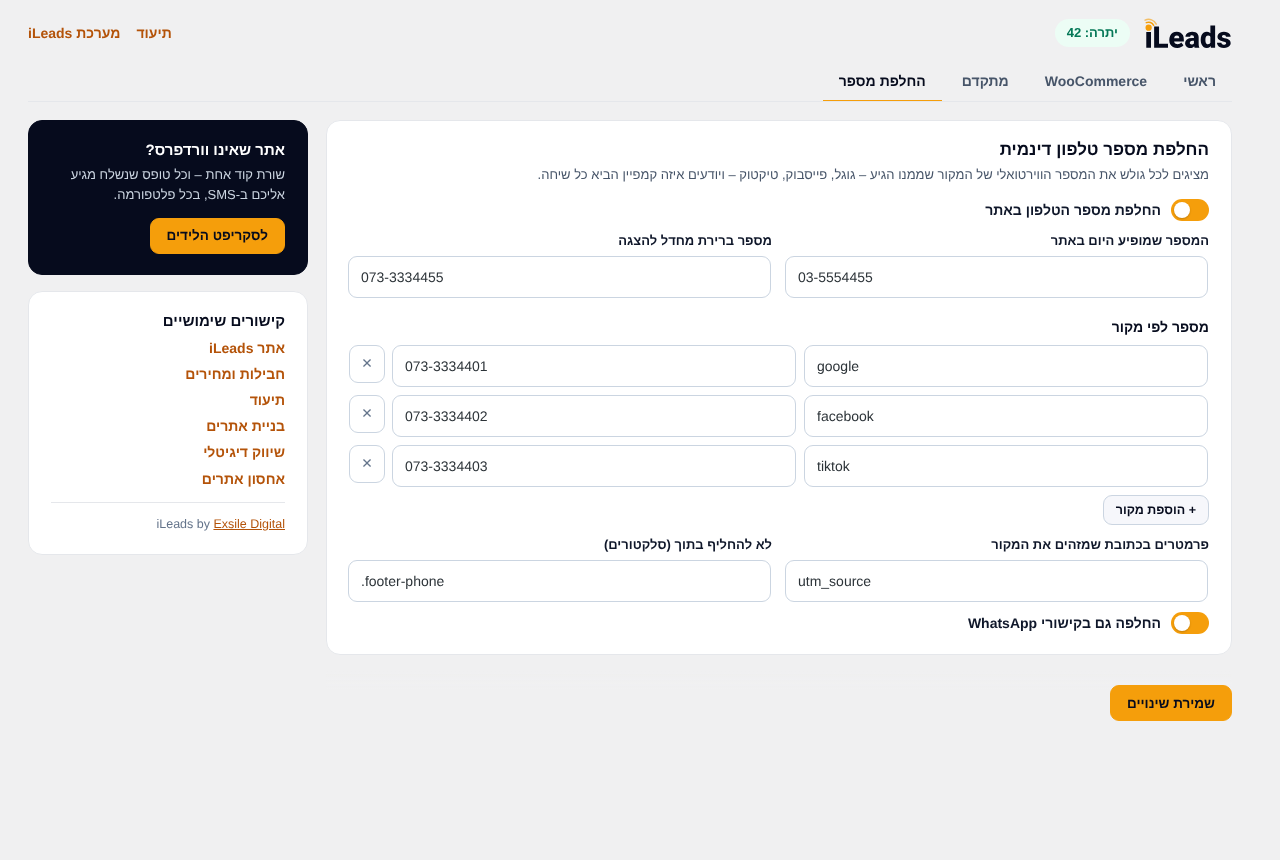
- Dynamic phone number replacement by traffic source (Google, Facebook, TikTok…), including WhatsApp links.
- Sender number verification from the settings screen.
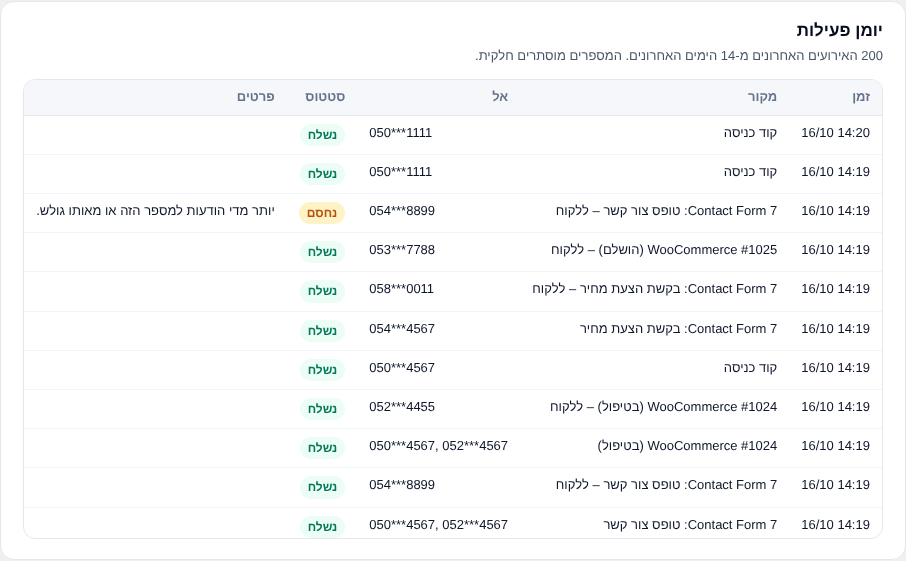
- Activity log of the last 200 events (14 days) in its own tab, with phone numbers partly hidden.
- Character counter for every message.
Works with Israeli mobile numbers only.
iLeads website · Plans and pricing · Documentation
External services
This plugin connects to the iLeads SMS service, operated by Exsile Digital, to send messages. It is used only after you enter your API key.
- SMS API –
https://api.ileads.co.il/api. Data sent: your API key (or an older API token) and username, the sender number, the recipient numbers and the message text; for login verification, the user’s mobile number and the code entered. Sent when a form is submitted, an order status changes, a login code is requested, or you use the “Check settings” / sender verification buttons. - Phone replacement script –
https://connect.ileads.co.il/v1/phone-replacer.js, loaded on your site’s pages only when phone replacement is turned on. It runs in the visitor’s browser and does not send data. A bundled copy is used if it cannot load.
Installation
- Install the plugin from the WordPress plugin directory, or upload it to
wp-content/plugins/. - Activate it.
- Go to Settings → iLeads SMS.
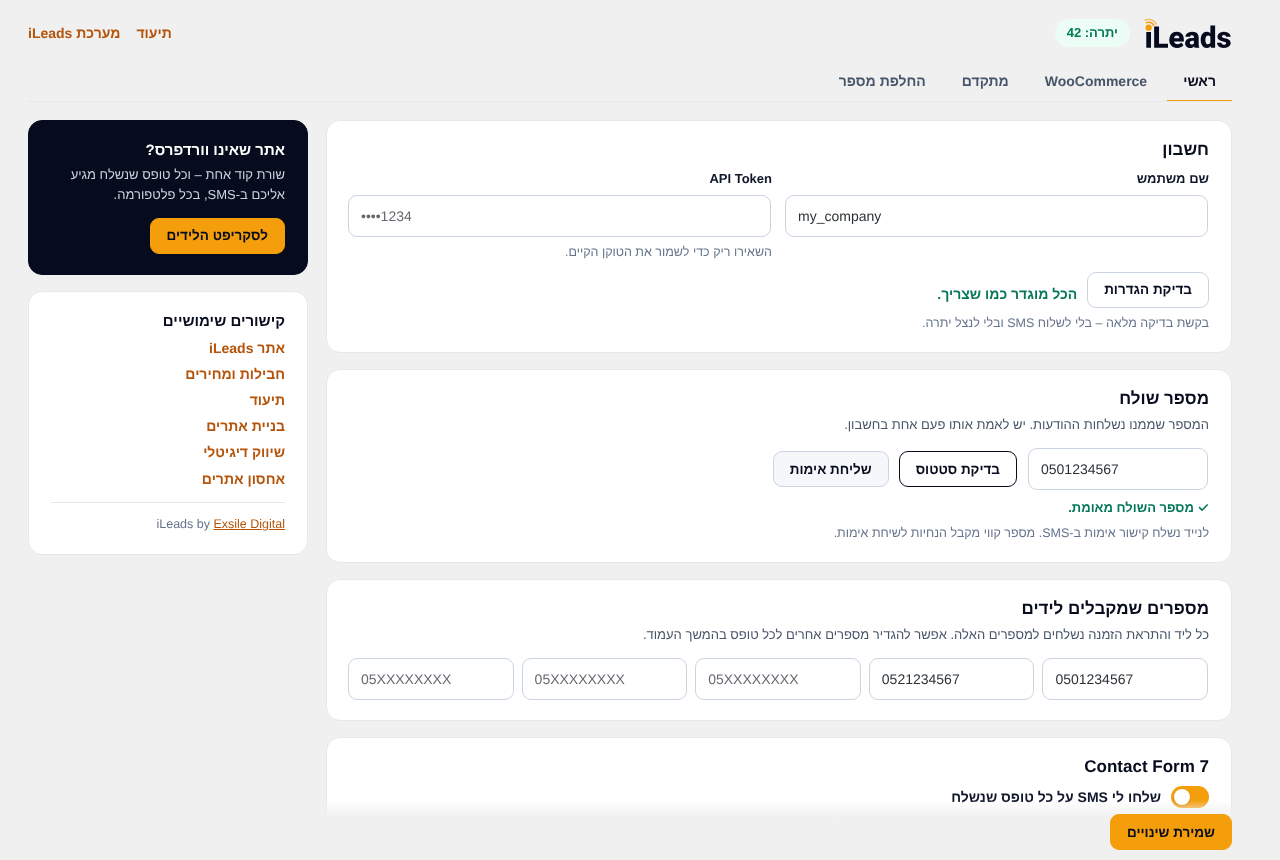
- Enter your iLeads username and paste your API key from the iLeads dashboard, then enter your sender number and the numbers that receive leads.
- In the Main tab, choose which forms to send. WooCommerce, login verification and phone replacement have their own tabs.
FAQ
Where do I get an API key?
In the iLeads dashboard (https://dash.ileads.co.il/), on the API page. See the documentation.
I have an older API token. Do I need to change anything?
It keeps working for now, together with your username. The plugin shows a reminder until you replace it with an API key from the dashboard.
I was locked out by the login verification.
Add define( 'EXSILE_SMS_DISABLE_OTP', true ); to wp-config.php, log in, fix the mobile number in your profile, then remove the line. An administrator can also unlock a user, or extend their time to verify, from the users table in the Advanced tab.
Does deactivating the plugin delete my settings?
No. Data – including the API key and username – is deleted only when you delete the plugin and chose to delete it: either with “Delete all plugin data when the plugin is deleted” in the Advanced tab, or in the question shown when you deactivate the plugin.
Screenshots
Changelog
2.0.0 – 2026-10-16
- New: iLeads brand and a new settings screen with Main, WooCommerce, Advanced, Phone replacement and Activity log tabs.
- New: WPForms, Gravity Forms, Fluent Forms and JetFormBuilder support.
- New: all forms listed in one place, with per-form on/off, numbers and customer message.
- New: WooCommerce SMS per order status, and notes to customer by SMS.
- New: SMS verification code at login for selected roles, with a users table, a 3-day setup period, longer locks after repeated wrong codes, and the billing mobile for WooCommerce customers.
- New: dynamic phone number replacement.
- New: sender number verification, “Check settings” button, account alerts in wp-admin, and a balance warning with a link to buy a package.
- New: activity log and character counter.
- Change: connects with an iLeads username and API key (password login is no longer supported). An existing API token keeps working for now.
- Change: Pojo Forms support removed (the plugin is no longer maintained).
- Security: rate limiting for SMS sent to visitors.
- Improvement: messages are sent after the visitor gets the response, with a 10-second limit and no effect on forms or checkout.
1.2.0
- Fix: Issue Fixed
1.1.1 – 2026-01-11
- Fix: Issue Fixed
1.1.0 – 2023-08-18
- New: Dynamic Phone Number – send SMS to a specific number from a specific form.
- New: Ignore Fields – ignore specific fields in all forms.
1.0.1 – 2023-06-06
- Fix: Issue Fixed
1.0.0 – 2021-09-10
- Initial release