


Description
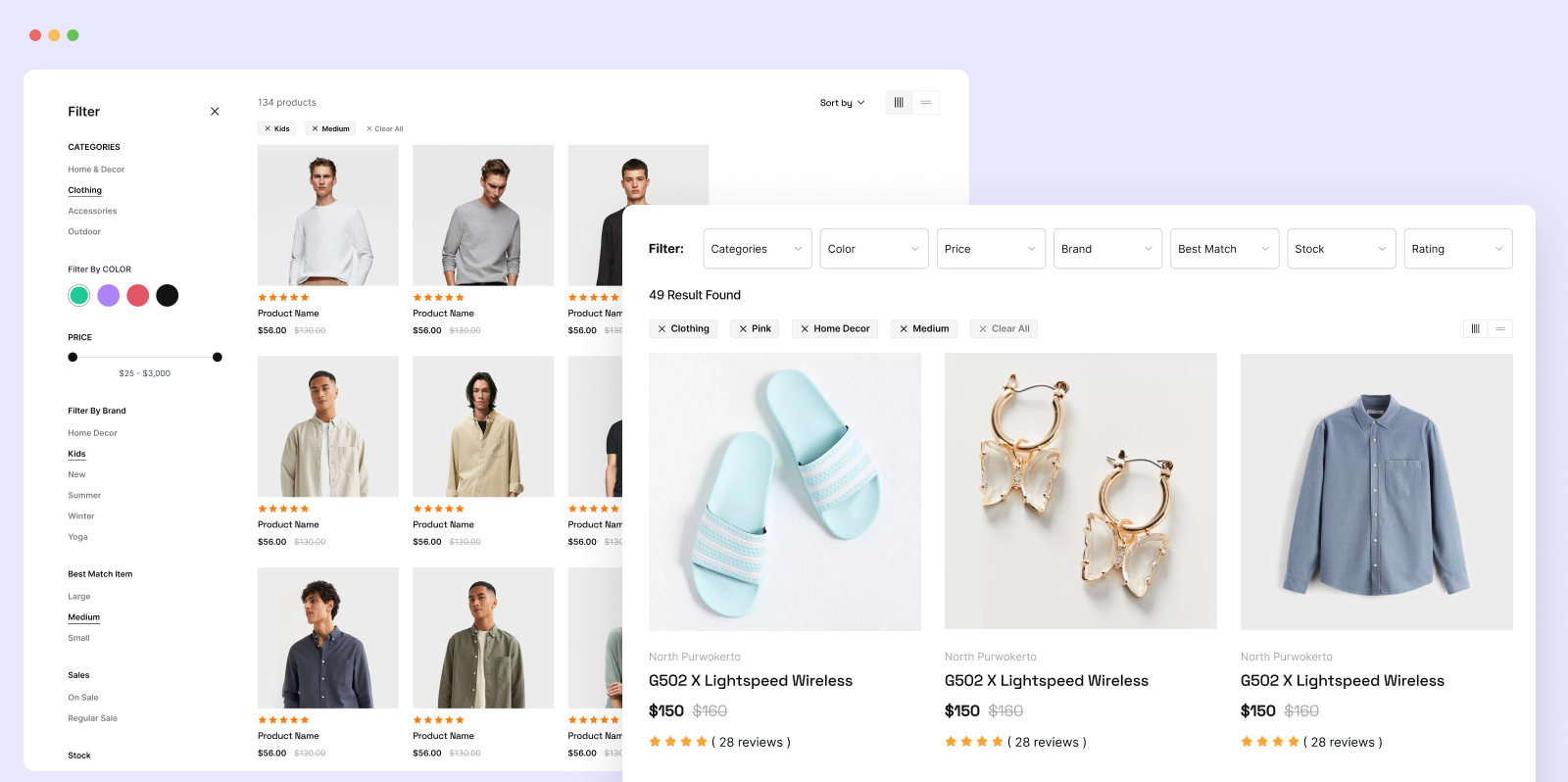
Help shoppers find the right product in a few clicks. Filter Plus adds a fast AJAX filter to your WooCommerce store. Visitors narrow products by price, rating, category, tag, attribute, color, size and stock status, and the results update instantly with no page reload.
Filter Plus also filters regular WordPress content, so one plugin covers your shop and your blog. Add a filter with a shortcode, an Elementor widget or a Gutenberg block. It works with your existing theme and products, so there is no need to rebuild your site.
👉 Live demo · Documentation · Support · Filter Plus Pro
Core features at a glance
- WooCommerce product filter – price, rating, category, tag, attribute, color, size, on sale and stock status
- WordPress post filter – filter blog posts by category, tag and author
- AJAX filtering – results update in place, with no page reload
- Combine filters – price AND category AND in stock, applied in one request
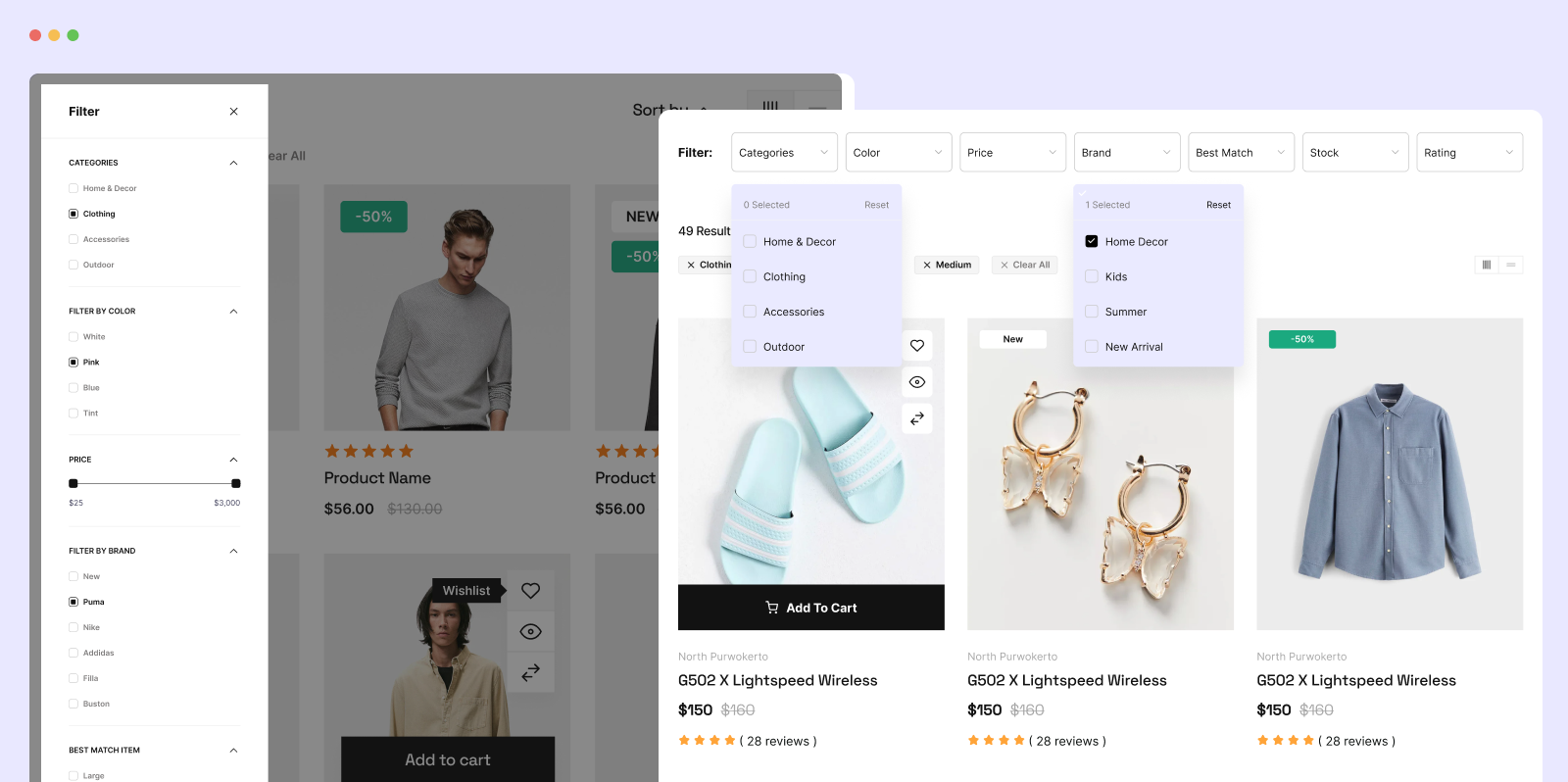
- Every control type – checkboxes, radio buttons, dropdowns, color swatches and price range sliders
- Two filtering modes – instant (auto-submit) or select several filters, then click Apply
- Active filter tags – shoppers see what is applied and remove any filter with one click
- Sorting and keyword search – sort by popularity, price, rating or newest, and search within the filtered results
- Place it anywhere – shortcode, Elementor widget or Gutenberg block
- Mobile friendly – responsive filter panel and product grid
- Developer friendly – theme template overrides and filter hooks
Why add filters to your store?
Shoppers who cannot narrow a long product list quickly tend to leave. A filter panel lets them jump straight to the size, color and price they want. That means fewer dead-end category pages, more time on site and an easier path to checkout. Filter Plus gives you that panel in a few minutes, without code.
WooCommerce product filter (free)
- Filter by price range – drag the slider or type a minimum and maximum. Works with variable products and sale prices.
- Filter by rating – show only 4-star or 5-star products, using native WooCommerce review data.
- Filter by category and tag – including sub-categories, with product counts and an option to hide empty categories.
- Filter by attribute – color, size, material, fit or any WooCommerce attribute, with color and size swatches.
- Filter by stock and sale status – in stock, backorder, out of stock, on sale or regular price.
- Reset button – clear every filter in one click.
- Product grid options – grid, list or masonry layout, columns, items per page, numbered pagination or load more, and a left or right filter bar.
- AJAX add to cart – with custom Add to Cart button text.
- Lightweight images – product thumbnails use the
woocommerce_thumbnailsize, so filtered grids stay fast. - WPML and RTL ready.
WordPress post filter (free)
- Filter blog posts by category, tag and author.
- Combine several filters in one AJAX request.
- Grid layout with pagination or load more.
- Add it with the Wp Filter shortcode, Elementor widget or Gutenberg block.
How Filter Plus works
Filter Plus shows a complete filter + results layout: the filter panel on one side and a matching product (or post) grid on the other. You place this layout on any page you like, such as your shop page, a landing page or a category page.
- The filter controls and the results grid are built to work together, so filtering looks and behaves the same across themes.
- You choose the grid style, columns, items per page and which product details to show.
- With Filter Plus Pro, the layout can also replace the default WooCommerce shop, category and tag pages automatically.
Filter Plus Pro
Filter Plus Pro unlocks everything in the free version, plus:
More content to filter
- Custom post type filter – filter portfolios, events, listings, properties or any registered post type
- Custom field filter – filter by ACF, Meta Box or any post meta, plus authors, dates and custom taxonomies
- Multiple custom fields – combine several fields in one filter widget
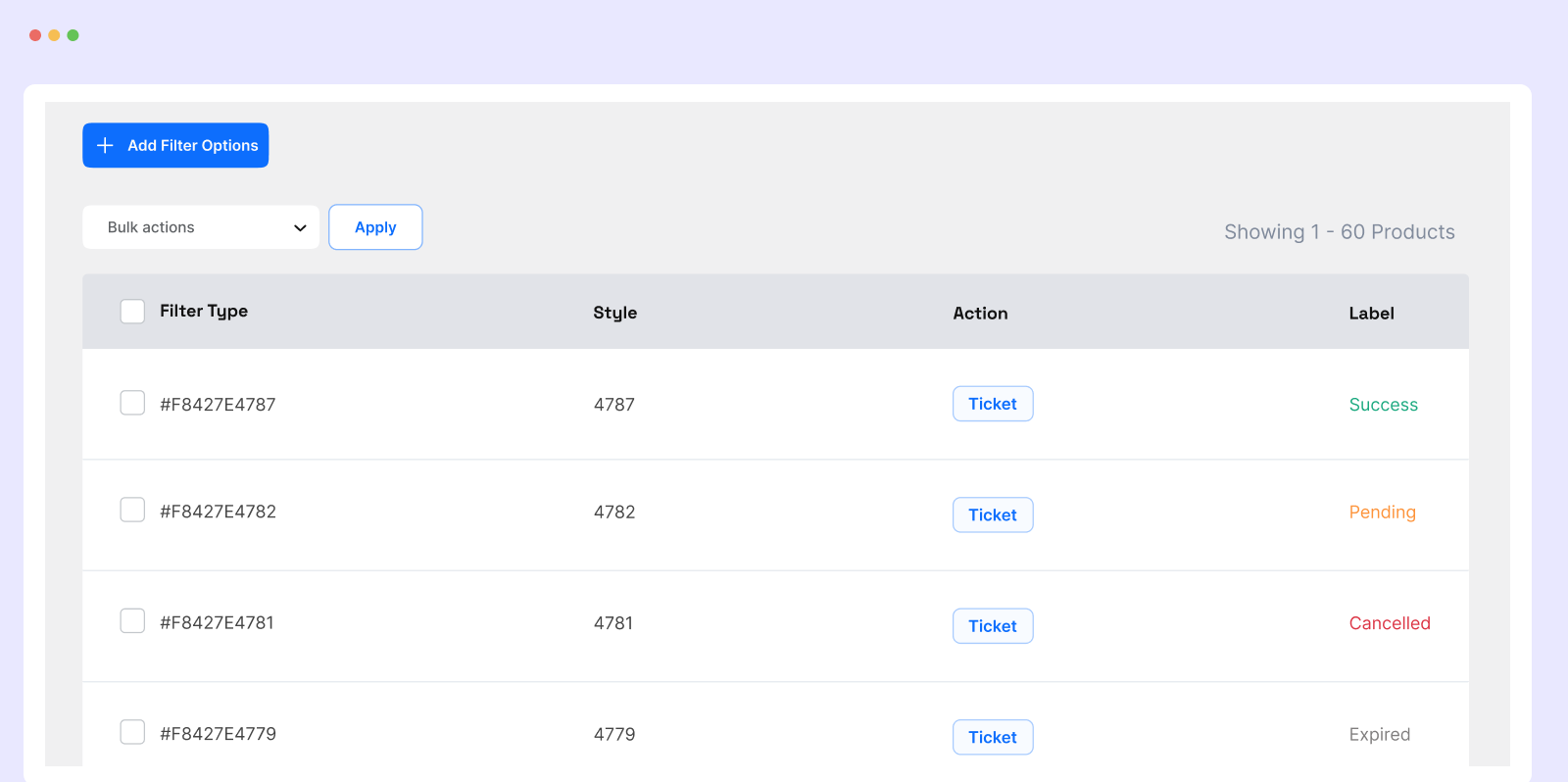
- WooCommerce admin order filter – filter orders by product, status, date and customer, to spot best sellers and track fulfillment
Store-wide layouts
- Shop archive replacement – show the Filter Plus layout on the WooCommerce shop, category and tag pages automatically
- Category layout navigation – clicking a category opens its category page with the same filter template
- More pre-built templates – ready-made product and post filter designs, including horizontal, sidebar and floating layouts. Pick one and go live without designing from scratch.
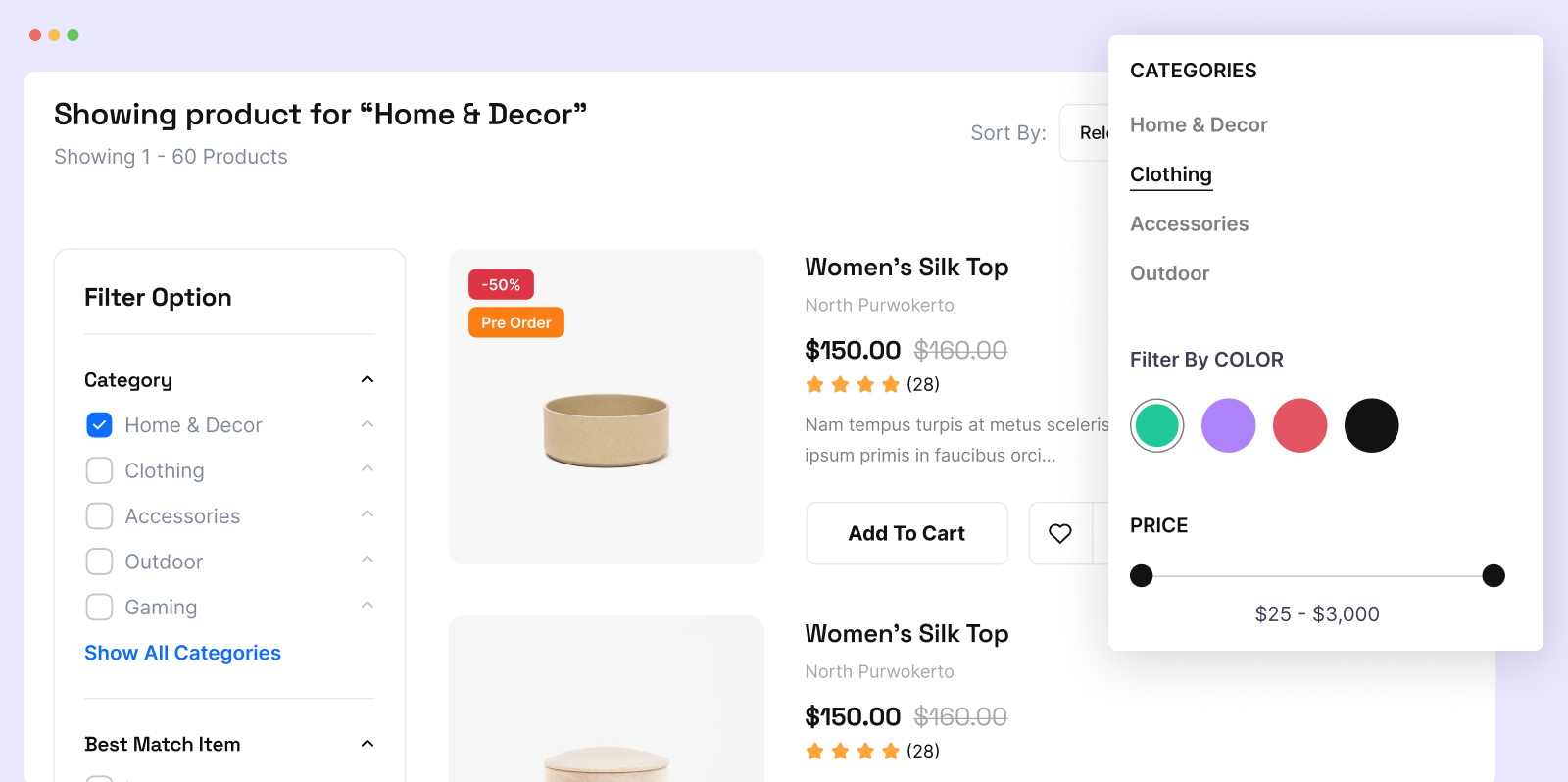
- 6 category filter templates – show categories as a list, checkboxes, dropdown, radio buttons, images or text links
- Style customization – match your brand with full control over colors, typography, borders, spacing and padding for the filter panel, plus separate styling for product titles, prices, ratings and cart buttons
- Drag and drop filter order – reorder filter sections and the front-end sidebar follows the same order
- Image size control – choose any thumbnail size or set a custom width and height
SEO and builders
- SEO-friendly filter URLs – clean, indexable URLs such as
/color-blue/brand-acer/that Google can crawl and GA4 can report on - Bricks Builder and Oxygen Builder support
- Priority support and all upcoming Pro features
Compatible with
- WooCommerce and WordPress posts
- Page builders: Elementor, Gutenberg (block editor), Bricks Builder (Pro), Oxygen Builder (Pro)
- Custom fields: Advanced Custom Fields (ACF) and Meta Box (Pro)
- Multilingual: WPML, plus full RTL support
- Caching: WP Rocket, LiteSpeed Cache and WP Super Cache
- Themes: Astra, Storefront, Flatsome, Divi, OceanWP and most WooCommerce themes
- WPBens plugins: Discountify discount prices show correctly in filtered results
More plugins from WPBens
- Discountify – WooCommerce discount rules, BOGO and dynamic pricing
- MemberHub – memberships and content restriction
- Quicker – quick buy and checkout optimization for WooCommerce
- Bens Email Marketing & Automation – newsletters, automation and CRM
- MenuBook – restaurant set menus and table reservations for WordPress
Installation
Automatic installation
- In your WordPress dashboard, go to Plugins → Add New.
- Search for Filter Plus.
- Click Install Now, then Activate.
Quick start: add a WooCommerce product filter
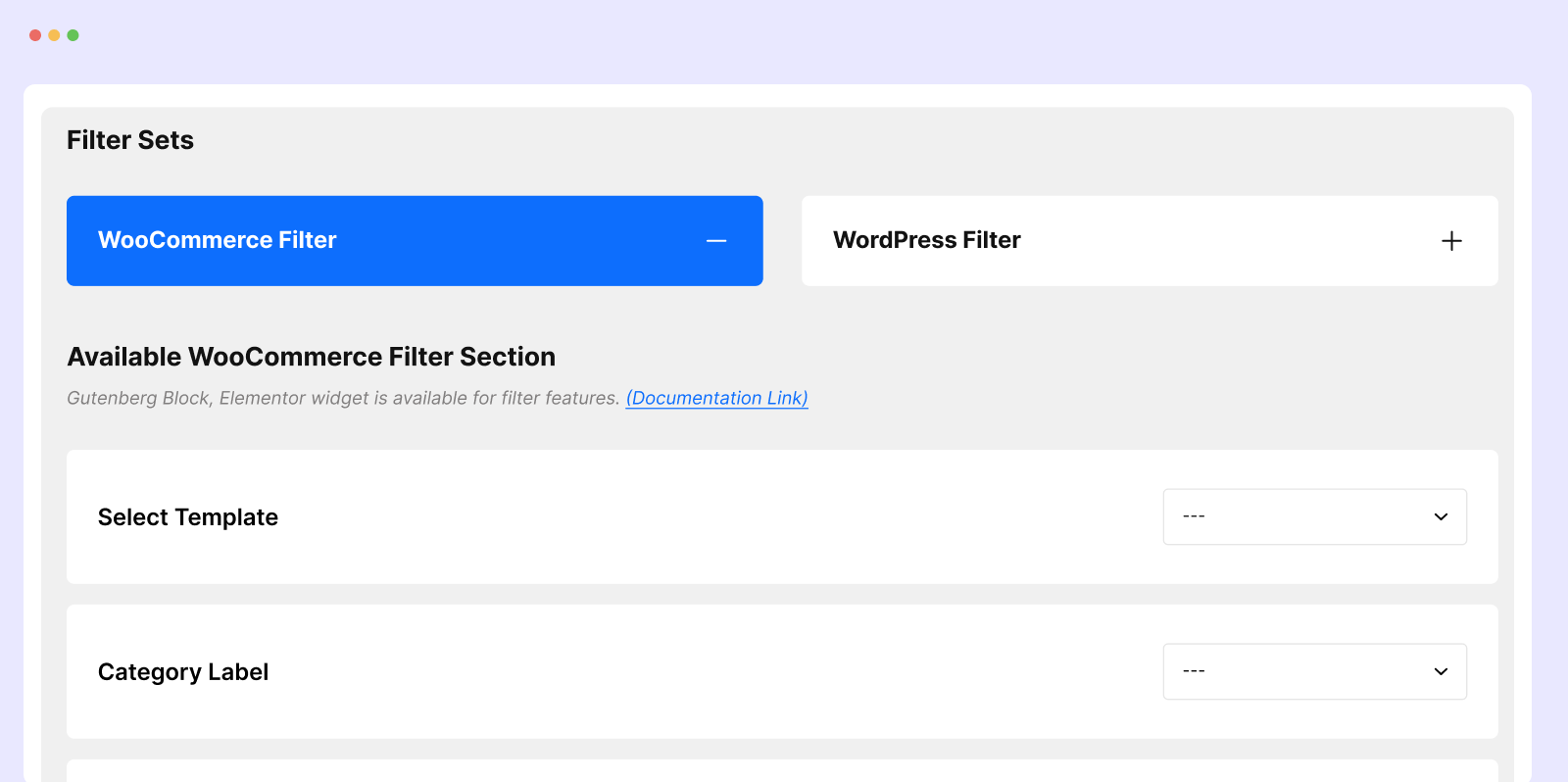
- Go to Filter Plus in your admin sidebar.
- Create a filter set and choose your filters (price, category, rating, attributes and more).
- Add the filter to a page in one of these ways:
- Shortcode: paste
[filterplus]into any page. - Elementor: drag the Woo Filter widget onto the page.
- Gutenberg: add the Woo Filter block.
- Shortcode: paste
- Publish the page and test the filters on the front end.
For a blog post filter, use the Wp Filter widget or block instead.
Manual installation
- Download the plugin ZIP from this page.
- Go to Plugins → Add New → Upload Plugin and upload the ZIP.
- Activate Filter Plus.
Need help? Read the setup guide or contact support.
FAQ
What is Filter Plus?
Filter Plus is a WooCommerce product filter and WordPress post filter plugin. It adds AJAX filtering by price, rating, category, tag, attribute, color, size and stock status to your store, and filters blog posts by category, tag and author. Filter Plus Pro adds custom post types, custom fields, SEO URLs and the admin order filter.
Is Filter Plus free?
Yes. The free version has no time limit and includes the WooCommerce product filter, the blog post filter, AJAX filtering, the Elementor widget, the Gutenberg block and the shortcode. Filter Plus Pro, from $29 per year, adds custom post type and custom field filters, more pre-built templates, style customization, SEO-friendly filter URLs, Bricks and Oxygen support and the admin order filter.
What is the difference between Filter Plus Free and Pro?
The free version filters WooCommerce products and blog posts. Pro filters any custom post type and custom field (ACF, Meta Box), replaces your shop and category pages with the Filter Plus layout, adds more pre-built templates and full style customization, creates indexable SEO filter URLs, supports Bricks and Oxygen, and adds a WooCommerce admin order filter.
Where are the filtered results displayed?
Filter Plus shows results in its own product or post grid, next to the filter panel, wherever you add the shortcode, widget or block. This keeps filtering fast and consistent across themes. To use the layout on the default WooCommerce shop and category pages automatically, enable the archive layout option in Filter Plus Pro.
How do I add a product filter to my WooCommerce shop page?
Create a filter set under Filter Plus in your admin sidebar. Then edit your shop page and add the [filterplus] shortcode, the Elementor Woo Filter widget or the Gutenberg Woo Filter block. Publish the page and your shoppers can filter products instantly.
Does Filter Plus work with Elementor and Gutenberg?
Yes. After activation, the Woo Filter and Wp Filter widgets appear in the Elementor panel, and the Woo Filter and Wp Filter blocks appear in the block inserter. Configure filters, layout and styling in the widget or block settings, then publish.
Does Filter Plus work with Bricks Builder or Oxygen?
Yes, with Filter Plus Pro. Pro adds Bricks Builder and Oxygen Builder support so you can place the filter inside those layouts.
Can I filter custom post types or ACF fields?
Yes, with Filter Plus Pro. Pro filters any registered custom post type, such as portfolios, events or property listings, by custom fields from ACF, Meta Box or post meta, as well as authors, dates and custom taxonomies. The free version filters regular blog posts by category, tag and author.
Does Filter Plus work without WooCommerce?
Yes. The blog post filter works on any WordPress site, with or without WooCommerce.
Will Filter Plus slow down my site?
Filter Plus loads results with AJAX instead of reloading the page, and product images use the standard WooCommerce thumbnail size. It is tested with WP Rocket, LiteSpeed Cache and WP Super Cache. As with any plugin, check your own pages with PageSpeed Insights after setup.
Does Filter Plus work with my theme?
Filter Plus works with most WooCommerce themes, including Astra, Storefront, Flatsome, Divi and OceanWP, because it renders its own filter and results layout. You can also override any template from your child theme. If something looks wrong with your theme, open a support request and we will help.
Can I customize the filter design?
Yes. The free version lets you choose the layout, grid columns and which product details appear. Filter Plus Pro adds more pre-built templates and full style customization: colors, typography, borders, spacing and per-element styling for titles, prices, ratings and cart buttons. Developers can also copy templates into your-theme/filter-plus/templates/ and use the filterplus_product_thumbnail_size hook.
Where can I get support?
Post in the WordPress.org support forum or contact us through wpbens.com/support. Pro customers get priority support.
Screenshots
Changelog
1.1.48 (November 16, 2026)
- New: Template 9 “Variation Cards” (Pro): variable products show their options as buttons on the card (e.g. Weight: 100g / 500g / 1kg), the price updates when an option is picked, and shoppers set a quantity and add the chosen variation to the cart with the cart icon.
- New: Template 9 is available in the [filter_products] shortcode, Elementor, Gutenberg and Bricks, and in the Product Archive / Category Layout settings.
- New: Template 9 sidebar uses the standard filters with its own gold-and-cream style, plus a styled “Sort by” dropdown above the product grid.
1.1.47 (November 15, 2026)
- Fix: Post Filter template 1 search box now shows its full placeholder text (“Search posts…”).
- Tweak: Post Filter template 1 sidebar: categories show a radio marker for the selected item, tags are pill buttons that no longer shift when selected, and author/custom-field options are stacked with larger click areas.
- Tweak: Post Filter template 1 sidebar sections have even spacing with dividers, consistent headings, and a clearer Reset link.
- Tweak: Post Filter template 1 cards: the whole card is clickable and links open in the same tab, category and tag badges are styled differently, titles are limited to 2 lines, and the post date is shown.
- Tweak: Post Filter template 1 results: active-filter chips with a remove button, a clearer “Clear all” link, a styled empty message, and a dimmed grid while loading.
- Fix: Gutenberg editor no longer crashes after clicking a post in the Post Filter preview; links in the preview are disabled so the click selects the block instead.
- Fix: Elementor editor now shows posts in the Post Filter widget preview (all templates).
- Fix: Elementor editor preview of Post Filter template 1 shows posts in a 3-column grid instead of one per row.
1.1.46 (November 14, 2026)
- New: “List” layout option for the Stock and On Sale filters (Pro).
- Fix: Filter sections open and close smoothly, and the arrow now matches the open/closed state on load and after every click.
- Tweak: Stock and On Sale filters get a collapsible heading with an arrow, like the other filters.
1.1.45 (November 14, 2026)
- Fix: Gutenberg editor preview now loads the Pro stylesheet inside the editor canvas, so templates 3-8 look the same in the editor and on the frontend.
- Fix: Gutenberg editor preview now shows the product count and pagination like the frontend.
- Fix: Elementor widget now passes Product Attributes settings to the frontend, so colour dots and attribute chips show on product cards.
- New: Elementor widget gets the Show Product Attributes and Attribute List options.
- Fix: Elementor editor preview now shows Rollover Image, Gallery Slider and product attributes.
- Tweak: Elementor Rollover Image and Gallery Slider switches stay visible; turning one on turns the other off.
- Tweak: Gutenberg block multi-select options (Filter Order, Tags, Brands, Attributes, Attribute List) are now searchable select fields.
- Fix: PHP warning for a missing rollover effect setting.
1.1.44 (November 13, 2026)
- Fix: Product attributes now appear under the price in every template instead of inside image/hover overlays.
- Tweak: Card attributes show as colour dots (all store colours, product colours ringed) and value chips.
- Tweak: Gallery Slider now works in templates 1 and 2 when Pro is active.
- Tweak: Moved Template 7 sidebar and grid styles to Filter Plus Pro.
1.1.43 (November 12, 2026)
- Tweak: Filter Sets list now uses a compact shortcode field with a full-value Copy action and a simpler page header.
- Tweak: Clarified the exclusive rollover and gallery slider image modes, and keep both switches enabled while turning the other mode off.
1.1.42 (November 11, 2026)
- New: Category checkbox layout is available in the free version.
- Tweak: Improved category, rating, reset and price range layout across desktop and mobile sidebars.
- Fix: Reset links now follow checkbox selection state and align below their options.
- Fix: Load More button styling and tablet/mobile results layout.
1.1.41 (November 6, 2026)
- New: “Filter Plus Pro — 50% Off” banner on Filter Plus admin pages while Pro is not active (dismissible for 7 days).
- Fix: Filter Sets live preview stayed blank (“Preview not allowed”) for users who can open Filter Sets but are not administrators. New filter
filterplus_filter_set_preview_capability. - Fix: Duplicate-copy guard in the main plugin file stopped Filter Plus from loading at all, which caused a critical error with Filter Plus Pro.
1.1.40 (November 4, 2026)
- New: Brand Filter for WooCommerce products with Checkbox, Radio and Image (logo) templates (Pro). Works with WooCommerce Brands, Perfect Brands for WooCommerce and YITH WooCommerce Brands.
- New: Brand Filter options in the shortcode generator, Elementor, Gutenberg and Bricks widgets. New shortcode attributes
show_brands,brand_template,brand_label,brands,brand_orderby,hide_empty_brandandbrand_count. - New: Brand Filter can be reordered with the other filter sections (
filter_orderkeybrand). - New: “Filter Order” drag and drop section in the Elementor WooCommerce and WordPress filter widgets (Pro).
- New: Builder notice when the brand section is hidden because no brands (or no visible products) are found.
- Fix: Show/hide options (Show Brands, Show Tags, Stock, On Sale, etc.) now open correctly when editing a saved filter set.
- Fix: Loading spinner on Save / Update Filter Set now stays inside the button; a failed save no longer leaves it spinning.
- Fix: “Hide Empty Brands” also hides brands whose products are all hidden from the catalog.
- Tweak: All Elementor widget Style sections are Pro, with an upgrade notice like the other Pro controls.
1.1.39 (November 3, 2026)
- New: Live preview of the filter sidebar on the Filter Sets page, rendered with the real front-end templates.
- New: Filter settings grouped into collapsible sections (General Settings, Search, Category, Color, Size, Tag, Attribute, Price Range, Review, Stock, On Sale, Author, Custom Field).
- New: Drag and drop to reorder filter sections; the front-end sidebar follows the same order (Pro). New
filter_ordershortcode attribute. - New: “Show Search” option to show or hide the search box (
show_searchshortcode attribute). - New: Title field defaults to “Filters”; leaving it empty removes the sidebar title.
- Fix: Price range min/max inputs now filter products.
- Fix: Saved filter set shortcodes now include the section order.
- Fix: Filter Sets preview and shortcode no longer break when a Pro-only template is selected without Pro.
- Tweak: Asset versions use file modification time for cache busting.
- Tweak: Improved the Filter Sets form header, buttons, selected tag chips, “Upgrade to Pro” badge and grid column inputs (one row).
- Tweak: “WooCommerce Filter” tab renamed to “WooCommerce Product Filter”; “Select Type” moved before Category Filter in the WordPress filter.
1.1.38 (November 3, 2026)
- Tweak: Improved the Style 1 page title design.
- Tweak: Improved the responsive layout.
1.1.37 (November 2, 2026)
- New: Elementor widget style controls for Add to Cart button text color and typography.
1.1.36 (November 2, 2026)
- Tweak: Improved the dashboard overview.
- Tweak: Improved the responsive view of the filter layout.
1.1.34 (September 1, 2026)
- Fix: AJAX re-filtering, product thumbnail size and the pagination result count now recognize Template 8 instead of falling back to Template 1 (Template 8 ships in Filter Plus Pro 1.0.66+).
1.1.33 (September 1, 2026)
- Tweak: Attribute filter label falls back to the attribute name when no custom label is set.
1.1.32 (September 1, 2026)
- New: Template 8 (Pro) option in the shortcode, Elementor, Bricks and Gutenberg template selectors.
1.1.31 (August 30, 2026)
- New: Style controls for the filter panel (text color, typography, border, margin, padding) and the results grid (title, price, review, cart icon) in Woo Filter and Wp Filter widgets.
- Tweak: New Woo Filter widget icon.
- Tweak: Replaced the old Title Style section with the new layout style controls.
1.1.30 (August 29, 2026)
- Tweak: Improved the Filter Sets page.
1.1.29 (August 26, 2026)
- New: Add to Cart button text option.
- New: Image Size option (Pro) with custom width and height.
- New:
filterplus_product_thumbnail_sizefilter hook. - Fix: Product thumbnails now use
woocommerce_thumbnailinstead of oversized images. - Fix: Missing size classes on the placeholder image.
- Fix: Add to Cart spinner and checkmark position.
- Fix: Uneven card heights in Template 2 with masonry off.
- Tweak: Renamed “Display” labels to “Show” in result settings.
1.1.28 (August 7, 2026)
- Fix: Category archive page showed products from all categories.
1.1.27 (July 25, 2026)
- New: Show the Filter Plus layout on product archive pages (Pro), with a template picker.
- Fix: Archive layout missing product title, description, price and Add to Cart.
- Fix: Category filter hidden on category and tag archives when the archive layout is active.
1.1.26 (June 26, 2026)
- Tweak: Gutenberg editor preview shows products immediately for all templates.
- Fix: Product results area blank on first page load.
- Fix: Attribute options not loading in the block editor.
1.1.25 (June 13, 2026)
- New: Theme template overrides from
filter-plus/templates/in your child or parent theme.