


Description
Flush OPcache
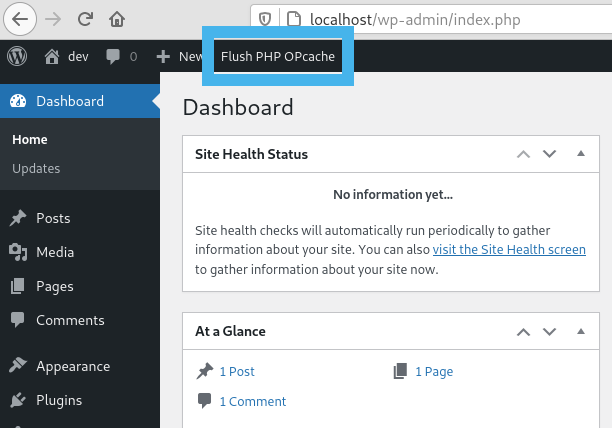
- creates a button in admin bar to flush OPcache
- flush only files in WordPress absolute path
- individual or bulk file invalidation
- support both memory and file caching
- support multisite
OPcache Statistics
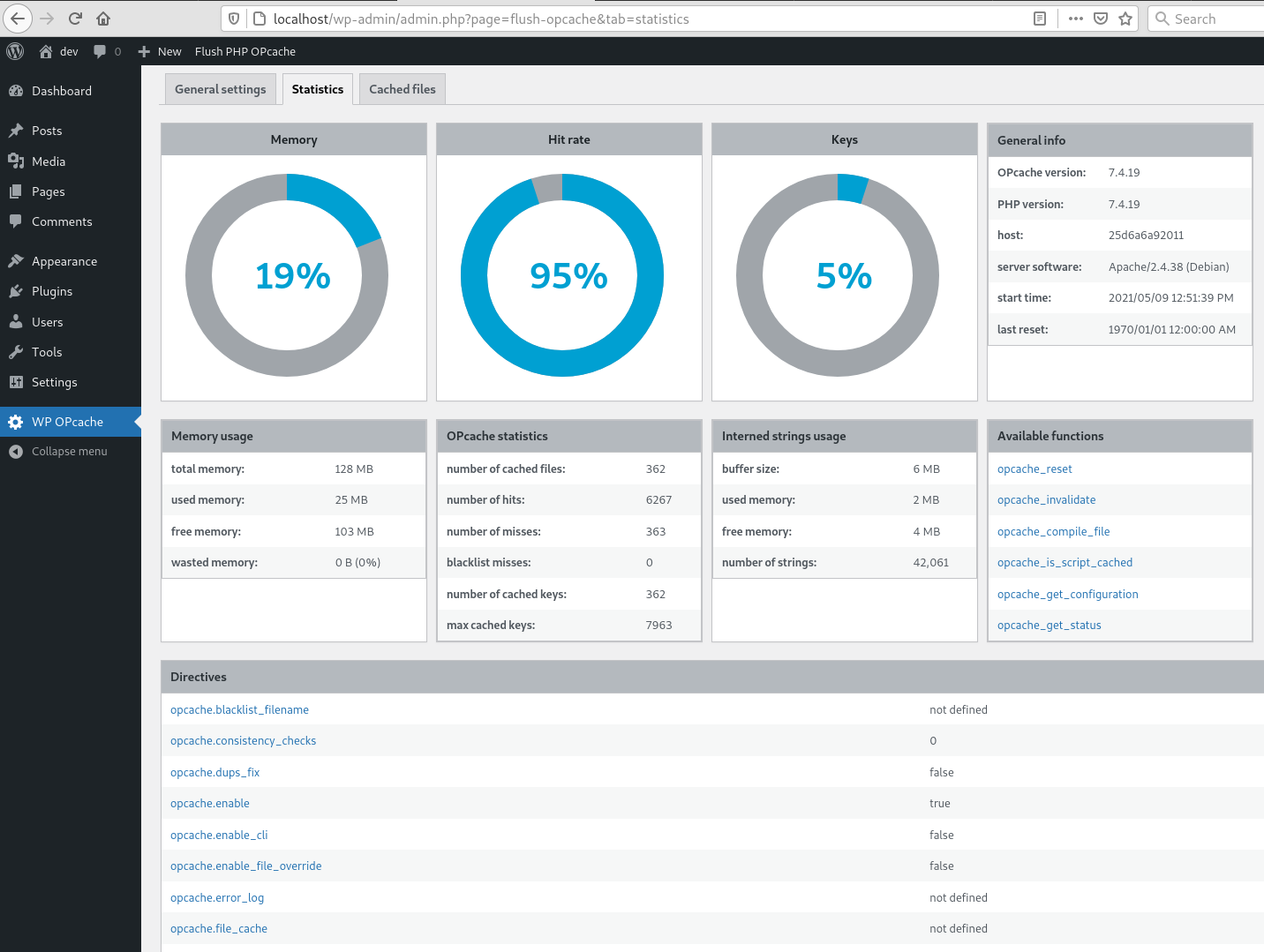
- memory, hits, strings and keys statistics
- directives, functions and general informations
- list all files
- fully responsive
WP CLI ready
- add flush-opcache command to flush cache with cli:
wp flush-opcache flush - don’t forget to add
opcache.enable_cli=1to your PHP configuration
There are three tabs in admin page under Tools:
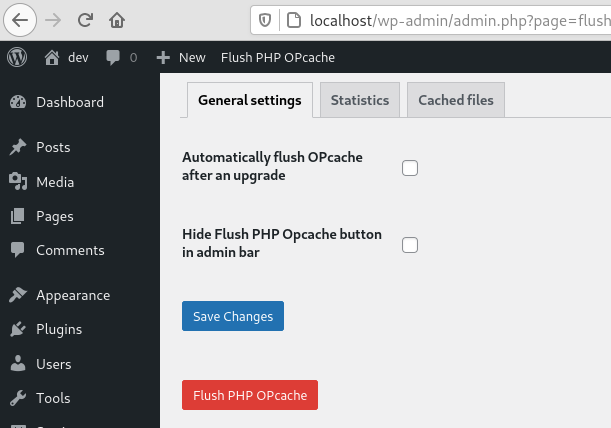
- General settings: plugin settings
- Statistics: responsive dashboard about OPcache statistics
- Cached files: list of cached files with the possibility of invalidating them
Installation
As usual…
Screenshots



Changelog
4.3.0
- Fix i18n bugs
- Fix bug in multisite mode
- Support Windows/IIS files listing
- Fix bug in cached files list where timestamp is not set
- Add OPcache JIT statistics to dashboard
- Better detection of OPcache
4.2.3
- Ensure user is admin or superadmin to display flush button in admin bar
- Ensure to not continue if OPcache is disabled or not installed to avoid printing PHP errors
4.2.1
- Maintenance release
- Menu moved under Tools
4.2.0
- Add CLI support
4.1.4
- Fix a bug on clearing cache after upgrade
- Flush files even when WP use its own directory
- Use WordPress 6.0 as default
- Use php8.0 as default
4.1.3
- Fix a bug on datetime in cached file list
4.1.2
- Fix a bug with ABSPATH when WordPress uses its own directory
4.1.1
- Tested up to WordPress 5.8
4.1.0
- Remove i18n (use translate.wordpress.org)
- Use wp_opcache_invalidate instead of opcache_invalidate
4.0.1
- Enhance README.txt
- Remove old screenshots
4.0.0
- Invalidate files only in WordPress absolute path
- Use tabs instead of pages in admin area
- New tab with cached files list
- Tested up to WordPress 5.7.1
Full changelog here