


Description
GS Pinterest Portfolio brings your Pinterest pins onto your website. Enter a Pinterest username, and optionally a board name, and your latest pins appear in a clean masonry grid that keeps itself up to date. There’s no Pinterest app or API key to set up.
Use it to show your work, recipes, products, mood boards or inspiration, and to send visitors to your Pinterest profile to follow you.
👉 Live demo · Documentation · Pro features · Pricing · Support
Who it’s for
- Designers, artists and photographers: a portfolio page that updates every time you pin.
- Food, craft, fashion and home bloggers: your boards next to your posts.
- Shops and brands: product and lifestyle boards that grow your Pinterest following.
- Wedding and event planners: inspiration boards for clients.
Why site owners choose GS Pinterest Portfolio
- No API key needed: just a Pinterest username and, if you like, a board name.
- Always up to date: pins sync automatically, daily, weekly or every 15 days, or with one click.
- Looks right on every screen: set columns and spacing for desktop, tablet and mobile.
- Works with your builder: Gutenberg block, Elementor, Divi, WPBakery, Beaver Builder and Oxygen.
Free features
- Pins from a profile or a board: your latest pins, or the pins on one board.
- Pins theme: a masonry grid of pins, with pin titles on or off.
- Board theme: an embedded Pinterest board.
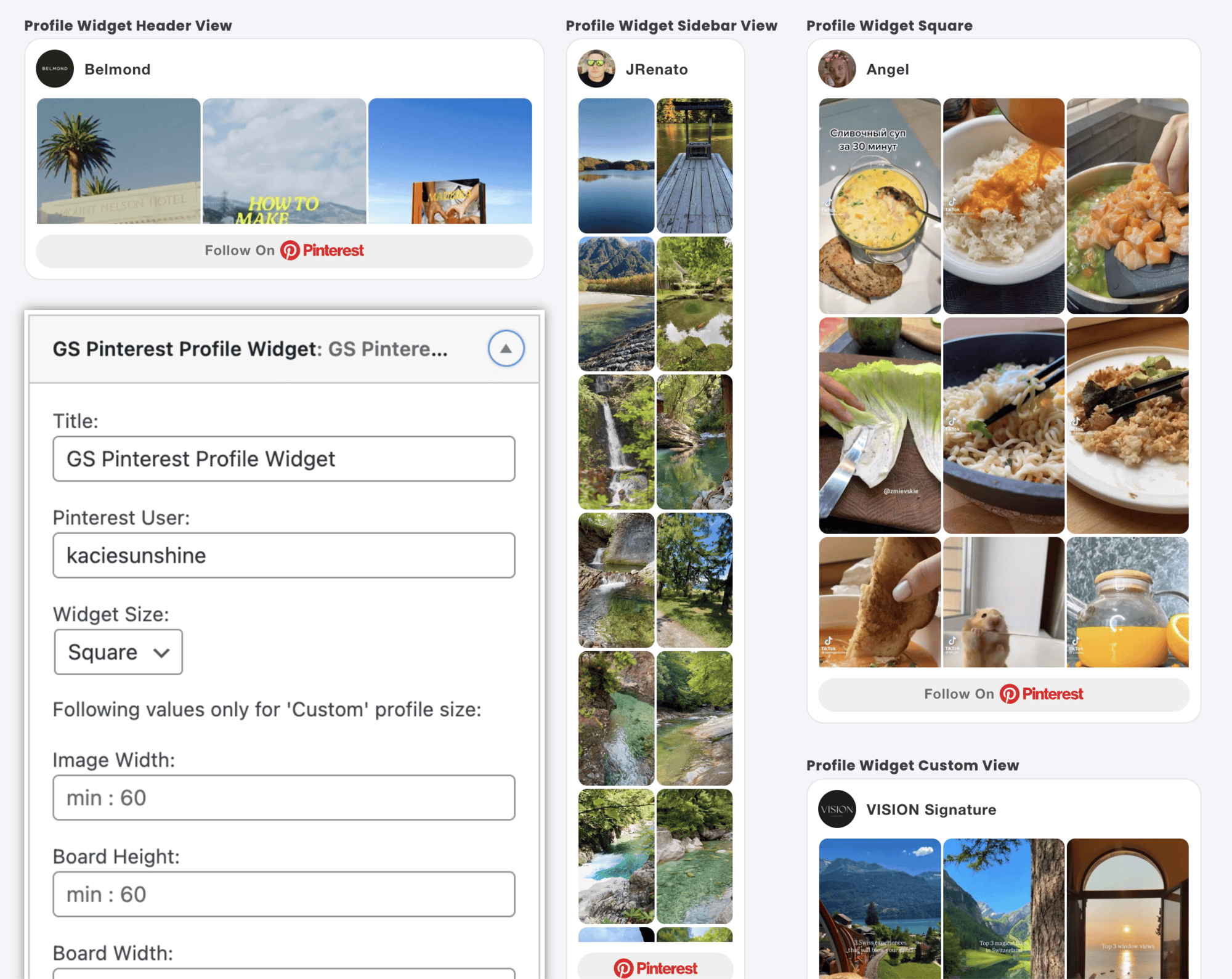
- 4 widgets: Pinterest profile, board, single pin and follow button, for sidebars and footers.
- Video pins with autoplay.
- Number of pins to show.
- Responsive columns and spacing for desktop, tablet and mobile.
- Open pins in a new tab or the same window.
- Automatic sync with a “Sync now” button.
- Lazy loading, custom CSS and template overrides in your child theme.
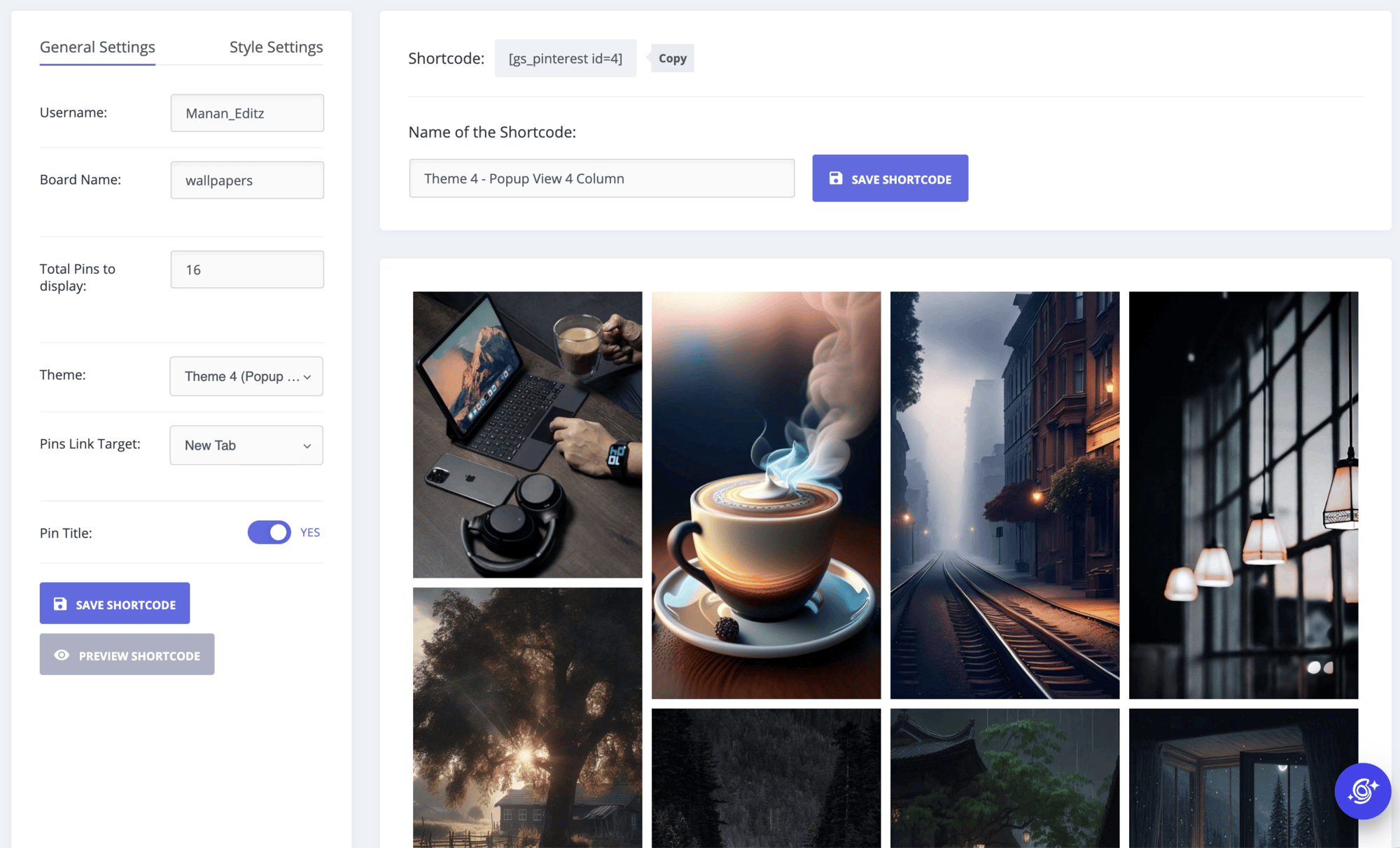
- Shortcode builder with live preview.
- Translation ready.
Pro features
GS Pinterest Portfolio Pro adds:
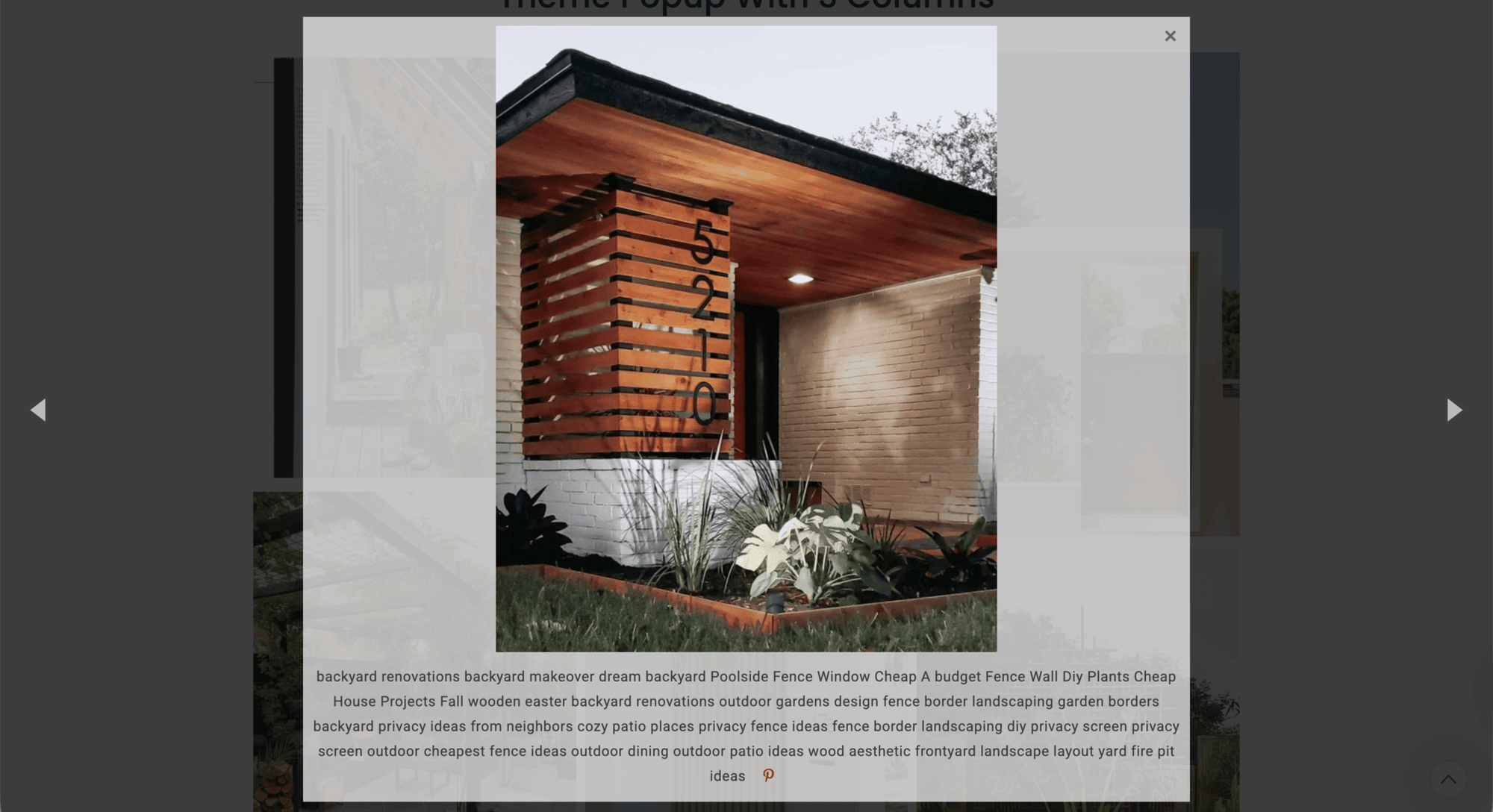
- Popup theme: open pins in a lightbox on your site.
- Hover theme: pin details appear on hover.
- Pin links theme: each pin links to its source.
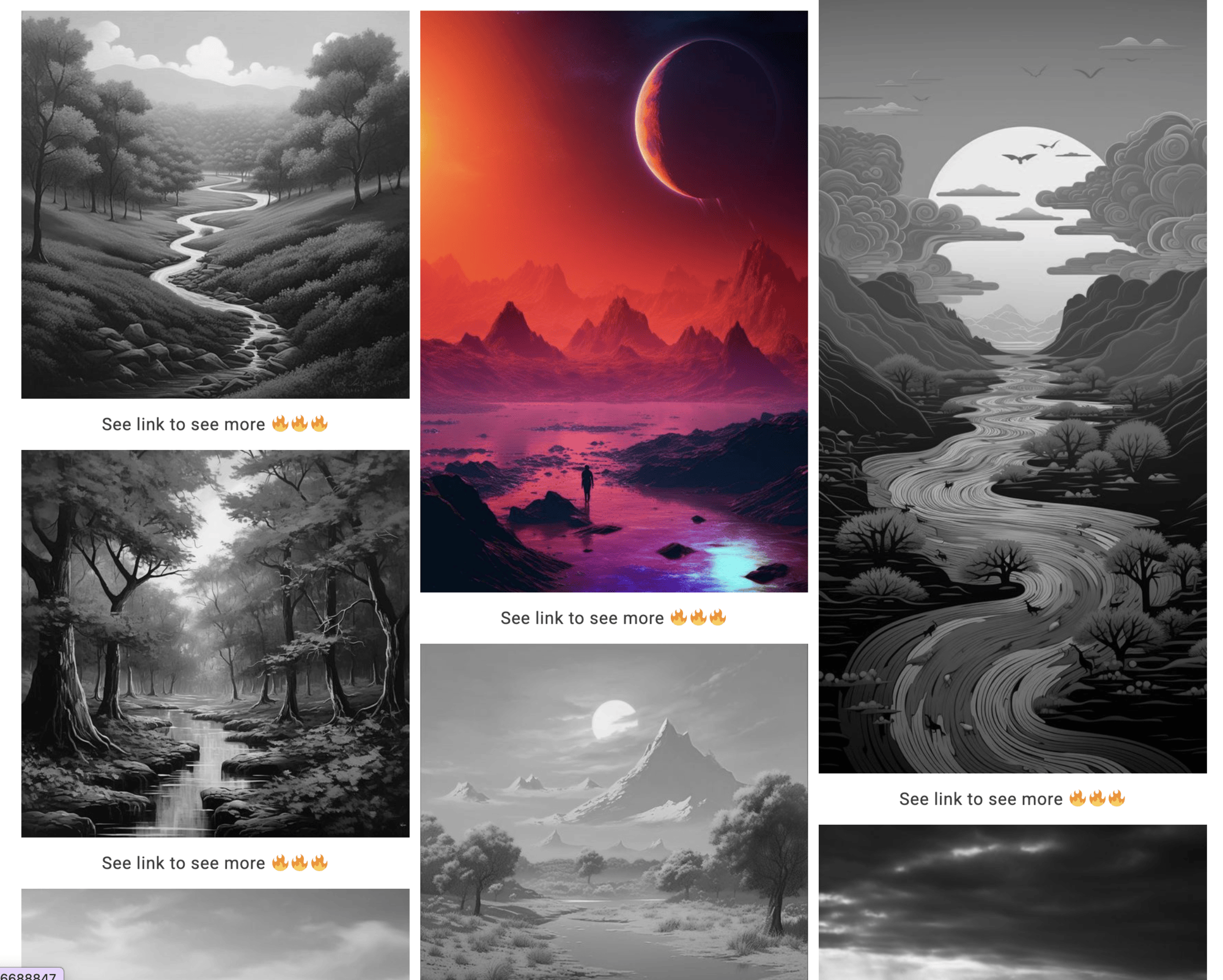
- Grayscale theme: pins turn to color on hover.
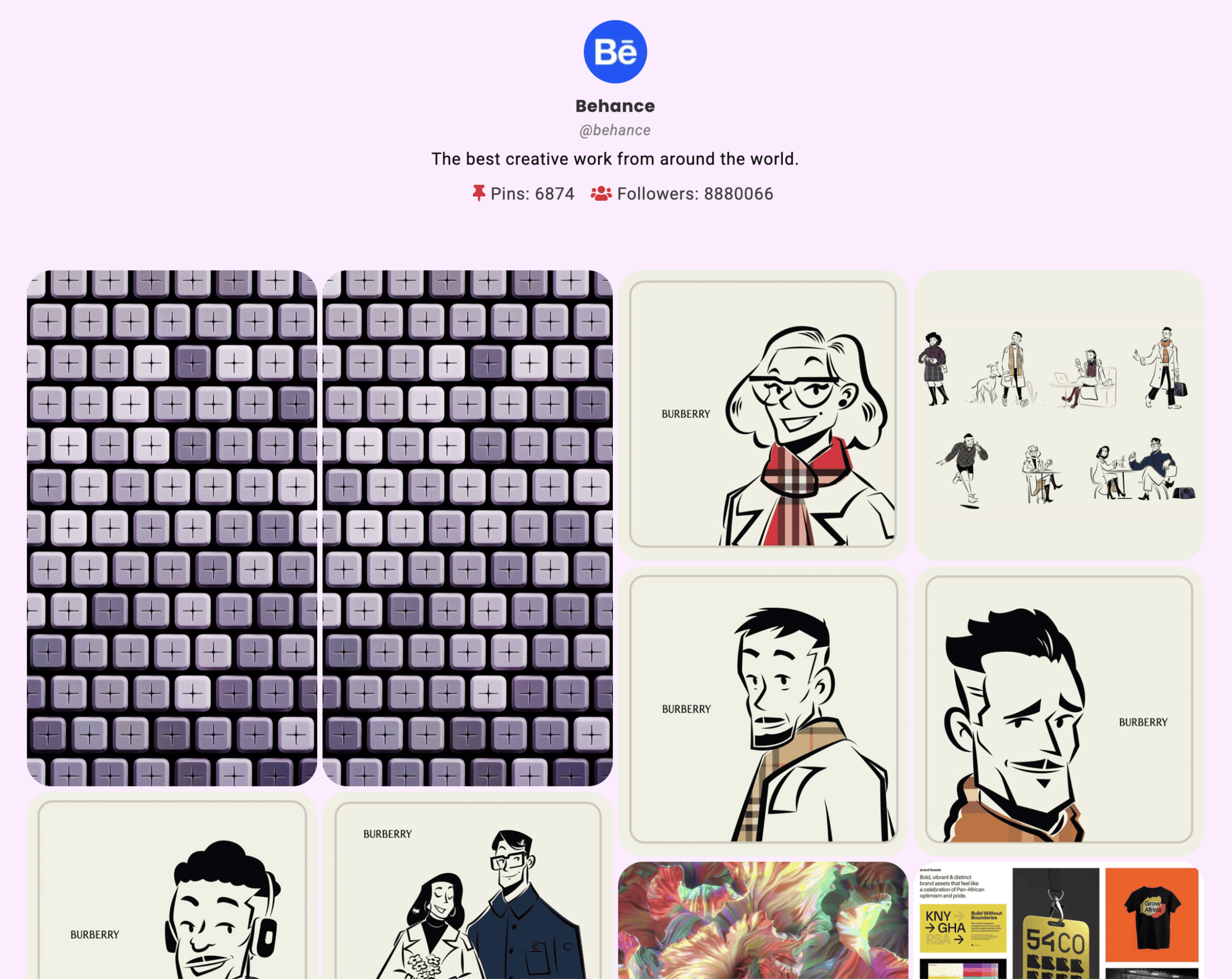
- User profile theme: your Pinterest profile header above your pins.
- Priority email support.
Plans start at $49 per year, with a 7-day money-back guarantee. Compare Pro plans.
How it works
- Go to GS Pinterest > Create New Shortcode.
- Enter your Pinterest username and, to show one board, its board name. Choose a theme and how many pins to show. The live preview updates as you change settings.
- Copy the shortcode, for example
[gs_pinterest id=1], into any page or post, or use the GS Pinterest block or widget in your page builder.
To find a board name, look at the board’s address. For https://www.pinterest.com/jonathan/fathers-day/, the username is jonathan and the board name is fathers-day.
Shortcode usage
[gs_pinterest id=1]
In a theme file:
<?php echo do_shortcode( '[gs_pinterest id=1]' ); ?>
See how to create a shortcode for every option.
Support
Free users get help in the WordPress.org support forum. Pro users get priority email support through our help desk. We reply as soon as we can, excluding holidays.
More plugins from GS Plugins
- GS YouTube Gallery: YouTube videos, playlists and channels in galleries.
- GS Logo Slider: client, partner and sponsor logos in sliders, carousels, tickers and grids.
- Solid Testimonials: customer reviews and quotes in sliders, grids and masonry layouts.
- GS Team Members: team pages and staff directories with profiles and social links.
- GS Portfolio: show your work in grid, slider, list and filterable layouts.
- GS Projects Showcase: case studies with client, dates, value and project links.
- GS Books Showcase: a book library with covers, ISBN and publication details.
- GS Coach: coach and trainer profiles with experience and education.
- GS Posts Grid: recent and category posts in grid, list and slider layouts.
- GS Product Slider for WooCommerce: product carousels and grids with prices and add to cart.
- GS Variation Swatches: color, image and button swatches for WooCommerce variations.
- GS Brands for WooCommerce: brand logos on product and shop pages, plus brand sliders.
- PowerUp: redirects, restrictions and admin tools for WordPress.
Installation
From your WordPress dashboard
- Go to Plugins > Add New and search for GS Pinterest Portfolio.
- Click Install Now, then Activate.
- A GS Pinterest menu appears in your dashboard.
By uploading the zip file
- Download
gs-pinterest-portfolio.zip. - Go to Plugins > Add New > Upload Plugin, choose the file and click Install Now.
- Activate the plugin.
By FTP
- Upload the
gs-pinterest-portfoliofolder to/wp-content/plugins/. - Activate the plugin from Plugins in your dashboard.
Then create a shortcode and add it where you want the pins to show, or add a GS Pinterest widget under Appearance > Widgets. See the setup guide for screenshots of each step.
FAQ
Do I need a Pinterest API key or developer account?
No. Enter your Pinterest username, and a board name if you want one board, and the plugin fetches your public pins.
How do I show pins from one board?
Enter the username and the board name from the board’s address. For https://www.pinterest.com/jonathan/fathers-day/, the username is jonathan and the board name is fathers-day.
Why don’t my newest pins show yet?
Pins are saved on your site to keep pages fast, and refresh on the sync schedule you choose (daily, weekly or every 15 days). To update right away, go to Tools in the plugin and click Sync data now.
How many pins can I show?
Set the number in the shortcode. When no board is chosen, you can show more than 50 pins from a profile.
Can I show my Pinterest profile or a follow button in the sidebar?
Yes. The plugin includes 4 widgets: profile, board, single pin and follow button.
Can pins open in a popup on my site?
Yes, with Pro. The popup theme opens pins in a lightbox. In the free version, pins open on Pinterest in a new tab or the same window.
Can I show private or secret boards?
No. Only public pins and boards can be shown.
Does it work with Elementor, Divi and other page builders?
Yes. It has a Gutenberg block and native widgets or modules for Elementor, Divi, WPBakery, Beaver Builder and Oxygen. In any other builder, paste the shortcode.
How do I change the templates?
Copy a template from the plugin’s templates folder to a gs-pinterest folder in your child theme and edit it there. See template override.
How do I use the shortcode in a theme template?
Use <?php echo do_shortcode( '[gs_pinterest id=1]' ); ?> and replace 1 with your shortcode’s ID.
What is the difference between the free and Pro versions?
The free version gives you the pins and board themes, 4 widgets, video pins and automatic sync. Pro adds popup, hover, pin links, grayscale and user profile themes, and priority support. See the Pro features and plans.
Screenshots
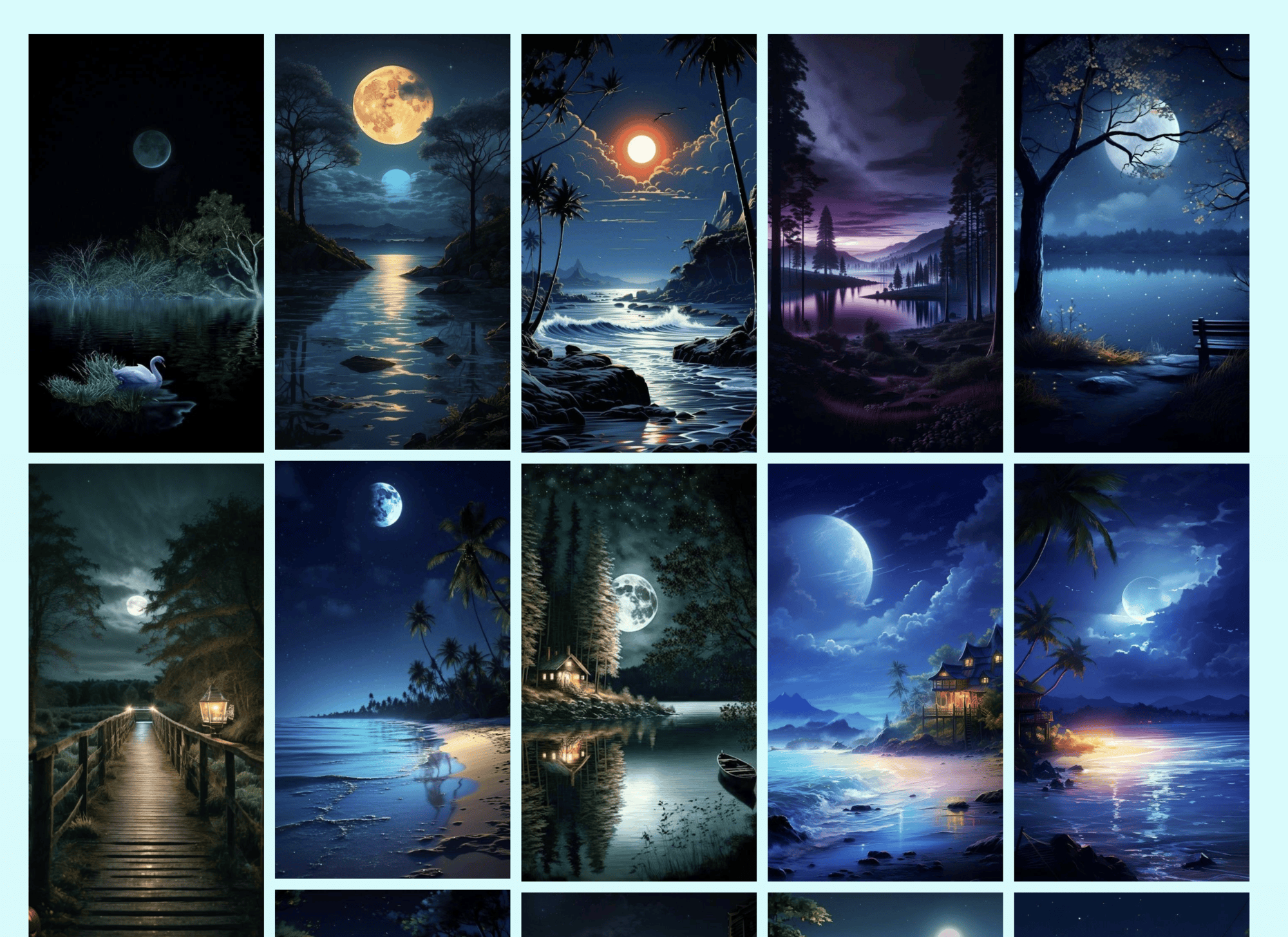

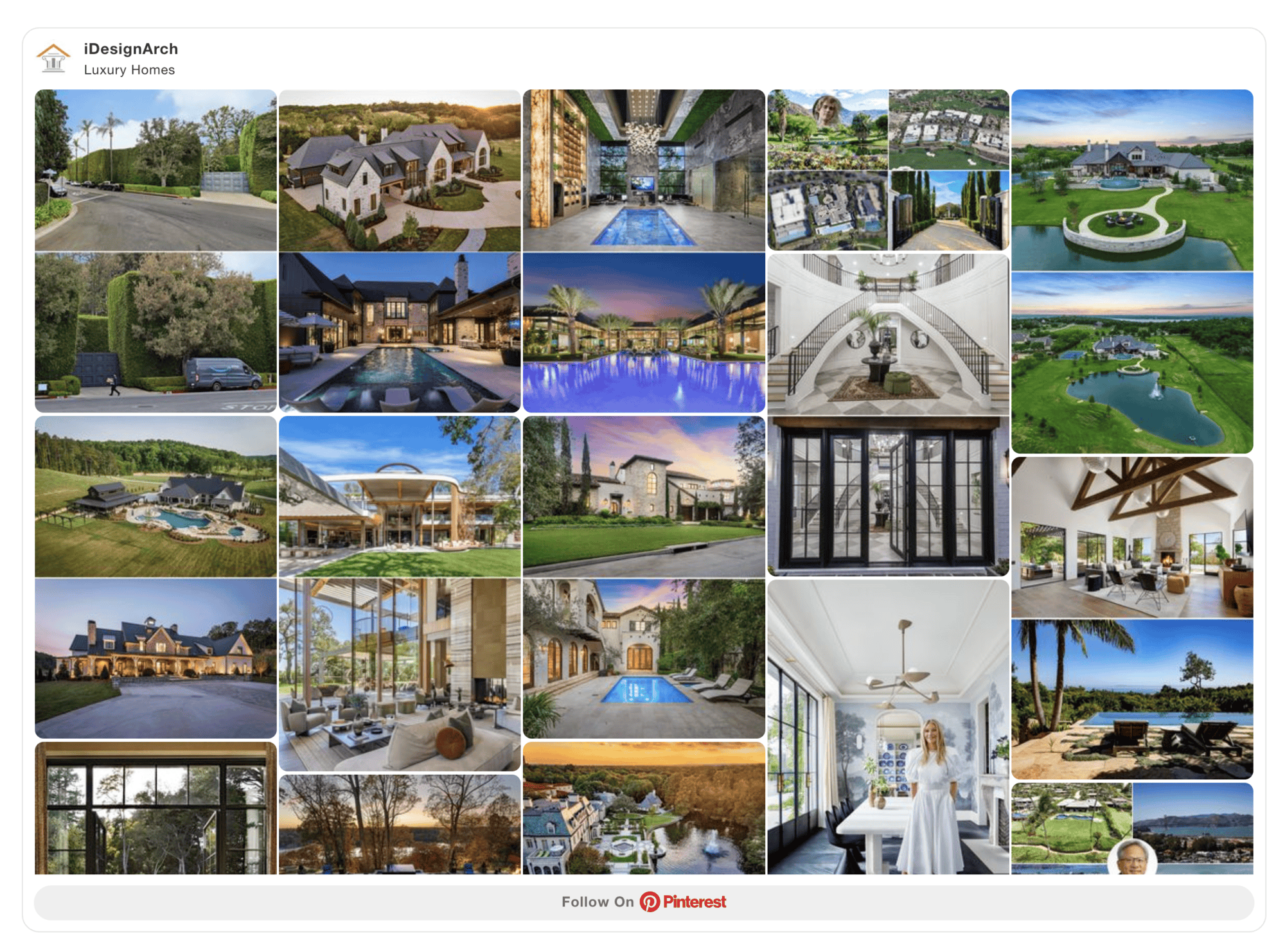
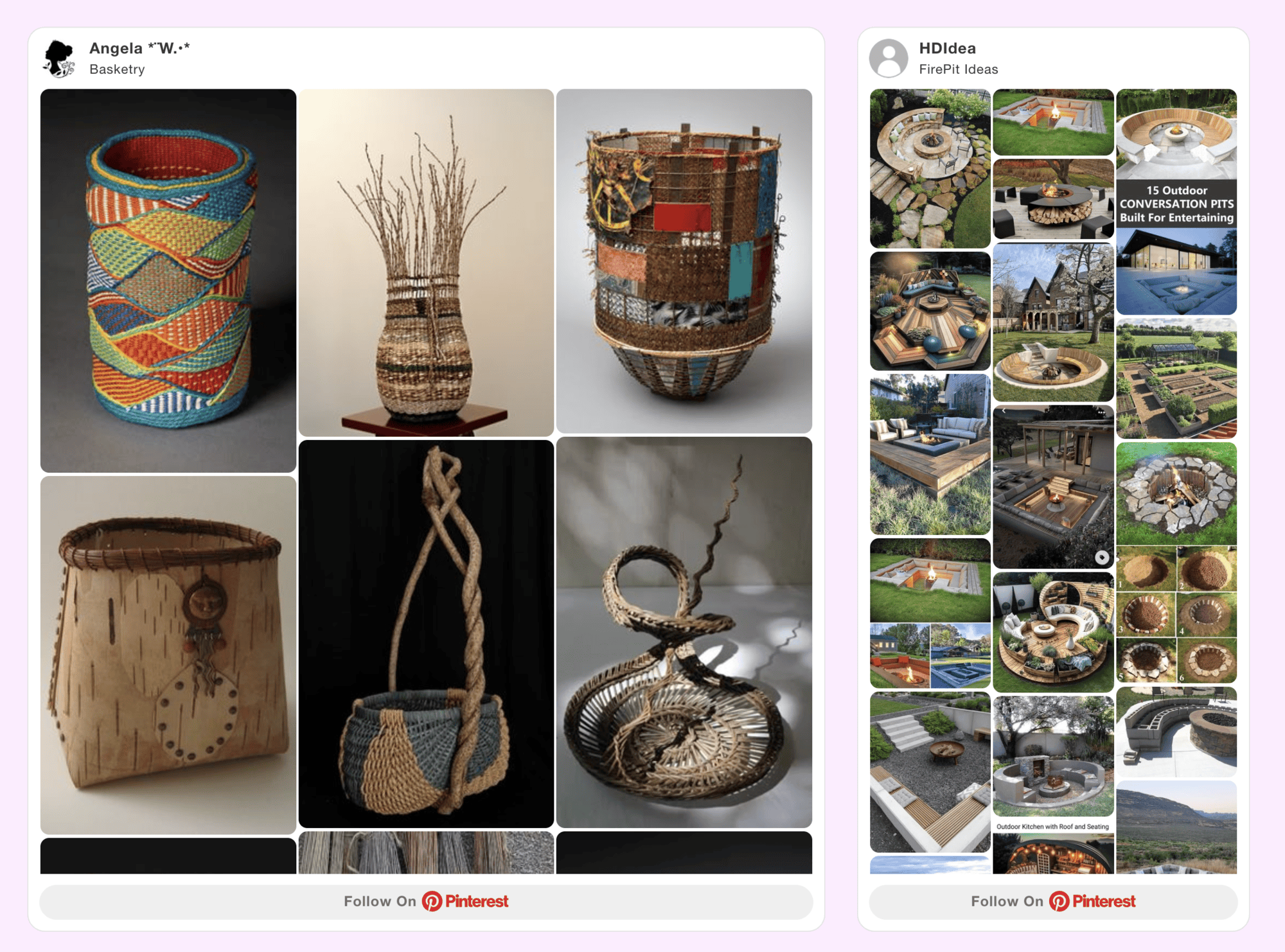
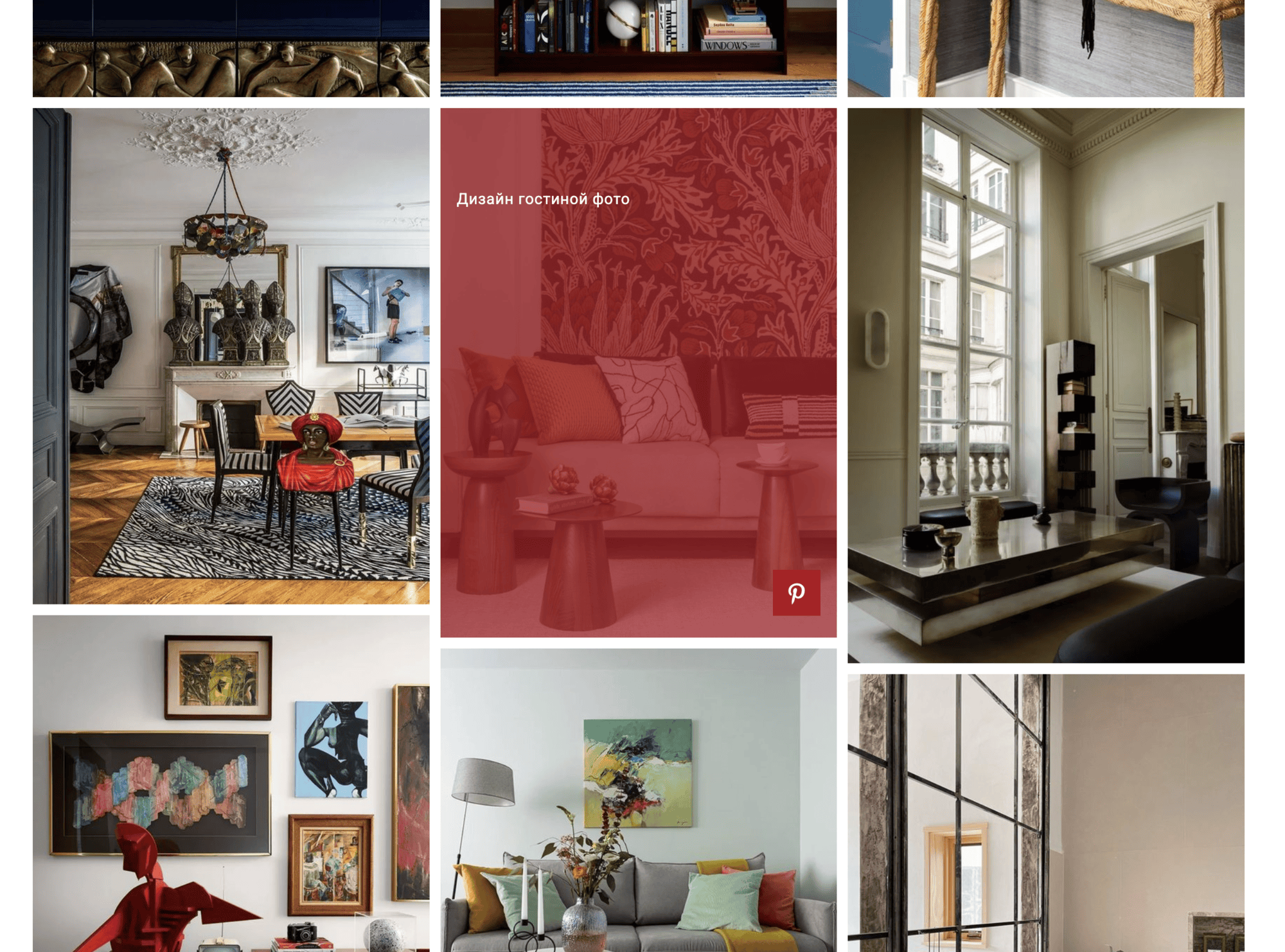
Changelog
Version 1.9.5 [4th Nov 2026]
- [Added]: Plugin version in the admin header.
- [Added]: Pro theme preview and upgrade prompts in the Shortcode Builder.
- [Added]: Upgrade prompt on the Widgets screen.
- [Improved]: Admin panel layout on phones and tablets.
- [Improved]: Shortcode Builder layout and help notes, with clearer help text.
- [Improved]: Tools page design for syncing Pinterest data.
- [Improved]: Invalid or empty username notice design.
- [Updated]: Renamed “Total Pins to display” to “Number of Pins”.
- [Updated]: Pin Title option now shows only when Pro is active, as it works with Pro themes.
- [Updated]: Admin menu icon.
- [Fixed]: Dropdown values not displaying properly on Firefox.
- [Fixed]: Sync Data now shows a message when syncing fails.
Version 1.9.4 [27th Oct 2026]
- [Fixed]: Broken pricing links.
Version 1.9.3 [13th Oct 2026]
- [Fixed]: PHP object injection vulnerability in asset cache post meta.
Version 1.9.2 [25th Aug 2026]
- [Improved]: Pin fetching to support more than 50 pins when no specific board is selected.
- [Improved]: Sync description layout and readability in the admin area.
Version 1.9.1 [3rd Mar 2026]
- [Fixed]: Load Text Domain Issue.
- [Fixed]: Notice on Shortcode Preview.
Version 1.9.0 [29th Apr 2025]
- [Fixed]: Unauthenticated Arbitrary Shortcode Execution.
Version 1.8.9 [1st Dec 2024]
- [Fixed]: Security Issue.
Version 1.8.8 [21st Aug 2024]
- [Added]: Option for Hide Repin Button.
- [Added]: Numeric Support For Single Pin Width.
- [Added]: Autoplay on/off parameter
auto_play="on"at Single Pin Shortcode.
Version 1.8.7 [19th Aug 2024]
- [Updated]: Allowed Sound When Interact.
Version 1.8.6 [15th Aug 2024]
- [Updated]: hooks.php
Version 1.8.5 [14th Aug 2024]
- [Added]: Video Pins Autoplay.
- [Added]: Language File.
- [Added]: Plugin Action Links.
- [Added]: Activation Redirects.
- [Fixed]: Pause Icon Display Issue on Mobile.
- [Fixed]: Broken Column On Small Layouts/Widget.
- [Removed]: Admin Notices from Plugin pages.
Version 1.8.4 [12th Aug 2024]
- [Fixed]: Masonry Layout.
Version 1.8.3 [5th Mar 2024]
- [Fixed]: Security Issue.
Version 1.8.2 [28th Nov 2023]
- [Fixed]: Admin Notice Function Name.
- [Updated]: Pinterest Dash Icon Style.
Version 1.8.1 [21st Nov 2023]
- [Fixed]: Woocommerce Conflict.
- [Fixed]: Shortcode Security Issue.
- [Fixed]: Plugin Dashboard Menu CSS Issue.
- [Fixed]: Template Loader Issue.
- [Fixed]: Notice CSS Issue.
Version 1.8.0 [18th Nov 2023]
- [Added]: Sync Interval. 1 Day / 7 Days (Default) / 15 Days / Never.
- [Added]: Load Text Domain.
- [Added]: POT File.
- [Added]: Gutter For the User Profile Pro Theme.
- [Added]: Divi Builder Integration.
- [Fixed]: Builder Preview.
- [Fixed]: File And Folder Cases.
- [Fixed]: Theme Not Found Issue When Pro Deactivated.
- [Fixed]: Custom CSS Disappear Issue.
- [Fixed]: Oxygen Builder CSS Issue.
- [Fixed]: Prefs CSS Loading Issue On Editor.
- [Fixed]: Database Error.
- [Fixed]: Grid Issue.
- [Fixed]: And Split Beaver Builder File.
- [Fixed]: Database Migration.
- [Updated]: Oxygen Builder Integration.
- [Updated]: Pinterest Asset Generator.
- [Updated]: Gutenberg Edit Link.
- [Updated]: Scripts.
- [Updated]: Class Names.
- [Updated]: Purge Preference.
- [Updated]: Shortcode Builder Settings.
- [Updated]: Codes for Improvement.
- [Removed]: Notifications.
- [Removed]: Duplicate Queries.
- [Removed]: Grid Extra Padding.
Version 1.7.0 [10th Sep 2023]
- [Added]: Gutenberg Block.
- [Added]: Elementor Widget.
- [Added]: WPBakery Builder Integration.
- [Added]: Oxygen Builder Integration.
- [Fixed]: Pins sync Issue.
- [Fixed]: Masonry Loading Issue.
- [Fixed]: Pins Disappear Issue.
Version 1.6.8 [10th May 2023]
- [Updated]: Removed Tracking while Installed the Pro Version.
Version 1.6.7 [7th May 2023]
- [Fixed]: Gutter Width.
Version 1.6.6 [29th Apr 2023]
- [Removed]: Error Logs.
Version 1.6.5 [15th Apr 2023]
- [Fixed]: Double Pins Issue.
- [Added]: Style Settings field for the Theme (Board).
- [Updated]: Few Settings from the Theme (Board).
Version 1.6.4 [8th Apr 2023]
- [Updated]: Echo to Return.
Version 1.6.3 [6th Apr 2023]
- [Added]: Board Theme for the free version.
- [Updated]: Appsero SDK.
- [Fixed]: Ajax Error.
Version 1.6.2 [22nd Mar 2023]
- [Fixed]: Security Issue.
Version 1.6.1 [28th Feb 2023]
- [Updated]: Appsero SDK.
Version 1.6.0 [4th Feb 2023]
- [Fixed]: Page Redirection on the Plugin Activation.
- [Updated]: Free, Pro Plugins Pages & Help Page.
- [Removed]: All Admin Notices From the Pinterest Plugin Pages.
- [Removed]: Pretty Log.
Version 1.5.7 [18th Jan 2023]
- [Updated]: isProActive Function.
Version 1.5.6 [18th Jan 2023]
- [Fixed]: Fatal Error: isProActive Function.
Version 1.5.5 [2nd Nov 2022]
- [Removed]: CSS for mobile layout.
Version 1.5.4 [18th Aug 2022]
- [Fixed]: Old shortcode Parameters support.
Version 1.5.3 [14th Aug 2022]
- [Updated]: Assets.
- [Removed]: Old Settings Panel.
Version 1.5.2 [7th Aug 2022]
- [Added]: Asset Generator.
- [Fixed]: getExcerpt Function.
Version 1.5.1 [15th May 2022]
- [Added]: Template Override Feature.
- [Fixed]: Pins Not Showing Issue When Board Is Empty.
- [Fixed]: Profile Theme Image Issue.
Version 1.5.0 [20th Feb 2022]
- [Added]: Default skip-lazy Function.
Version 1.4.5 [15th Feb 2022]
- [Added]: User Profile Theme – Pro.
- [Added]: Version Upgradation Notice Rule.
- [Fixed]: Greyscale Images Issue.
- [Fixed]: Boards and Personal Profile Class Conflict.
- [Fixed]: Showing Error If No Pins Found.
- [Fixed]: Addons Preview.
- [Updated]: All Template Feeds are updated with API
- [Updated]: Optimized API Consumer, Theme Templates and Shortcode.
Version 1.4.4 [26th Jan 2022]
- [Added]: Fallback if unable to create a table for the shortcode builder.
- [Added]: Option (on/off) to disable Lazy Load.
- [Added]: Class field option to exclude Lazy Loading.
- [Added]: Latest WP version Compatibility.
Version 1.4.3 [18th Oct 2021]
- [Fixed]: Headers Already Sent Issue.
- [Fixed]: Dashboard Text Issue.
- [Fixed]: Yoast SEO metaboxes loading issue.
Version 1.4.2 [6th Oct 2021]
- [Removed]: Trailing Comma.
Version 1.4.1 [5th Oct 2021]
- [Updated]: Rewritten the plugin.
- [Added]: Edit, Clone / Duplicate, Delete Shortcode.
- [Added]: New Shortcode Builder.
- [Added]: Old Shortcode support.
- [Updated]: Cleanup & Optimize assets.
- [Updated]: Organize files in the folder.
- [Fixed]: Admin old CSS & JS files loading in every page.
Version 1.3.0 [23rd May 2021]
- [Fixed]: PHP 7.3 Compatibility.
- [Fixed]: Deprecated Function Warning.
Version 1.2.9 [29th Apr 2021]
- [Fixed]: jQuery issue with performance plugins.
- [Updated]: With WordPress version 5.7
Version 1.2.8 [19th Dec 2020]
- [Updated]: AppSero Client.
- [Removed]: Affiliate Admin Notice.
- [Updated]: With WordPress version 5.6
Version 1.2.7 [14th Sep 2020]
- [Updated]: link with UTM.
Version 1.2.6 [13th Sep 2020]
- [Added]: Admin Notice.
Version 1.2.5 [13th Aug 2020]
- [Updated]: With WordPress latest version.
Version 1.2.4 [24th Jun 2020]
- [Updated]: Appsero Client.
Version 1.2.3 [28th Dec 2019]
- [Fixed]: gs_pin_setting_styles function added on wp_head hook
Version 1.2.2 [19th Nov 2019]
- [Fixed]: Domain name with www,fixed all urls & updated with WordPress latest version.
- [Fixed]: Gutenberg block assets loading issue.
Version 1.2.1 [21st Oct 2019]
- [Fixed]: Domain name changed & fixed all urls.
- [Fixed]: Admin CSS.
- [Added]: New Contributors.
Version 1.2
- Fixed Coupon Code dismiss link
- Fixed Responsive issue
- Added GS Pin Gutenberg Block
Version 1.1
- Added Review system
- Activation redirects added
- Coupon Code added
Version 1.0
- Initial release