

Description
GS YouTube Gallery turns your YouTube channel into a video gallery on your website. Connect your channel or a playlist once, and your latest videos appear with their thumbnails and titles, then keep themselves up to date as you publish. Visitors watch in a popup without leaving your site.
Pick a design in the shortcode builder, see it in the live preview, and paste one shortcode or block.
👉 Live demo · Documentation · Pro features · Pricing · Support
Who it’s for
- YouTubers and podcasters: your latest uploads on your own site, to grow views and subscribers.
- Businesses: product demos, tutorials and customer stories in one place.
- Teachers and course creators: a video library organized by playlist.
- Musicians, churches and event organizers: performances, sermons and highlight reels.
Why site owners choose GS YouTube Gallery
- Always up to date: new uploads appear automatically, with a manual sync and cache reset when you need them.
- Thumbnails and titles filled in for you: pulled straight from YouTube.
- Visitors stay on your site: videos play in a popup, with next and previous buttons.
- Works with your builder: Gutenberg block, Elementor, Divi, WPBakery, Oxygen and the Newspaper theme.
Free features
- Your channel or a playlist: show videos from one YouTube channel or one playlist, set once in Preferences.
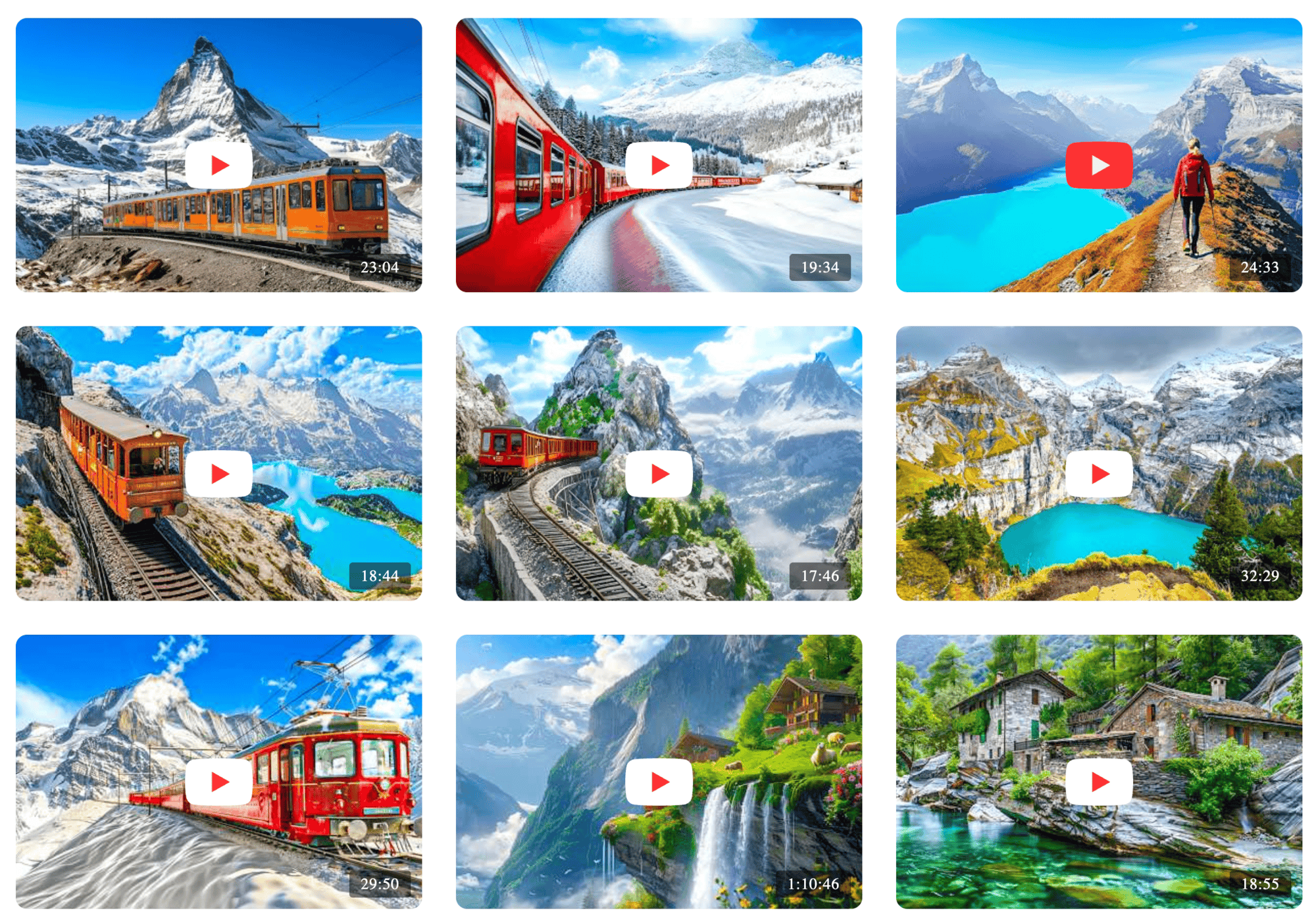
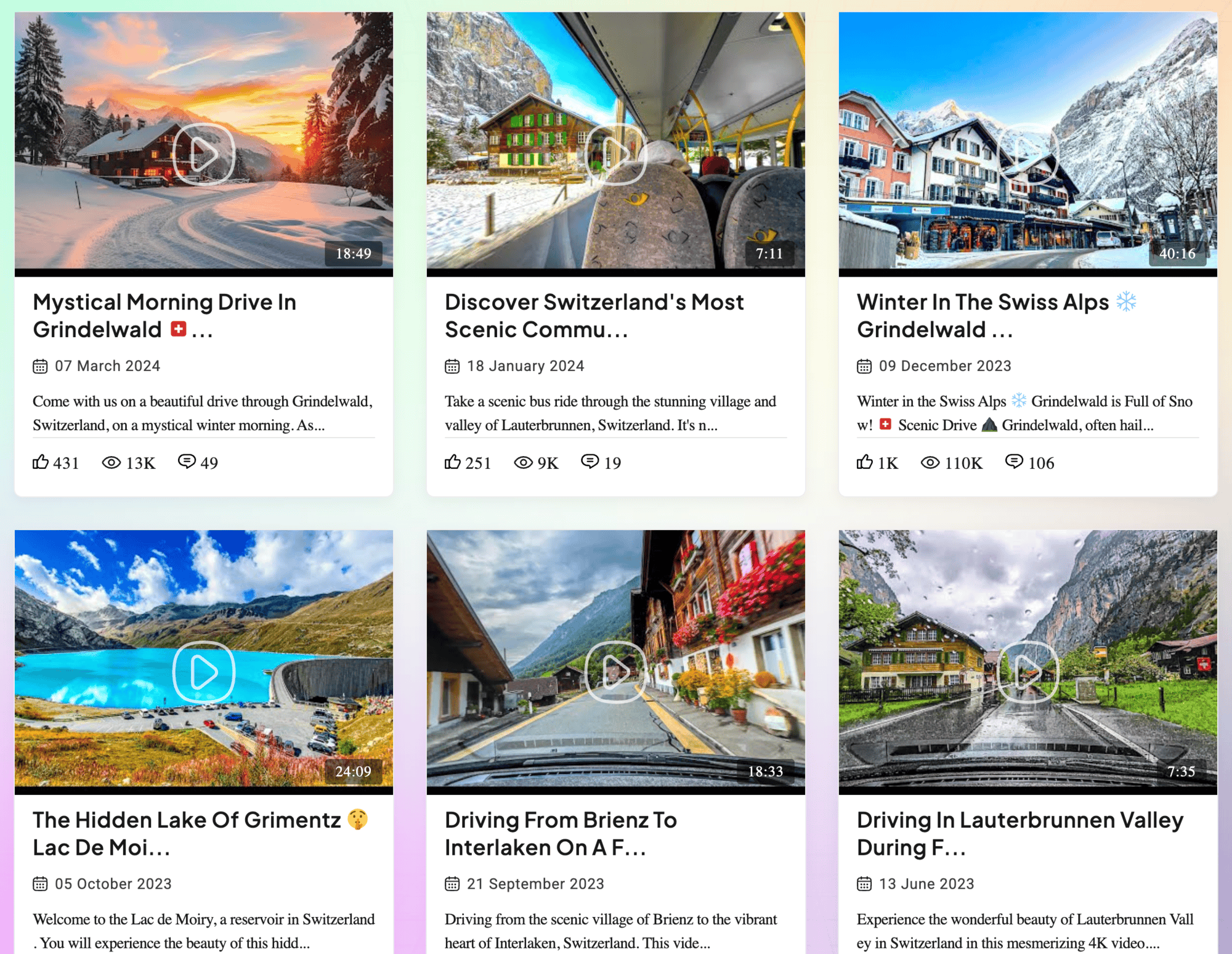
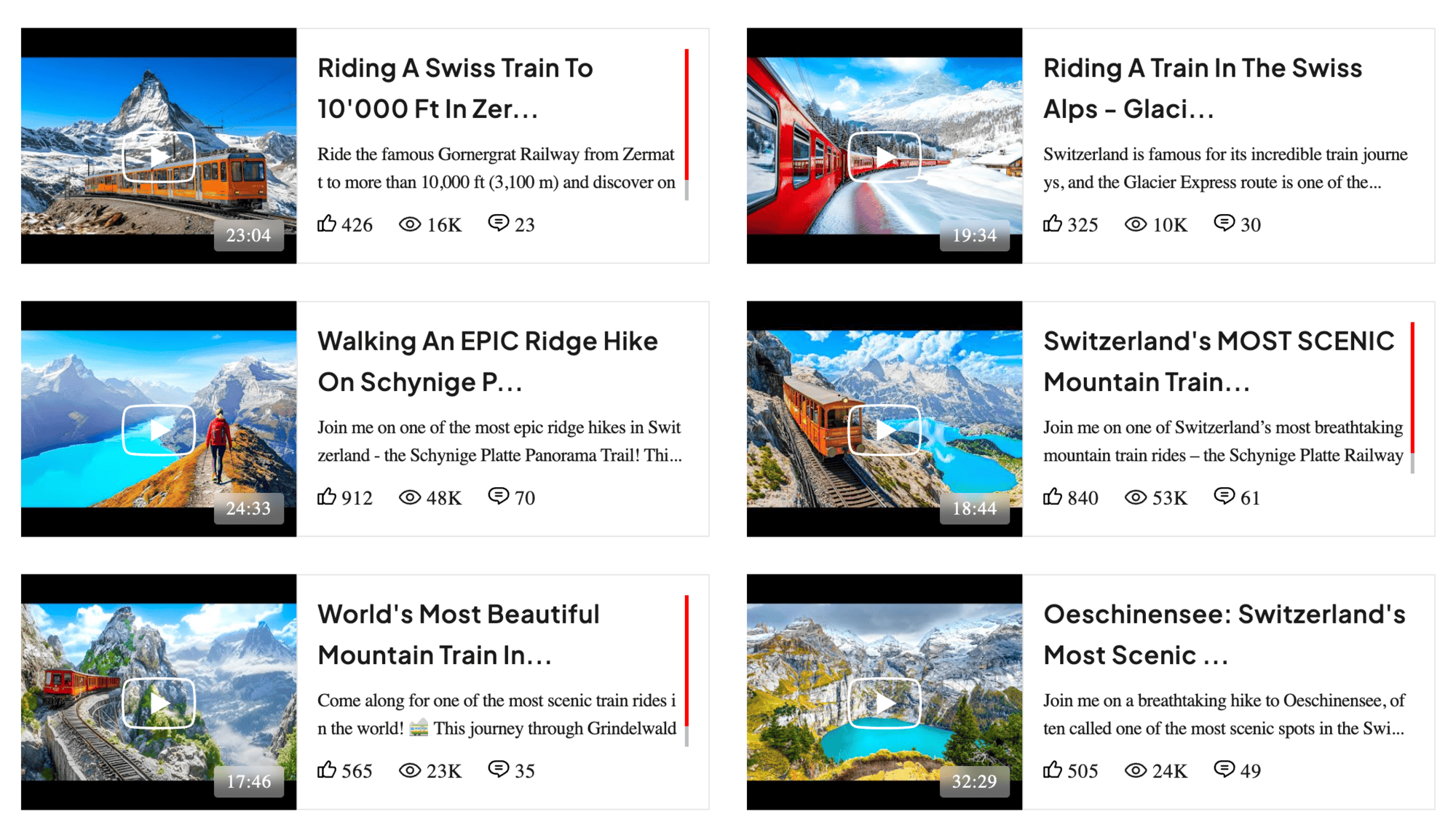
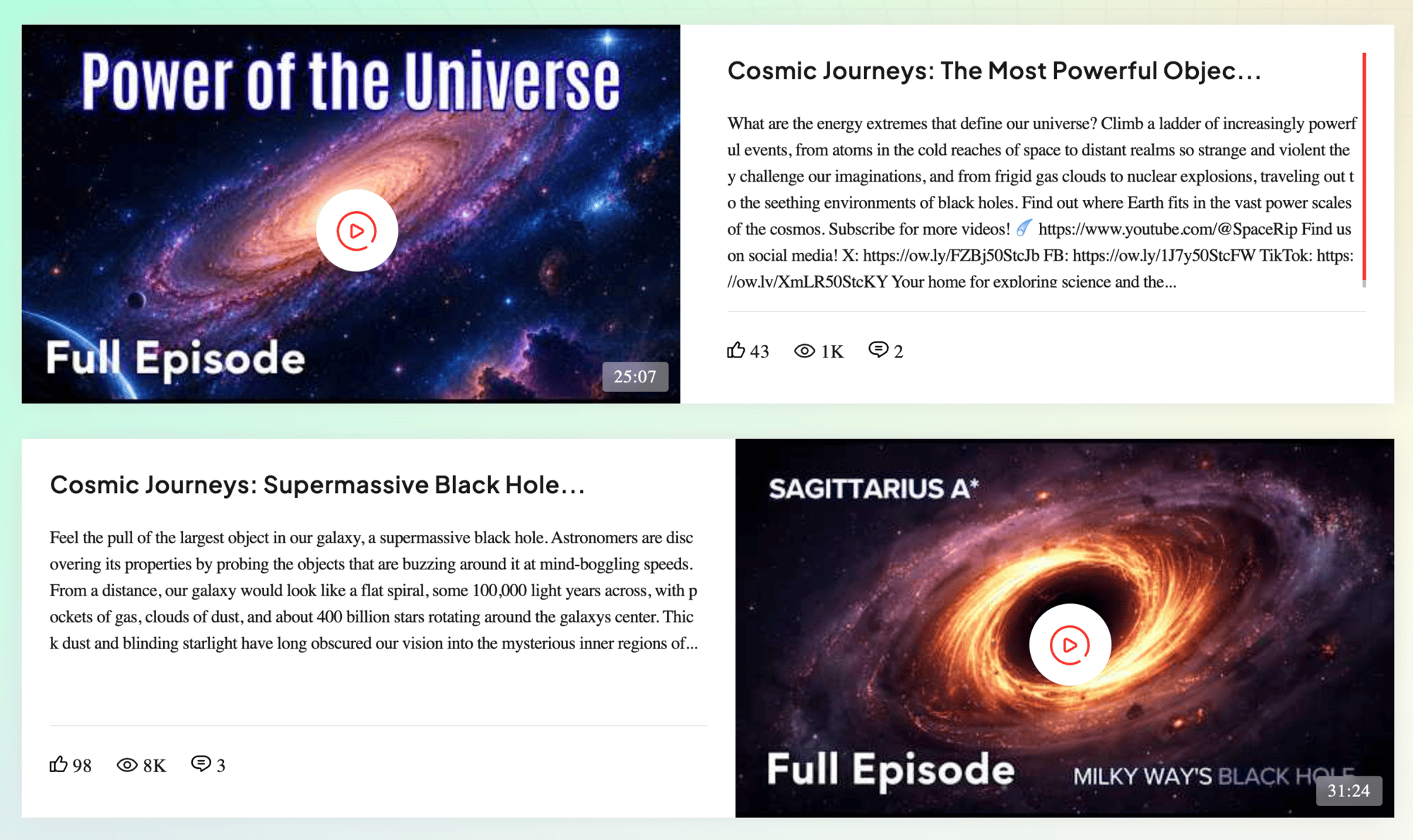
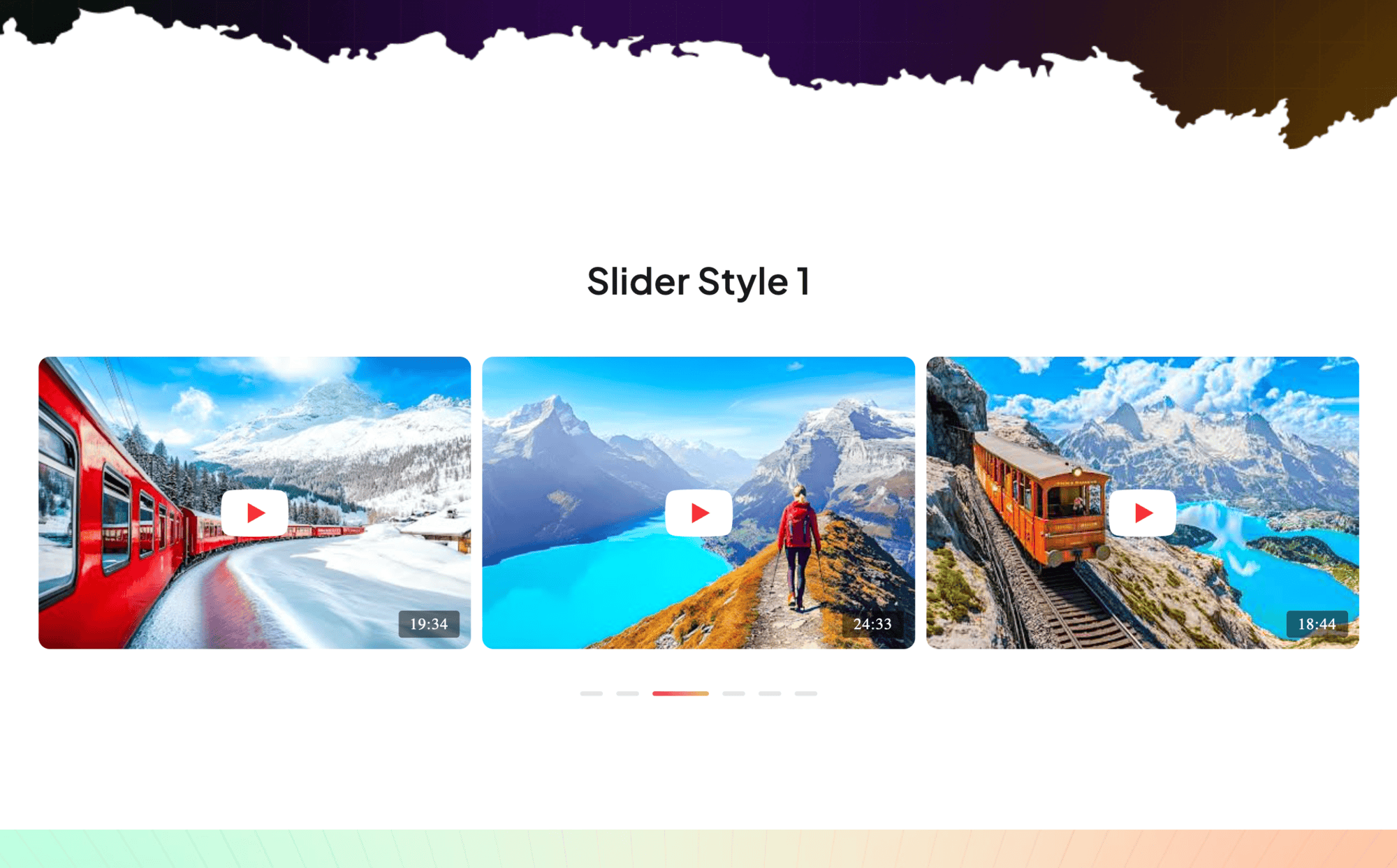
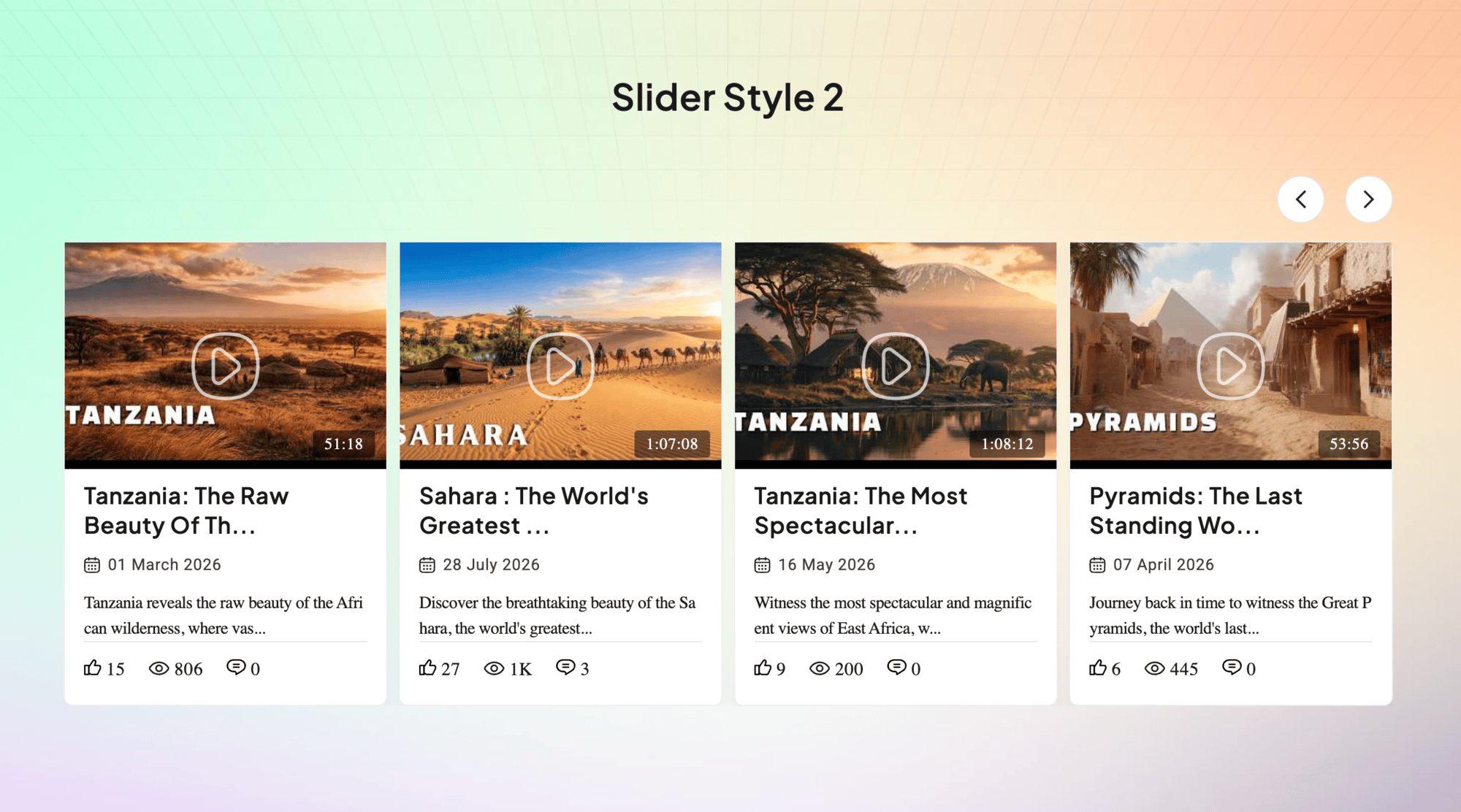
- 2 designs: a grid and a horizontal layout.
- Popup video player with next and previous buttons.
- Number of videos, order and sorting by date, ID or random.
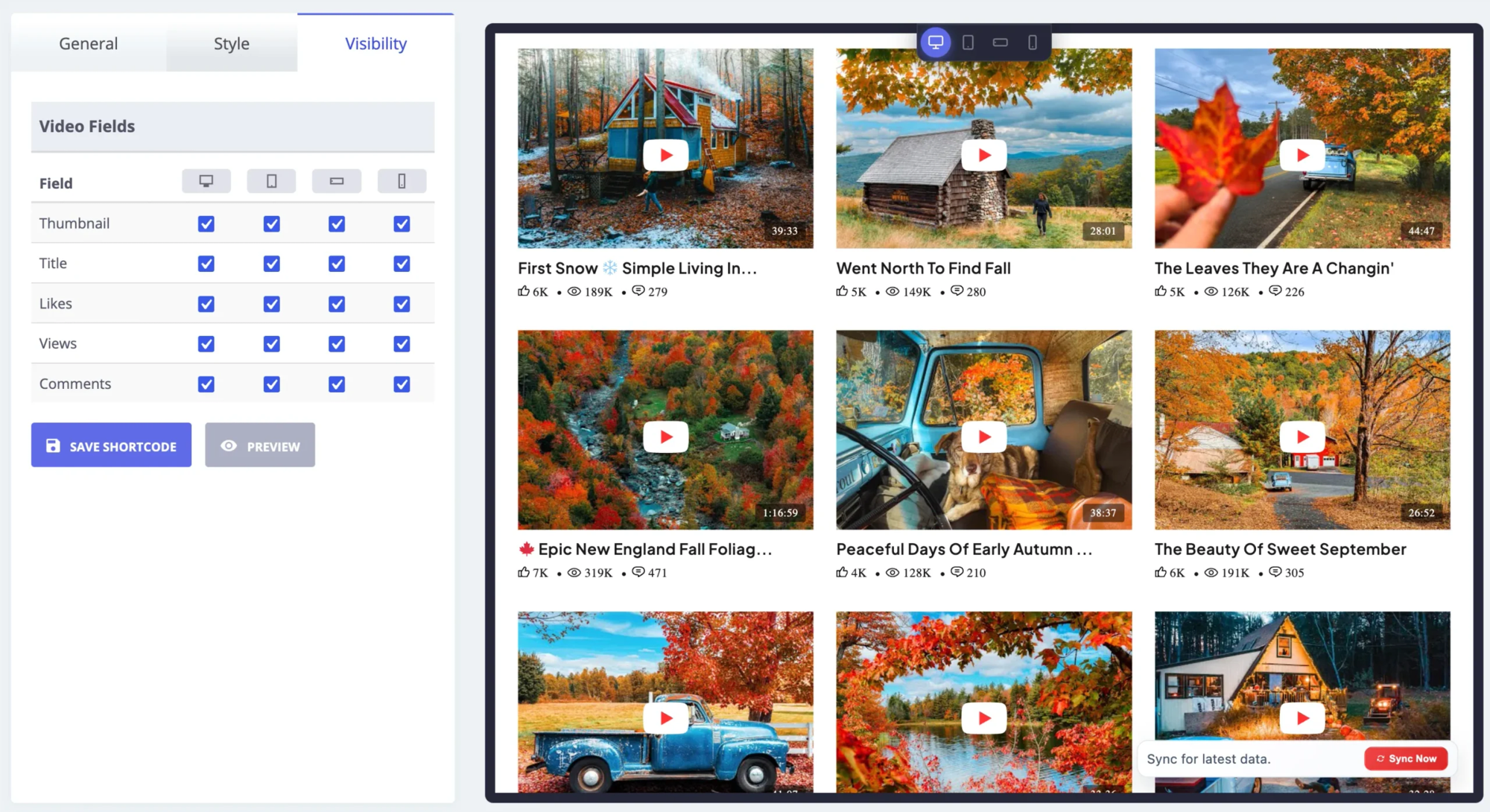
- Show or hide the thumbnail, title and other details, separately for each device.
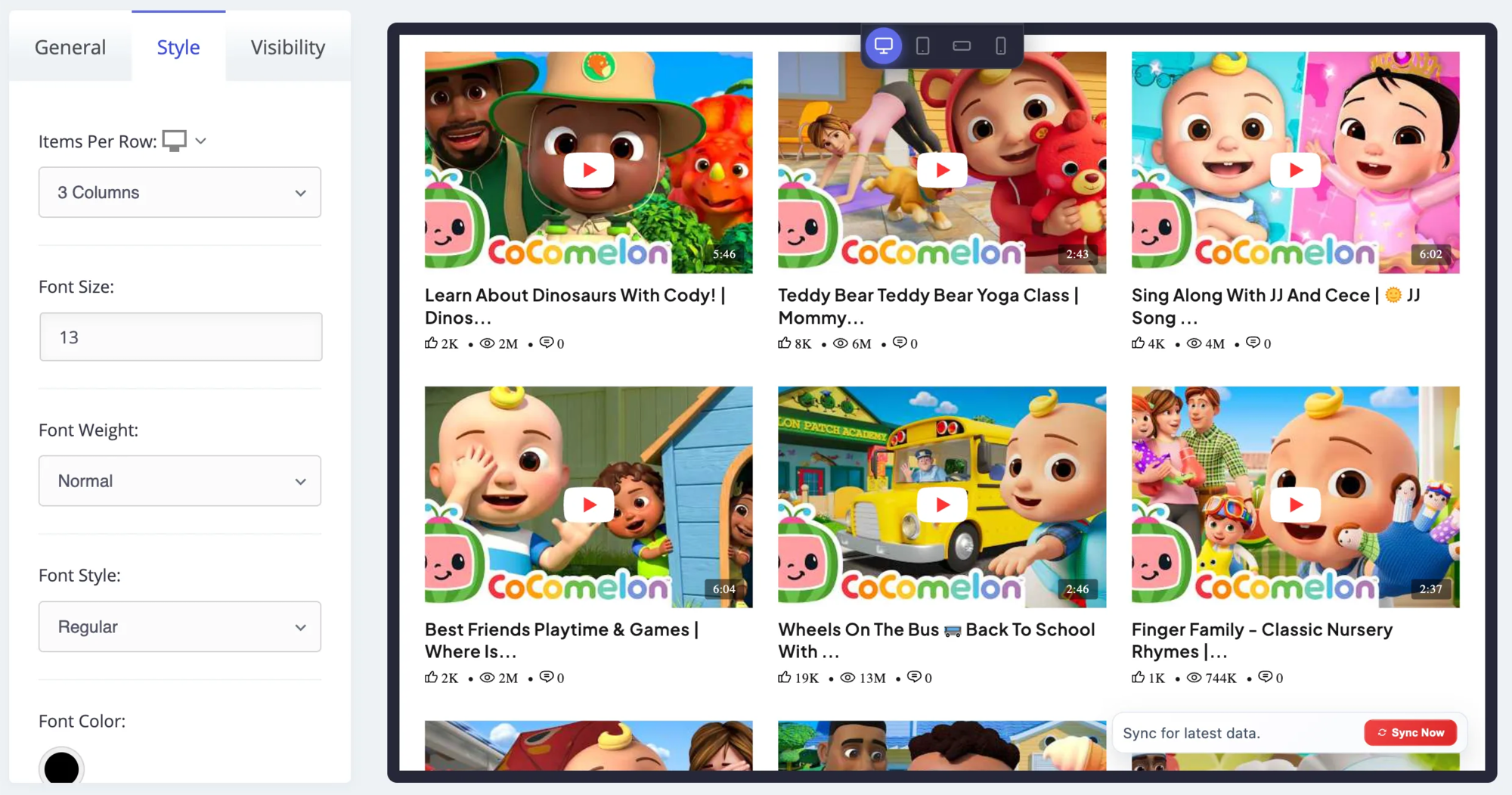
- Responsive columns for desktop, tablet and mobile.
- Font size, weight, style and color for titles and text.
- Automatic sync with manual sync and cache reset.
- Export and import your galleries and settings.
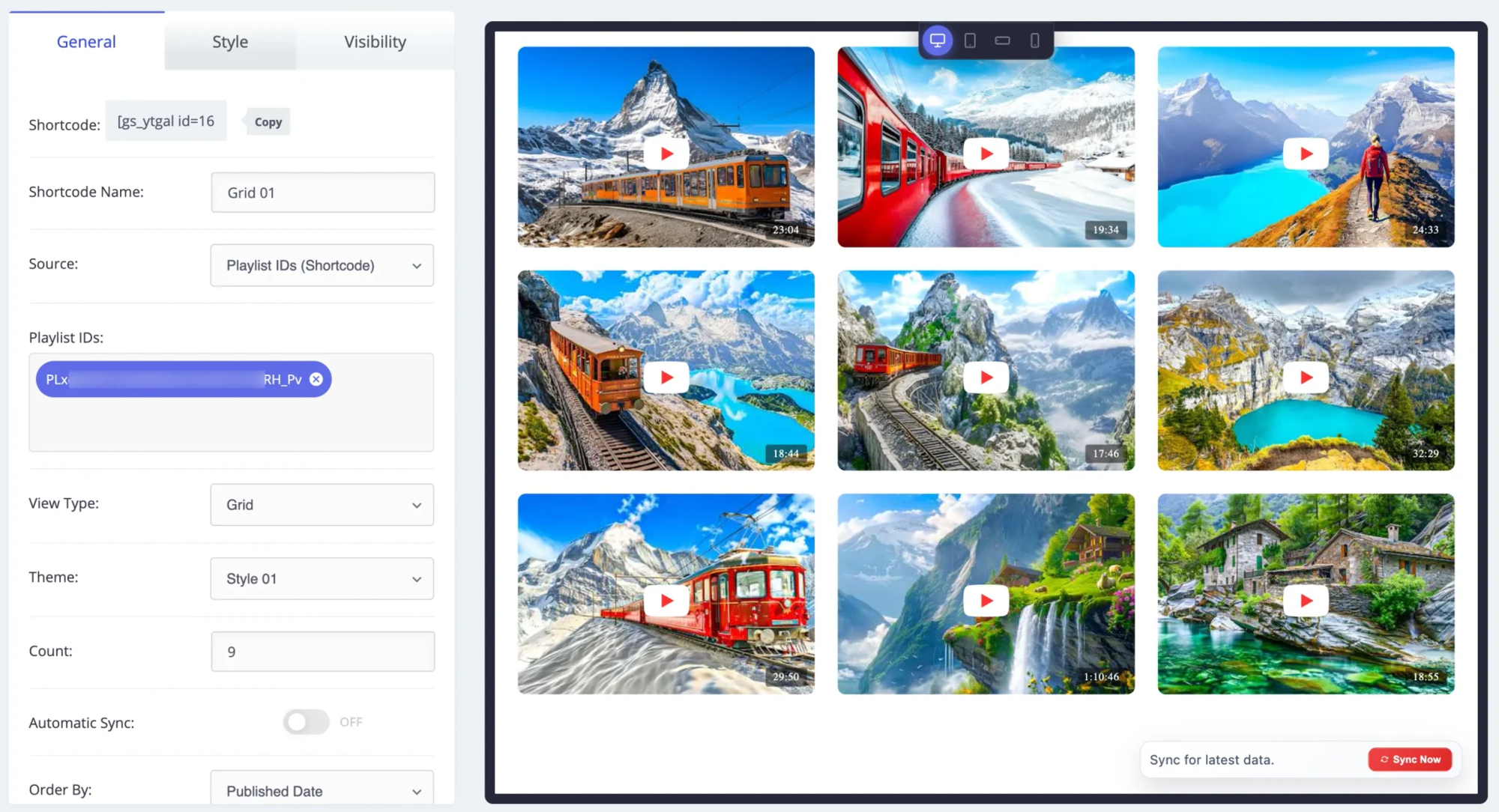
- Shortcode builder with live preview.
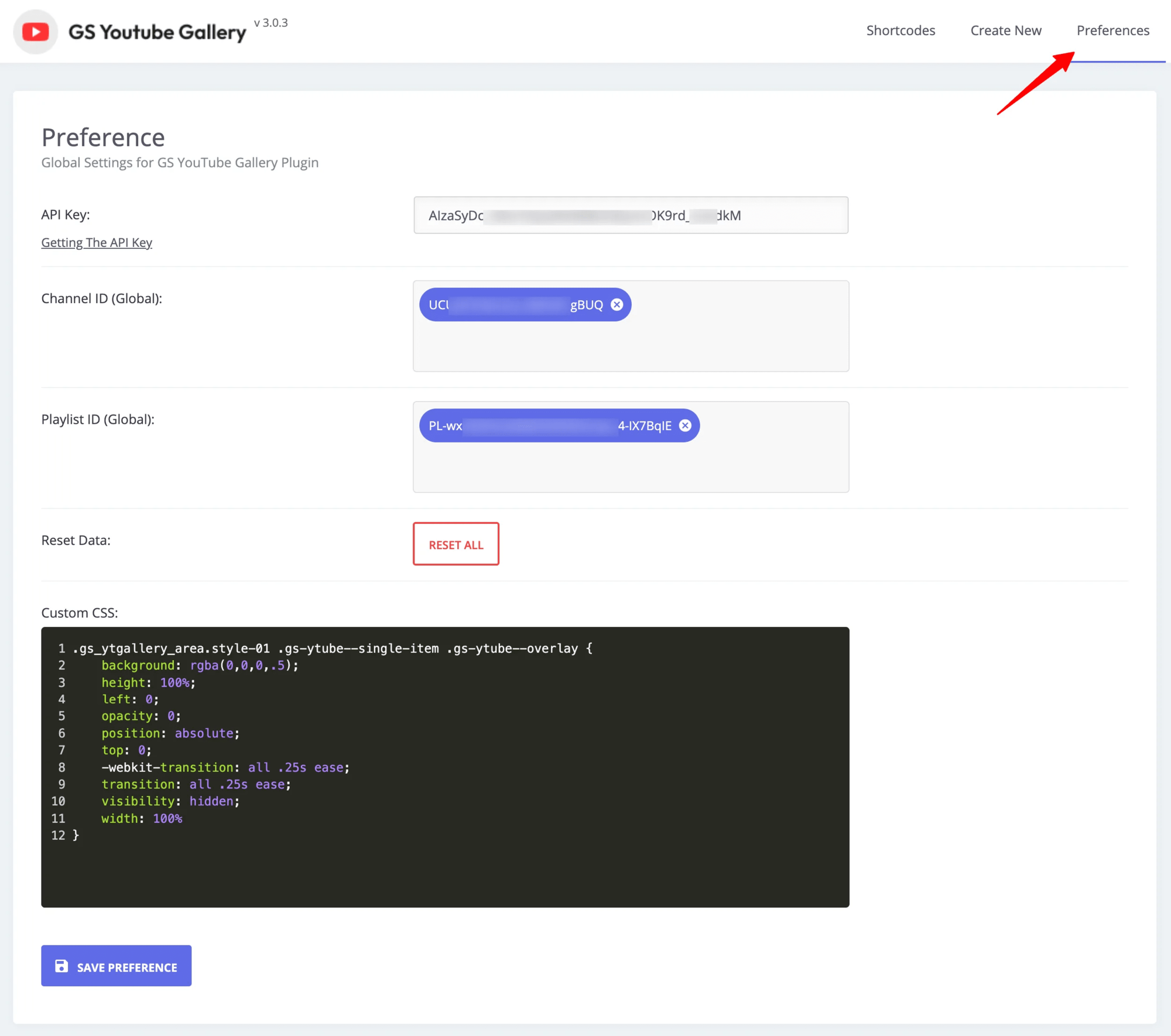
- Custom CSS and template overrides in your child theme.
- Translation ready.
Pro features
GS YouTube Gallery Pro adds:
- Several channels and playlists: a different channel or playlist for each gallery.
- Hand-picked videos: build a gallery from specific video IDs.
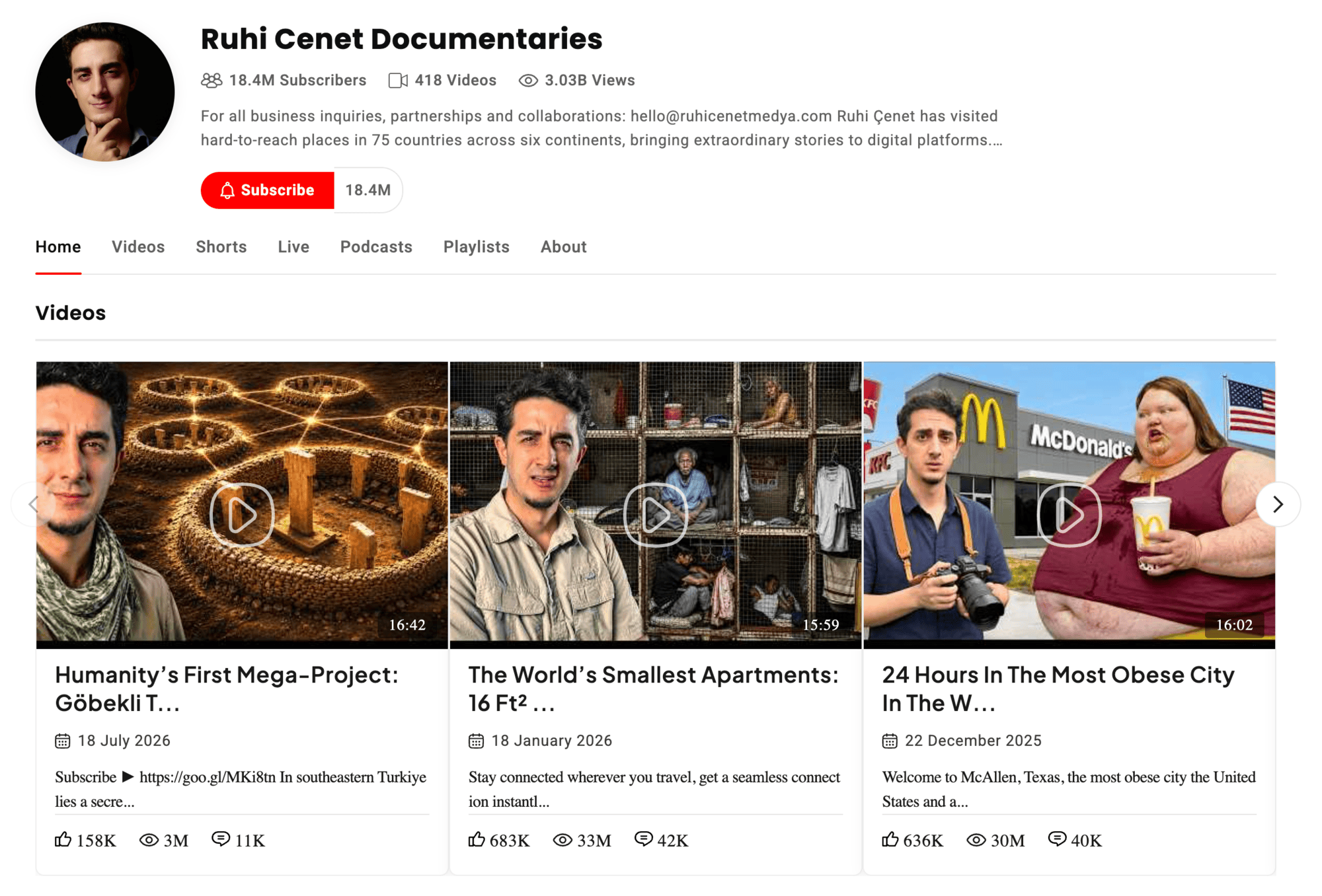
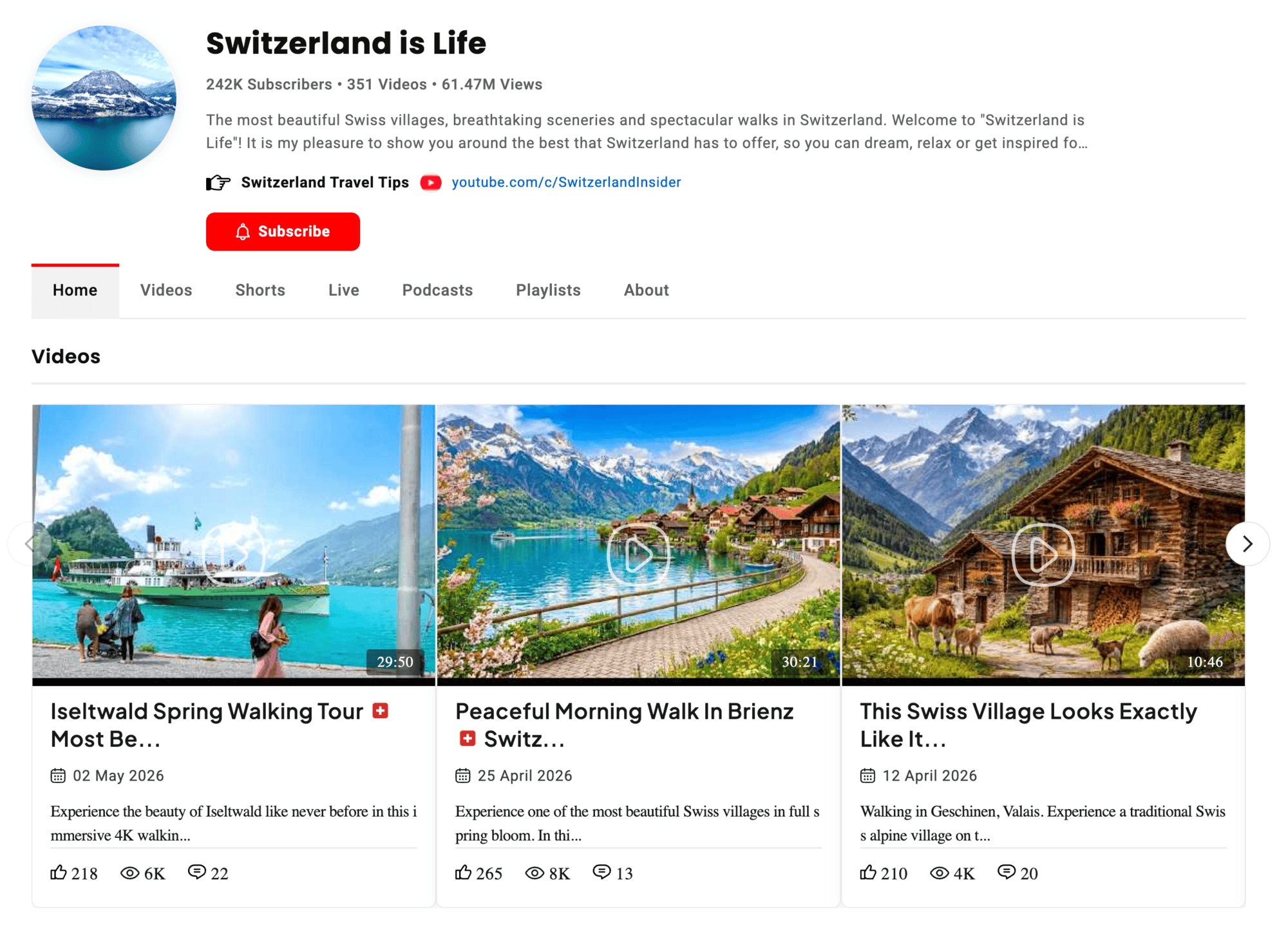
- Channel designs: a channel page with tabs for videos, Shorts, playlists and about.
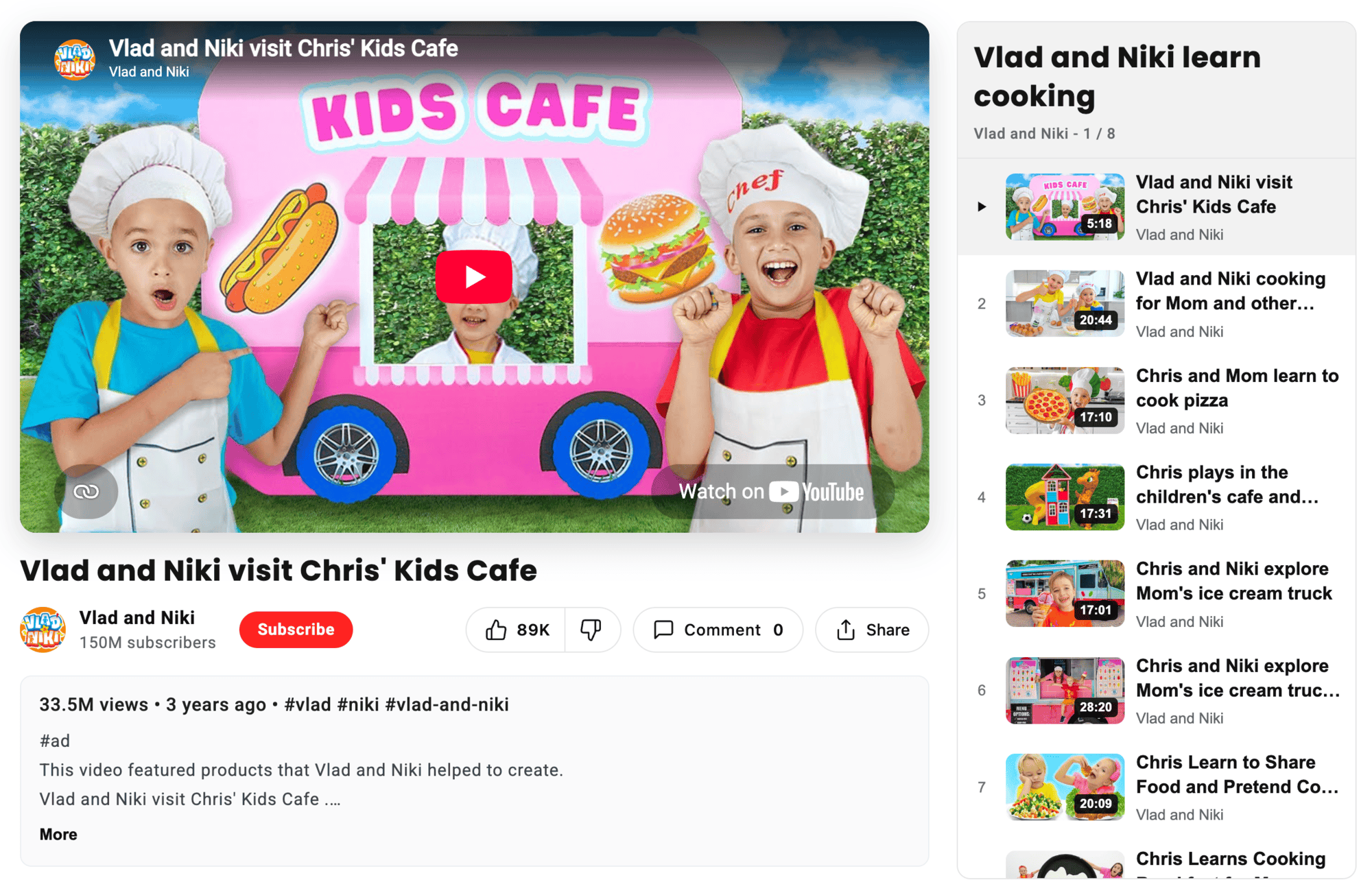
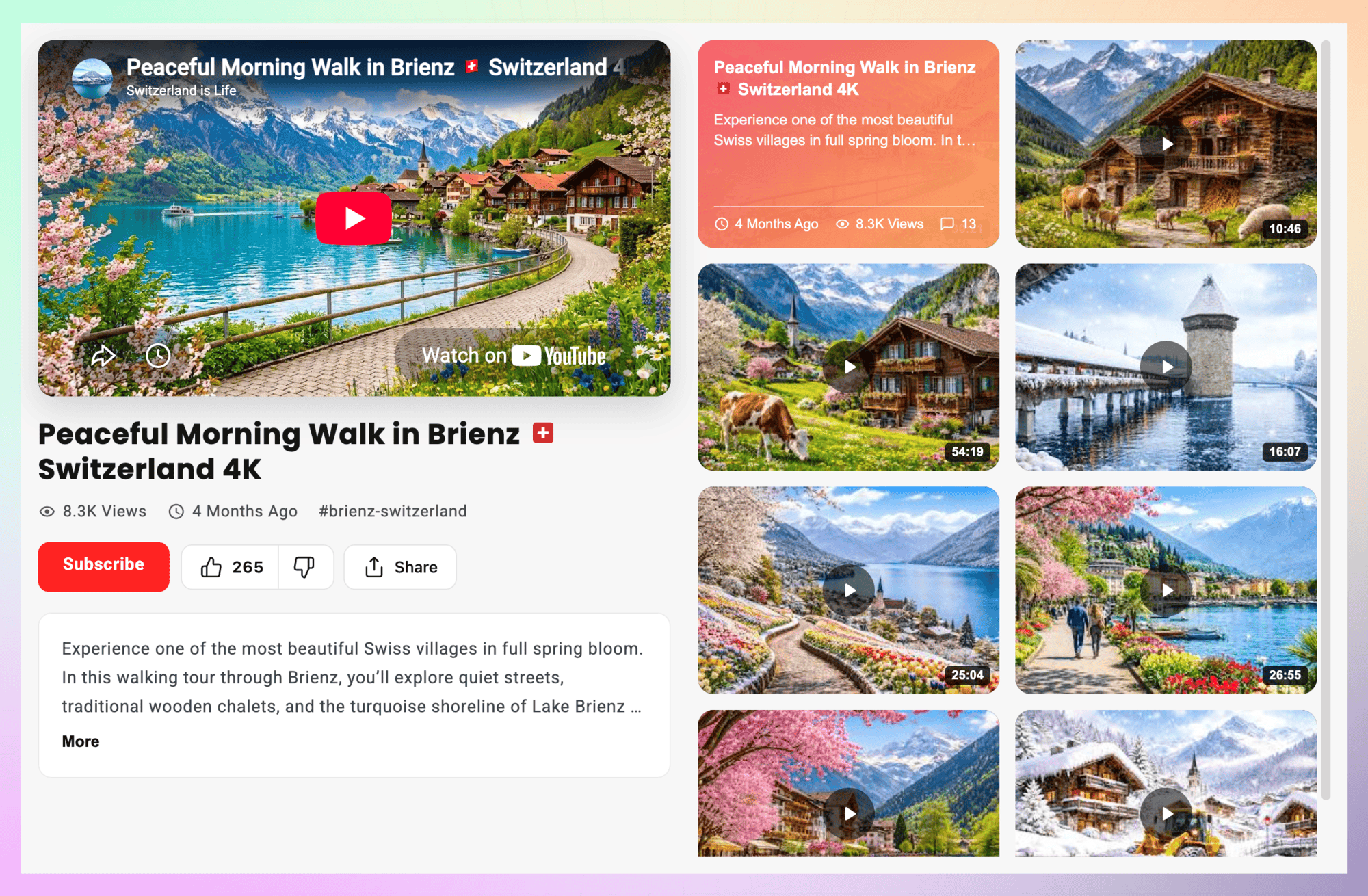
- Playlist designs that list a playlist next to the player.
- 18 more designs across grid, horizontal, channel and playlist layouts.
- Full typography control with font families.
- Priority email support.
Plans start at $49 per year, with a 7-day money-back guarantee. Compare Pro plans.
How it works
- Create a free YouTube Data API key in the Google Cloud Console (see the FAQ), and add it under GS YouTube Gallery > Preferences.
- In Preferences, add your YouTube channel ID or playlist ID.
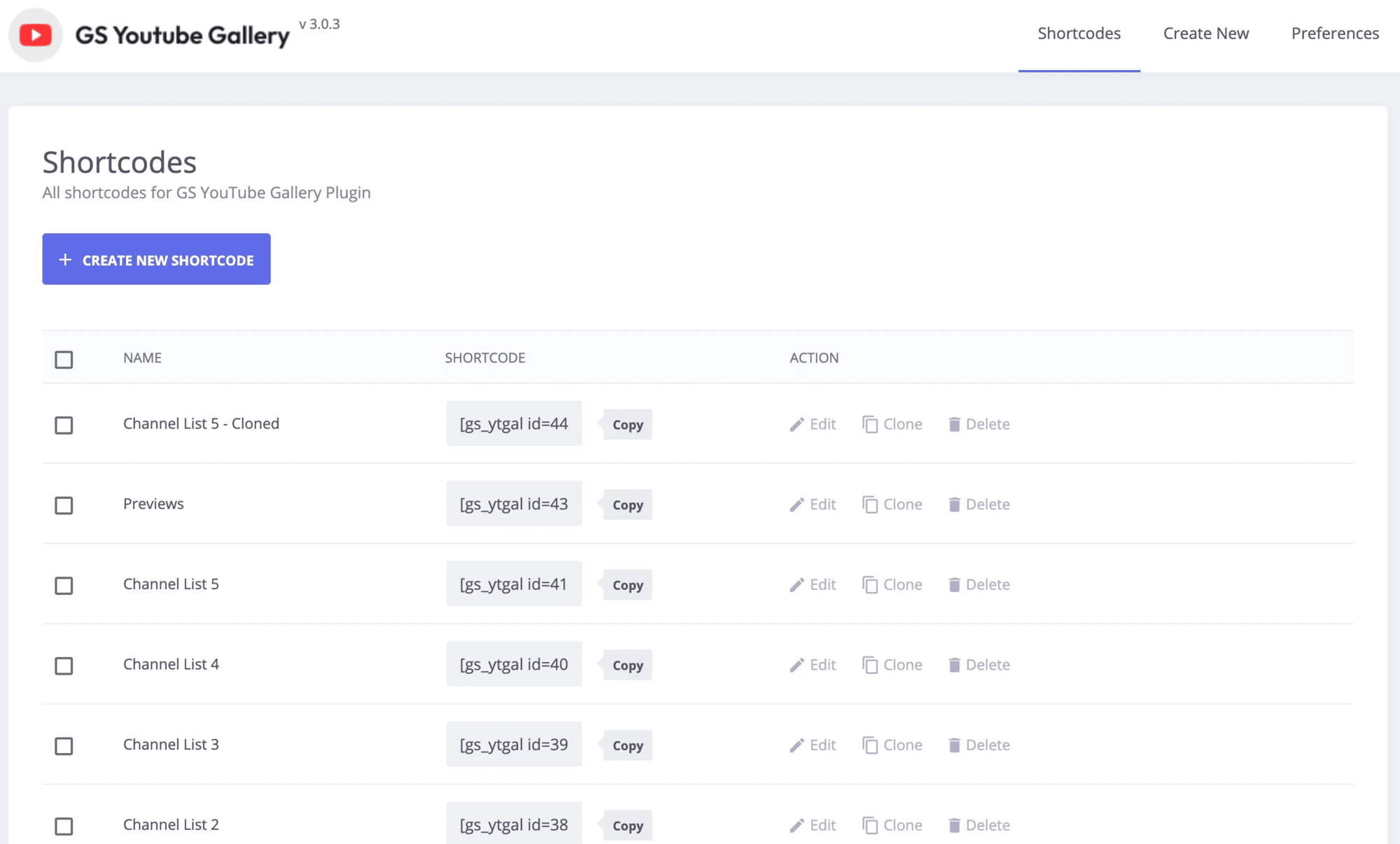
- Go to GS YouTube Gallery > Shortcode, create a shortcode and pick a design. The live preview shows your videos.
- Copy the shortcode, for example
[gs_ytgal id=1], into any page or post, or use the GS YouTube Gallery block or widget in your page builder.
Shortcode usage
[gs_ytgal id=1]
In a theme file:
<?php echo do_shortcode( '[gs_ytgal id=1]' ); ?>
See the documentation for every option.
Support
Free users get help in the WordPress.org support forum. Pro users get priority email support through our help desk. We reply as soon as we can, excluding holidays.
More plugins from GS Plugins
- GS Pinterest Portfolio: pins from any Pinterest profile or board, plus Pinterest widgets.
- GS Logo Slider: client, partner and sponsor logos in sliders, carousels, tickers and grids.
- Solid Testimonials: customer reviews and quotes in sliders, grids and masonry layouts.
- GS Team Members: team pages and staff directories with profiles and social links.
- GS Portfolio: show your work in grid, slider, list and filterable layouts.
- GS Projects Showcase: case studies with client, dates, value and project links.
- GS Books Showcase: a book library with covers, ISBN and publication details.
- GS Coach: coach and trainer profiles with experience and education.
- GS Posts Grid: recent and category posts in grid, list and slider layouts.
- GS Product Slider for WooCommerce: product carousels and grids with prices and add to cart.
- GS Variation Swatches: color, image and button swatches for WooCommerce variations.
- GS Brands for WooCommerce: brand logos on product and shop pages, plus brand sliders.
- PowerUp: redirects, restrictions and admin tools for WordPress.
Development Source
The uncompiled source code is available here.
External Services
GS YouTube Gallery connects to external services to provide video data, popup playback and plugin information.
Google YouTube Data API
The plugin sends the YouTube channel, playlist or video ID and the administrator-configured API key to the Google YouTube Data API whenever videos are displayed or refreshed, to retrieve video details (title, thumbnail, statistics).
Data API Service, Terms, Privacy Policy
YouTube Embed (via Magnific Popup)
The plugin uses the Magnific Popup library to show videos in a popup and loads YouTube content through embedded iframes when a video is opened. Standard browser requests are made to YouTube when the iframe loads.
GS Plugins API
The plugin retrieves plugin metadata from a static JSON file hosted on GS Plugins when the admin page loads. No personal user data is transmitted.
Installation
From your WordPress dashboard
- Go to Plugins > Add New and search for GS YouTube Gallery.
- Click Install Now, then Activate.
- A GS YouTube Gallery menu appears in your dashboard.
By uploading the zip file
- Download
gs-youtube-gallery.zip. - Go to Plugins > Add New > Upload Plugin, choose the file and click Install Now.
- Activate the plugin.
By FTP
- Upload the
gs-youtube-galleryfolder to/wp-content/plugins/. - Activate the plugin from Plugins in your dashboard.
Then add your YouTube API key and channel or playlist ID under Preferences, create a shortcode and add it where you want the videos to show. See the setup guide for screenshots of each step.
FAQ
Do I need a YouTube API key?
Yes. The plugin uses the free YouTube Data API v3. You only need one key per site, and it works for all your galleries.
How do I create a YouTube API key?
- Go to the Google Cloud Console and create or select a project.
- Open APIs & Services > Library, search for YouTube Data API v3 and enable it.
- Go to APIs & Services > Credentials, click Create Credentials > API Key and copy the key.
- Paste it into GS YouTube Gallery > Preferences.
For safety, restrict the key to the YouTube Data API. See getting the API key for screenshots.
How do I find my channel ID?
Open your channel on YouTube. Your channel ID starts with UC and looks like UCB0SU0JDMMECS9BGJtD7lzg. You’ll find it in the channel’s address or under your YouTube account’s advanced settings.
How do I find a playlist ID?
Open the playlist on YouTube and copy everything after list= in the address. In youtube.com/playlist?list=PLDIoUOhQQPlXqz5QZ3dx-lh_p6RcPeKjv, the playlist ID is PLDIoUOhQQPlXqz5QZ3dx-lh_p6RcPeKjv.
Can I show several channels or playlists?
The free version shows one channel or one playlist, set in Preferences, and you can create as many galleries from it as you like. Pro lets each gallery use its own channel or playlist, or a list of specific videos.
Why don’t my newest videos show yet?
Video data is saved on your site to keep pages fast and to save API quota, and syncs automatically. To update right away, use the sync button in the plugin.
What happens if a video is made private or deleted?
It disappears from your gallery at the next sync.
Can visitors watch without leaving my site?
Yes. Videos open in a popup player with next and previous buttons.
Does it work with Elementor, Divi and other page builders?
Yes. It has a Gutenberg block and native widgets or modules for Elementor, Divi, WPBakery, Oxygen and the Newspaper theme. In any other builder, paste the shortcode.
How do I use the shortcode in a theme template?
Use <?php echo do_shortcode( '[gs_ytgal id=1]' ); ?> and replace 1 with your shortcode’s ID.
What is the difference between the free and Pro versions?
The free version shows one channel or playlist in a grid or horizontal design, with popup playback and automatic sync. Pro adds a different channel or playlist per gallery, hand-picked videos, channel and playlist designs with Shorts and tabs, 18 more designs and priority support. See the Pro features and plans.
Screenshots
Changelog
Version 3.0.6 [27th Oct 2026]
- [Fixed]: Broken pricing links.
Version 3.0.5 [4th Oct 2026]
- [Added]: Gutenberg visual builder block.
- [Added]: Elementor YouTube builder widget.
- [Added]: Divi YouTube builder module.
- [Added]: WPBakery shortcode selector.
- [Added]: Oxygen Builder shortcode selector.
- [Added]: TagDiv shortcode selector.
- [Added]: Shortcode and settings import/export.
- [Added]: Font family preview and search.
- [Fixed]: Gutenberg video playback issue.
- [Fixed]: Divi builder fatal error.
- [Fixed]: Channel theme visibility conditions.
- [Improved]: Typography controls and previews.
- [Improved]: Playlist and channel visibility options.
- [Improved]: Builder select field compatibility.
- [Improved]: Premium option handling in Gutenberg.
- [Improved]: Settings navigation and tab styles.
Version 3.0.4 [16th Sep 2026]
- [Added]: Typography settings and font family support.
- [Fixed]: Random ordering issue.
- [Improved]: Video count handling and saving.
- [Improved]: Fetching videos when count increases.
- [Improved]: Video ordering and orderby accuracy.
- [Improved]: Live typography preview.
- [Improved]: Compiled preview script.
- [Removed]: Unused style options.
Version 3.0.3 [23rd Aug 2026]
- [Added]: Automatic syncing controls for YouTube content.
- [Added]: Option to reset cached YouTube data.
- [Added]: Visibility settings for channel tabs.
- [Added]: Channel About information caching.
- [Added]: Podcast fetching and caching.
- [Fixed]: Popup next/previous video loading.
- [Fixed]: Preview sync functionality.
- [Fixed]: Resync and cache refresh issues.
- [Improved]: Shorts fetching and caching.
- [Improved]: Video query count handling for non-Shorts content.
- [Improved]: Horizontal slider behavior with single-slide support.
- [Improved]: Default title and description lengths for cleaner cards.
- [Improved]: Sync notices and admin UI styling.
- [Improved]: Channel data structure and internal caching.
Version 3.0.2 [12th Apr 2026]
- [Added]: Source lock functionality for better control.
- [Improved]: Codebase with latest merge updates.
Version 3.0.1 [26th Feb 2026]
- [Added]: Source references for minified assets.
- [Added]: Minor admin UI adjustments.
- [Fixed]: Internationalization and text domain issues.
- [Improved]: WordPress.org compliance.
- [Improved]: Escaping and security hardening.
- [Updated]: Documented external services.
Version 3.0.0 [24th Feb 2026]
- [Updated]: Rewritten the plugin.
Version 1.2.1 [21st Mar 2023]
- [Added]: Menu Icon.
- [Fixed]: Page Redirection on the Plugin Activation.
- [Fixed]: Free Pro Conflicts.
- [Updated]: Menu Name.
Version 1.2.0 [28th Feb 2023]
- [Updated]: Free, Pro Plugins Pages & Help Page.
- [Updated]: Appsero SDK
- [Removed]: All Admin Notices From the Youtube plugin pages.
Version 1.1.6 [23rd May 2021]
- [Fixed]: PHP 7.3 Compatibility.
- [Fixed]: Deprecated Function Warning.
Version 1.1.5 [19th Dec 2020]
- [Updated]: AppSero Client.
- [Updated]: With WordPress version 5.6
Version 1.1.4 [14th Aug 2020]
- [Updated]: With WordPress latest version.
Version 1.1.3 [11th Jul 2020]
- [Added]: Appsero client.
Version 1.1.2 [25th Jun 2020]
- [Updated]: Bootstrap 4 Grid.
- [Updated]: With WordPress latest version.
Version 1.1.1 [22nd Oct 2019]
- [Fixed]: Domain name changed & fixed all urls.
- [Fixed]: Admin CSS.
- [Added]: New Contributors.
- [Added]: Review system.
Version 1.1
- Initial release