

Description
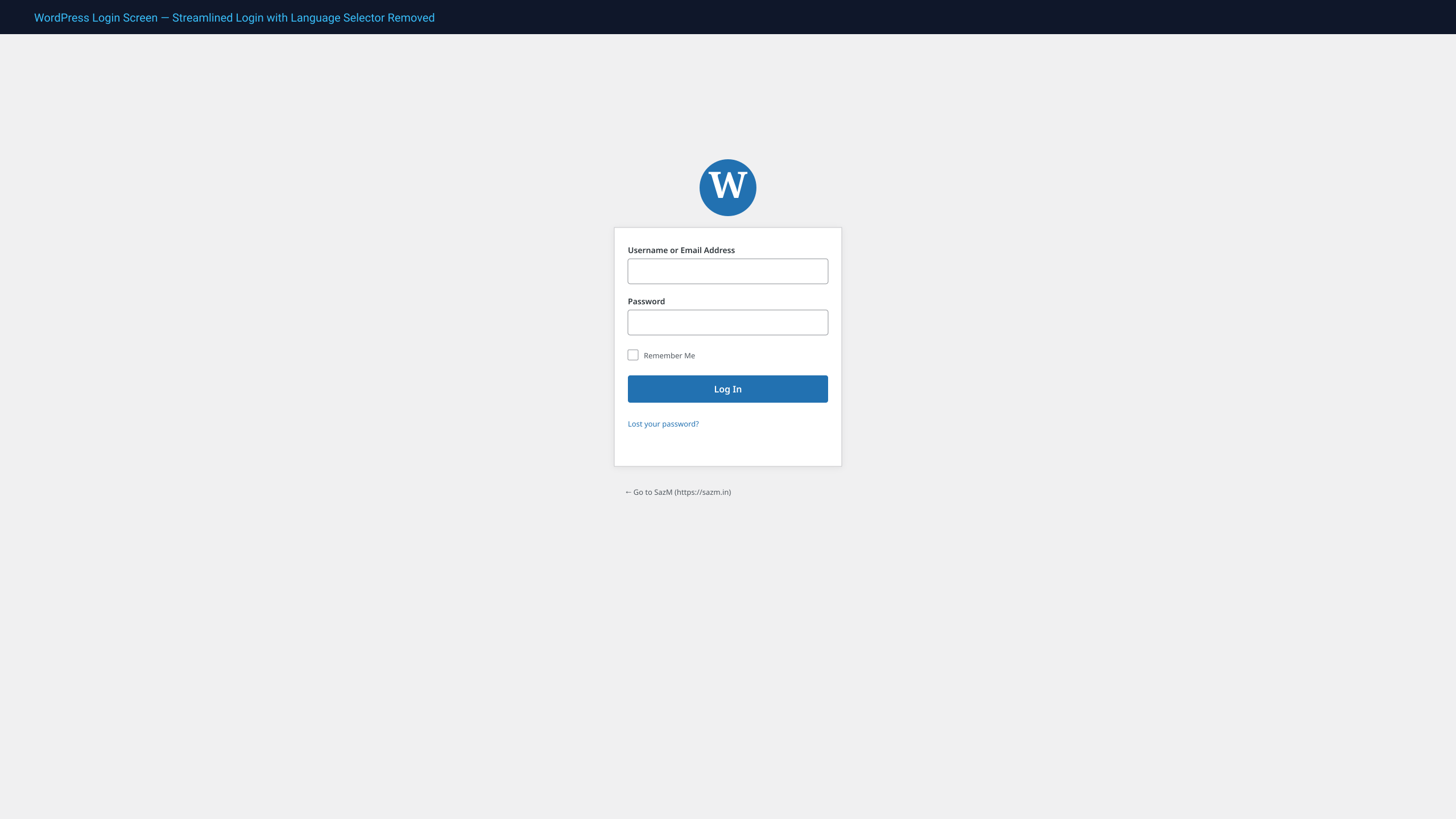
The Hide Login Language Selector plugin by SazM eliminates the language selection dropdown introduced in WordPress 5.9 from the login screen (wp-login.php).
If your website operates in a single primary language or you want to provide a focused, streamlined login workflow for your users and clients, this plugin removes the dropdown instantly.
Key Features
- Zero Configuration: Simply activate the plugin—the language switcher is removed immediately.
- Core-Native Approach: Utilizes the official WordPress
login_display_language_dropdownfilter hook. - Template Fallback: Includes CSS containment to guarantee removal even on custom or overridden login templates.
- Zero Database Impact: No options added to
wp_options, zero database queries, zero frontend overhead. - Lightweight & High Performance: Executes in under 1ms, fully compatible with caching and security plugins.
- WordPress 7.1 & PHP 8.x Ready: Fully tested and optimized for the latest WordPress core releases.
About SazM
Maintained by SazM — 20+ years in production engineering (since Oct 2006). 1,000+ projects for 300+ clients for Weismann Web per CEO letter.
Installation
- Log into your WordPress admin dashboard.
- Navigate to Plugins > Add New Plugin.
- Search for Hide Login Language Selector or upload the downloaded
.zipfile. - Click Install Now, then click Activate.
- Visit
/wp-login.phpto verify that the language selector is gone.
FAQ
Does this prevent administrators from changing the site language?
No. It only hides the public language selector dropdown on the login screen. You can still change your site’s default language in Settings > General or individual user profile languages in Users > Profile.
Does this work with custom login page plugins?
Yes. It hooks into core WordPress login filters and includes a universal CSS fallback to ensure compatibility across popular login customizers and security suites.
Screenshots

Changelog
2.1.0
- Confirmed compatibility with WordPress 7.1 and PHP 8.3/8.4.
- Added defensive CSS fallback to ensure language switcher suppression across third-party custom login wrappers.
- Updated brand documentation and SazM engineering assets.
2.0
- Added support for WordPress 6.x.
1.0
- Initial stable release.