


Description
HMDIA Login & Registration helps you create a sign-in and account experience that fits your site. Design login, registration, password reset and account pages; customize forms and emails; and verify new users with an Email OTP or magic link. Built-in spam protection, optional CAPTCHA, redirects and page access controls give you more control while using WordPress user accounts.
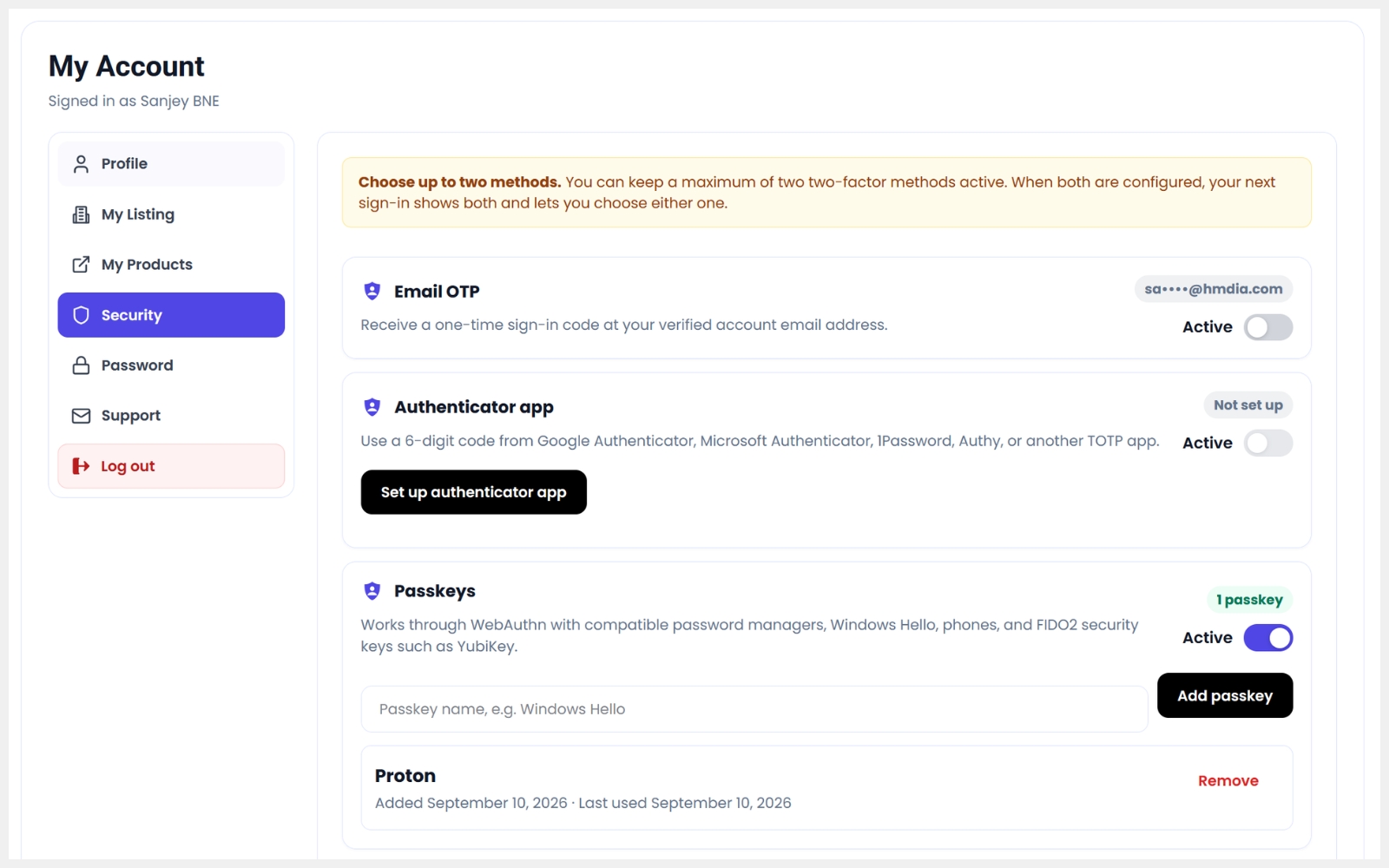
The free plugin works on its own and includes Email OTP two-factor authentication, recovery codes, required roles and an enrollment grace period. Optional Pro adds more contact forms with multi-step layouts, separate email and spam protection settings, and submission filtering by form. Pro also adds passkey login, two-factor authentication with passkeys, an authenticator app or SMS OTP, and session tools. Separate add-ons extend traffic security, content submission and checkout fields and verification.
Free features
- Custom login, registration, password reset and account pages.
- Combined login and registration forms with tabs.
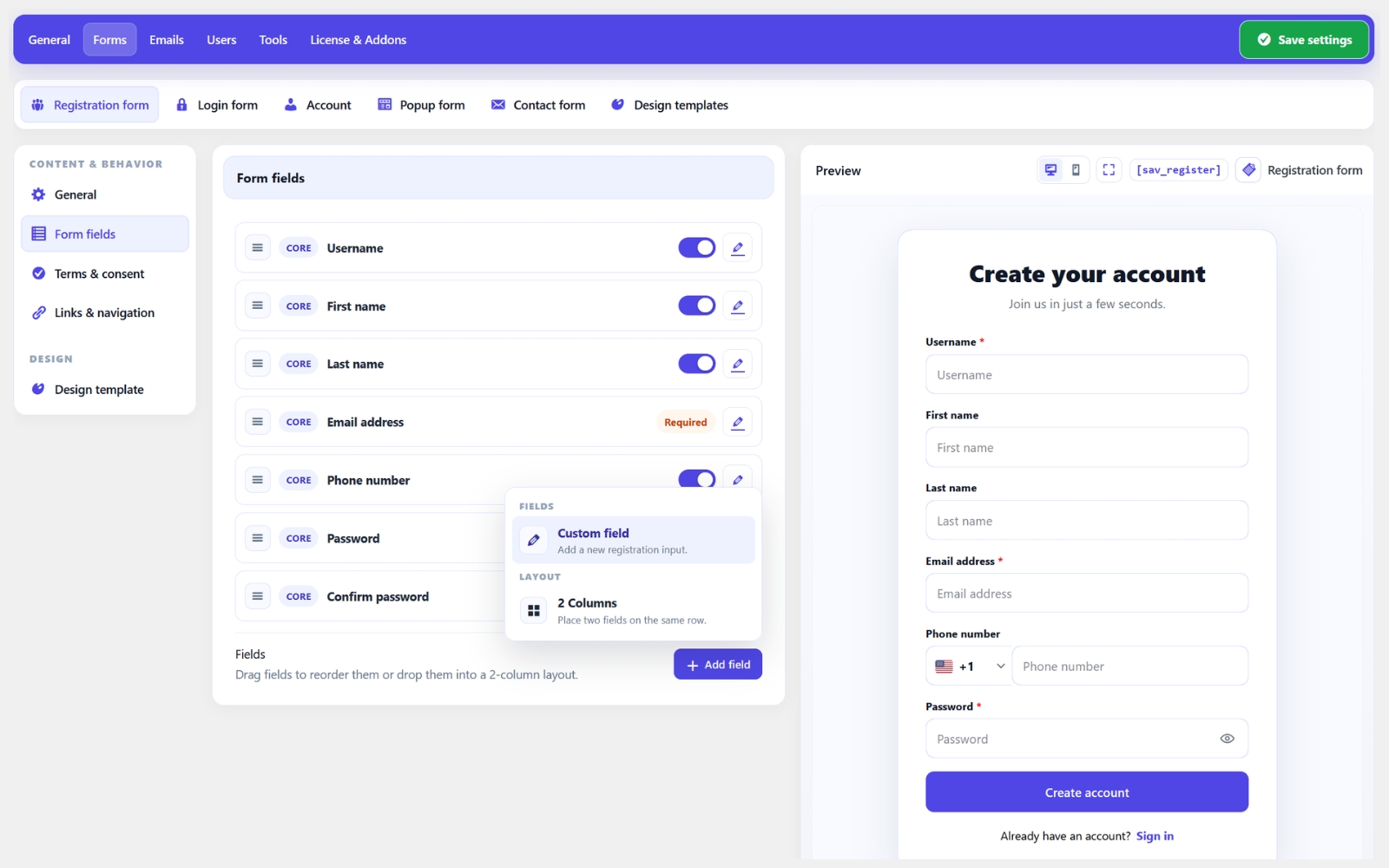
- Registration forms with all field types, two-column layouts, and multiple steps.
- Centralized form design templates with form selection and live previews.
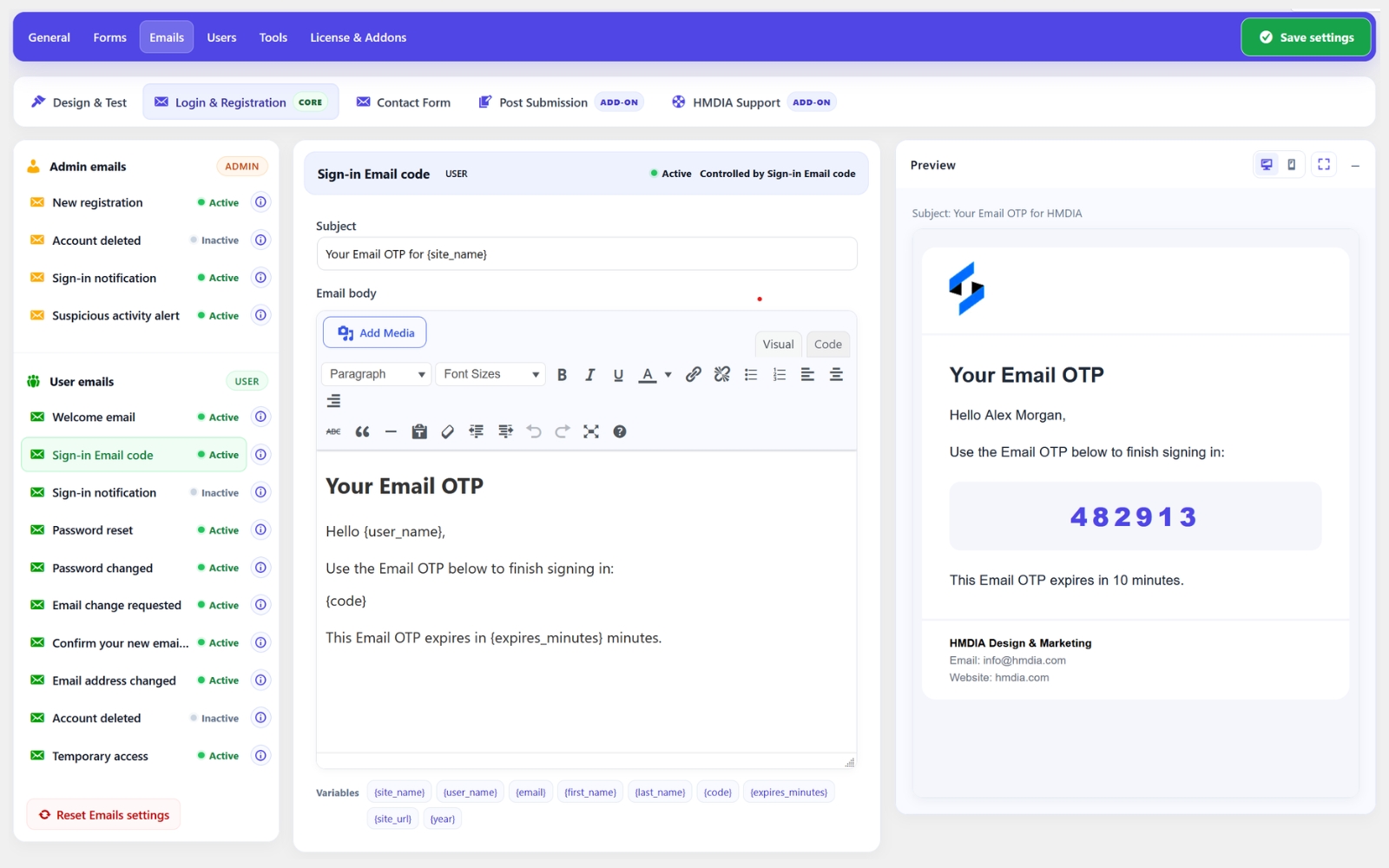
- Customizable email templates, branding, previews and test emails.
- Settings import and export using portable JSON files.
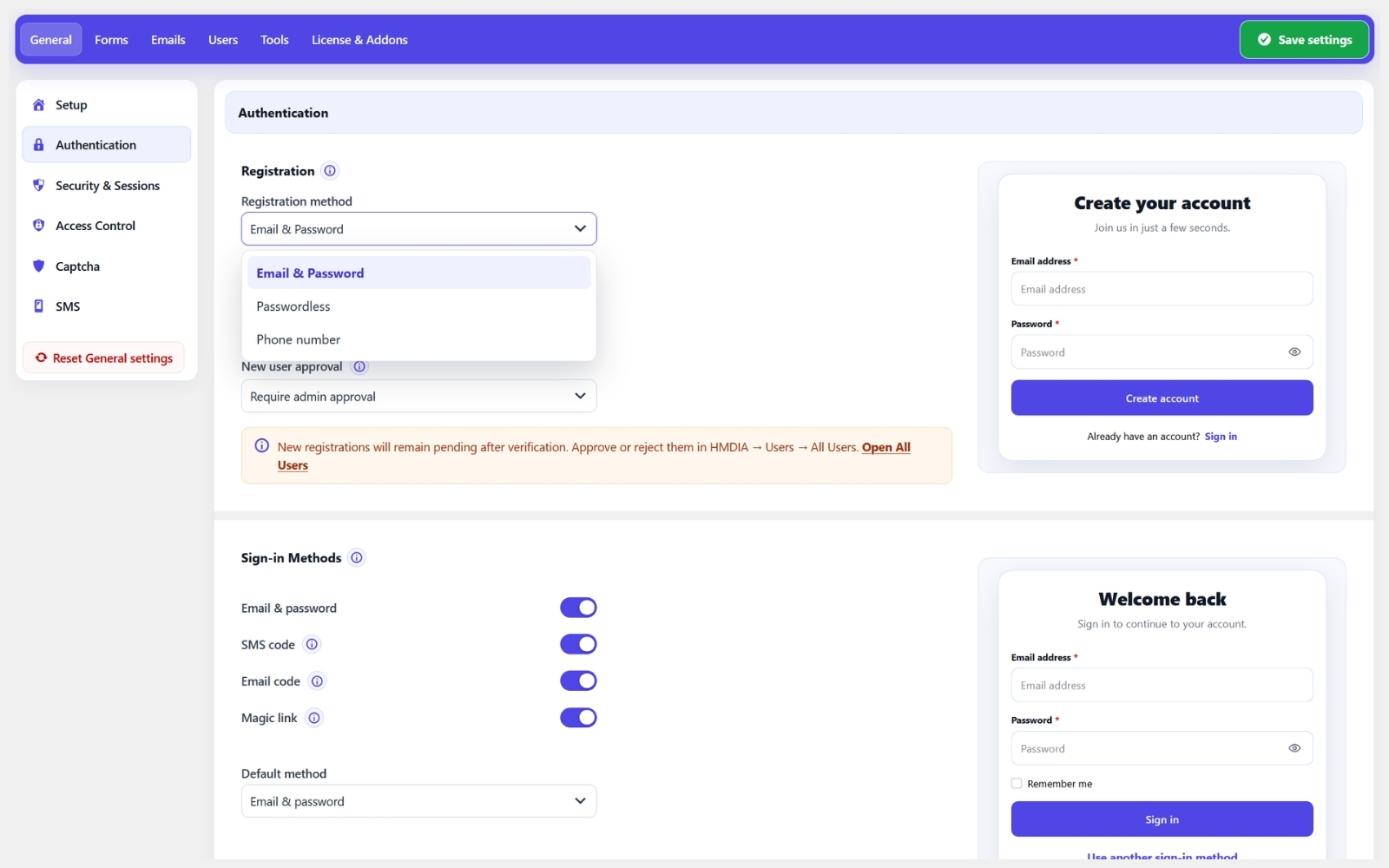
- Registration email verification using one-time codes or magic links.
- Email OTP two-factor authentication with recovery codes, required roles and an enrollment grace period.
- Administrator approval for new registrations.
- Configurable password requirements.
- Terms & Conditions acceptance on registration forms.
- Redirect the default WordPress login page.
- Custom redirects after login, registration and logout.
- Restrict selected pages by login status and user role.
- Hide the WordPress admin bar and restrict dashboard access by role.
- Frontend profile editing, profile images and password management.
- Built-in honeypot protection, Google reCAPTCHA v3 and Cloudflare Turnstile.
- Form Builder for one customizable contact form, with multi-step layouts, desktop and mobile previews, saved submissions, and email notifications.
- Form Submissions dashboard with activity charts, date-range selection and AJAX filtering.
Pro features
- Passwordless passkey login and passkey two-factor verification.
- Passwordless login using Email OTP, magic links or SMS OTP.
- Additional two-factor methods using an authenticator app or SMS OTP.
- Google Sign-In for login and registration.
- Temporary Login Access.
- Advanced session management for administrators and users.
- Force user logout.
- Monitor users’ online/offline status and last activity.
- Role-based redirects.
- Multiple contact forms with multi-step layouts, separate email and spam protection settings, and submission filtering by form.
- Conditional fields for registration and contact forms.
- Additional account and registration options.
- Outgoing webhooks with event selection, field mapping, delivery tests and history.
Add-ons included with Pro
All Pro plans include the following add-ons:
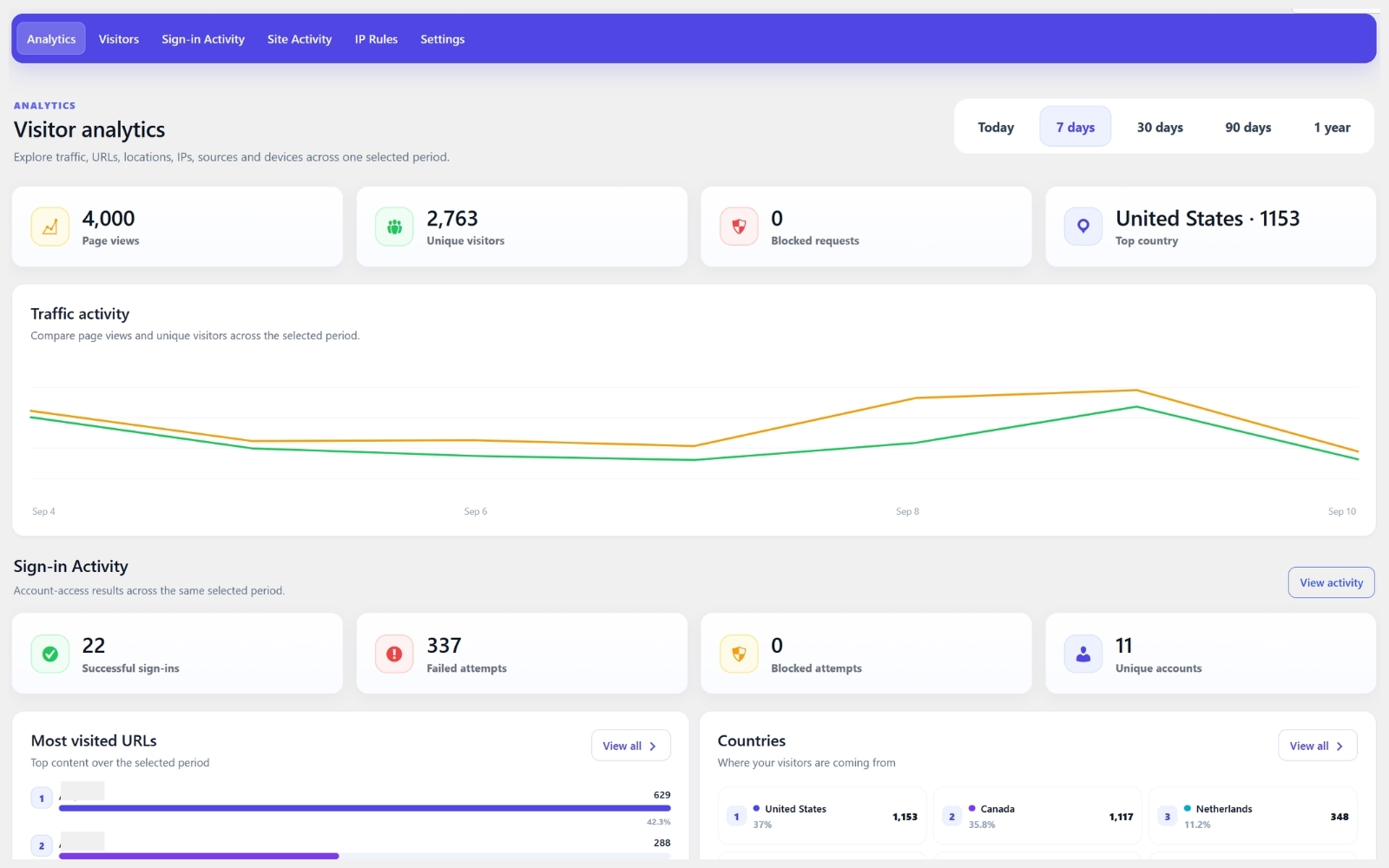
- HMDIA Traffic & IP Security: visitor analytics, sign-in activity and IP rules.
- HMDIA Post Submission: frontend content-submission forms.
- HMDIA WooCommerce Verification: customize checkout fields and verify customers using Email OTP, SMS OTP, or both.
Add-ons are installed as separate plugins. The free plugin works independently without them. Explore Pro and add-ons.
Video Tutorials
Explore HMDIA Login & Registration with these step-by-step video guides:
- Plugin Overview: Custom Forms & Sign-In Options
- Quick Setup Guide
- Set Up Passkeys, Passwordless Login, 2FA & Google Sign-In
- Customize Registration, Login, Popup & Contact Forms
- Customize Registration & Login Emails
External services
Google reCAPTCHA v3
Optional spam protection requiring a Google account and reCAPTCHA keys. When configured, the plugin loads Google’s reCAPTCHA script. Google processes browser information for risk analysis. During verification, the plugin sends the CAPTCHA token, configured secret key and visitor IP address when available. Administrator connection tests also contact Google.
Cloudflare Turnstile
Optional spam protection requiring a Cloudflare account and Turnstile keys. When configured, the plugin loads Cloudflare’s challenge script, which processes browser signals. During verification, the plugin sends the challenge token, configured secret key and visitor IP address when available. Administrator connection tests also contact Cloudflare.
Twilio (Pro)
Optional SMS delivery for SMS OTP features. Requires a Twilio account, Account SID, Auth Token and sender number.
When an SMS code is requested, the plugin sends the recipient’s phone number, configured sender and message containing the verification code to Twilio. Administrator connection tests authenticate with Twilio without sending an SMS.
Installation
- Install and activate HMDIA Login & Registration in WordPress.
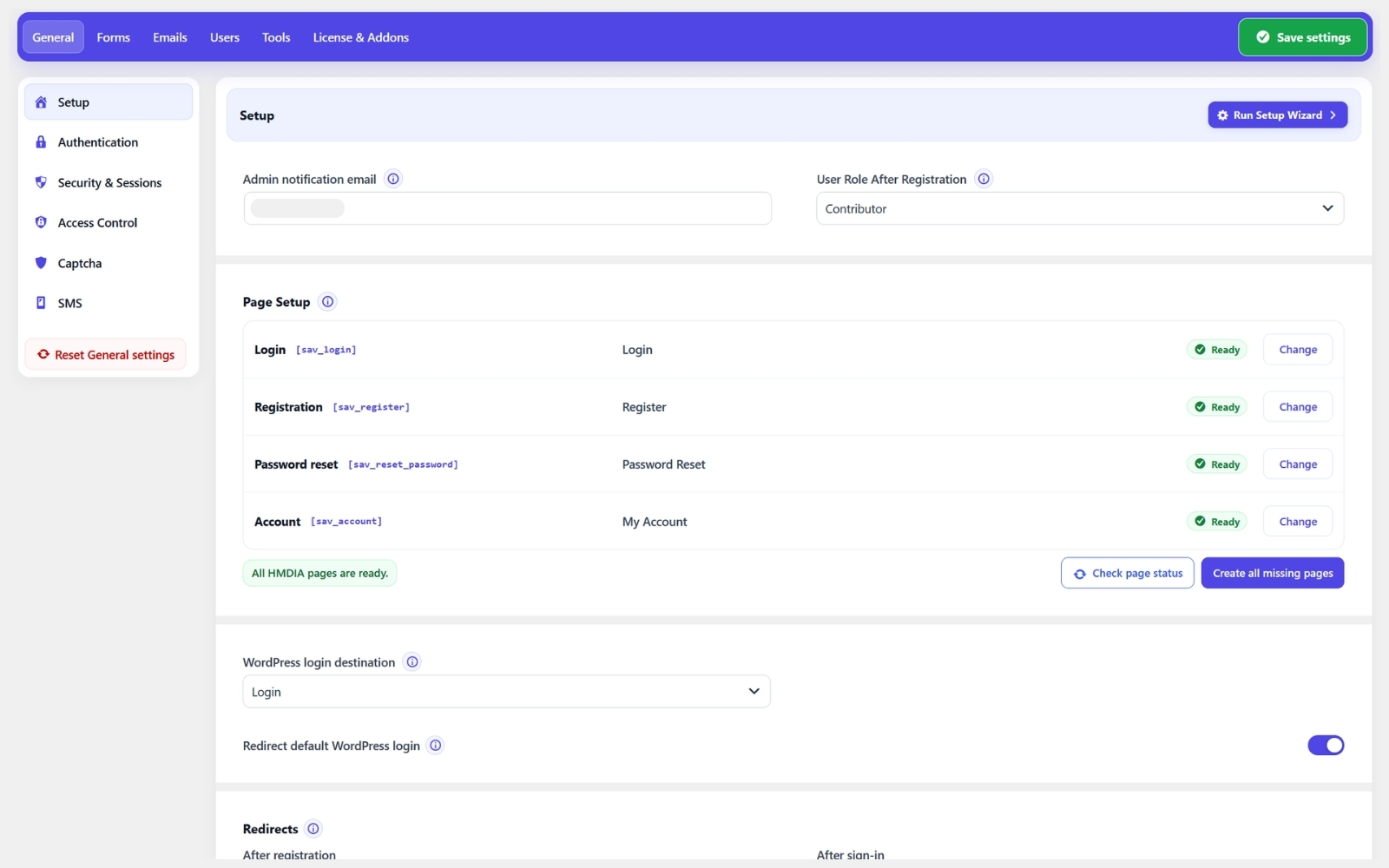
- Use the optional Setup Wizard or configure pages and forms in the plugin settings.
- If purchased, install and activate the separate Pro add-on after Core.
For setup guidance, see our Documentation and Video Tutorials.
FAQ
What does HMDIA Login & Registration replace?
It provides customizable frontend login, registration, password reset and account pages while continuing to use WordPress user accounts and authentication. You can optionally redirect the default WordPress login page to your custom login page.
Can I customize the forms and emails?
Yes. You can customize form fields, labels, buttons, colors, spacing and authentication email content to match your website.
Do I need Pro to use the plugin?
No. The free plugin works independently and includes custom forms, registration verification, Email OTP two-factor authentication, recovery codes, email customization, spam protection and contact forms. Pro adds passkeys, authenticator app and SMS OTP two-factor methods, Google Sign-In and advanced session management.
Can existing WordPress users sign in?
Yes. Existing WordPress users can sign in using their current account credentials. Their accounts remain stored and managed in WordPress.
Do I need to enable “Anyone can register” in WordPress?
No. HMDIA’s registration form can accept sign-ups while that checkbox is off. The checkbox controls WordPress’s built-in registration form.
Do I need CAPTCHA keys?
No. The built-in honeypot works without API keys. Google reCAPTCHA v3 and Cloudflare Turnstile are optional and require their respective site and secret keys when enabled.
Why am I not receiving verification emails?
Email delivery depends on your website’s mail configuration. Check the spam or junk folder, run an email delivery test in the plugin settings, and review your WordPress mail or SMTP configuration.
Can I verify email addresses and phone numbers at WooCommerce checkout?
Yes. The separate HMDIA WooCommerce Verification add-on supports Email OTPs, SMS OTPs, or both at checkout. It requires WooCommerce, a compatible Core version and an active HMDIA Pro entitlement. Customers must complete each enabled verification method before checkout can proceed.
Does uninstall delete my users or data?
Uninstall cleanup is opt-in. Regular WordPress users are preserved. Separately enabling page cleanup can move verified plugin-created pages to Trash; deactivation does not delete them.
Where can I find more answers?
Visit our complete FAQ for more information about features, setup and troubleshooting.
Screenshots
Changelog
2.2.5
- Tested with WordPress 7.1.5.
- Added Table, Heading / HTML, Separator, and Spacer options to the contact Form Builder.
- Displayed submitted table data as stacked rows in Form Submissions and contact notification emails.
- Fixed mouse text selection in Form Builder and preserved saved heading colors on published forms.
2.2.4
- General improvements and bug fixes.
2.2.3
- Create multiple contact forms, configure email and spam protection for each, and filter submissions by form (Pro).
- Redesigned the field editor in Registration form and Form Builder.
2.2.2
- General improvements and bug fixes.
2.2.1
- Added conditional fields for registration and contact forms (Pro).
- Added multi-step registration and contact forms (Pro).
- Added Combined login and registration forms with tabs.
- Added shortcode previews with desktop and mobile views.
- Improved Form Submissions with activity charts, date-range selection and AJAX filtering.
- Added confirmation before removing form fields.
- Improved mobile Account navigation.
2.2.0
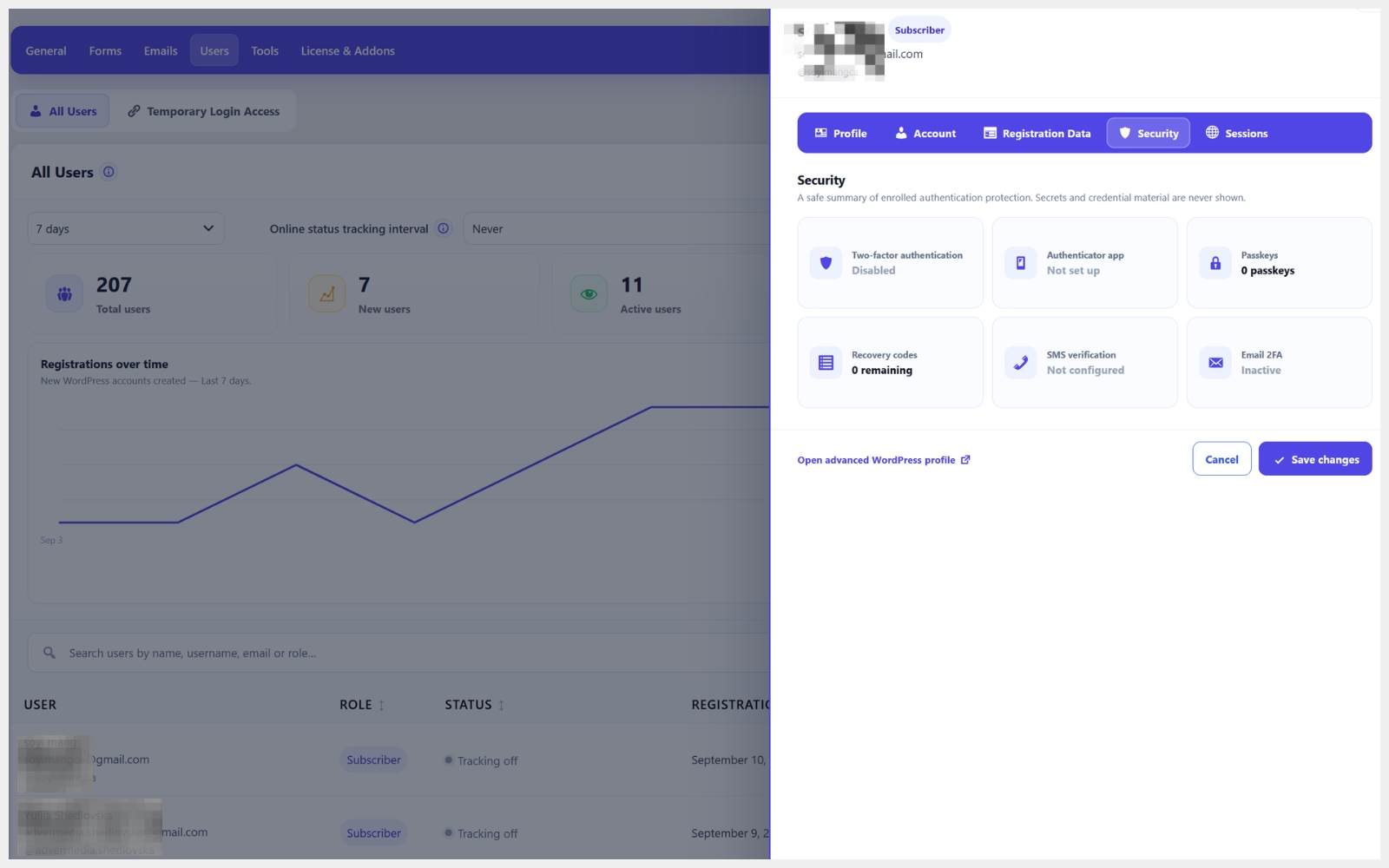
- Add security reset controls to the user editor.
- Customize the alternative sign-in methods heading and expanded or collapsed display.
- Make settings import and export available in the free plugin.
- Add profile images to Account pages.
- Add a popup for creating users in the All Users tab.
- Add user removal with a confirmation popup in the user editor.
2.1.9
- Improve Google sign-in and registration.
- Add address field visibility controls and a default country option.
- Improve contact form email layout and styling.
- Improve compatibility with caching plugins.
- Improve sign-in activity records and Diagnostics.
- General security and stability improvements.
2.1.8
- Add Multi-select, Radio, Country, Address, Upload and Hidden contact fields.
- Add multiple checkbox options and vertical/horizontal layouts for checkbox and radio fields.
- Improve style isolation from themes and page builders, including Elementor.
- Add outgoing webhooks with field mapping, test deliveries and delivery history (Pro).
2.1.7
- Fix form widths inside centered Elementor containers.
- Improve contact email formatting and text wrapping on mobile.
- Fix phone field borders and remove the default placeholder.
- Add searchable country selectors and fix dropdown clipping and focus styling.
2.1.6
- General improvements and bug fixes.
2.1.5
- Add dedicated Account design templates with styling managed in the Design tab.
- Fix two-column contact form layouts in desktop previews.
- Simplify design settings and improve checkbox and radio styling for custom registration fields.
2.1.4
- Add Passkey as an optional default sign-in method (Pro).
- Add country flags, dialing codes and a Default country setting to contact form phone fields.
- Simplify form design navigation and labels.
2.1.3
- Improve form styling compatibility with themes and other plugins.
- Improve registration approval and rejection handling.
- Improve contact-form success and error messages.
2.1.2
- Improve password-manager recognition with explicit sign-in form metadata and associated login field labels while preserving existing passkey autofill hints.
- Mark offscreen anti-spam inputs as hidden to prevent incorrect password-manager form classification.
- Fix first-attempt CAPTCHA connection tests in settings and the setup wizard when the provider API loads slowly.
2.1.1
- Show active 2FA method counts and a searchable user sidebar when supported by Pro.
- Confirm disabling site-wide 2FA when users have active methods; preserve their saved methods.
- Protect users from losing their only usable individual 2FA method and retain locked values during saves.
2.1.0
- Add support for Google Sign-In on login and registration forms (Pro).
- Add support for passwordless passkey login (Pro).
- Improve sign-in buttons and settings layout.
2.0.90
- Fixed an issue that prevented the Save button from appearing after editing Design Templates.
2.0.89
- Initial WordPress.org release.
- Explain when a security plugin blocks the new session after a password change; discard the rejected session token.