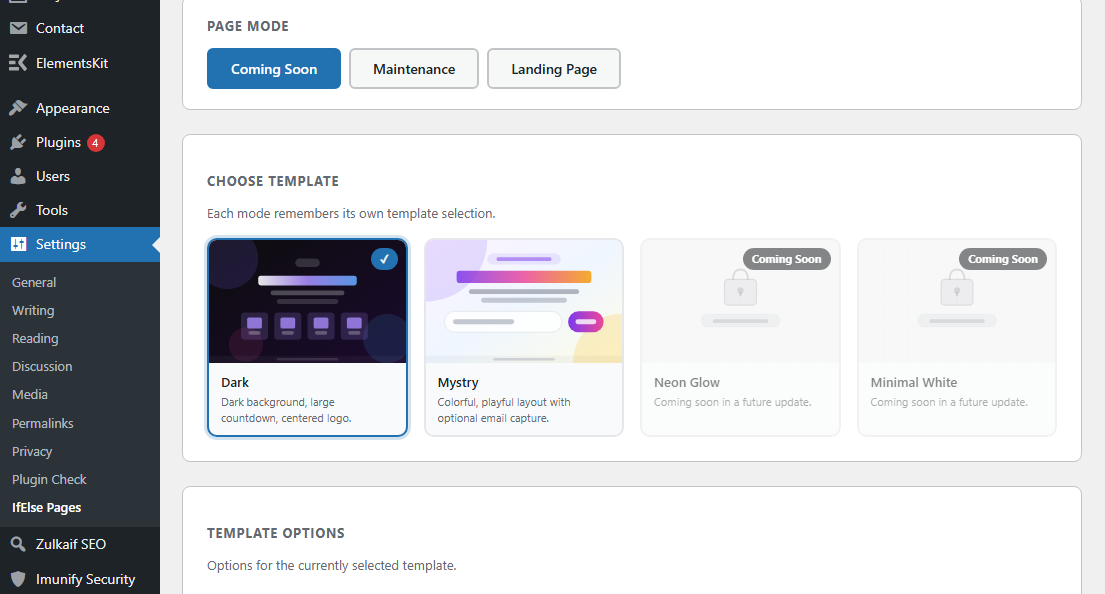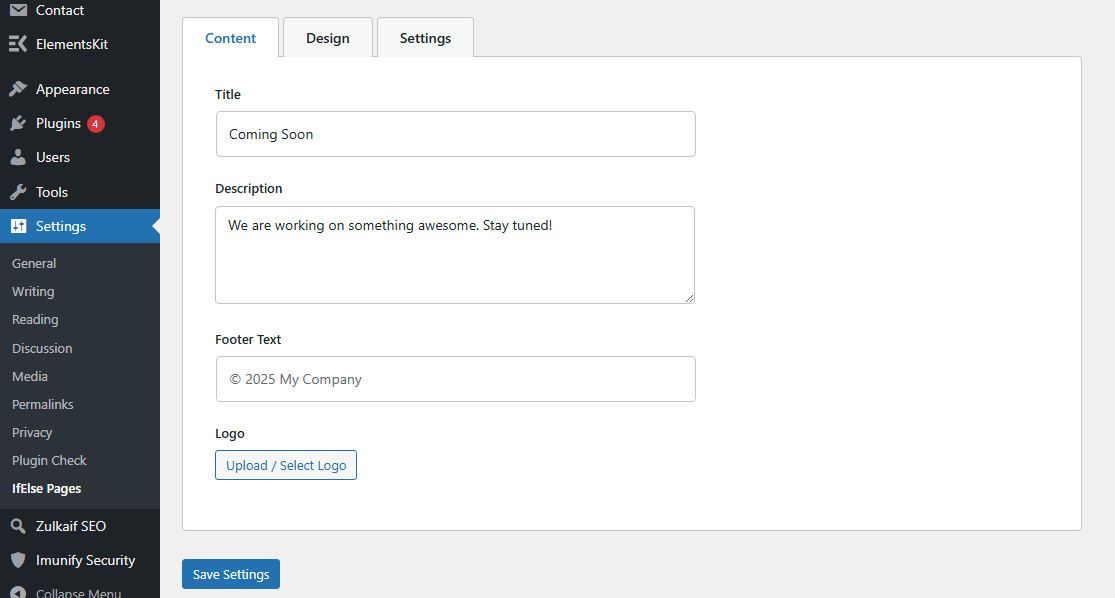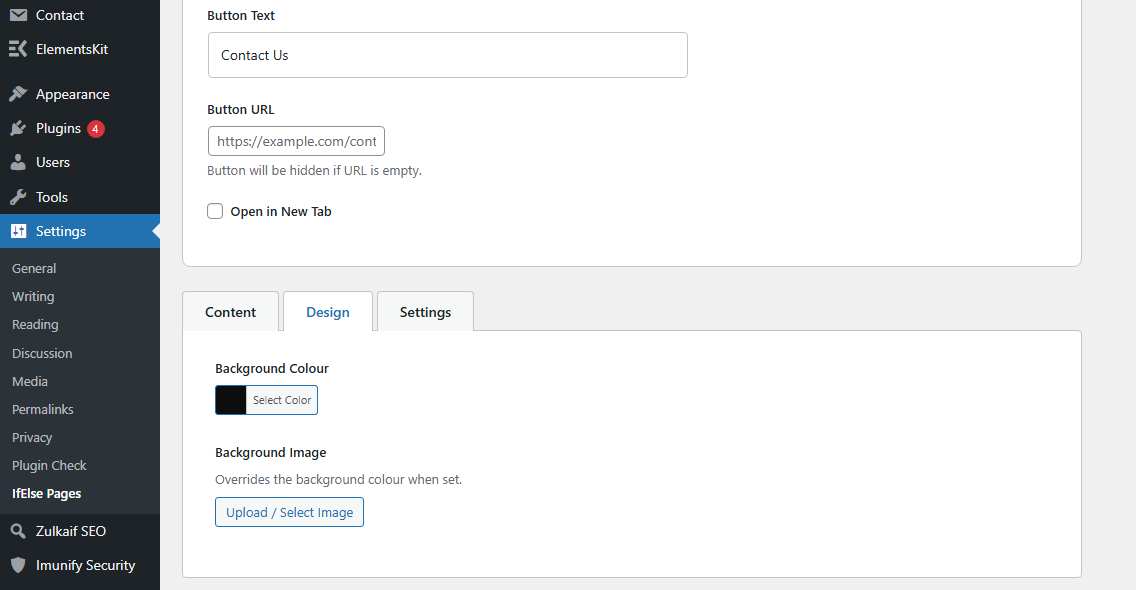
Description
IfElse Pages lets you activate a Coming Soon, Maintenance, or Landing Page screen for your visitors while you build or update your website. Administrators and other permitted roles bypass the screen automatically — so you can always log in and see the real site.
Features
- One-click enable/disable toggle
- Three page modes: Coming Soon, Maintenance (503), Landing Page
- Multiple templates per mode, including Dark, Mystry, Neon Glow, Warning, and Contact
- Logo upload via WordPress media library
- Background colour picker and background image upload
- Optional countdown timer with auto-hide when the date expires
- SEO meta title and description fields
- Configurable role bypass — choose which roles see the real site
- Translation ready
- Zero external API calls, no tracking, no ads
Arbitrary Sections
Support
For support, contact:
* Email: mail@zulkaif.com
* Website: https://zulkaif.com
* Plugin URI: https://zulkaif.com/ifelse.html
Author
Zulkaif Riaz – https://zulkaif.com
Shaham Abbas – https://shahamabbas.online
Installation
- Upload the
ifelse-pages-coming-soon-and-maintenance-modefolder to/wp-content/plugins/. - Activate the plugin through the Plugins screen in WordPress.
- Go to Settings → IfElse Pages to configure.
FAQ
Will administrators always see the real site?
Yes. Administrators bypass the screen by default. You can adjust which roles bypass it in the Settings tab.
Does this affect the REST API or wp-admin?
No. The intercept only runs on standard front-end page loads.
What HTTP status code does Maintenance Mode send?
Maintenance Mode sends a 503 Service Unavailable header. Coming Soon and Landing Page send 200 OK.
Is the plugin translation ready?
Yes. All strings use the ifelse-pages-coming-soon-and-maintenance-mode text domain and a .pot file is included in /languages/.
Screenshots