


Description
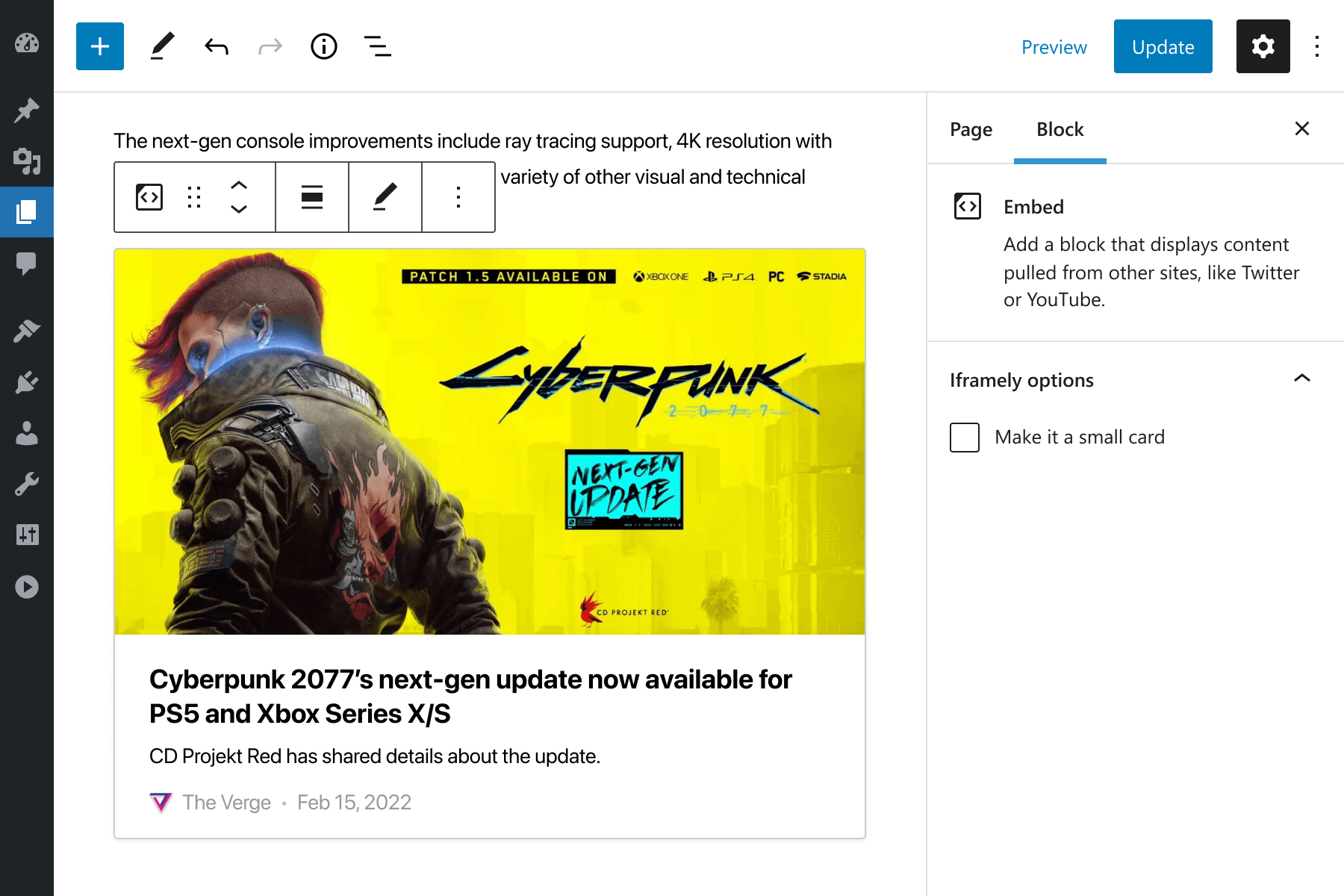
Iframely cloud extends WordPress embeds with customizable embed blocks for over 1900 rich media publishers. For the rest of the Internet, Iframely shows a summary card preview.
Extensive rich media embed support
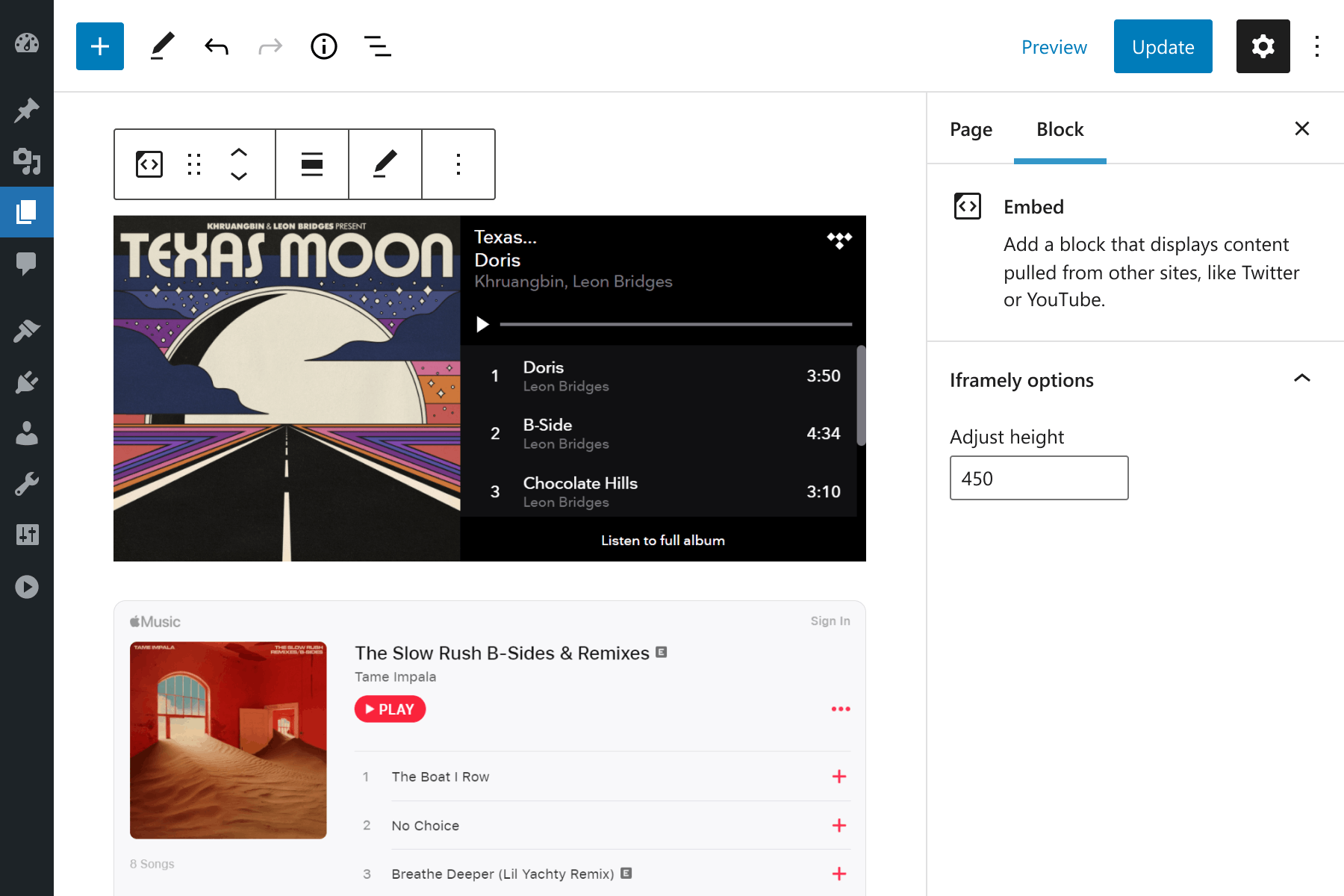
Following the existing flow of WordPress embeds, Iframely will detect URLs on a separate line in your posts and replace them with responsive embed blocks. Iframely enables all usual suspects such as YouTube, Twitter, Facebook, Instagram, TikTok, Reddit, Twitch, Vimeo, Wistia, Spotify, Tidal, Soundcloud, Pinterest, Giphy, GfyCat, Imgur, GitHub and many more.
Test your URL to check if Iframely supports it.
Customize every embed block
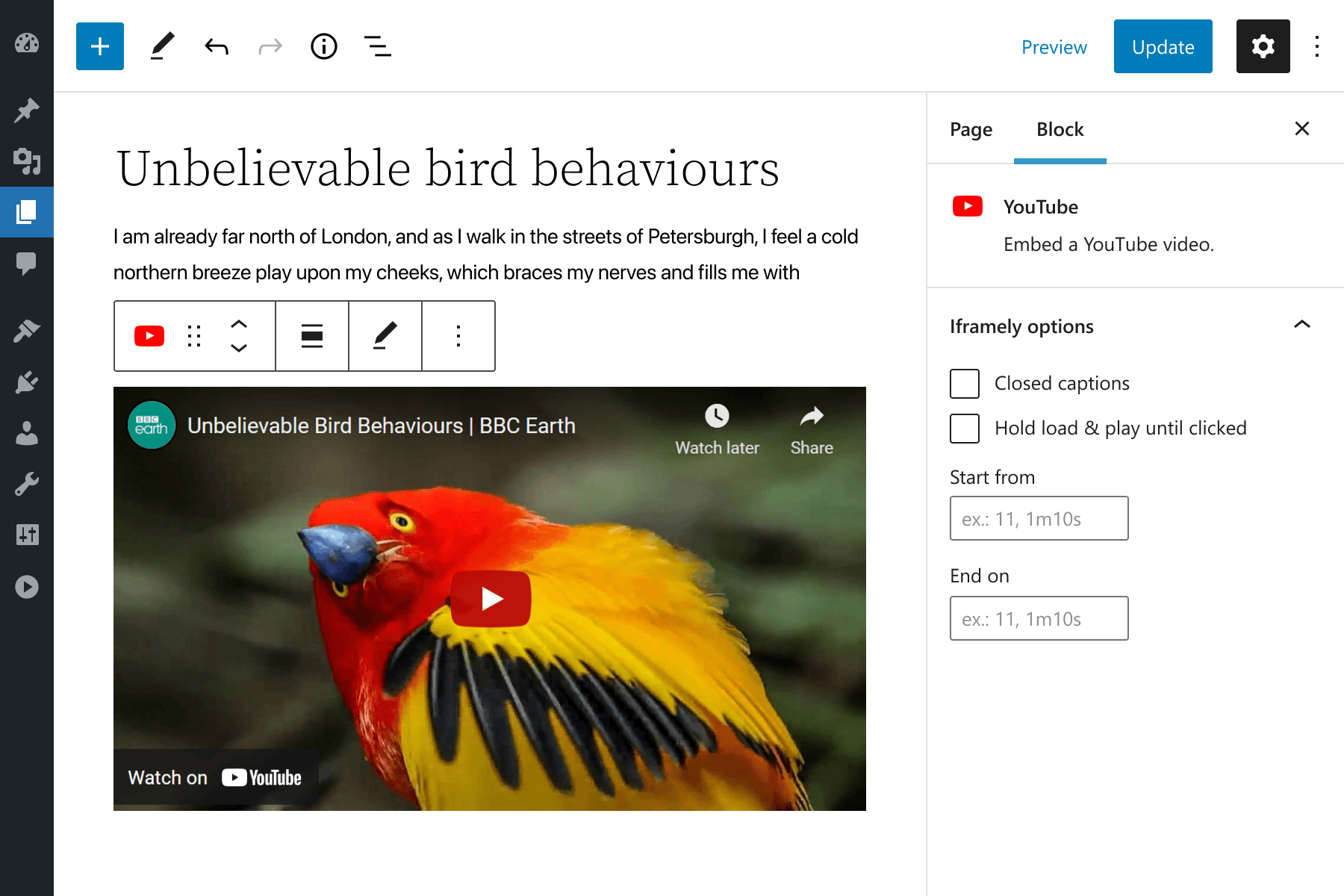
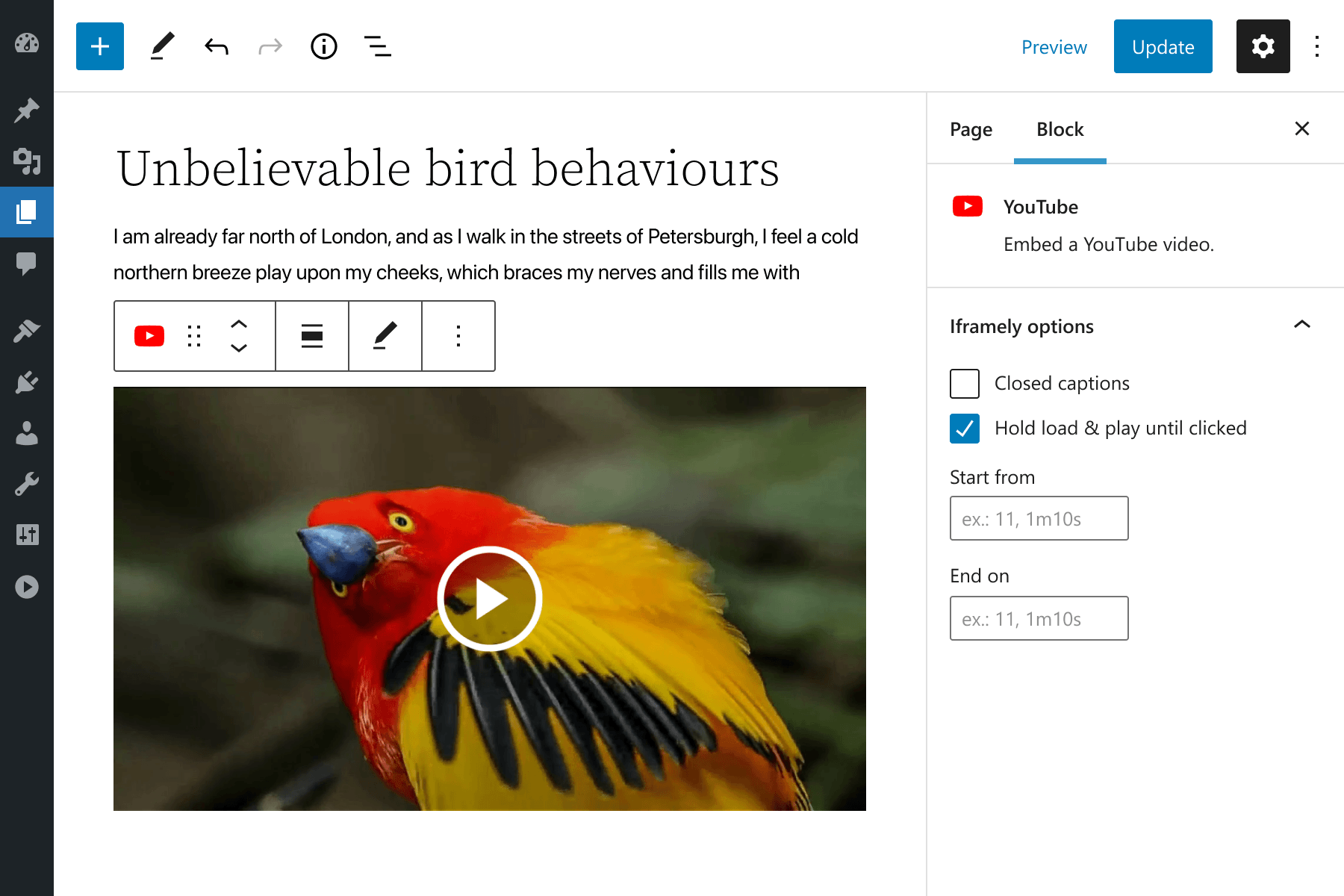
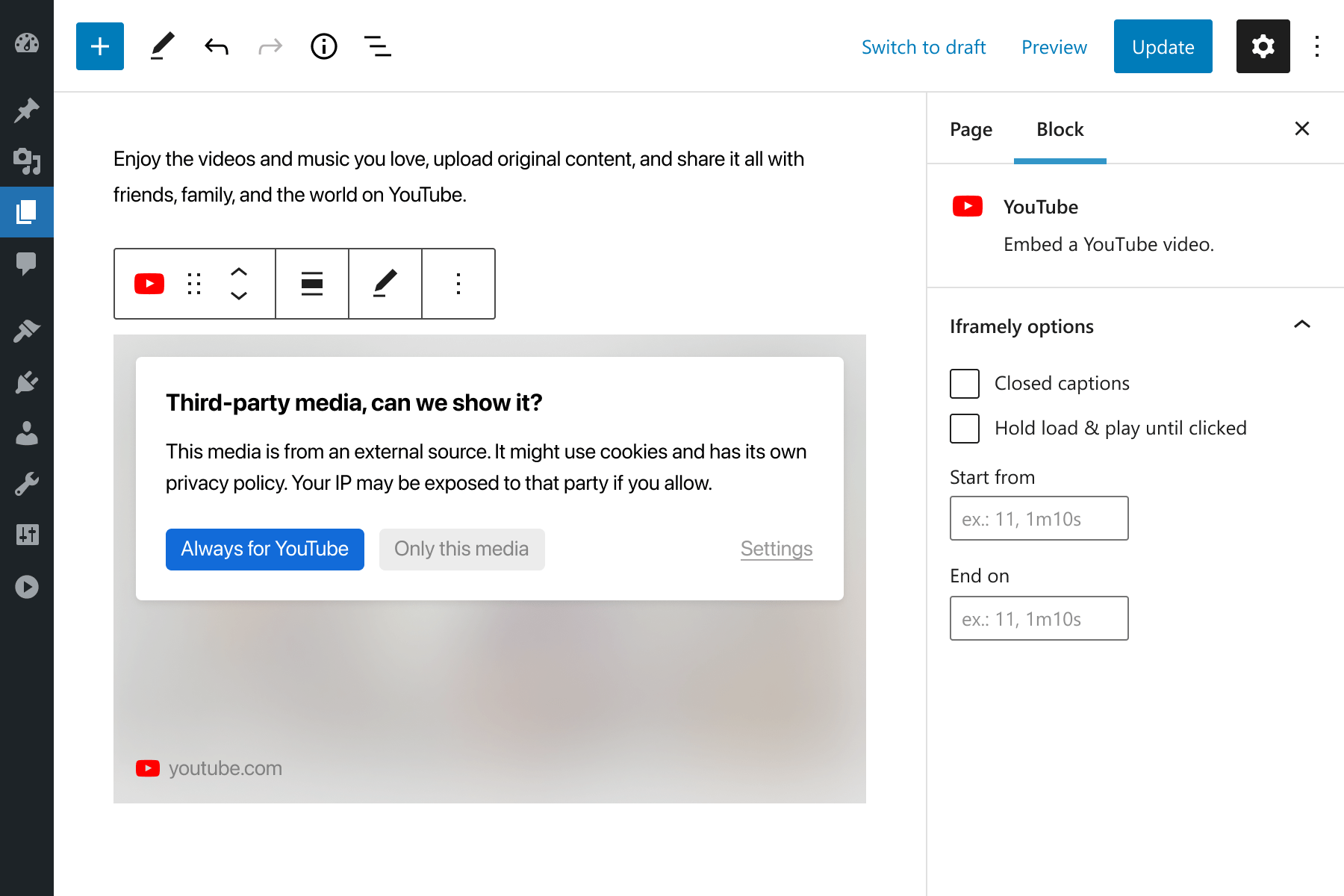
Many media publishers offer various embedding options, and Iframely helps you apply it to each block, right in the Gutenberg editor. Think YouTube start/stop time, Twitter parent message and replies, included media preview or dark theme, Instagram author’s caption and the like.
Fine-tune and white‑label
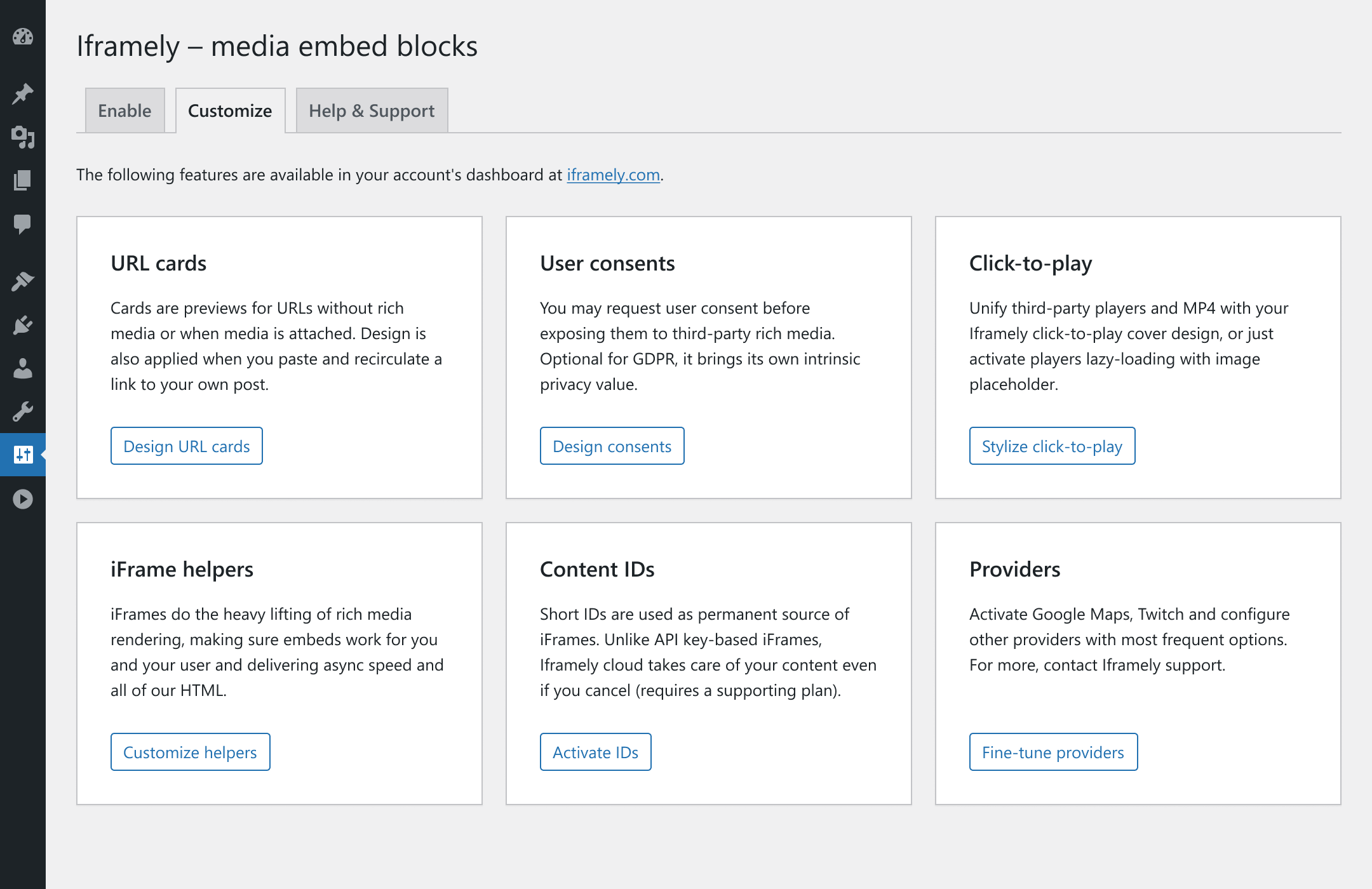
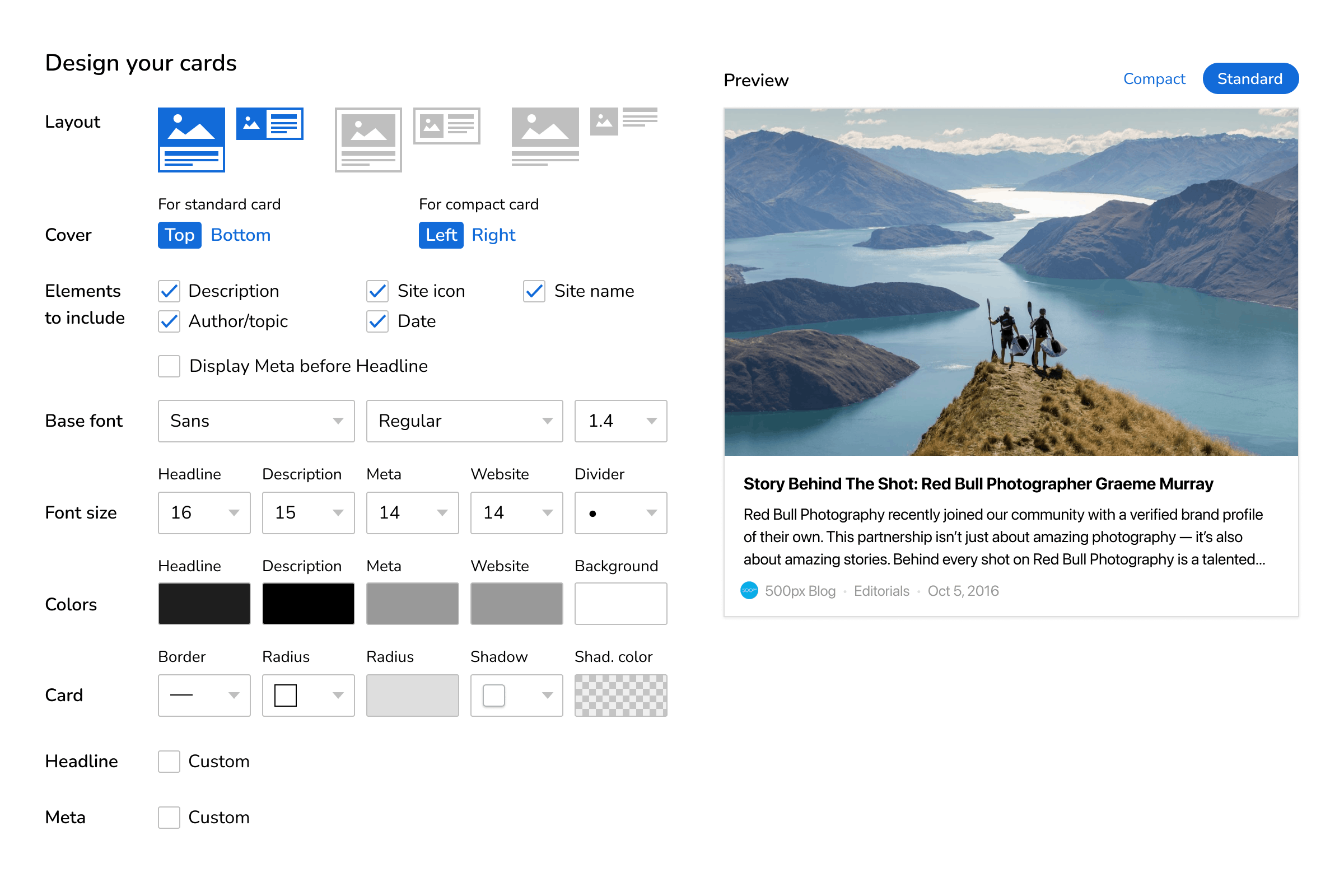
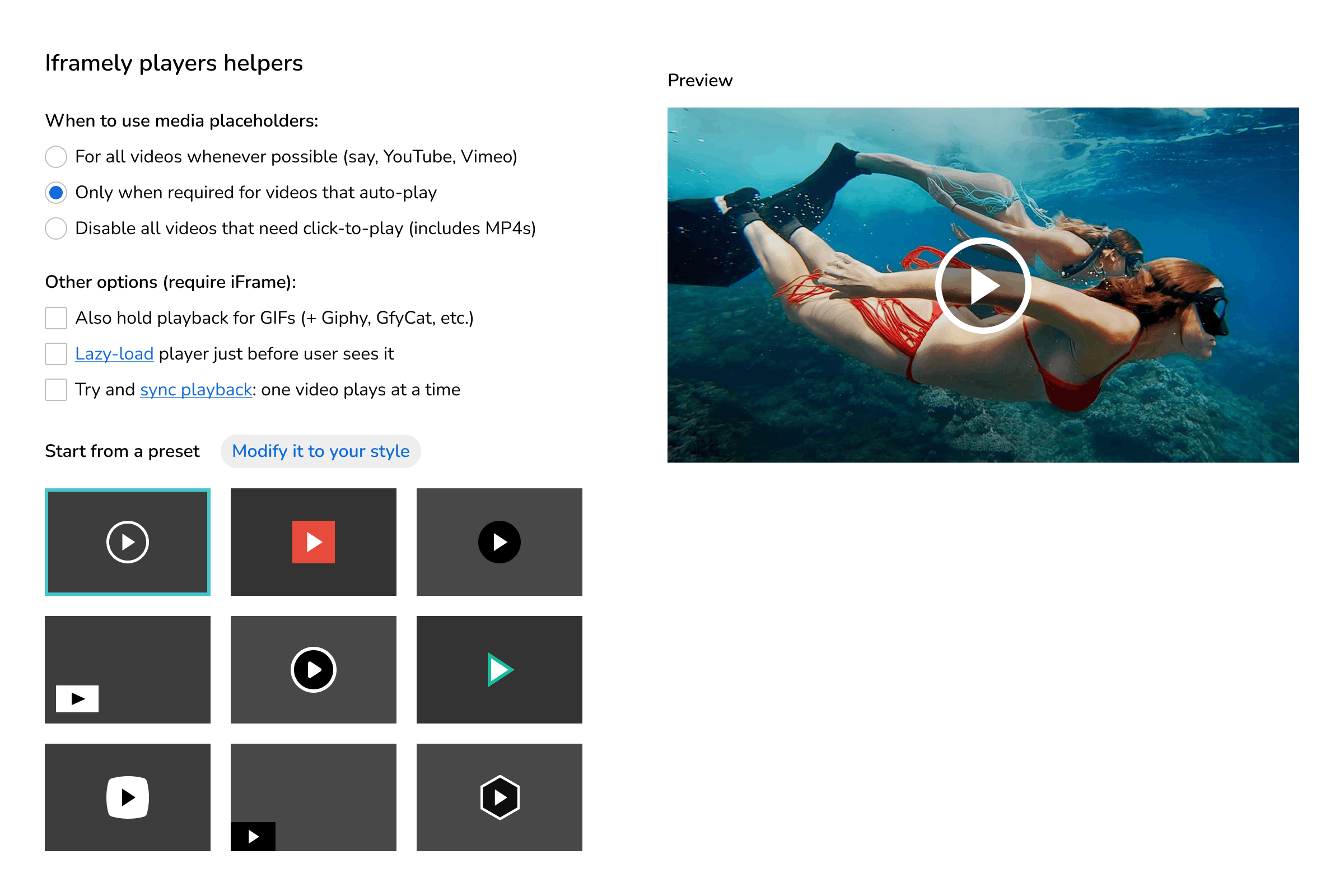
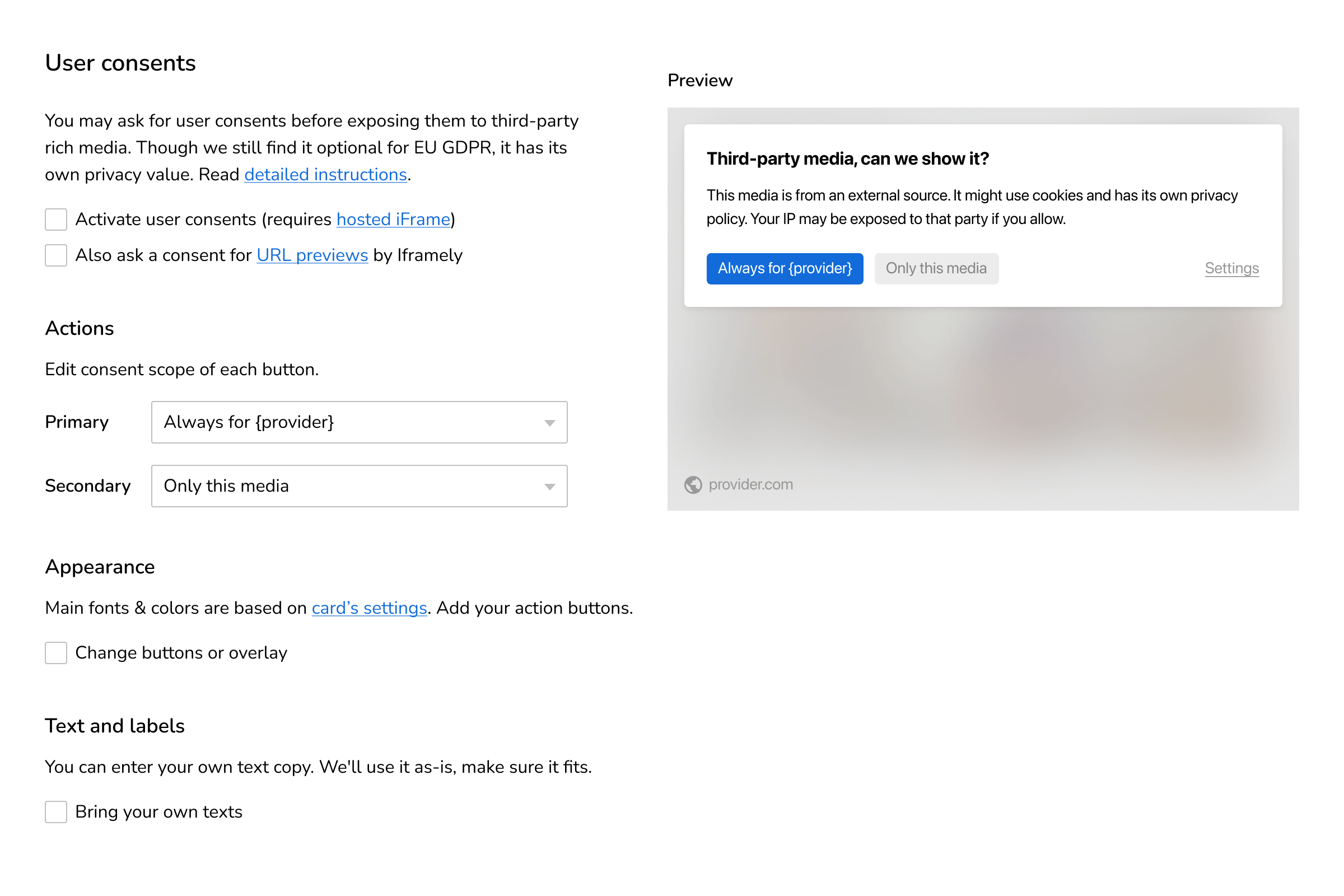
Optimize Iframely via your cloud account settings. Enable and match preview cards, consents and click-to-play to your branding via our WYSIWYG editors.
Circulate links to your own site
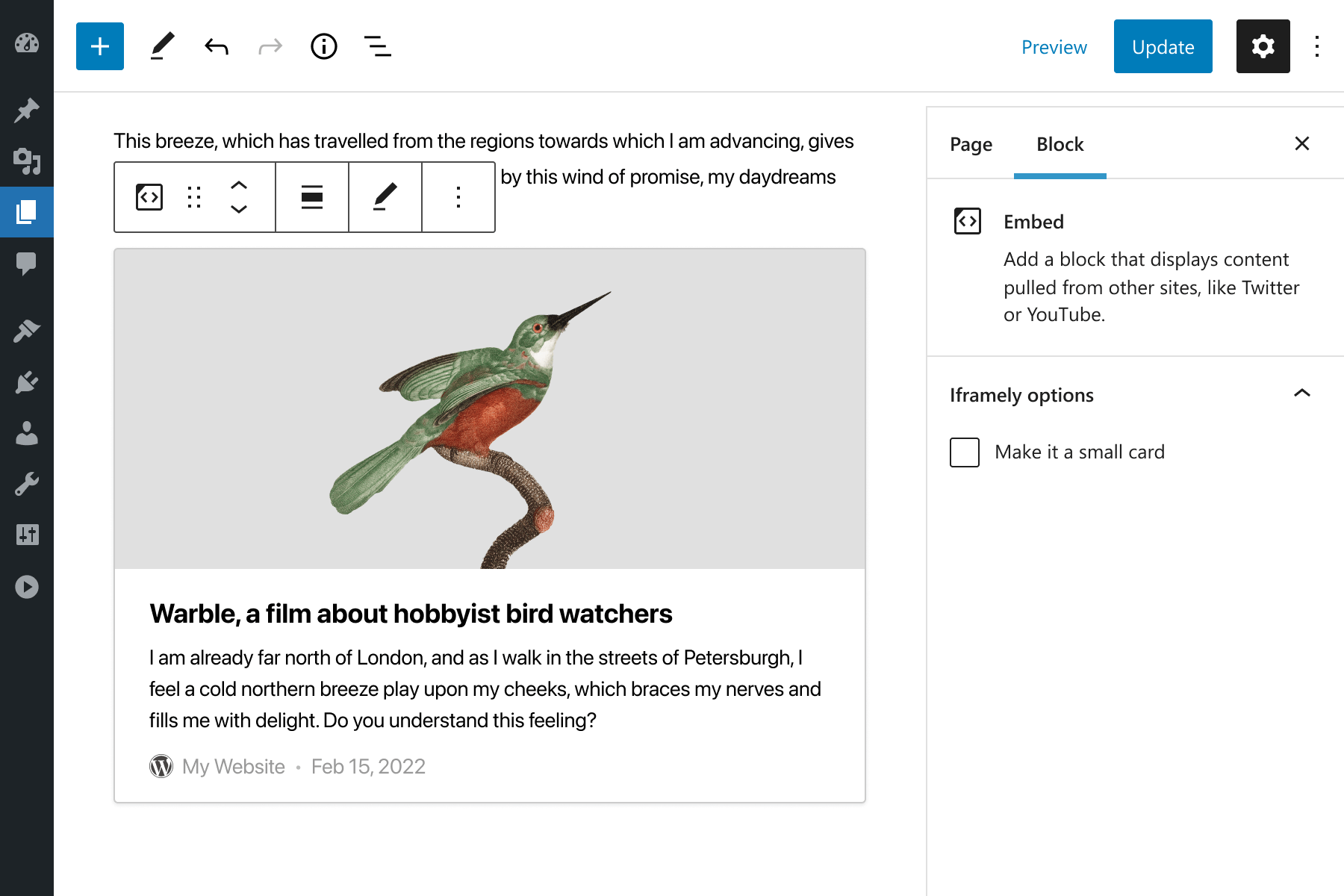
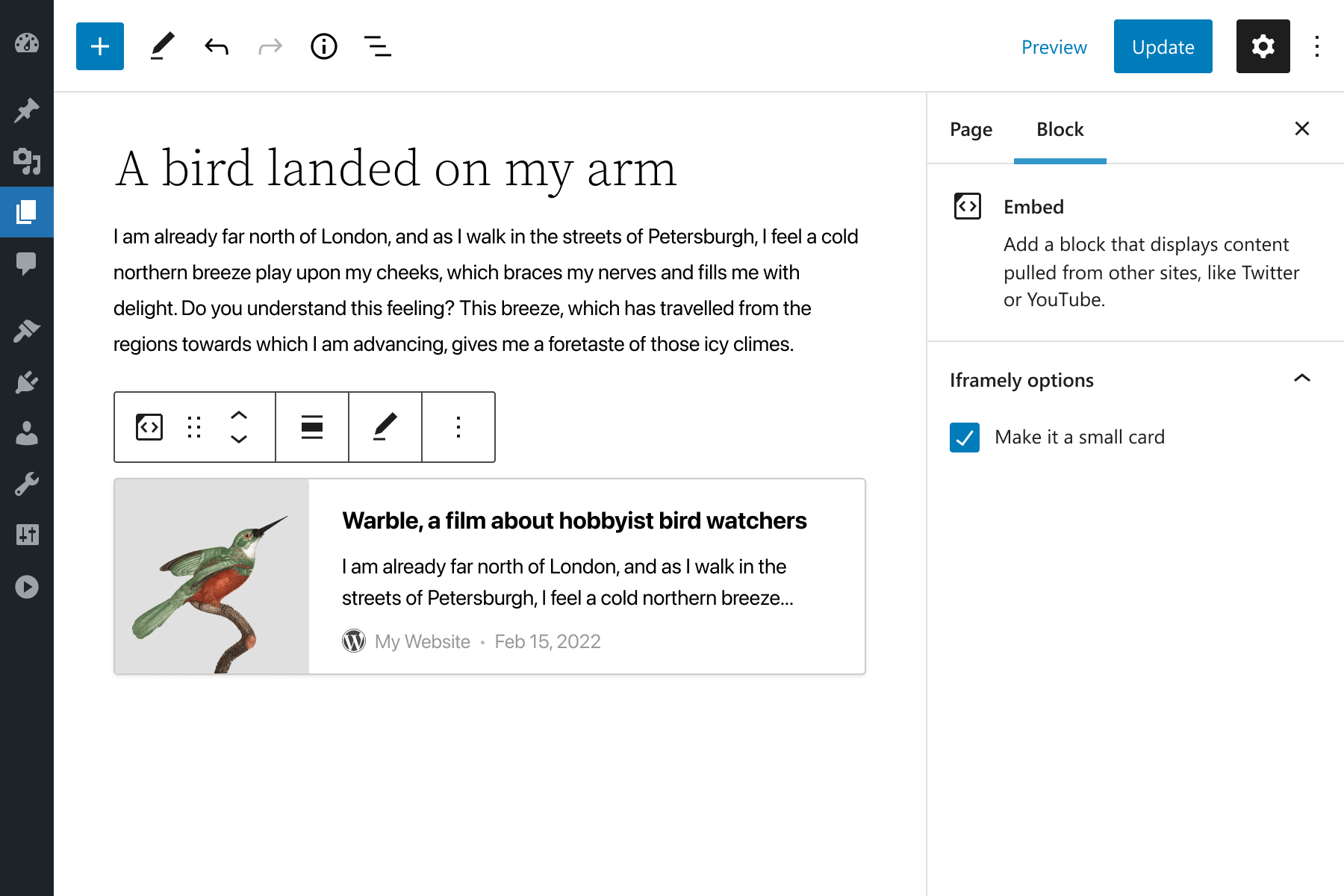
Increase session length and boost content strategy by promoting your content. Engage your users with URL preview cards instead of plain text links.
Features
- Working embeds, outsourced maintenance
- Fully Gutenberg-compatible
- It plays nicely in Classic editor (minus URL options)
- Responsive embeds and minimized cumulative layout shift (CLS)
- Lazy-loading and async iFrames
- Evergreen embeds with automatic cache refresh
- AMP support
- And more Iframely-powered features
License
Iframely is a commercial plugin powered by the Iframely cloud API. Every embed creates a cloud workload, and an active service subscription is required for commercial use or production installations. Otherwise, we offer a free full-featured 30 day trial period so you can give Iframely a try before deciding.
Installation
Install like any other plugin, directly from your Plugins page or by uploading to plugins directory.
Once installed, you will need an API key to activate the plugin. Iframely is a commercial plugin connected to Iframely cloud service. Get your API key by signing up at iframely.com. Iframely comes with a full-featured 30 days trial period and also offers a free and limited “Developer” plan for development and testing purposes.
Activate the Iframely plugin with the API key and you are done! Just keep using Gutenberg as you usually do. Iframely will embed any link for you.
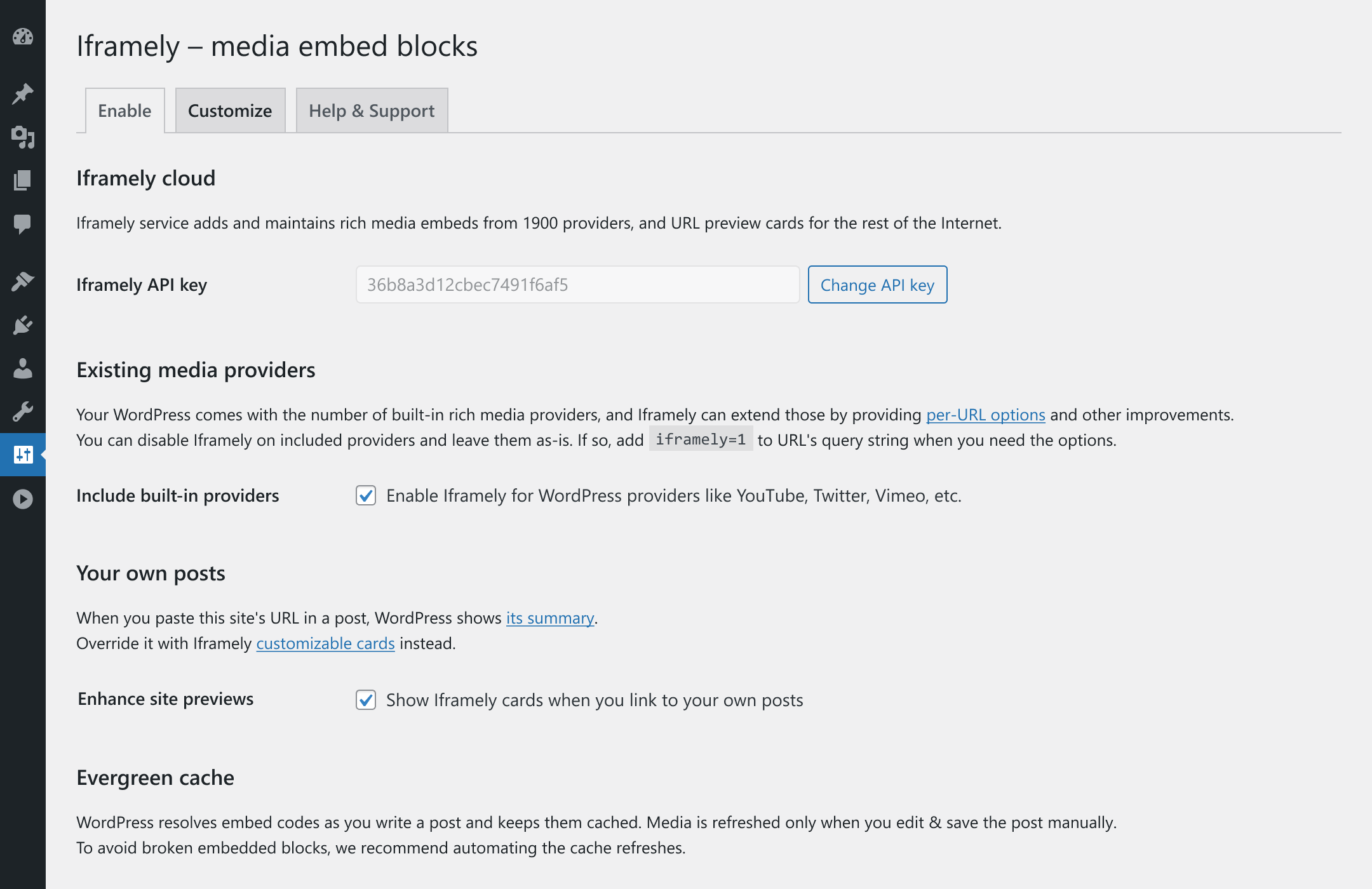
By default, WordPress keeps embed codes cached until after the author edits/saves a post. If you’d like to drop the cache for older posts, and also to make Iframely refresh WordPress embeds cache more often, change “Evergreen cache” options on the Iframely plugin settings page of your WordPress admin section.
You can change every aspect of Iframely embeds via your account settings at iframely.com.
FAQ
Do I need a paid subscription for this plugin to work?
Yes. Iframely is a commercial plugin connected to Iframely cloud service. Each of your URLs creates a cloud computing workload and requires maintaining many third-party integrations. We cannot offer this service for free to meet our quality standards.
Is there any trial period?
Yes. Iframely comes with a full-featured 30 days trial period. We also offer a free and limited “Developer” plan for further development and testing.
How can I check if Iframely supports embedding a particular URL?
Please test your URL here to see if Iframely supports it. To dig into more technical details, you can also debug any site using the Iframely URL debugger.
Can I customize embeds to fit my design?
Yes. You can change every aspect of Iframely embeds via settings or query-string parameters. We also provide a comprehensive and friendly WYSIWYG editor, which allows you to match embeddable cards to your branding.
1900 publishers is a lot but what about the rest of the web?
We’ve got you covered. It should be way more than 1900 publishers; we just gave up counting. If not, we try and generate a URL card preview for every news, media and blogging site, yours included.
Does it work with WordPress Multisite and other plugins?
Yes. Iframely works nicely with Gutenberg, WordPress Multisite, AMP, Jetpack and other WordPress plugins.
Does it work with Classic Editor?
Yes. Iframely works in classic editor and supports embedding rich media via a shortcode. Minus, individual per-URL options for each embed (but the cloud support team can configure each provider for all your URLs).
What happens to embeds if I uninstall the plugin?
Since Iframely “extends” the standard embeds mechanism, nothing breaks when you uninstall. It just works as if Iframely was never there: WordPress will replace existing links to supported providers in your posts with their standard embeds, and the rest will look like plain hyperlinks.
Can you add embeds from “you-name-it”?
Yes, most likely! We are constantly adding new embed providers (you get all of them automatically). However, if you think we are missing something, send us a message.
How do I get support?
If you still have any questions about Iframely you can check the documentation. For all commercial customers, our friendly team provides support. We strive to attend to most support requests in less than an hour for our enterprise clients and small businesses alike.
Screenshots
Changelog
1.2.0
- Requires WordPress 6.6 and PHP 7.4. Tested with WordPress 7.1.
- Evergreen cache: when Iframely cannot be reached, posts keep the embeds they have, and a failed lookup is no longer repeated on every page view.
- Embed options in the editor: a preview that fails no longer leaves the block stuck, changes made while a preview loads are kept, an option that is on by default can be turned off, and values in any script can be saved.
- Embed options are kept in the URL of the embed only, as before; the unused
iqueryattribute is no longer written to posts. Posts saved by earlier versions keep their options. - Security: options stored with a URL can no longer replace the API key or the address sent to Iframely, and the texts of the settings page are escaped.
- The API key is no longer accepted when the answer of the check cannot be read.
- The editor’s script and style are no longer added to content requested over the REST API, which stopped the Site Editor from scrolling on WordPress 6.6.
- Works together with plugins that answer embed requests themselves, and with sign-in methods that are registered after plugins are loaded.
- Feeds: the newest item no longer carries an Iframely embed.
- The
[iframely]shortcode uses Iframely for every URL, also when the built-in providers of WordPress are kept. - Settings: percent-encoded values in “Query string parameters” are kept, and the cache lifetime has to be one of the offered values.
- AMP: text after the last embed keeps its paragraphs.
- Multisite: the “Settings” link on the Plugins screen leads to the network settings.
- When a URL cannot be embedded, the link shown instead no longer contains the options.
- Deleting the plugin removes its settings.
- The options panel of the editor can be translated.
1.1.6
- Fix aggressive cache invalidation (@kasparsd https://github.com/itteco/iframely-wordpress/issues/57)
1.1.5
- Fix TTL preset for 1 month (@aurooba https://github.com/itteco/iframely-wordpress/pull/53)
1.1.4
- WordPress 6.8 compatibility
1.1.3
- WordPress 6.6 compatibility
1.1.2
- WordPress 6.5 compatibility
1.1.1
- Fix multisite option management capability requirements
1.1.0
- WordPress 6.3 compatibility
- Lower multisite option management capability requirements
1.0.2
- Fix radio button styles in URL options
- WordPress 6.2 compatibility
1.0.1
- WordPress 6.0 compatibility
1.0
- We re-built Iframely for WordPress from the ground up, revamped user interface, Gutenberg blocks, plugin settings and activation
- WordPress 5.9 compatibility
0.7.2
Fix scripting errors in Gutenberg editor WordPress 5.4+.
0.7.0
Introducing URL options editor for your Gutenberg embed blocks. Available for higher-tier plans or during a trial period. We add publishers fine-tuning options as if you manually copy-pasted HTML codes from their websites.
0.6.0
- Keeping up with the changes to AMP WP plugin
- Making caching more reliable and responsive to the changes in settings
0.5.0
Making Iframely to work nicely with AMP WP plugin. Iframely now catches all missing embeds and follow your Iframely settings. But you can also opt to have Iframely for all embeds.
0.4.0
Turns out, WordPress does not follow cache_age response from API after all. It only refreshes embed codes when you edit and save post. This isn’t right. This update enables you to refresh embed codes periodically. It also gives and option to add any query-string parameters to the use with API.
0.3.1
We are reverting one of the changes in version 0.3.0 – linking Iframely to single post/page scope. Our apologies: we casted the net too wide and Iframely wasn’t working properly with some installations.
0.3.0
WordPress 4.5+ forces you to use built-in default cards when you want to embed a link to your own site. Iframely v0.3.0 returns the option for you to use Iframely cards instead. To remind: you can change design of cards at iframely.com
Iframely v0.3.0 also disables the plugin outside of single post/page scope, as WordPress has caching issues and otherwise creates tremendous load to our servers.
0.2.9
Since WP 4.4, your site publishes embeds by default so that other WP sites can embed summaries of your posts.
Iframely v 0.2.9 gives you an option to override the default widgets and use Iframely hosted summary cards instead. Change design in your Iframely account settings.
0.2.8
- Support of direct links to GIF files (mobile-friendly!)
- Features that were rarely used are now retired (embeds publishing, cache auto-pilot)
- Keep up to WordPress 4.3
0.2.4
- Makes Iframely work with WordPress 4.0 real-time previews
0.2.3
- We enabled the hosted widgets. With it, we now can give you embed codes for videos that autoplay. We also handle SSL well, and provide graceful fallbacks for Flash videos for your iOS/mobile visitors. To enable this option, turn it on in Iframely settings.
- We also fixed the broken link to Iframely settings. The one that was on plugins list page, so it properly links to the same settings you have in main (left) menu.
0.2.2
This version includes fixes for WordPress Multisite. Iframely plugin options page will be available only for the super admins.
The regular WP installations should remain intact and do not require an instant upgrade.
0.2.0
There are 3 main changes: API Key, Shortcode, and Options page.
- In order to keep our servers up and running, we need to secure the API with the API Key. Get your FREE API Key here.
- If you don’t want the hastle of configuring API Key, just shorten your links manually at http://iframe.ly first, before pasting it into your post. The short URL will come with the embed codes attached to it.
- Also, Iframely now has the options page where you can configure the way you’d like to use it.
- For example, you can opt to use Iframely in
[iframely]shortcode only, leaving all the other default oEmbed providers intact. [iframely]http://your.url/here[/iframely]shortcode itself was introduced in this version.
0.1.0
This is our initial release. Please, rate if you like the plugin. And please, help do submit issues if you see any.