

Description
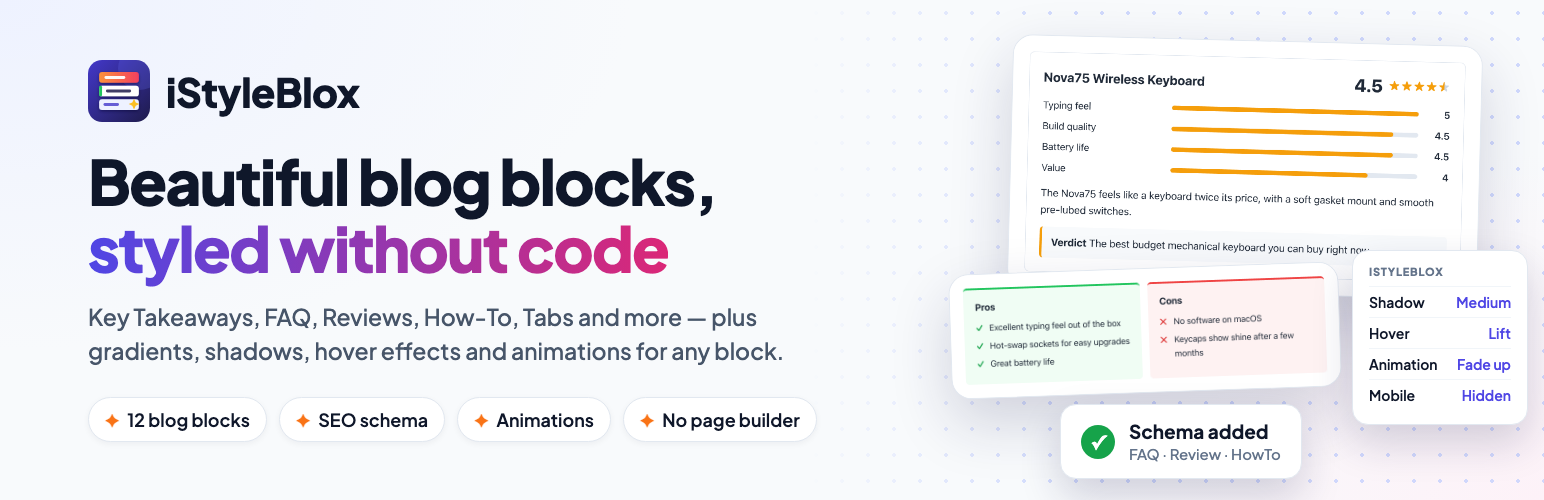
iStyleBlox gives you the power to design beautiful blog sections directly in the WordPress block editor — no code, no page builder required.
Styling Panel for Every Block
A sidebar panel appears on every block, letting you control:
- Background color and gradient
- Border color, width, radius, style, and shadow
- Padding and margin, per side
- Text color, font size, and font weight
- Hover effects — lift, grow, shadow, dim
- Entrance animations when the block scrolls into view (respects reduced-motion settings)
- Hide on mobile, tablet, or desktop
- One-click style presets
12 Custom Blog Blocks
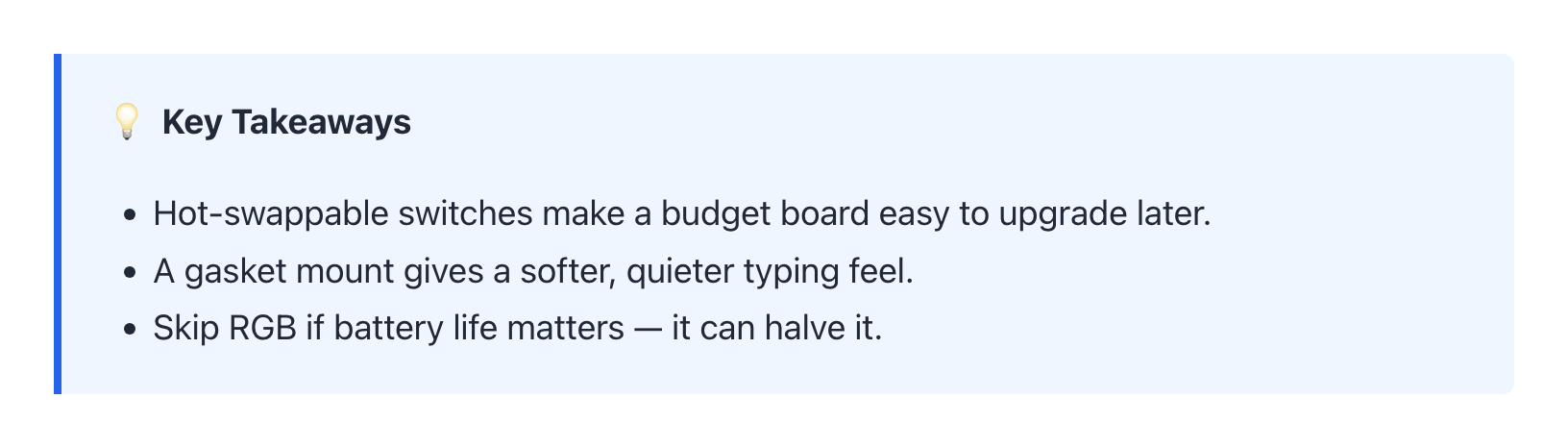
- Key Takeaways — Highlight key points at the top of your article
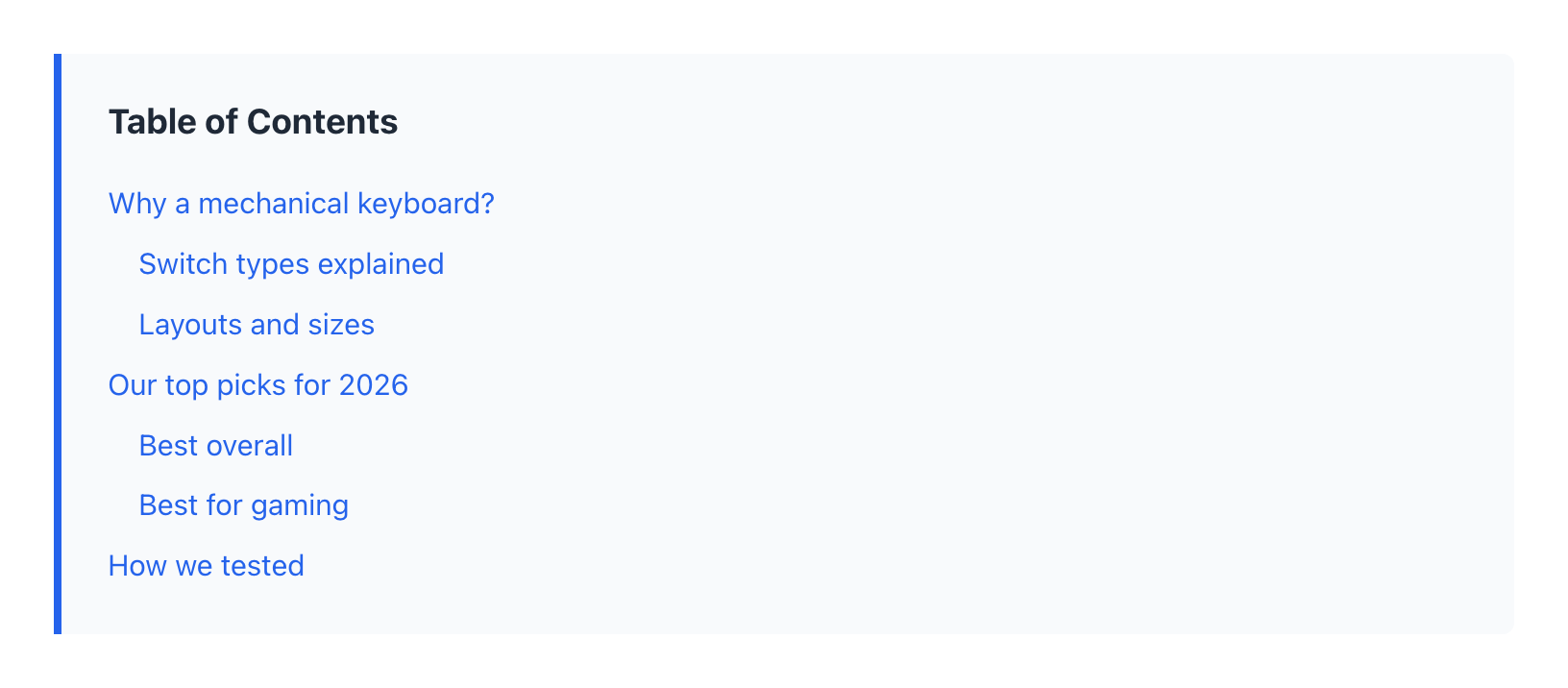
- Table of Contents — Auto-generated, clickable TOC from your headings, with reading-position highlight, optional collapse toggle and floating button
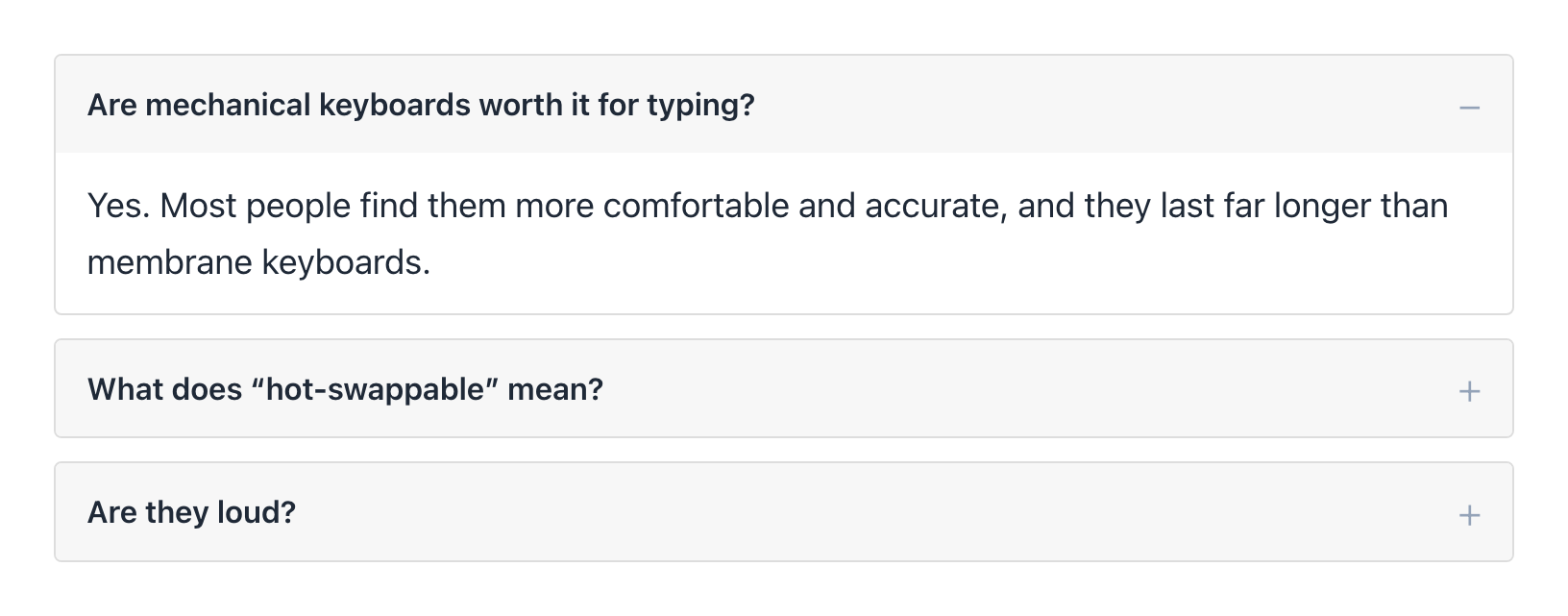
- FAQ Accordion — Collapsible question-and-answer pairs with Schema markup; optionally open the first question or keep one open at a time
- CTA Box — Call-to-action sections with customizable background, text, and button (new tab, sponsored and nofollow link options)
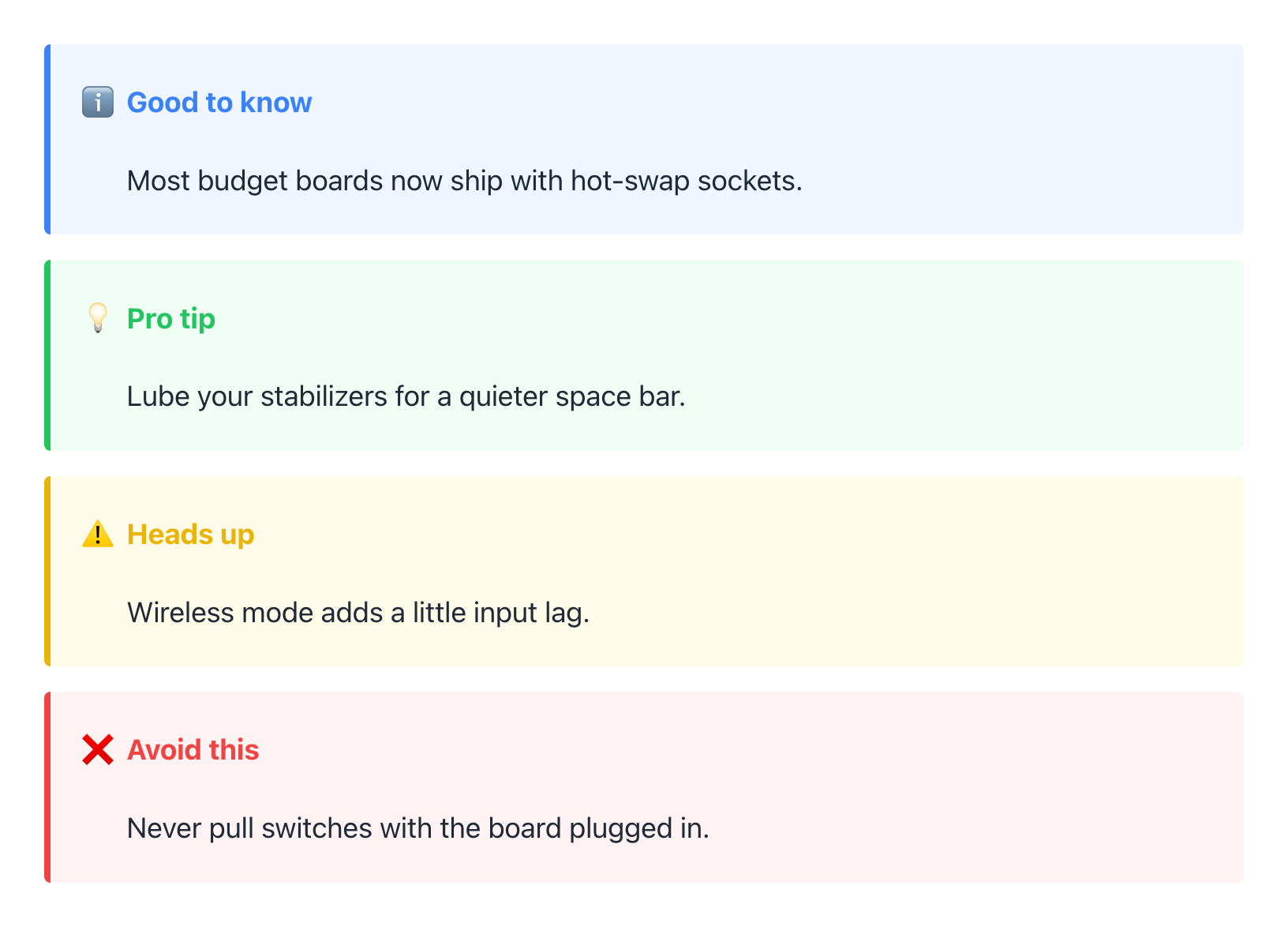
- Note/Info Box — Colored info, warning, tip, or note callouts
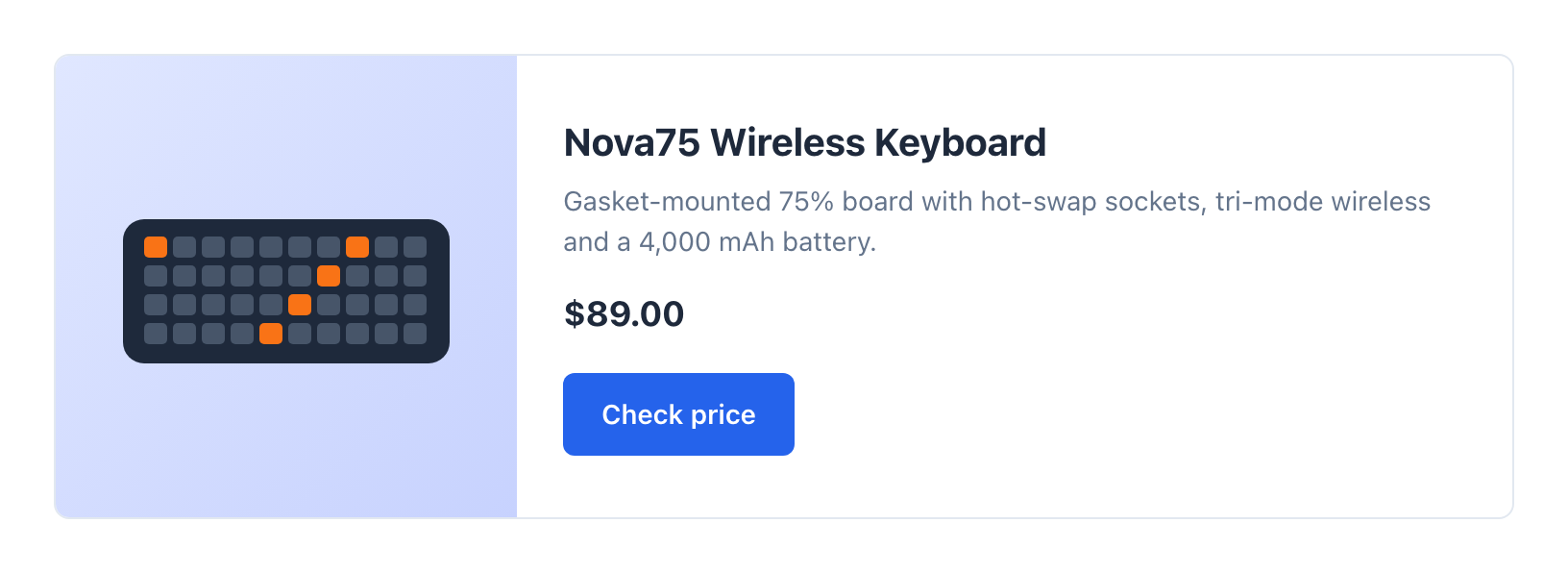
- Featured Product Card — Showcase a product with image, title, price, and link (affiliate-ready sponsored / nofollow options)
- Author Box — Display author info with avatar, name, bio, and social links
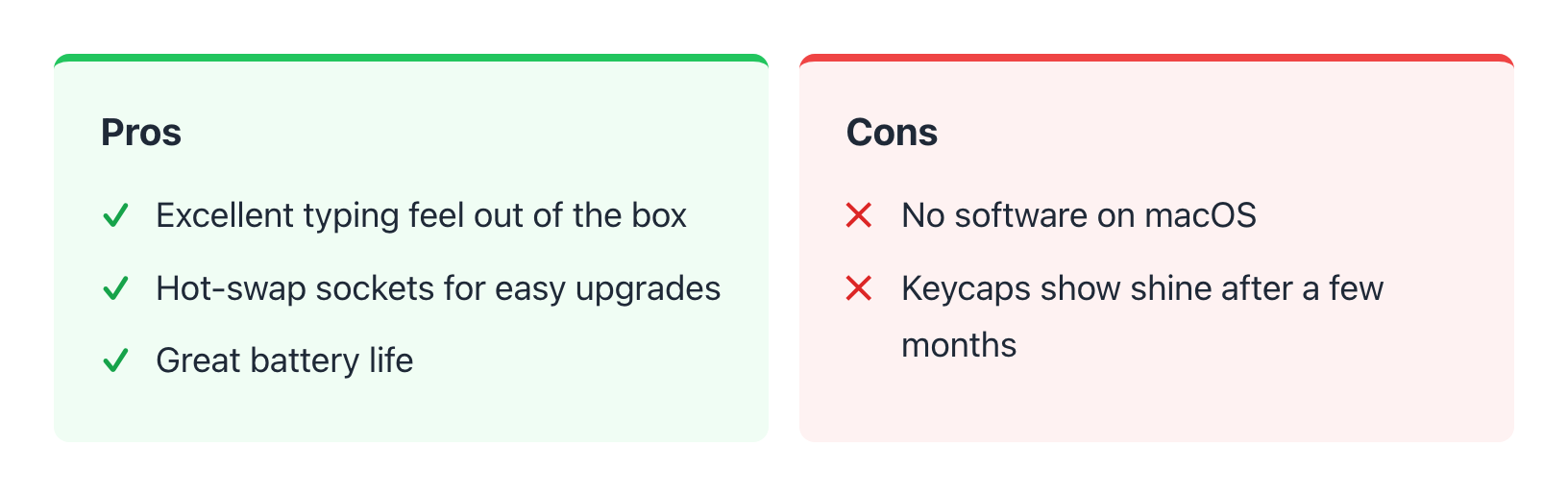
- Pros & Cons — Side-by-side lists of advantages and disadvantages
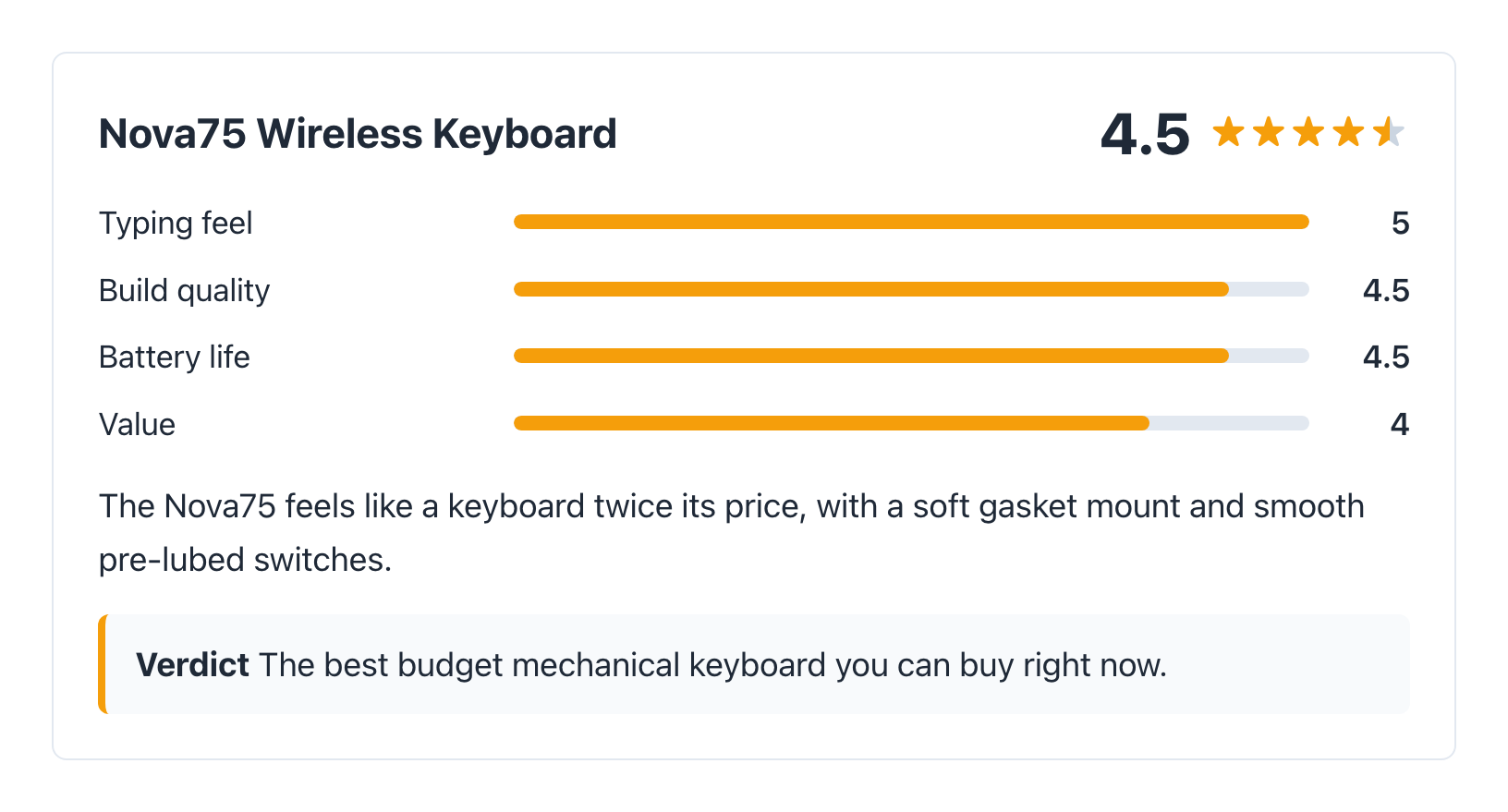
- Review Box — Star rating, rating breakdown and verdict, with Review schema
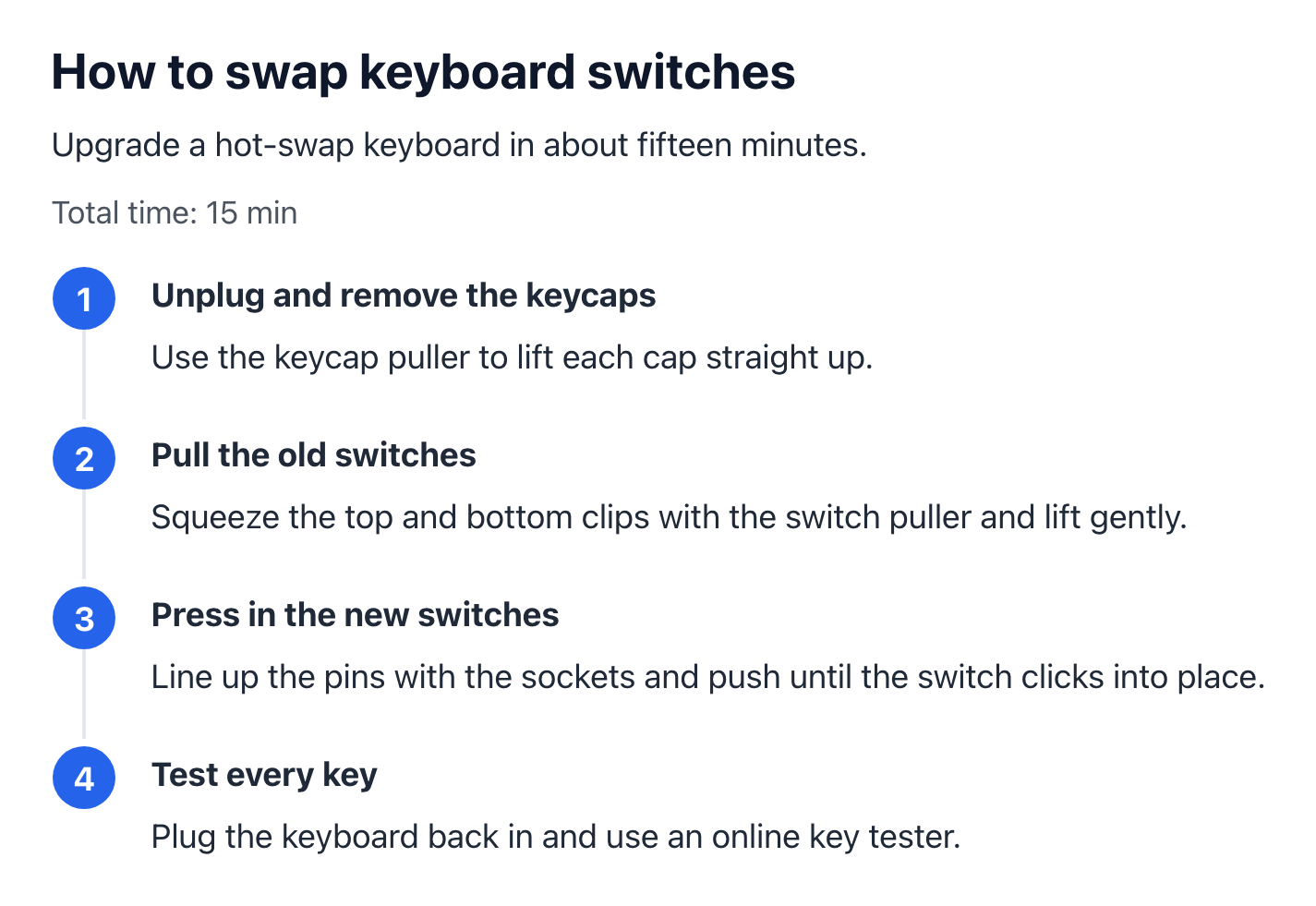
- How-To Steps — Numbered instructions with total time and HowTo schema
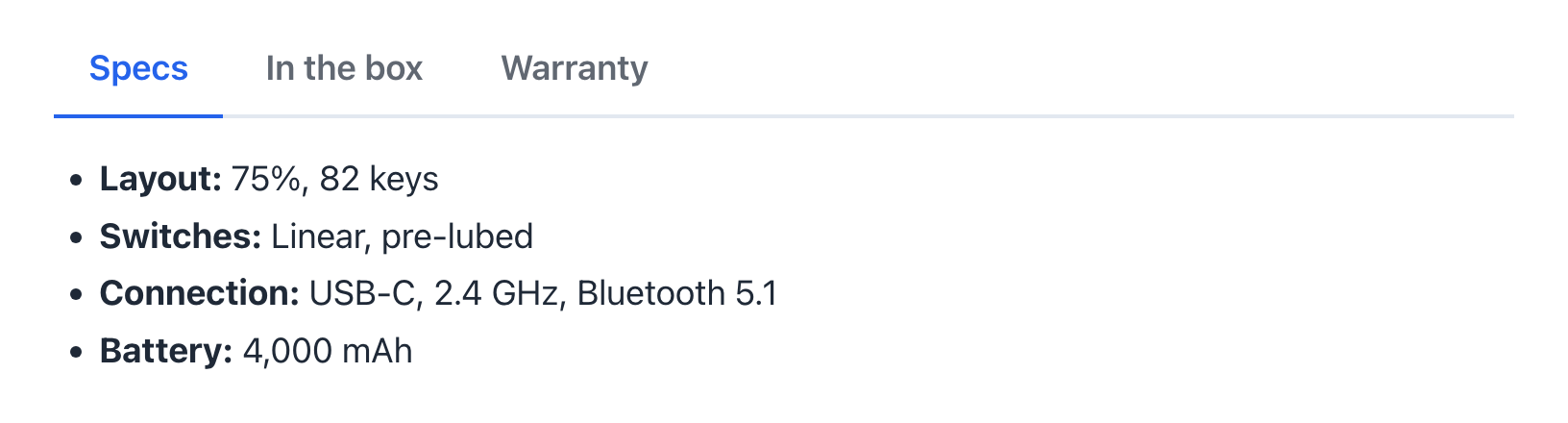
- Tabs — Organize any content into accessible, keyboard-friendly tabs
- Testimonial — Quote with name, role, photo and star rating
Style Presets
Apply pre-built styles with one click. Choose from presets like “Highlighted Box”, “Soft Card”, “Bold Banner”, and more.
Installation
- Upload the
istylebloxfolder to/wp-content/plugins/. - Activate the plugin through the Plugins menu in WordPress.
- Open any post or page in the block editor.
- Select any block to see the iStyleBlox panel in the sidebar.
- Insert custom blocks from the block inserter under the iStyleBlox category.
FAQ
Does this work with any theme?
Yes. iStyleBlox works with any WordPress theme that supports the block editor.
Does it slow down my site?
No. Styles are applied inline, and the small frontend stylesheet only loads on pages that use an iStyleBlox block. The small Table of Contents, Tabs and scroll-animation scripts likewise load only on pages that use them.
Is the FAQ block Schema-ready?
Yes. All FAQ blocks on a page are combined into a single FAQPage schema.
My SEO plugin already outputs FAQ schema. Can I turn yours off?
Yes. Add this to your theme’s functions.php or a code snippets plugin:
add_filter( 'istyleblox_faq_schema', '__return_false' );
Review and HowTo schema can be turned off per block in the block settings, or site-wide with the istyleblox_review_schema and istyleblox_howto_schema filters.
Screenshots




Changelog
2.1.0
- New: Table of Contents highlights the section being read, and can be collapsible (optionally starting collapsed) or show a floating “Contents” button once readers scroll past it.
- New: FAQ Accordion options to open the first question and keep only one question open at a time, plus a smooth open animation.
- New: CTA Box and Product Card button options for opening in a new tab and adding rel=”sponsored” / rel=”nofollow” for affiliate links.
- Fixed: the Table of Contents no longer lists titles from other blocks (such as a Product Card name or CTA heading), matching the editor preview.
2.0.0
- New: Pros & Cons, Review Box, How-To Steps, Tabs and Testimonial blocks.
- New: Review schema for the Review Box and HowTo schema for How-To Steps.
- New: styling panel adds background gradients, box shadows, per-side padding and margin, hover effects, entrance animations and hide-on-device options.
- Fixed: clearing a style in the panel could make the block show as invalid after reloading the editor.
- Fixed: Table of Contents sub-headings are now indented, and Note Box / Key Takeaways no longer show extra space below their content.
1.1.0
- Fixed: frontend styles for the TOC, FAQ, Key Takeaways, CTA, Product Card and Author Box blocks were not being applied.
- Fixed: styled blocks no longer get a duplicate
styleattribute. - Fixed: CSS values from the styling panel are now sanitized per property.
- Fixed: Table of Contents anchors now work with non-Latin headings and duplicate heading text, and support block themes.
- Fixed: browser cache now refreshes after plugin updates.
- Fixed: PHP notices for missing block editor scripts.
- Improved: FAQ schema is output once per page instead of inside every block, and can be turned off with the
istyleblox_faq_schemafilter. - Improved: frontend CSS and JS load only on pages that use iStyleBlox blocks.
- Improved: Product Card and Author Box stack on mobile; FAQ and Key Takeaways show open/close indicators.
- Improved: accessibility — focus outlines, a TOC navigation landmark, and descriptive social link labels.
- Improved: editor strings can now be translated.
1.0.0
- Initial release
- Sidebar styling panel for all blocks
- 7 custom blog blocks
- Style presets system