


Description
Progressive Web Apps (PWA) is a technology that combines the best of mobile web and the best of mobile apps to create a superior mobile web experience. They are installed on the phone like a normal app (web app) and can be accessed from the home screen.
Users can come back to your website by launching the app from their home screen and interact with your website through an app-like interface. Your return visitors will experience almost-instant loading times and enjoy the great performance benefits of your PWA!
iWorks PWA makes it easy for you to convert your WordPress website into a Progressive Web App instantly!
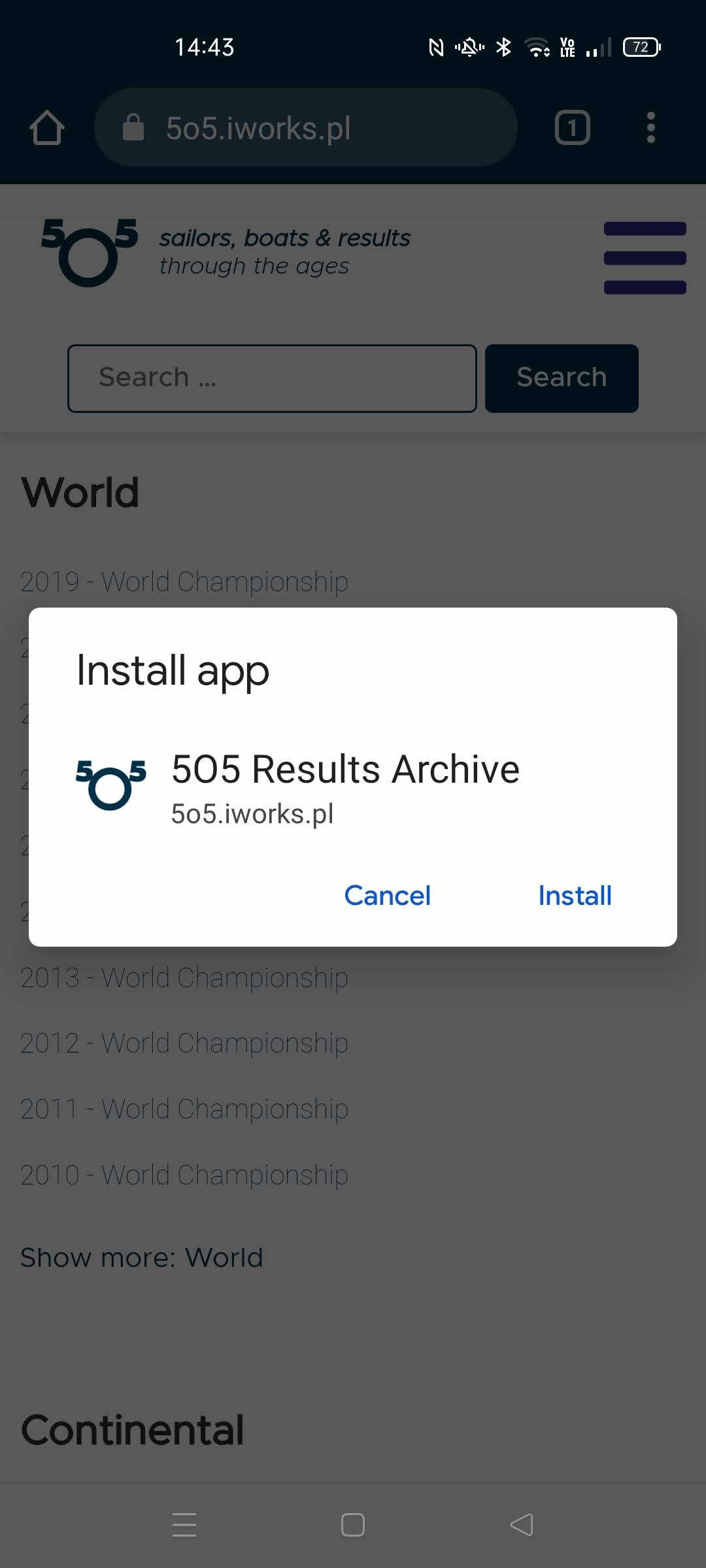
Once this plugin is installed, users browsing your website from a supported mobile device will see a “Add To Home Screen” notice (from the bottom of the screen) and will be able to ‘install your website’ on the home screen of their device.
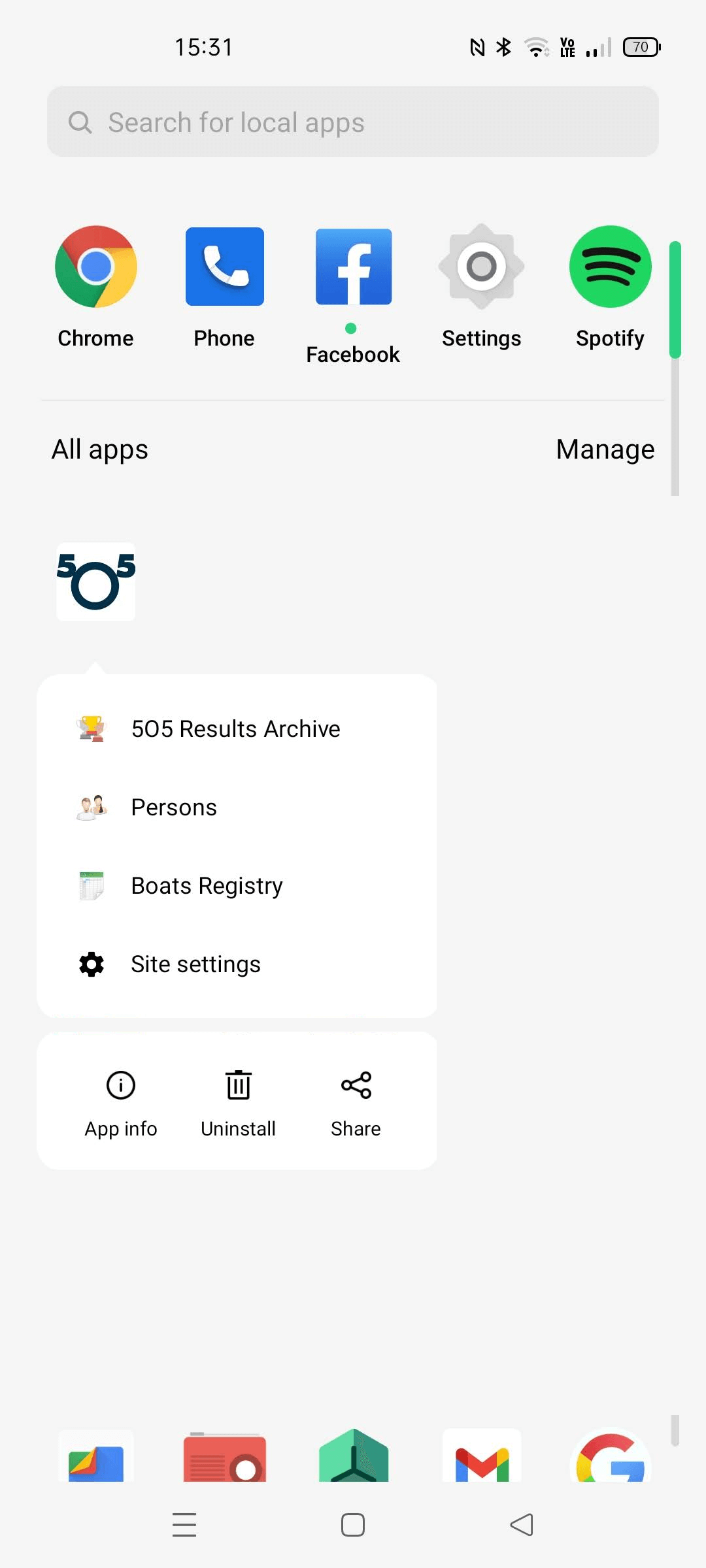
iWorks PWA allow to add shortcuts for context menu to be displayed by the operating system when a user engages with the web app’s icon.
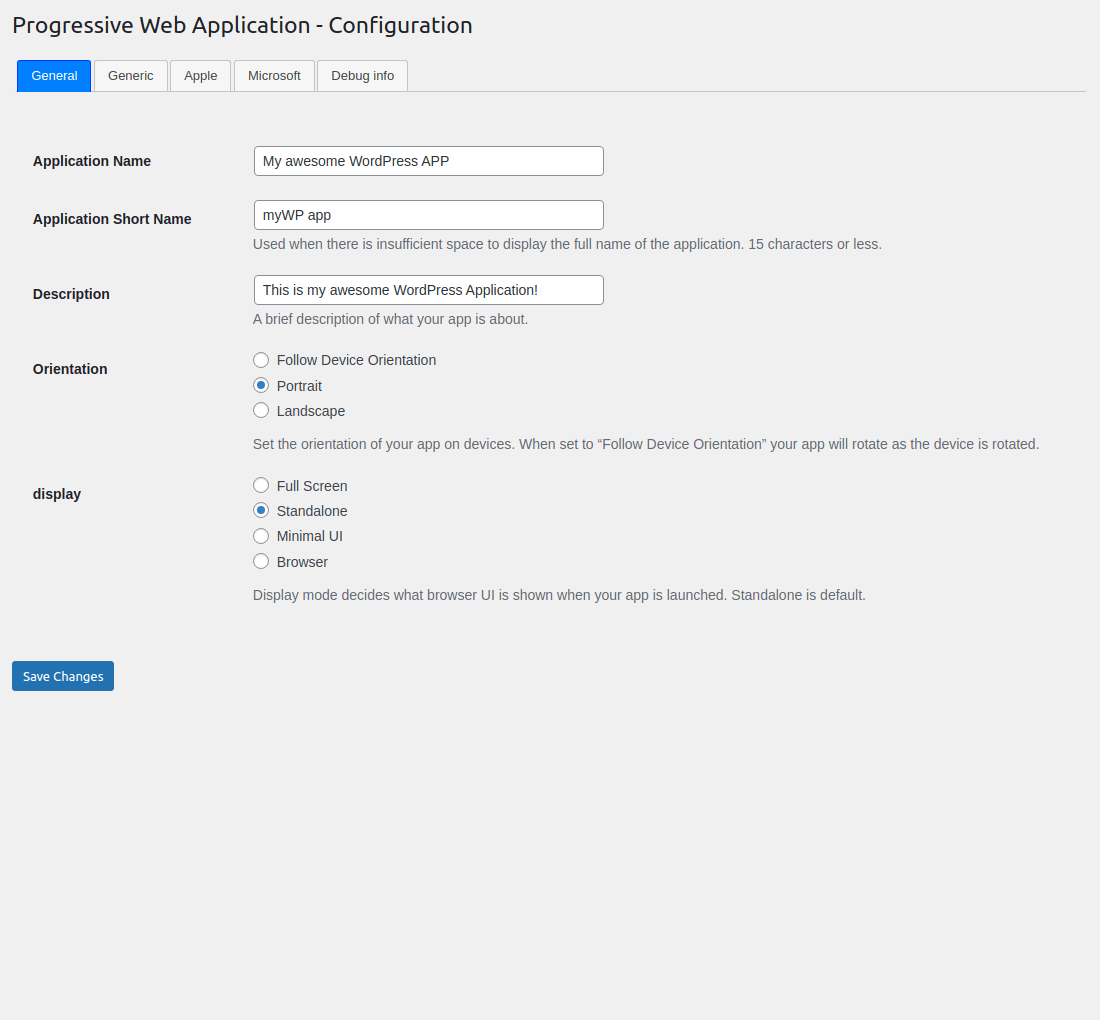
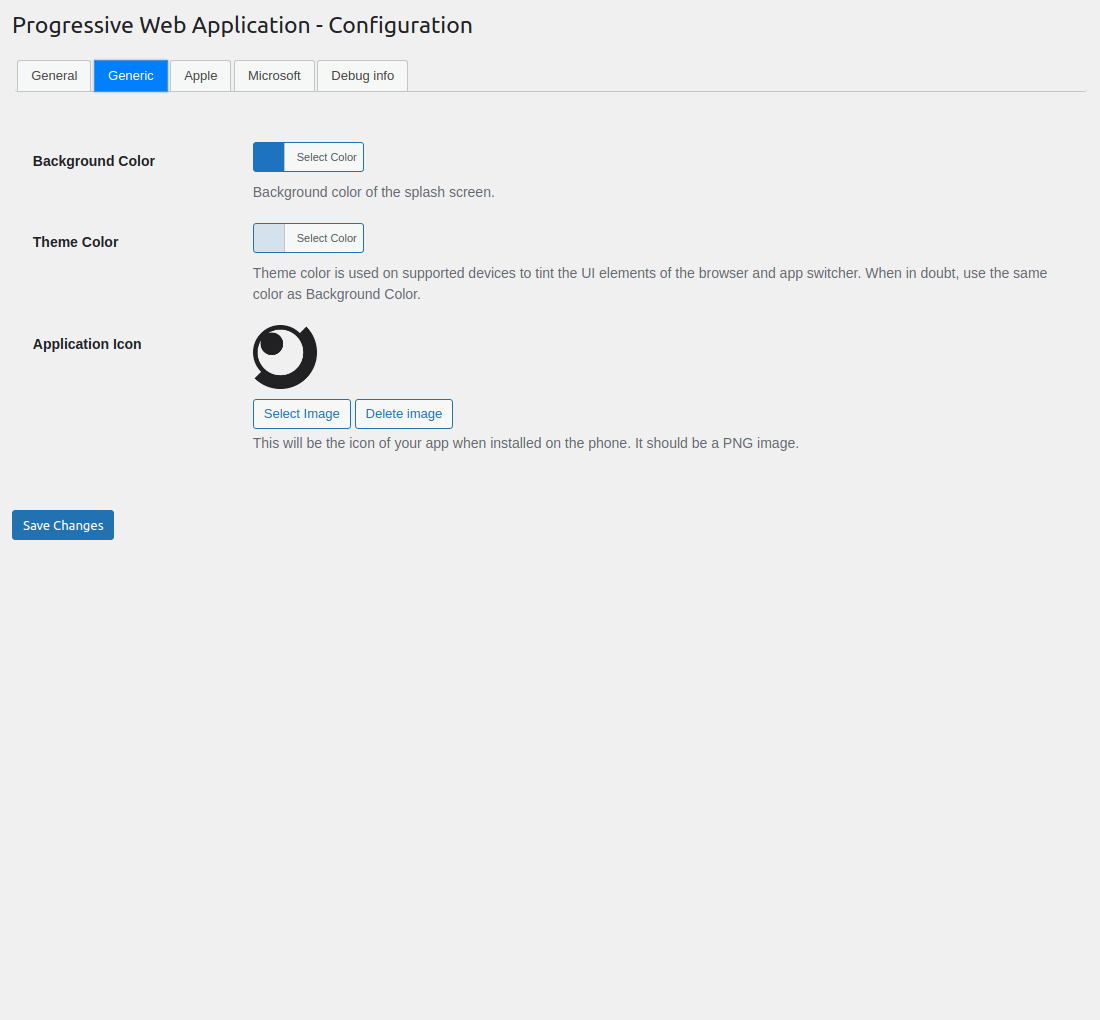
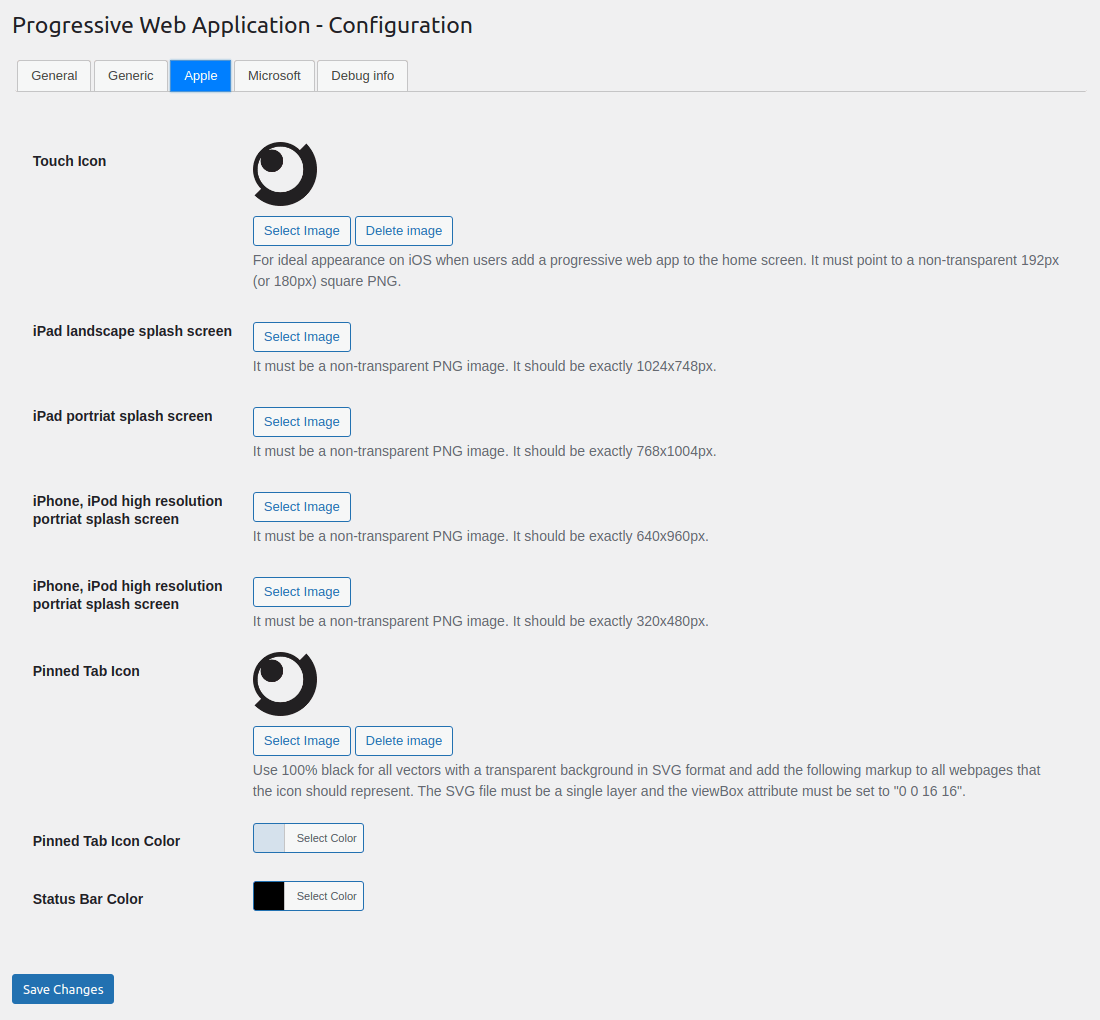
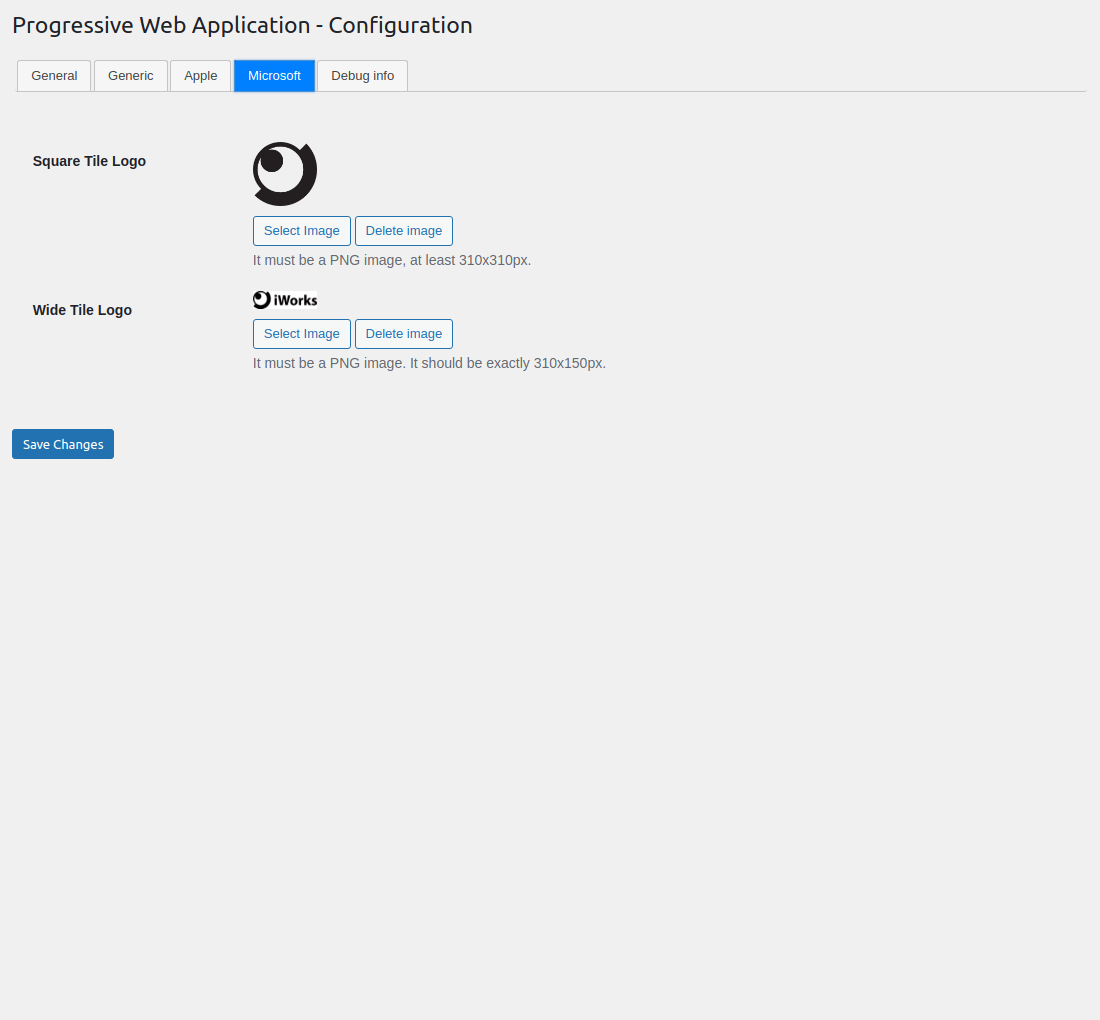
iWorks PWA is easy to configure, it takes less than a minute to set-up your Progressive Web App!
See room for improvement?
Great! There are several ways you can get involved to help make PWA — easy way to Progressive Web App better:
- Report Bugs: If you find a bug, error or other problem, please report it! You can do this by creating a new topic in the plugin forum. Once a developer can verify the bug by reproducing it, they will create an official bug report in GitHub where the bug will be worked on.
- Suggest New Features: Have an awesome idea? Please share it! Simply create a new topic in the plugin forum to express your thoughts on why the feature should be included and get a discussion going around your idea.
- Issue Pull Requests: If you’re a developer, the easiest way to get involved is to help out on issues already reported in GitHub. Be sure to check out the contributing guide for developers.
Thank you for wanting to make PWA — easy way to Progressive Web App better for everyone!
The “PWA — easy way to Progressive Web App” plugin is available also on GitHub.
Installation
There are 3 ways to install this plugin:
1. The super easy way
- In your Admin, go to menu Plugins > Add.
- Search for
iWorks PWA. - Click to install.
- Activate the plugin.
- A new menu
PWAinSettingswill appear in your Admin. - A new location
PWA Shortcuts MenuinDisplay locationwill appear in Appearance -> Menu.
2. The easy way
- Download the plugin (.zip file) on the right column of this page.
- In your Admin, go to menu Plugins > Add.
- Select button
Upload Plugin. - Upload the .zip file you just downloaded.
- Activate the plugin.
- A new menu
PWAinSettingswill appear in your Admin. - A new location
PWA Shortcuts MenuinDisplay locationwill appear in Appearance -> Menu.
3. The old and reliable way (FTP)
- Upload
iworks-pwafolder to the/wp-content/plugins/directory. - Activate the plugin through the ‘Plugins’ menu in WordPress.
- A new menu
PWAinSettingswill appear in your Admin. - A new location
PWA Shortcuts MenuinDisplay locationwill appear in Appearance -> Menu.
FAQ
How can I translate manifest.json values?
It is only possible with WPML package.
- Install and activate
WPML Multilingual CMSandWPML String Translationplugins. - Save
manifest.jsondata onWP Admin->Settings->WPA. - Open
WP Admin->WPML-> String translation`. - Select domain
iworks-pwa. - Translate strings.
How can I add a context menu?
The shortcuts member defines an array of shortcuts or links to key tasks or pages within a web app. A user agent can use these values to assemble a context menu to be displayed by the operating system when a user engages with the web app’s icon.
- Install Menu Icons by ThemeIsle plugin.
- Go to WPA -> Appearance -> Menu.
- Open “Menu Icon Setting” from the “Add menu items” column (it should be on the bottom).
- Be sure you have “Image” checked.
- Create a custom menu and set “Display location” to “PWA Shortcuts Menu”.
- Add item.
- Select icon – it is recommended that you use a single 192×192 pixel icon.
- Save the menu.
What is “Add to Home screen”?
Add to Home screen (or A2HS for short) is a feature available in modern browsers that allows a user to “install” a web app, ie. add a shortcut to their Home screen representing their favourite web app (or site) so they can subsequently access it with a single tap.
A2HS is supported in all mobile browsers, except iOS web view. It’s also supported in some Chromium desktop browsers.
Screenshots
Changelog
Project maintained on GitHub at iworks/iworks-pwa.
1.9.0 (2026-11-17)
- New: Runtime caching strategies — visited pages now work offline. Choose “Network first” (recommended), “Stale-while-revalidate” or “Cache first” for navigations; static assets (CSS, JS, images, fonts) are always served cache-first.
- New: Exclude URLs from caching — one regular expression per line in the settings; matching URLs bypass the service worker completely.
- New: “New version available” toast with a Refresh button when a new service worker is waiting (uses
SKIP_WAITING), so users no longer need to close all tabs to get updates. - New: Site Health checks — HTTPS requirement, manifest reachability (including recommended 192×192/512×512 icons) and service worker reachability; PWA configuration added to Site Health’s Info tab.
- New: WooCommerce integration — cart, checkout, my-account pages,
wc-ajax,add-to-cartand WooCommerce REST/API endpoints are excluded from service-worker caching to protect carts and logged-in states. - Fix: Manifest
display_overrideis now emitted as an array, as required by the spec (browsers previously ignored it). - Fix: A failing precache URL no longer blocks service worker installation (precache is now best-effort per URL).
- Security: JS string escaping in the generated service worker now handles backslashes, preventing code injection via exclude patterns.
- Security: Removed
sslverify => falsefrom internal URL self-checks so TLS is properly verified. - Security: Added
manage_optionscapability check to the notice-dismiss AJAX endpoint andX-Content-Type-Options: nosniffheaders on all generated endpoints; the service worker is now served withCache-Control: no-cacheso updates propagate promptly.
1.8.1 (2026-11-16)
- Build: Replaced the Grunt build system with a Bun-based bundler (
bun run build,bun run dev, …). Node is no longer required — Bun >= 1.3 only. - Build: Added WordPress.org Plugin Check (PCP) to the build pipeline — the wporg build now fails on any Plugin Check error.
- Security: Fixed unescaped output in the offline page and Microsoft head metas (
wp_kses_post), and Apple touch icon links (esc_url). - Security:
$_SERVER['REQUEST_URI']is now unslashed and sanitized before use in endpoint routing; menu item “Short Name” values are now unslashed and sanitized withsanitize_text_field()before saving. - New: Added
ABSPATHdirect-access protection in theno-ssl.phptemplate. - New: Added agent documentation (
AGENTS.md,.opencode/docs/). - Code Quality: Fixed missing translators comment, replaced
_e()withesc_html_e(), and prefixed template/main-file variables withiworks_pwa_.
1.8.0 (2026-07-20)
- Dependencies: Updated the iWorks Options module to version 3.1.1.
1.7.9 (2026-06-17)
- Dependencies: Updated the iWorks Options module to version 3.1.0.
- Dependencies: Updated the iWorks Rate module to version 2.3.2.
1.7.8 (2025-09-01)
- Dependencies: Updated the iWorks Options module to version 3.0.8.
- Bug Fix: Fixed an issue with emppty WP_Screen object. Props for symington.
1.7.7 (2025-07-23)
- Bug Fix: Fixed an issue with the
INPUT_GETwhich was use as variable not constant. #18. Props for Zach Adams. - New: Added experimental feature: “Display Override”.
1.7.6 (2025-07-22)
- Code Quality: Removed debug function. #19. Props for Zach Adams.
- Dependencies: Updated the iWorks Options module to version 3.0.7.
1.7.5 (2025-05-29)
- New: Added experimental features section with description field, and screenshot uploads.
- Security: Improved input validation and sanitization throughout the plugin.
- i18n: Fixed textdomain for consistent translation handling.
- Dependencies: Updated the iWorks Options module to version 3.0.6 and the iWorks Rate module to version 2.3.1.
1.7.4 (2025-05-18)
- Performance: Made
get_cache_name()method protected in iWorks_PWA class for better extensibility. - Cache: Updated cache key generation to use plugin version for better cache management.
- Documentation: Added comprehensive PHPDoc for the new set_transient method.
- Code Quality: Improved code organization and inline documentation.
1.7.3 (2025-05-15)
- Dependencies: Updated the iWorks Options module to version 3.0.1.
- New: Added description for options: “Cache Version” and “Cache Time”
1.7.2 (2025-05-14)
- New: Added
iworks_pwa_cache_namefilter to allow modification of cache keys. - Code Quality: Centralized transient handling with new set_transient method.
- Code Quality: Updated all direct set_transient calls to use the new method.
- Code Quality: Improved cache key generation to use plugin version.
- Code Quality: Added comprehensive PHPDoc for the new set_transient method.
1.7.1 (2025-05-05)
- Security: Added a nonce check to the menu-saving action for improved security.
- Security: Added escaping functions in multiple areas to enhance security.
- Security: Replaced the
unlink()function withwp_delete_file()for better compatibility and safety. - Dependencies: Updated the iWorks Options module to version 3.0.0.
1.7.0 (2025-03-13)
- Updated the iWorks Options module to version 2.9.8.
1.6.9 (2025-03-09)
- A extra check for the
get_current_screen()function has been added. #12. Props for inmyopinion202. - Data sanitization has been added in several places.
- Updated the iWorks Options module to version 2.9.7.
- Updated the iWorks Rate module to version 2.2.3.
- The
load_plugin_texdomain()function has been removed. - Warnings during AJAX calls has been fixed.
- Updating plugin from GitHub releases has been improved.
1.6.8 (2024-12-31)
- An error occurred during activation has been fixed. #11. Props for carameldavid.
1.6.7 (2024-12-09)
- Loading integrations action has been fixed.
1.6.6 (2024-12-06)
- Few “translators” comments where been added. #9
- Updated the iWorks Rate module to version 2.2.1.
- Translation loading time has been fixed. #10
- The “orientation” field has been updated. #8
1.6.5 (2024-11-12)
- Detailed explanation for missing
manifest.jsonandieconfig.xmlrequests where been added. #2 - Wrong
purposevalue has been fixed. Props for vitalii-work. #6
1.6.4 (2024-10-01)
- Ability to upload SVG file has been removed due to Stored Cross-Site Scripting vulnerability. We recommended to install Safe SVG to allow upload SVG files. Props for discovering and reporting for Francesco Carlucci.
1.6.3 (2024-09-16)
- All empty values where been removed from
manifest.json. - The categories element has been added into
manifest.json. - The deprecated key
apple-mobile-web-app-capablehas been changed intomobile-web-app-capable.
1.6.2 (2024-08-26)
- The scope value is now relative to or limited to the site URL. Props for leighcc. Check configuration screen for new option.
- The plugin version has been added to cache key, to force refresh data after plugin update.
1.6.1 (2024-08-20)
- The meta viewport check request has been limited to one per day. Props for skyfly024.
- Updated the iWorks Rate module to version 2.2.0.
Older entries (before 1.6.0) are available in CHANGELOG.md.