

Description
KitCanvas (also written as Kit Canvas) adds creative Elementor widgets, responsive design controls, forms, site navigation, and a Theme Builder to Elementor Free. Build site sections and dynamic layouts without Elementor Pro, using the standard Elementor editor.
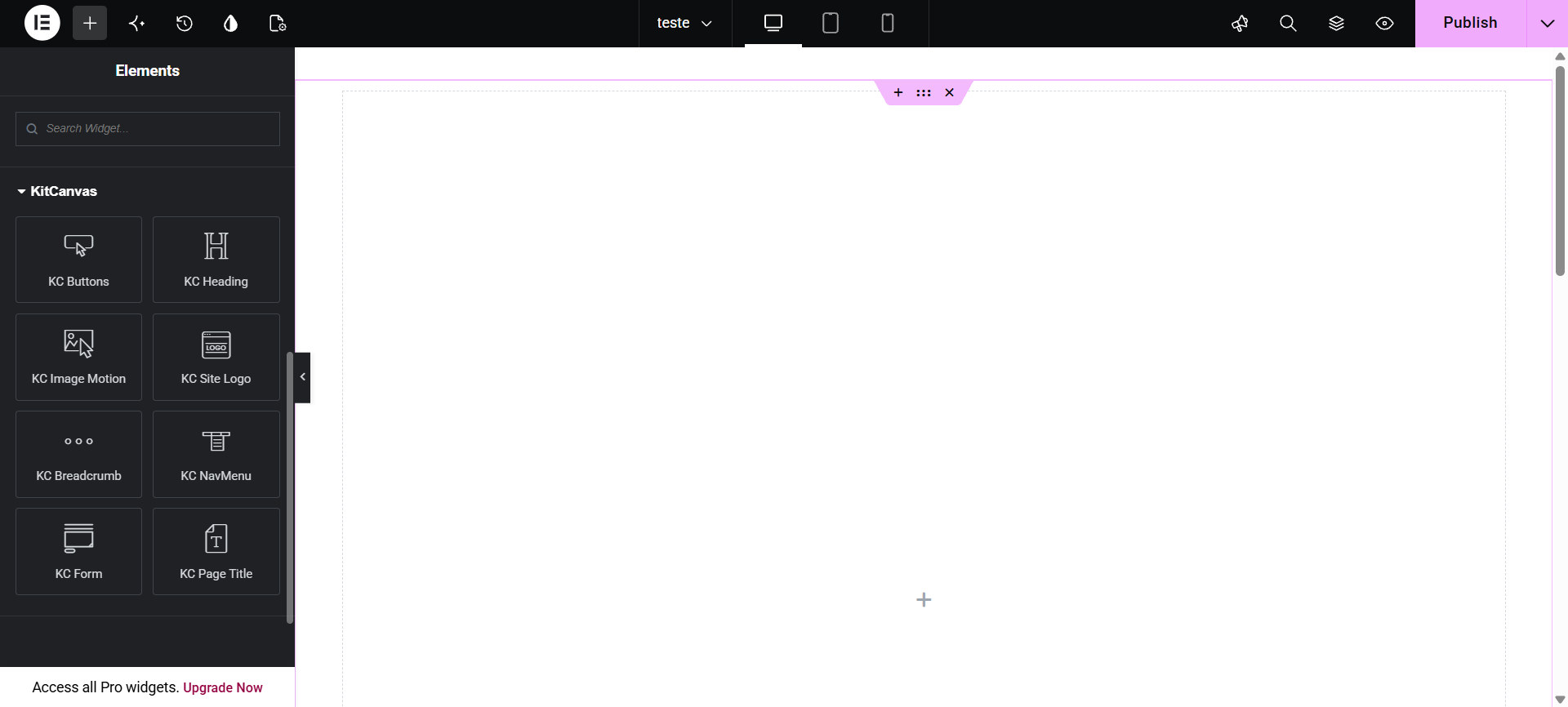
Creative Elementor widgets
- KC Buttons – Ten button styles with hover interactions and responsive controls.
- KC Heading – Highlighted and animated headings.
- KC Section Label – Editorial line, capsule, underline, index block and corner-frame labels, each with an optional motion preset.
- KC Image Motion – Image transitions, including Subtle Zoom and Liquid Distortion.
- KC Gallery – Responsive Grid, Masonry and Carousel galleries with image links, captions, hover effects and Elementor lightbox support.
- KC Video Motion – Animated play buttons with YouTube, Vimeo or MP4 links and optional on-demand lightbox.
- KC Card Motion – Counter, icon, image and hybrid cards with buttons and hover effects.
- KC Progress – Circular or linear percentage progress with responsive dimensions, two-color or solid progress, animated counters and optional circle icon.
- KC Posts Grid – Posts in editorial, overlay, floating-panel and signature designs, with regular, featured, masonry, alternating and carousel layouts.
- KC Team – Team member profiles with responsive design and social links.
- KC Testimonials – Responsive client testimonials and carousel layouts.
- KC Scroll To Top – Customizable scroll-to-top button.
Forms and navigation
- KC Form – Responsive forms with AJAX email delivery using WordPress
wp_mail(), server-side validation, honeypot protection and rate limiting. - KC NavMenu – WordPress menu layouts, nested dropdowns, hamburger menus and mobile drawers.
- KC Site Logo – Site identity logo, custom logo, mobile variation and text fallback.
- KC Breadcrumb – Breadcrumb navigation for pages, posts and archive contexts.
- KC Copyright – Automatically updated copyright year and optional site name/link.
- KC Page Title – Dynamic titles for posts, pages, archive and search contexts.
Dynamic widgets for Theme Builder
- KC Post Content
- KC Featured Image
- KC Post Meta
- KC Post Navigation
- KC Post Comments
- KC Author Box
- KC Archive Title
- KC Archive Description
- KC Search Form
Theme Builder for Elementor Free
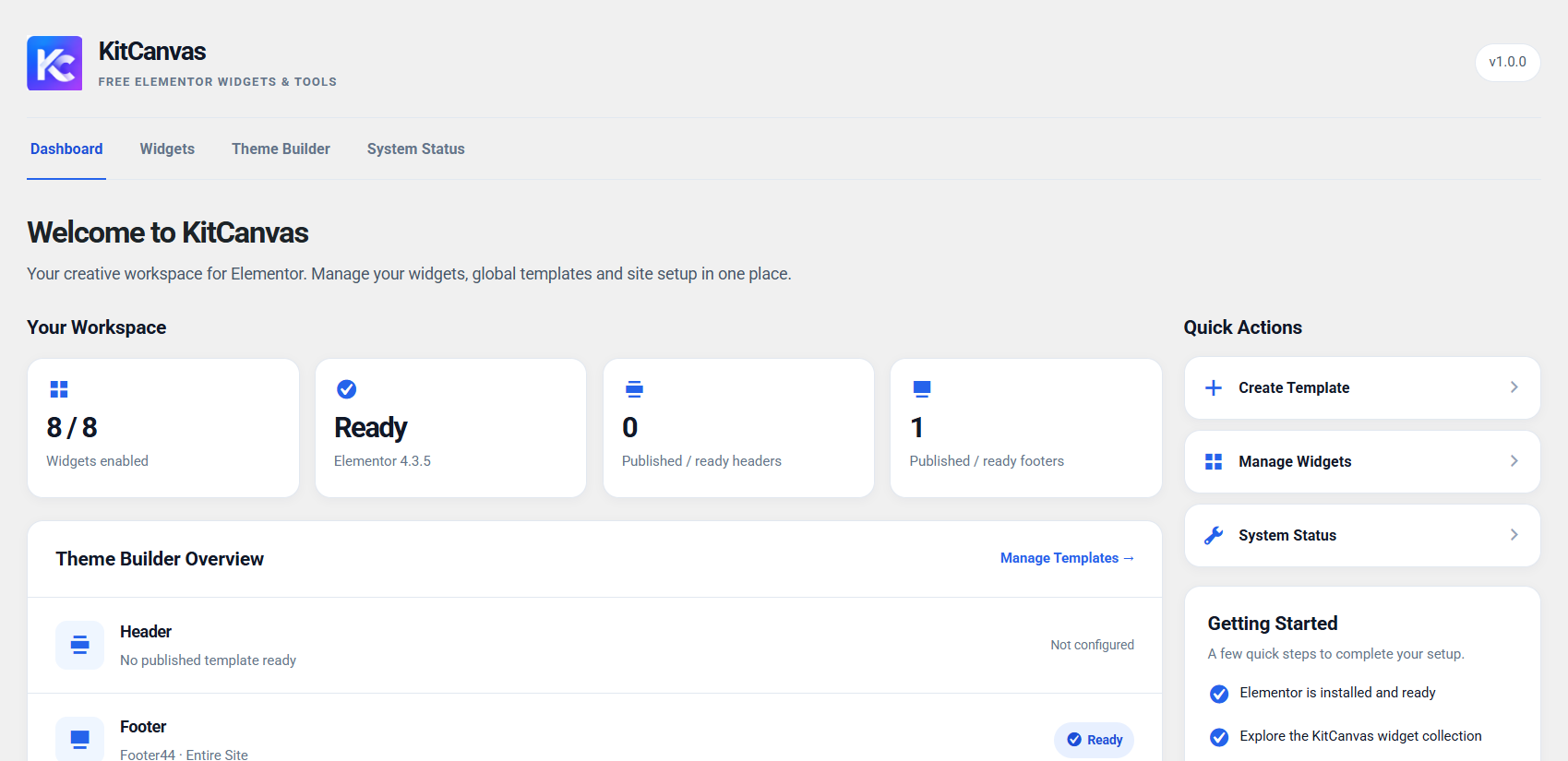
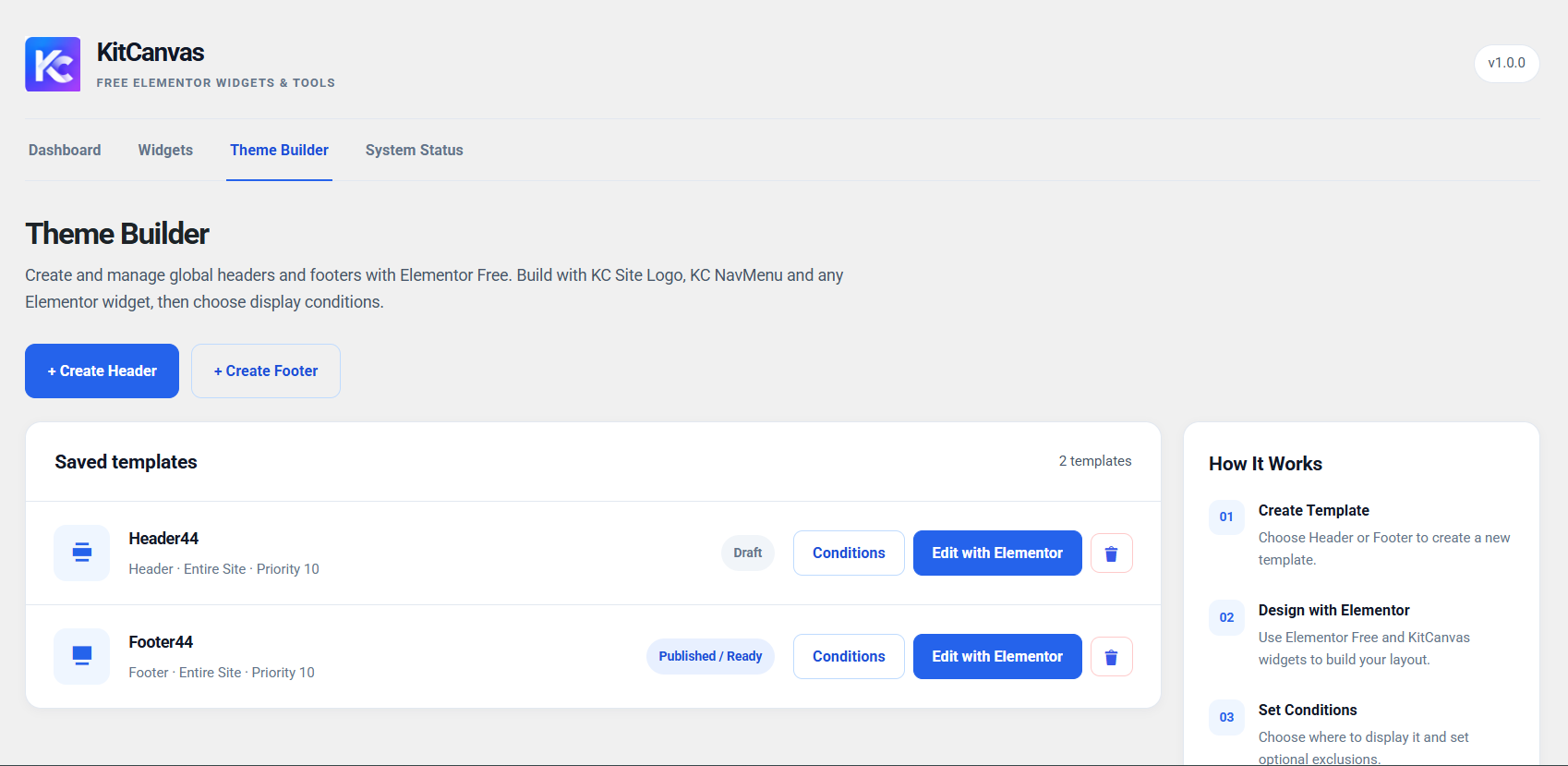
Create and publish Header, Footer, Archive Blog, Single Post, Search Results and 404 layouts in KitCanvas > Theme Builder. Define display conditions for each supported location. Theme template replacement is supported with the Hello Elementor theme and compatible child themes. Templates do not replace Elementor Canvas layouts or Elementor Pro Theme Builder locations. Trashed Theme Builder templates can be restored as drafts.
Container extensions
- KC Background Motion – Apply Subtle Zoom and Liquid Distortion to background images of native Elementor containers, without moving the container’s child content.
- KC Sticky Motion – Responsive sticky positioning for native Elementor containers, with offsets and available Elementor breakpoint selections.
- KC Icon Library – Optional local icon collections for Essentials, Medical, Law, Digital Agency, Finance, Construction, Real Estate and Technology. Choose which collections appear in the Elementor icon picker; previously saved compatible icons continue rendering.
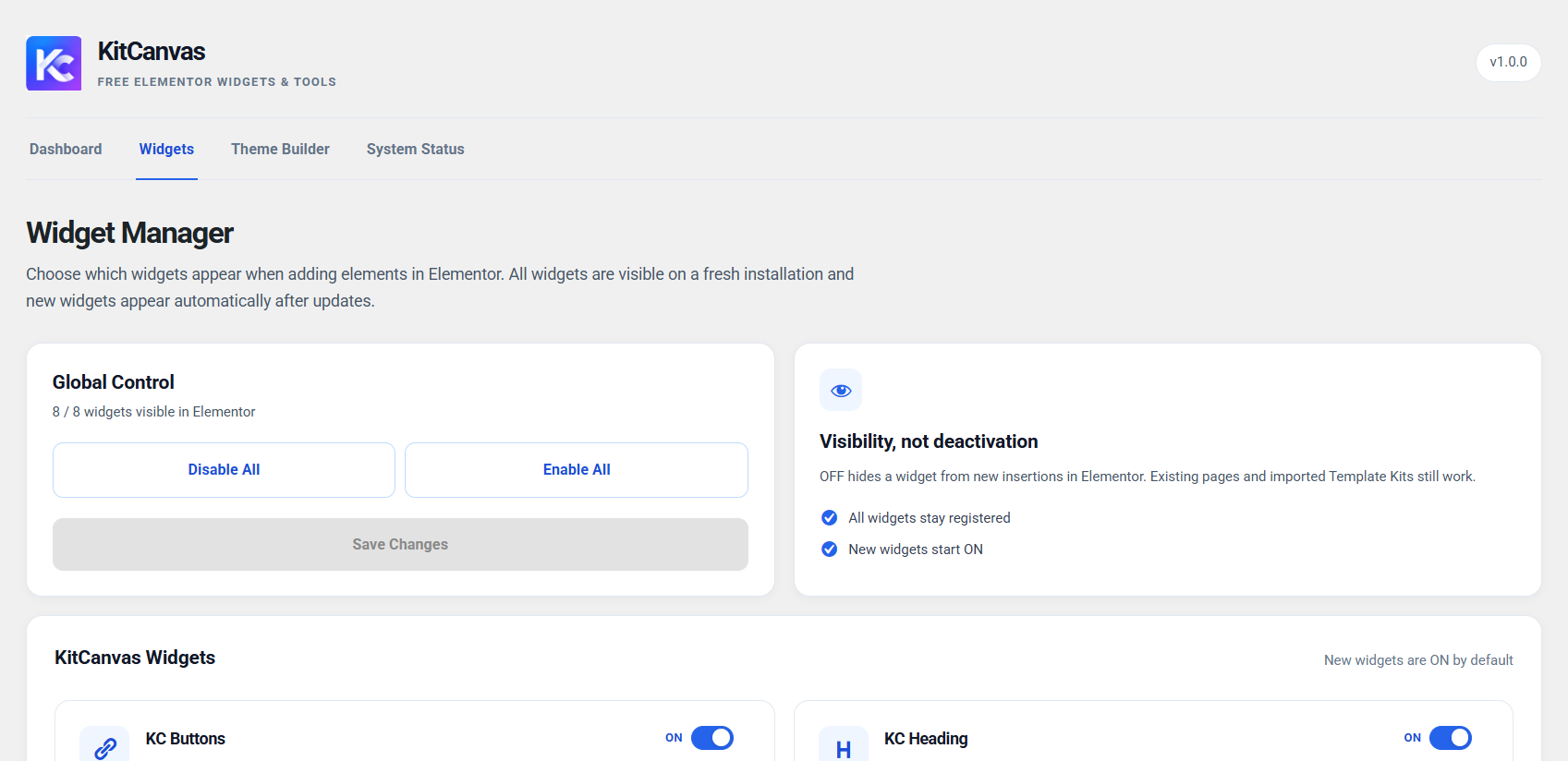
KitCanvas includes a Widget Manager under KitCanvas > Widgets. Hiding a widget from the insert panel does not remove content already placed on a website.
Privacy and external services
KitCanvas does not require registration and does not send usage telemetry to a KitCanvas server. The KC Form sends submitted fields to the recipient configured by the site owner via WordPress wp_mail() and does not keep a KitCanvas database of submissions. To limit abuse, the site temporarily stores request counters associated with a salted hash of the visitor’s IP address. WordPress mail/SMTP configuration may send form data to the mail service chosen by the site owner.
When a visitor chooses to play a YouTube or Vimeo video through KC Video Motion, the video player connects to that external provider. YouTube embeds use the youtube-nocookie.com domain. Video provider requests and privacy policies are outside KitCanvas control. Please disclose embedded media in your site’s privacy policy as appropriate:
- YouTube: https://policies.google.com/privacy and https://www.youtube.com/t/terms
- Vimeo: https://vimeo.com/privacy and https://vimeo.com/terms
MP4 links connect to the video URL chosen by the site owner. No external video player is loaded merely by displaying the play button.
Third-party components
The optional KC Smooth Scroll extension bundles Lenis 1.3.27 by darkroom.engineering (MIT License) locally. Its license is in assets/vendor/lenis/LICENSE, and its original human-readable JavaScript source is available at https://cdn.jsdelivr.net/npm/lenis@1.3.27/dist/lenis.js . The bundled script does not require a CDN request at runtime.
Requirements
- WordPress 6.5 or newer and PHP 8.1 or newer.
- The free Elementor plugin, version 3.24 or newer.
- Hello Elementor (or a compatible child theme) for automatic Theme Builder template replacement.
Installation
- Install and activate the free Elementor plugin.
- Install and activate KitCanvas for Elementor from Plugins > Add New.
- Edit a page with Elementor and look for KitCanvas widgets in the insert panel.
- Optionally enable icon collections and extensions under KitCanvas > Extensions.
- Optionally create Header, Footer or dynamic templates under KitCanvas > Theme Builder, set display conditions and publish.
- If using KC Form, configure the recipient and test email delivery on a published page. Some hosts require an SMTP plugin.
FAQ
Do I need Elementor Pro?
No. The included widgets and the supported Theme Builder locations work with Elementor Free.
Does the Theme Builder work with every WordPress theme?
Automatic template replacement is supported on Hello Elementor and compatible child themes. Other themes use their native templates.
How do I manage widgets and extensions?
Use KitCanvas > Widgets to hide widgets from the editor insert panel, and KitCanvas > Extensions to manage available authoring extensions and icon collections. Previously saved page content can continue rendering even when a widget or extension is hidden from authoring controls.
How are KC Form submissions delivered?
Submissions are emailed using WordPress wp_mail() to the configured recipient or default site administrator address. KitCanvas does not store form entries in its own database. Mail delivery depends on your site’s server or SMTP provider.
Why doesn’t a newly imported kit look exactly like its preview?
Check required fonts and media, Elementor Global Styles, Theme Builder display conditions and the Hello Elementor theme. Clear page caches if needed. Use a current KitCanvas version compatible with that kit.
What changed from version 1.0.0?
Version 1.1.0 expands the widget library, adds dynamic Theme Builder locations, container motion extensions and the optional icon library while retaining previously released widget identifiers.
Screenshots

Changelog
1.1.2
- Added KC Section Label with five design presets and preset-specific optional animations, including editor previews and icon support for capsule labels.
- Added KC Gallery with responsive Grid, Masonry and Carousel layouts, image links, captions, hover effects and lightbox integration.
- Improved KC Gallery image sizing for lazy-loaded and imported media, and corrected the mobile Grid layout.
- Added context-aware Theme Builder previews for Header, Footer, Archive Blog, Single Post, Search Results and 404 templates, including a selectable example post for Single Post.
- Improved dynamic previews for KC Page Title and KC Breadcrumb in Elementor Saved Templates and after copying widgets between pages.
- Improved archive titles, title prefix/suffix spacing and entrance animations in KC Page Title, and automatic blog-page linking in KC Breadcrumb.
- Expanded KC Posts Grid spacing and corner-radius controls, with contextual visibility for Grid Row Gap in the Elementor editor.
- Added an optional card index for KC Card Motion and refined KC Form responsive layout controls.
- Fixed KC Image Motion description positioning for responsive left, center and right alignment, including mobile landscape.
- Improved Theme Builder editing and template management without changing existing display conditions.
- Bundled Lenis locally for KC Smooth Scroll and resolved Plugin Check translation, escaping and read-only preview warnings.
1.1.1
- Fixed mobile KC NavMenu submenus wrapping into an off-screen column in constrained viewports, including embedded previews.
- Improved KC Video Motion play-button appearance after closing the lightbox on touch devices, while preserving keyboard focus accessibility.
- Added optional On Tap interaction for KC Background Motion on touch devices, with the existing static mobile behavior as the default.
- Improved Liquid Distortion touch interaction so releasing a touch does not prematurely stop its animation.
- Added an optional On Tap social overlay for KC Team on mobile, retaining Always Visible as the default setting.
- Improved KC Testimonials logo image loading to avoid lazy-load layout warnings while keeping client portraits lazy-loaded.
1.1.0
- Expanded to 24 widgets, including Posts Grid, Card Motion, Video Motion, Team, Testimonials, Scroll To Top, Copyright and nine dynamic Theme Builder widgets.
- Added Archive Blog, Single Post, Search Results and 404 templates with conditions and restore-from-trash support.
- Added KC Background Motion, KC Sticky Motion and optional niche-based KC Icon Library extensions.
- Added responsive interaction and design controls across buttons, forms, navigation and motion widgets.
- Improved theme template import compatibility: initialize container motion from saved Elementor documents without requiring an additional page save.
- Corrected imported 404 full-width rendering under Hello Elementor.
- Improved accessibility and responsive behavior across widgets.
1.0.0
- Initial public release with eight Elementor Free widgets and a Header/Footer Builder for Hello Elementor.
- Included responsive KC Form email delivery and the first widget and site-layout tools.