

Description
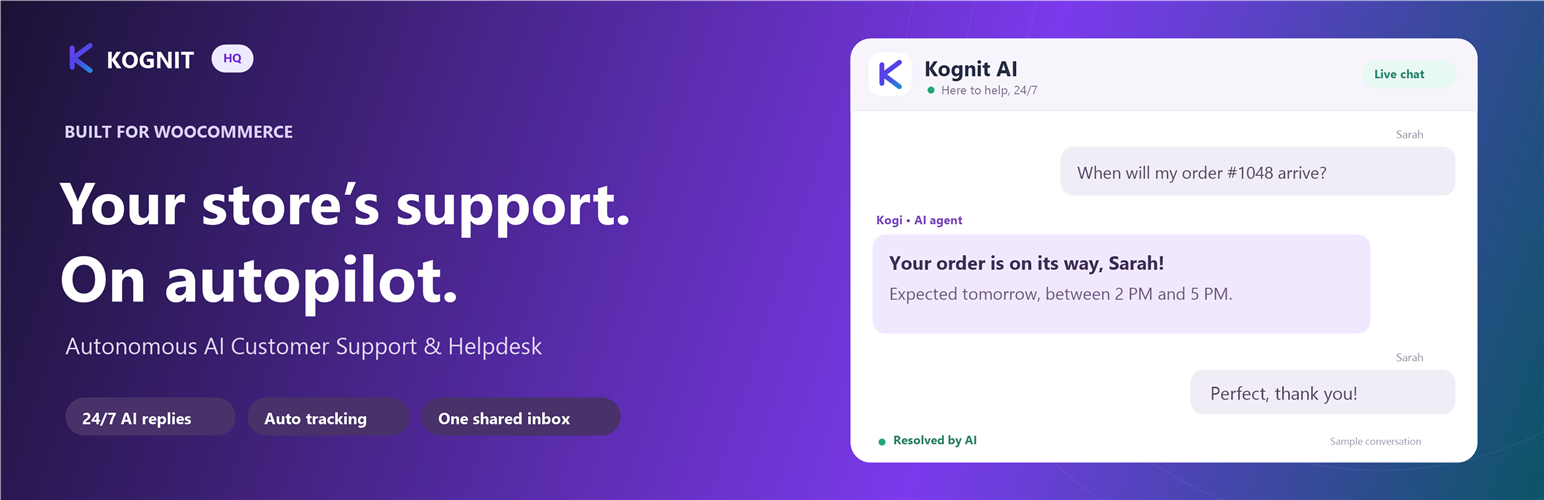
Kognit HQ puts an AI live chat on your WordPress site and sends every conversation to one shared inbox for your team.
It works on any WordPress site: services, agencies, clinics, schools, SaaS, blogs and stores. WooCommerce is optional; when it’s active, the chat also helps shoppers with orders and products.
What it does on any site
- Answers from your own pages. Kognit HQ reads your published pages (About, FAQ, Services, Shipping, Contact…) and the AI answers visitors from them. When you edit a page, the AI’s copy updates within a few minutes.
- Hands off instead of guessing. When the answer isn’t on your site or in your saved answers, the AI says a person will follow up and passes the conversation to your team.
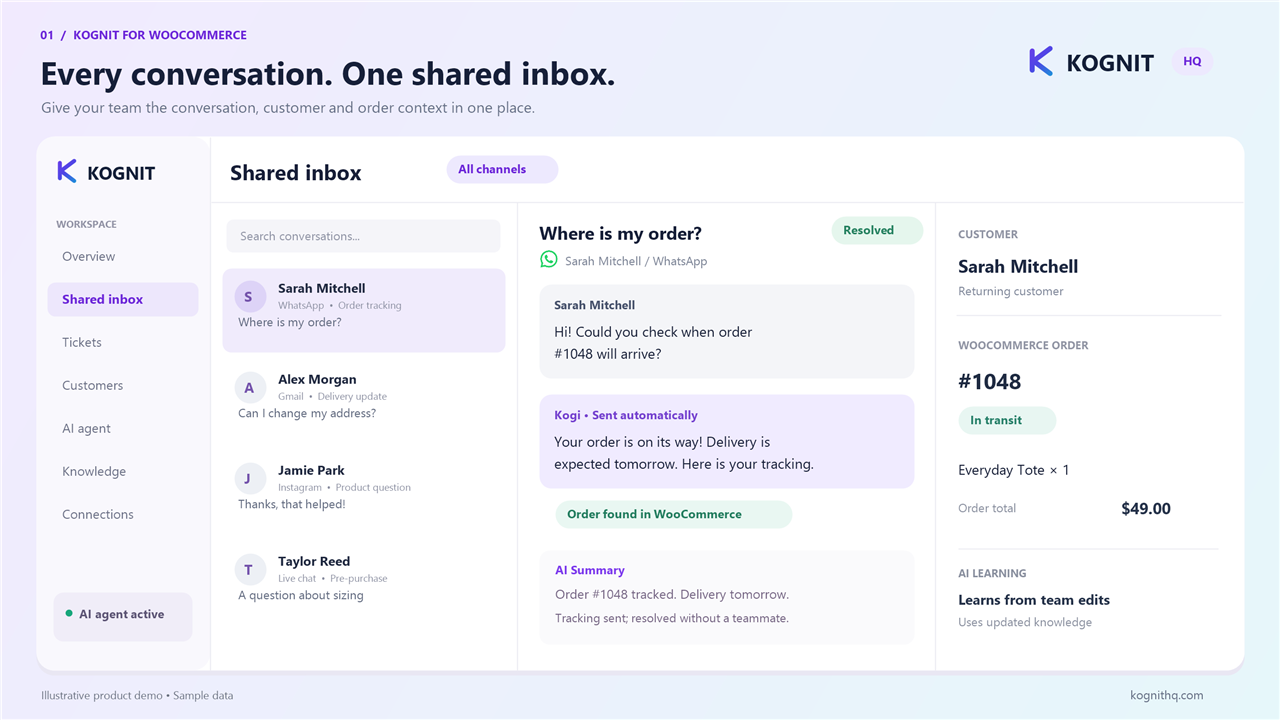
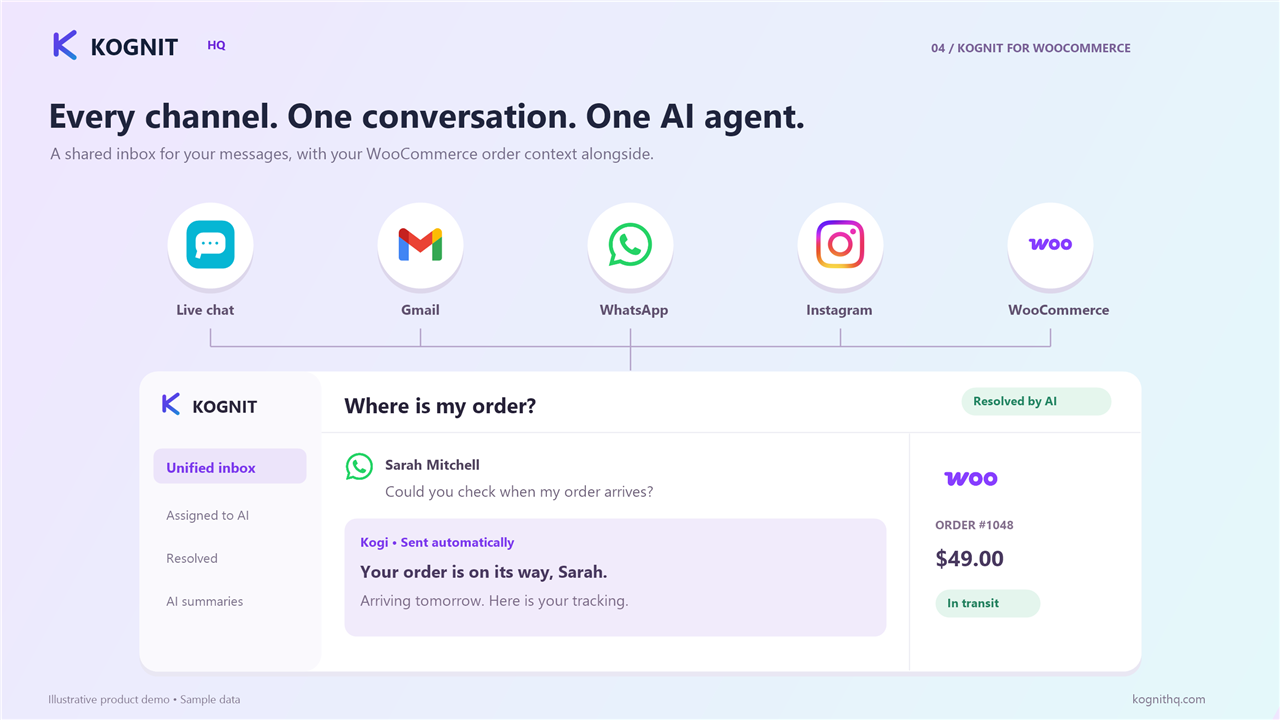
- One shared inbox. Website chats arrive in the same Kognit HQ inbox as your Gmail, Outlook, WhatsApp, Instagram and Messenger conversations.
- Your look. Pick the color, position, assistant name and greeting, with a live preview.
- Speaks your visitor’s language. English, Spanish, French, German, Portuguese, Italian, Dutch, Hindi and Arabic (right-to-left).
Extra with WooCommerce
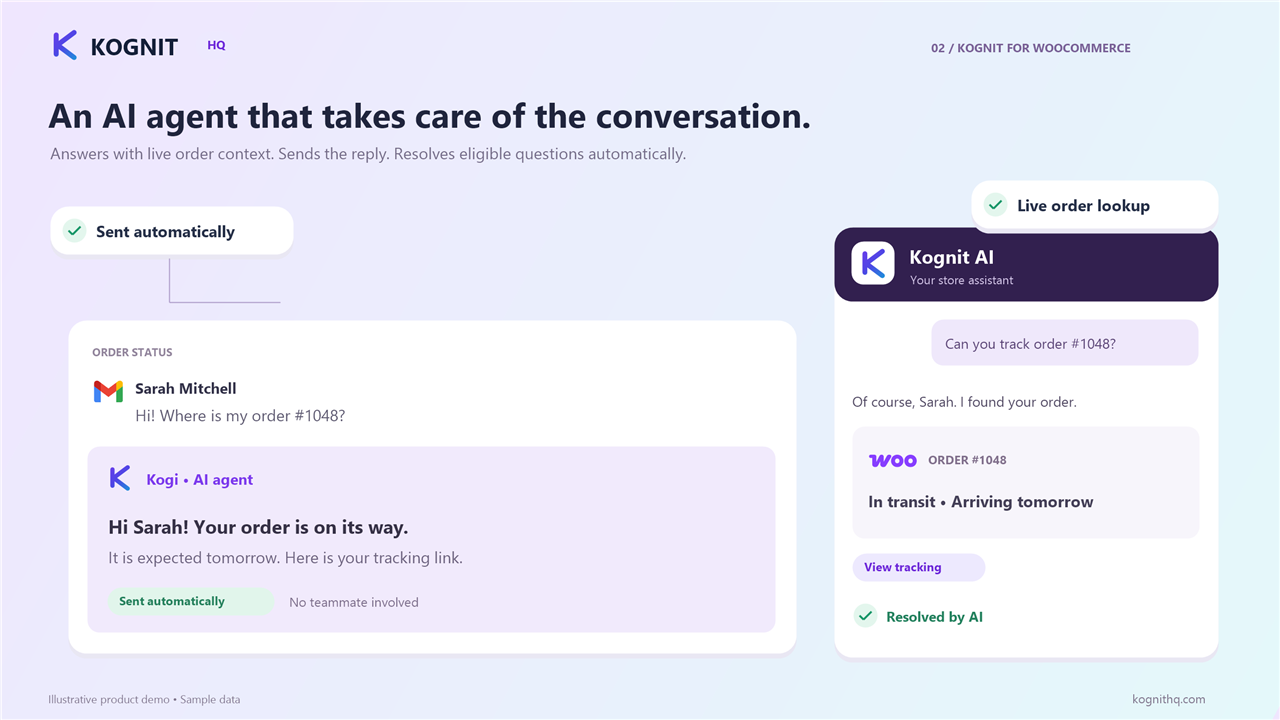
- Order tracking in the chat. Customers ask where their order is and get its status and tracking.
- Shopping help. The chat knows what’s in the shopper’s cart and recommends products from your catalog.
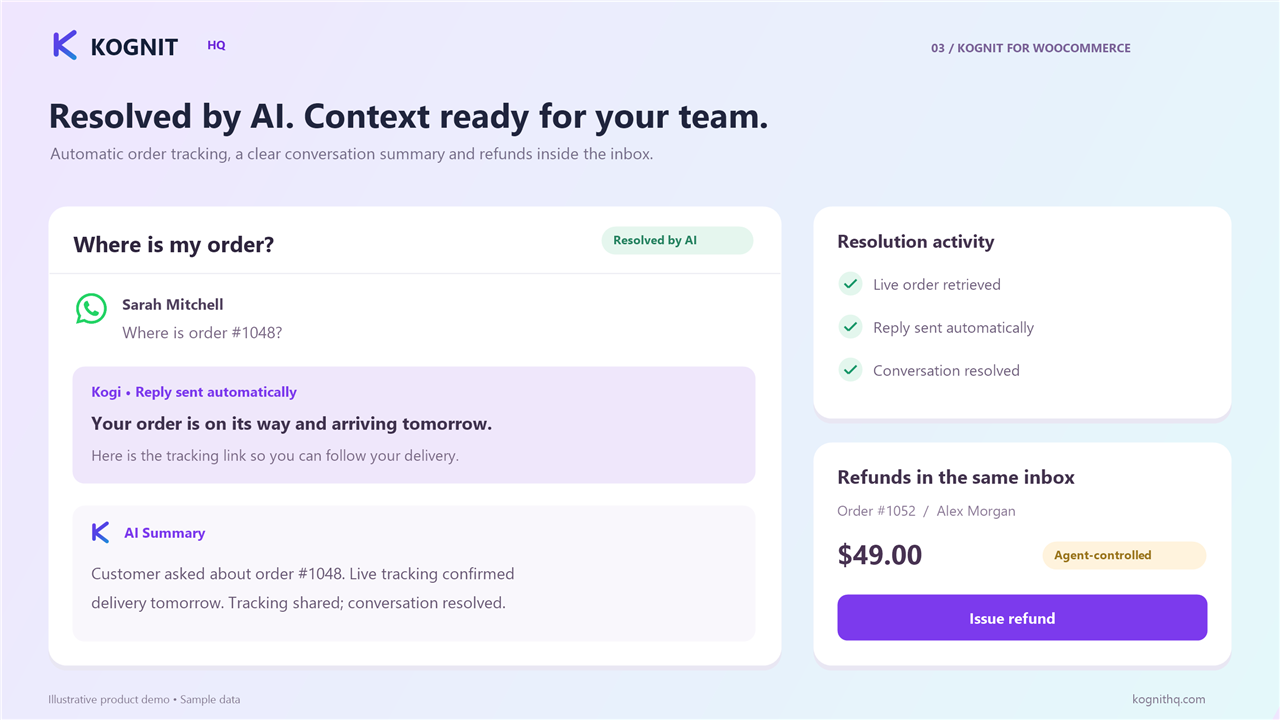
- Refunds and cancellations from the inbox. Once you approve order access, your team handles them from Kognit HQ.
Setup in one click
Activate the plugin, click Connect, sign in to Kognit HQ (or create an account). No keys or code to copy.
Third-Party Services
This plugin uses the Kognit HQ service to run the chat and answer visitors.
- Kognit HQ (Kognit Inc.)
* Service Provider: Kognit Inc. (https://kognithq.com)
* What data is sent and when:
* When a visitor uses the chat: what they write, the page’s site address, and, on WooCommerce stores, order numbers they share and their cart’s item count and total. If the visitor is logged in to your site, their name and email are filled in for the chat.
* When you connect the site, edit a published page, open the plugin’s settings, or once a day: the plugin sends your site’s public chat key to Kognit HQ, which then reads your site’s published pages through the WordPress REST API so the AI can answer from them. Only the site that was connected from this plugin is read.
* Terms of Service: https://kognithq.com/terms-of-service
* Privacy Policy: https://kognithq.com/privacy-policy
- Google Cloud Platform / Firebase
* Service Provider: Google LLC (https://firebase.google.com)
* What data is sent: Chat messages and their delivery status, so conversations sync live between your visitors and your team.
* Terms of Service: https://cloud.google.com/terms
* Privacy Policy: https://policies.google.com/privacy
Installation
- In your WordPress admin, go to Plugins > Add New and search for Kognit.
- Click Install Now, then Activate.
- Open Settings > Kognit AI Helpdesk (with WooCommerce: WooCommerce > Kognit AI Helpdesk).
- Click Connect (1-Click) and sign in to Kognit HQ. The chat goes live on your site, and Kognit HQ starts reading your pages.
Manual installation: upload the plugin folder to /wp-content/plugins/kognit-for-woocommerce/, activate it under Plugins, then follow step 3.
FAQ
Do I need WooCommerce?
No. The chat, the AI answers from your pages and the shared inbox work on any WordPress site. Order tracking and shopping help switch on when WooCommerce is active.
Do I need a Kognit HQ account?
Yes. The chat’s conversations arrive in your Kognit HQ inbox. You can create an account during the one-click connect.
Which pages does the AI learn from?
Your published pages (not drafts or private pages), read through the WordPress REST API. Cart, checkout and account pages are skipped. You can also add your own answers in Kognit HQ. If a security plugin blocks the REST API, the plugin’s settings page tells you.
Will it invent answers?
No. The AI answers from your pages, your saved answers and, on stores, your real orders and products. When it doesn’t know, it hands the conversation to your team.
Does it slow down my site?
The chat script loads in the page footer, after your content, so it doesn’t block your page from showing.
Is it compatible with WooCommerce High-Performance Order Storage (HPOS)?
Yes. The plugin declares HPOS and Cart & Checkout Blocks compatibility.
Can I change how the chat looks?
Yes: color, position, assistant name and greeting in the plugin’s settings, and more (logo, quick replies, home cards) in Kognit HQ.
Screenshots
Changelog
1.1.15
- Smoother typing indicator while Kogi writes a reply
- Answers always come fresh from your store, never from an old cached reply
- Internal team notes (like refund or cancel results) no longer appear in the shopper’s chat
- Bold text in replies displays correctly
1.1.14
- Product cards in the chat no longer show ‘Image unavailable’ next to product photos
1.1.13
- Chat shows a clear message instead of waiting when a reply can’t be written
- A message is never sent twice after a slow reply
- Multi-store Shopify chats send the store on every message
1.1.12
- Start a new chat now works right after ending a conversation
- Visitors without a name show as Website visitor instead of there; order lookups fill in the customer’s name
- Chat uses the same clean type as the rest of Kognit
1.1.11
- Natural conversational live chat greetings and clean brand name display
1.1.10
- Chat with support opens the AI first
- Privacy policy link at the bottom of the chat
- Bigger chat window
1.1.9
- New Spotlight home screen option: your logo, question buttons and one chat box
- Review request now appears only after real customer chats, on the Dashboard, Plugins and Kognit screens
- Uninstall removes every option, cache and scheduled task the plugin created
1.1.8
- Improve checkout button labels and synchronize the storefront widget across platforms
1.1.7
- Real-time catalog sync, Meta omnichannel live integration, and Voice Studio UI refinements
1.1.6
- Polite 5-star review and rating prompt for active merchants to support community feedback
1.1.5
- Admin welcome notice with 1-click store connect banner
1.1.4
- Real-time SSE progressive streaming typewriter for instant chat latency
- Sub-10ms FAQ cache instant answers
- Refined quick reply pills and chat close button
1.1.3
- Fix cross close button on chat widget
- Refine quick reply pills styling to match background canvas
1.1.2
- Widget stability and performance improvements
- Real-time omnichannel helpdesk sync
1.1.1
- Setup guide link in the plugin settings now opens the WordPress & WooCommerce guide
1.1.0
- Works on any WordPress site: WooCommerce is now optional, and the chat acts as a store only when WooCommerce is active
- The AI learns your site’s published pages and answers visitors from them; page edits reach it within minutes
- Settings page shows which pages the AI answers from, with Refresh now, and real setup checks
- Renamed to Kognit – AI Live Chat & Helpdesk
1.0.4
- The chat speaks your shopper’s language: English, Spanish, French, German, Portuguese, Italian, Dutch, Hindi and Arabic (right-to-left).
- Product cards in chat show prices in the store currency.
- Shoppers can download or email a copy of their conversation.
- Welcome suggestions no longer appear after the shopper has already asked a question.
1.0.3
- Maintenance, performance, and stability improvements.
- Verified compatibility with WordPress 6.8 & 7.1 and WooCommerce 9.3+.
- Updated storefront telemetry and admin UI assets.
1.0.2
- Maintenance, performance, and stability improvements.
- Verified compatibility with WordPress 6.8 & 7.1 and WooCommerce 9.3+.
- Updated storefront telemetry and admin UI assets.
1.0.1
- Maintenance, performance, and stability improvements.
- Verified compatibility with WordPress 6.8 & 7.1 and WooCommerce 9.3+.
- Updated storefront telemetry and admin UI assets.
1.0.0
- Initial public release on WordPress.org and WooCommerce Marketplace.
- Complete WooCommerce HPOS (custom order tables) support.
- Live shopping cart event listeners (
added_to_cart,removed_from_cart). - Asynchronous storefront widget loader.
- Admin settings panel with connection status badge.