

Description
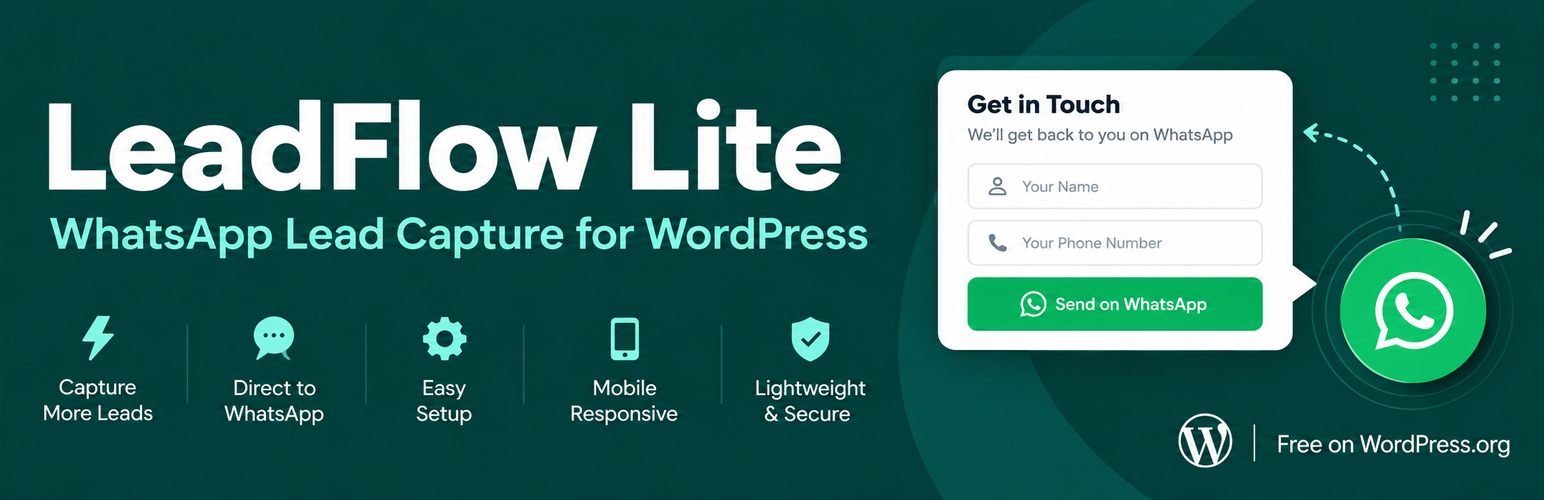
Lead Flow Lite adds a floating WhatsApp button to your site that opens a small lead capture form before launching WhatsApp. Visitors enter their name and phone number, then continue the conversation on their own WhatsApp — no Business API required.
See it in action:
Free (Lite) features:
- Floating WhatsApp button — text, colour and position all configurable
- Optional auto-open after a delay you choose (once per visit, never after someone has already sent a lead)
- Lead capture popup form — name + phone number
- Visitor sends from their own WhatsApp — no API, no extra cost
- All leads saved in your WordPress database
- Email alert for every new lead (sent to your admin email)
- Leads dashboard with 7-day / 30-day / all-time stats
- Built-in spam protection — honeypot, rate limiting and WP REST nonce
- Lightweight: zero dependencies, under 10 KB of CSS + JS on the front end
Pro features (upgrade at polybrightlabs.com):
- Email field + GDPR consent checkbox
- CSV export and bulk delete
- UTM tracking on every lead
- Multiple email recipients and custom email template
- Display rules — by page, device, business hours, scroll depth, exit intent
- Department dropdown → route leads to different WhatsApp numbers
- GA4 events and Google Tag Manager integration
- Webhooks per lead (Zapier, Make, your own CRM)
Installation
- Upload the plugin ZIP via Plugins → Add New → Upload Plugin in WordPress admin.
- Activate the plugin.
- Go to Lead Flow → Settings, enter your WhatsApp number (country code + digits, e.g. 15550100123), and save.
- The floating button appears immediately on the front end.
FAQ
Do I need a WhatsApp Business account?
No. Lead Flow Lite opens a standard wa.me link. Any WhatsApp account works — personal or Business.
Will the widget block my leads once I hit 100?
Never. The widget always works. After 100 leads an upgrade banner appears in your admin dashboard to let you know about Pro features like CSV export and display rules. The banner is just informational.
Where are leads stored?
Leads are stored in your own WordPress database in a custom table ({prefix}lf_leads). They are never sent to any external service.
Is it GDPR-friendly?
Lite collects only a name, phone number and the page the visitor was on. Nothing is sent to any third party, and leads are deleted automatically after 365 days. Because Lite does not collect email addresses, WordPress’s built-in “Erase Personal Data” tool (which works by email) cannot match Lite leads — delete them from the Lead Flow dashboard instead. Pro adds an email field, a consent checkbox that stores the exact wording agreed to, and full support for the WordPress export/erase tools.
Does it work behind Cloudflare or a reverse proxy?
Yes. For accurate per-visitor rate limiting, tell the plugin which proxy IPs to trust: add_filter( 'lf_trusted_proxies', fn() => [ '1.2.3.4' ] );
The button isn’t showing — why?
Check that (a) you’ve added a WhatsApp number in Lead Flow → Settings and (b) the widget is enabled on that settings page. If you’ve recently changed settings, clear your page cache.
Screenshots


Changelog
1.2.1
- Changed: plugin name is now Lead Flow Lite.
- Changed: international example number and placeholders.
1.2.0
- Upgrade: sites updating from 1.0.0 keep their leads and settings — existing leads, WhatsApp number, greeting, button colour, position and alert email are carried over automatically.
- Fix: the database is now prepared on update as well as on activation, so the plugin works straight after an automatic update.
- Includes every improvement from 1.1.0 to 1.1.3 below (first release of these on WordPress.org).
1.1.3
- Fix: WhatsApp now opens reliably after the form — same-tab on mobile, new tab plus a visible “Open WhatsApp” button on desktop (popup blockers no longer swallow the handoff).
- Fix: a lead is never lost because of a long URL — campaign parameters (fbclid, gclid) are stripped and the page URL is capped at 255 characters.
- Fix: invalid or spam submissions no longer count towards the daily cap; only real leads do.
- Fix: the per-phone limit is now global — changing IP address does not reset it.
- Fix: X-Forwarded-For is read from the proxy’s end, so visitors cannot spoof their IP to escape rate limits.
- Fix: names written in non-Latin scripts are kept in the email subject.
- Fix: auto-open popup fires once per visit, never after a lead has been sent, and no longer pops the keyboard up on phones.
- Fix: if a database write fails, the alert email is still sent so the lead is not lost, and the failure is logged.
- Security: the public response no longer includes the lead ID.
- Housekeeping: version numbers aligned across all files; external links use rel=”noopener”; readme no longer mentions a tooltip setting that does not exist.
- Developers: new
lf_lead_createdaction andlf_trusted_proxiesfilter.
1.1.2
- Feature: Auto-open popup delay — set a delay in seconds (Lead Flow → Settings); 0 = disabled (click-only, the default). Clicking the button always works regardless of the timer.
1.1.1
- Security: server-side length caps on name (120 chars) and phone (25 chars) — HTML maxlength was bypassable via scripted POST.
- Security: page_url now rejects non-http/https schemes (blocks javascript: URI storage); email alert uses the sanitised value.
- Security: added per-phone rate limit (3/hr per unique number) on top of per-IP limit.
- Security: global daily cap of 1,000 leads prevents large-scale flood attacks.
- Security: lead count cached via transient — prevents full-table COUNT(*) on every admin page load at scale.
- Security: lead delete action moved from GET to POST form; nonce is now in a hidden field, not the URL (prevents nonce leaking in Referer header).
- Security: registered missing wp_ajax_lf_dismiss_nudge action with nonce check; JS updated to pass dismiss_nonce.
- Security: REST route args now declare types so WordPress REST validates inputs before the callback runs.
- Security: lf_client_ip() helper respects X-Forwarded-For only when REMOTE_ADDR is a configured trusted proxy — fixes rate-limit bypass when site sits behind Cloudflare/CDN.
- Security: email subject strips MIME-encodable characters from lead name to prevent header confusion in legacy email clients.
1.1.0
- First full Lite release: floating button, lead form, dashboard, email alerts, spam protection.
1.0.0
- Initial release on WordPress.org.