

Description
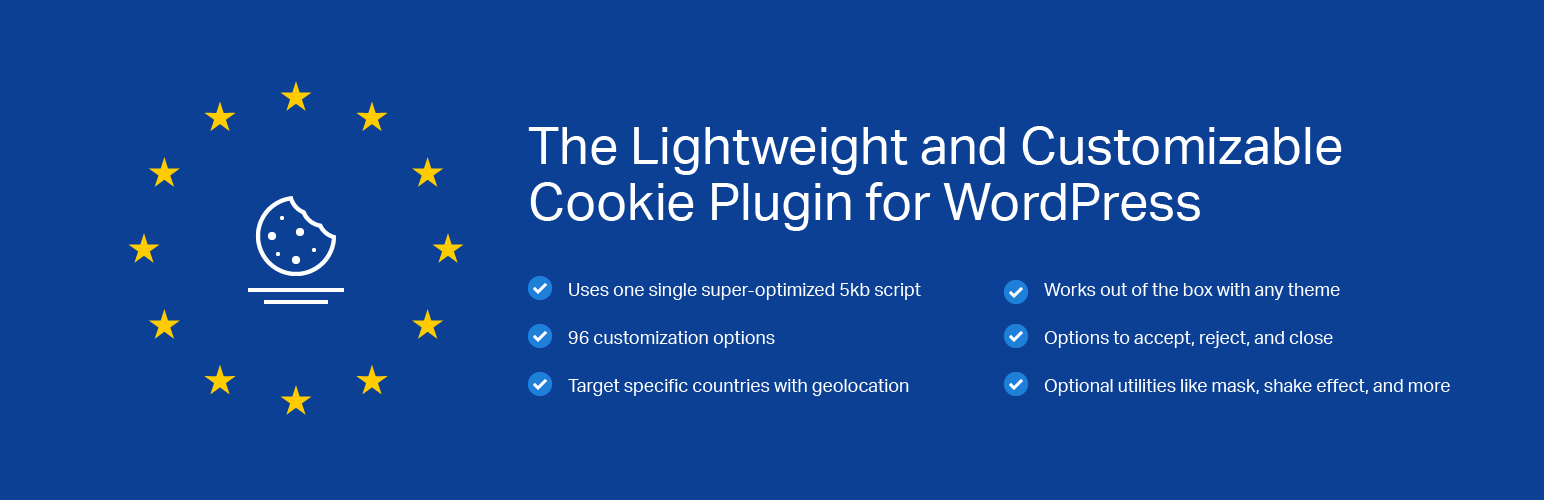
This is the free version of Lightweight Cookie Notice, the lightweight and customizable cookie plugin for WordPress.
A high-performance Cookie Plugin
This plugin generates the cookie notice with a single 9kb file (gzipped) written in pure JavaScript.
We recommend this plugin for high-performance websites or websites with a high number of visits.
83 Style Options
With the style options available in the plugin settings, you can customize the typography, the colors of all the elements, or even control details like borders, drop shadows, opacities, and more.
With all these options, you can create a cookie notice consistent with the style of your website.
Works with all the caching plugins
This plugin verifies the cookie acceptance with JavaScript. For this reason, all the caching plugins (E.g. WP Super Cache, W3 Total Cache, LiteSpeed Cache, WP Fastest Cache) are supported.
Geolocation
Display the cookie notice only to the users located in a custom-defined list of countries with the geolocation feature included in the plugin.
The plugin currently integrates two alternative geolocation services. The instructions to set up these services are available in the geolocation section of the plugin manual.
MaxMind GeoLite2
To enable the MaxMind GeoLite2 geolocation service, create a MaxMind account, download the provided databases, and configure the paths to these files in the plugin settings.
HostIP.info
In this case, the IP geolocation data are retrieved with HTTP requests to the HostIP.info website. This geolocation service doesn’t require the creation of an account.
Additional Features of This Cookie Plugin
Place the Cookie Notice in Multiple Positions
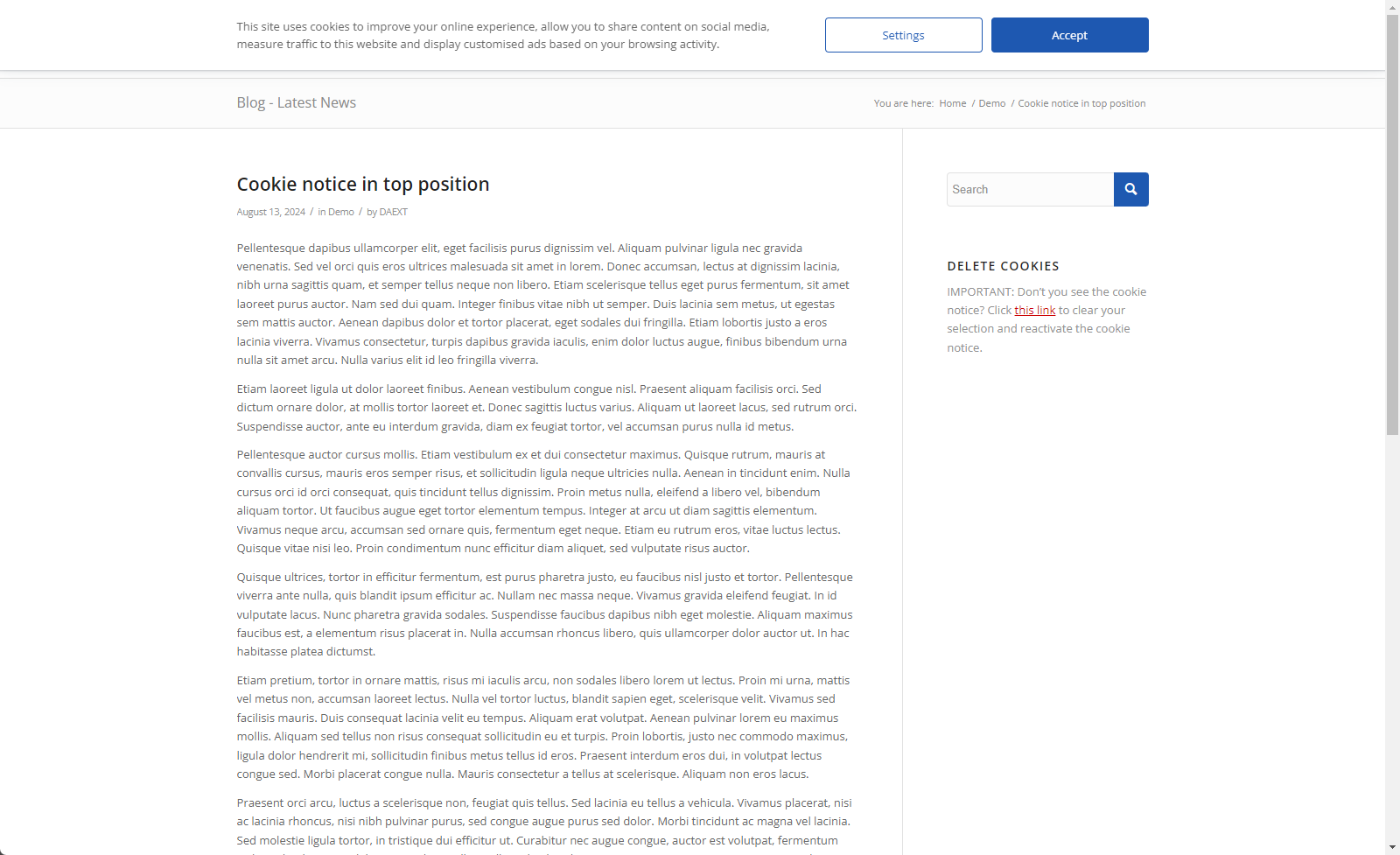
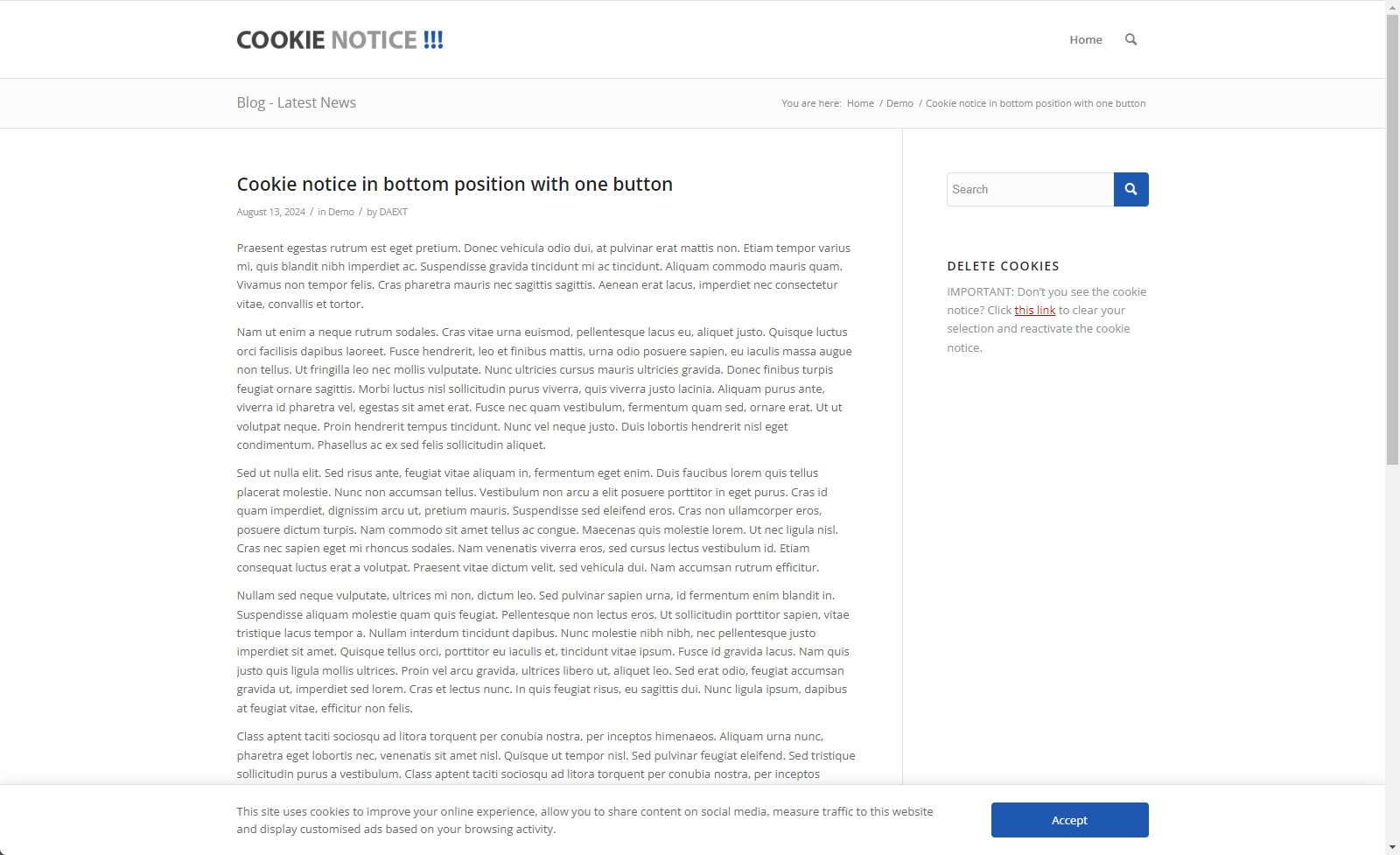
A selector available in the plugin options allows you to generate a cookie notice in the following position:
- Top of the screen
- In the middle of the screen
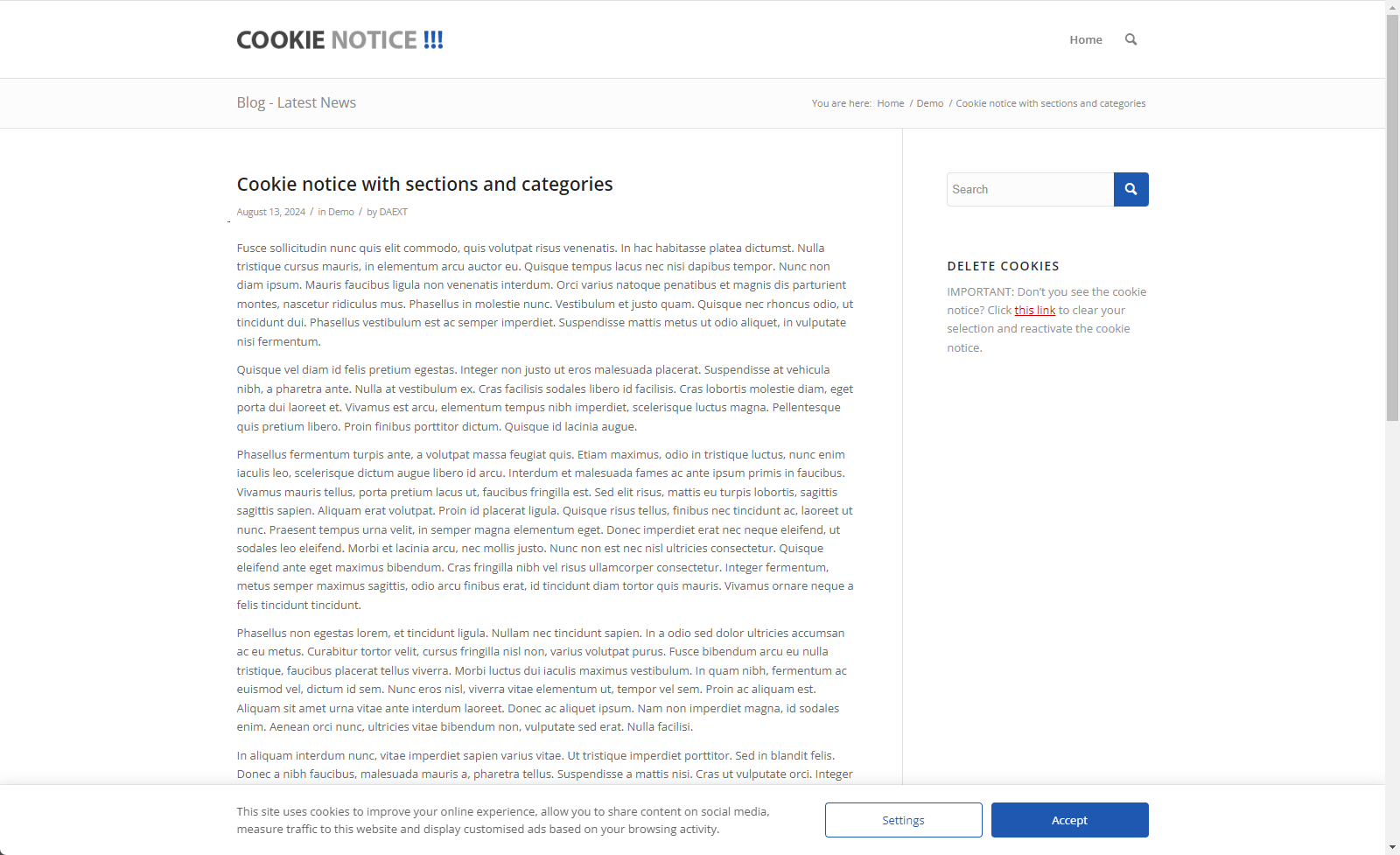
- Bottom of the screen
Shake Effect
Bring attention to the cookie notice with an optional shake effect applied to the cookie notice. The shake effect is activated when the user clicks outside the cookie notice.
Mask
This cookie plugin optionally generates a transparent mask over the content of the page. This mask makes the website unusable for the users that don’t give their consent.
Responsive
The cookie notice generated by the plugin is fully responsive. We have also included the Responsive Breakpoint option to define when to switch from the desktop layout to the mobile layout and vice versa.
Additional information with a modal window
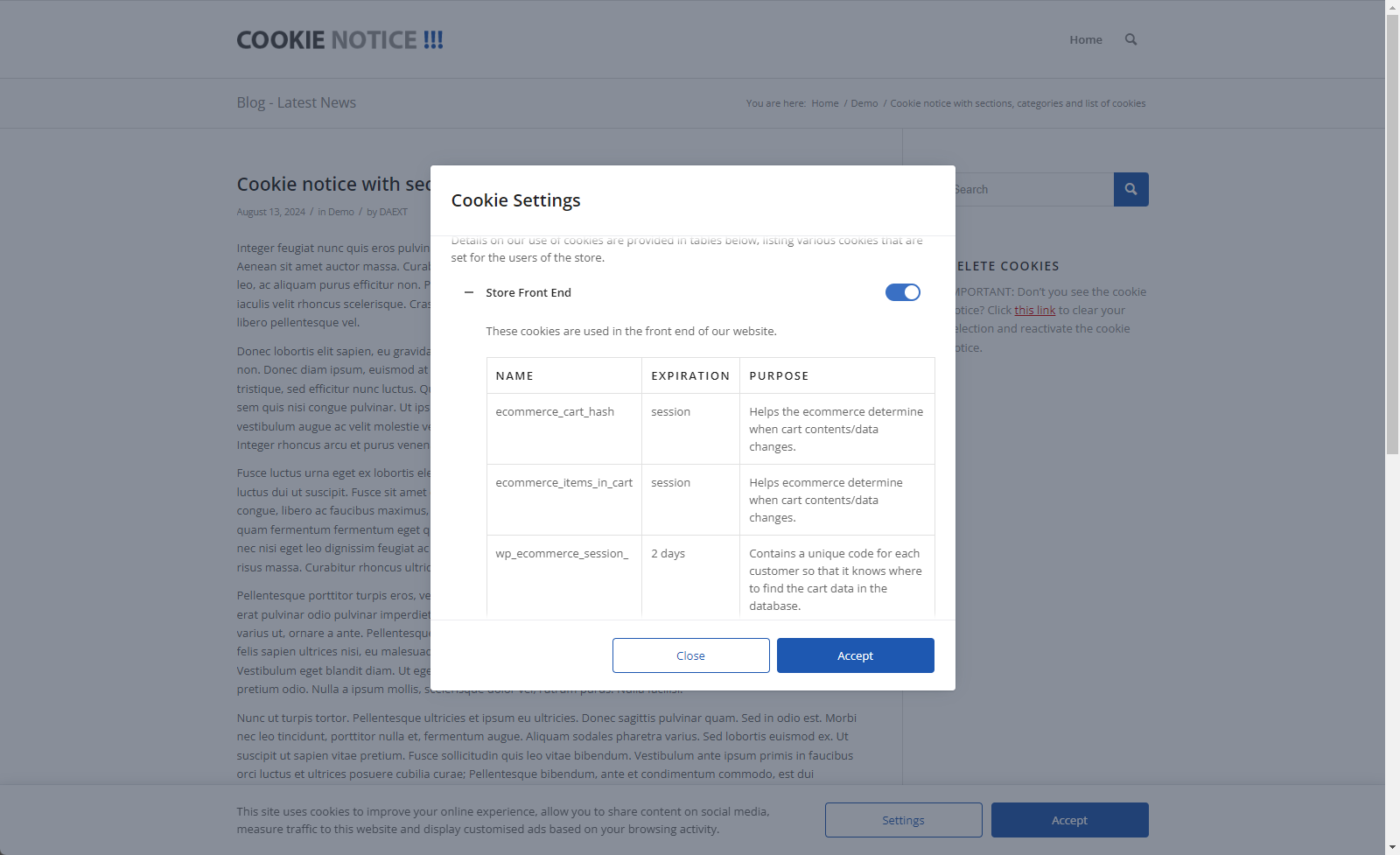
The plugin comes with an optional modal window that you can use to display the cookies policy, the privacy policy, or other custom information without redirecting the user to a specific page.
You can enter custom HTML in this modal window and easily include information like lists of cookies, lists of vendors, links to documents, and more.
Test Mode
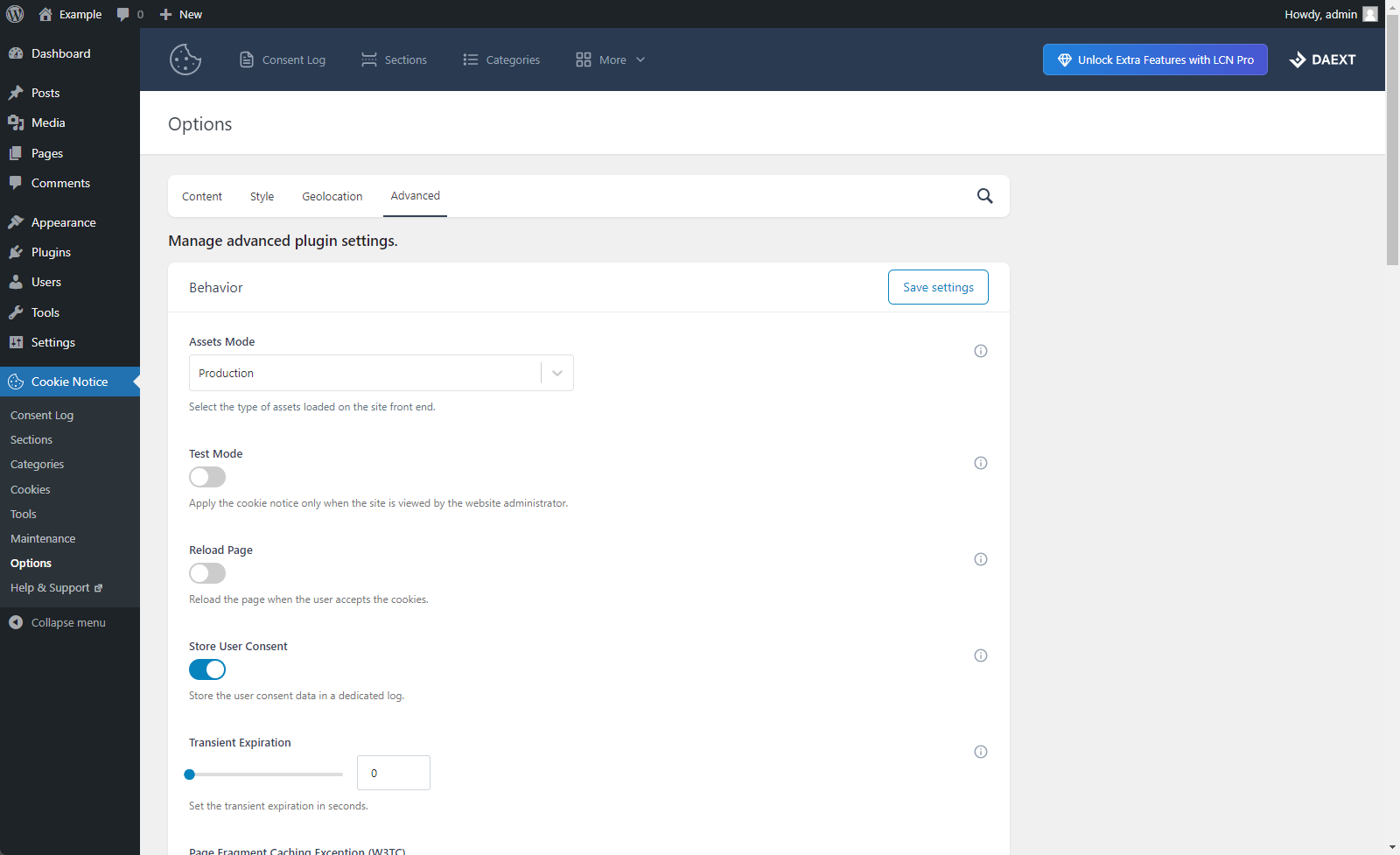
Enable the Test Mode to display the cookie notice only to the website administrator. This feature allows you to set up the cookie notice content, colors, and behavior without causing temporary issues to a production website.
Custom Cookie Expiration
Set the amount of time you want to store the cookie acceptance of the user.
Reload Page
This option allows you to optionally reload the page when the user accept the cookies.
Pro Version
With the Professional Version of this cookie plugin, you can:
- Download the consent log data in CSV format
- Download the proof of consent of each consent log record in PDF format
- Instantly run JavaScript scripts based on the cookie preferences of the user
- Share the user consent preferences on subdomains
- Configure Google Consent Mode
- Display one or more cookie audit tables in your posts with the “Cookies” editor block
- Allow visitors to reset their cookie preferences with the “Delete Cookies” editor block
- Allow visitors to change their cookie preferences with the “Revisit Consent” editor block
- Move the plugin data between websites with the import and export features
- Define which user capabilities are required to access each plugin menu
Disclaimer
This product can include GeoLite2 data created by MaxMind, available from https://www.maxmind.com.
Installation
Installation (Single Site)
With this procedure you will be able to install the Lightweight Cookie Notice plugin on your WordPress website:
- Visit the Plugins -> Add New menu
- Click on the Upload Plugin button and select the zip file you just downloaded
- Click on Install Now
- Click on Activate Plugin
Installation (Multisite)
This plugin supports both a Network Activation (the plugin will be activated on all the sites of your WordPress Network) and a Single Site Activation in a WordPress Network environment (your plugin will be activated on a single site of the network).
With this procedure you will be able to perform a Network Activation:
- Visit the Plugins -> Add New menu
- Click on the Upload Plugin button and select the zip file you just downloaded
- Click on Install Now
- Click on Network Activate
With this procedure you will be able to perform a Single Site Activation in a WordPress Network environment:
- Visit the specific site of the WordPress Network where you want to install the plugin
- Visit the Plugins menu
- Click on the Activate button (just below the name of the plugin)
Screenshots













Changelog
1.23
November 13, 2026
- The “Domain” deletion attribute of the cookies defined in the “Cookies” menu is now used when the visitor revisits the consent.
- Fixed an issue where the “Open Cookie Settings” action of the “Dismiss Button Action” option closed the cookie notice instead of opening the cookie settings.
- Fixed an issue where the “Accept All Cookies” and “Reject All Cookies” button actions did not always respect the “Active Toggle” option of each category.
- The sections of the cookie settings window are now sorted by their “Priority” option.
- The default value of the “Geolocation Locale” option now includes all the countries of the European Union, the European Economic Area, and the United Kingdom.
- Removed the unused “More Information” value from the “Cookie Table Columns” option.
- Fixed the descriptions of the “Priority” field of the categories and of the “Sensitivity” field of the cookies.
1.22
November 7, 2026
- Improved the loading speed of the “Categories” menu on sites with many consent log records.
- Updated the admin UI color palette to use branded colors instead of the default WordPress colors.
- Added a custom admin footer in place of the default WordPress footer text.
- Added a notices manager class used to display documentation resources and a link to rate the plugin.
- Fixed a fatal error that occurred when the Pro version was activated while the Free version was active.
- Fixed an issue where the “Shake Effect” option could not be saved.
- Fixed the anonymization of IPv6 addresses stored in the consent log.
- Fixed an issue where the “Three Months” value of the “Cookie Expiration” option set a cookie lifetime of about 104 days instead of 90 days.
- Removed the unused “cookies”, “delete-cookies”, and “revisit-consent” shortcodes, which could conflict with other plugins using the same shortcode names.
- Fixed an issue where the export of the “Tools” menu failed on sites with a large consent log.
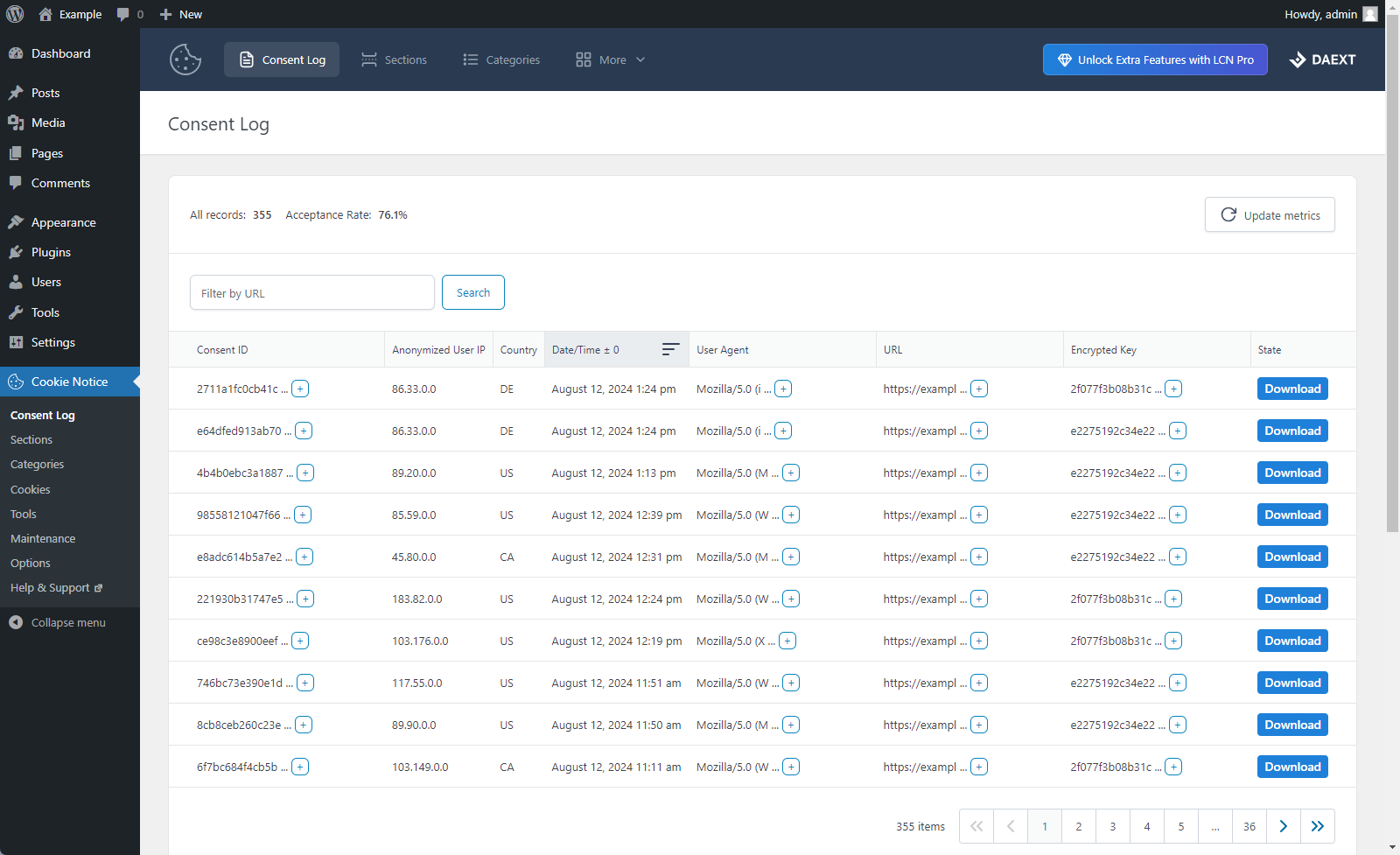
- Improved the loading speed of the “Consent Log” menu, which now paginates the records on the server and allows browsing all the consent log records.
- Removed the “Consent Log Records” option, no longer necessary since all the consent log records can now be browsed in the “Consent Log” menu.
- Added the “Consent Log Retention” option, used to automatically delete the consent log records older than the selected period.
- Added the “Include the consent log records” toggle to the export of the “Tools” menu, used to generate a smaller file without the consent log records.
- Fixed an issue where clicking the label of a toggle field did not change the toggle.
1.21
June 25, 2026
- Consent log submissions and geolocation checks now work correctly on sites using page caching with long cache durations.
1.20
June 24, 2026
- Security fix: Resolved CVE-2026-12272. The W3TC Page Fragment Caching integration now uses a unique per-installation security key instead of a hardcoded value.
1.19
May 2, 2025
- Fixed PHP notice caused by early use of translation functions.
1.18
March 28, 2025
- Fixed an issue where the cookie path attribute was not set correctly.
1.17
January 16, 2025
- The following options have been added to the plugin settings: “Toggle On Color”, “Toggle Off Color”, “Toggle Mixed Color”, “Toggle Disabled Color”.
- The “Acceptance Rate” value is now calculated using a limited number of consent log records to prevent performance issues and memory exhaustion.
1.16
December 1, 2024
- Resolved CSS style issues introduced by changes in WordPress 6.7
1.15
September 16, 2024
- Bug fix: The “Button 2 Background Color” option of the “Cookie Settings” section has been added again in the plugin.
1.14
September 3, 2024
- Performance improvements.
- A new option to configure the maximum number of displayed consent log records has been added.
1.13
August 12, 2024
- Action link added in plugins menu.
1.12
August 11, 2024
- Major back-end UI update.
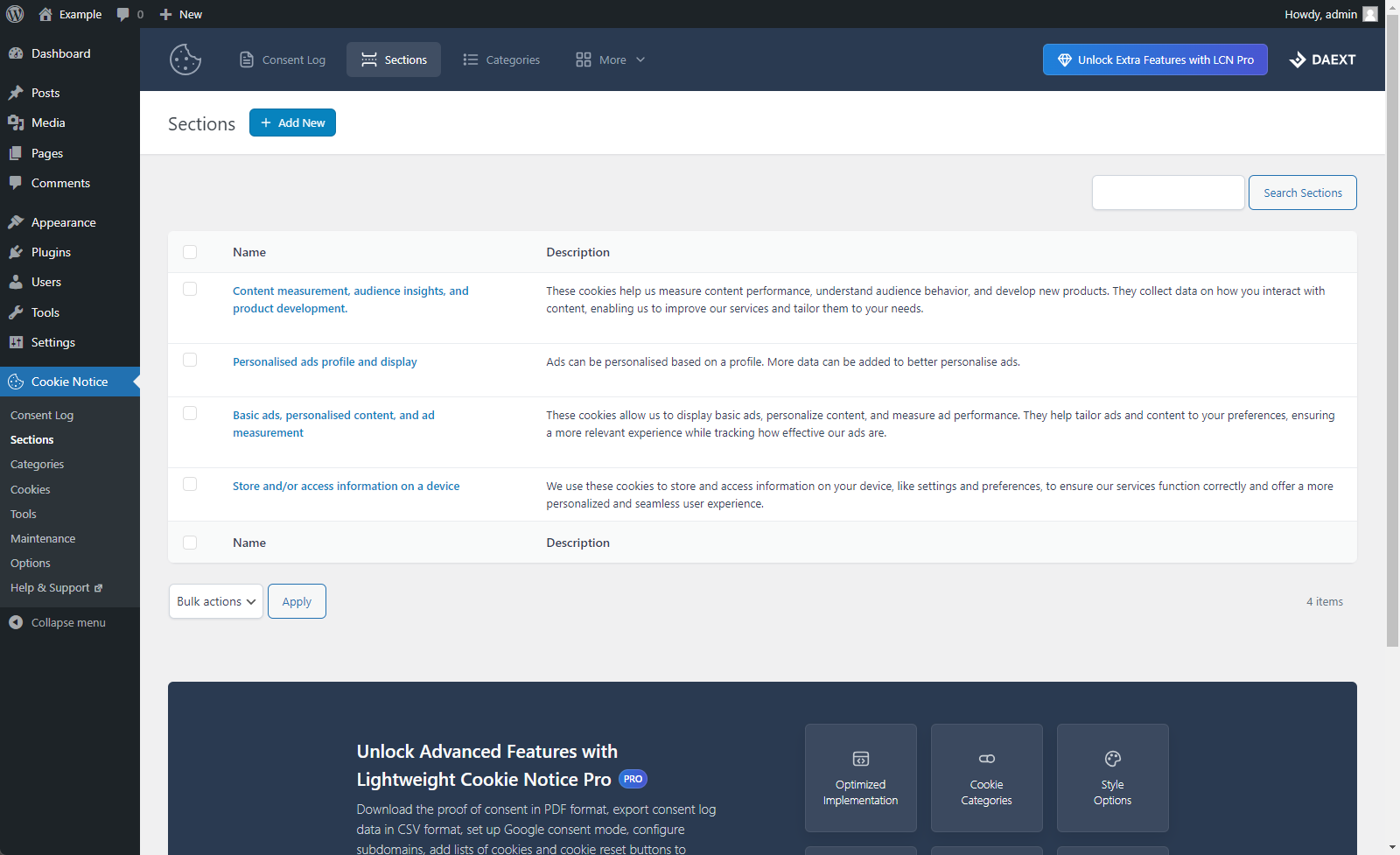
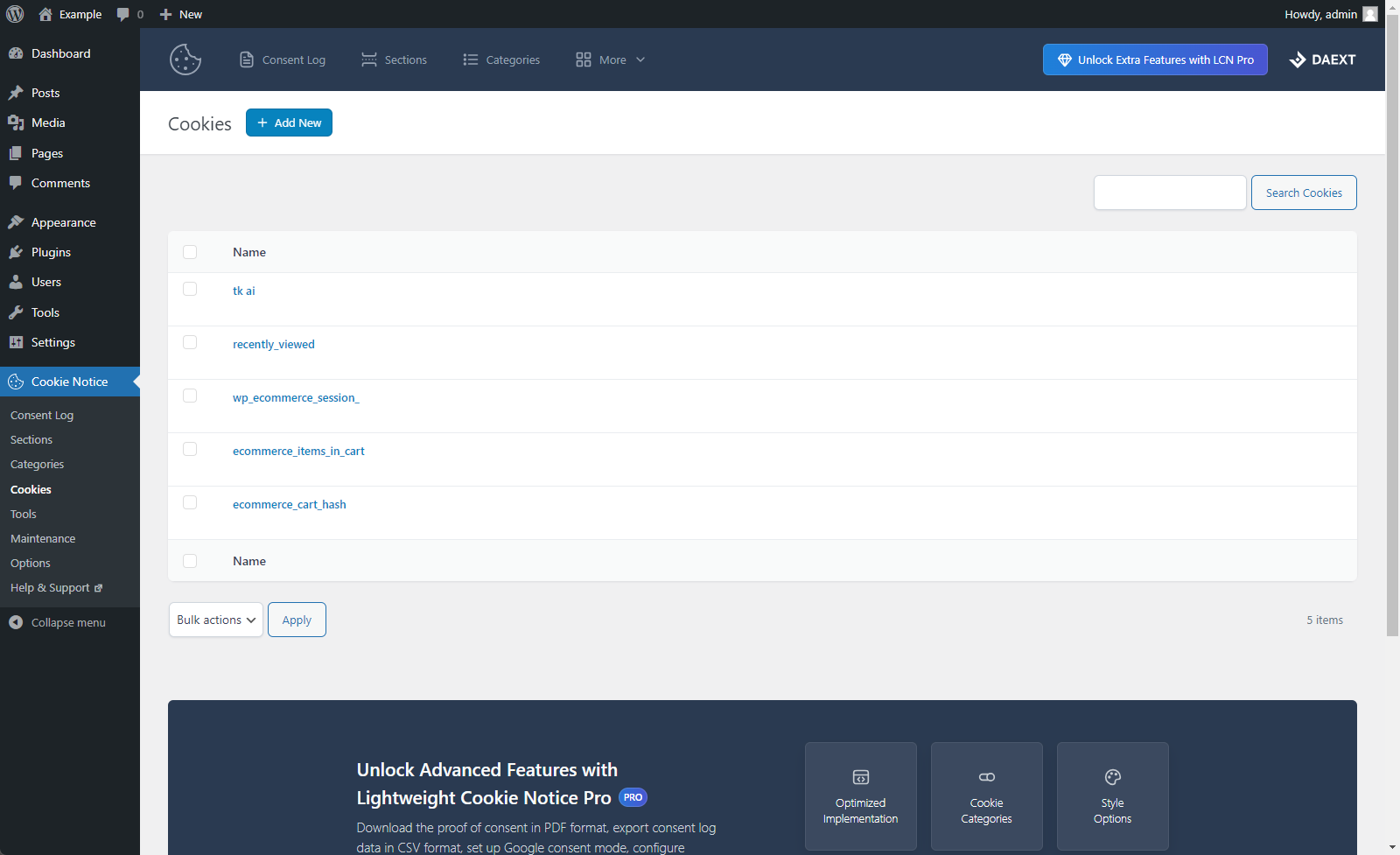
- The following menus and the related functionalities have been added: Consent Log, Sections, Categories, and Cookies.
- Additional options have been added to the plugin settings.
1.11
June 14, 2024
- The text domain has been changed to match the plugin slug.
- Removed non-necessary validation methods used in the plugin options.
1.10
April 8, 2024
- Fixed a bug (started with WordPress version 6.5) that prevented the creation of the plugin database tables and the initialization of the plugin database options during the plugin activation.
1.09
Oct 22, 2023
- Fixed a bug that caused a JavaScript error when the cookie notice mask was disabled.
- Minor refactoring to remove PHP deprecation warning.
1.08
May 25, 2023
- The cross SVG icon is now generated with JavaScript.
- Changed UglifyJS file compression options applied to production JavaScript files.
- Minor back-end improvements.
1.07
November 25, 2022
- The ability to generate a “Revisit Consent” button has been added.
1.06
March 3, 2022
- Improved tooltip messages in the plugin options.
1.05
March 26, 2021
- Minor back-end improvements.
1.04
March 26, 2021
- Fixing error in readme.txt
1.03
March 26, 2021
- Initial release.