

Description
OVERVIEW
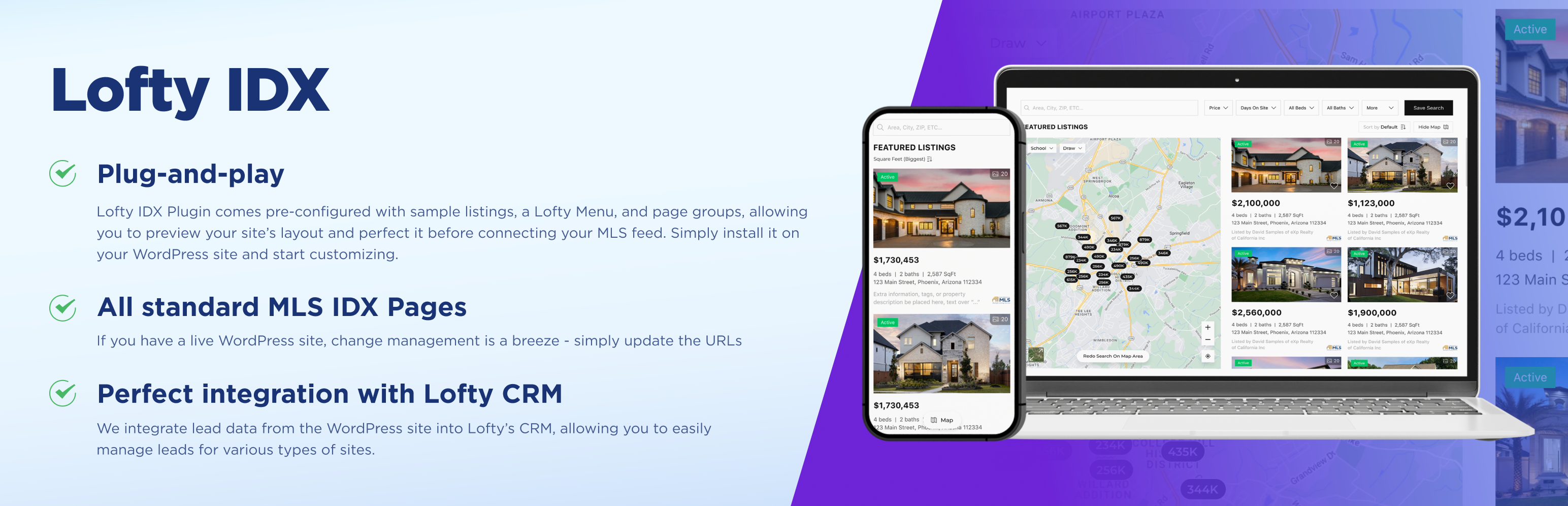
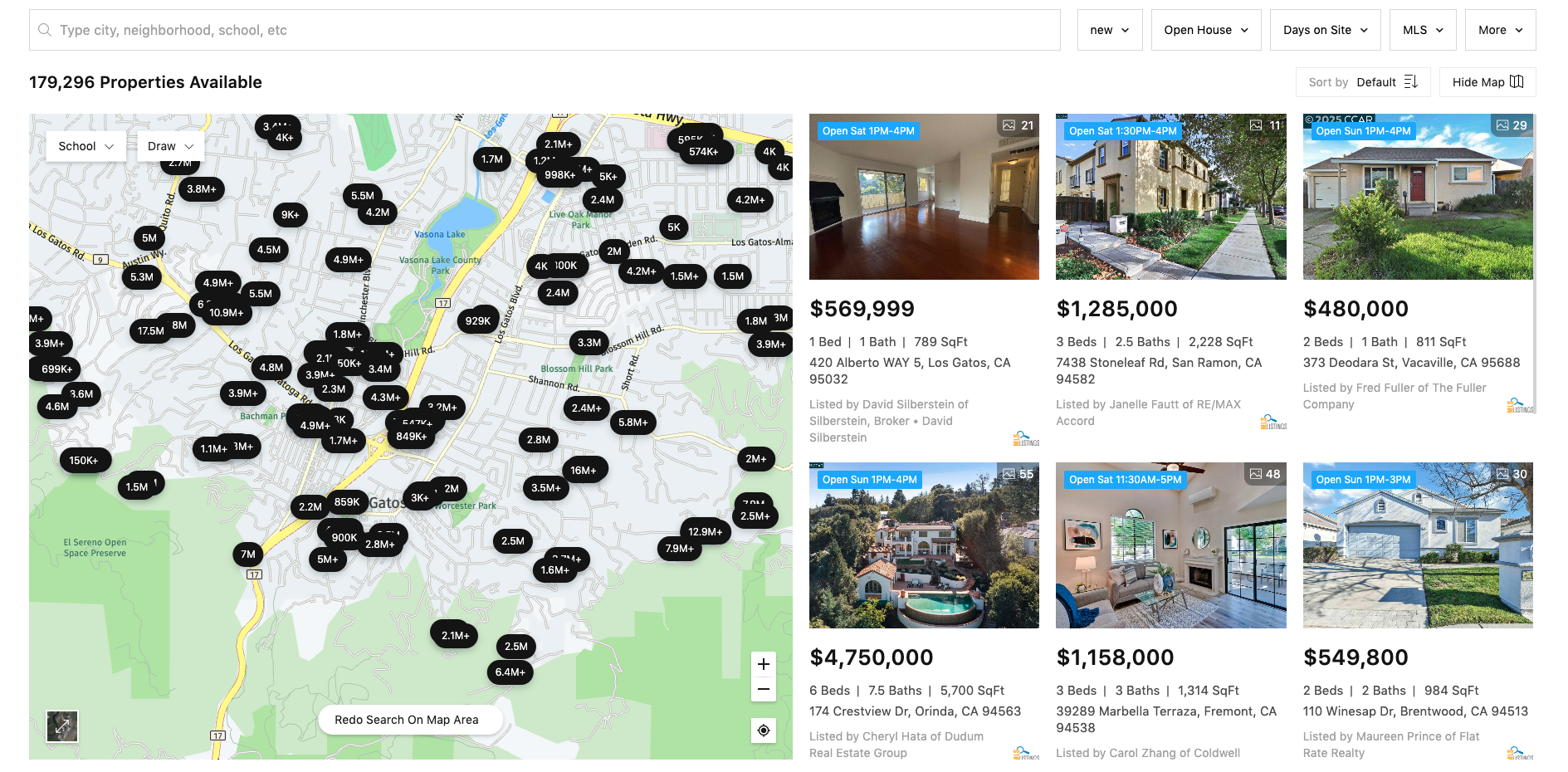
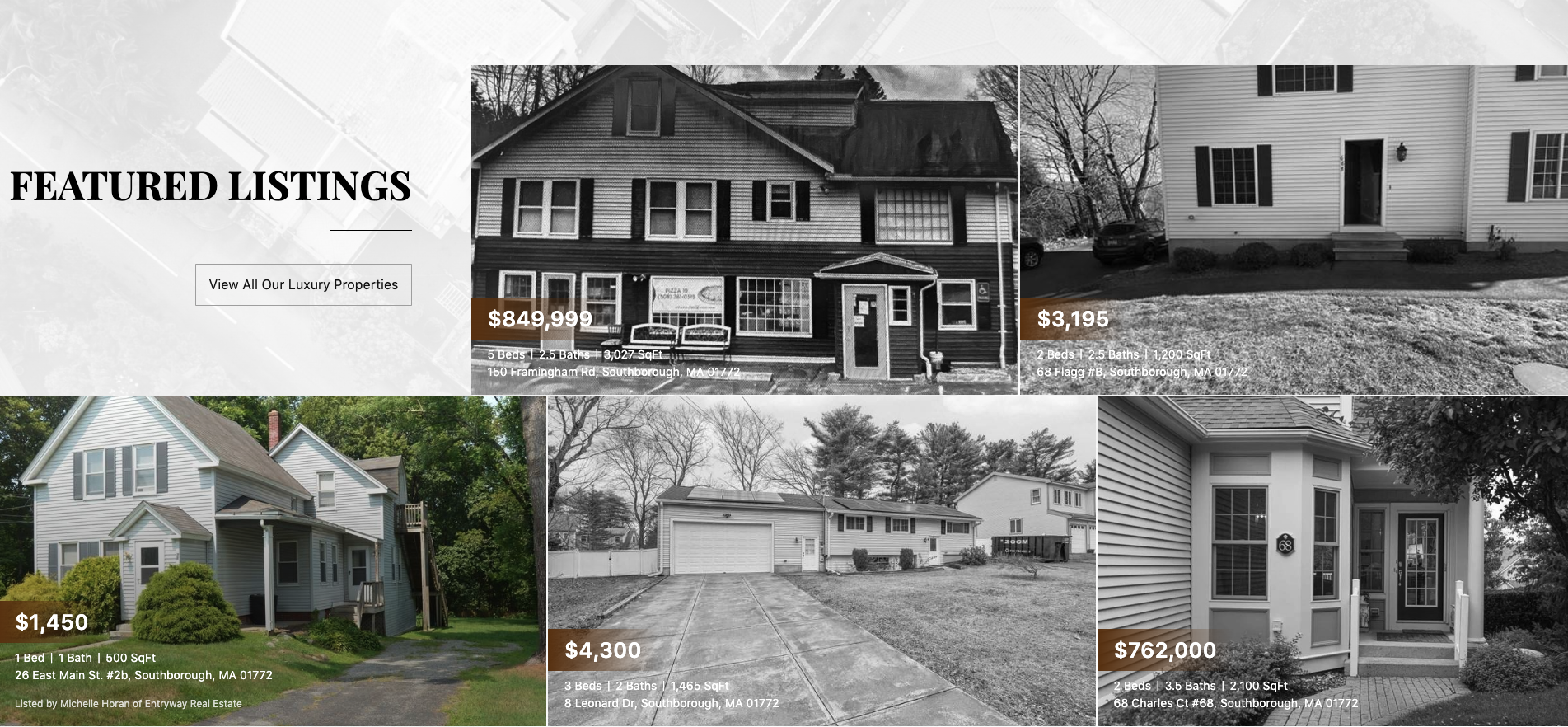
Lofty IDX is a robust WordPress plugin designed to integrate IDX/MLS property listings seamlessly into your website, allowing real estate agents to display current property listings and capture lead information effortlessly. This plugin is ideal for agents looking to enhance their website’s functionality with up-to-date property information and lead generation tools.
PLUG-AND-PLAY
Lofty IDX comes pre-configured with sample listings, a Lofty Menu, and page groups, allowing you to preview your site’s layout and perfect it before connecting your MLS feed. Simply install it on your WordPress site and start customizing.
ALL STANDARD MLS IDX PAGES WITH SEO
If you already have a live WordPress site, change management is a breeze – all you have to do is update the URLS of your old and new pages. .
PERFECT INTEGRATION WITH LOFTY CRM
When leads engage with content on your WordPress website, like viewing or saving listings, their activities will be tracked in the Lofty CRM. This means that you can see what listings the lead is looking at, saving, and searching on the WordPress site in the lead’s timeline in Lofty.
SETUP GUIDE
Visit our Quick Start Guide
CONTACT
You can contact us through send us an email wpidxsupport@lofty.com
Troubleshooting
- If you encounter issues with activation, ensure the API key is valid.
- For configuration errors, check Help Center for guidance.
- Contact wpidxsupport@lofty.com for assistance.
Installation
If you are a Lofty user, or building a website on behalf of a Lofty user:
1. Go to Lofty > Marketplace to purchase the WordPress IDX plugin and connect your WordPress domain.
2. Install and activate the Lofty IDX plugin through WordPress.
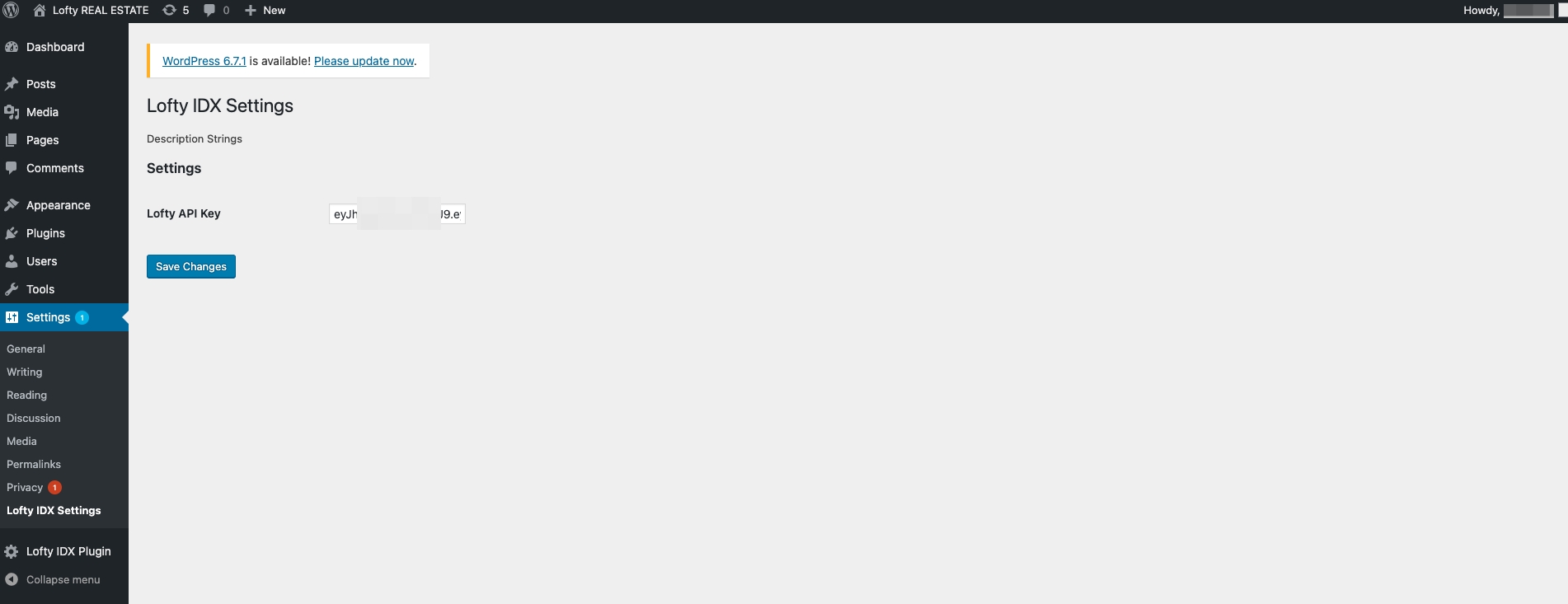
3. Navigate to Lofty > Website > Settings > API Key to retrieve your unique API Key, then paste it into WordPress > Settings > Lofty IDX Settings.
4. Click the Lofty IDX Plugin menu to access the Lofty-synced pages, Shortcodes, and Customizations.
If you are not a Lofty user yet:
Please email us at wpidxsupport@lofty.com for assistance.
FAQ
What is IDX?
IDX stands for Internet Data Exchange, a system allowing real estate agents to display property listings from the Multiple Listing Service (MLS) on their websites.
Does this plugin work with all MLSs?
Yes, we cover over 400 MLSs across the United States, ensuring broad compatibility with various regional systems.
Does this plugin work with Lofty CRM?
Yes, the plugin integrates seamlessly with Lofty CRM. Leads are automatically imported, and activity tracking functions are the same as those on the current Lofty website.
Screenshots
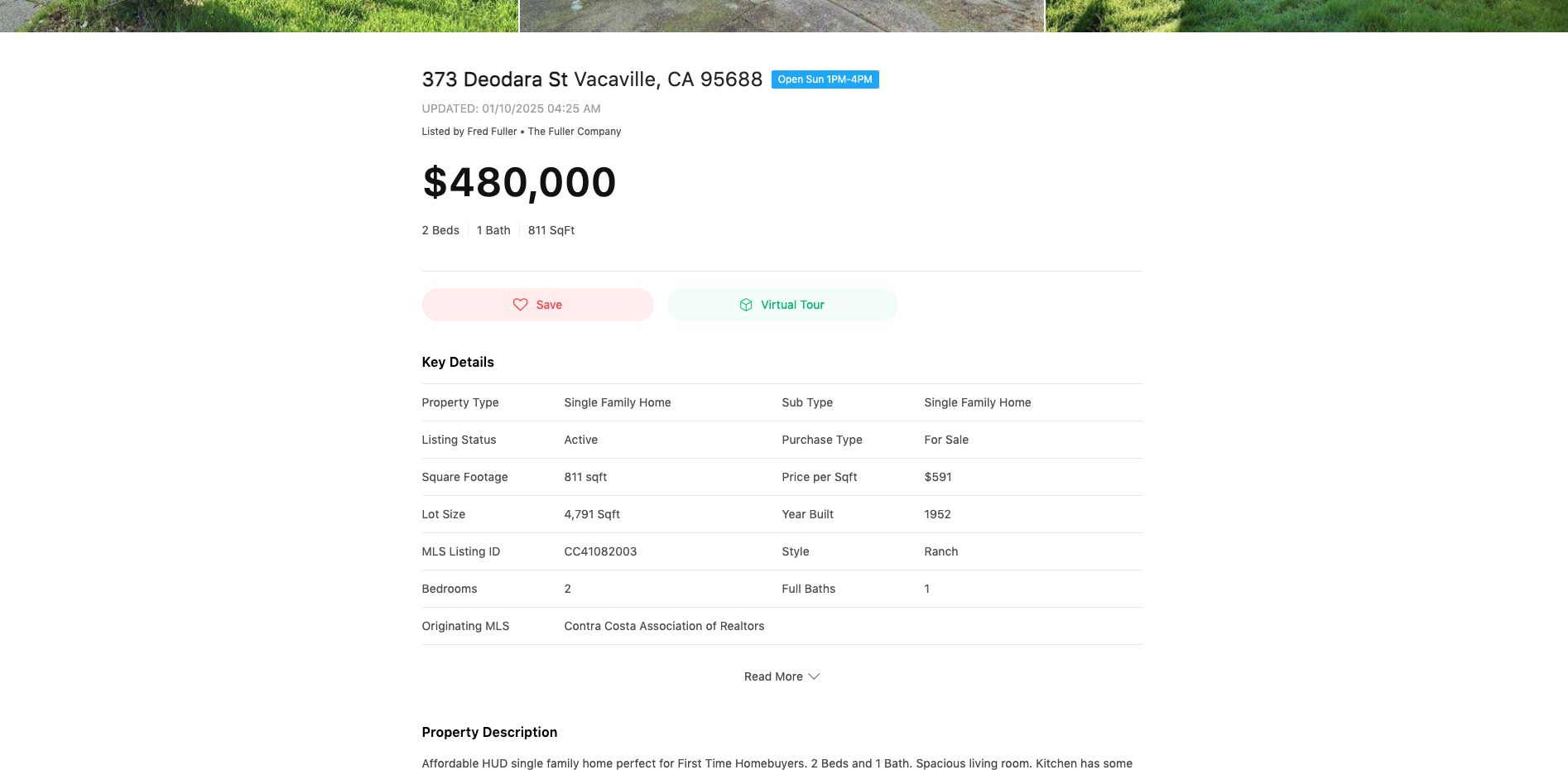
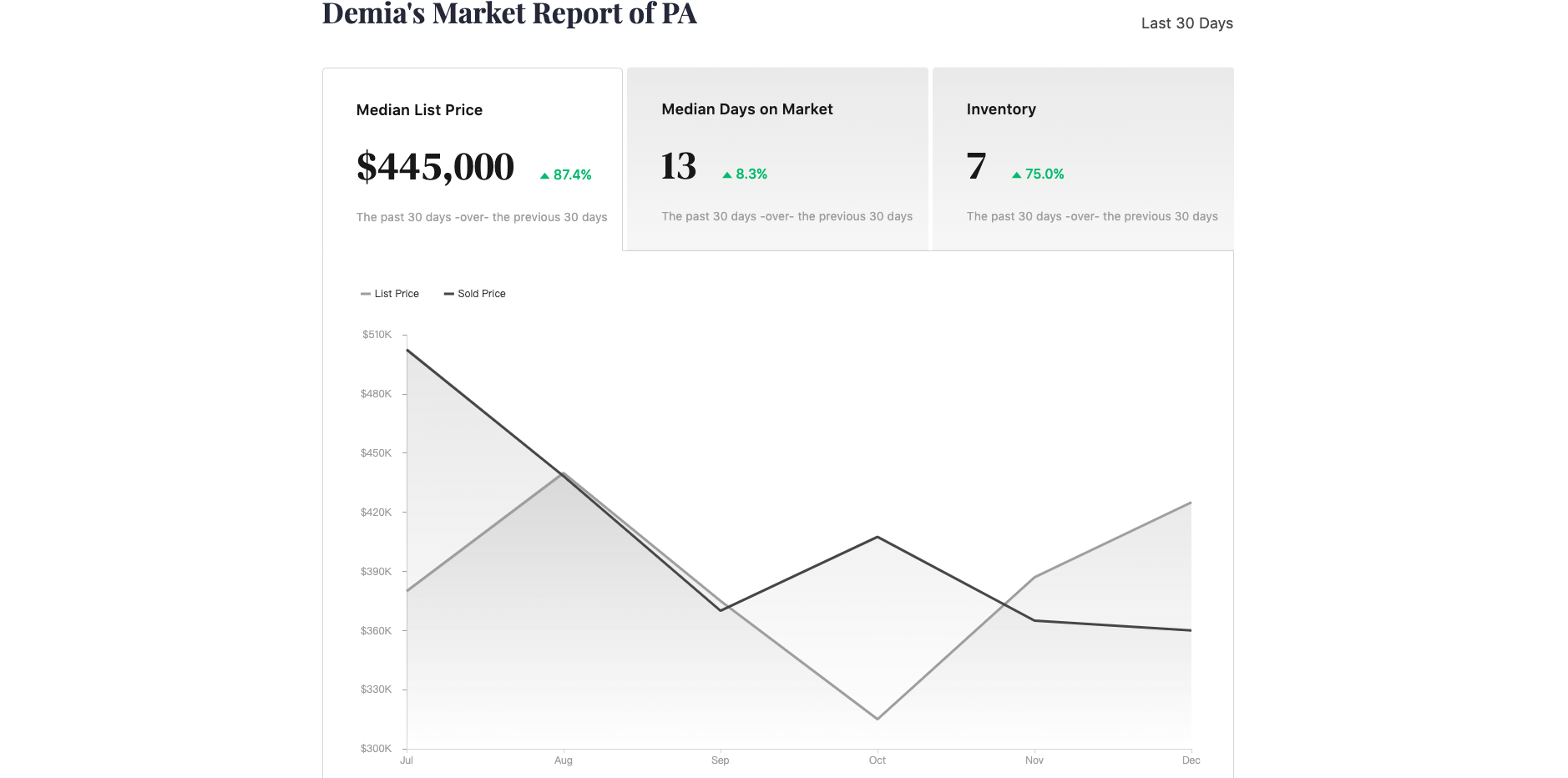


Changelog
1.2.0
- Initial release.
1.2.1
- Update readme
1.2.2
- Update readme author name and url
- Fix format_house_card priceChangePercent price=0 case
1.3.1
- Update: Add some functions: Home Report, lead engagement.
1.3.2
- Update: Add Home Valuation.
1.4.1
- Added Property Alert: Enables automatic email notifications with listing results that match saved search criteria after a lead saves a search.
Enhanced Agent Customization: Agents can now personalize registration pop-up interactions and text, and integrate website login via Google and Facebook.
Bug Fixes: Resolved various issues to improve system stability and performance. - Enhanced Agent Customization: Agents can now personalize registration pop-up interactions and text, and integrate website login via Google and Facebook.
- Bug Fixes: Resolved various issues to improve system stability and performance.
- Lofty Menu Update:After installing the plugin, users can enter a valid API key to preview a collection of beautifully designed pages. Ensure that Lofty Menu is selected under WordPress > Appearance > Menu. Then, navigate to Lofty IDX Plugin > IDX Pages, select any page to open, and explore all preset IDX pages with Lofty Virtual MLS.
1.4.2
- MLS Compliance Support – Ensures your listings follow MLS rules and display guidelines automatically.
- Lofty Quick Search Widget – A streamlined, customizable search tool that lets users quickly find listings on your site.
- Generated Shortcodes Now Support Variable Editing – You can now modify variables directly within generated shortcodes for greater flexibility and control.
1.4.3
- Optimized ShortCode Editor: Added meta-tag input field for each ShortCode
- Allow easy replacement of Lofty’s default font by defining it in CSS :root variables.
1.4.4
- Shortcode optimization, plugin performance optimization
1.4.5
- Add in-group sorting functionality to the listing filtering.
1.5.0
- Add market-report-collection page and subscription functionality.
- Add shortcode log page
1.5.1
- The location input field supports search on Enter key press, such as searching by MLS Listing ID.
1.5.2
- Made some improvements and optimizations.
1.5.3
- Made various improvements and optimizations.
1.5.4
- Refined a few features
1.5.6
- Change key clear cache
1.5.7
- Fixed map search event
1.5.8
- Fixed listing page redirect
1.5.9
- Fixed MLS Compliance Check
1.6.0
- Refined a few features
1.6.1
- Fixed Cache bug
1.6.2
- Fixed SEO bug
1.6.3
- Fixed template cache security issue
1.6.4
- Fixed URLSearchParams
1.6.5
- Fixed notice box css style
1.6.6
- Fixed Android map bugs
1.6.7
- Optimize MLS Compliance
1.6.8
- Optimize MLS Compliance
1.6.9
- Optimize login form tag, add password reset page
1.7.0
- Optimize loin pop up
1.7.1
- Optimize listing detail image mls logo
1.7.2
- Optimize MLS Compliance & api cache
1.7.3
- Optimize page meta tag
1.7.4
- Optimize http time out
1.7.5
- Optimize MLS copyright
1.7.6
- Optimize style
1.7.7
- Optimize pop-ups
1.7.8
- Optimize Shortcode Polygon
1.7.9
- Optimize Disclaimer
1.8.0
- Optimize listing detail invalid
1.8.1
- Optimize lead tracking
1.8.2
- Email Logo Settings
1.8.3
- Optimize listing sort
1.8.4
- Optimize traffic report
1.8.5
- Optimize api cache
1.8.6
- Fix visitor ID being shared between visitors on sites behind a CDN or page cache
- Optimize visitor cookie: generated in the browser, 90-day sliding expiry
1.8.7
- Twig Cache Error Fallback
1.8.8
- Output self-referencing canonical and og:url on listing detail pages
- Return 404 instead of 200 for listing URLs that no longer exist
1.8.9
- Restrict route-refresh action to administrators
- Reduce upstream request timeout for better page resilience
1.8.10
- Fix registration failing when phone number is auto-formatted
- Show the error message when registration fails
1.9.0
- Fix missing or incorrect canonical URL on listing detail pages when Rank Math is active
- Add listing photo as og:image and twitter:image on listing detail pages when Rank Math is active
- Register SEO plugin integrations (Yoast, Rank Math, AIOSEO) earlier so they receive listing data
1.9.1
- Fix special characters in the email address being dropped on password reset
- Show listing age as “DAYS ACTIVE” on NWMLS listing detail pages
- Update the plugin API proxy domain
1.9.2
- Fix stray separators in the listing card template when a field is empty
- Hide the MLS provider line when there is no provider text, so the logo takes its place
1.9.3
- Show the MLS logo and disclaimer on compliance review pages while the MLS application is still pending
1.9.4
- Show the listing broker attribution next to every contact / tour button on NWMLS listing detail pages (MLS Grid IDX Rule 22)
1.9.5
- Return a proper error instead of a fatal when an upstream API request times out or fails
- Always write the short-lived error cache on upstream failure, so a slow API is no longer retried on every request
- Fix a fatal on listing detail pages when the API returns a non-array payload
- Fix a fatal when a sold listing has no list price
- Stop emitting PHP warnings on listing pages when a listing has no matching MLS or the search request fails
- Cache only the response body and status, so cached API entries no longer carry the full HTTP object graph
- Make cache invalidation work on sites using an external object cache (Redis / Valkey), where it previously did nothing
- Emit listing links in the form the site’s permalink settings expect, removing a redirect on every listing click
- Add the
lofty_idx_cache_enabledandlofty_idx_cache_ttlfilters, so a site can disable or retune API caching per path without editing the plugin - Cap the number of cached entries kept per site and per endpoint, so one busy endpoint can no longer crowd out the rest of a shared object cache
- Fetch only the nearby schools on listing detail pages, instead of a combined payload that also carried up to 200 nearby listings the page never displayed
- Shorten the cache lifetime of nearby-school results to 15 minutes, in line with the live listing search
- Skip caching responses larger than 512 KB instead of placing them in a shared cache
1.9.6
- Make the listing broker attribution next to contact / tour buttons as prominent as the buttons themselves (bold, same font and color), as required by NWMLS
1.9.7
- Security: plugin settings and other admin-only requests sent through the site’s AJAX proxy now require a WordPress administrator
- Fix password reset emails not being sent because the email address was altered on the way to the server
- Fix email addresses containing “+” not being recognized as existing accounts on the Home Valuation form
- Send email addresses in the request body instead of the URL, so they no longer appear in server access logs
1.9.8
- Stop flushing the whole object cache after a plugin update; on multisite networks sharing Redis / Valkey this emptied the cache for every site, once per site
- Cache the saved filter name used by listing, quick search, sold listing, featured listing and market report shortcodes, so visitor page loads no longer wait on a backend request each time
- Fix listing links built in the browser still missing the trailing slash, which caused a redirect on every listing click
- Keep the file names of unchanged script files the same across releases, so fewer cached files go missing after an update
- Add the “Keep Old Script Files” setting (off by default): after an update made through WordPress, script files replaced by the new version are kept for 30 days, so pages cached before the update keep working
- Add the
lofty_idx_keep_old_assetsandlofty_idx_old_assets_retention_daysfilters to control that setting from code - Remove the kept script files when the plugin is deleted
- Stop emitting PHP warnings on listing and market report pages when optional data is missing
1.9.9
- Property alert email links created for a Lofty website now open the matching page on the WordPress site after the domain is moved to it, instead of showing a 404
2.0.0
- Load resized photos on listing cards (search results, sold listings, featured listing grid / slider / gallery) instead of full-size originals, with
srcsetso each screen gets a suitable size; listing detail galleries still use the originals - Load small thumbnails in the map marker popup and the saved-listing note popup
- Cache the page settings requested by featured listing, sold listing and market report widgets for 15 minutes, so each widget no longer calls the backend on every page render
- Clear those cached page settings as soon as page settings, listing filters or page style are saved in the plugin admin, so changes still show up immediately
- Reuse the result of an identical backend read within a single page render, so several widgets on one page share one request
2.0.1
- Add
rel="noopener"to every link the plugin opens in a new tab: listing cards, the virtual tour / video links on listing detail pages, the “more listings” links of featured listing, market report, quick search and saved search widgets, and the share window on listing detail pages - Stop emitting a PHP warning when a request reaches the plugin’s AJAX endpoints without a
pathparameter - Use the 3-second read timeout for the saved filter name requested by shortcodes, so a visitor page no longer waits up to 10 seconds when the name is not cached and the backend is slow
2.0.2
- Fix visitors arriving from an email link that signs them in automatically (for example a property alert) still appearing signed out on listing search and listing detail pages until the page was reloaded